Brand
 ADATAADATA 69
Save £4.66
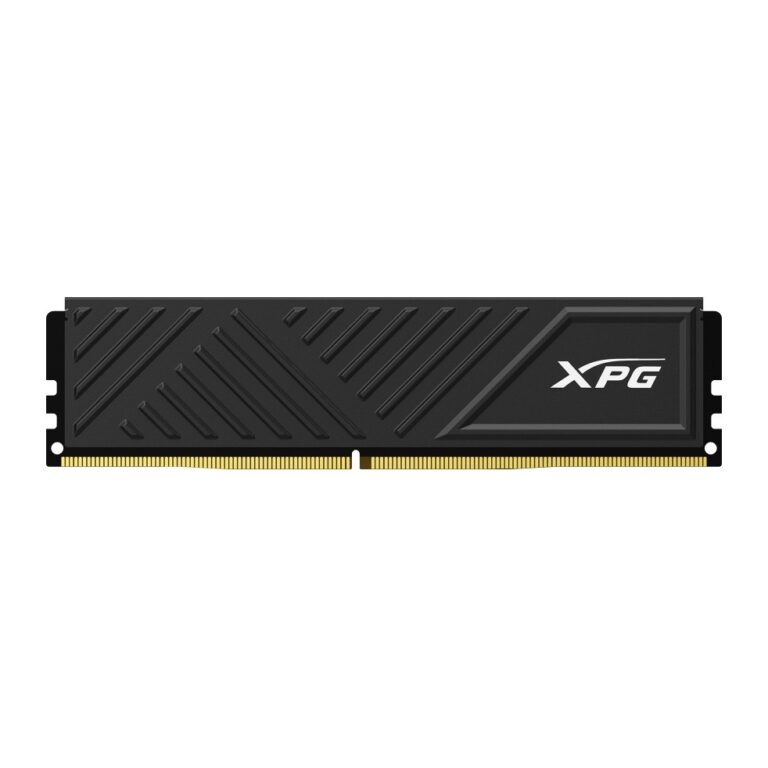
XPG Gammix D35 DDR4 8GB 3200MHz 1 x 8GB Unbuffered DIMM Memory Module
In stock
Original price was: £81.59.£76.93Current price is: £76.93.
Save £9.12
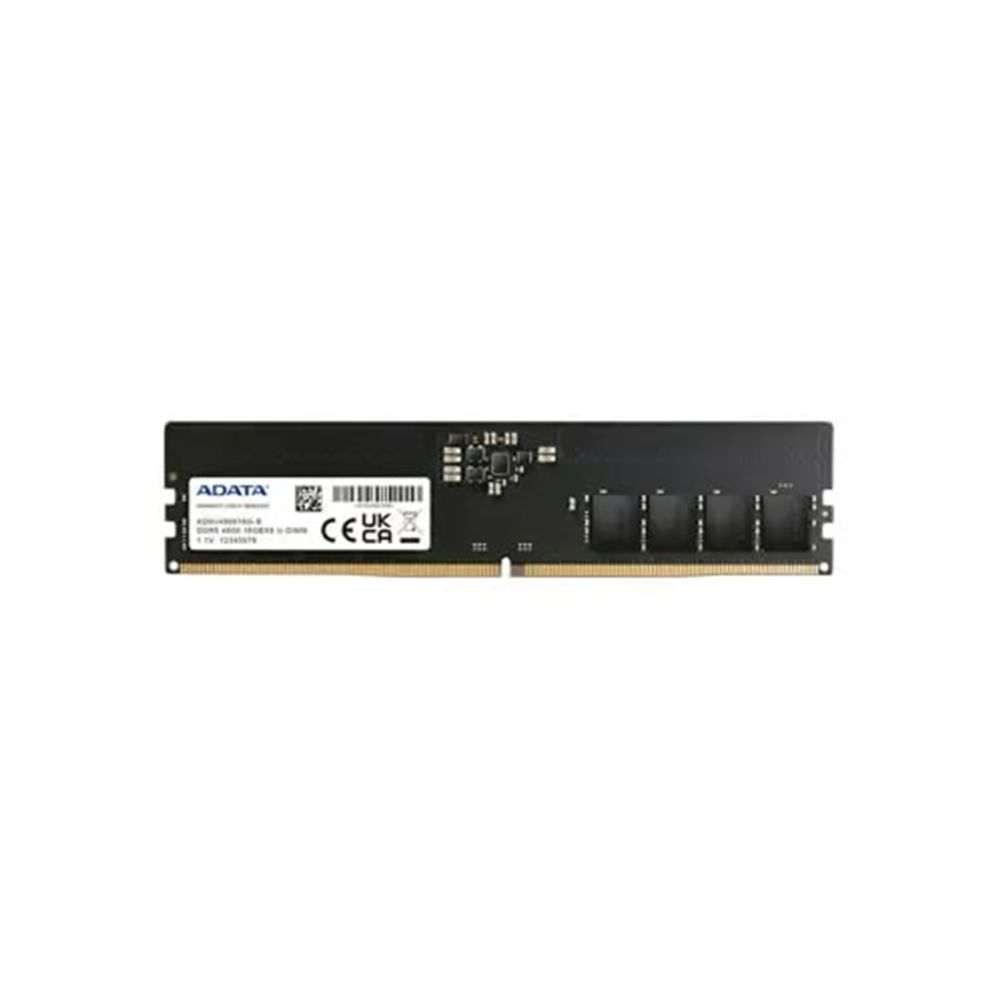
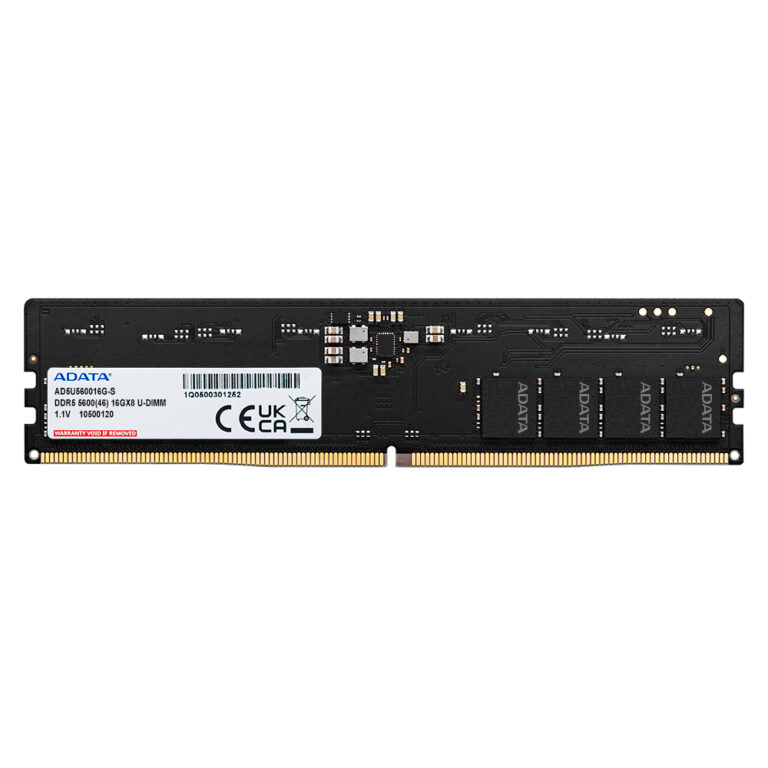
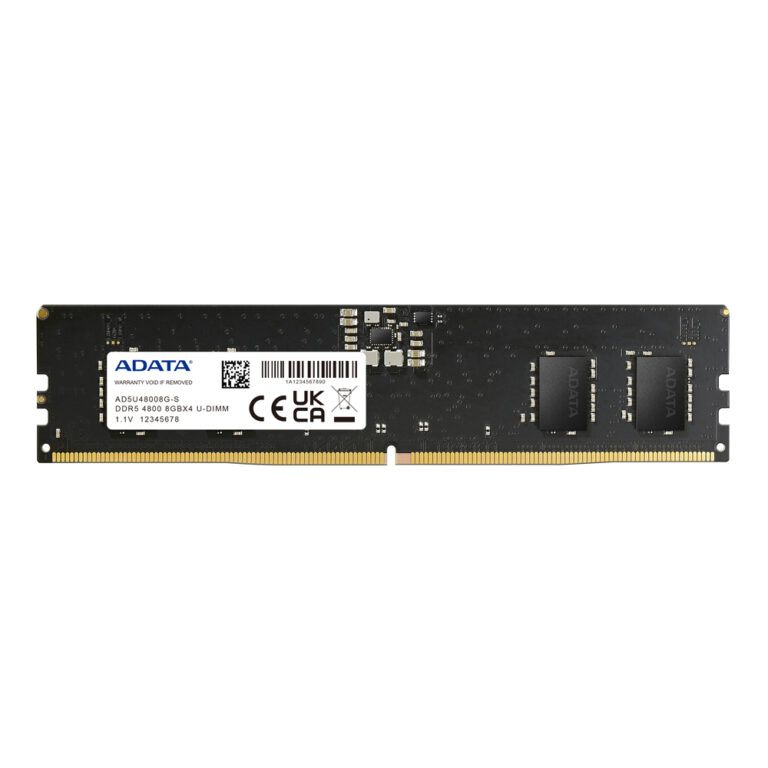
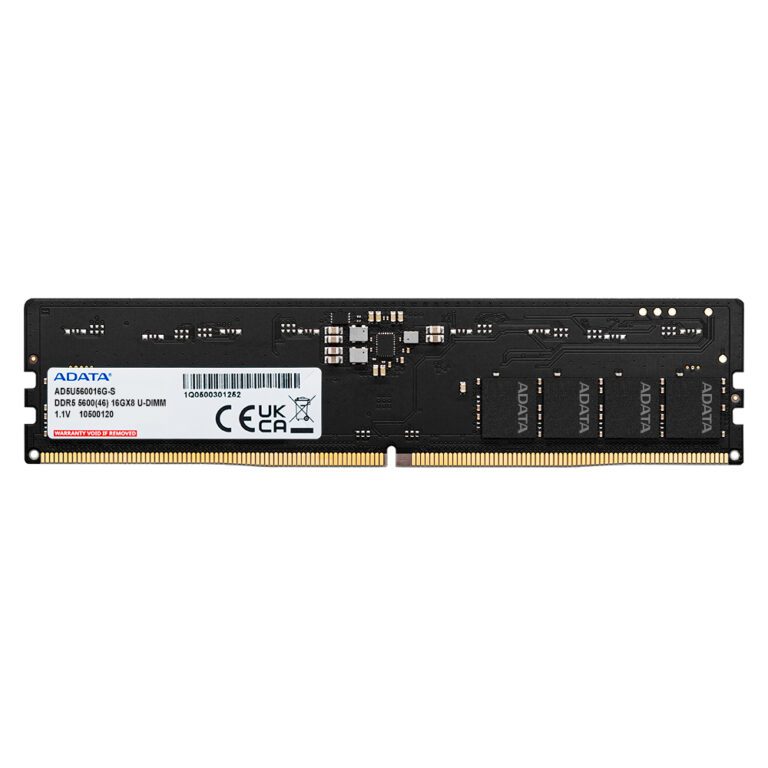
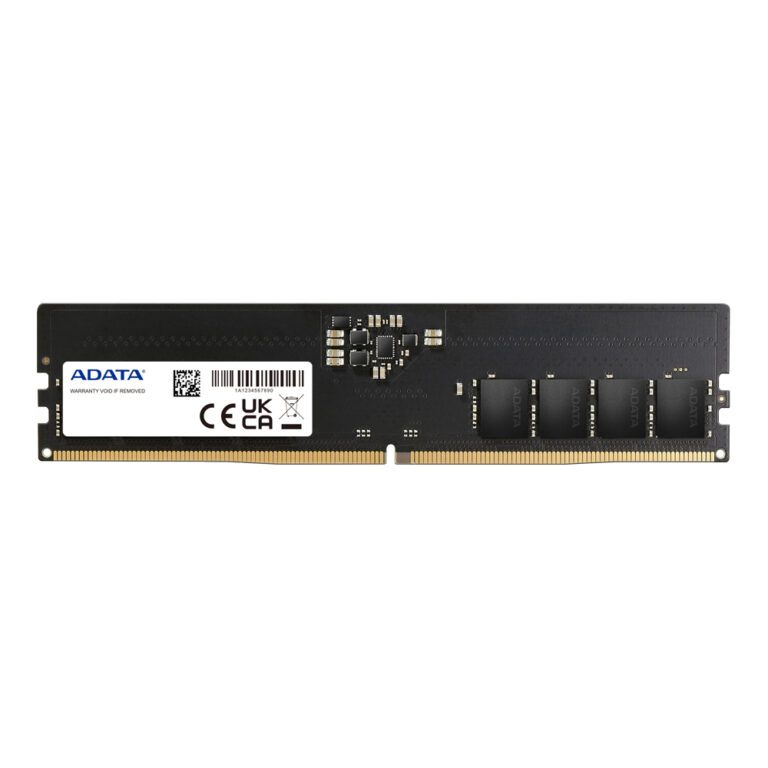
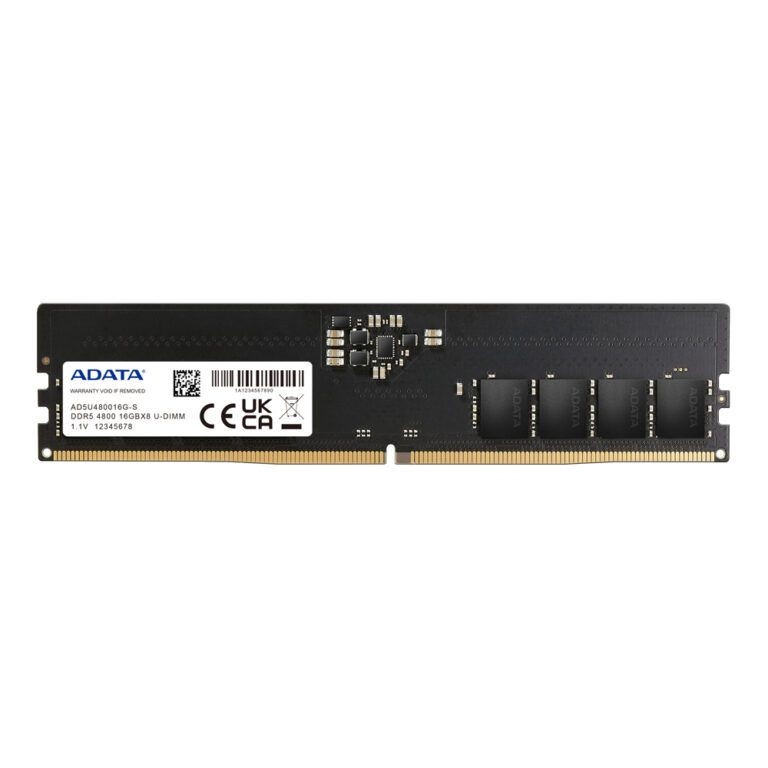
Adata 8 GB DDR5 4800 MHz ECC Memory Module 1 x 8 GB 288-pin DIMM
In stock
Original price was: £158.39.£149.27Current price is: £149.27.
Save £8.26
Save £9.84
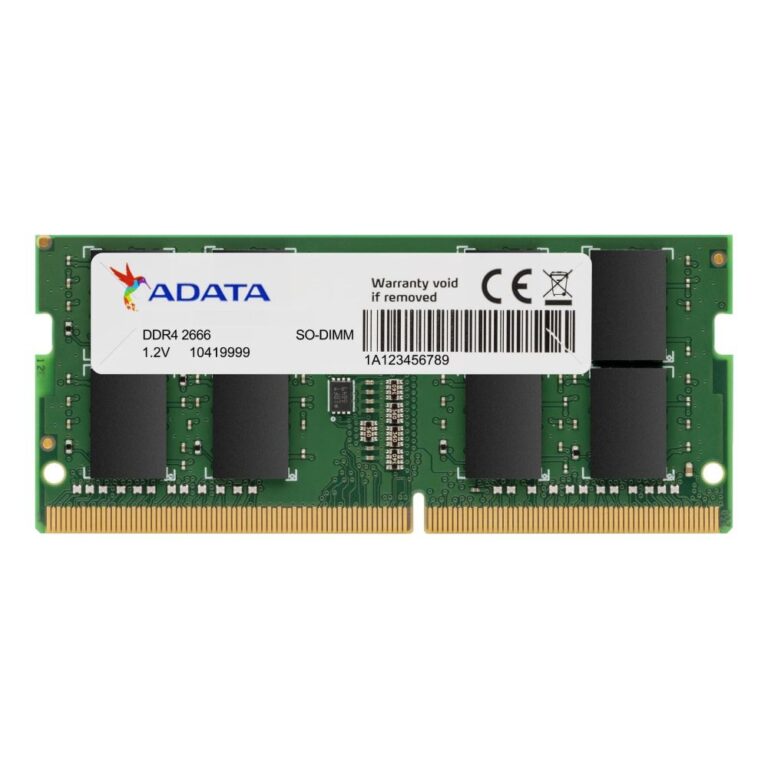
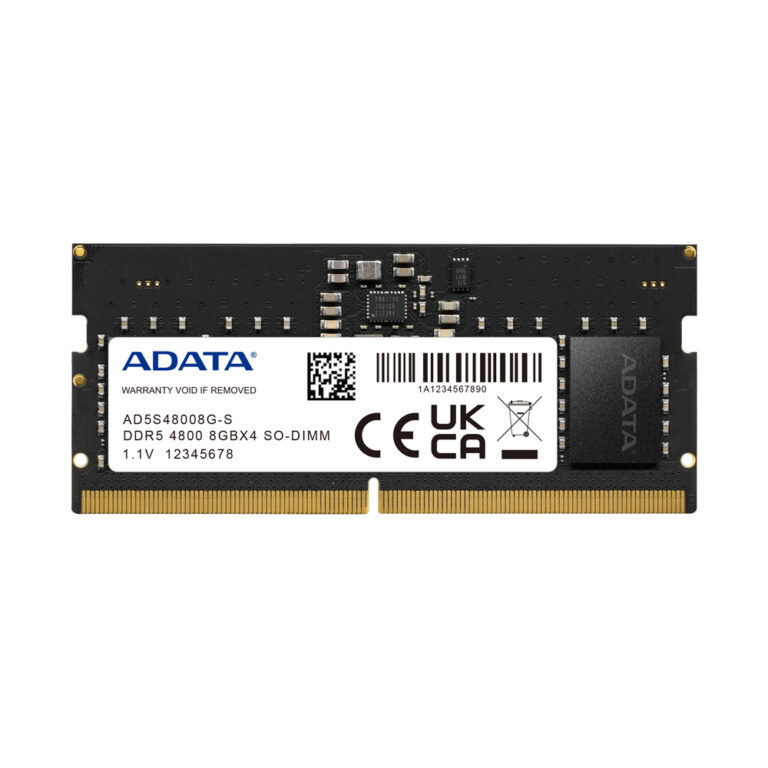
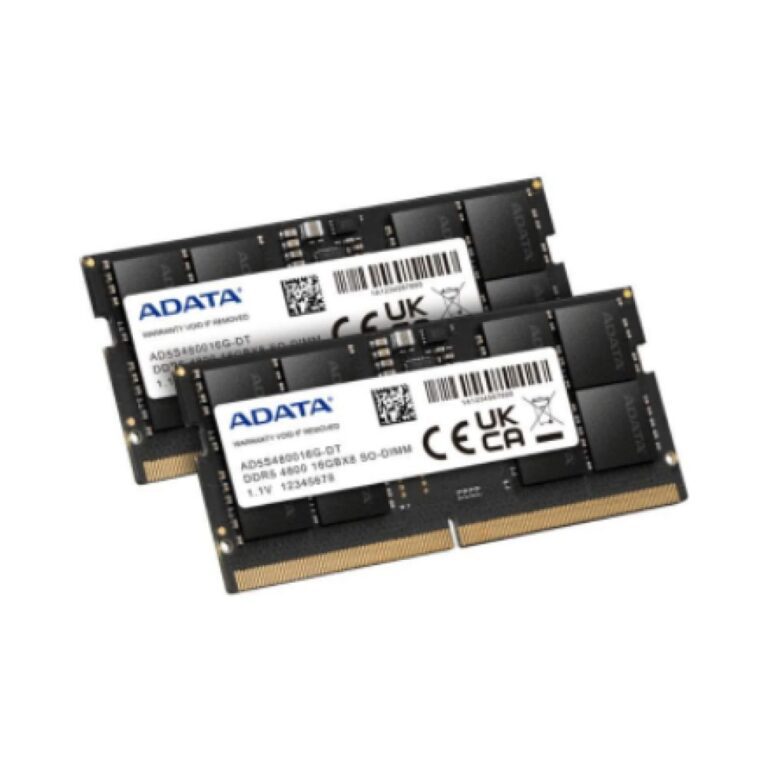
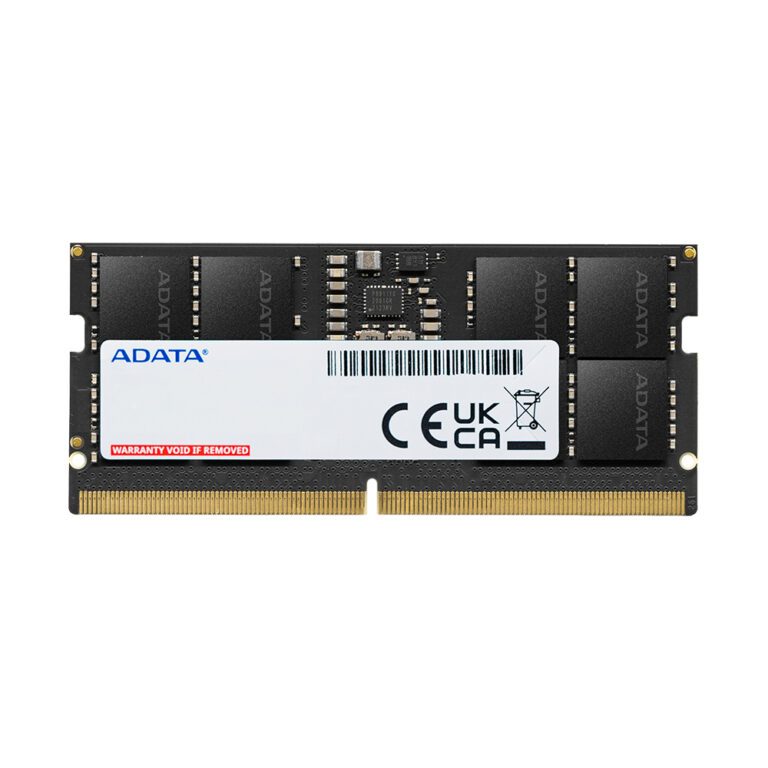
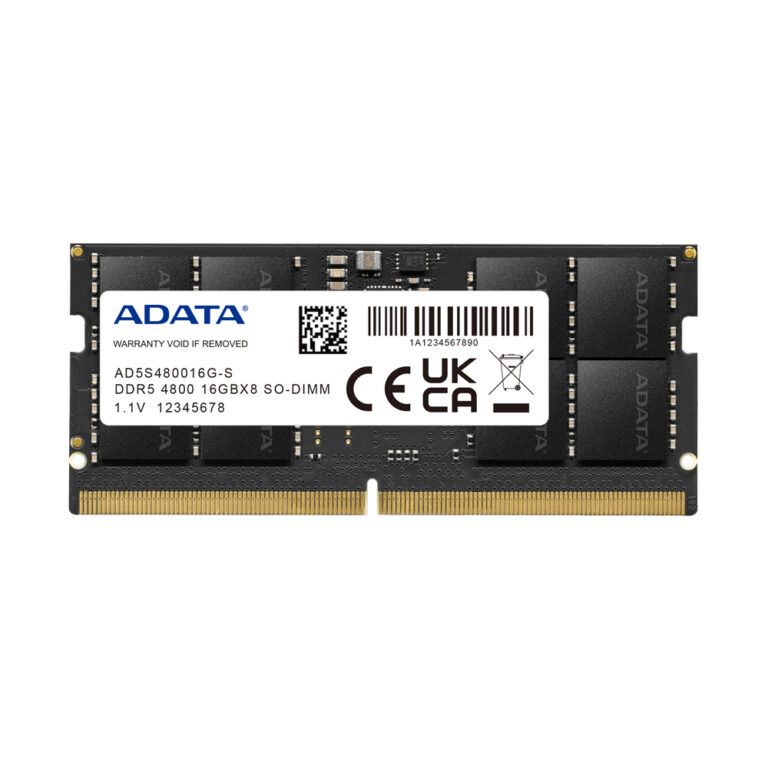
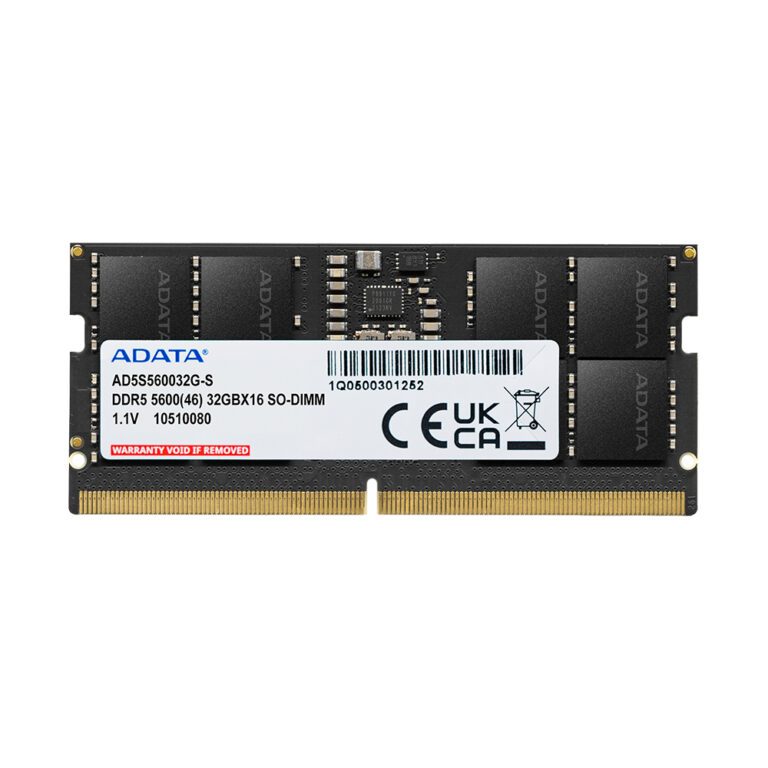
ADATA DDR5 8GB SO-DIMM Module
In stock
Original price was: £163.19.£153.35Current price is: £153.35.
Save £8.52
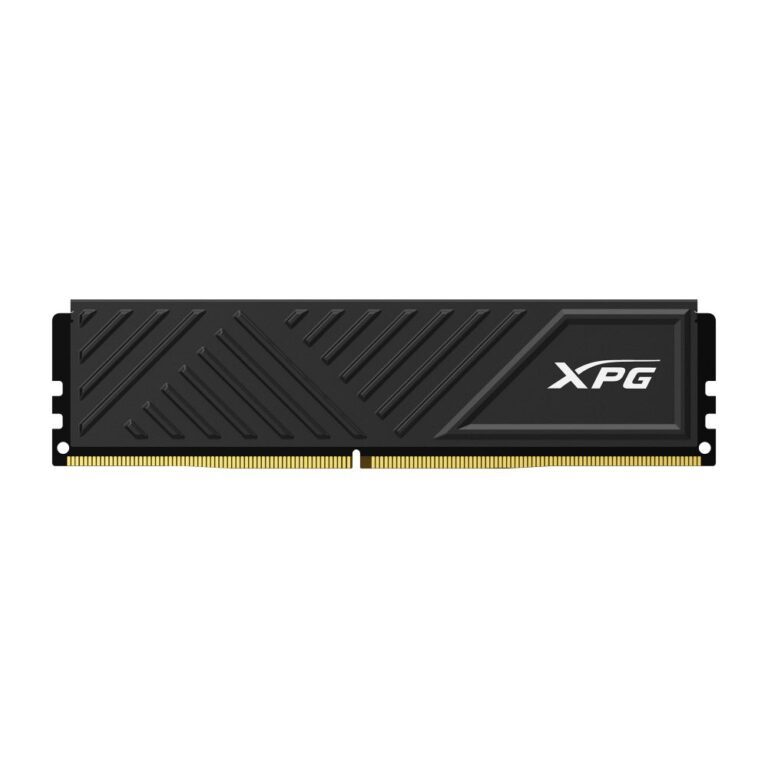
XPG GAMMIX D35 16GB DDR4-3200 Memory Module Buy
In stock
Original price was: £157.19.£148.67Current price is: £148.67.
Save £17
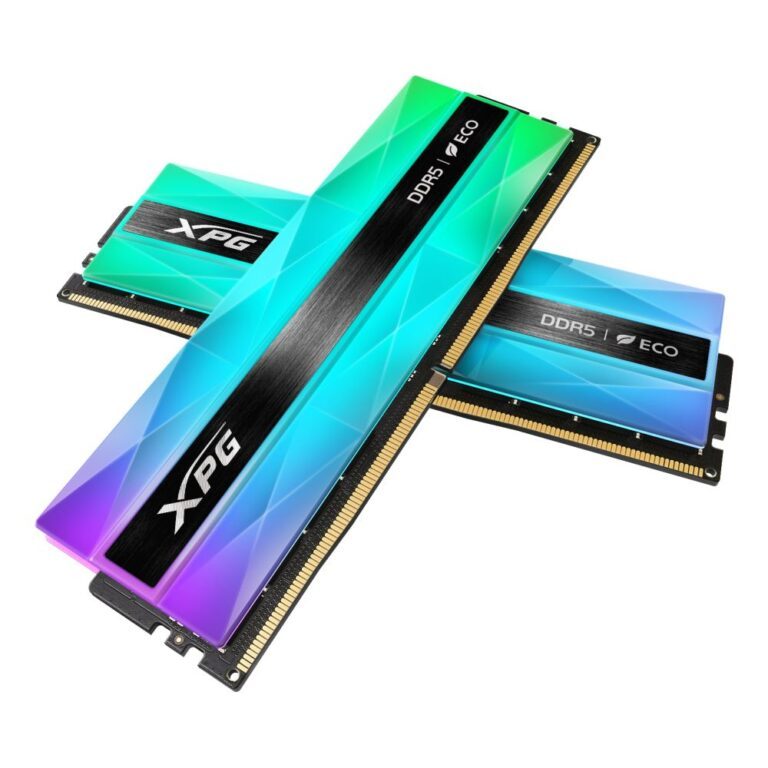
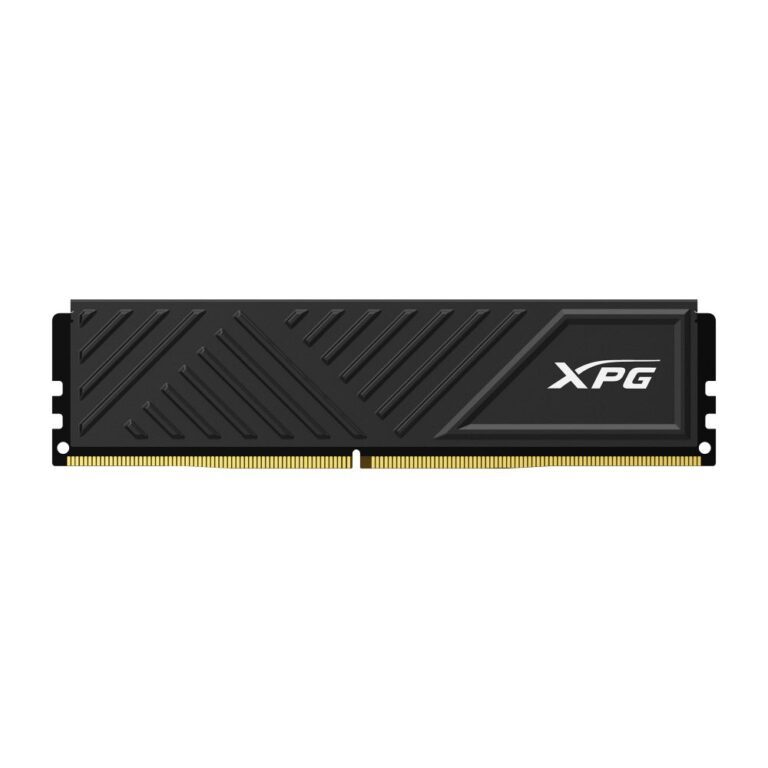
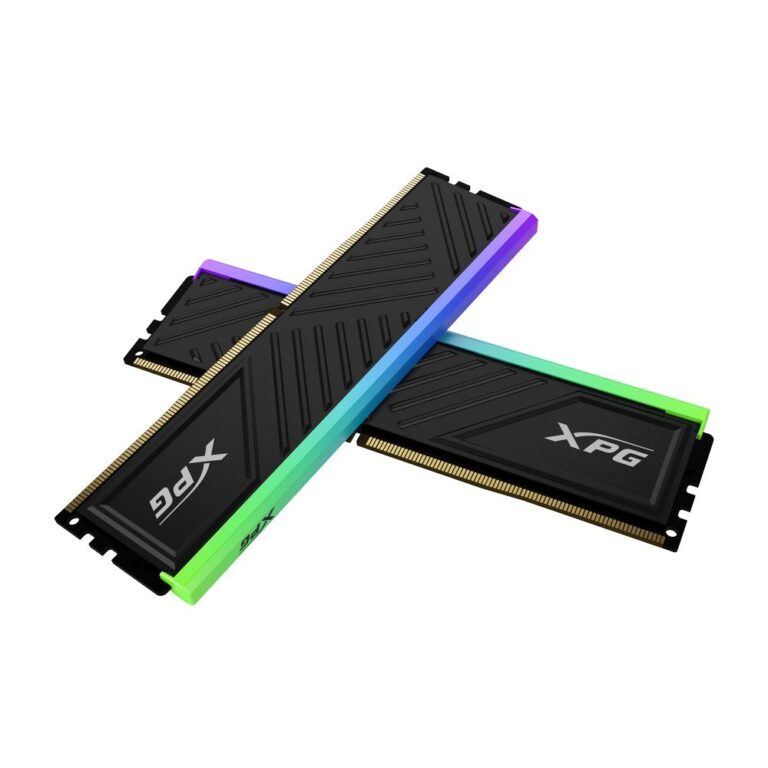
XPG SPECTRIX D35G DDR4 3200 MHz 32 GB
In stock
Original price was: £307.19.£290.33Current price is: £290.33.
Save £5.83
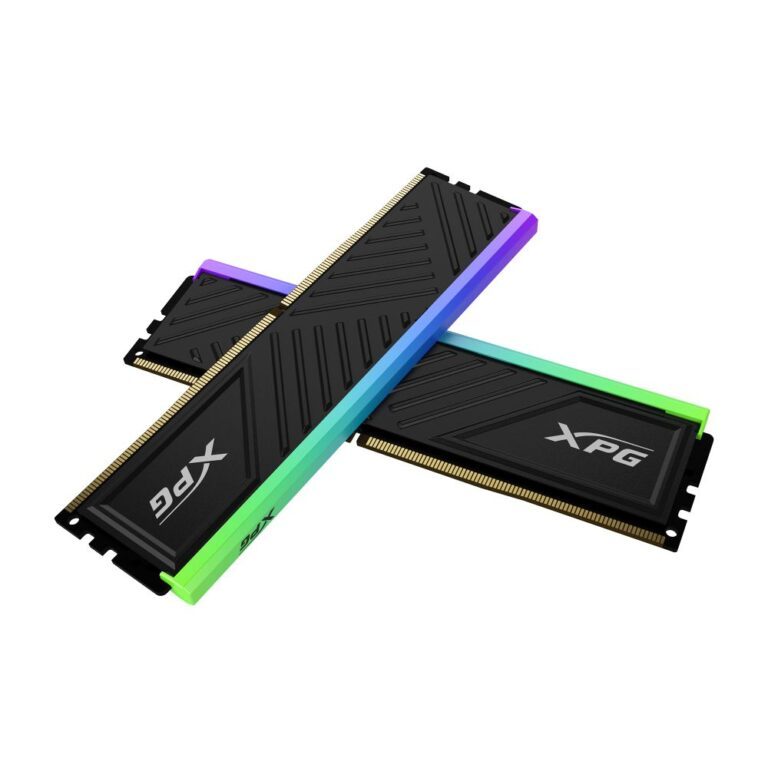
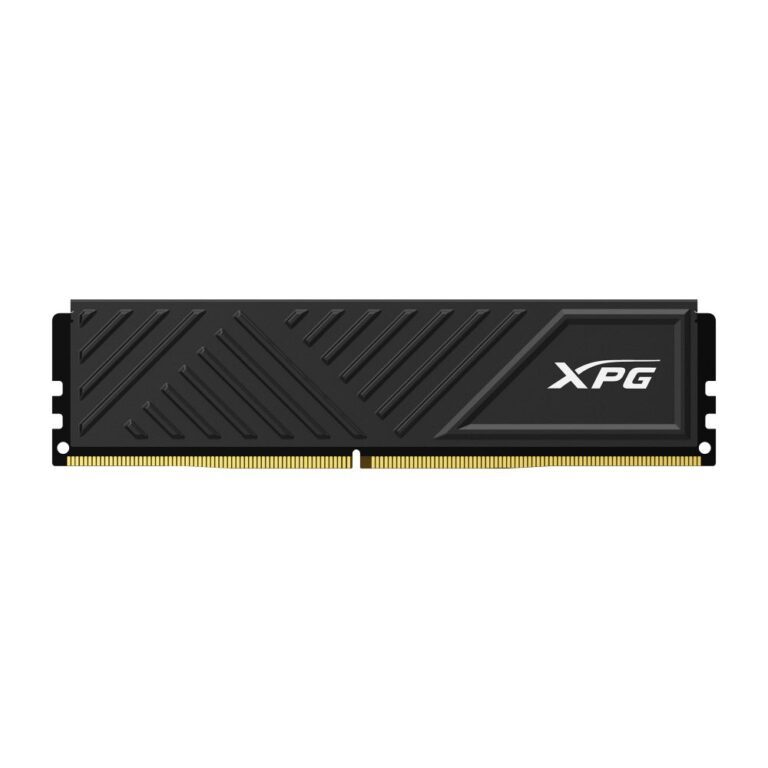
XPG GAMMIX D35 8GB DDR4 Memory Module
In stock
Original price was: £89.99.£84.16Current price is: £84.16.
Save £15
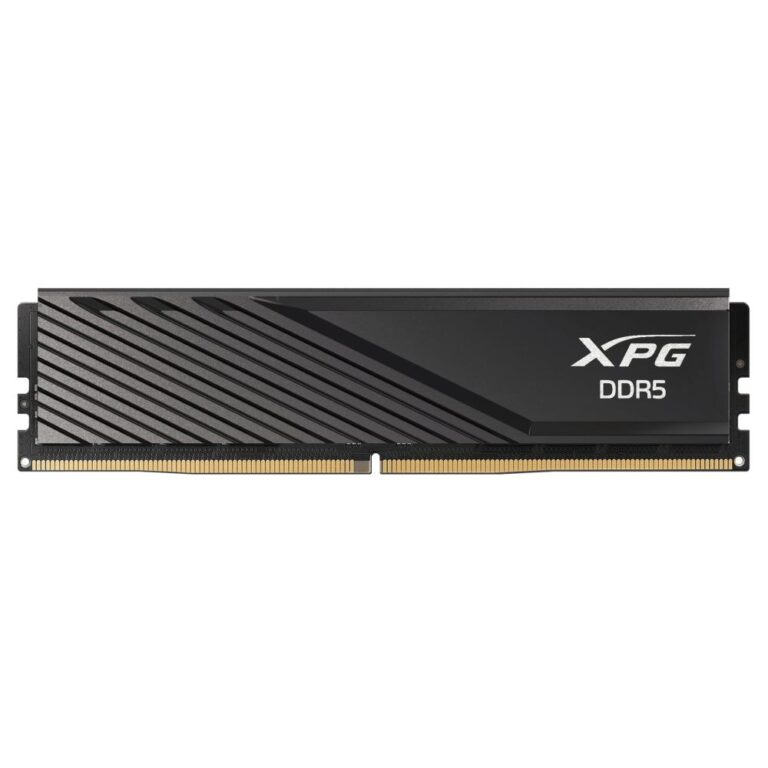
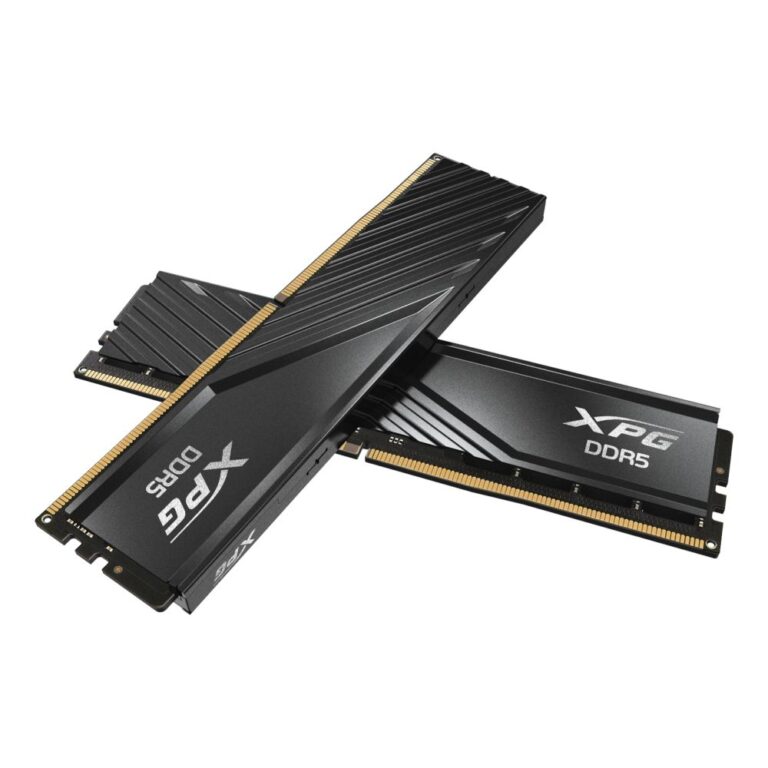
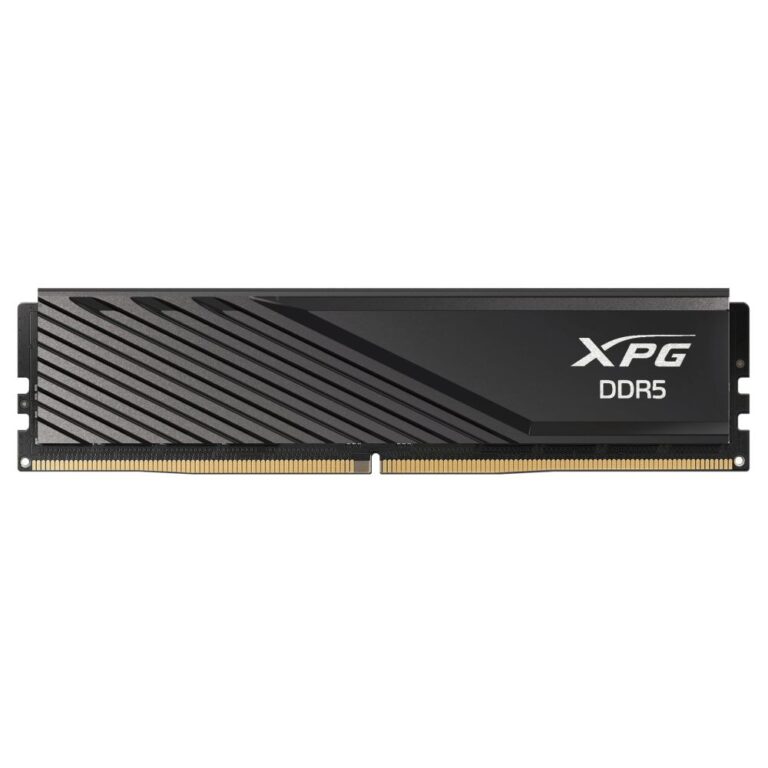
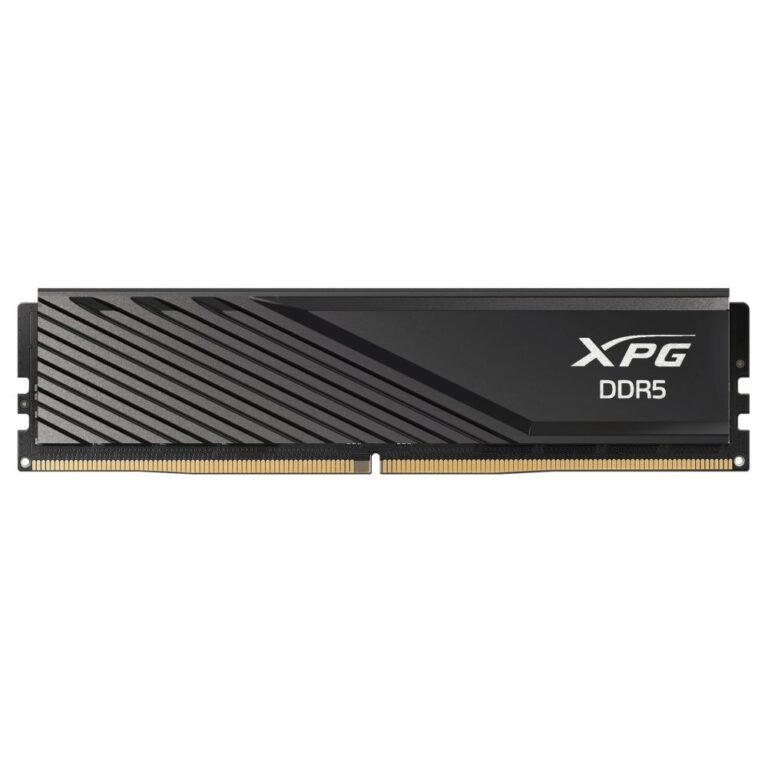
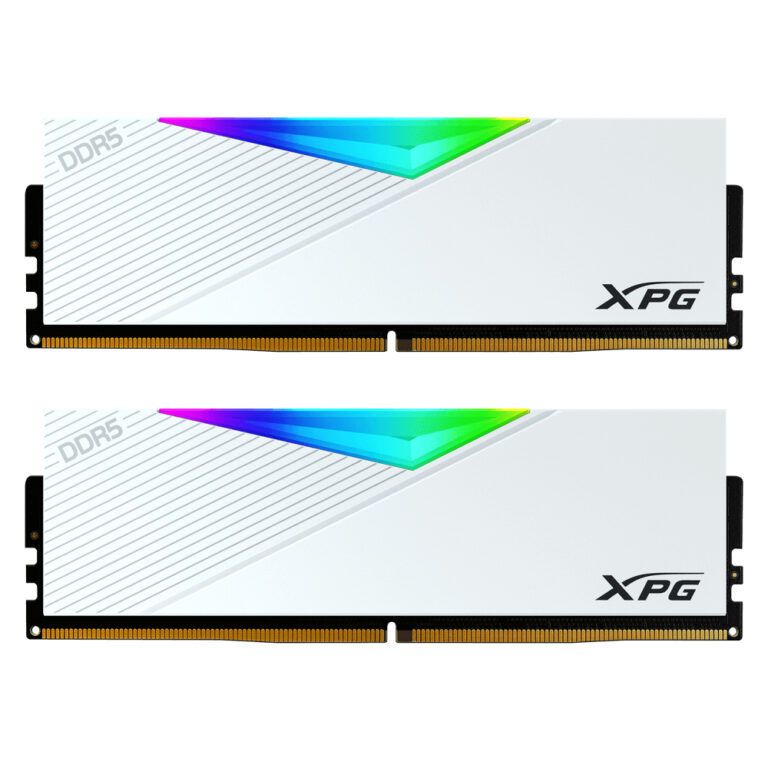
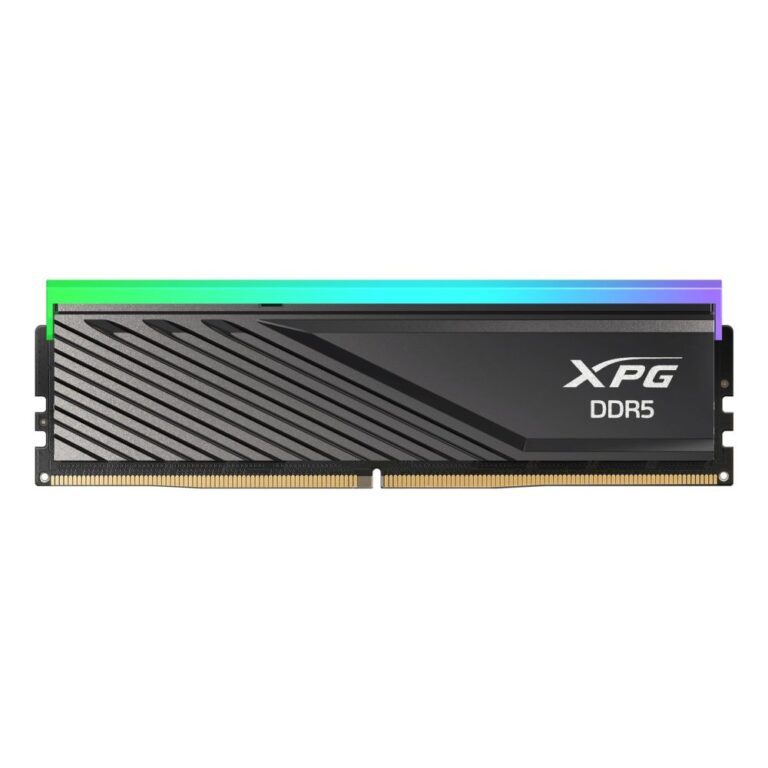
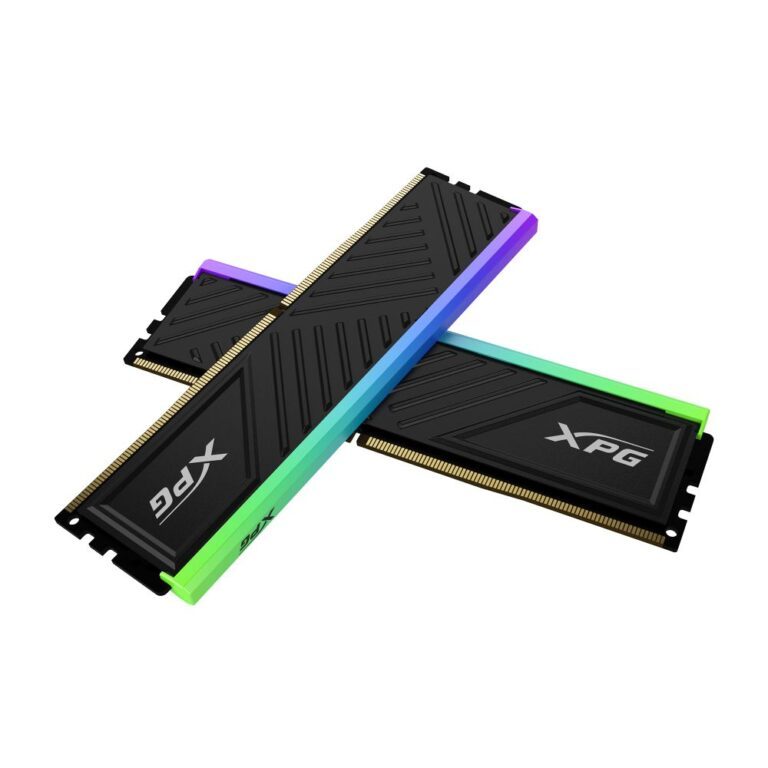
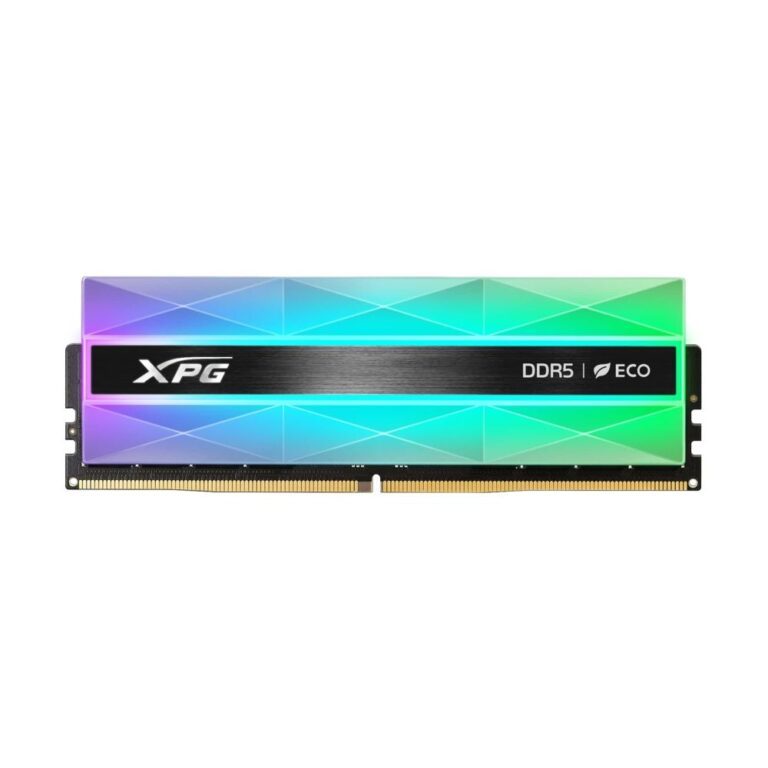
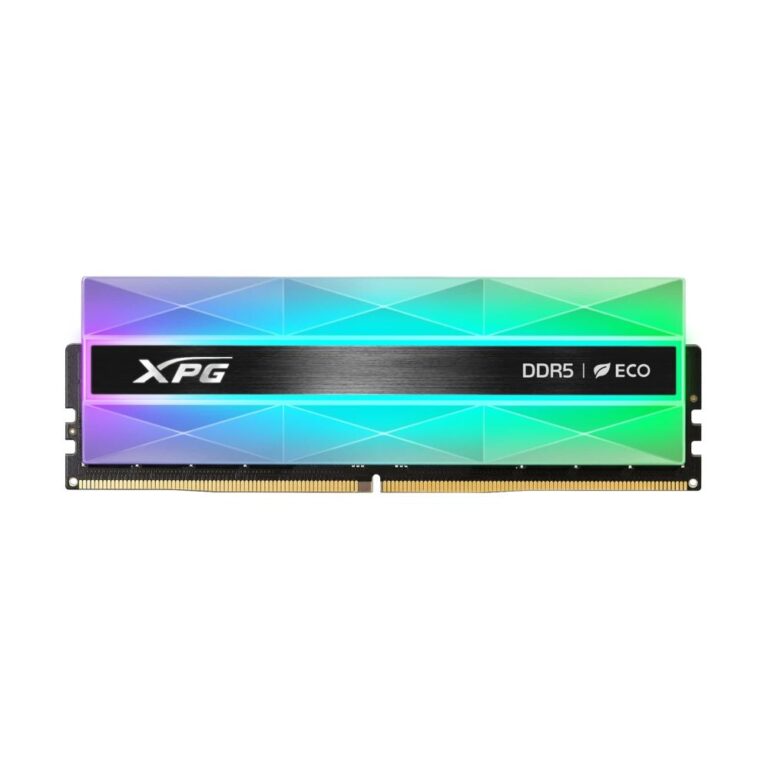
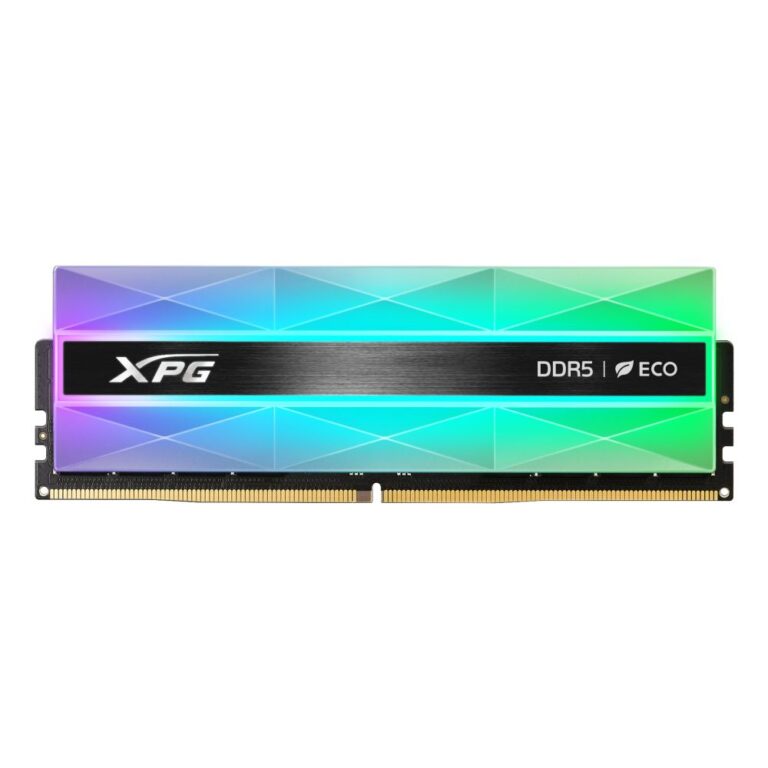
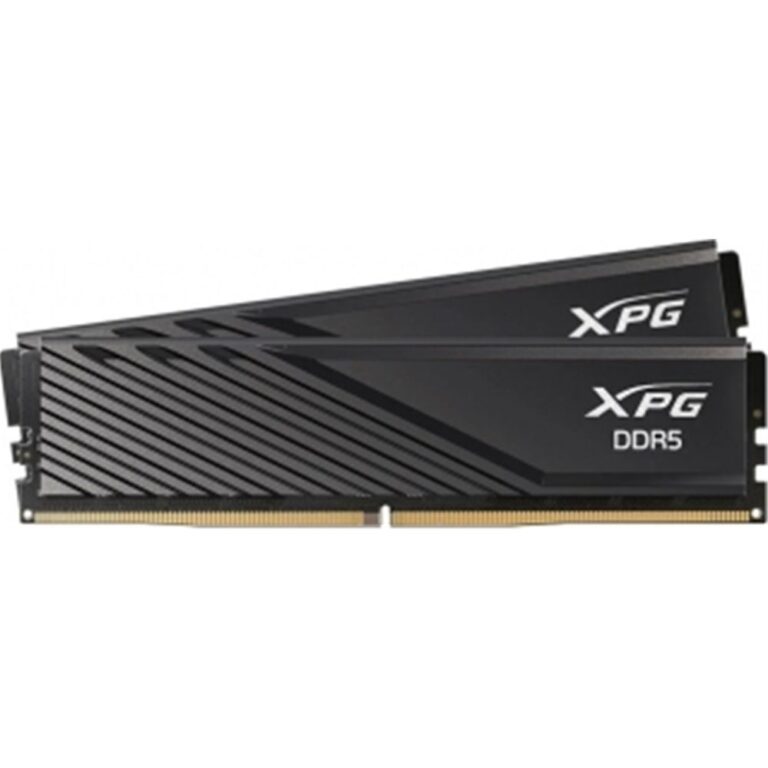
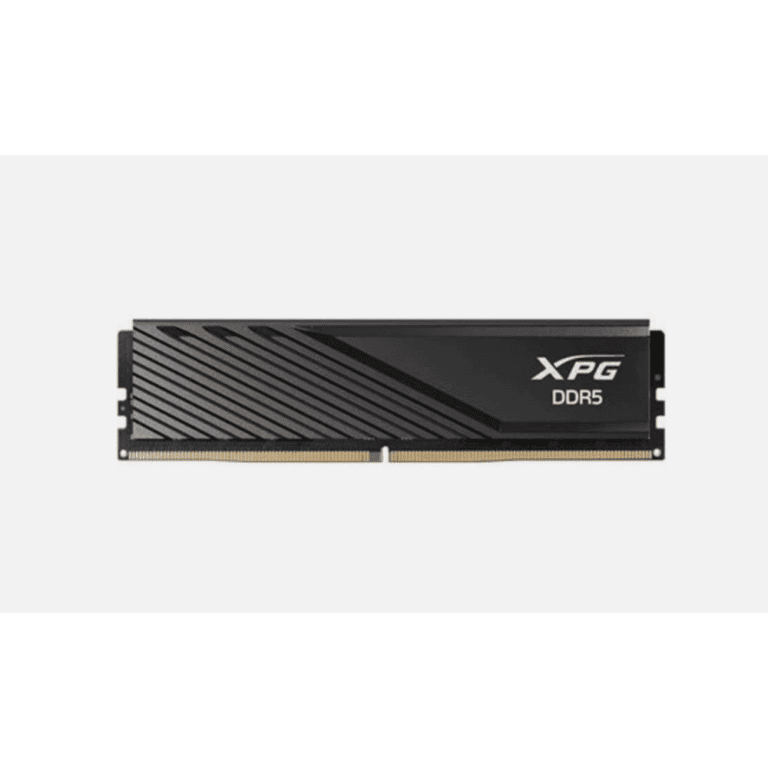
ADATA XPG Lancer Blade DDR5 16GB Kit
In stock
Original price was: £284.39.£269.54Current price is: £269.54.
Save £15
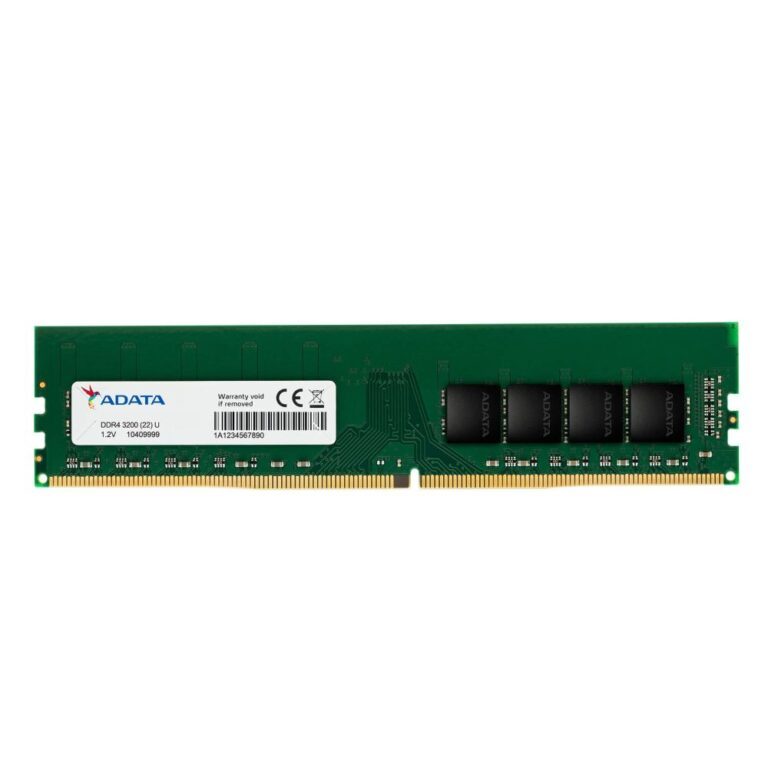
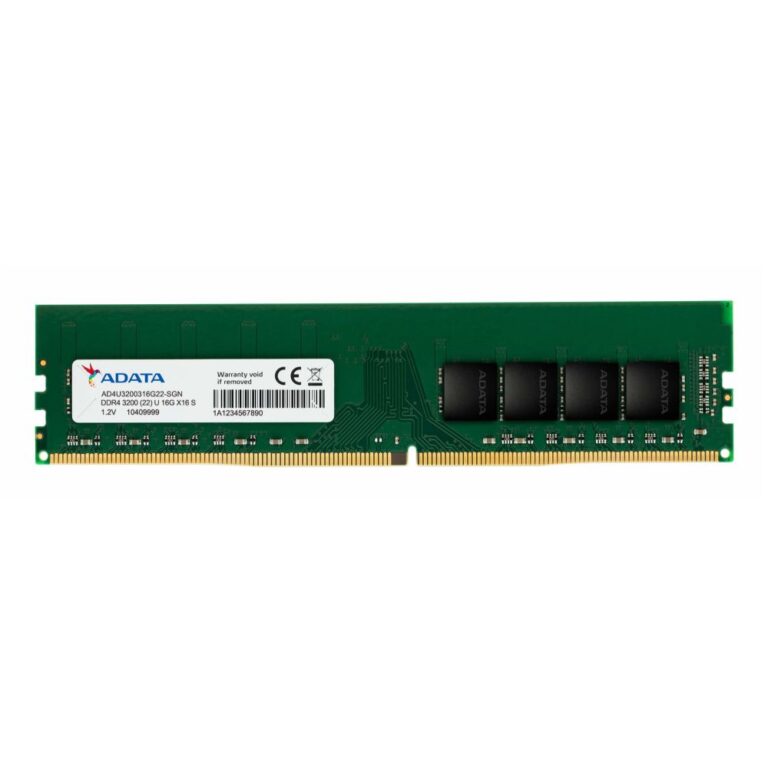
ADATA Premier 32GB DDR4 1x32GB RAM Module
In stock
Original price was: £293.99.£279.20Current price is: £279.20.
Save £10
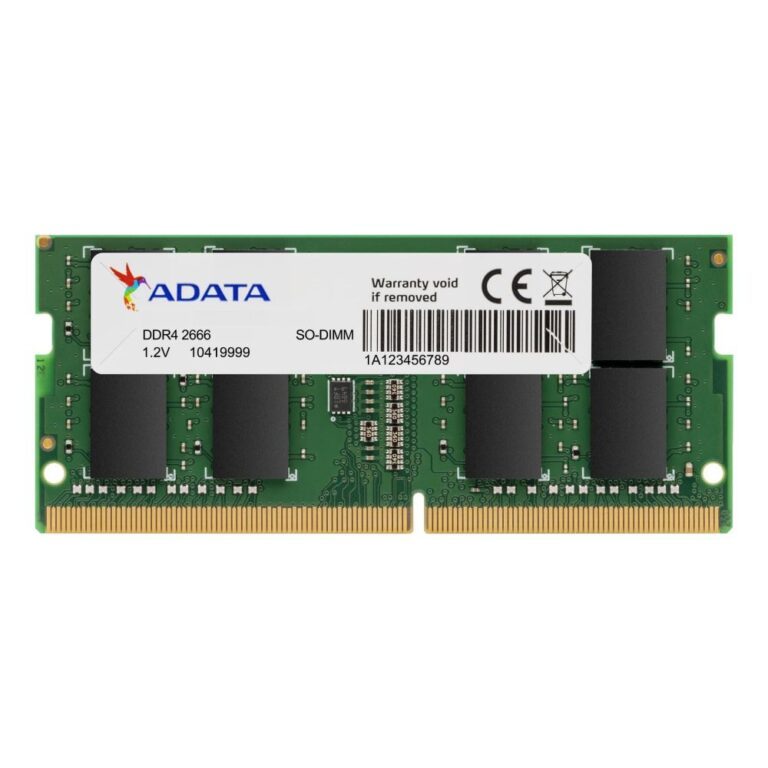
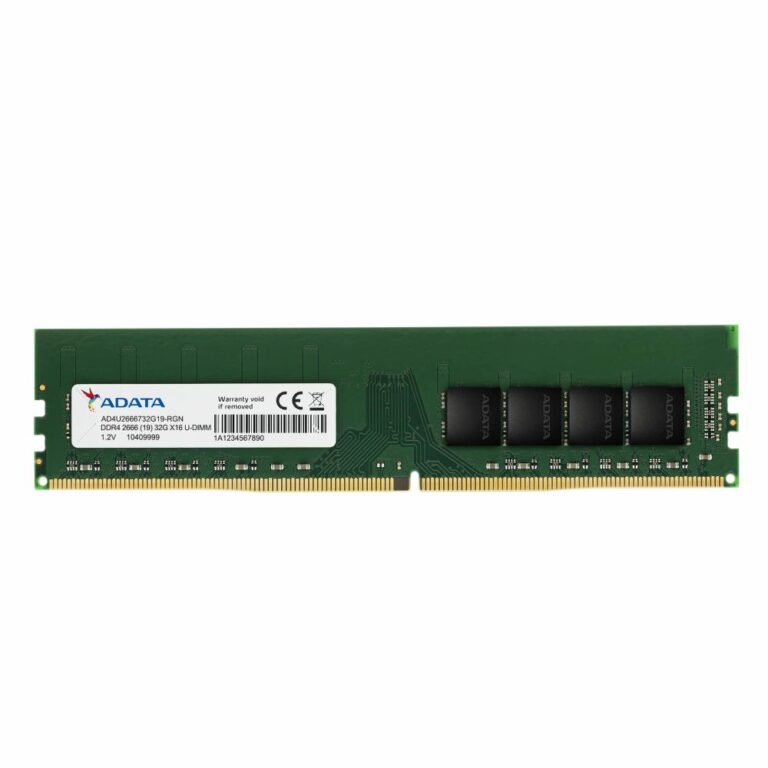
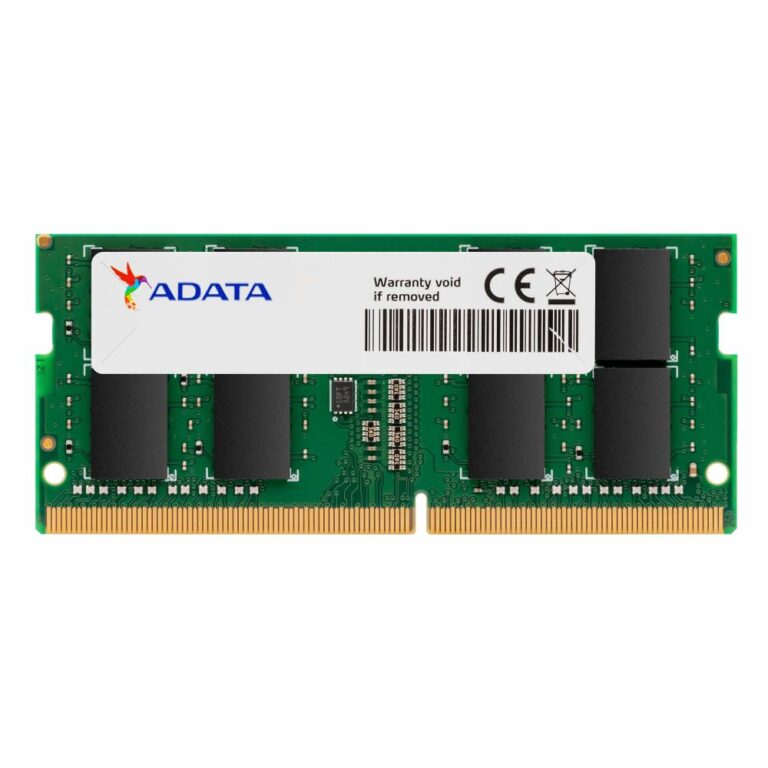
ADATA 16GB DDR4 Memory Module
In stock
Original price was: £153.59.£143.53Current price is: £143.53.
Save £4.83
Save £7.56
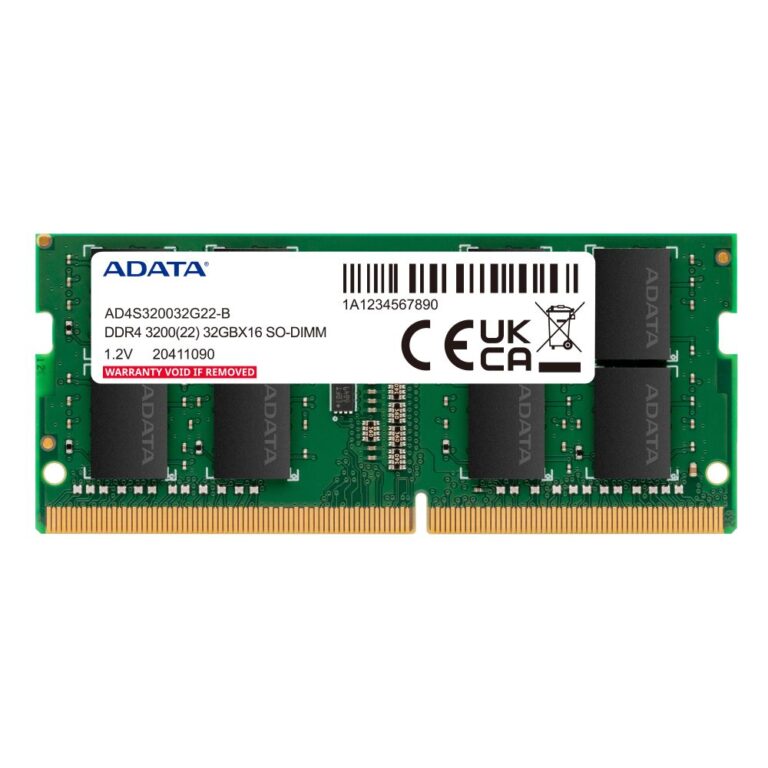
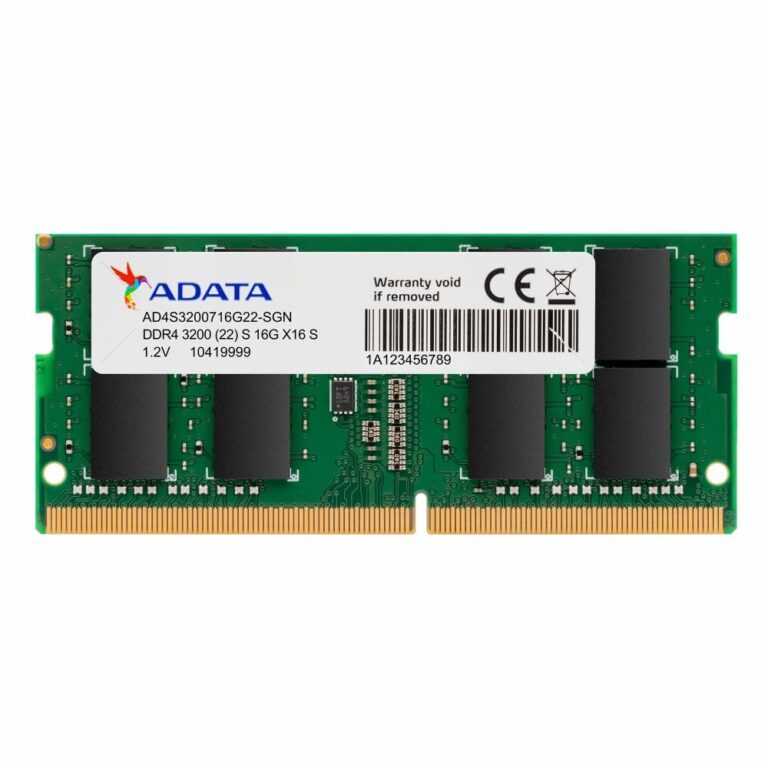
ADATA 16GB DDR4 3200MHz Memory Module
In stock
Original price was: £129.59.£122.03Current price is: £122.03.
Save £5.26