
Brand

Save £8.27
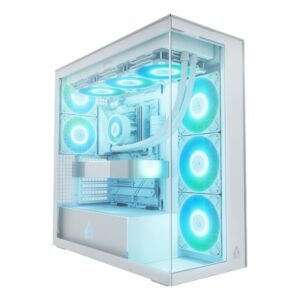
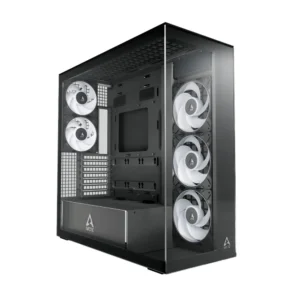
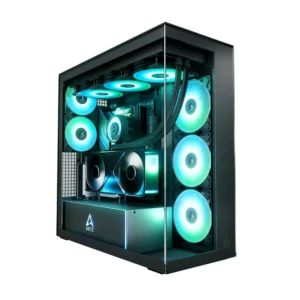
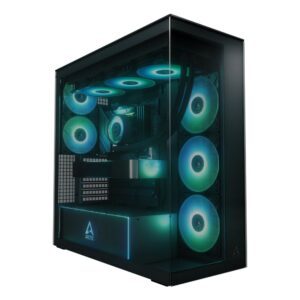
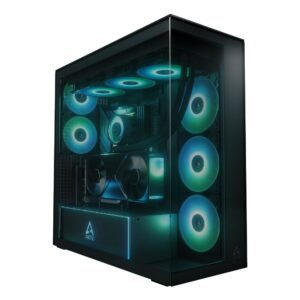
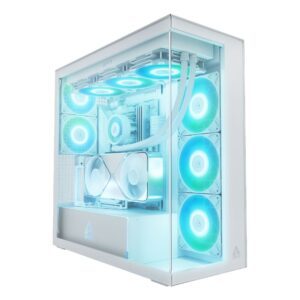
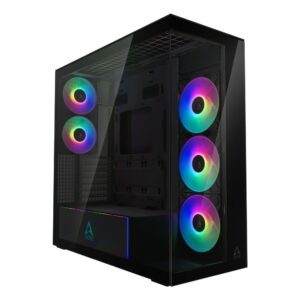
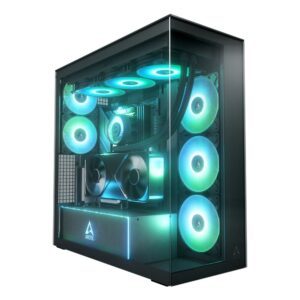
ARCTIC Xtender Premium E-ATX PC Case
In stock
Original price was: £129.59.£121.32Current price is: £121.32.
In stock
ARCTIC built its reputation on selling genuinely good cooling for very little money, and its cases follow the same approach.
The emphasis is airflow first. Mesh panels and included fans are the priority rather than styling — which is the right order, because airflow affects temperatures and noise more than any other case feature, and because a case that ships with adequate fans saves a separate purchase.
That combination makes them a sensible choice for a budget or mid-range build, particularly one with a warm processor or a large graphics card, where the money saved on the chassis is better spent on the components inside it.
Before ordering, check three numbers against the specification: graphics card length, CPU cooler height — and if you plan on an ARCTIC tower cooler, check that clearance carefully, since the larger models are tall — and radiator support if you are liquid cooling.
Also note how many fans are included and where they mount; you generally want more intake than exhaust, which keeps positive pressure in the case and stops dust settling through every gap.
See also ARCTIC cooling.
This ARCTIC Cases range covers Arctic products. Below are the common questions.
Arctic is a well-regarded name in PC cases, with a range that spans budget to high-end. The best model depends on your needs and budget, so compare the key specs rather than choosing on the badge alone.
Start with what you need from your PC cases, then pick the Arctic model whose features and price fit. If you want help comparing, our PC cases guide explains what to look for.
Match the key specs to your setup and budget, check compatibility with your other parts or devices, and look at the warranty. The right Arctic product is the one that fits your needs, not just the most expensive.
No account yet?
Create an Account