







Price
Brand
Availability
Cabling
80 PLUS rating
Shop Categories
1050W+ Power Supplies
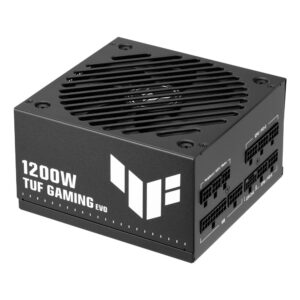
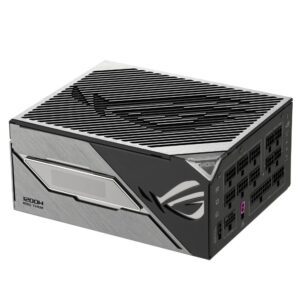
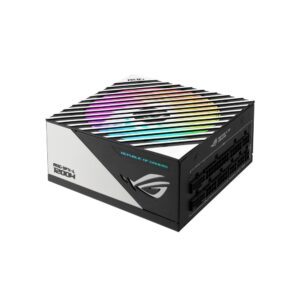
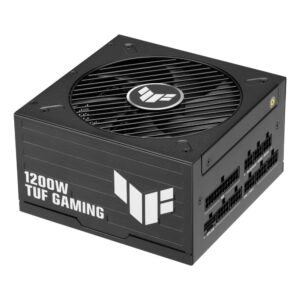
ASUS TUF Gaming Power Supply 1200W 80 Plus Platinum Fully Modular ATX 3.1 Black
In stock
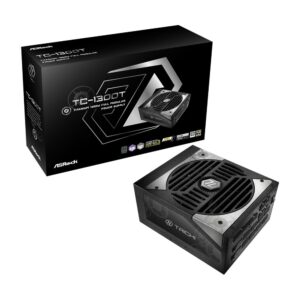
Asrock TC-1300T 1300W ATX Power Supply
In stock
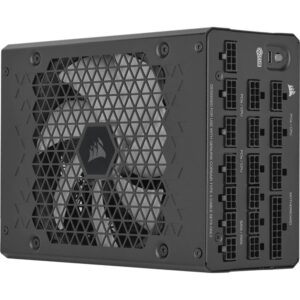
Corsair HX1500i 1500W 80 PLUS Platinum Modular ATX PSU
In stock
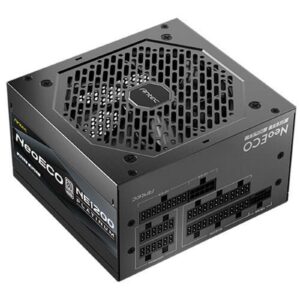
Antec NE1200 Platinum NeoEco 1200W ATX 3.1 PSU, PCIe 5.1, 80 Plus Platinum, 10-Year Warranty
In stock
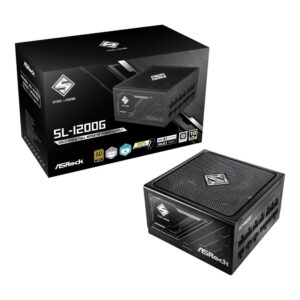
Asrock SL-1200G 1200W 80 PLUS GOLD ATX PSU
In stock
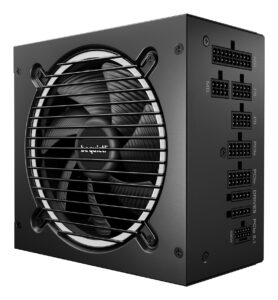
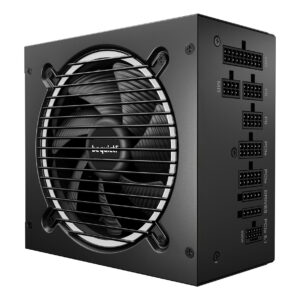
be quiet! Pure Power 13 M 1200W ATX PSU Black
In stock
1050W and above is the top of the consumer range, sized for a flagship graphics card such as an RTX 5090, a high-core-count processor, and headroom for the brief power spikes modern GPUs produce.
One misconception worth clearing up: a larger power supply does not use more electricity. It draws what your components ask for. What the extra headroom buys is a quieter fan, because the unit runs further from its limit and generates less heat, and room to upgrade later.
That said, most builds do not need this much. A single mid-range card is comfortable on 650-750W and a high-end one on 850-1000W. Buying far beyond your needs is money that would do more in the graphics card.
What to look for at this level: ATX 3.0 or 3.1 with PCIe 5.1 support and the 12V-2×6 connector, so a current NVIDIA card connects without an adapter; fully modular cabling, which is standard here; and 80 Plus Gold, Platinum or Titanium efficiency.
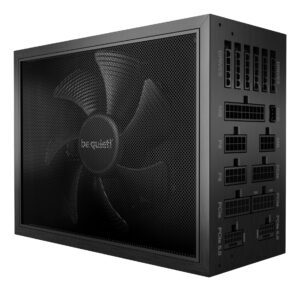
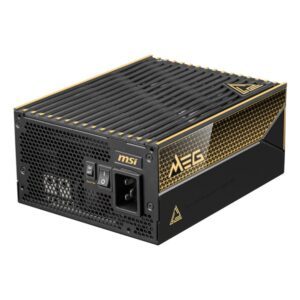
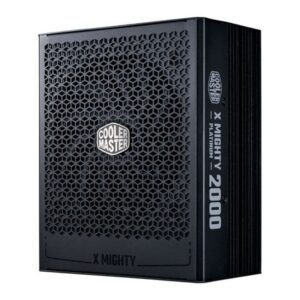
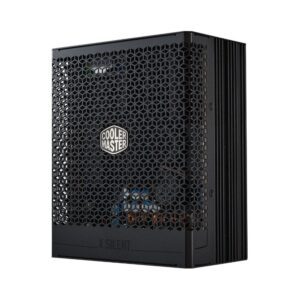
The range covers be quiet!, Corsair, ASUS, Antec, ASRock, Cooler Master and MSI up to 1600W.
1050W+ Power Supplies Buying Guide and FAQ
This 1050W+ Power Supplies range groups power supplies by output. Below are the common questions on what wattage suits your build.
Is a 1050W+ power supply enough for my PC?
As a rough guide, 1050W and above gives headroom for the very top cards and heavy overclocking. Leaving some headroom keeps the unit cool and quiet.
What graphics card does a 1050W+ PSU pair with?
Size the PSU around the graphics card, since it is the biggest draw. A 1050W+ unit suits high-end cards, but always check the card maker's recommended wattage and that the PSU has the right power connectors, including the 12V-2x6 (12VHPWR) plug on newer Nvidia cards.
Should I get more wattage than I need?
A little headroom is sensible, because it keeps the PSU running cool, quiet and efficient, and leaves room for a future upgrade. There is no need to go wildly over the top, so pick a wattage that covers your parts with some margin and choose a reputable 80 Plus rated unit.