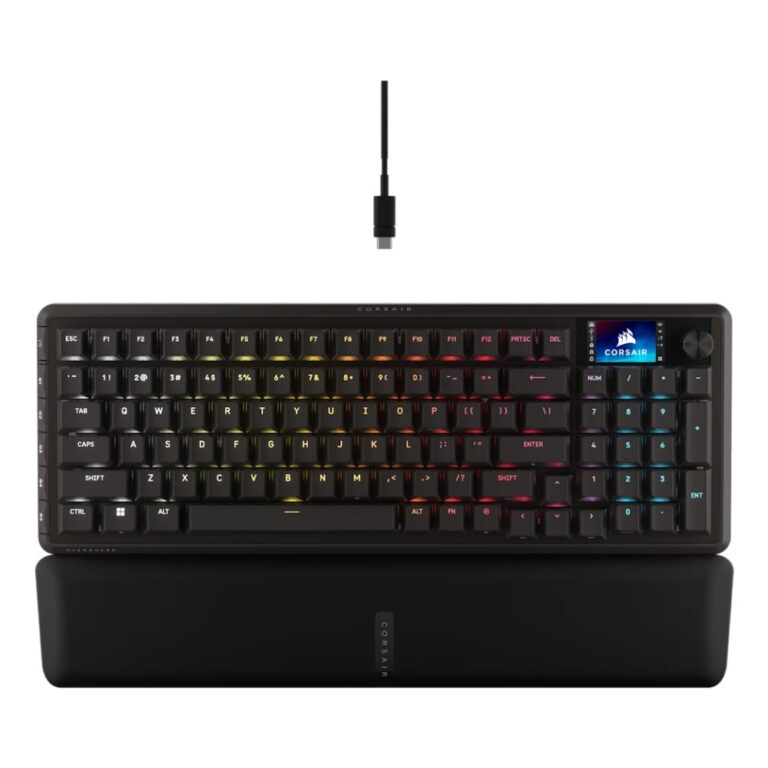
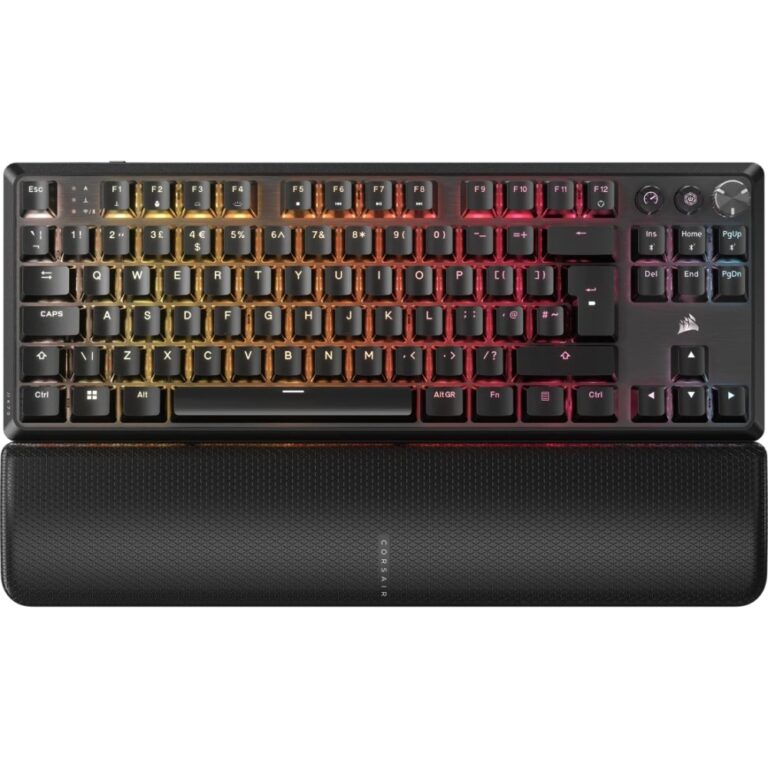
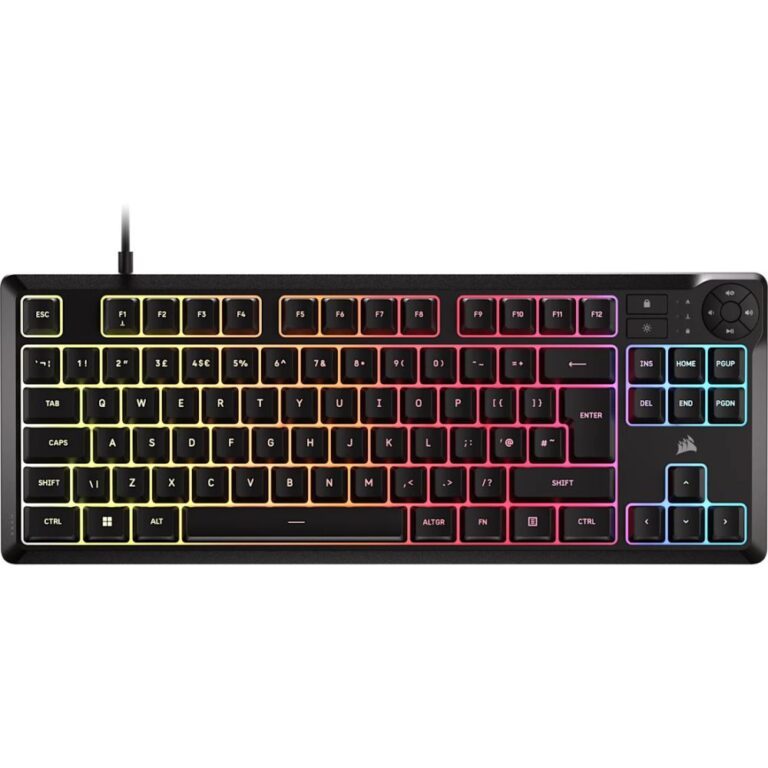
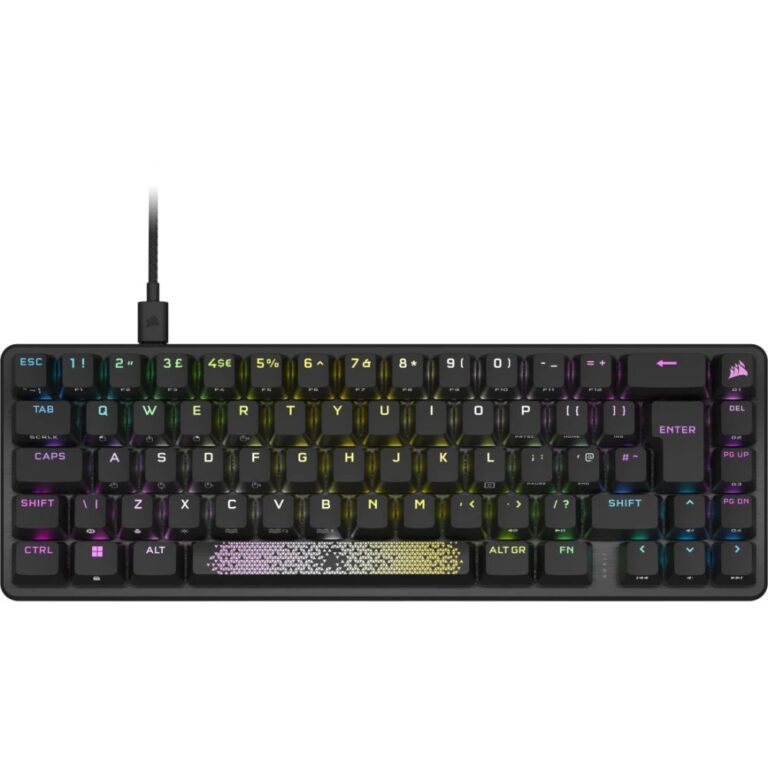
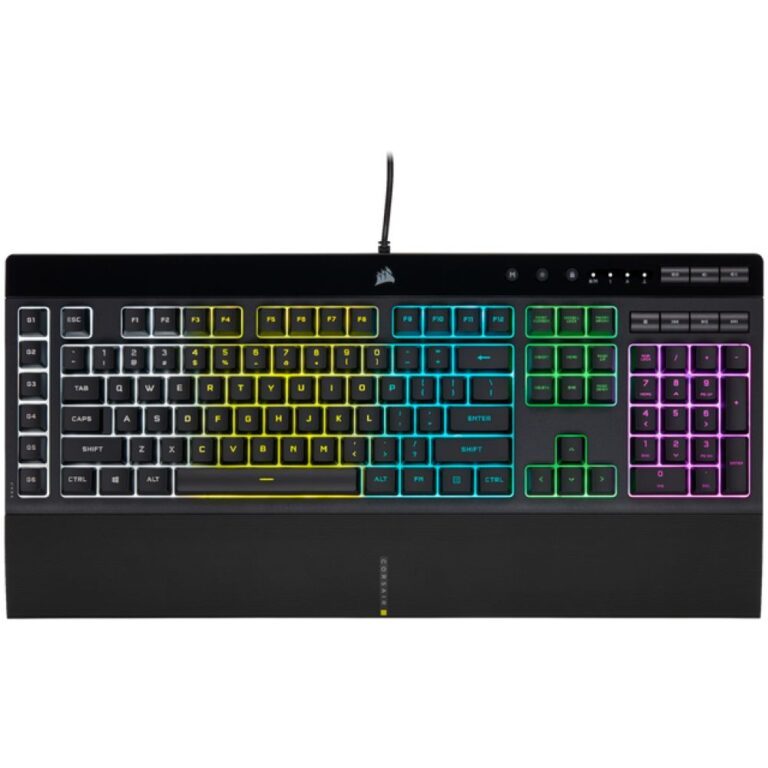
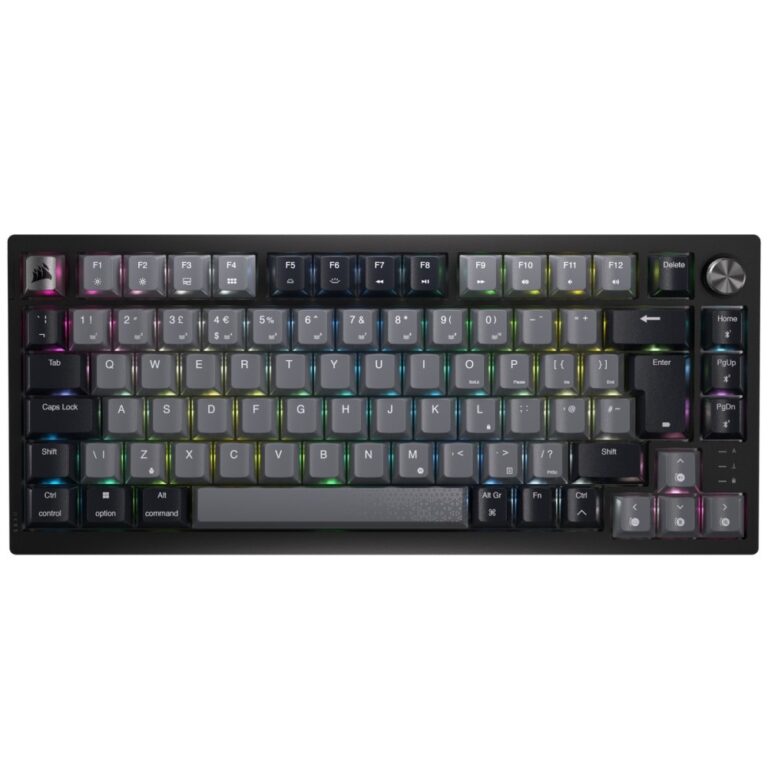
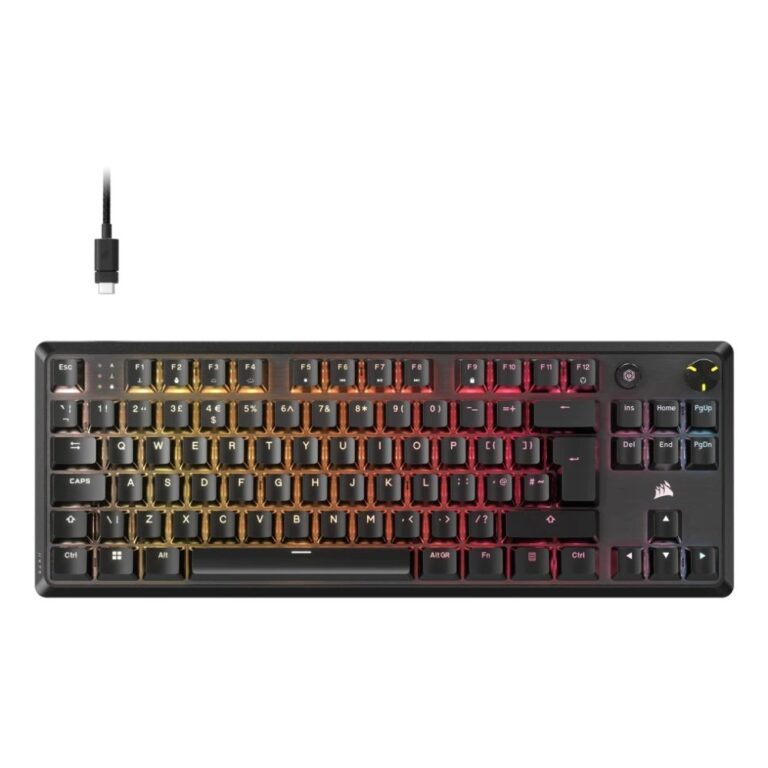
Corsair’s keyboards use a K number, and it broadly tracks the tier.
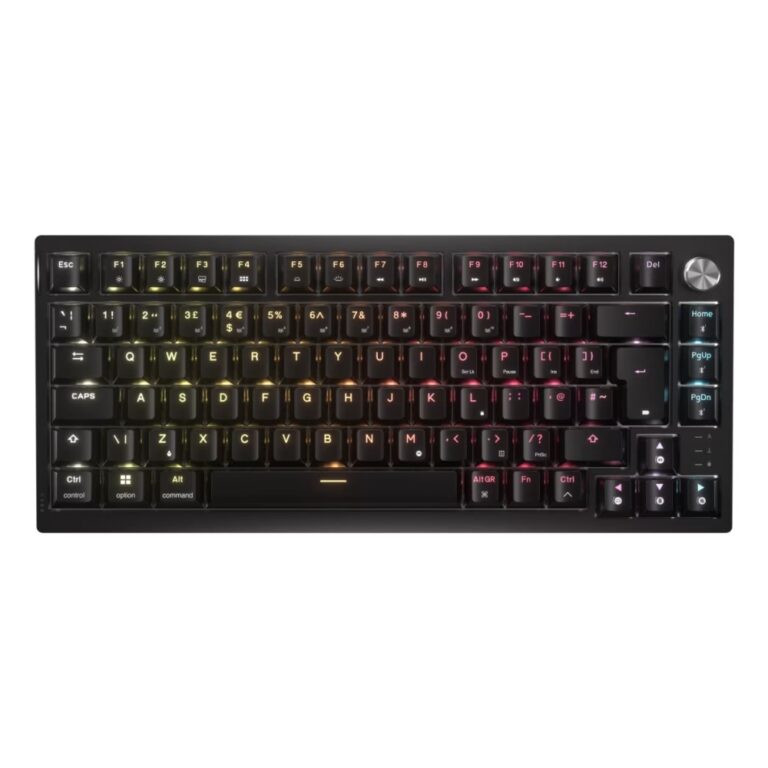
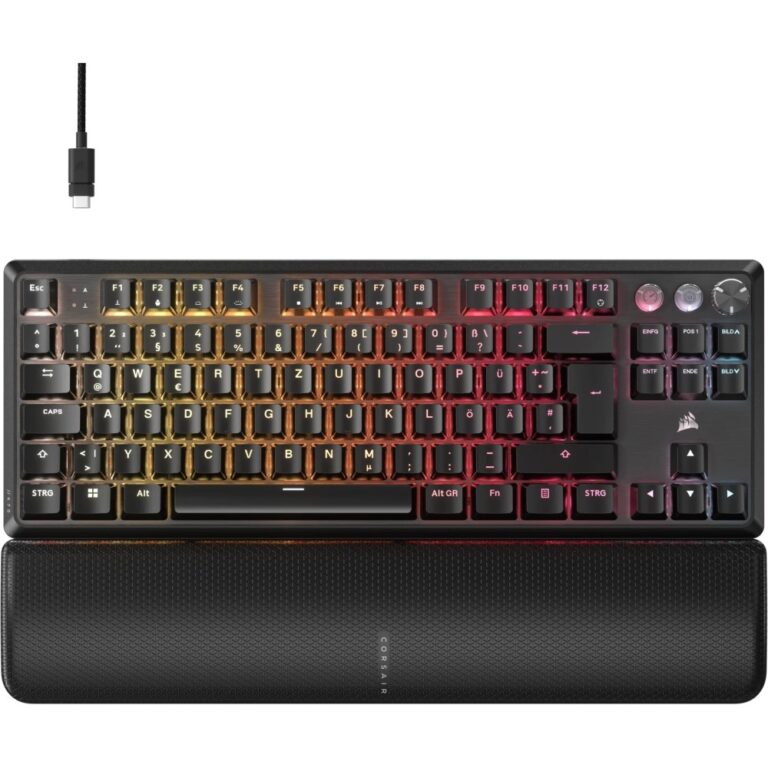
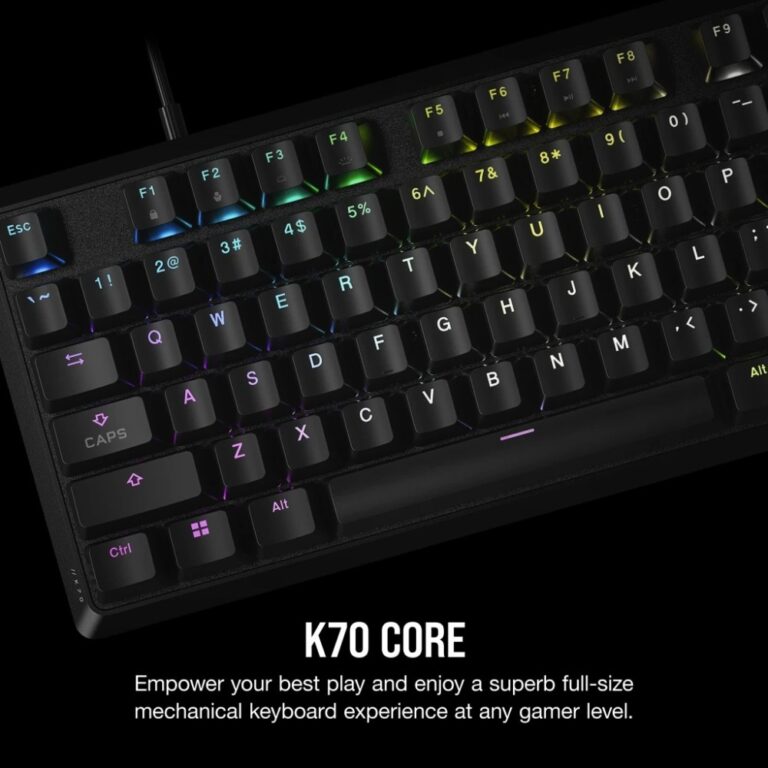
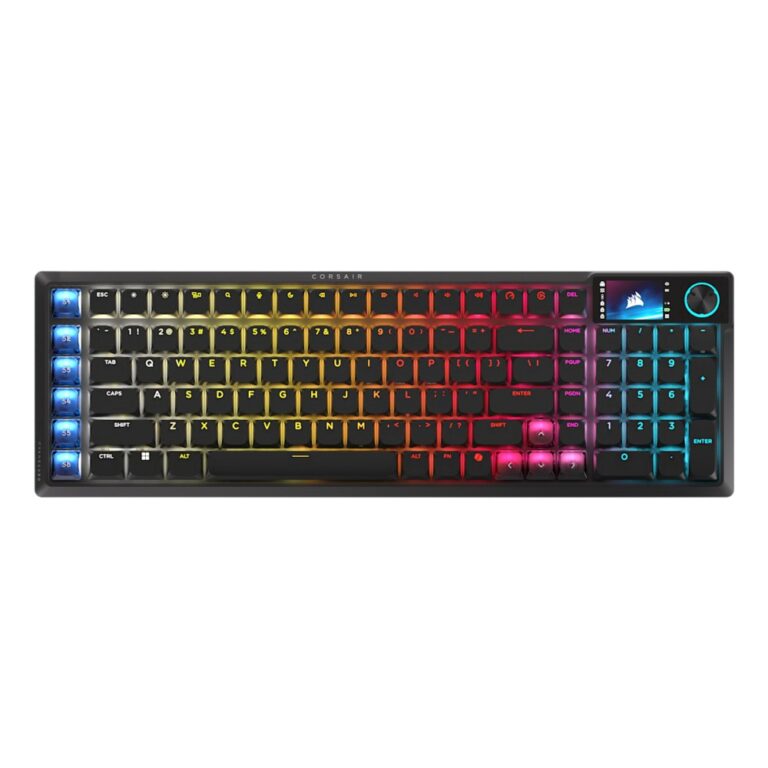
K55 and K60 are the entry models — the K55 is membrane rather than mechanical, with RGB lighting and media keys, which makes it an inexpensive way into a gaming-styled board. K65 and K70 are the mainstream mechanical range, and the K65 Plus is a 75% wireless board: compact, with the number pad removed and the remaining keys pushed together, which frees desk space for mouse movement while keeping arrow keys and function row. K95 and K100 are the flagships, adding macro keys and premium construction.
What to check.
Switch type, which decides the feel: linear switches move smoothly (quietest, preferred by most gamers), tactile switches give a bump partway down (best for typing), clicky switches add an audible click.
Size: full-size keeps the number pad; TKL and 75% drop it for desk room.
Layout, named in the title — UK QWERTY versus US International.
Corsair boards use iCUE software for lighting and macros, shared with its other hardware.
See mechanical keyboards.