Price
Brand
DELLDELL 31
Availability
Key switch type
- Mechanical 3
- Plunger 5
- Scissor 6
Keyboard size
Keyboard layout
- QWERTY 19
Shop Categories
Dell Keyboards
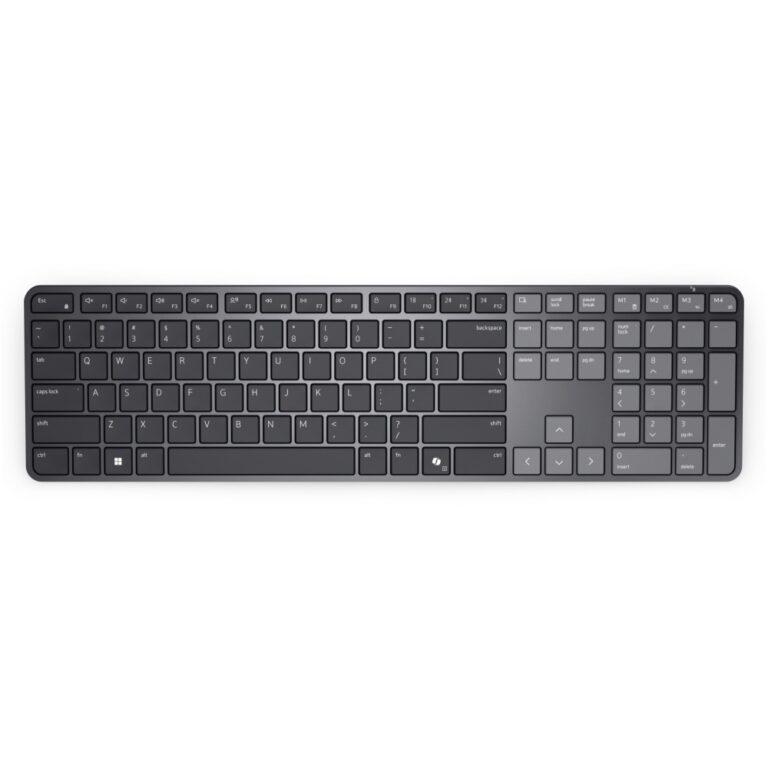
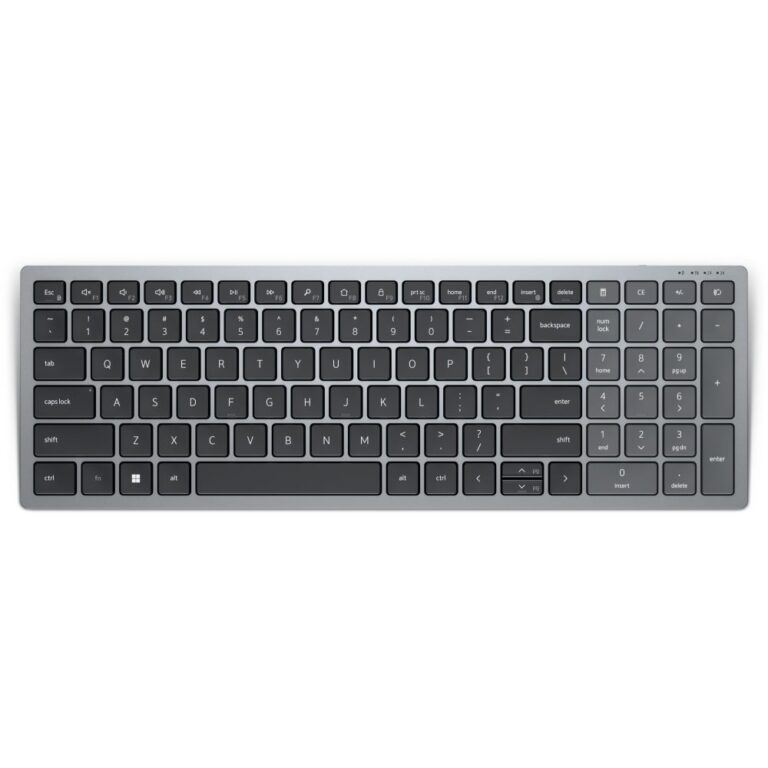
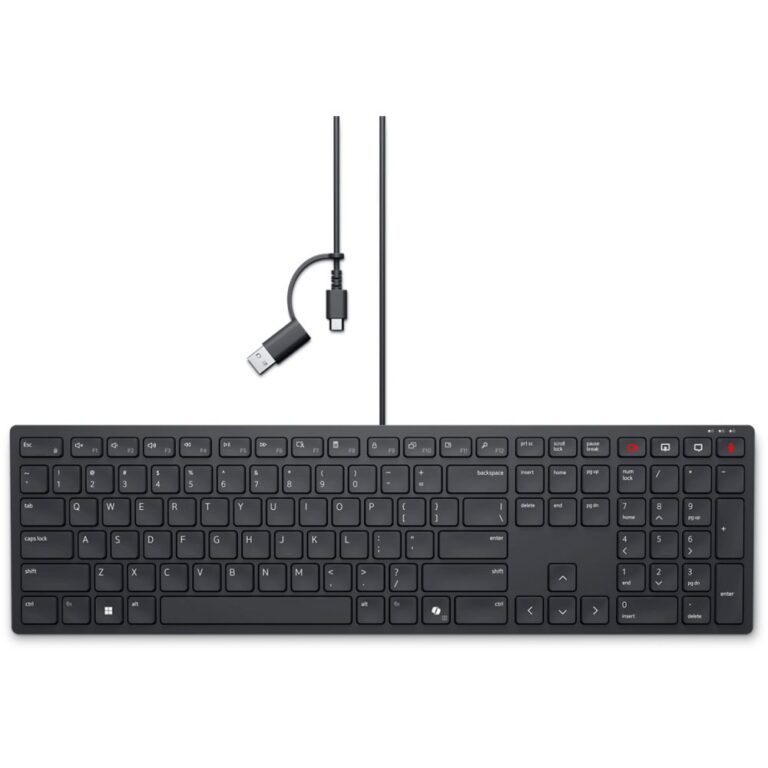
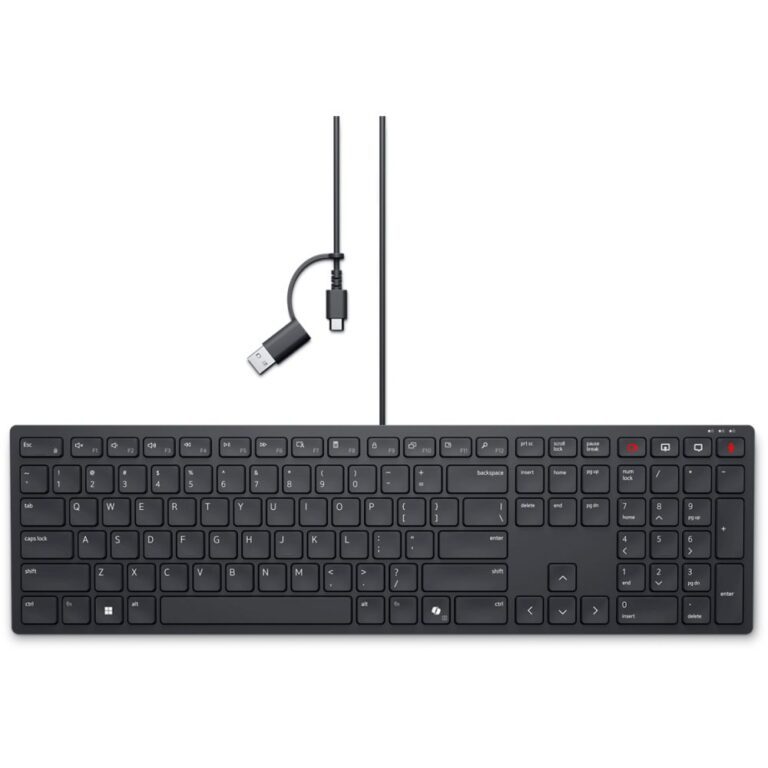
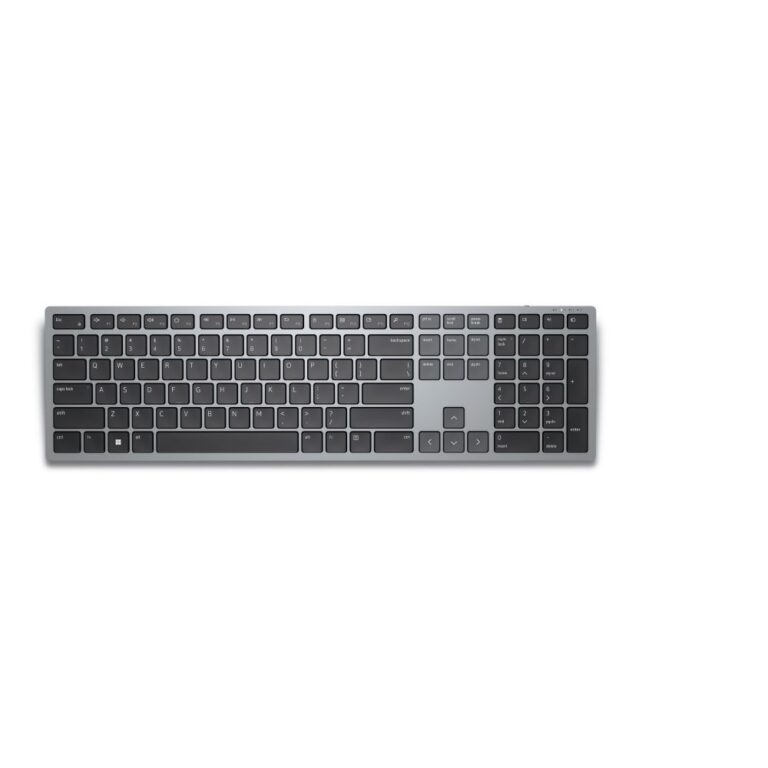
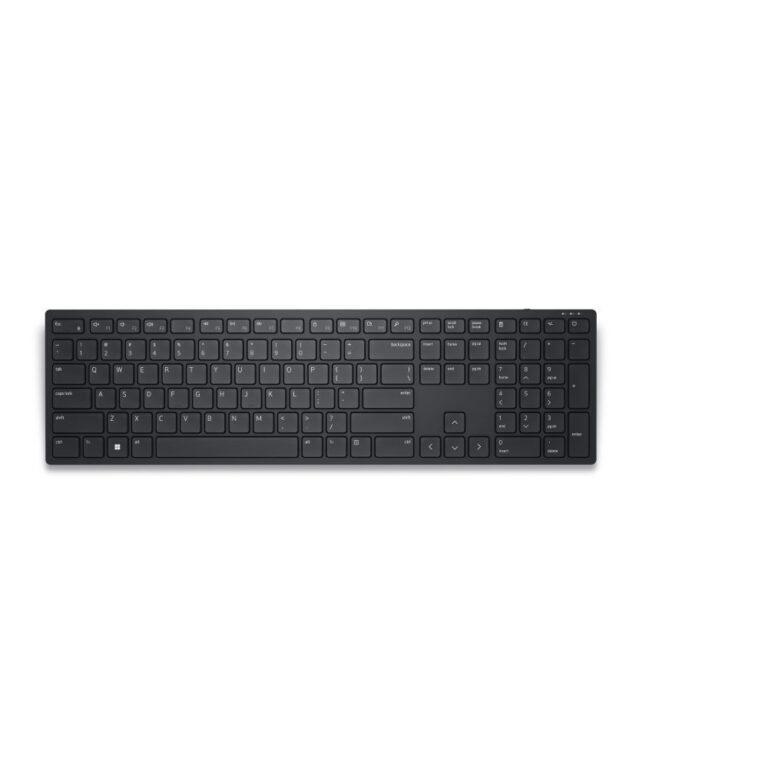
DELL Pro 7 Slim KB726 Wireless Bluetooth Keyboard QWERTY UK English Scissor Switch Full-size Graphite
In stock
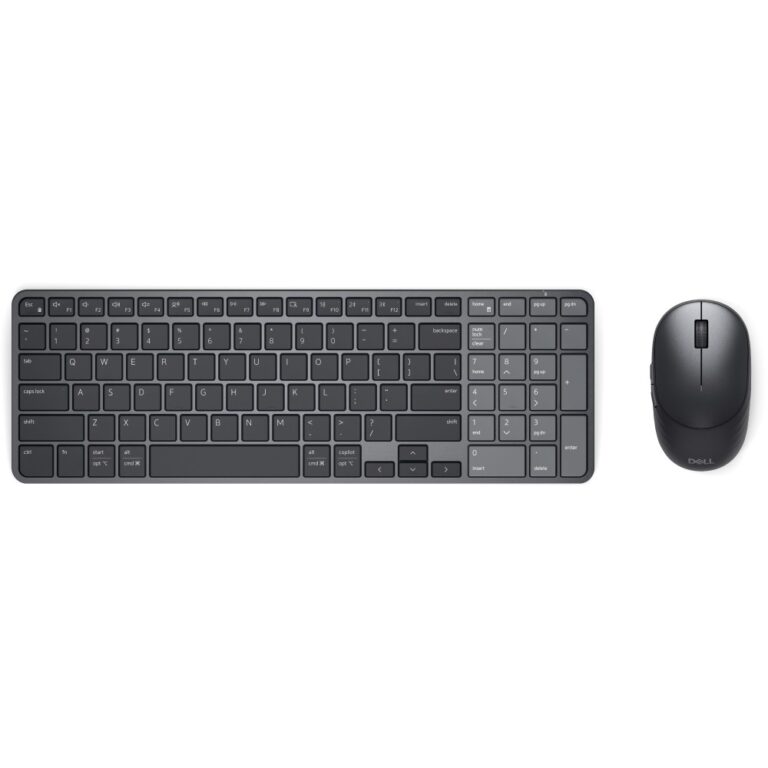
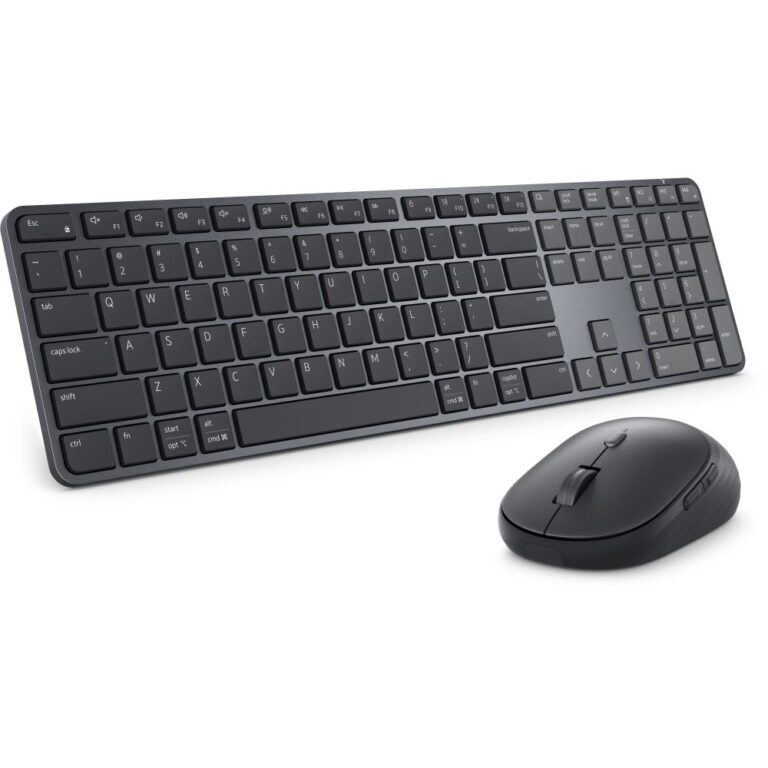
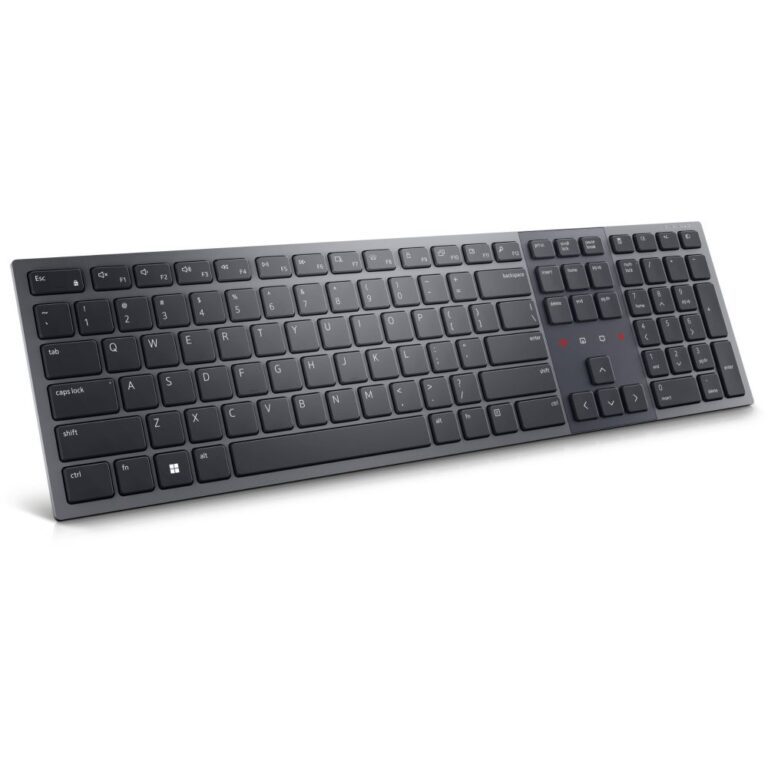
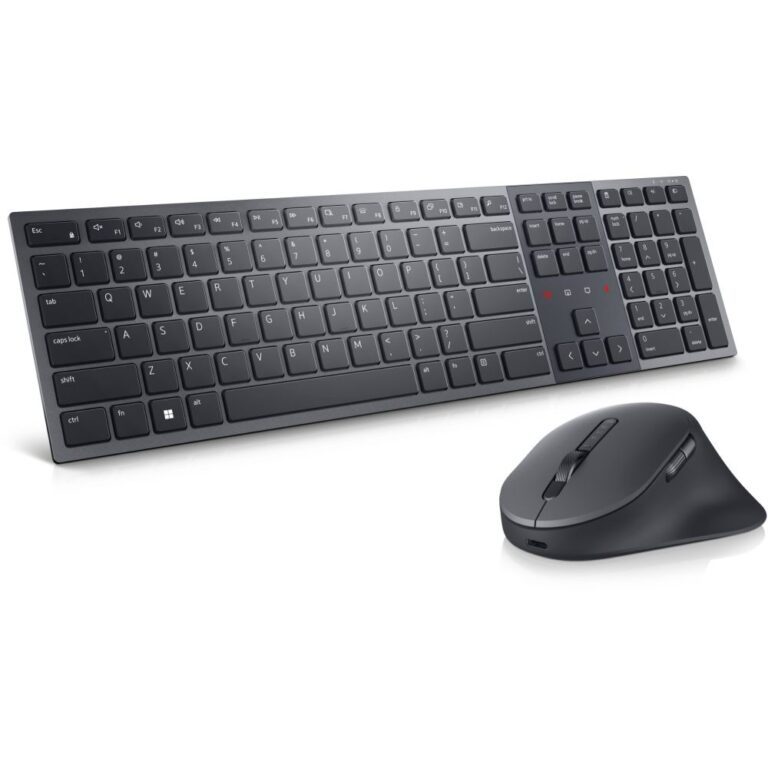
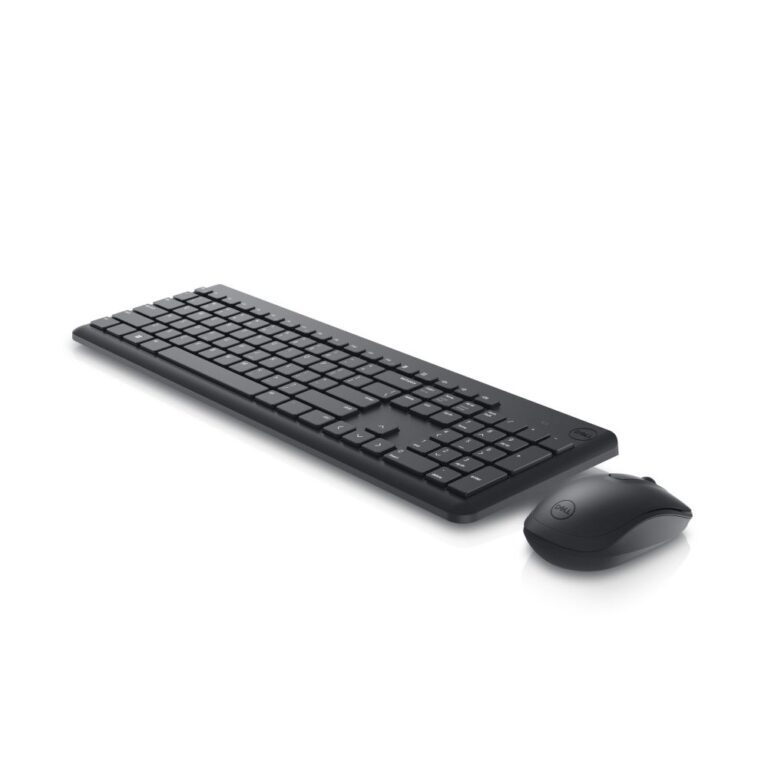
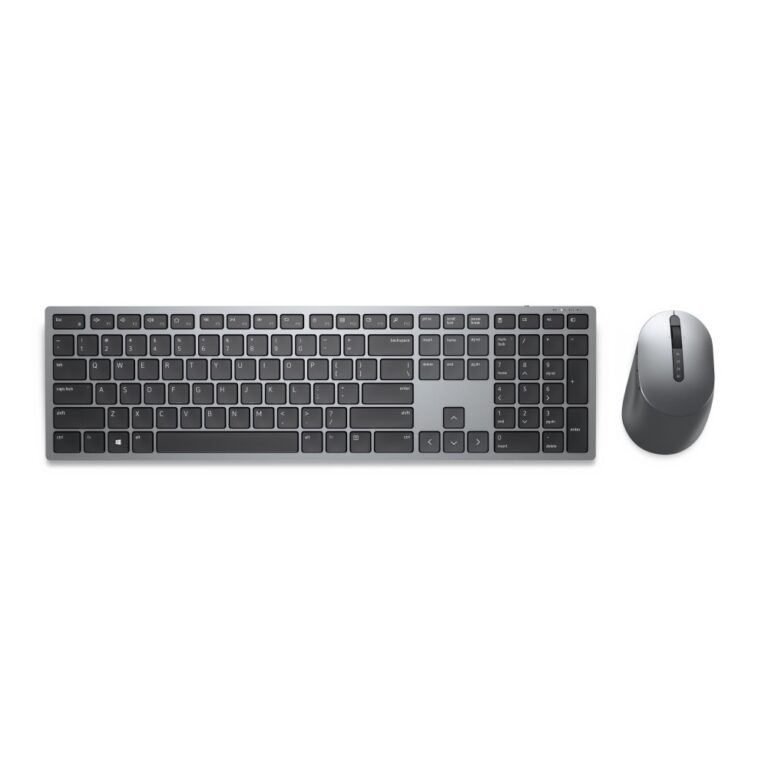
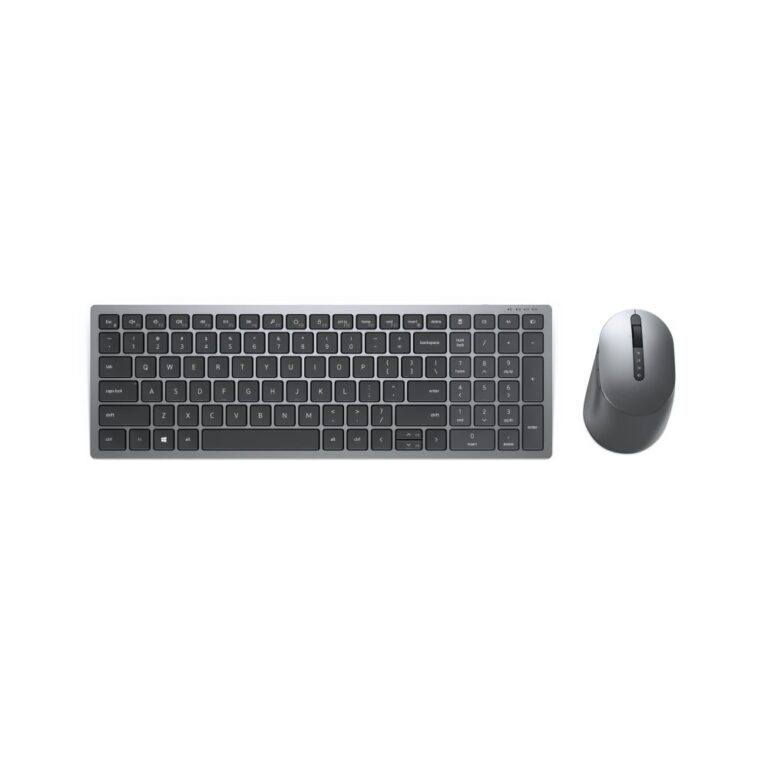
Dell Pro 7 KM746 Wireless Keyboard and Mouse Combo UK English Scissor Switch Graphite
In stock
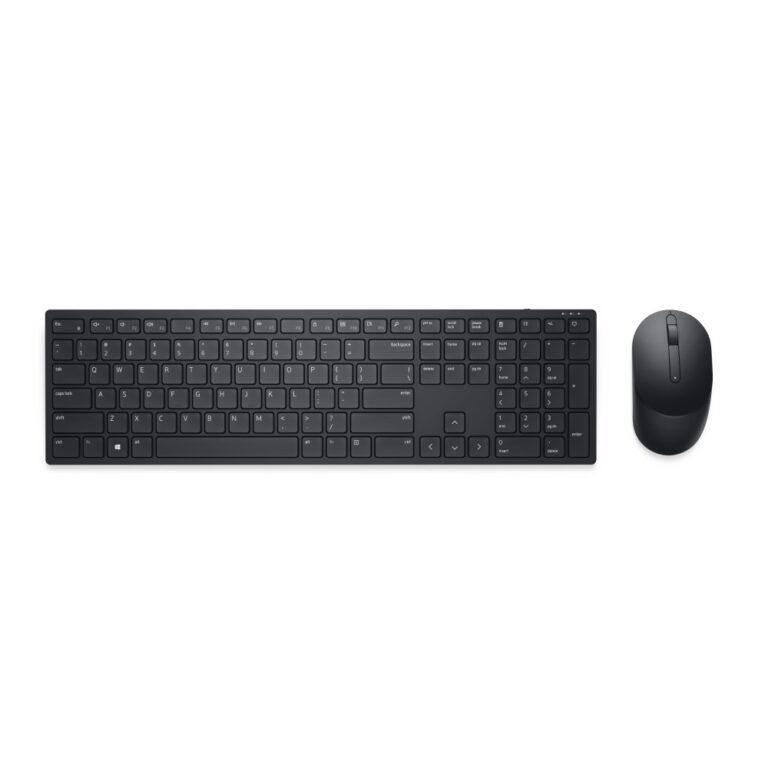
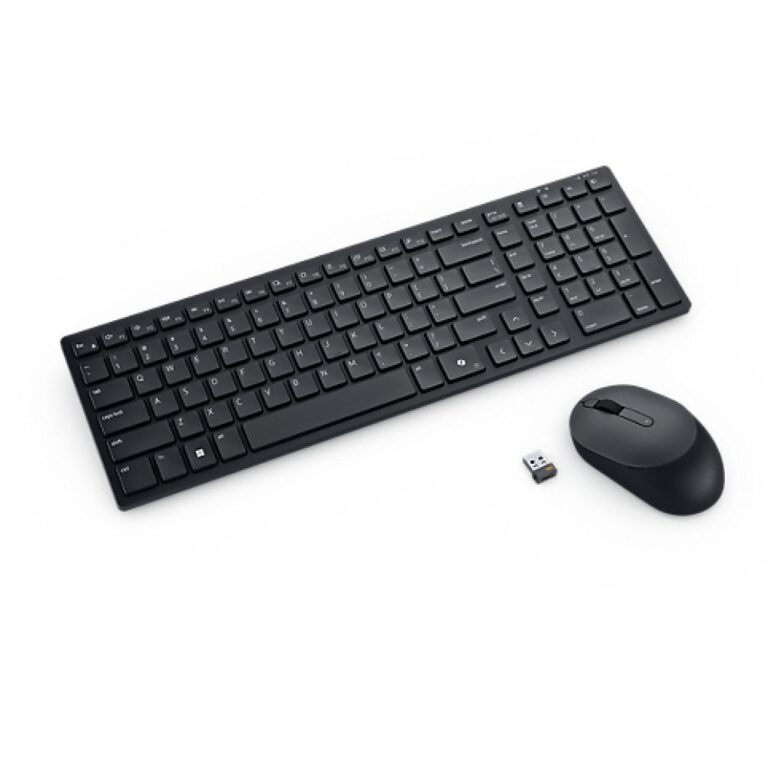
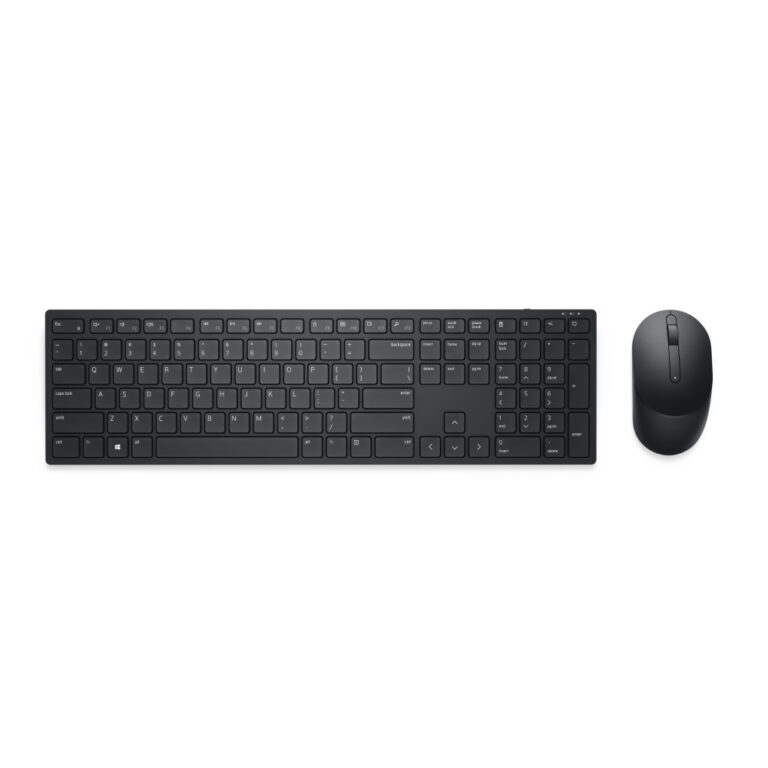
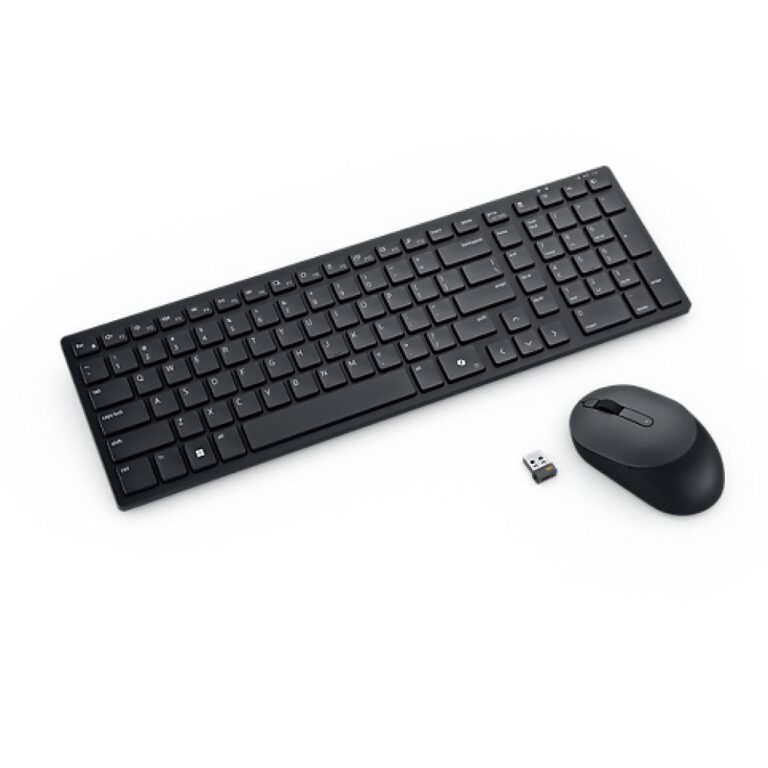
DELL KM726 Pro 7 Slim Keyboard & Mouse RF Wireless + Bluetooth Black
In stock
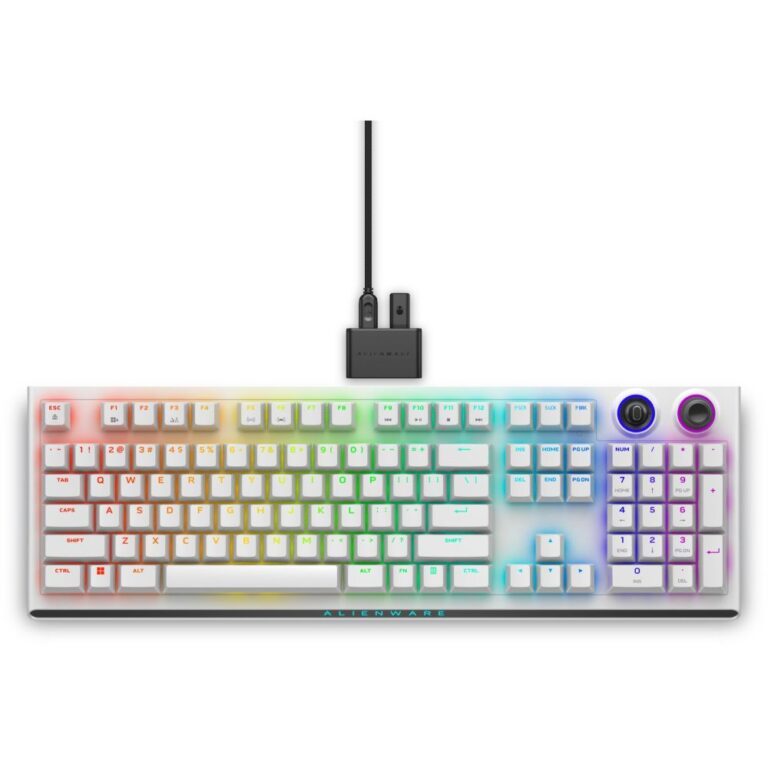
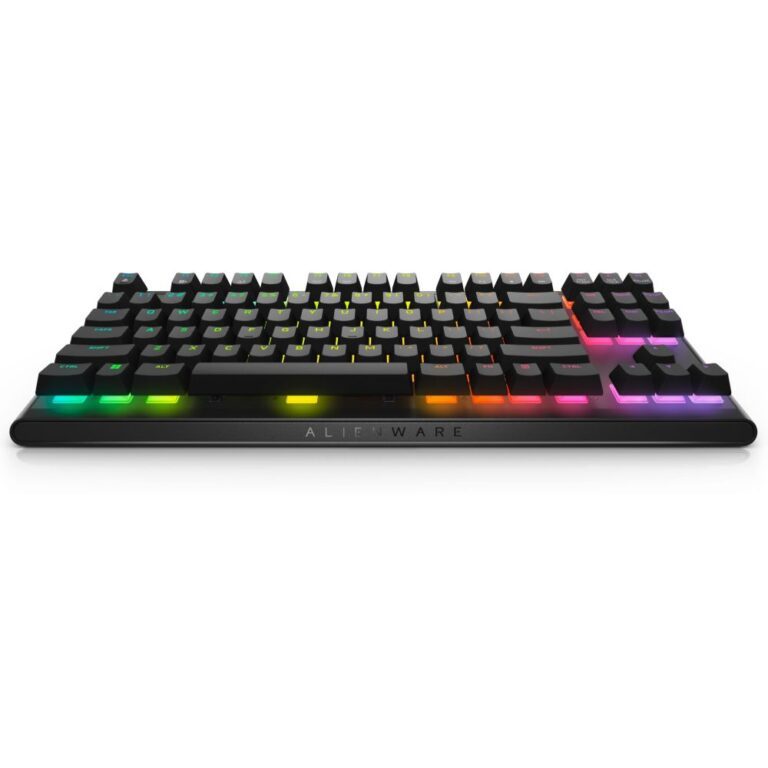
Alienware AW420K TKL Mechanical Keyboard
In stock
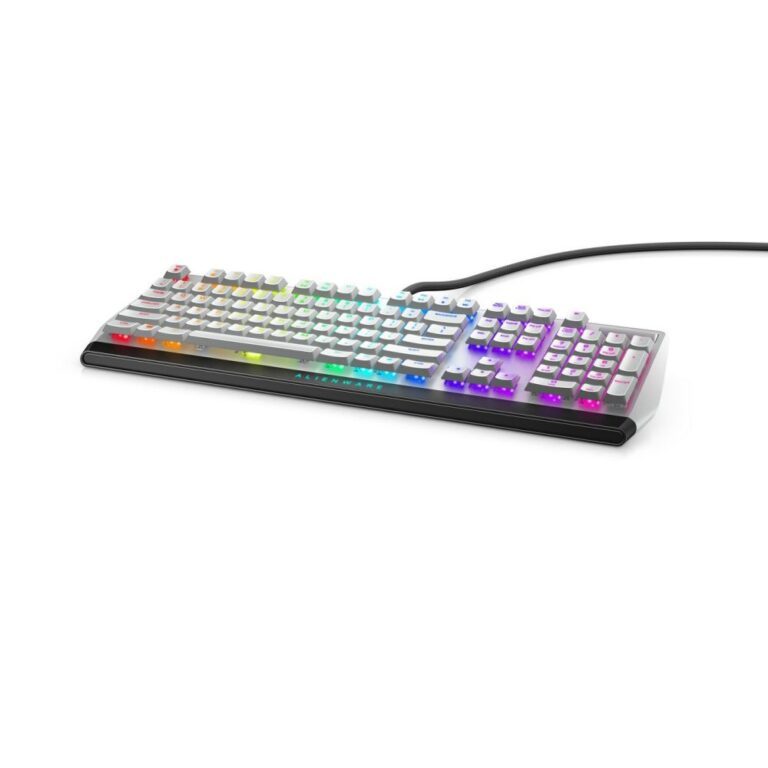
DELL Alienware AW510K – Backlit Keyboard – USB – CHERRY MX Red – Dark Side of the Moon
In stock
Dell Pro KB900 UK QWERTY Keyboard
In stock
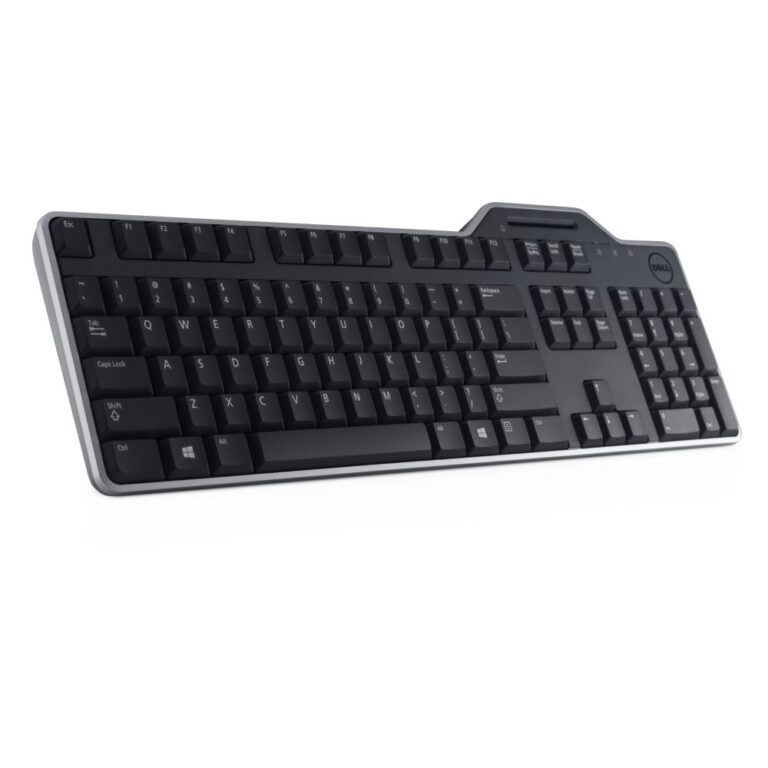
DELL Pro Smartcard Keyboard KB813
In stock
Dell’s keyboard range splits into three jobs, and the model code tells you which one you are looking at.
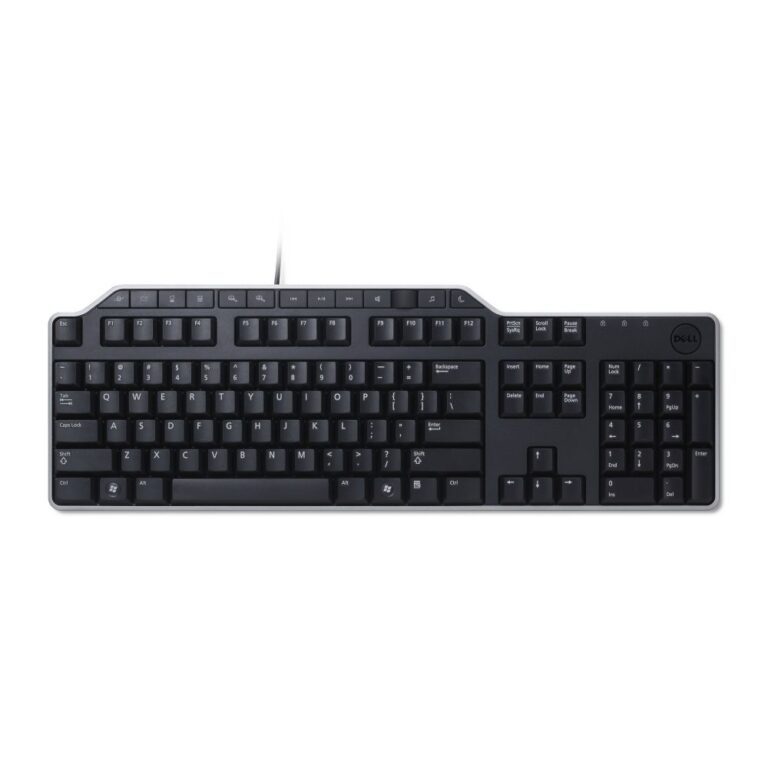
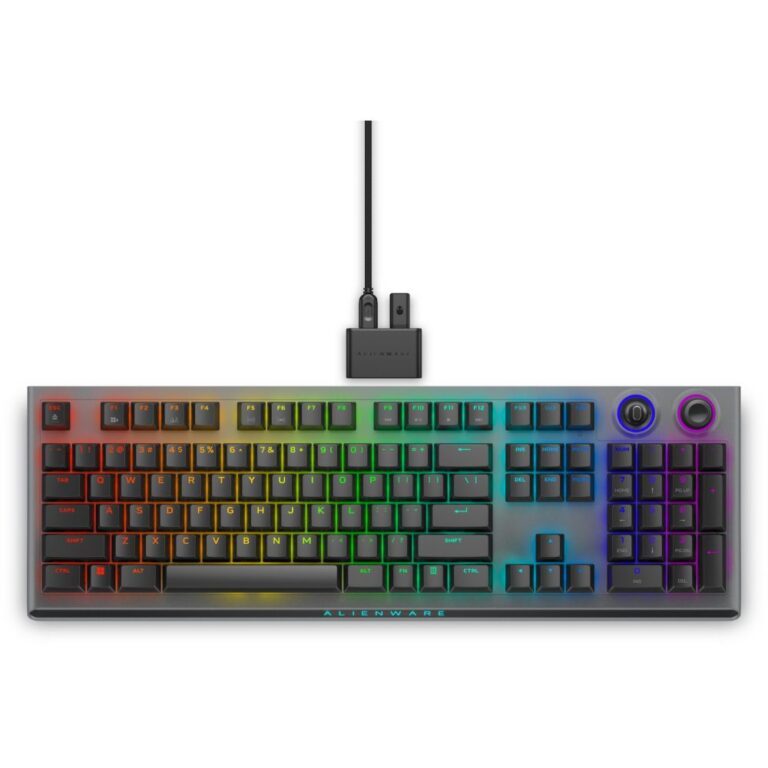
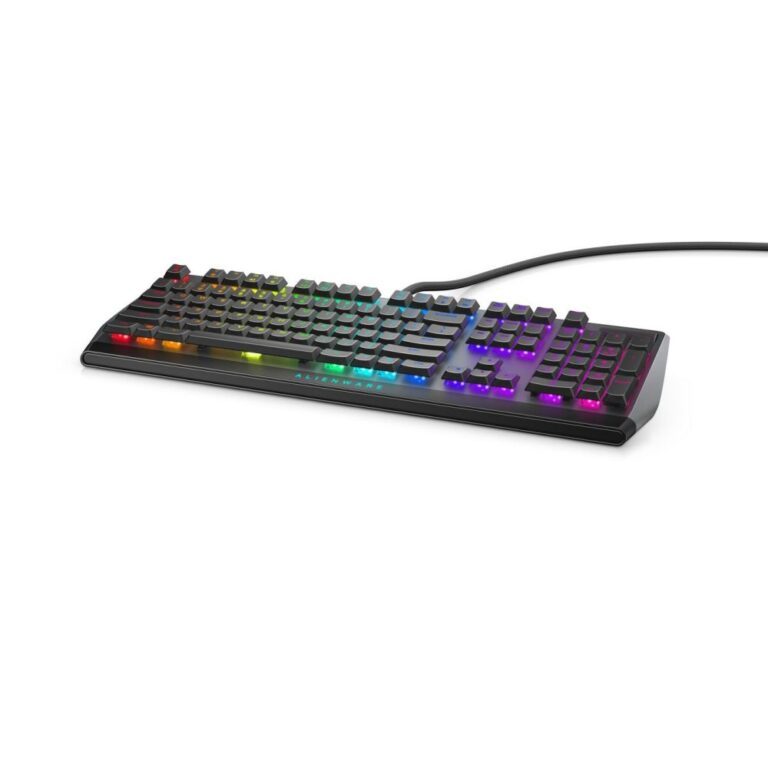
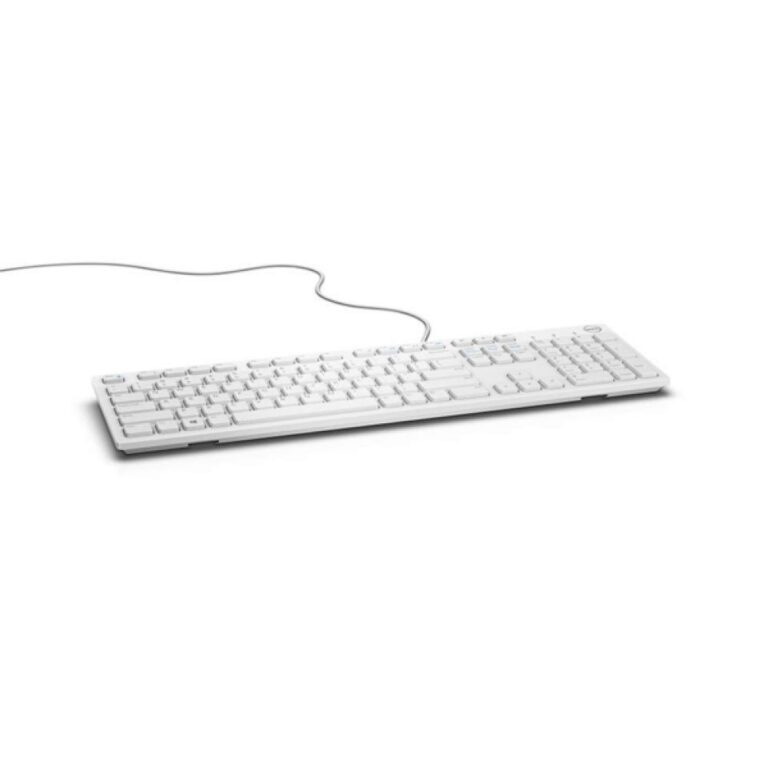
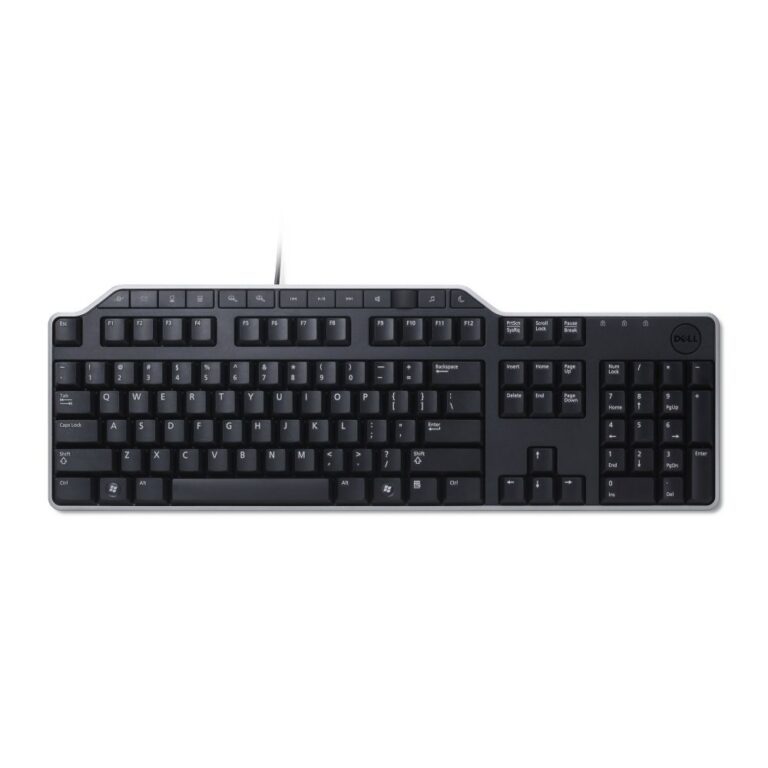
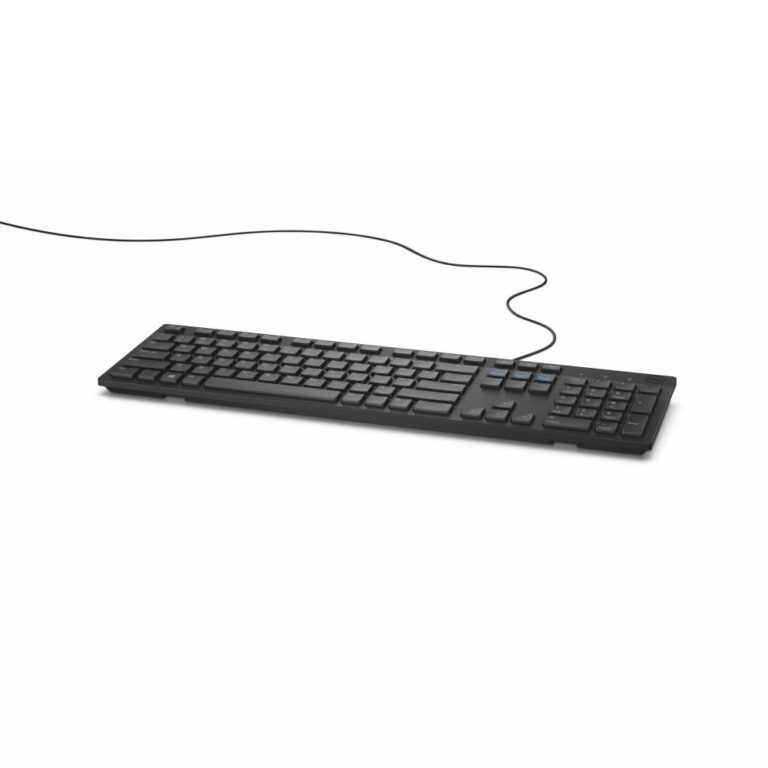
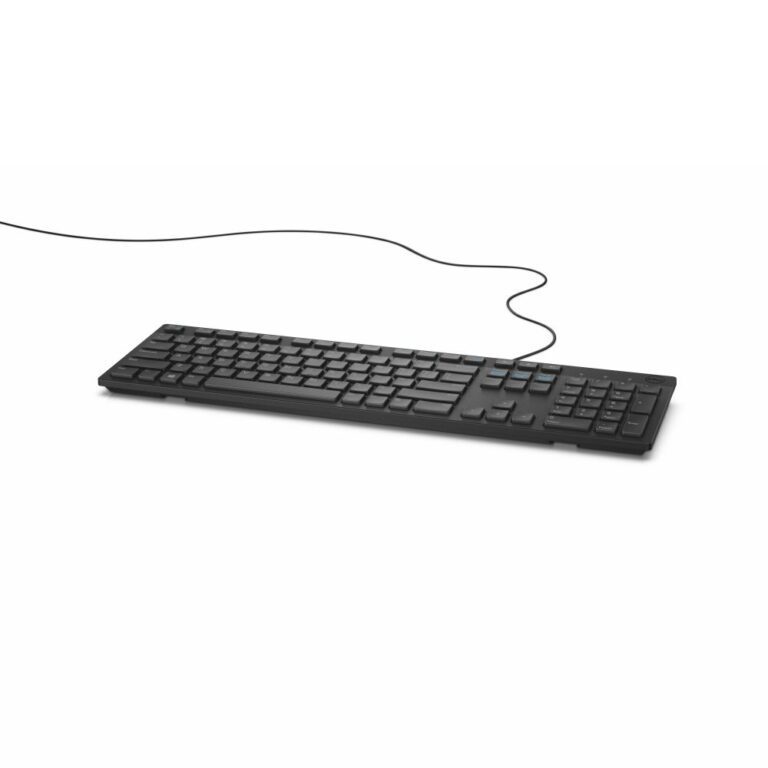
KB216 and KB522 are the plain wired USB boards that get deployed by the hundred in offices — low cost, full size, nothing to charge. The Pro and Pro Plus lines (KB500, KB740, KM5221W, KM7321W, KM726) move to wireless, several as keyboard-and-mouse sets, with silent-switch options and models that pair over both Bluetooth and a 2.4GHz receiver. KB813 adds an integrated smartcard reader for sites that log in with a badge. Alienware covers the mechanical end, including the AW510K on Cherry MX Red switches and the tri-mode AW920K. Check the layout in the product title: most are UK QWERTY, a few are US International.
Dell Keyboards Buying Guide and FAQ
This Dell Keyboards range covers Dell products. Below are the common questions.
Are Dell mice and keyboards any good?
Dell is a well-regarded name in mice and keyboards, with a range that spans budget to high-end. The best model depends on your needs and budget, so compare the key specs rather than choosing on the badge alone.
Which Dell model should I choose?
Start with what you need from your mice and keyboards, then pick the Dell model whose features and price fit. If you want help comparing, our mice and keyboards guide explains what to look for.
What should I check before buying?
Match the key specs to your setup and budget, check compatibility with your other parts or devices, and look at the warranty. The right Dell product is the one that fits your needs, not just the most expensive.