
Brand



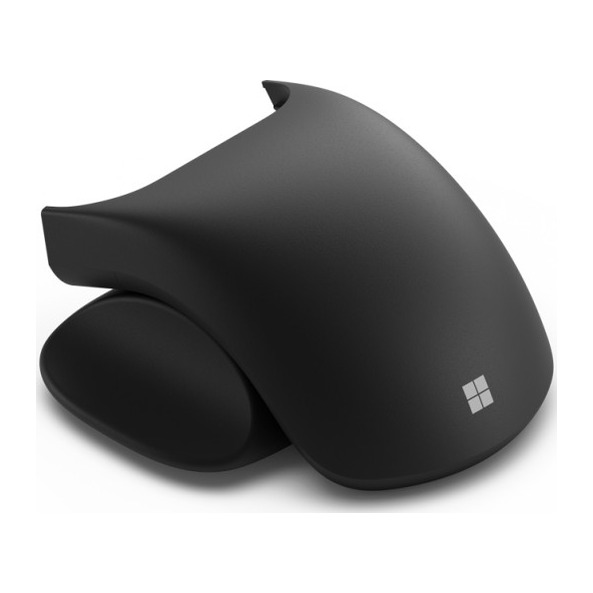
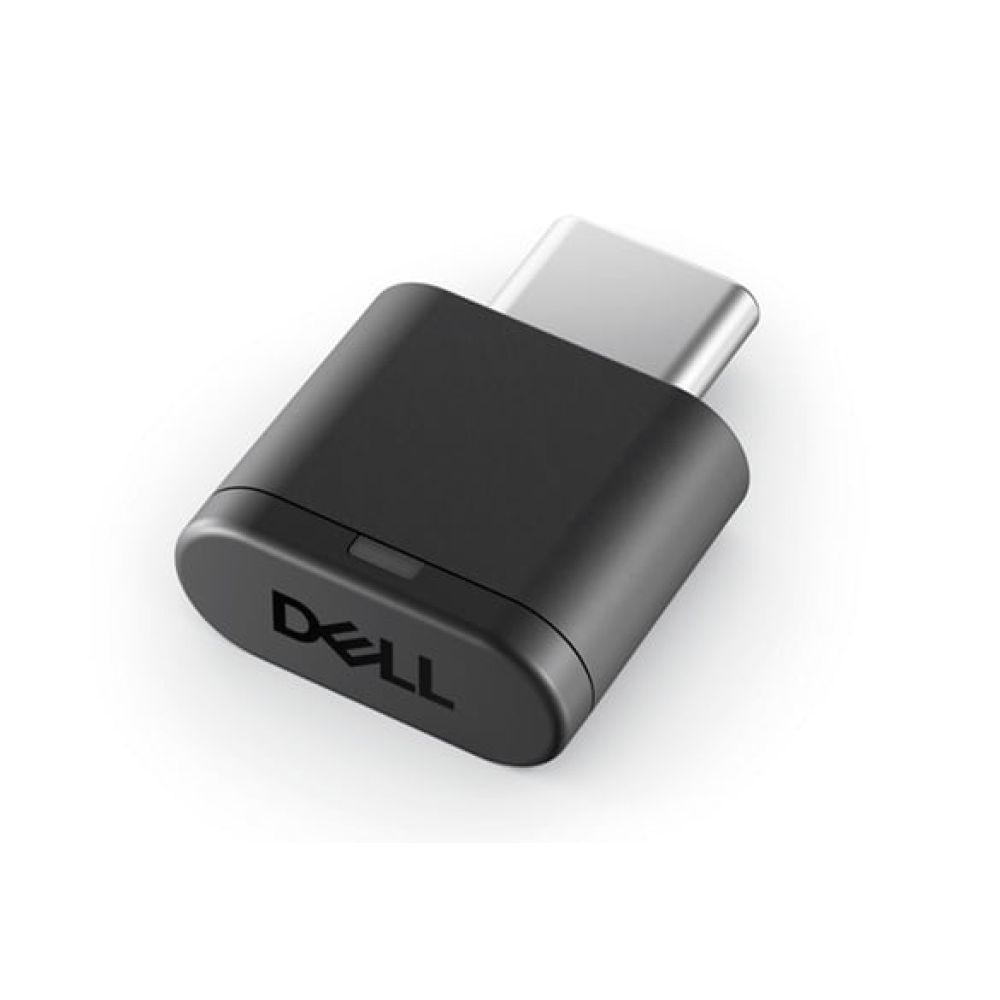
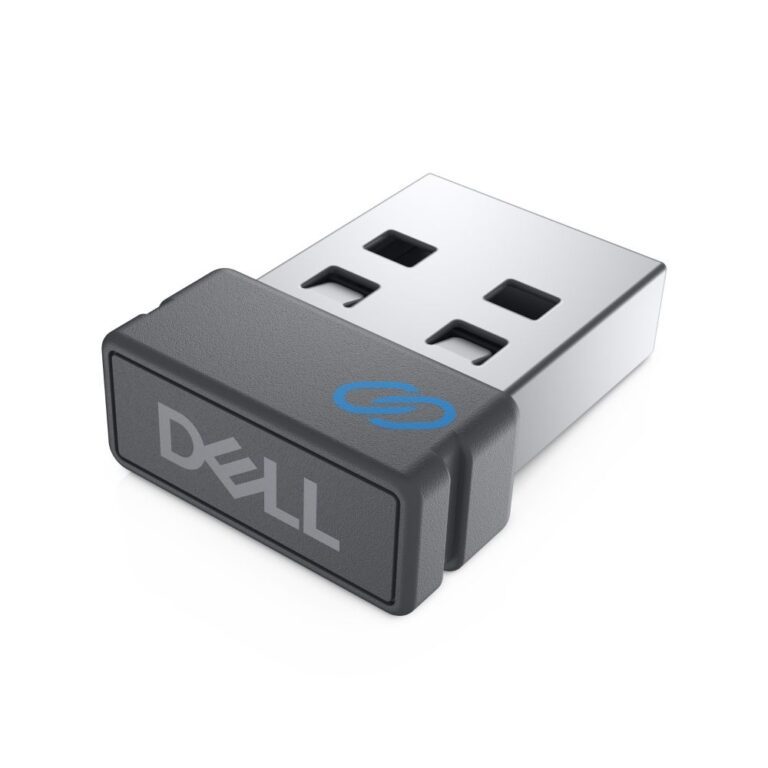
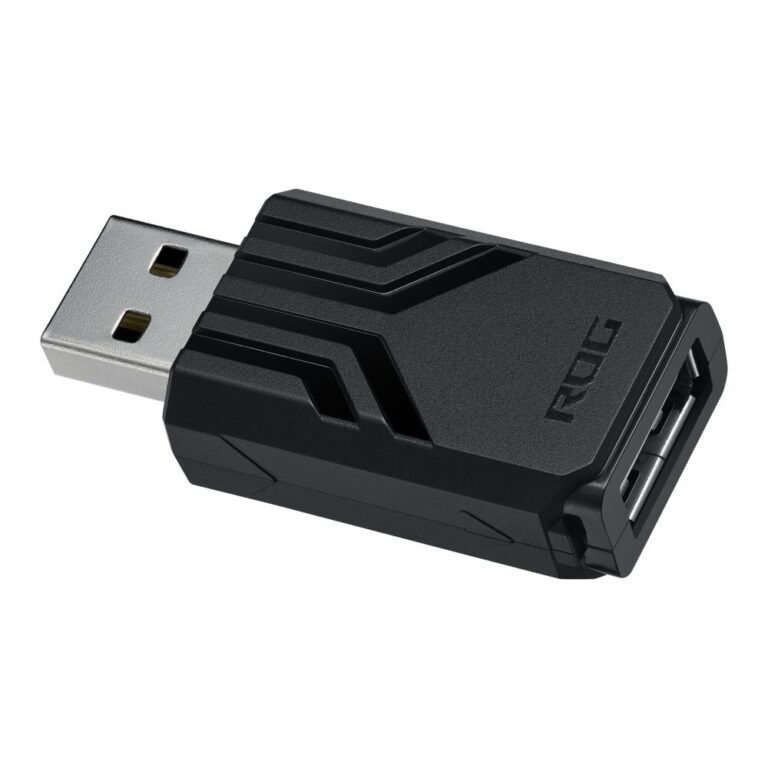
This category covers the small parts that keep a mouse working — principally replacement USB receivers for wireless models.
The important thing to understand before ordering one: most 2.4GHz wireless mice are paired to their specific receiver at the factory, and a replacement dongle will not simply work with any mouse. It has to be the right part for that model, or a manufacturer’s universal receiver that the mouse explicitly supports and can be re-paired to using the maker’s software.
Check the part number against your mouse before buying. Dell, for example, uses specific receiver part numbers across its wireless ranges.
If the receiver for your mouse is not available, a Bluetooth mouse avoids the problem entirely — there is no dongle to lose in the first place, which is a good argument for choosing Bluetooth next time.
See Bluetooth mice, or the wider mouse range.
This Mouse Accessories range covers mice. Below are the common questions.
Look for a comfortable shape, a reliable sensor and the right weight for you.
Almost any modern mouse has a sensor far more accurate than you need, so do not chase the biggest DPI number. A shape that fits your hand and a weight you like matter more. Most people game at a few hundred to a couple of thousand DPI.
Today's wireless mice are fast and low-latency with the freedom of no cable, while wired mice never need charging and cost less. For most people a good wireless mouse is worth it, and wired remains a solid value choice.
No account yet?
Create an Account