



Price
Brand
Availability
Connectivity
Hand orientation
- Ambidextrous 10
- Right-handed 12
Shop Categories
Silent Mice
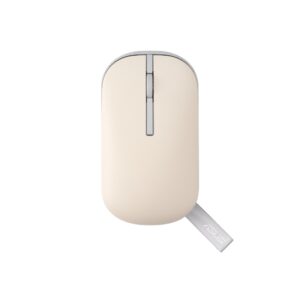
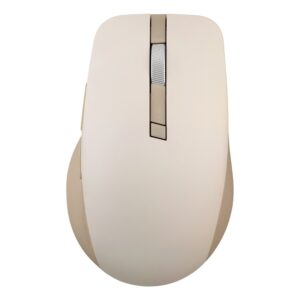
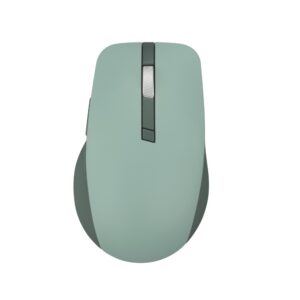
ASUS SmartO MD200 Silent Plus Wireless Mouse Bluetooth 5.0 2.4GHz 4200 DPI 6 Programmable Buttons Green
In stock
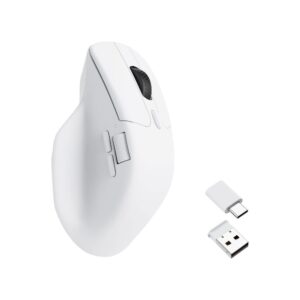
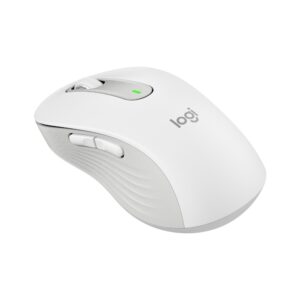
Keychron M6 Wireless Mouse 26000 DPI Bluetooth 5.1 2.4 GHz USB-C 1000 Hz Ergonomic Right-hand White
In stock
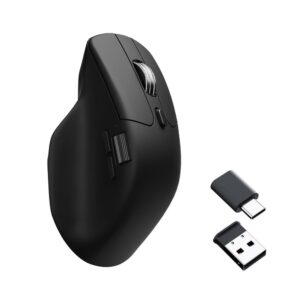
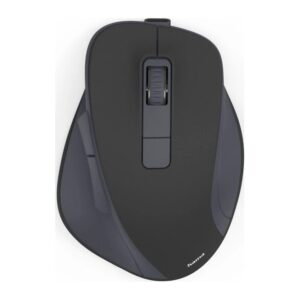
Keychron M6 Wireless Optical Mouse Right-Hand 26000 DPI Silent Click Black
In stock
A silent mouse uses a dampened switch under the left and right buttons. The click still has the same travel and the same positive feel under your finger — what changes is the sound, from a sharp snap to a muted thud.
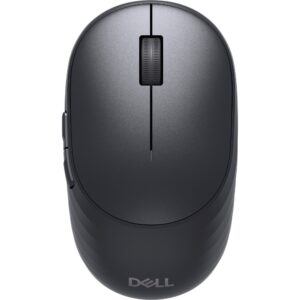
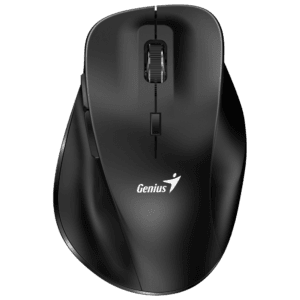
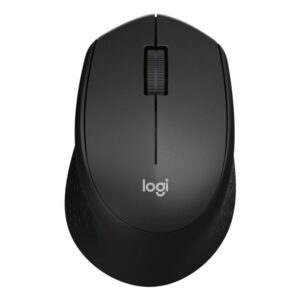
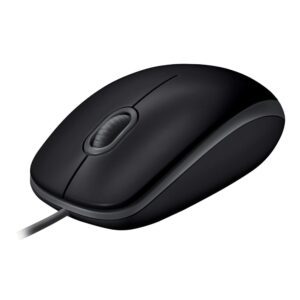
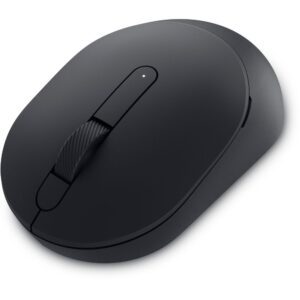
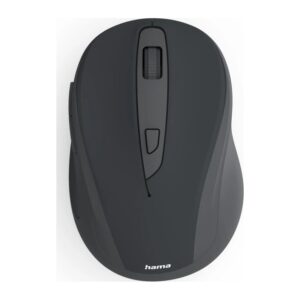
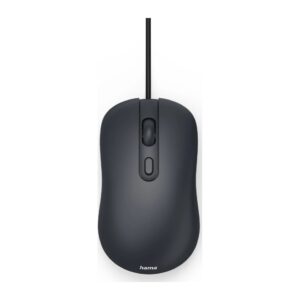
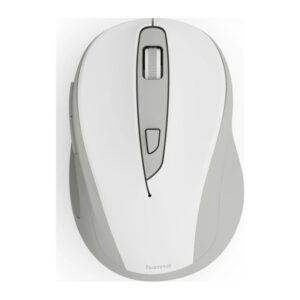
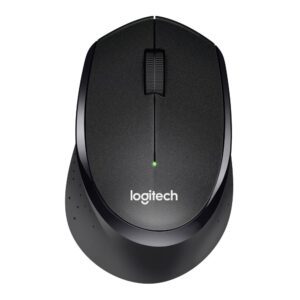
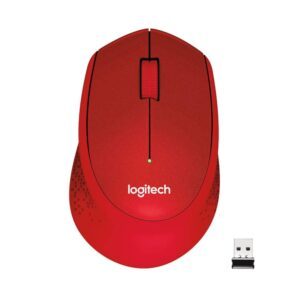
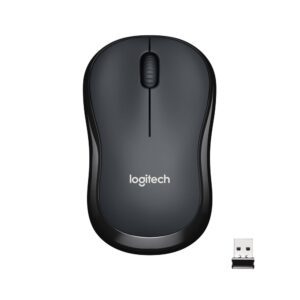
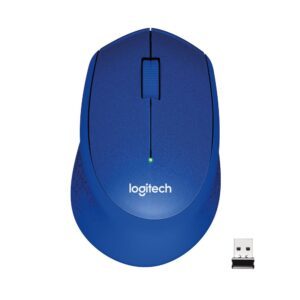
The range here starts with the wired Hama CM-200 and the wireless WM-100 to WM-500 models, which cover the basics cheaply. Genius adds ergonomic and Copilot-key wireless models. The Dell Pro Compact Silent and the Logitech M330 and B330 Silent Plus are the office standards, and the Keychron M6 takes silent clicks into a 26,000 DPI sensor for people who want quiet without giving up tracking speed.
Worth knowing: silent switches quiet the click, not the scroll wheel and not the sound of the mouse moving on a hard desk. A cloth mat does more for the second two than the mouse does.
Silent Mice Buying Guide and FAQ
This Silent Mice range covers mice. Below are the common questions.
What should I look for in this mouse?
Silent mice use quiet switches, handy in shared or quiet spaces.
Does DPI really matter?
Almost any modern mouse has a sensor far more accurate than you need, so do not chase the biggest DPI number. A shape that fits your hand and a weight you like matter more. Most people game at a few hundred to a couple of thousand DPI.
Wireless or wired, which is better?
Today's wireless mice are fast and low-latency with the freedom of no cable, while wired mice never need charging and cost less. For most people a good wireless mouse is worth it, and wired remains a solid value choice.