Microsoft Surface Dock – connect displays and peripherals
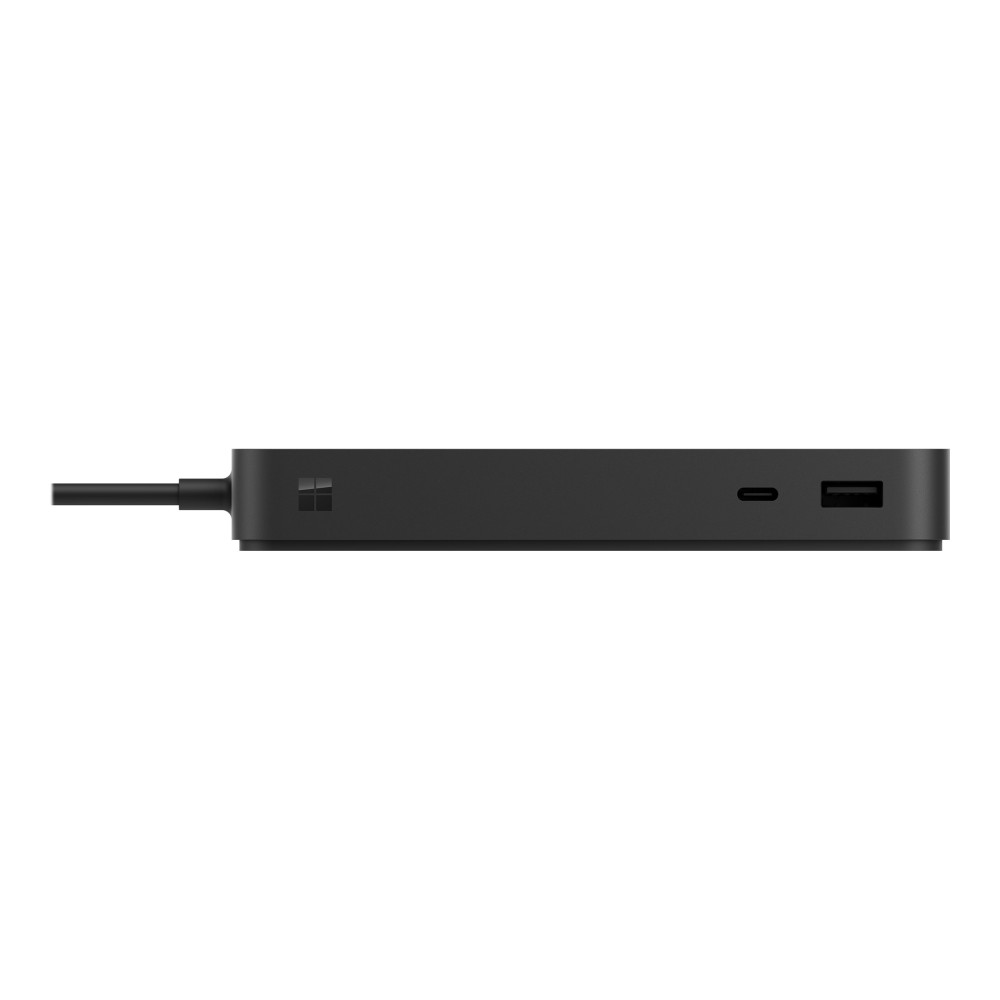
The Microsoft Surface Dock suits Surface Laptop 5 for Business, Laptop Studio and Pro 9 for Business users who want a cleaner desk setup. Its strongest benefit is the combination of dual 4K displays at 60 Hz and up to 96 W power delivery through an integrated USB-C cable.
Key specifications at a glance
| Metric |
Specification |
| Thunderbolt |
3 x Thunderbolt 4 / USB-C |
| USB-A |
3 x USB 3.1 Gen 2 |
| Display support |
Dual 4K at 60 Hz |
| Network |
2.5 Gigabit Ethernet, RJ-45 |
| Power delivery |
96 W |
| Dimensions and weight |
15 x 7.5 x 2.13 cm; 410 g |
Build a capable desk setup
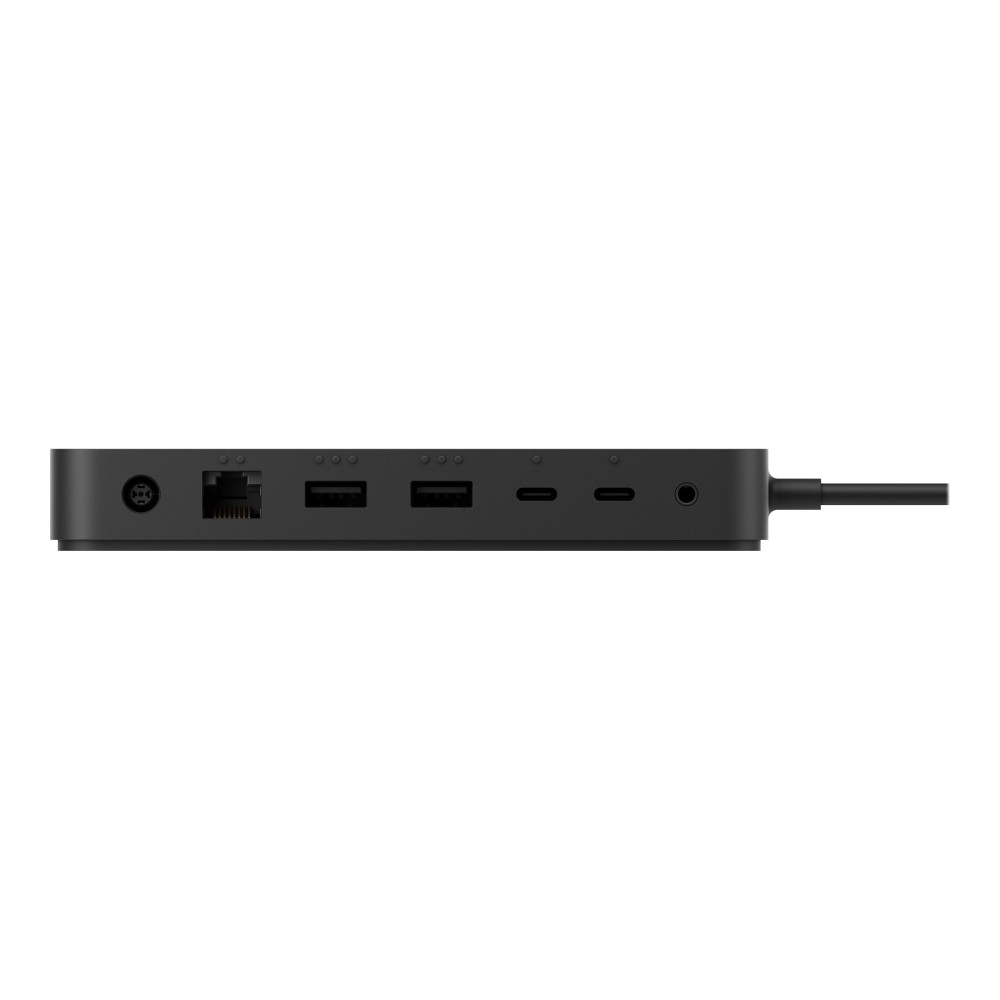
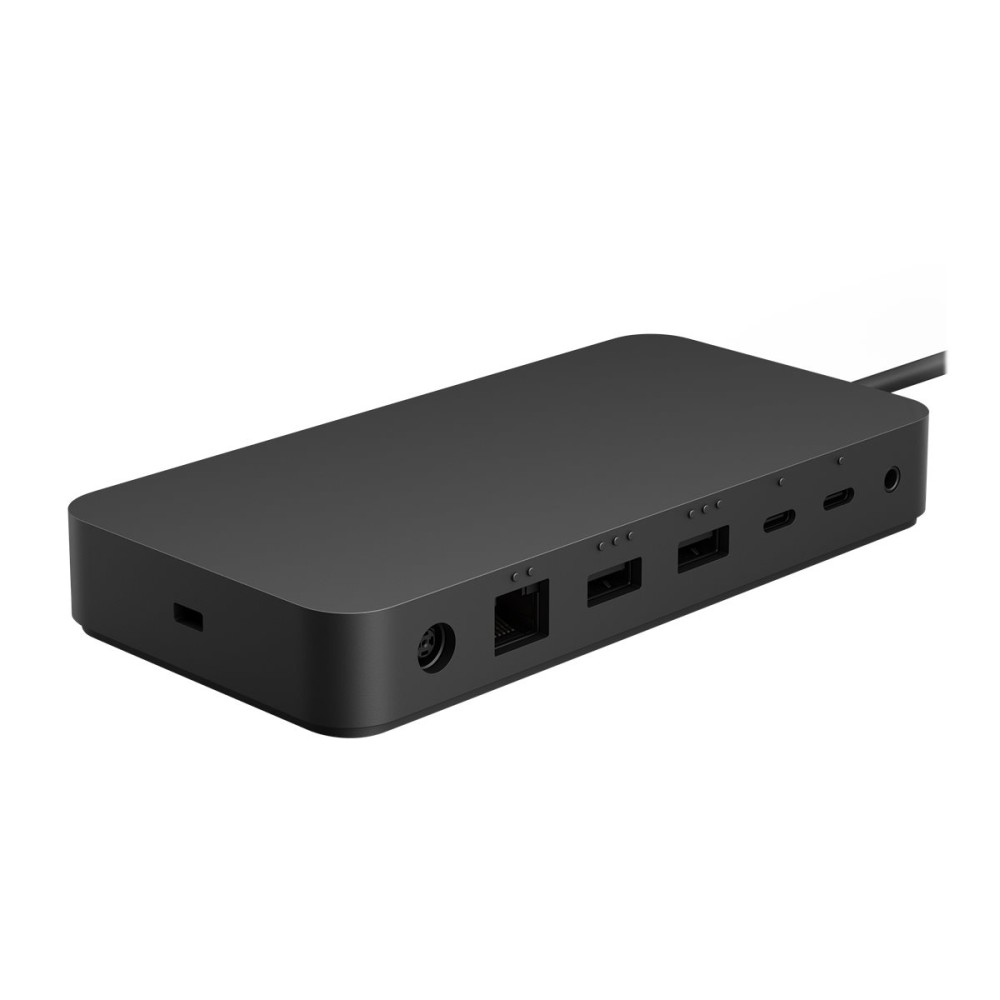
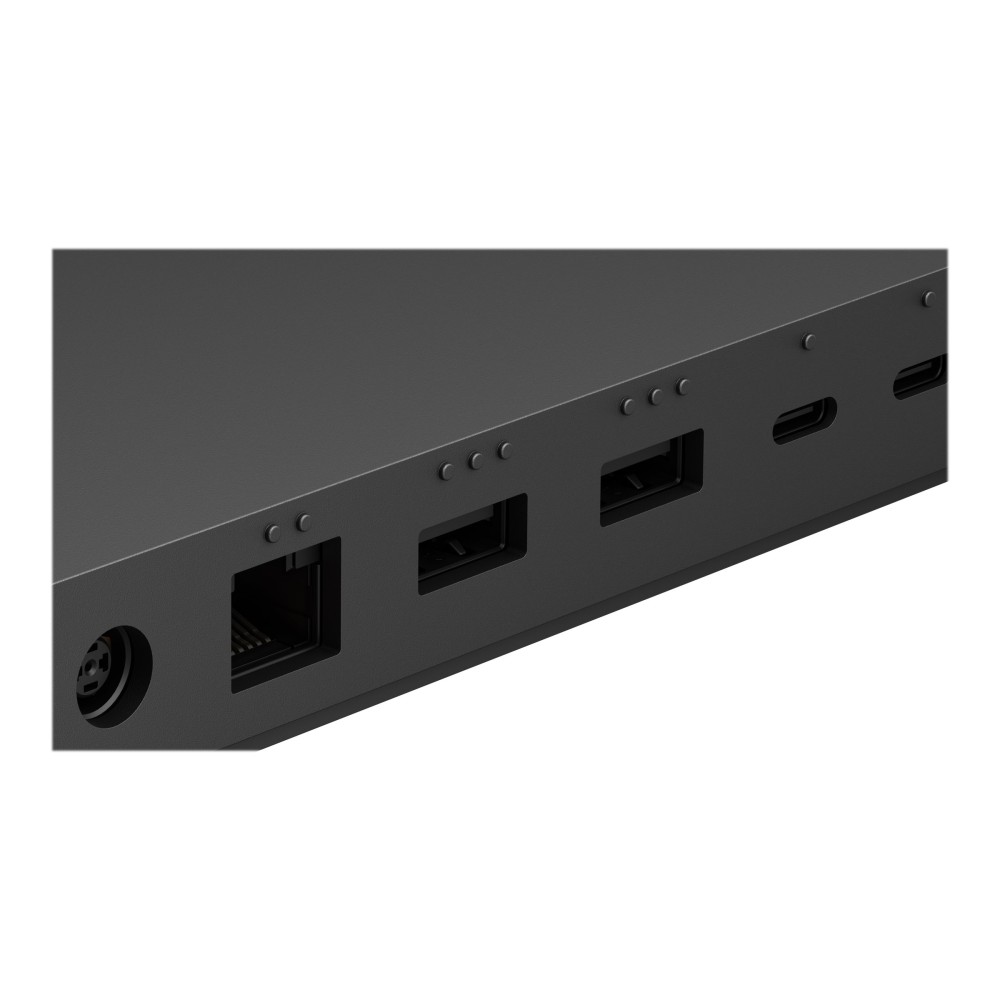
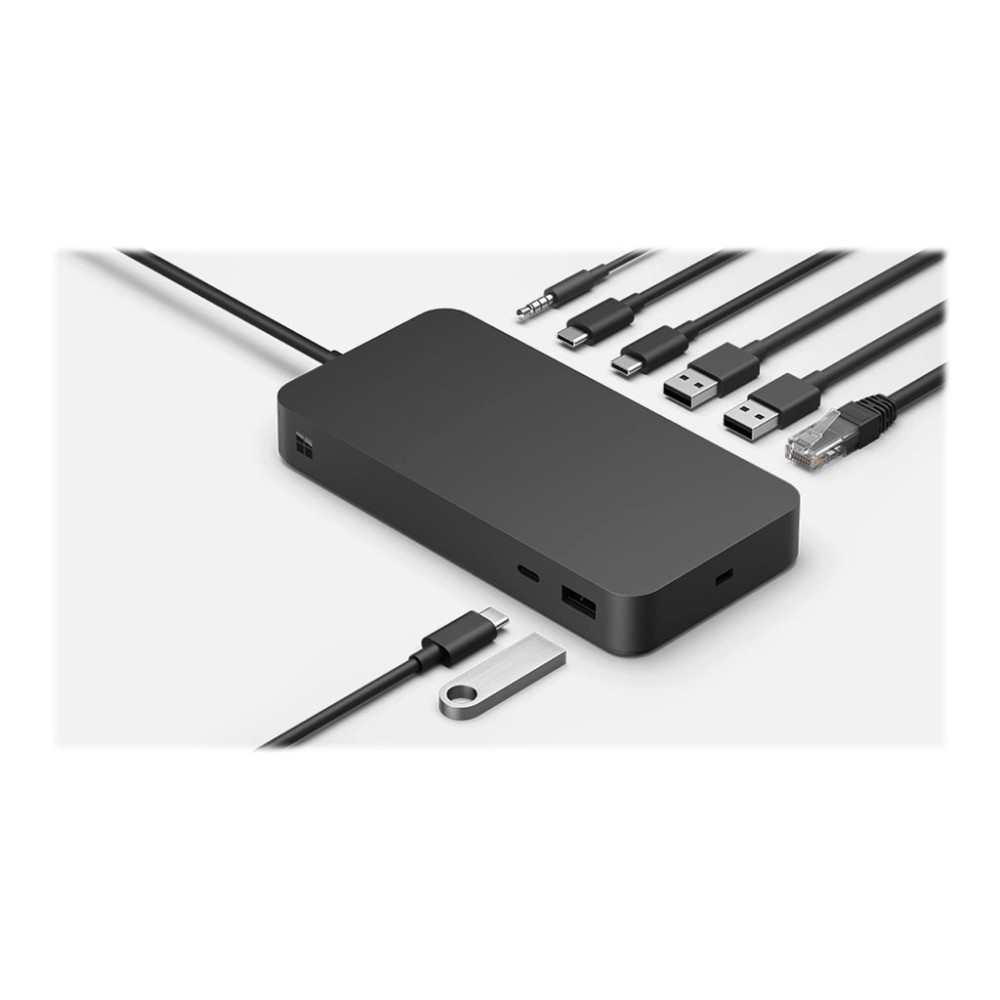
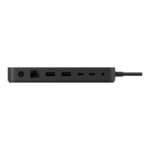
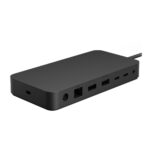
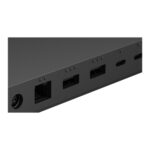
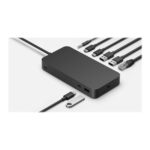
Connect compatible USB-C devices through the three Thunderbolt 4 ports. The dock also has three USB-A ports, so you can attach several USB peripherals without relying solely on USB-C connections.
For wired networking, its RJ-45 port supports up to 2.5 Gigabit Ethernet. There is also a 3.5 mm stereo line-out for connecting audio equipment.
Connect two 4K displays
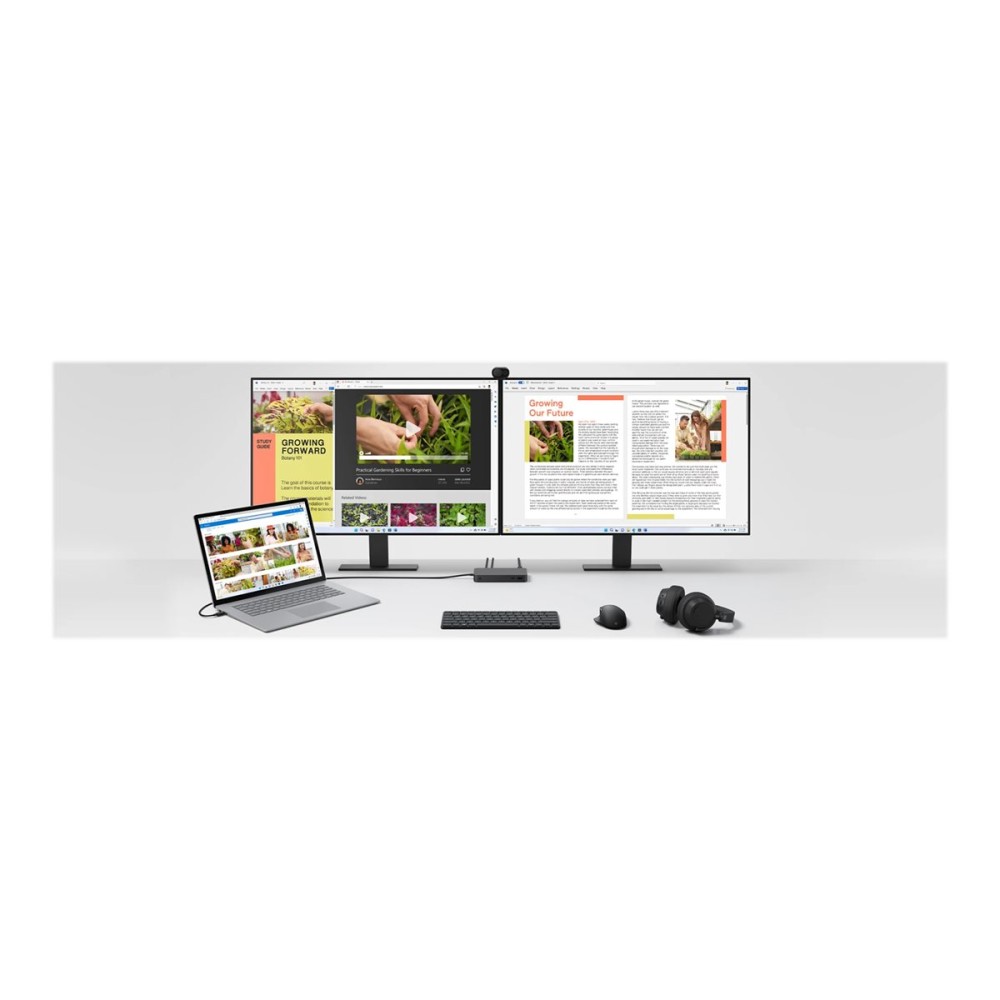
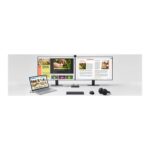
The dock supports two displays at up to 4K resolution and 60 Hz. This gives you room to keep work across separate screens, such as documents and applications, while retaining a sharp picture.
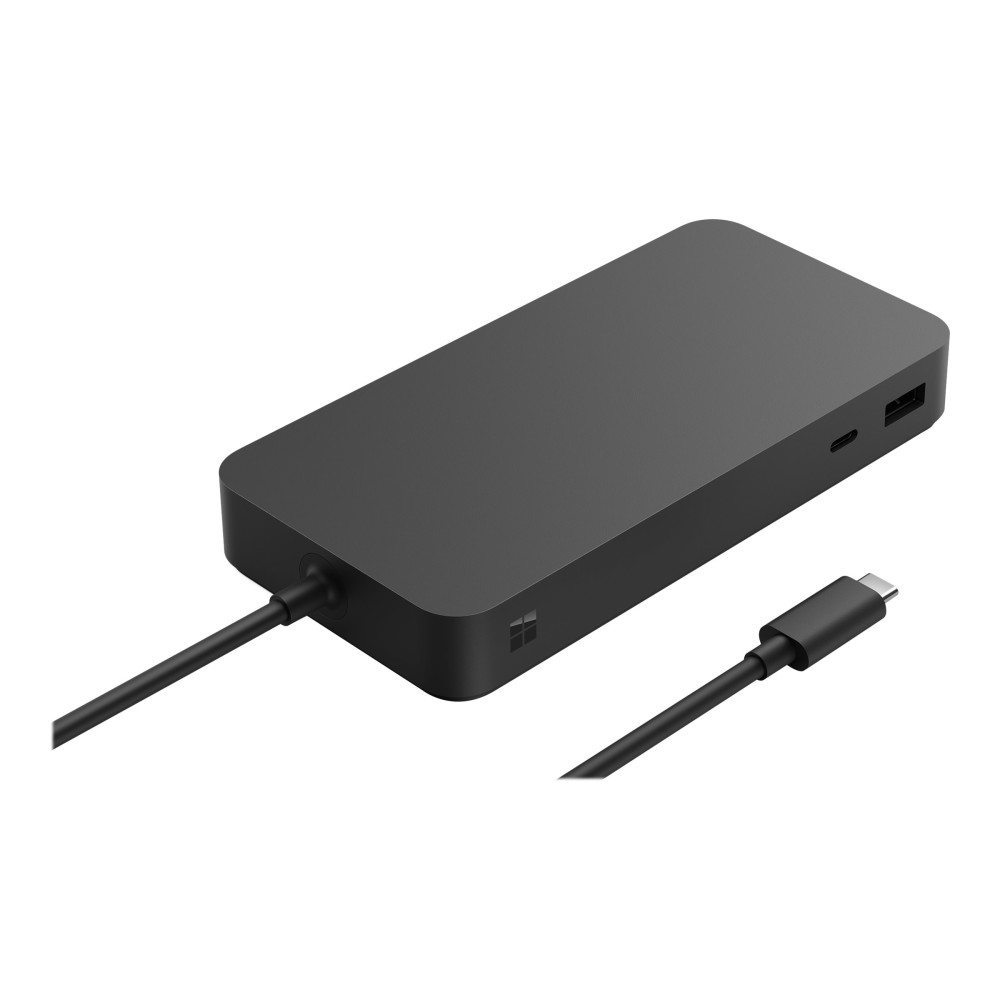
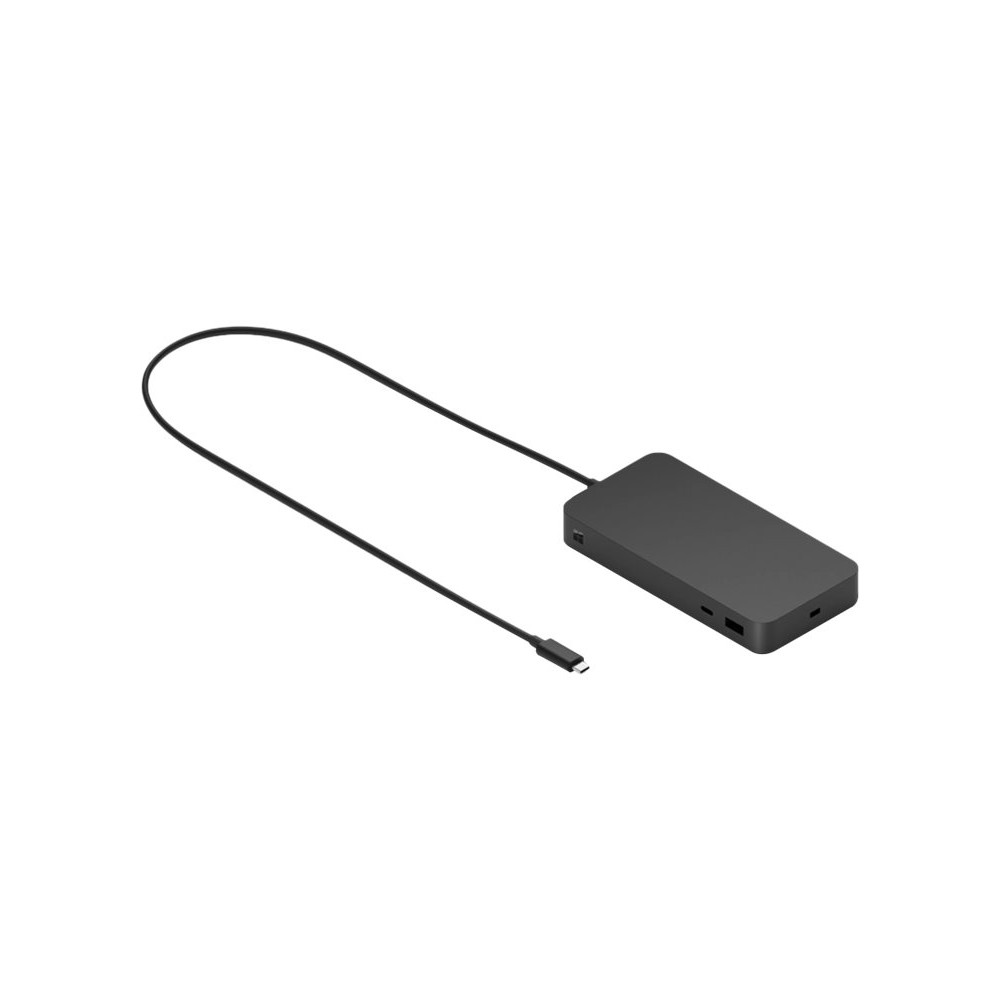
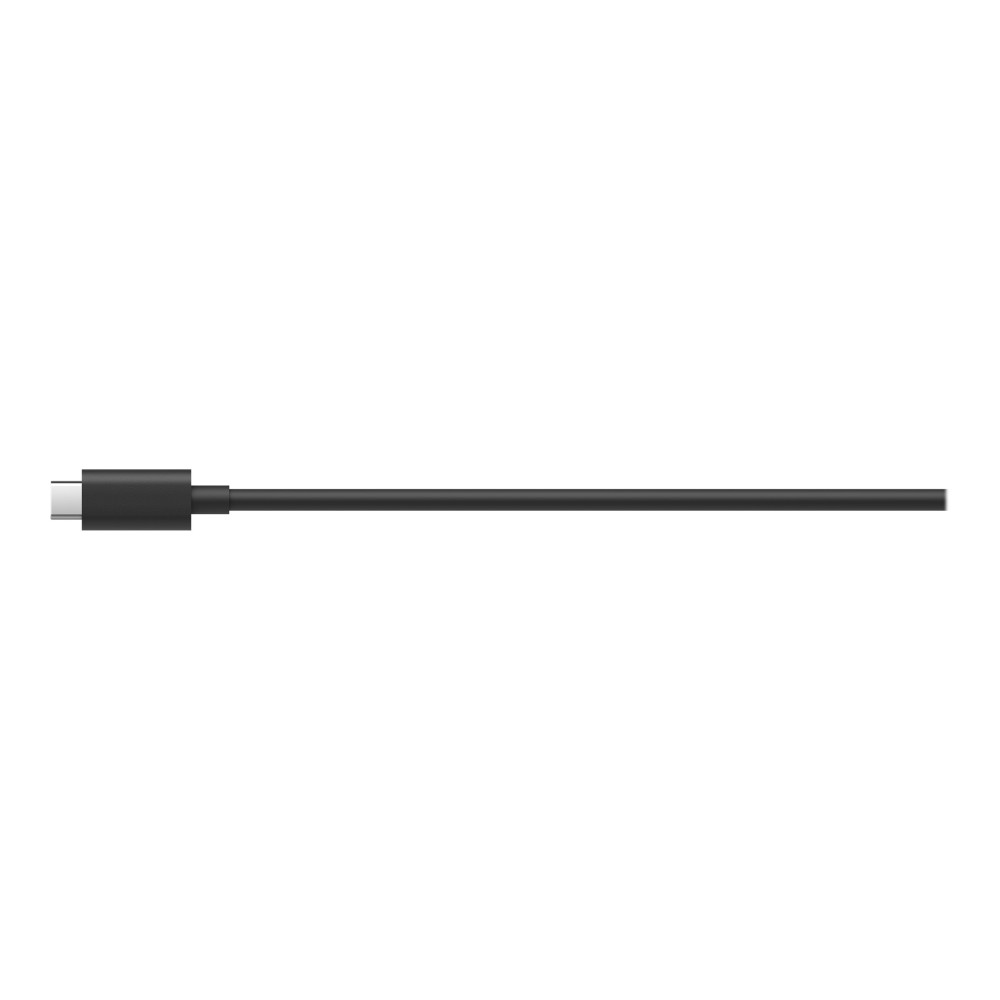
It delivers up to 96 W of power to a connected device. The integrated USB-C cable keeps the main connection to your desk simple, while the included power adapter supplies the dock.
Check fit and security
A Kensington security slot lets you attach a compatible cable lock, sold separately. The dock measures 15 cm wide, 7.5 cm deep and 2.13 cm high, with a weight of 410 g.
Before you order
- Confirm your Surface is a Laptop 5 for Business, Laptop Studio or Pro 9 for Business.
- Check that dual 4K displays at 60 Hz suit your planned screen setup.
- Confirm your wired network connection uses an RJ-45 Ethernet cable.
- Check that the available desk space suits the dock’s dimensions.
In the box
- Dock with integrated USB-C cable
- Power adapter
Frequently Asked Questions
Q: How many displays can the dock support?
A: It supports two displays at up to 4K resolution and 60 Hz.
Q: Which network connection does it have?
A: It has one RJ-45 port supporting up to 2.5 Gigabit Ethernet.
Q: How much power does it deliver?
A: It provides up to 96 W of power delivery to a connected device.
Q: Does it have a security lock slot?
A: Yes. It has a Kensington security slot. The cable lock is sold separately.
A practical choice for compatible Surface users
Choose the Microsoft Surface Dock if you want wired networking, multiple peripheral connections and dual 4K display support from one desk dock. Its three Thunderbolt 4 ports, USB-A connections and 96 W power delivery make it a useful fit for the named Surface devices.


 DPD tracked delivery
 Buy now, pay later with Klarna at checkout
 Pay in 3 instalments with PayPal at checkout

Reviews
Clear filtersThere are no reviews yet.