









Price
Brand
Availability
Resolution
- 4K UHD 54
- 6016 × 3384 1
- Full HD 9
- QHD 25
Refresh rate
Shop Categories
28" to 32" Monitors
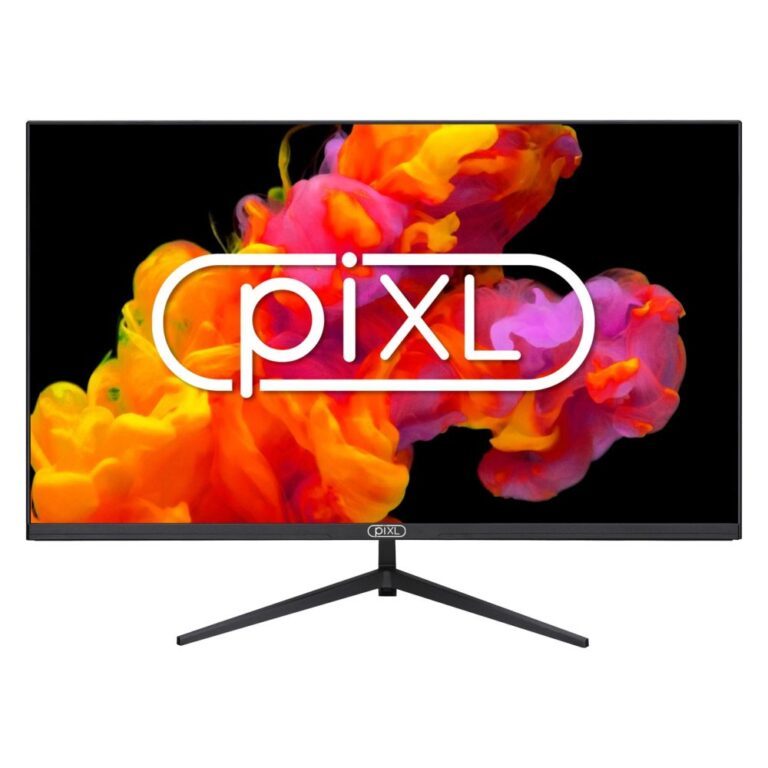
piXL 32″ Full HD LCD Monitor
In stock
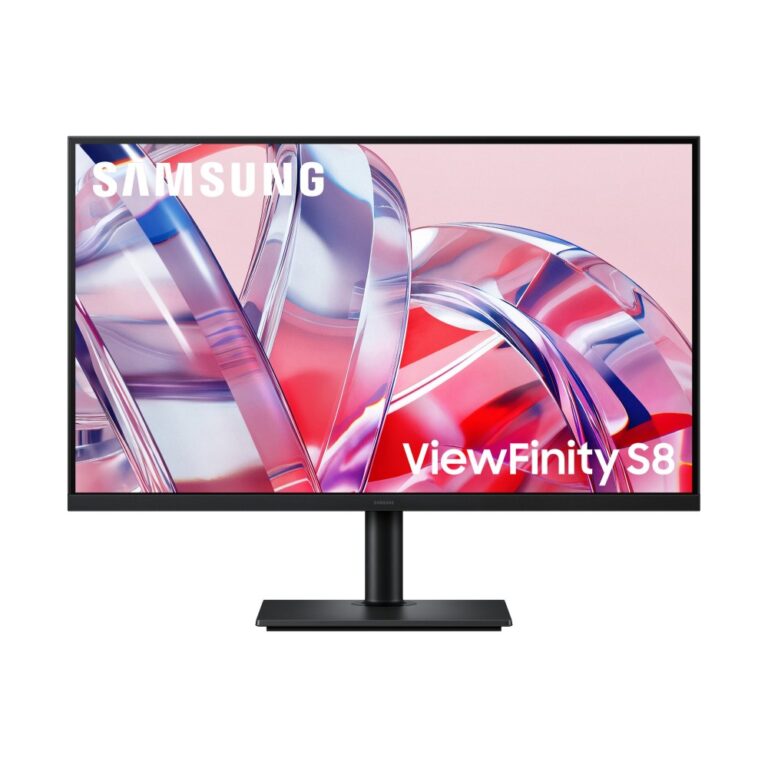
Samsung ViewFinity S70D 32″ 4K UHD Monitor 60Hz VA Panel HDR10 Black
In stock
Samsung S80H 32″ 4K Ultra HD 3840×2160 Monitor 60Hz VA Panel Black
In stock
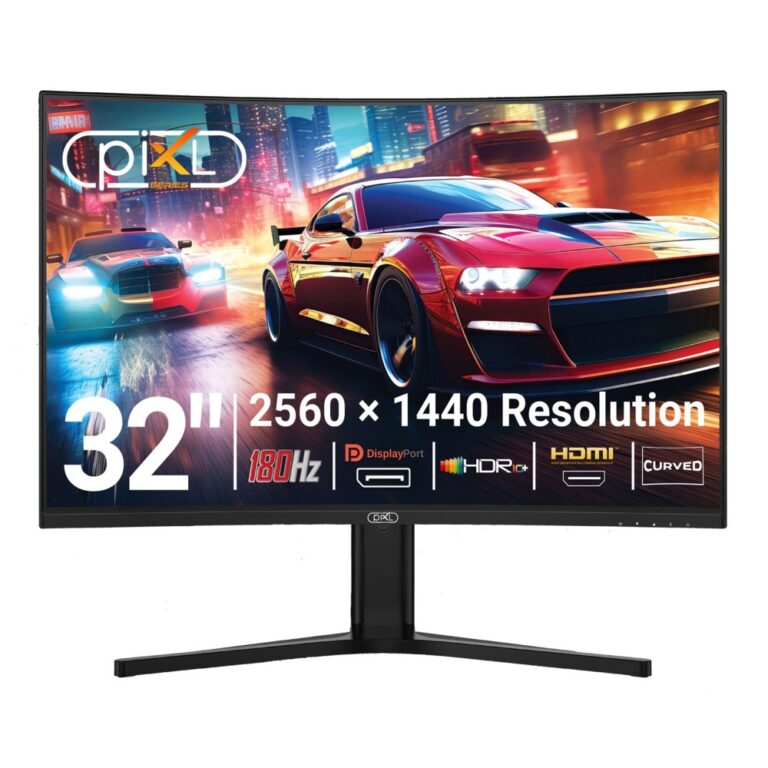
piXL X-Series GS32QIDPHA 32-Inch Curved QHD VA Gaming Monitor 180Hz Black
In stock
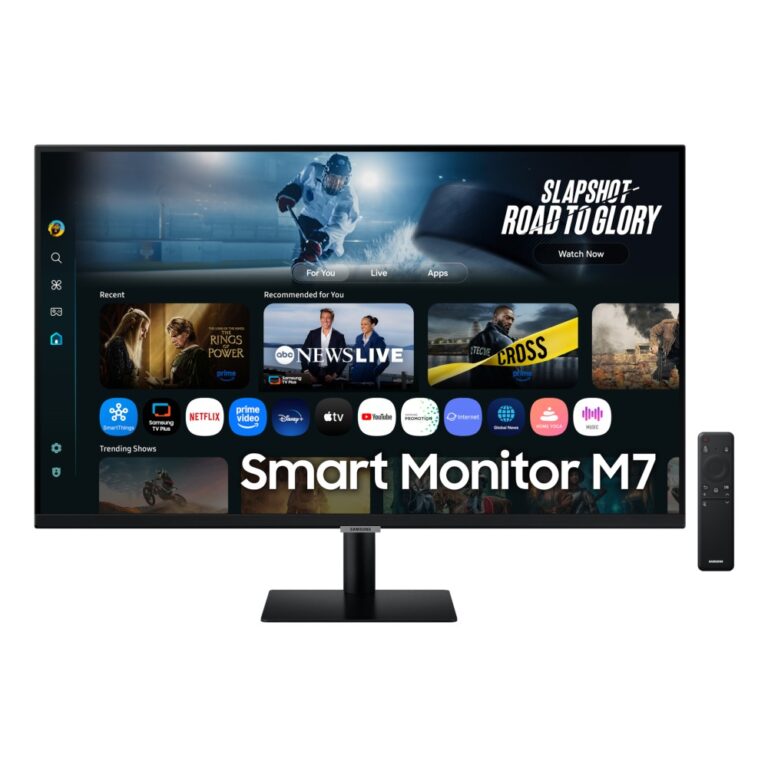
Samsung M7 32-Inch 4K UHD Smart Monitor, 60 Hz, VA, Black
In stock
This is the size band where one monitor genuinely replaces a two-screen setup. It is also the band where resolution stops being optional.
At 32 inches, Full HD spreads the same 1920×1080 pixels over a much larger area, so text and edges start to look soft. QHD (2560×1440) is the sensible minimum at this size, and 4K (3840×2160) is where a 32in screen looks its best — sharp enough that you can sit close and use scaling to fit more on screen rather than just making everything bigger.
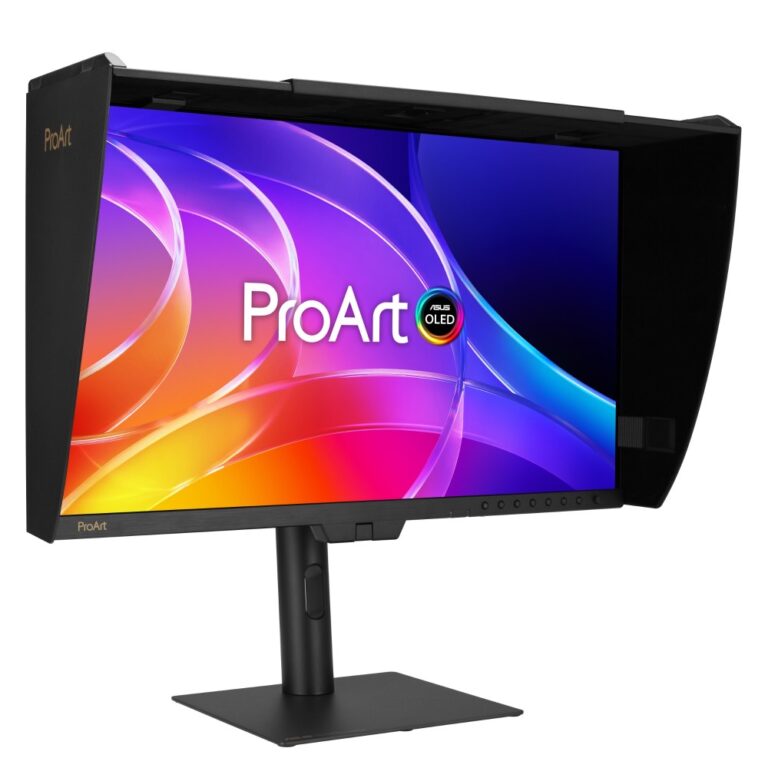
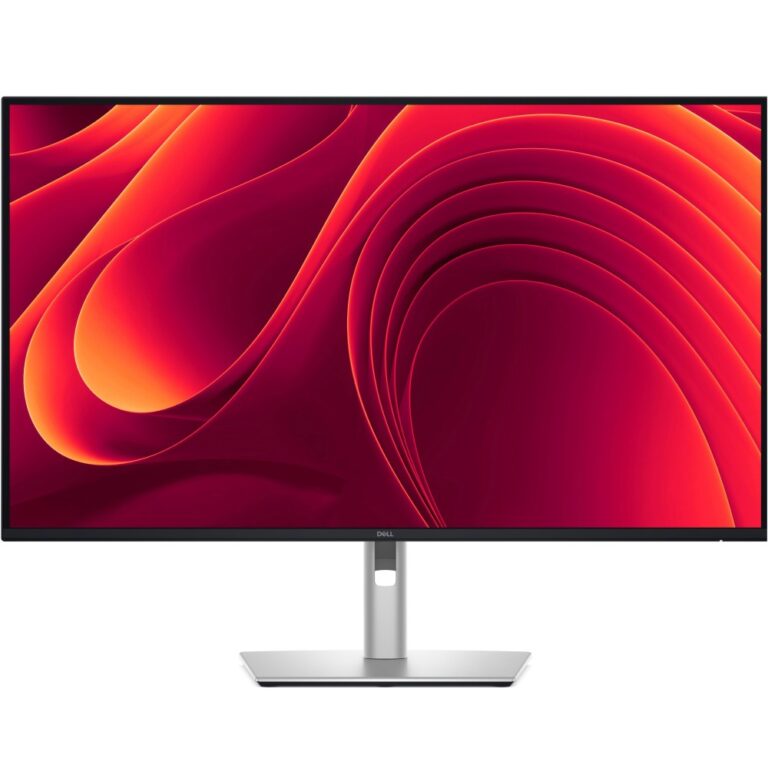
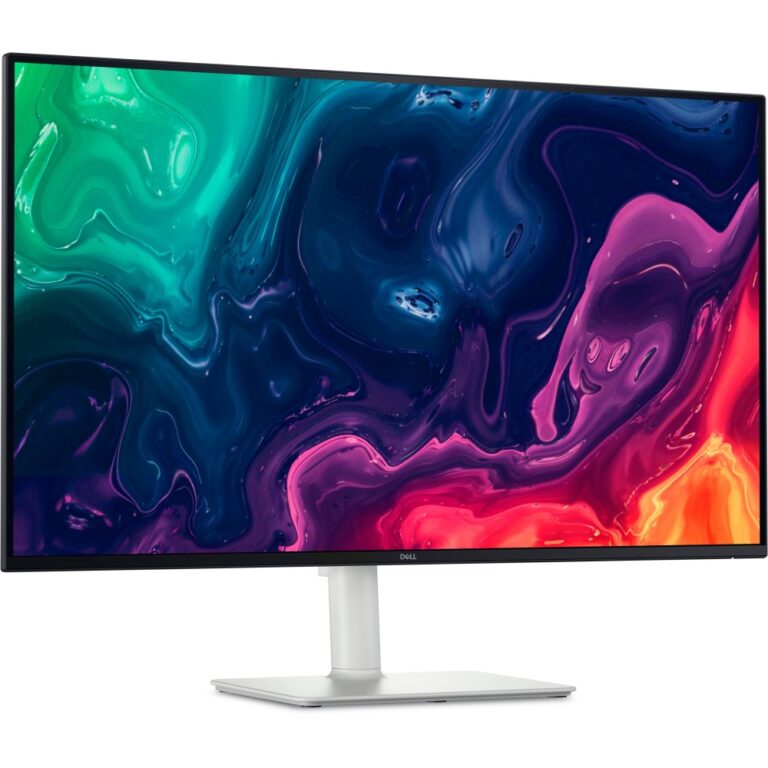
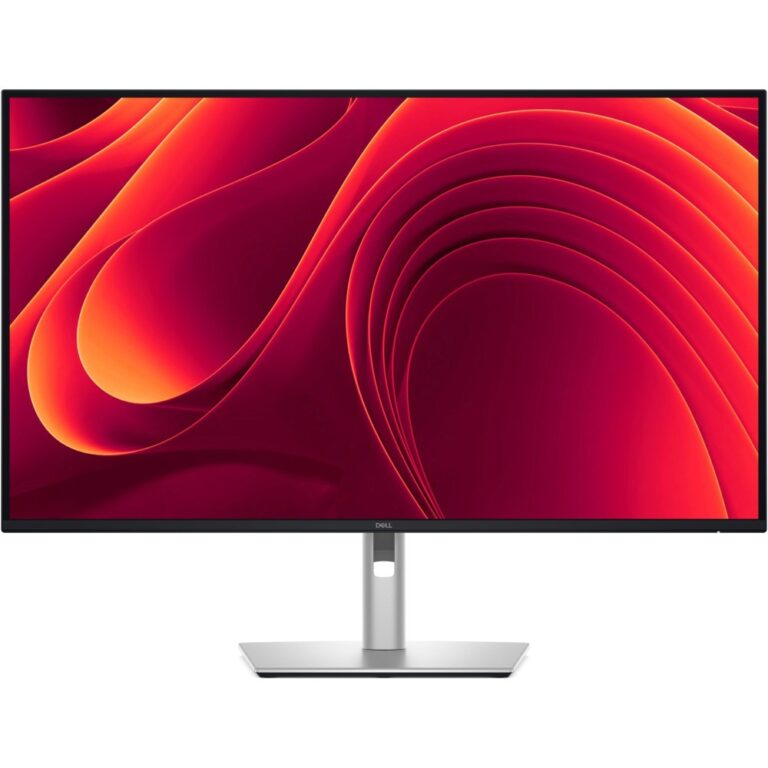
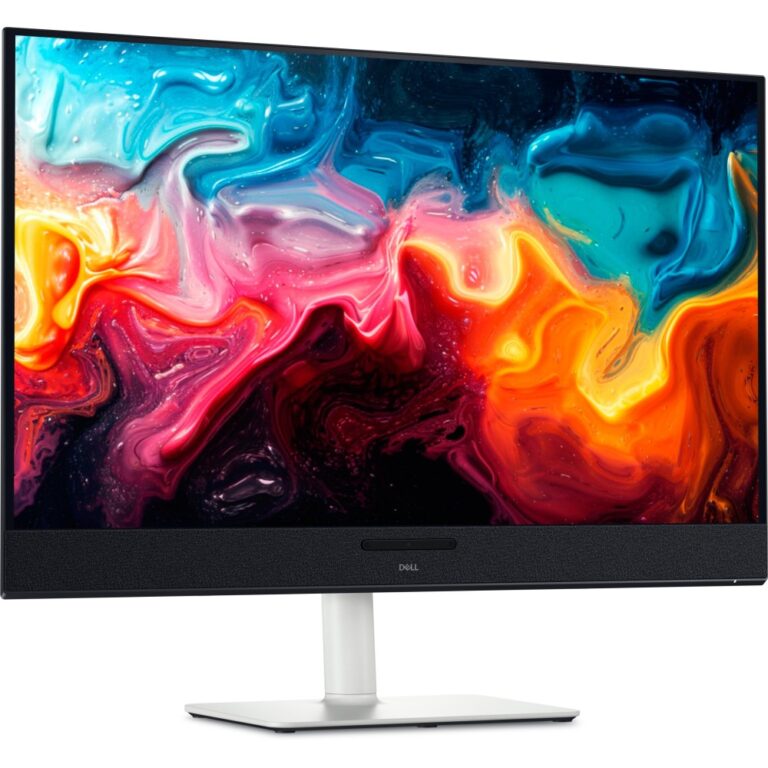
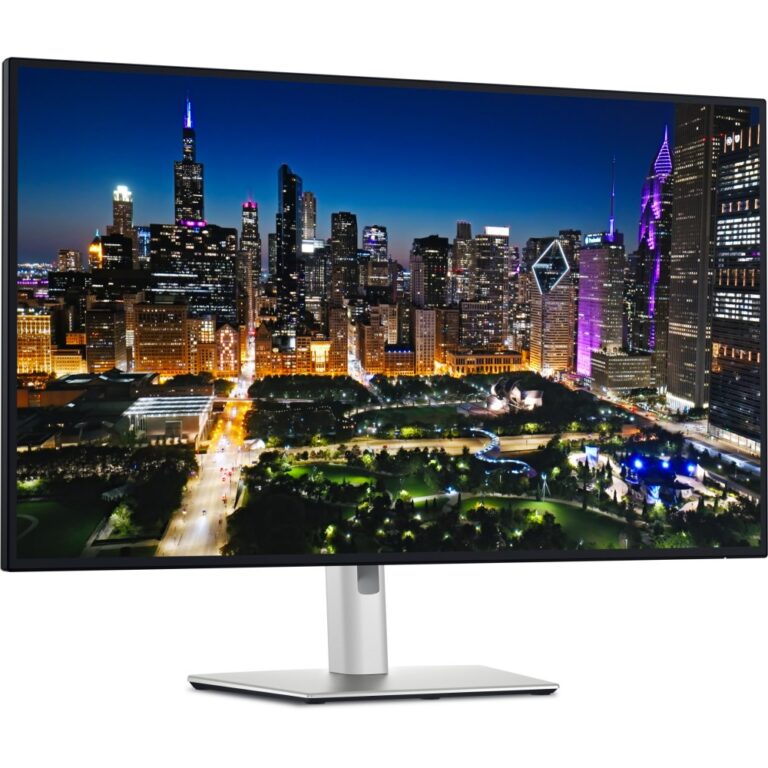
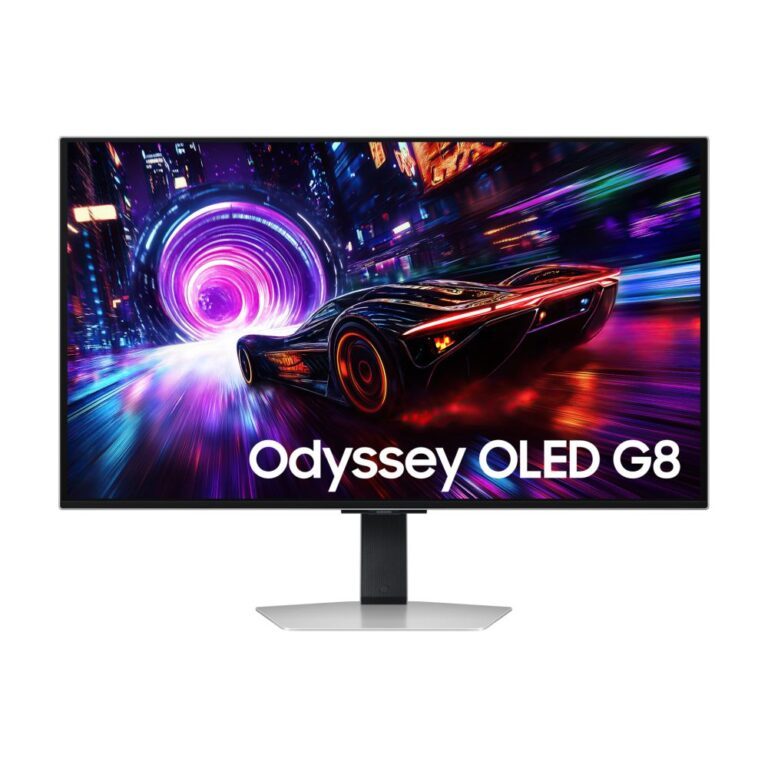
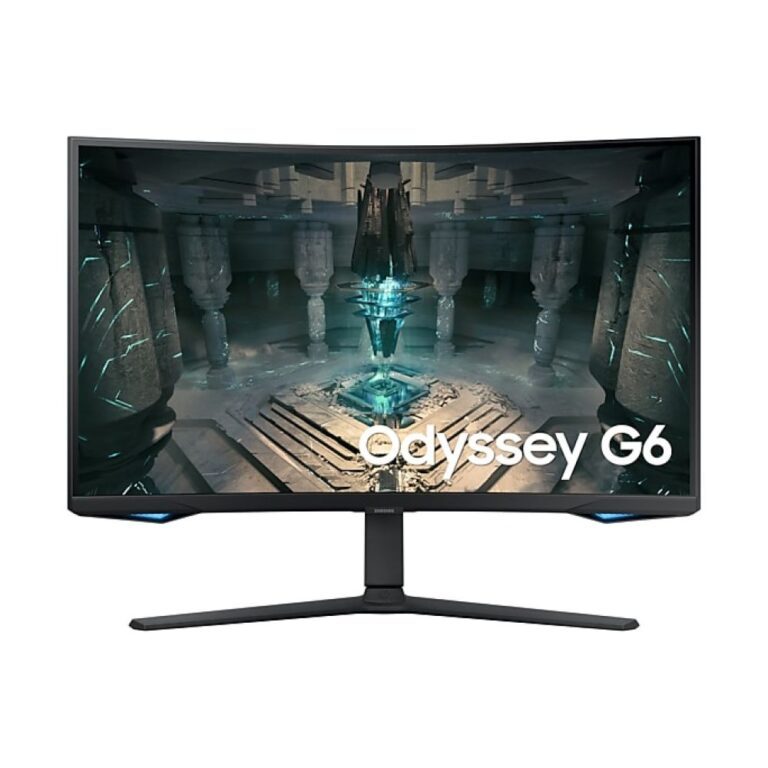
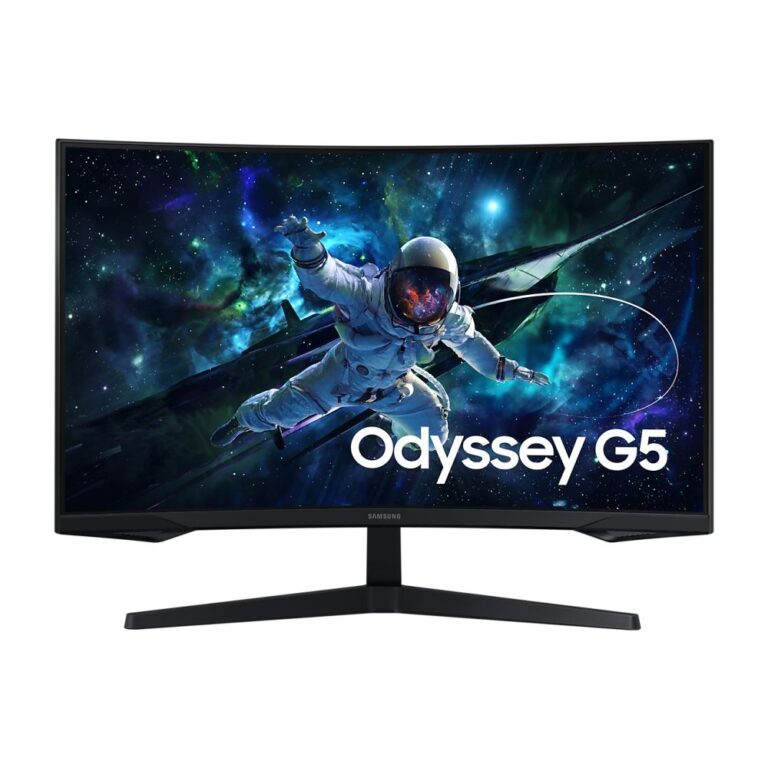
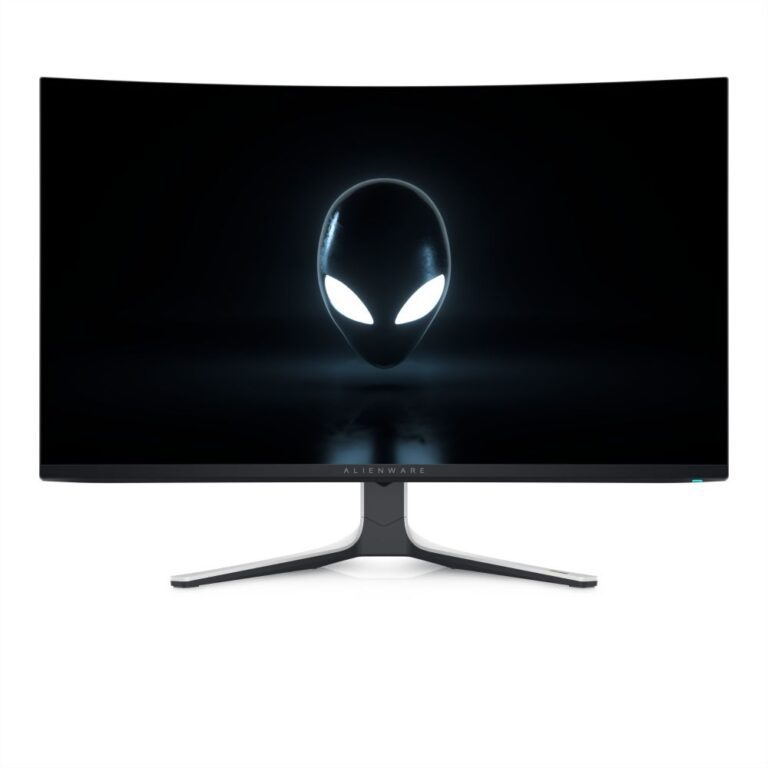
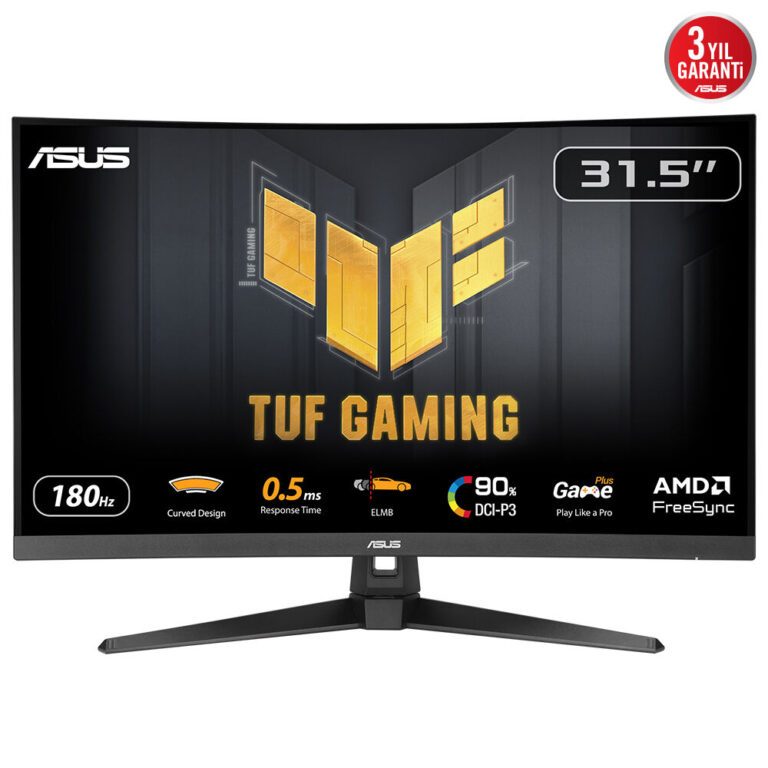
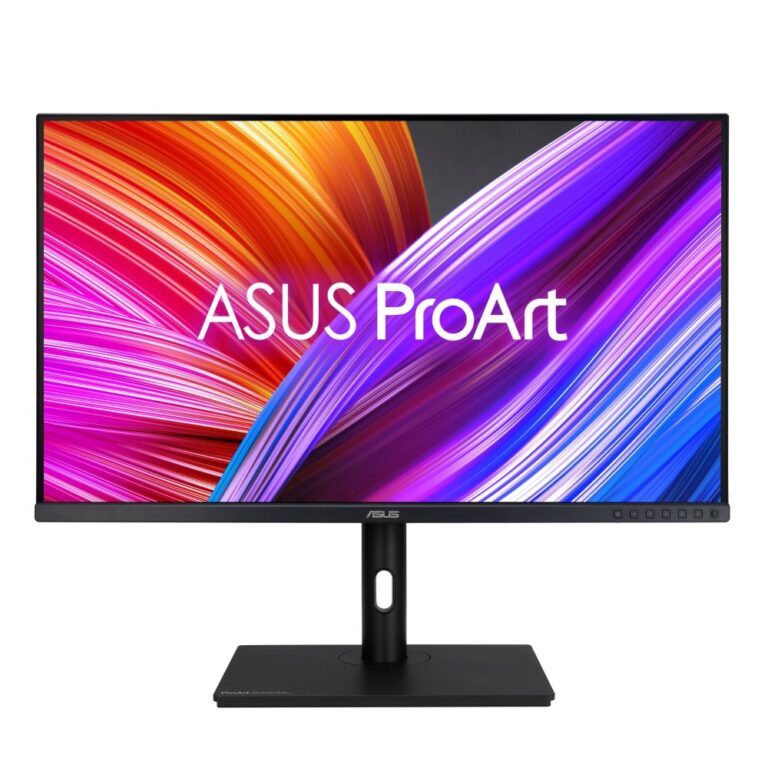
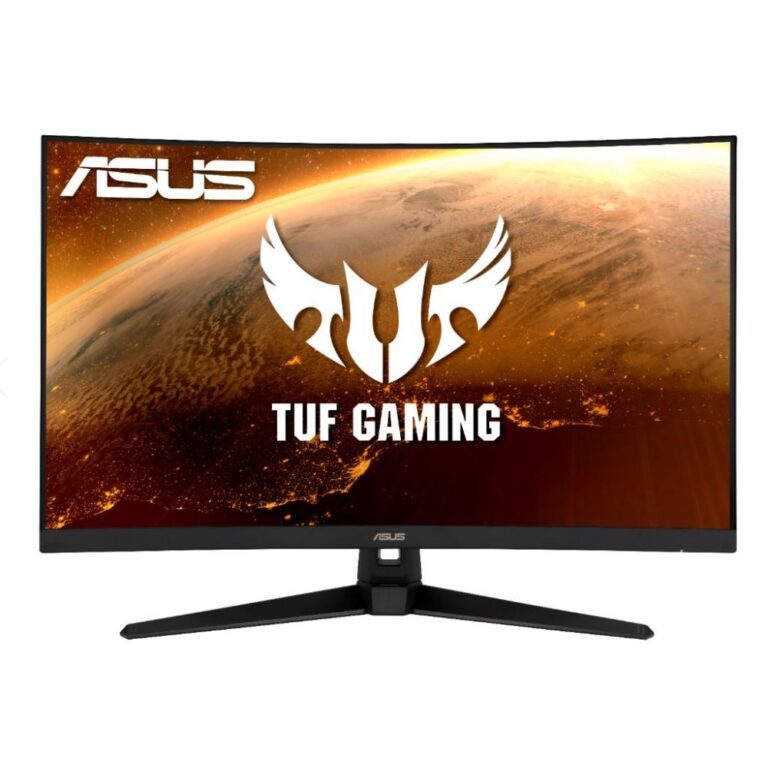
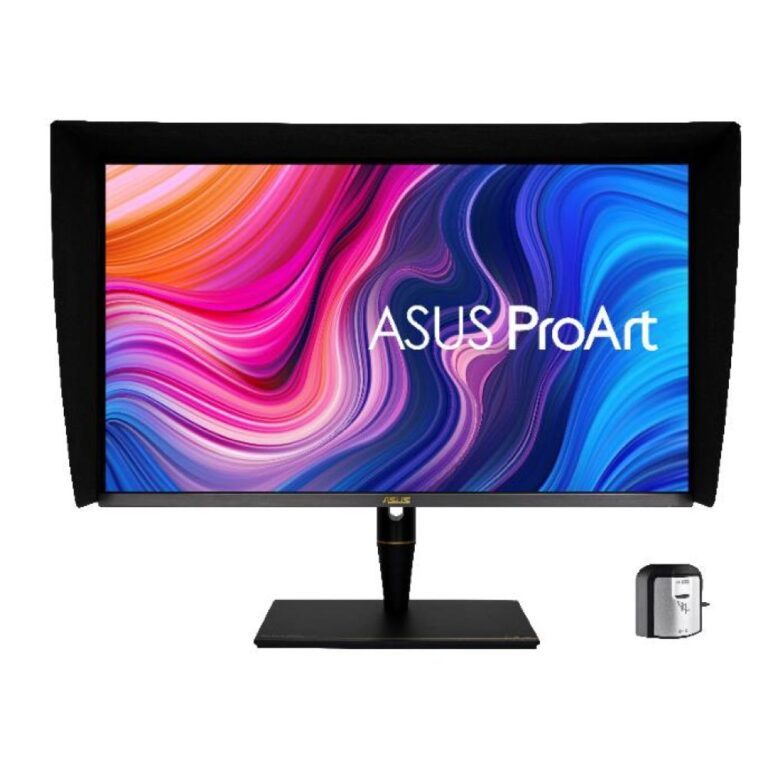
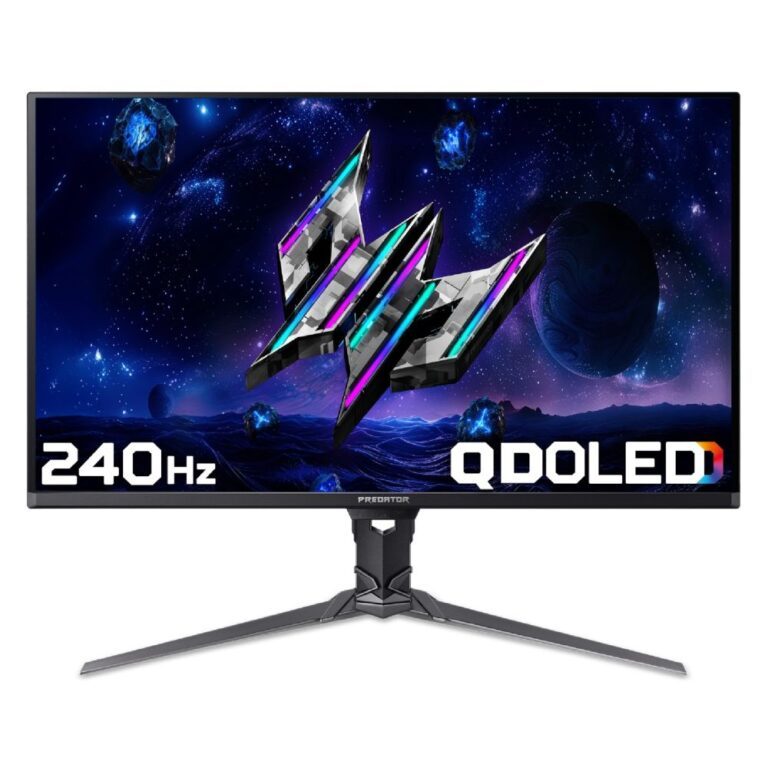
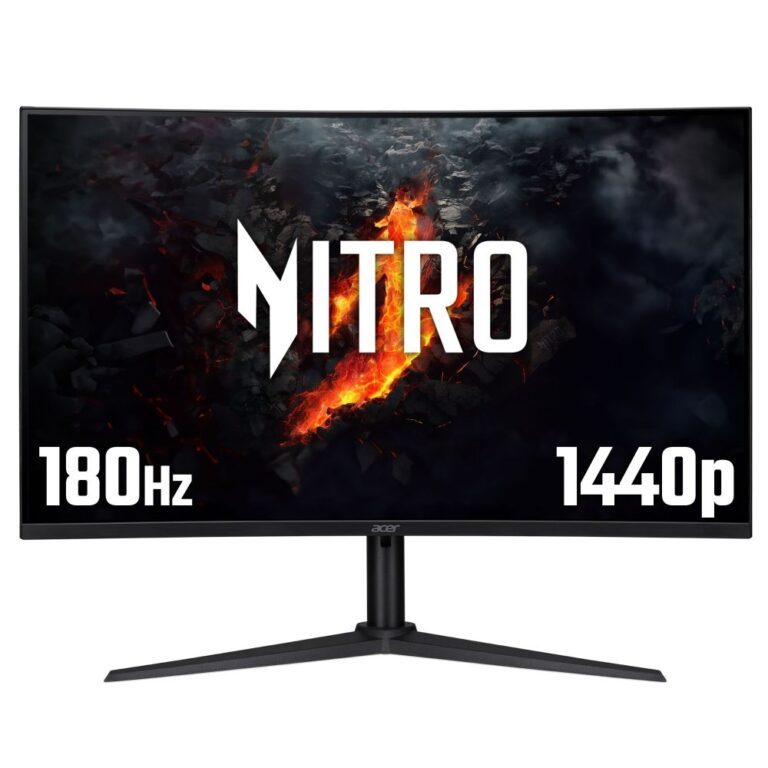
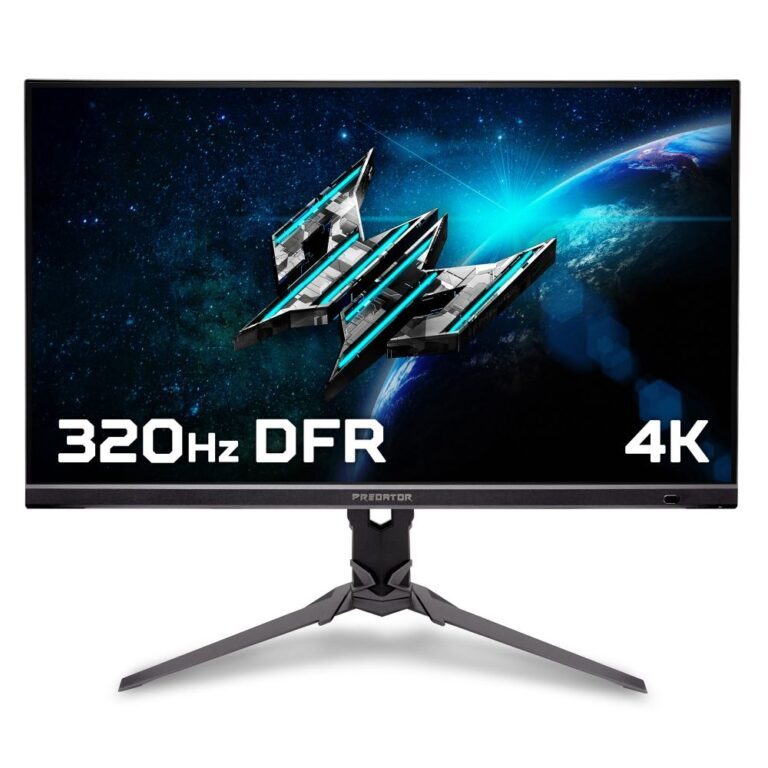
The range covers three groups: budget Full HD and QHD panels from PIXL, ViewSonic and Hannspree; high-refresh gaming models from Acer Nitro, Samsung Odyssey and MSI, including curved 1500R designs; and 4K and QD-OLED at the top from Dell UltraSharp, ASUS ProArt, Alienware and HP OMEN.
Check your graphics card can output the resolution and refresh rate together before ordering.
28" to 32" Monitors Buying Guide and FAQ
This 28" to 32" Monitors range groups screens by size. Below are the common questions on choosing the right size.
What size monitor should I choose?
24 inch suits 1080p and close-up competitive play, 27 inch is the popular all-rounder for 1440p, and 32 inch and above is great for 4K and immersive games. Pick the size to match your desk distance and resolution.
Does screen size affect the resolution I need?
Yes. Larger screens benefit from higher resolution to stay sharp, so 27 inch pairs well with 1440p and 32 inch and up with 4K. Match resolution to size, and make sure your graphics card can drive it.
How far should I sit from this size of screen?
As a rough guide, sit a little further back from larger screens so you can take in the whole image comfortably. If desk space is tight, a smaller screen or a monitor arm can help you set the right distance.