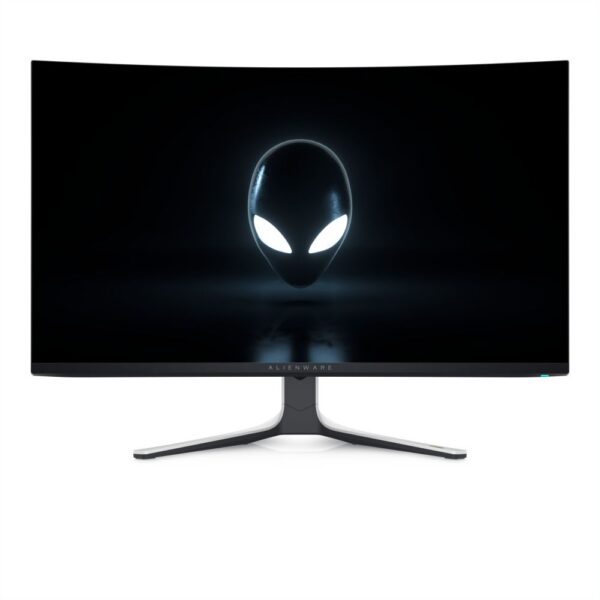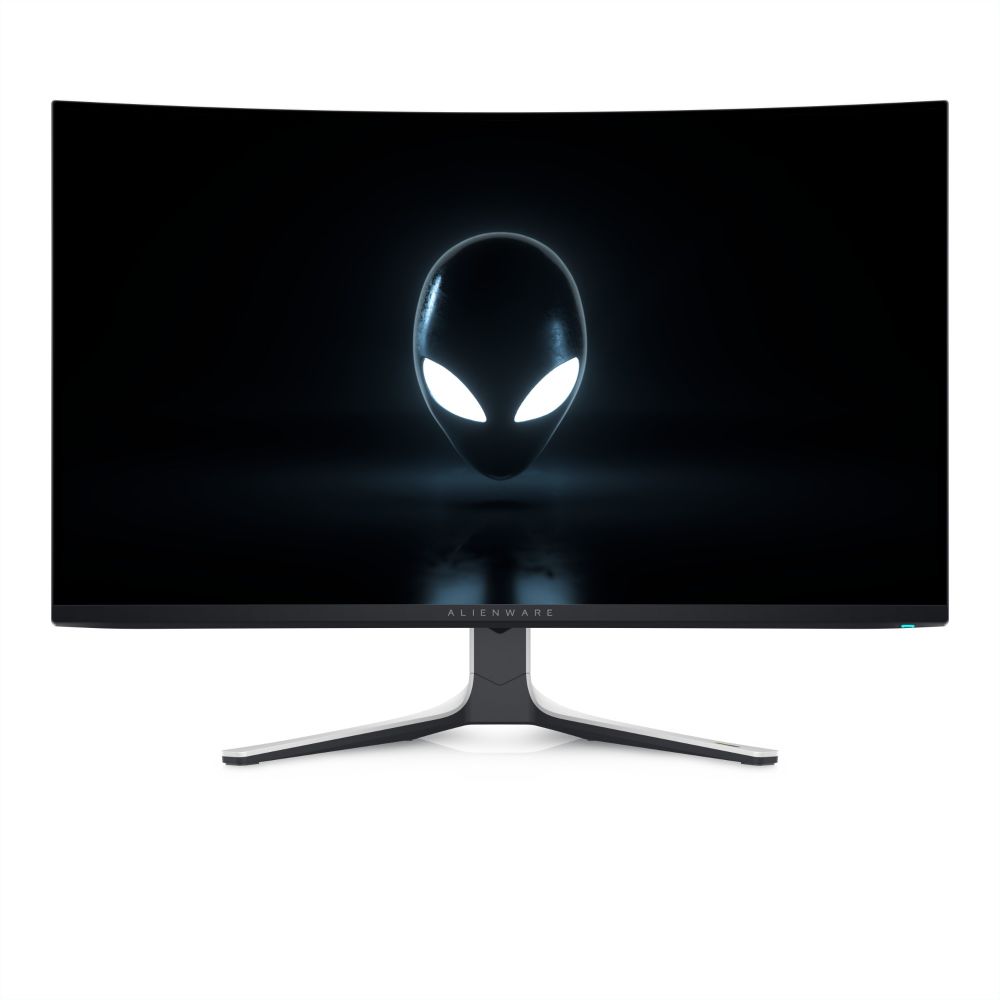
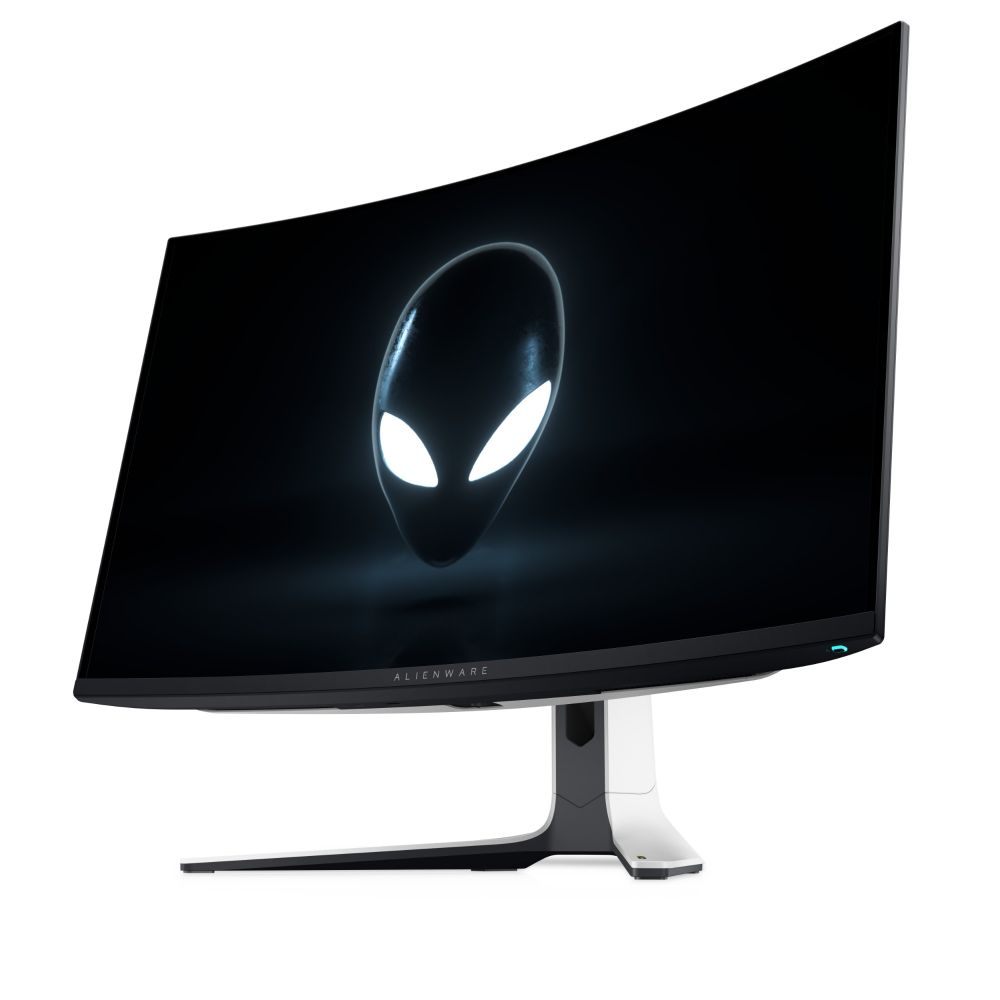
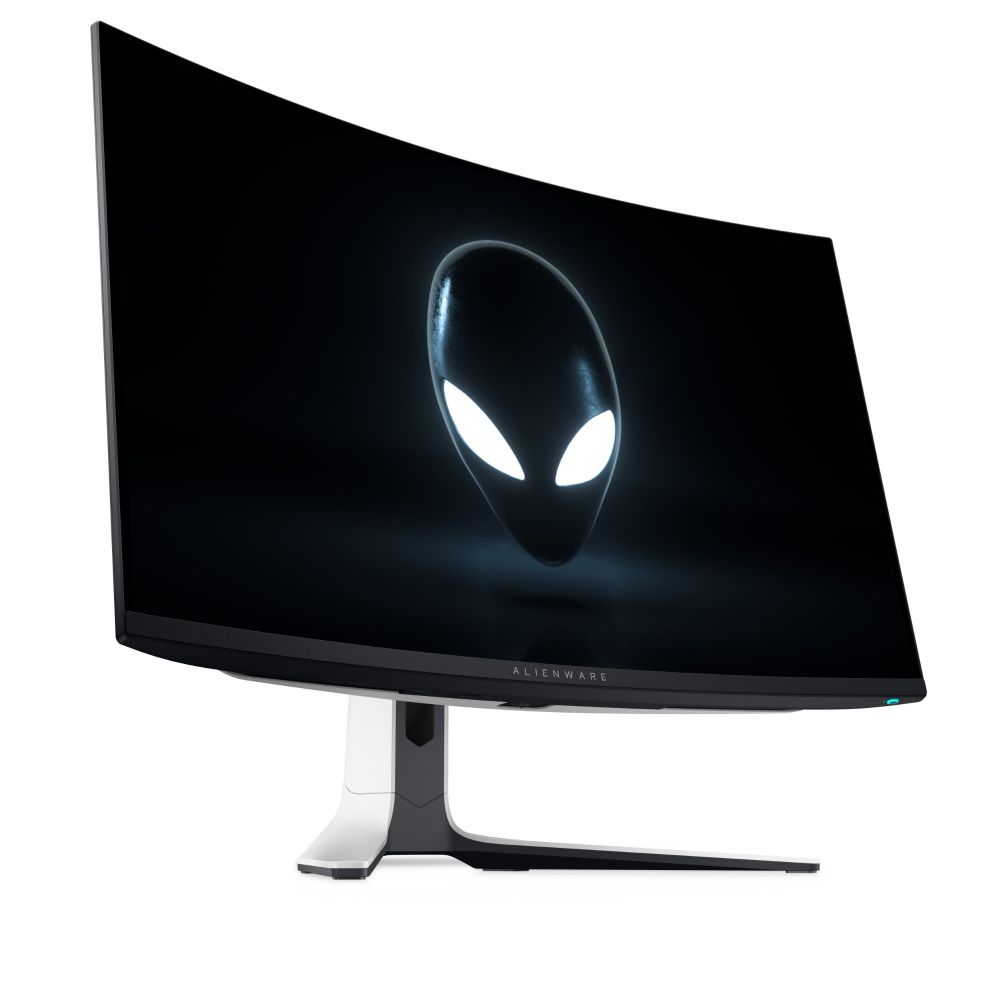
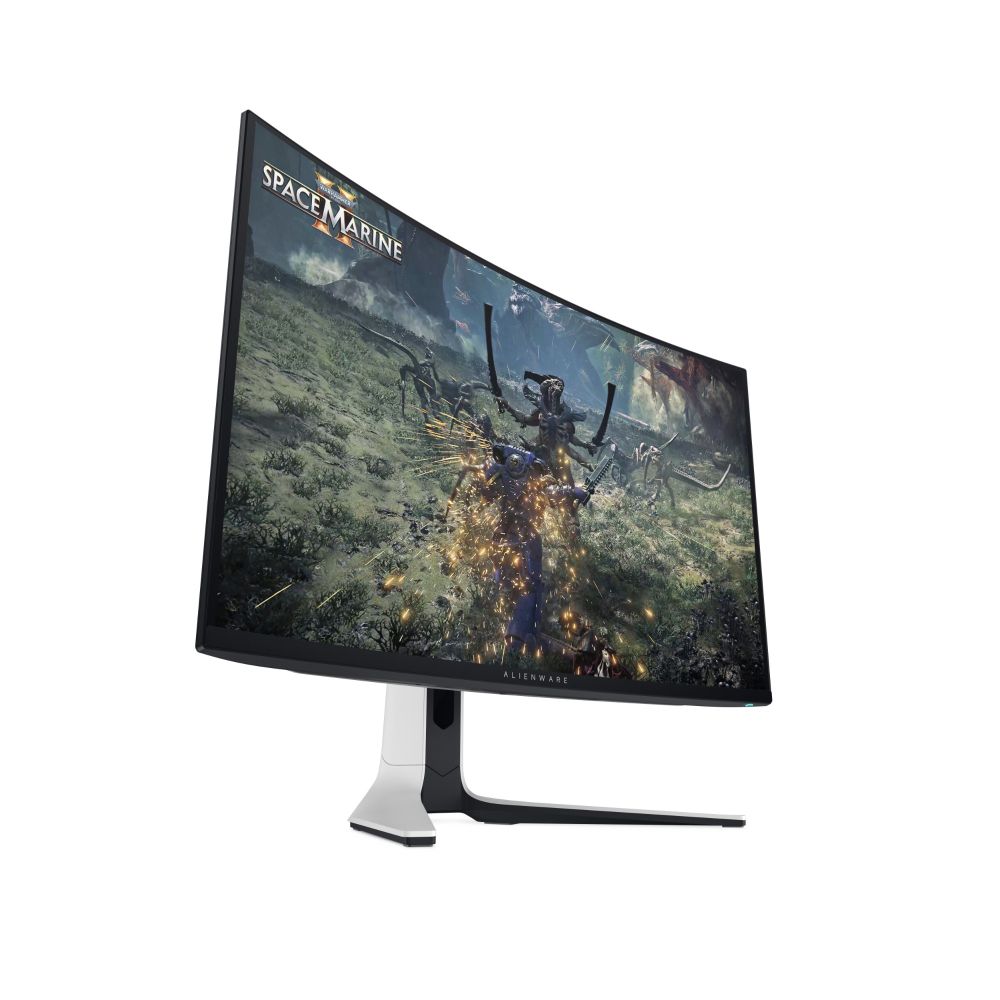
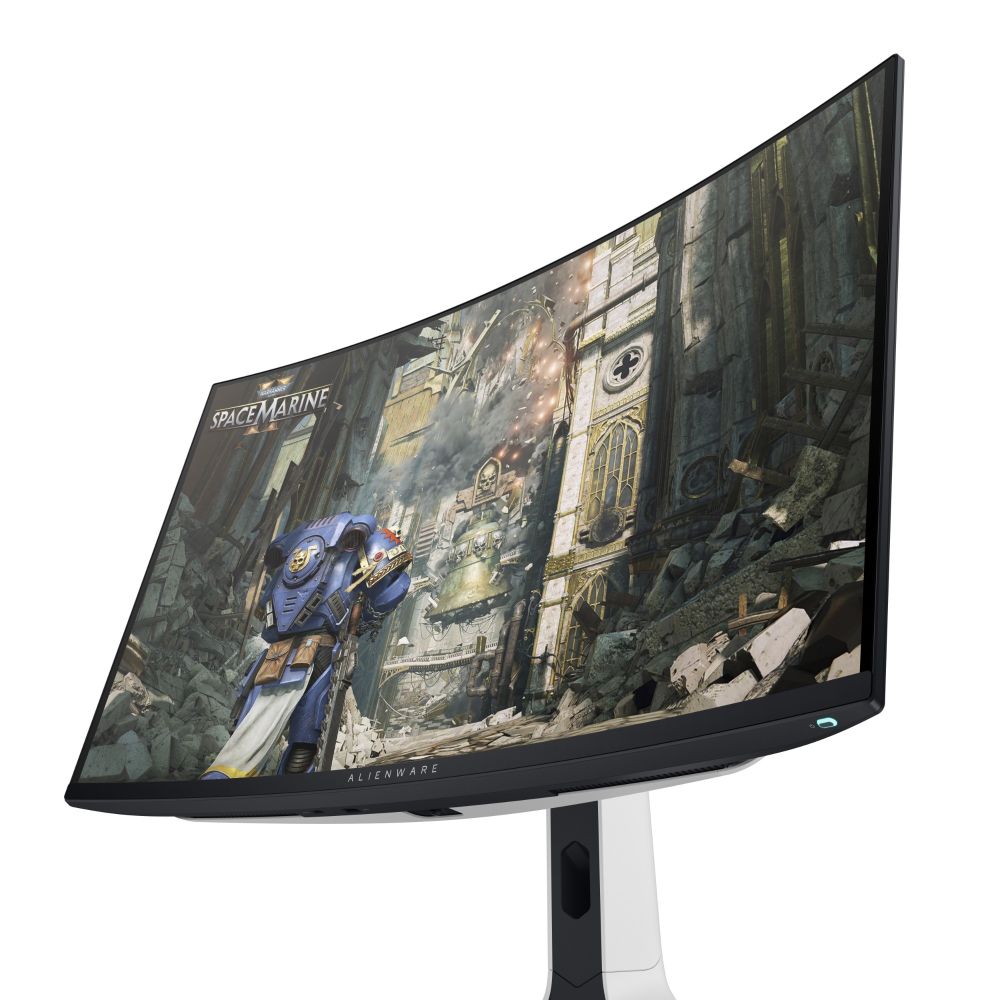
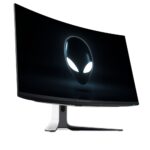
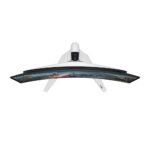
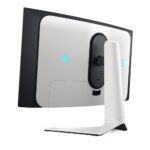
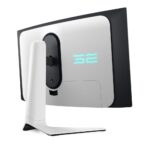
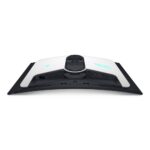
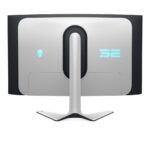
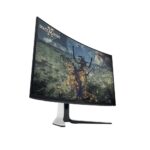
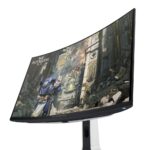


Alienware 32″ 4K Ultra HD QD-OLED Monitor

SKU: GAME-AW3225QF

£910.90 inc VAT

In stock

In stock

More Ways to Pay

  • Klarna Buy now, pay later with Klarna at checkout
  • PayPal Pay in 3 interest-free payments with PayPal at checkout

About This Item

  • 32-inch 4K QD-OLED monitor with 240Hz refresh rate
  • Curved 1700R panel with 1500000:1 dynamic contrast
  • DCI-P3 99% colour gamut with Dolby Vision HDR
  • NVIDIA G-SYNC compatible with 0.03ms response time
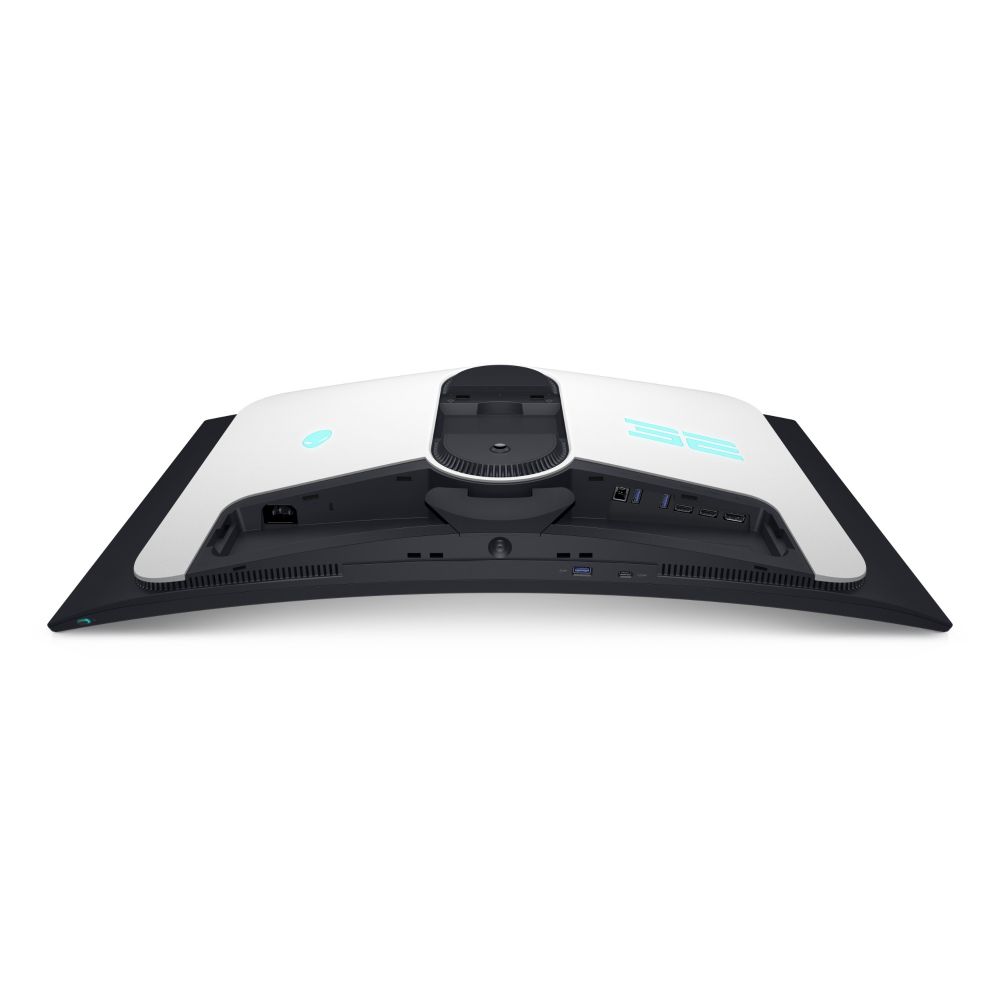
  • 2x HDMI 2.1 and 1x DisplayPort 1.4 connectivity

Payment Methods:

payments
Description

Alienware AW3225QF | 32″ 4K QD-OLED Gaming Monitor

The Alienware AW3225QF computer monitor 81.3 cm (32″) 3840 x 2160 pixels 4K Ultra HD QD-OLED Black, White delivers an unrivalled viewing experience for gamers and content creators. This 32-inch curved QD-OLED display combines 4K resolution, 240Hz refresh rate, and Dolby Vision HDR for exceptional visual performance.

Key Specifications

MetricSpec
Display Type32″ QD-OLED, 3840 x 2160 @ 240Hz
Brightness250 cd/m² typical, 1000 cd/m² peak
Contrast1,500,000:1 (True Black)
Colour Coverage99% DCI-P3, 1.07 billion colours
Response Time0.03ms
G-SYNCYes (NVIDIA)

Exceptional Visual Performance

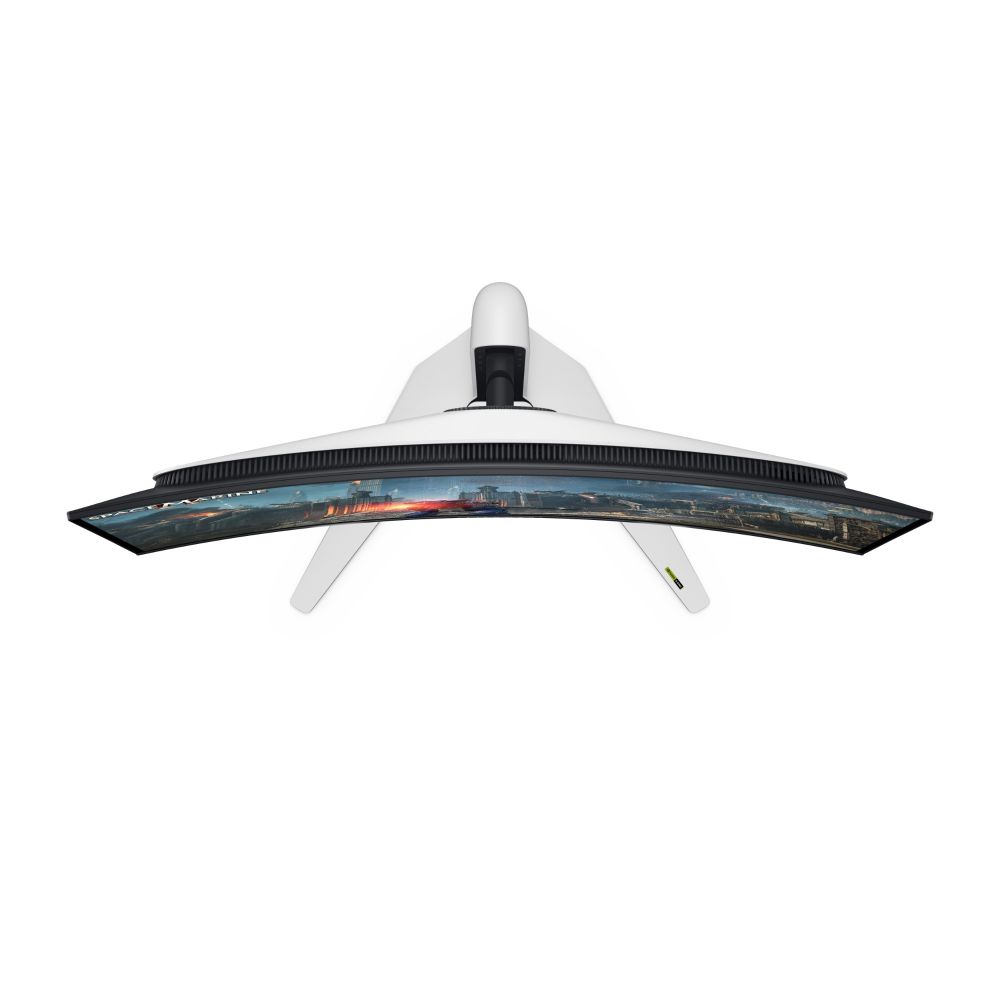
The QD-OLED panel technology delivers perfect blacks and infinite contrast ratios, making this monitor ideal for both gaming and professional content creation. With a 1700R curvature and 140ppi pixel density, you get immersive visuals that wrap naturally around your field of view. The 99% DCI-P3 colour gamut ensures accurate colour reproduction for creative work, while the 240Hz refresh rate and 0.03ms response time eliminate motion blur in fast-paced gaming scenarios.

Advanced Gaming Features

Designed specifically for competitive gaming, this monitor includes NVIDIA G-SYNC support for tear-free gameplay and VESA Adaptive Sync compatibility. Four dedicated Smart modes (FPS, MOBA/RTS, RPG, Sports) optimise settings for different game genres. The DisplayHDR 400 True Black certification ensures vibrant HDR content with preserved shadow details. With HDMI 2.1 ports supporting 4K at 240Hz, you can connect the latest gaming consoles and PCs without compromise.

Connectivity & Ergonomics

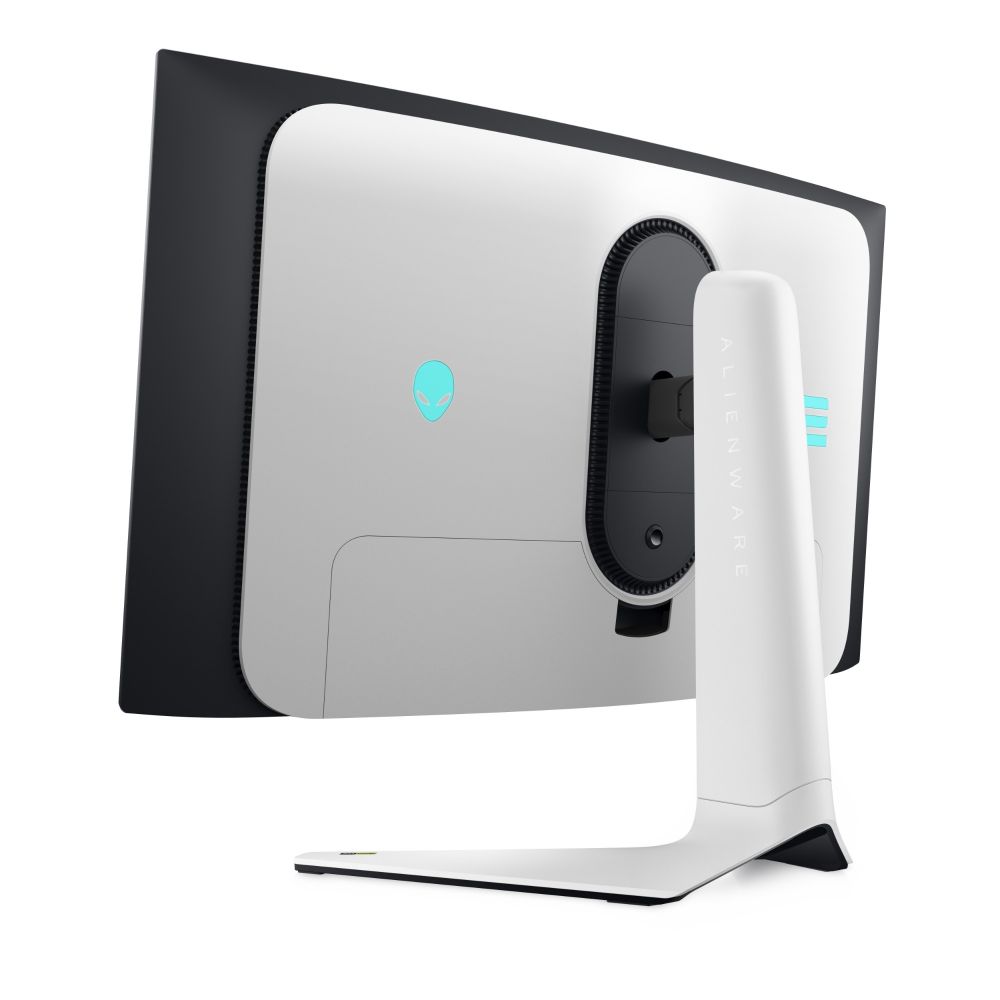
The AW3225QF offers comprehensive connectivity including two HDMI 2.1 ports, one DisplayPort 1.4, and a USB-C port with 15W charging capability. The built-in USB hub features three USB-A downstream ports and one USB-B upstream port for convenient peripheral connection. Ergonomic adjustments include height adjustment up to 11cm, tilt (-5° to +21°), swivel (-20° to +20°), and 100x100mm VESA mounting compatibility. The fully adjustable stand and cable management system keep your workspace organised.

In the Box

  • Alienware AW3225QF monitor
  • Height-adjustable stand
  • Power cable (1.8m)
  • DisplayPort cable (1.8m)
  • HDMI cable (1.8m)
  • USB cable (1.8m)
  • Quick start guide

Key Points to Check

  • Confirm your graphics card supports 4K resolution at 240Hz via DisplayPort 1.4 or HDMI 2.1
  • Verify your gaming setup has sufficient desk depth for the 32″ curved display
  • Check that your operating system is Windows 10 or later for full compatibility
  • Ensure your power supply can handle the 190W maximum power consumption

Frequently Asked Questions

Does this monitor support console gaming at 4K 120Hz?
Yes, the HDMI 2.1 ports support 4K resolution at up to 240Hz, compatible with PlayStation 5 and Xbox Series X at their maximum refresh rates.
Can I mount this monitor on a wall?
Yes, the monitor supports 100x100mm VESA mounting, allowing you to use third-party monitor arms or wall mounts.
Is this monitor suitable for professional photo editing?
The 99% DCI-P3 colour coverage and QD-OLED technology make it excellent for colour-critical work, though calibration may be needed for professional workflows.
Does it have built-in speakers?
No, this monitor does not include built-in speakers. You’ll need external speakers or headphones for audio.
What’s the power consumption like?
Typical power consumption is 42.5W, with a maximum of 190W during peak performance and 0.5W in standby mode.

Our verdict

The Alienware AW3225QF computer monitor 81.3 cm (32″) 3840 x 2160 pixels 4K Ultra HD QD-OLED Black, White represents the pinnacle of gaming monitor technology, offering exceptional image quality, ultra-fast response times, and comprehensive gaming features. It’s ideal for serious gamers who demand the best visual performance and content creators who need accurate colours and perfect blacks. Covered by the applicable manufacturer warranty.

Additional information
Display brightness typical250 cd/m²
Screen shapeCurved
Display number of colours1.07 billion colours
Native aspect ratio16:9
Pixel density140 ppi
Colour gamut99%
HD type4K Ultra HD
Display technologyQD-OLED
Contrast ratio dynamic1500000:1
Viewing angle horizontal178°
Viewing angle vertical178°
Pixel pitch0.1814 x 0.1814 mm
Horizontal scan range27 – 582.94 kHz
Vertical scan range48 – 240 Hz
Viewable size horizontal69.9 cm
Viewable size vertical39.5 cm
Viewable size diagonal80.3 cm
Supported graphics resolutions640 x 480 (VGA), 720 x 400, 800 x 600 (SVGA), 1024 x 768 (XGA), 1152 x 864 (XGA+), 1280 x 1024 (SXGA), 1600 x 900, 1920 x 1080 (HD 1080), 2560 x 1440, 3840 x 2160
Supported video modes480p, 576p, 720p, 1080i, 1080p, 2160p
Response time0.03 ms
Display diagonal81.3 cm (32″)
High Dynamic Range HDR supportedYes
Dell ComfortView technologyYes
High Dynamic Range HDR technologyDisplayHDR 400 True Black, Dolby Vision
Screen curvature rating1700R
Display diagonal metric81.28 cm
Colour gamut standardDCI-P3
AMD FreeSyncNo
VESA Adaptive Sync supportYes
Flicker-free technologyYes
Smart modesFPS, MOBA/RTS, RPG, Sports
Built-in speakersNo
Audio decodersDolby Atmos
AC input voltage100 – 240 V
AC input frequency50/60 Hz
Power consumption standby0.5 W
Power consumption typical42.5 W
Power consumption off0.3 W
Input current3 A
Energy efficiency class SDRG
Energy efficiency class HDRG
Energy consumption SDR per 1000 hours42.5 kWh
Energy consumption HDR per 1000 hours42.5 kWh
Market positioningGaming
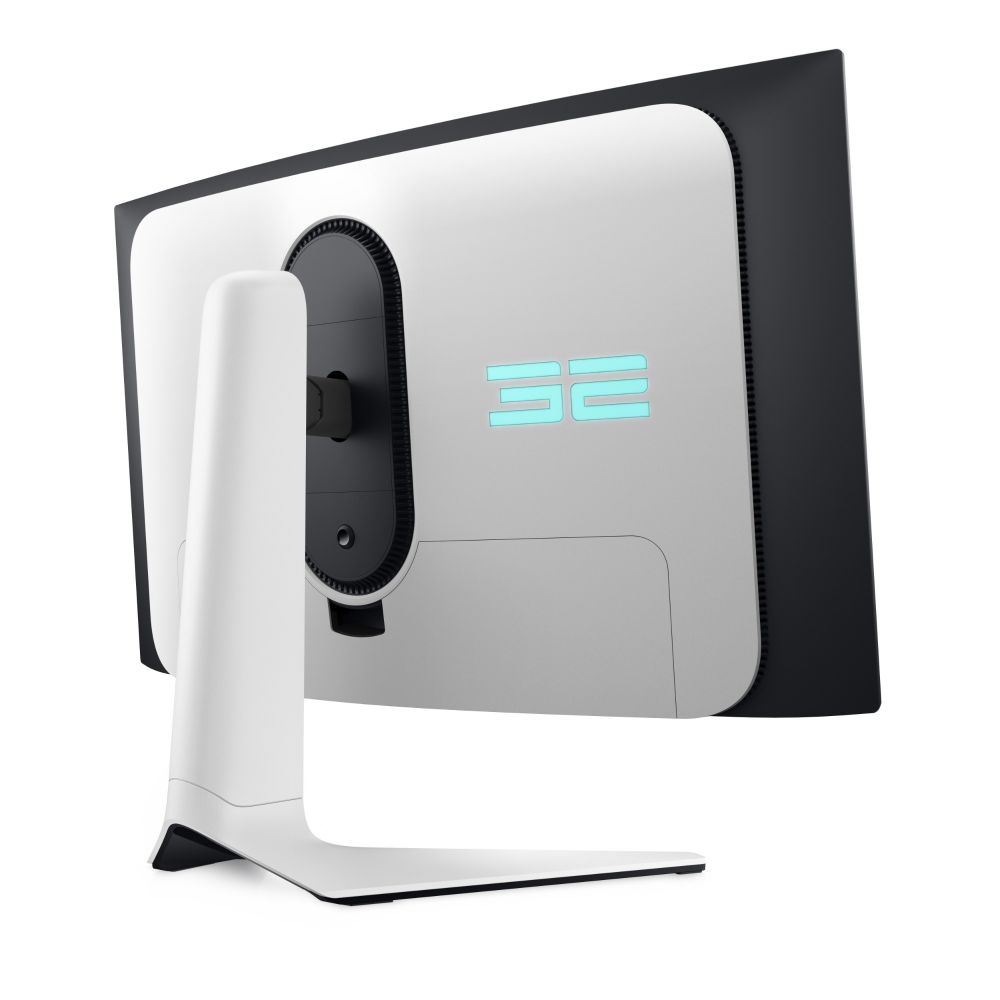
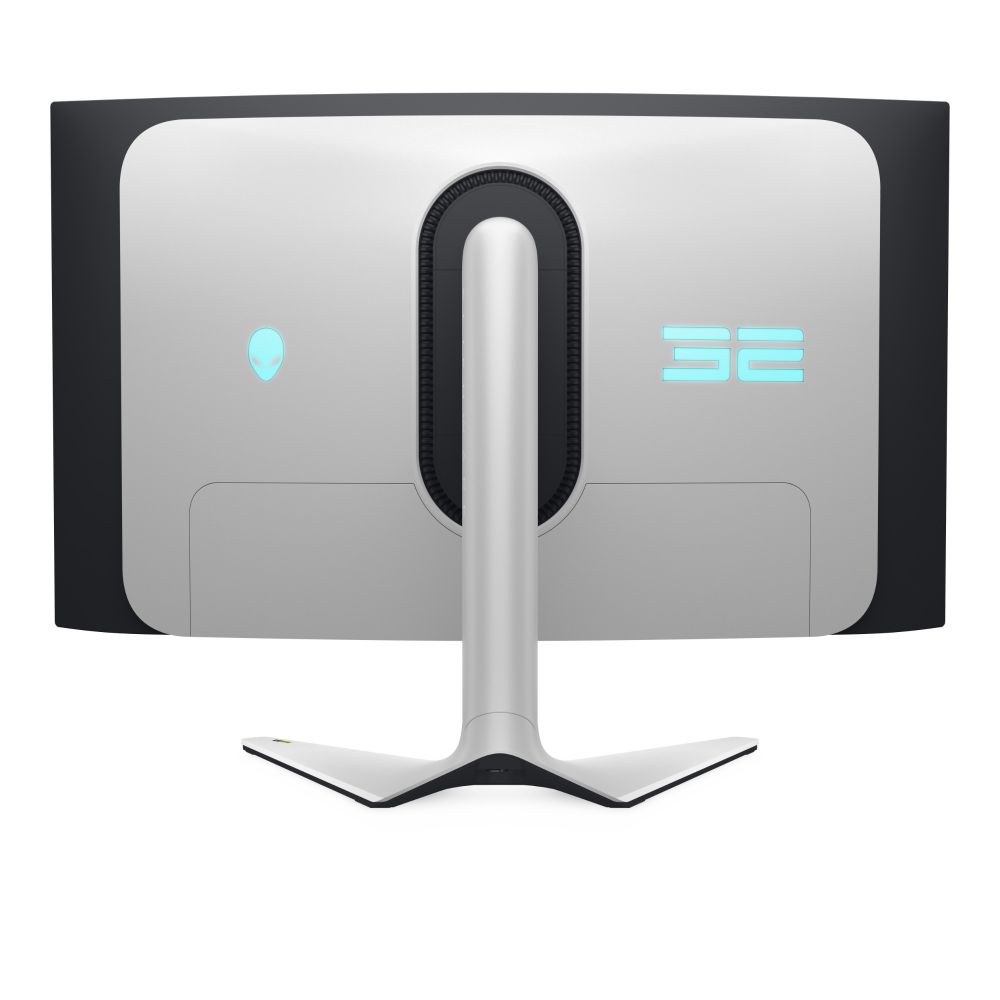
Illuminated rear coverYes
Built-in cameraNo
Built-in USB hubYes
USB upstream port typeUSB Type-B
Number of upstream ports1
USB Type-A downstream ports quantity3
USB Type-C downstream ports quantity1
Headphone outNo
HDMI ports quantity2
DisplayPorts quantity1
HDCPYes
AC power inYes
DisplayPort version1.4
Charging port typeUSB Type-C
Number of USB Type-B upstream ports quantity1
HDCP version1.4/2.3
Product colourBlack, White
Windows operating systems supportedWindows 10, Yes
VESA mountingYes
Cable lock slotYes
Panel mounting interface100 x 100 mm
SwivellingYes
Swivel angle range-20 – 20°
Tilt angle range-5 – 21°
On Screen Display OSDYes
Plug and PlayYes
Picture-in-PictureYes
Height adjustmentYes
Cable managementYes
Tilt adjustmentYes
Adjustable height max11 cm
Non-operating altitude0 – 12192 m
Operating temperature T-T0 – 40 °C
Storage temperature T-T-20 – 60 °C
Operating relative humidity H-H10 – 80%
Storage relative humidity H-H5 – 90%
Operating altitude0 – 5000 m
Width with stand715.6 mm
Depth with stand305.7 mm
Height with stand582.8 mm
Bezel width side1.06 cm
Bezel width top6.32 mm
Bezel width bottom2.08 cm
Weight with stand8.94 kg
Weight without stand6 kg
Package weight14.4 kg
Stand includedYes
Cables includedAC, DisplayPort, HDMI, USB
DisplayPort cable length1.8 m
HDMI cable length1.8 m
USB cable length1.8 m
LED indicatorsYes
Doesnt containArsenic, Mercury, PVC/BFR
Maximum resolution3840 x 2160 pixels
Picture-by-Picture PbPYes
Compliance certificatesRoHS
Height without stand421.9 mm
Depth without stand106.4 mm
Width without stand715.6 mm
Power consumption max190 W
Quick start guideYes
HDMIYes
Energy efficiency scaleA to G
Power supply typeInternal
Power cable length1.8 m
Display brightness peak1000 cd/m²
Front bezel colourBlack
Dell Display Manager DDM compatibilityYes
Distributor SKUsCM56900, 528264, CP59716, STD10220942, BSTD10220942, 9884940, 2007406

Customer Reviews

0 reviews
0
0
0
0
0

There are no reviews yet.

Be the first to review “Alienware 32″ 4K Ultra HD QD-OLED Monitor”

Your email address will not be published. Required fields are marked *

You have to be logged in to be able to add photos to your review.