
Brand


Save £8.32
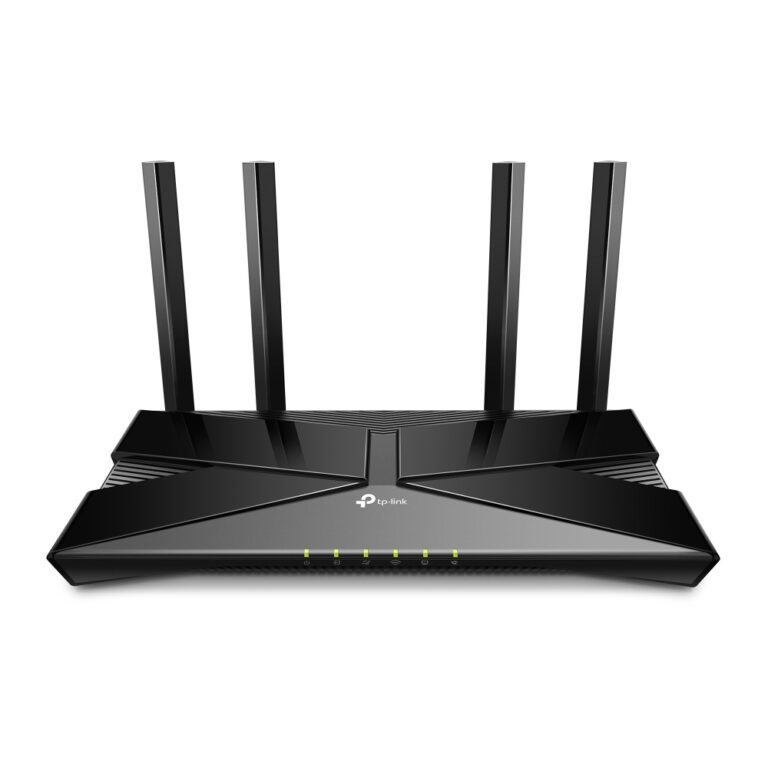
TP-Link Archer AX1800 Wi-Fi 6 Modem Router
In stock
Original price was: £137.99.£129.67Current price is: £129.67.
In stock
A modem is the device that connects to the broadband line and translates its signal into a network connection. A router shares that connection between your devices. Many products combine both, which is where the confusion comes from.
What you need depends on your connection.
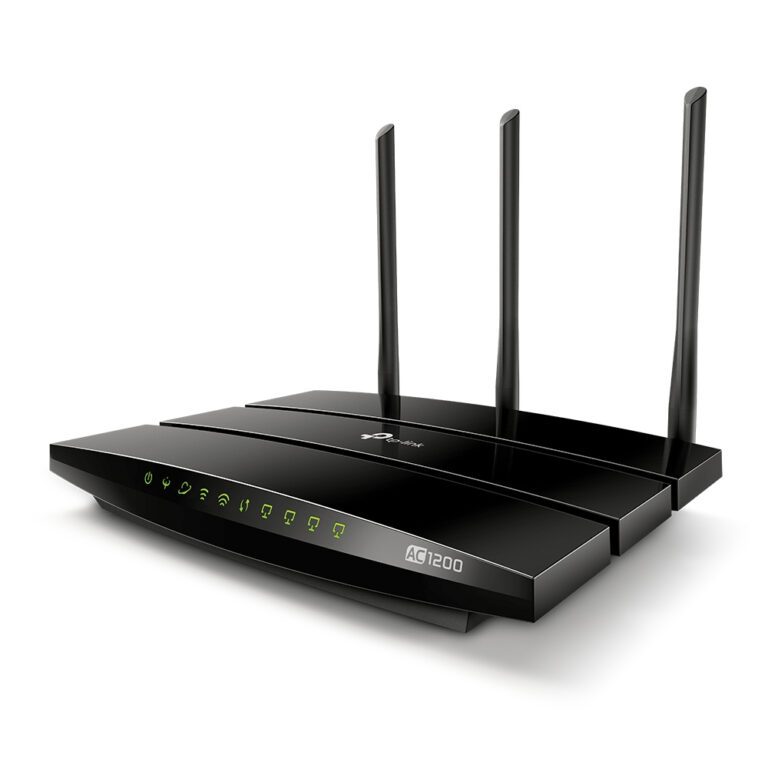
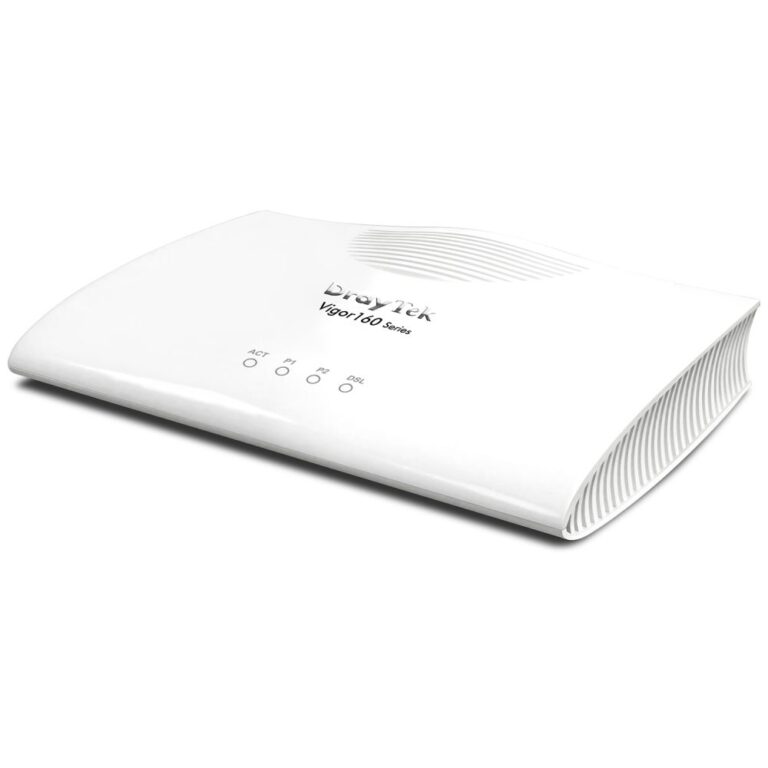
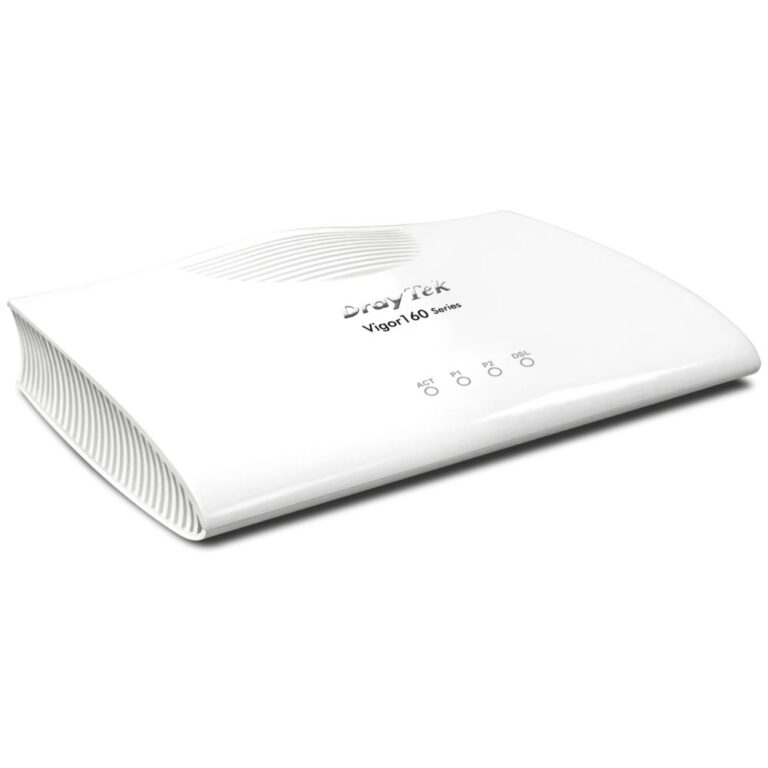
DSL broadband over a phone line needs a modem, and a modem router combines the two in one box — simplest for most homes.
Full fibre (FTTP) connections in the UK generally supply an ONT on the wall, which is the modem. In that case you need a plain router, not a modem router, and buying the wrong one is a common mistake.
Cable broadband typically supplies its own modem, and you add a router behind it.
Before buying, check what your provider has installed. If there is a small box on the wall with a fibre cable into it, you have an ONT and need a router.
See Wi-Fi routers, or mesh systems for whole-home coverage.
This Modems range covers networking gear. Below are the common questions.
This category covers modems that help you build a faster, more reliable home or office network. The right choice depends on your setup, so match it to your broadband, the number of devices and the coverage you need.
Most networking gear connects to a standard home network by cable or Wi-Fi. Check the standards and speeds it supports so it keeps up with your broadband and devices, and that it fits how your network is set up.
Wire your main devices where you can for speed and stability, use up-to-date Wi-Fi (Wi-Fi 6 or 7) for wireless, and place hardware to give even coverage. Gigabit ports are the sensible baseline.
No account yet?
Create an Account