






Save £3.88
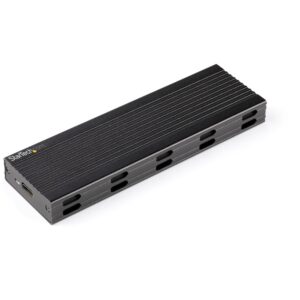
StarTech.com SM2E1BMU31C M.2 NVMe/SATA SSD Enclosure, USB 3.2 Gen 2 10Gbps, 2230/2242/2260/2280, Black
In stock
Original price was: £82.79.£78.91Current price is: £78.91.
Save £6.87
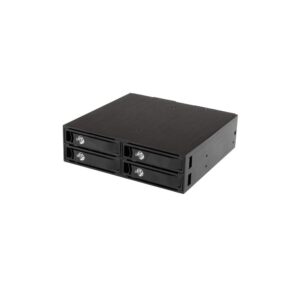
StarTech.com SATSASBP425 4-Bay Hot-Swap Mobile Rack Backplane, 5.25″ Bay, 4 x 2.5″ SATA/SAS, 6Gbps, TAA
In stock
Original price was: £119.99.£113.12Current price is: £113.12.
Save £4.90
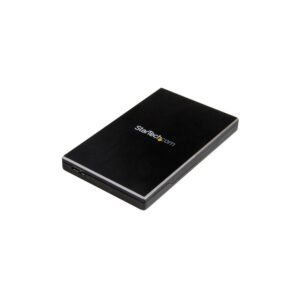
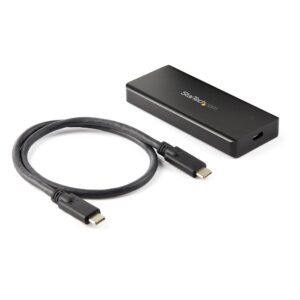
StarTech.com M2E1BRU31C M.2 NVMe PCIe SSD Enclosure, USB-C 10Gbps, IP67, Black
In stock
Original price was: £95.99.£91.09Current price is: £91.09.
Save £3.19
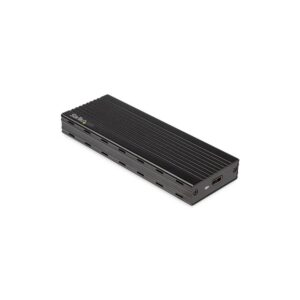
StarTech.com M2E1BMU31C M.2 NVMe SSD Enclosure, USB-C 10Gbps, 2230/2242/2260/2280, Thunderbolt 3 Compatible, Black
In stock
Original price was: £64.79.£61.60Current price is: £61.60.
Save £6.60
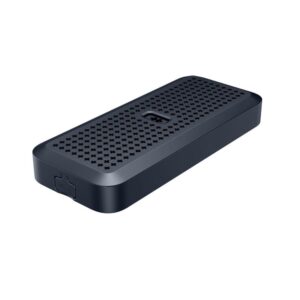
Targus HyperDrive Next M.2 NVMe SSD Enclosure, USB4 40 Gbit/s, IP55, Black
In stock
Original price was: £103.19.£96.59Current price is: £96.59.
Save £6.22
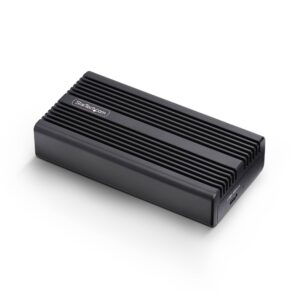
StarTech.com USB4 M.2 NVMe Enclosure 40Gbps Thunderbolt Compatible Aluminium Heatsink Case Black
In stock
Original price was: £103.19.£96.97Current price is: £96.97.
Save £4.12
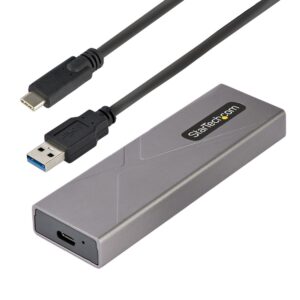
StarTech.com M2USBCNVMESATA USB-C 10Gbps to M.2 NVMe/SATA SSD Enclosure, Aluminium, Grey
In stock
Original price was: £71.99.£67.87Current price is: £67.87.
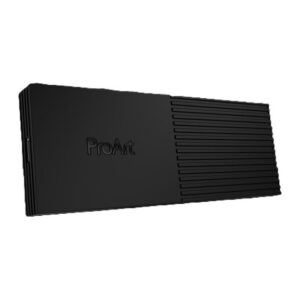
Save £4.75
ASUS ProArt PA40SU USB4 Type-C SSD Enclosure
In stock
Original price was: £83.99.£79.24Current price is: £79.24.