


















New
Save £15 New
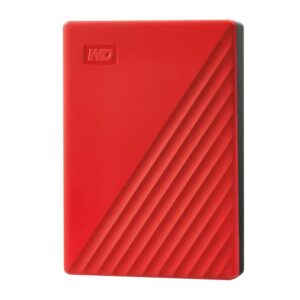
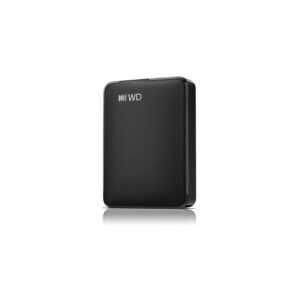
Western Digital My Passport 6TB Portable External Hard Drive, 2.5″, USB 3.2 Gen 1, Red
In stock
Original price was: £304.79.£289.82Current price is: £289.82.
Save £5.32 New
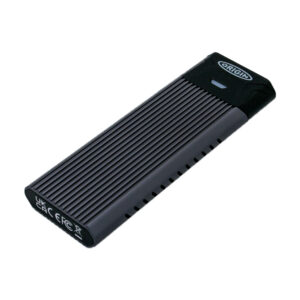
Origin Storage Inception TLC830 Pro External SSD, 256GB NVMe M.2 80mm, USB 3.2 Gen 2, Read 1050 MB/s, Write 1000 MB/s
In stock
Original price was: £85.19.£79.87Current price is: £79.87.
Save £9.37 New
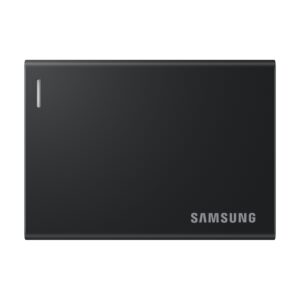
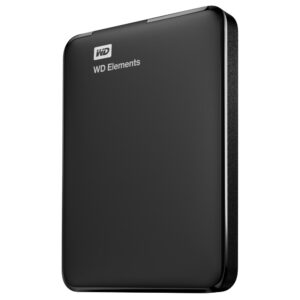
Western Digital Elements Portable External Hard Drive, 1TB, 2.5″, USB 3.2 Gen 1, Black
In stock
Original price was: £141.59.£132.22Current price is: £132.22.

New
New
Save £9.73 New
Seagate One Touch STNR2000400 Portable External Hard Drive, 2 TB, USB-C, Grey
In stock
Original price was: £169.19.£159.46Current price is: £159.46.
Save £17
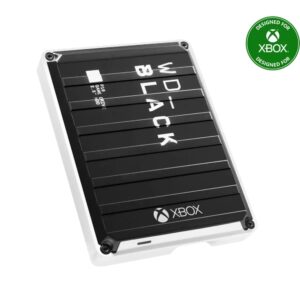
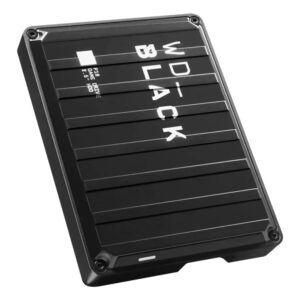
WD_BLACK P10 Game Drive External Hard Drive, 6TB, 2.5″, USB 3.2 Gen 1, Black/White
In stock
Original price was: £320.39.£303.85Current price is: £303.85.
Save £7.80
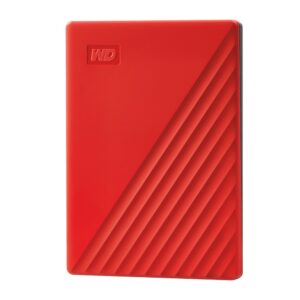
Western Digital My Passport External Hard Drive, 2 TB, 2.5″, USB 3.2 Gen 1, Red
In stock
Original price was: £163.19.£155.39Current price is: £155.39.
Save £8.05
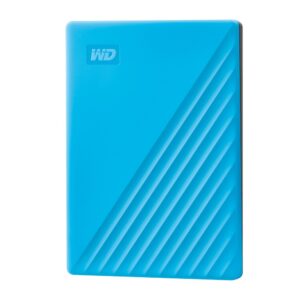
Western Digital My Passport 2TB Portable External Hard Drive, USB 3.2 Gen 1, Blue
In stock
Original price was: £163.19.£155.14Current price is: £155.14.

Save £8.57
Western Digital My Passport External Hard Drive 1TB USB 3.2 Gen 1 2.5″ Black
In stock
Original price was: £148.79.£140.22Current price is: £140.22.
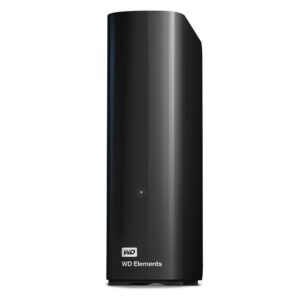
Save £16
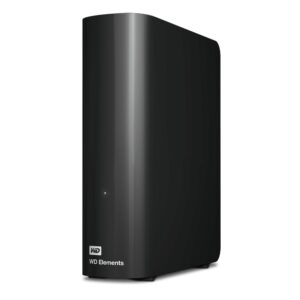
Western Digital Elements WDBWLG0060HBK-EESN External Hard Drive, USB 3.2 Gen 1, Black
In stock
Original price was: £305.99.£290.30Current price is: £290.30.