
Brand
 ASUSASUS 37
Save £8.98
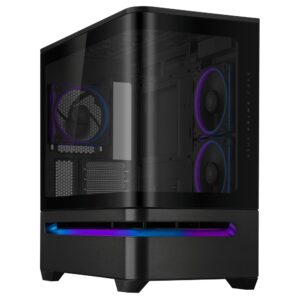
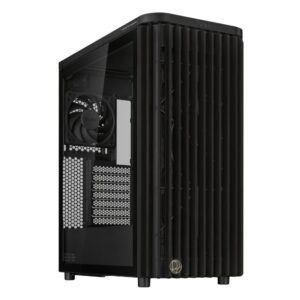
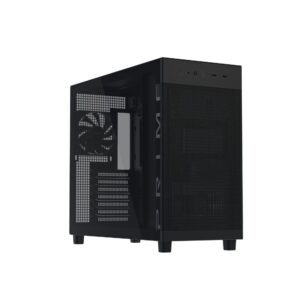
ASUS PRIME AP202 ARGB Midi Tower Black ATX Case
In stock
Original price was: £149.99.£141.01Current price is: £141.01.
Save £11
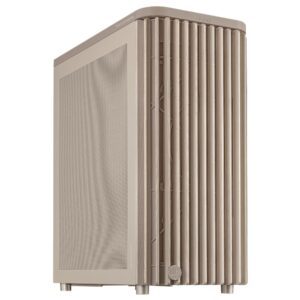
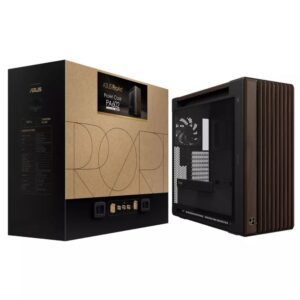
ASUS ProArt PA401 Wood Mesh PWM Beige Chassis
In stock
Original price was: £161.99.£151.46Current price is: £151.46.
Save £8.14
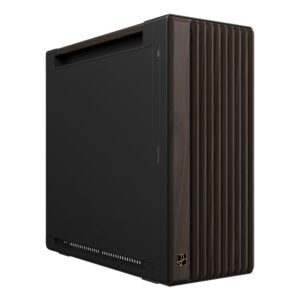
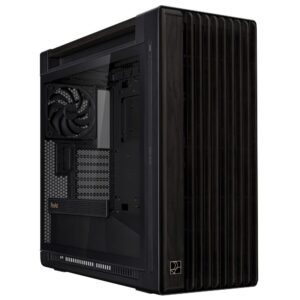
ASUS ProArt PA401 Black Chassis ATX Case
In stock
Original price was: £136.79.£128.65Current price is: £128.65.
Save £7.92
Save £11
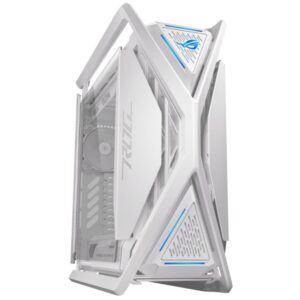
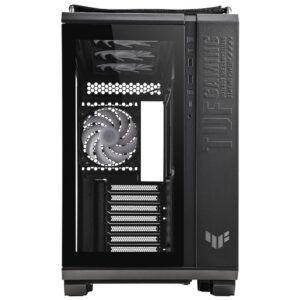
ASUS TUF Gaming GT302 ARGB Tower
In stock
Original price was: £200.39.£189.72Current price is: £189.72.
Save £7.37
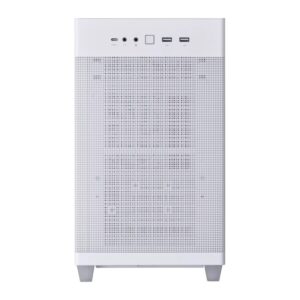
ASUS Prime AP201 MicroATX Tower White
In stock
Original price was: £123.59.£116.22Current price is: £116.22.
Save £7.47
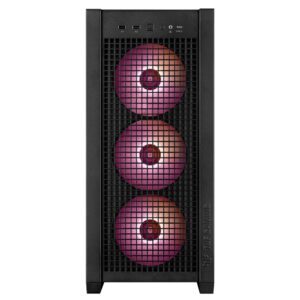
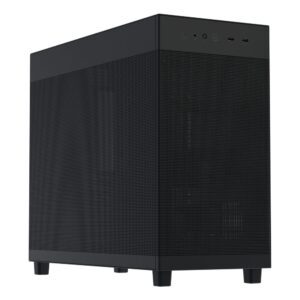
ASUS Prime AP303 Mesh Midi Tower Black
In stock
Original price was: £129.59.£122.12Current price is: £122.12.
Save £7.17
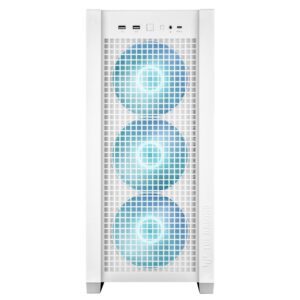
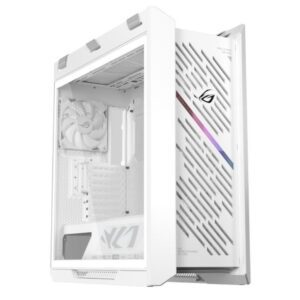
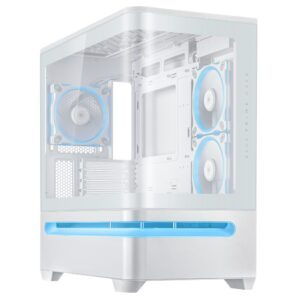
ASUS PRIME AP202 ARGB White Tower
In stock
Original price was: £149.99.£142.82Current price is: £142.82.
Save £7.02
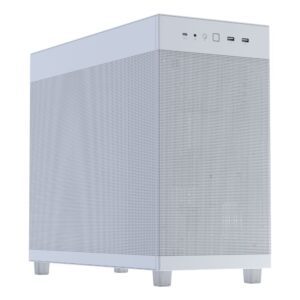
ASUS PRIME AP303 Mesh Tower White
In stock
Original price was: £129.59.£122.57Current price is: £122.57.
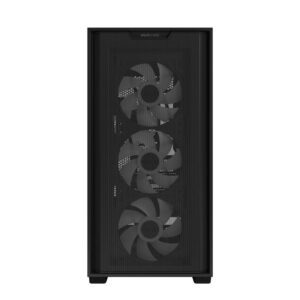
Save £6.72
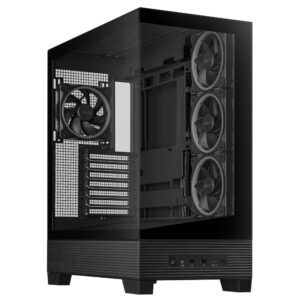
Save £7.65
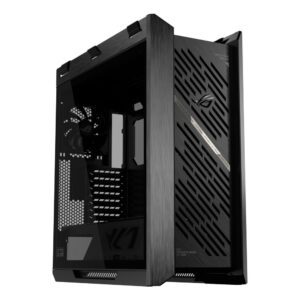
ASUS A31 Plus ARGB Midi Tower
In stock
Original price was: £136.79.£129.14Current price is: £129.14.
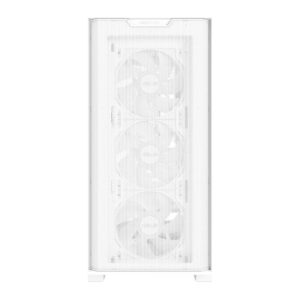
Save £7.09
ASUS A21 PLUS White Micro-ATX Case (Tempered Glass, 4x ARGB Fans)
In stock
Original price was: £123.59.£116.50Current price is: £116.50.
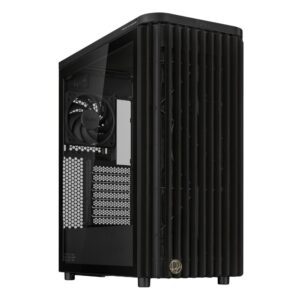
Save £8.92