


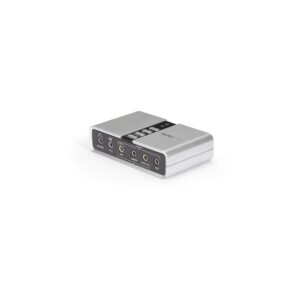
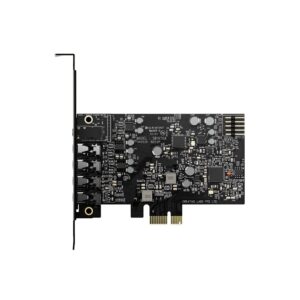
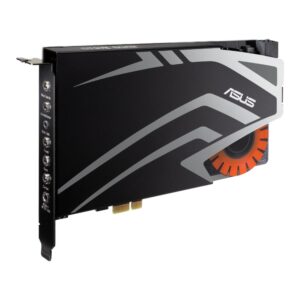
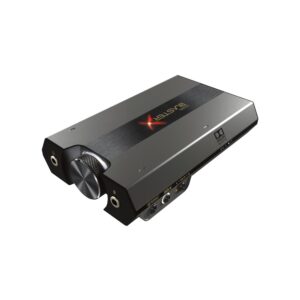
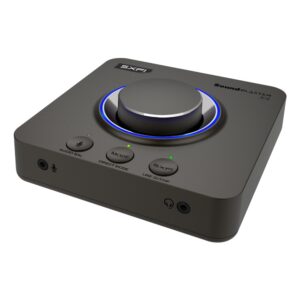
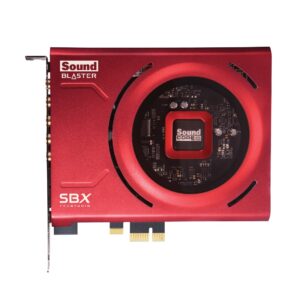
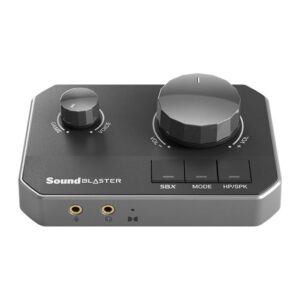
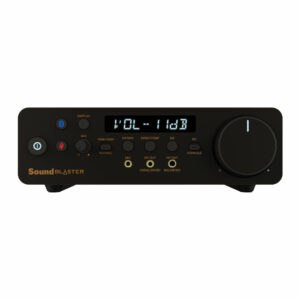
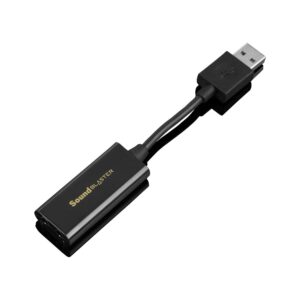
A sound card or USB DAC takes over audio processing from the motherboard’s built-in chip.
Be straightforward about when that is worth doing. Modern motherboard audio is genuinely decent for speakers and ordinary headphones, and for many people a separate card changes nothing they would notice.
Where it does make a difference:
Driving demanding headphones. High-impedance studio headphones need more power than a motherboard header supplies, and without it they sound thin and quiet regardless of the volume setting. A dedicated headphone amplifier stage is the fix.
Electrical noise. If you hear a faint hiss, or a whine that changes as you move the mouse or the graphics card loads, that is interference inside the case. An external USB DAC sits outside the machine entirely and removes it.
Inputs. Microphone and line inputs with better preamps, for recording rather than calls.
Internal card or external USB? A PCIe card is tidier; a USB DAC works with laptops too and avoids in-case interference. For most people the USB option is the more flexible buy.
Below are the common questions about choosing the right sound cards.
Focus on the features that matter for how you will use them, and match the spec to your setup and budget. If you are not sure where to start, our audio guide covers the basics.
Decide what you need first, then compare options on the specs that affect your use, not just the price. Check that it is compatible with the rest of your kit before you buy.
The best value is the product that covers what you need without paying for features you will not use. Compare like for like, check the warranty, and pick a reputable brand for peace of mind.
No account yet?
Create an Account