
Brand
 APPLEAPPLE 28
Save £156
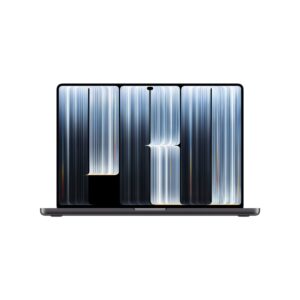
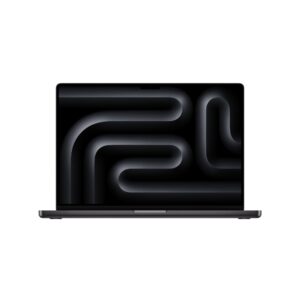
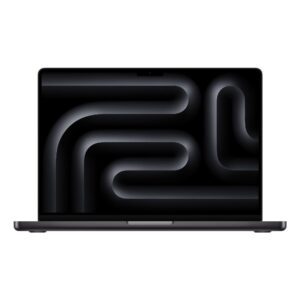
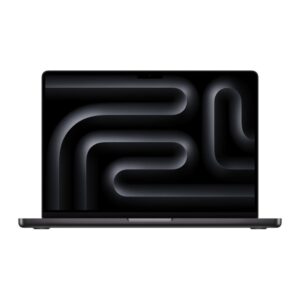
Apple MacBook Pro 14-inch M5 – 10-core CPU, 10-core GPU, 32GB RAM, 1TB SSD, Space Black
In stock
Original price was: £2,626.79.£2,470.92Current price is: £2,470.92.
Save £221
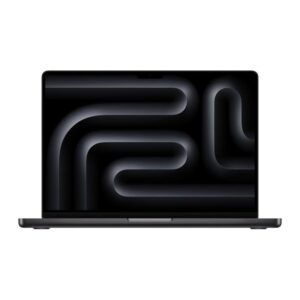
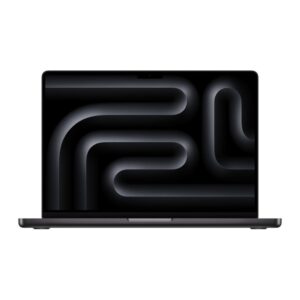
Apple MacBook Pro 14-inch M5 Pro – 18-core CPU, 20-core GPU, 24GB RAM, 2TB SSD, Space Black
In stock
Original price was: £3,500.39.£3,278.92Current price is: £3,278.92.
Save £179
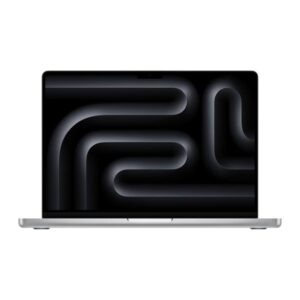
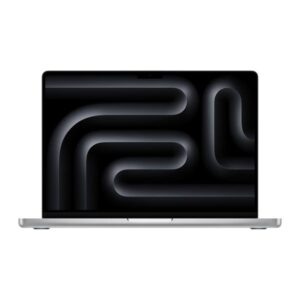
Apple MacBook Pro 14-inch M5 Pro – 18-core CPU, 20-core GPU, 24GB RAM, 2TB SSD, Silver
In stock
Original price was: £3,500.39.£3,321.54Current price is: £3,321.54.
Save £169
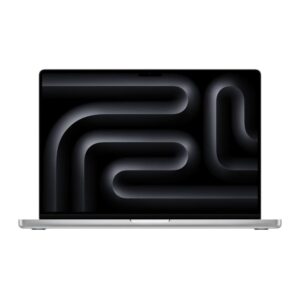
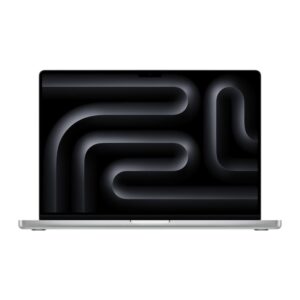
Apple MacBook Pro 16-inch M5 Pro – 18-core CPU, 20-core GPU, 24GB RAM, 1TB SSD, Silver
In stock
Original price was: £3,281.99.£3,112.68Current price is: £3,112.68.

Save £182
Apple MacBook Pro 14-inch M5 – 10-core CPU, 10-core GPU, 32GB RAM, 1TB SSD, Silver
Out of stock
Original price was: £2,626.79.£2,444.46Current price is: £2,444.46.
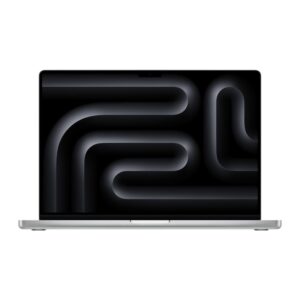
Apple MacBook Pro 16-inch M5 Max – 18-core CPU, 40-core GPU, 48GB RAM, 2TB SSD, Silver
Out of stock
£5,131.37
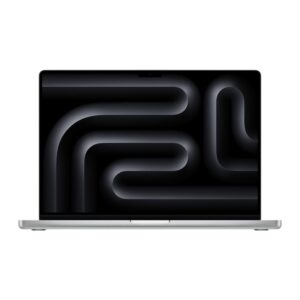
Apple MacBook Pro 16-inch M5 Max – 18-core CPU, 32-core GPU, 36GB RAM, 2TB SSD, Silver
Out of stock
£4,546.12
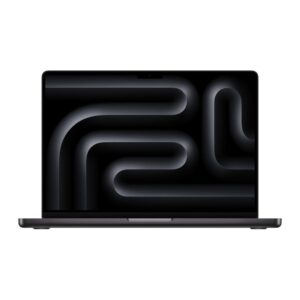
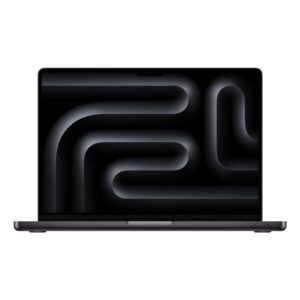
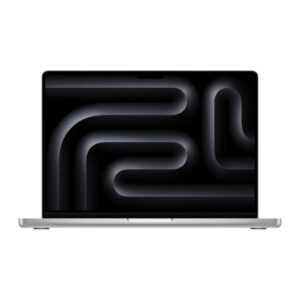
Save £271
Apple MacBook Pro 16-inch M5 Pro – 18-core CPU, 20-core GPU, 48GB RAM, 1TB SSD, Silver
Out of stock
Original price was: £3,937.19.£3,666.41Current price is: £3,666.41.
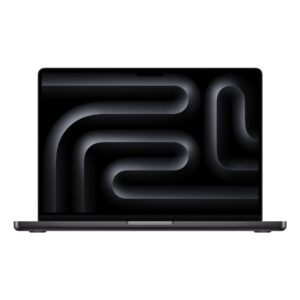
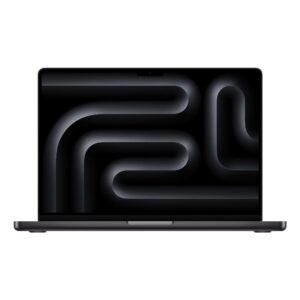
Apple MacBook Pro 14-inch M5 – 10-core CPU, 10-core GPU, 24GB RAM, 1TB SSD, Space Black
Out of stock
£2,436.61
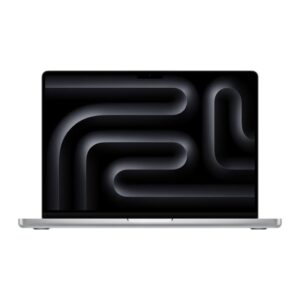
Apple MacBook Pro 14-inch M5 – 10-core CPU, 10-core GPU, 24GB RAM, 1TB SSD, Silver
Out of stock
£2,278.49
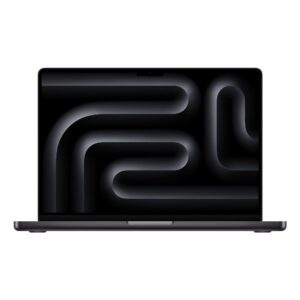
Apple MacBook Pro 14-inch M5 – 10-core CPU, 10-core GPU, 16GB RAM, 1TB SSD, Space Black
Out of stock
£2,075.83
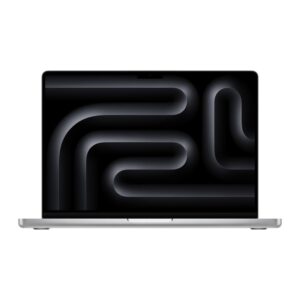
Apple MacBook Pro 14-inch M5 – 10-core CPU, 10-core GPU, 16GB RAM, 1TB SSD, Silver
Out of stock
£2,078.23
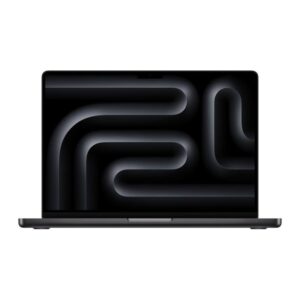
Save £226
Apple MacBook Pro 14-inch M5 Pro – 15-core CPU, 16-core GPU, 24GB RAM, 2TB SSD, Space Black
Out of stock
Original price was: £3,281.99.£3,055.70Current price is: £3,055.70.
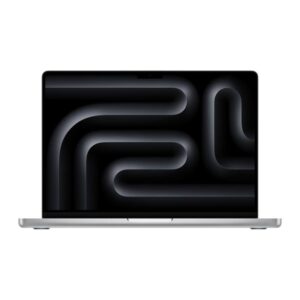
Save £181
Apple MacBook Pro 14-inch M5 Pro – 15-core CPU, 16-core GPU, 24GB RAM, 2TB SSD, Silver
Out of stock
Original price was: £3,281.99.£3,100.90Current price is: £3,100.90.
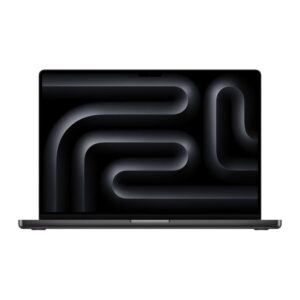
Apple MacBook Pro 16-inch M5 Pro – 18-core CPU, 20-core GPU, 48GB RAM, 1TB SSD, Space Black
Out of stock
£4,142.03