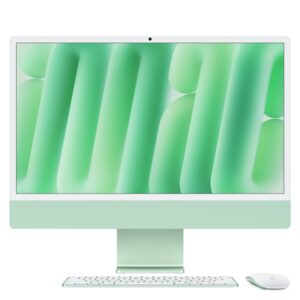
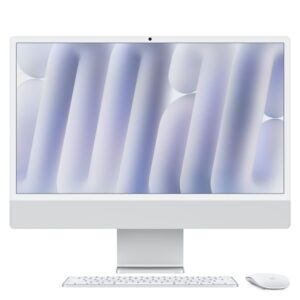
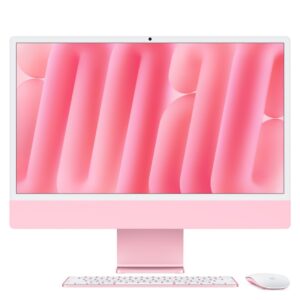
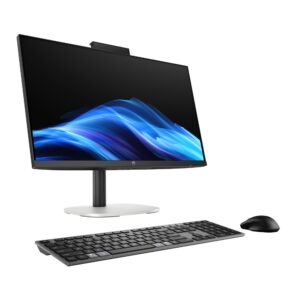
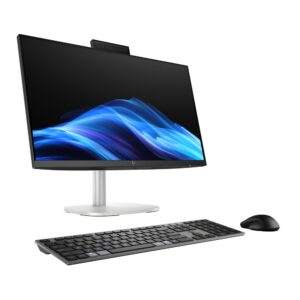
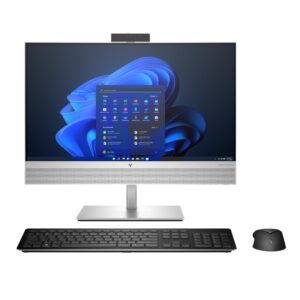
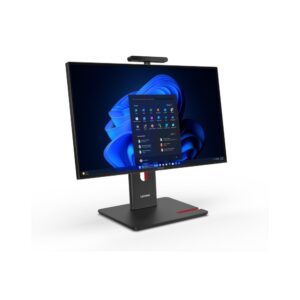
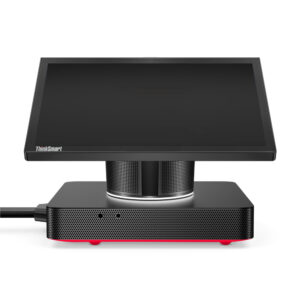
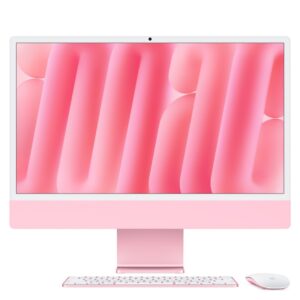
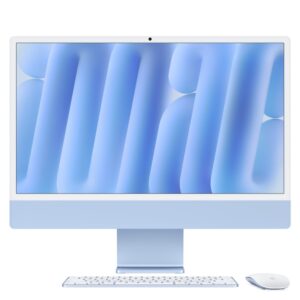
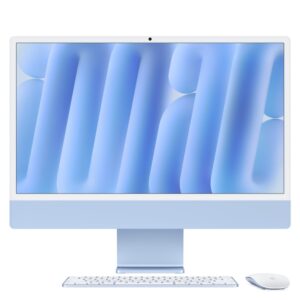
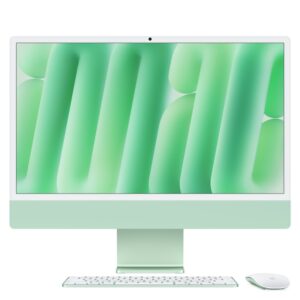
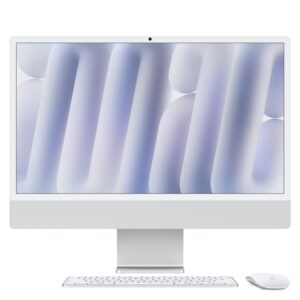
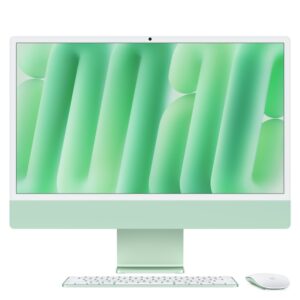
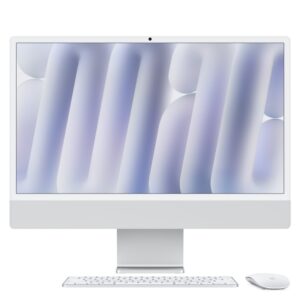
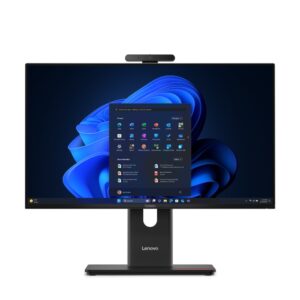
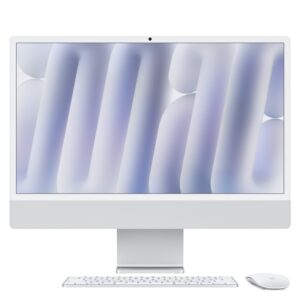
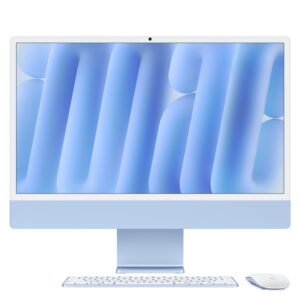
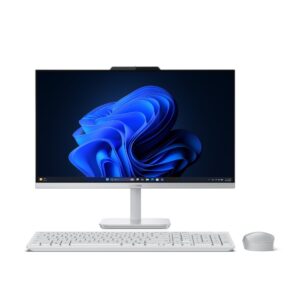
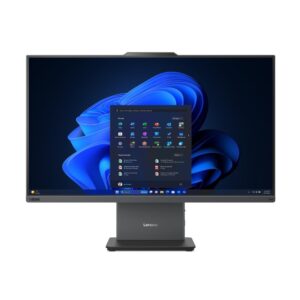
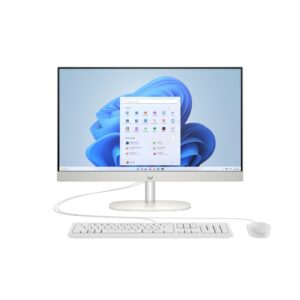
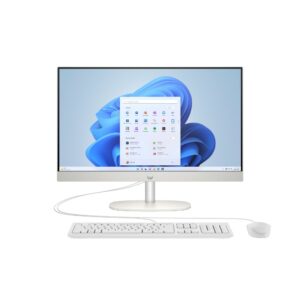
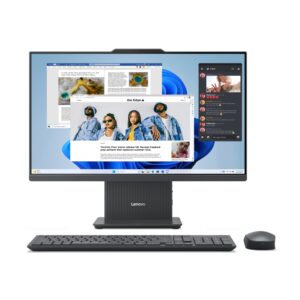
An all-in-one puts the whole computer inside the monitor housing. One power cable, no tower under the desk, and nothing to cable up beyond a keyboard and mouse.
That suits reception desks, kitchens, classrooms, small offices and any space where a tower would be in the way or looks wrong. Many models here are touchscreens, and several are business machines from Dell Pro, Lenovo ThinkCentre and Acer Veriton with the manageability features an IT department expects.
The trade is upgradability. Components are chosen at purchase and most cannot be changed later — on many models the memory and storage are accessible but the processor and graphics are not. Buy the specification you will need for the machine’s life rather than planning to add to it.
The second consideration is that the screen and the computer fail together. A tower and monitor can be replaced independently; an all-in-one cannot. Lenovo’s Tiny-In-One approach is the exception — see ThinkCentre monitors.
What to check: screen resolution (Full HD at 24in, QHD or 4K at 27in), and whether the stand adjusts for height.
See also desktop PCs.
This All-in-One PCs range covers all-in-one laptops. Below are the common questions.
For all-in-one use, prioritise the right balance of performance, portability and battery life. A modern CPU, 16GB of RAM and a fast SSD suit most needs, with a good screen and a sturdy build for daily carrying.
Aim for at least 16GB of RAM and a 512GB SSD, with 32GB and a larger drive if you multitask heavily or do creative work. Battery life and weight matter if you are often on the move.
Start with how you will use it, then match the processor, memory, storage and screen to that. Compare battery life and build quality, and set a budget that covers the specs you actually need.
No account yet?
Create an Account