
Brand
 ASUSASUS 6
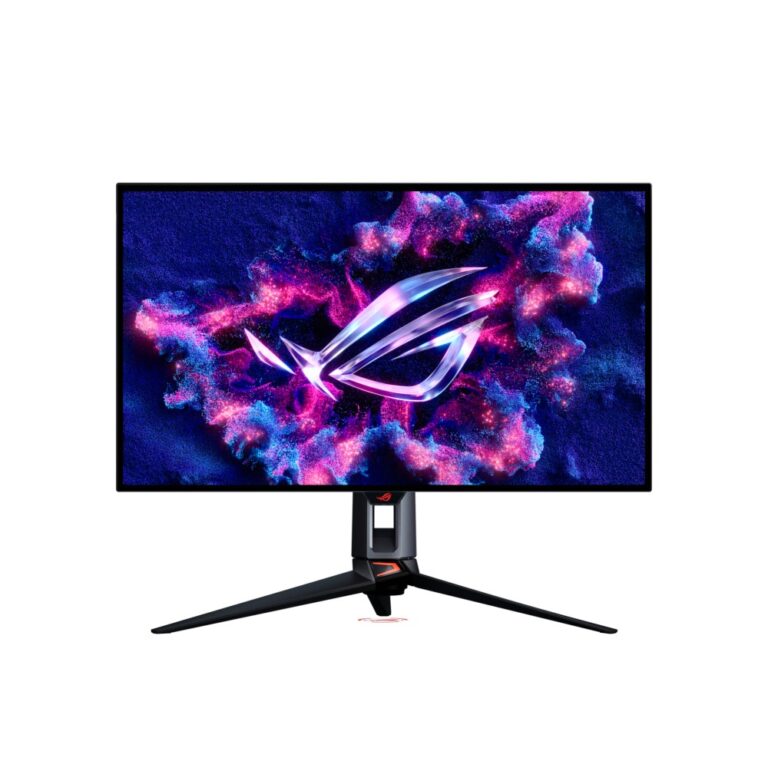
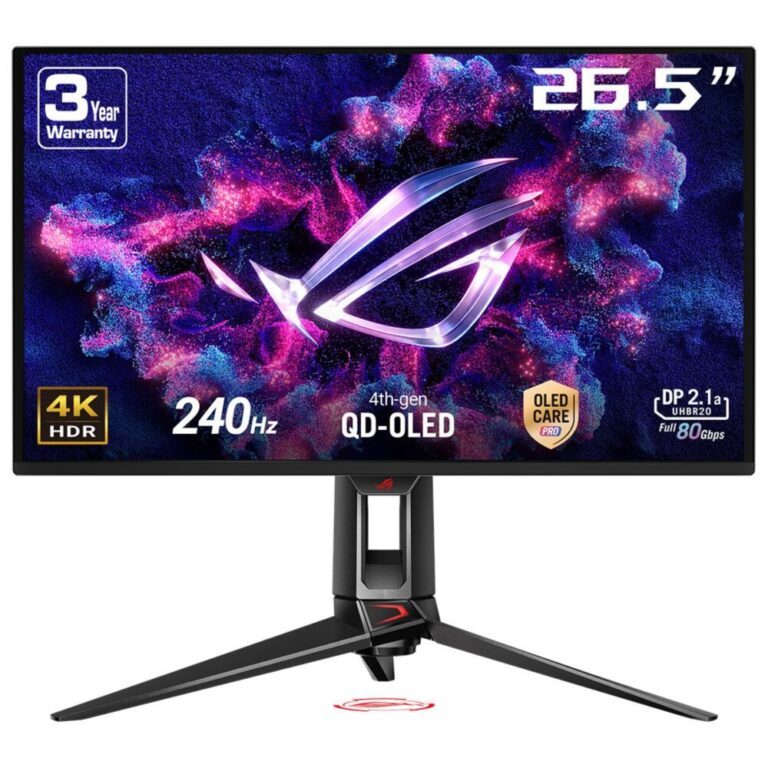
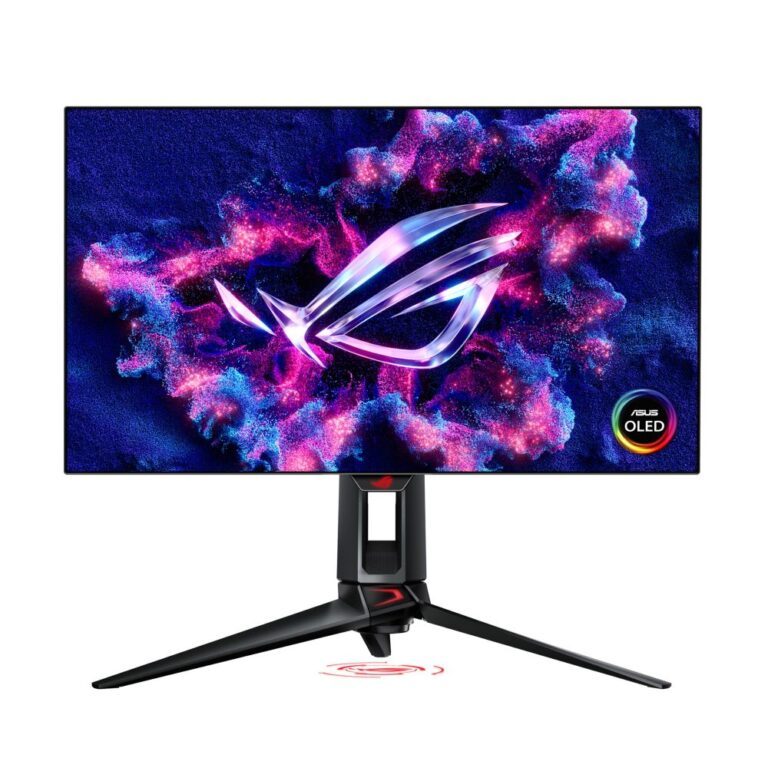
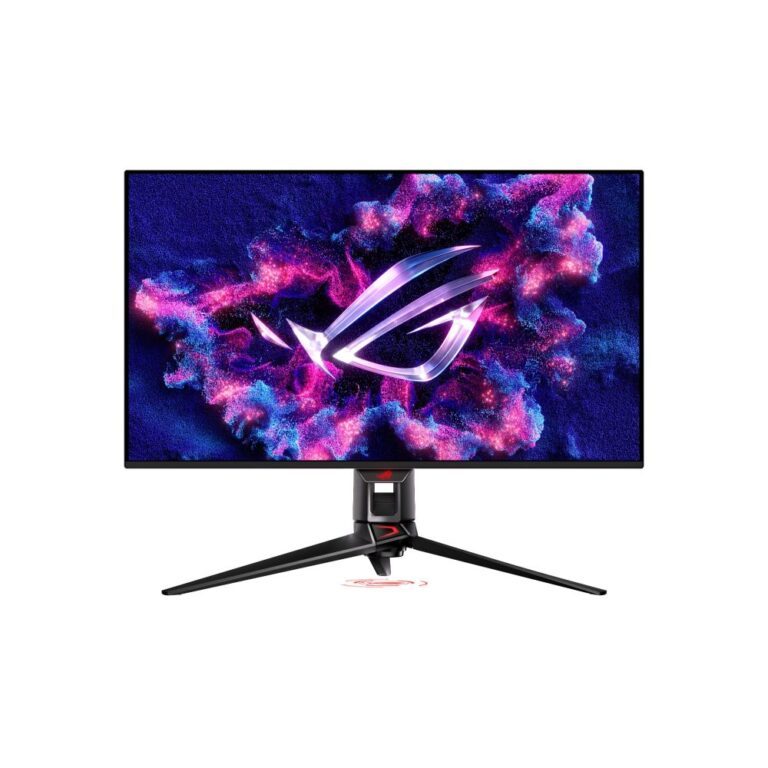
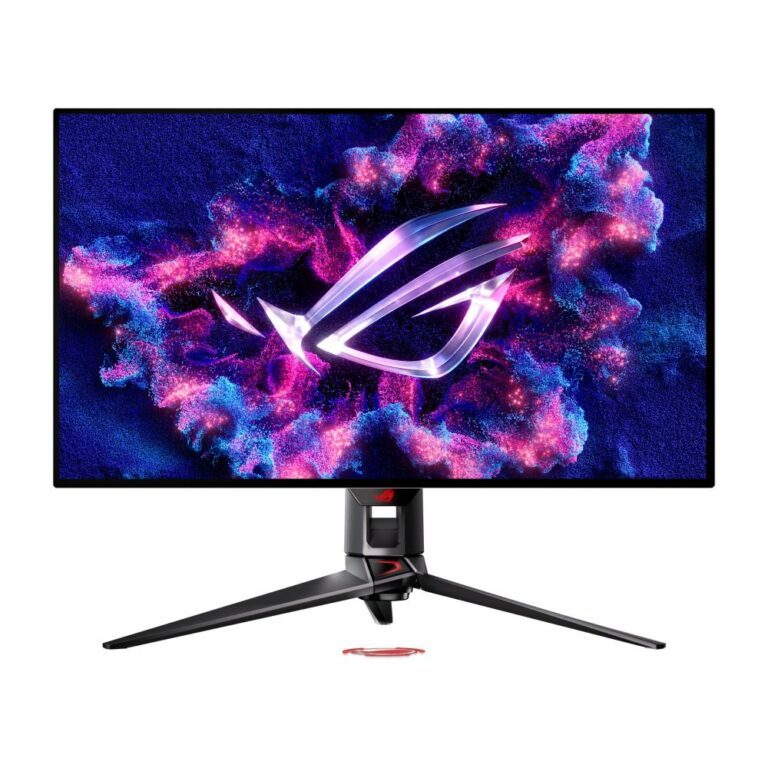
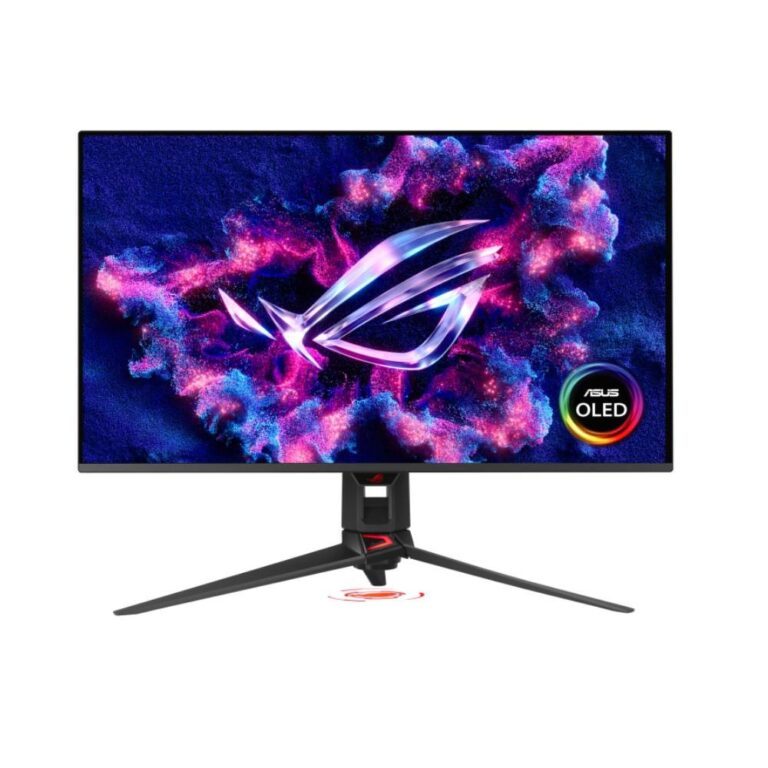
ROG Swift is the top tier of the ASUS gaming monitor range, sitting above ROG Strix.
The extra money goes into three things. Panel quality — Swift is where the flagship OLED, Mini LED and highest-specification IPS panels appear first. Refresh rate — the range reaches the highest figures ASUS offers, aimed at competitive play. And in many models a hardware G-SYNC module rather than the software-based G-SYNC Compatible certification used lower down, which gives a wider variable-refresh range and additional latency features.
Who it is for: someone who already has a graphics card capable of producing frames at those rates, and for whom the display is the limiting factor. If the GPU is the bottleneck, the money does more there.
Before buying, check your card has a DisplayPort output capable of the resolution and refresh rate together, and use a certified cable.
See ROG Strix monitors for the mainstream gaming range, or the wider ASUS monitor range.
This ASUS ROG Swift Monitors range covers ASUS products. Below are the common questions.
ASUS is a well-regarded name in monitors, with a range that spans budget to high-end. The best model depends on your needs and budget, so compare the key specs rather than choosing on the badge alone.
Start with what you need from your monitors, then pick the ASUS model whose features and price fit. If you want help comparing, our monitors guide explains what to look for.
Match the key specs to your setup and budget, check compatibility with your other parts or devices, and look at the warranty. The right ASUS product is the one that fits your needs, not just the most expensive.
No account yet?
Create an Account