





Price
Availability
Screen size
Resolution
Panel type
Shop Categories

OLED Monitors

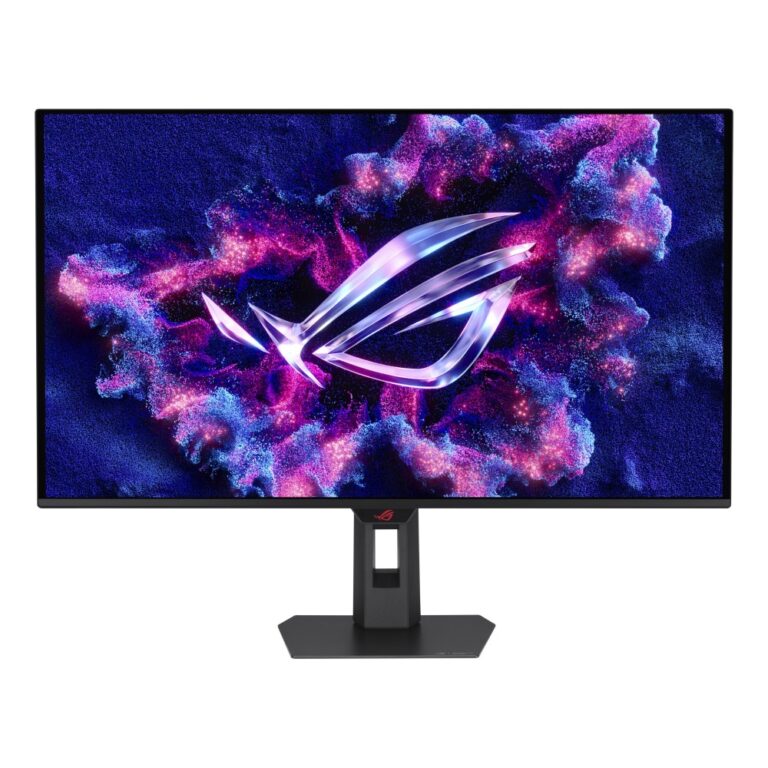
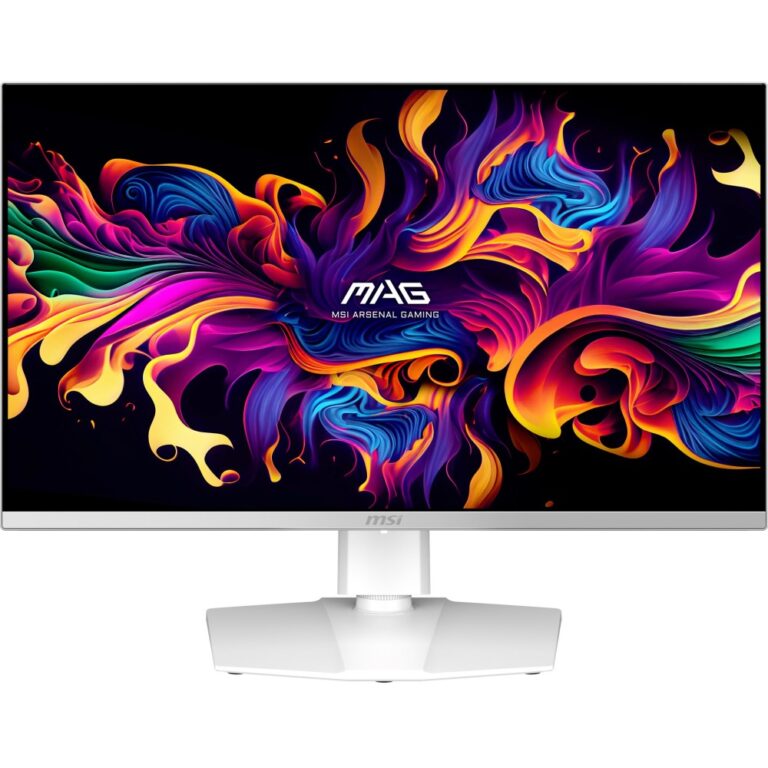
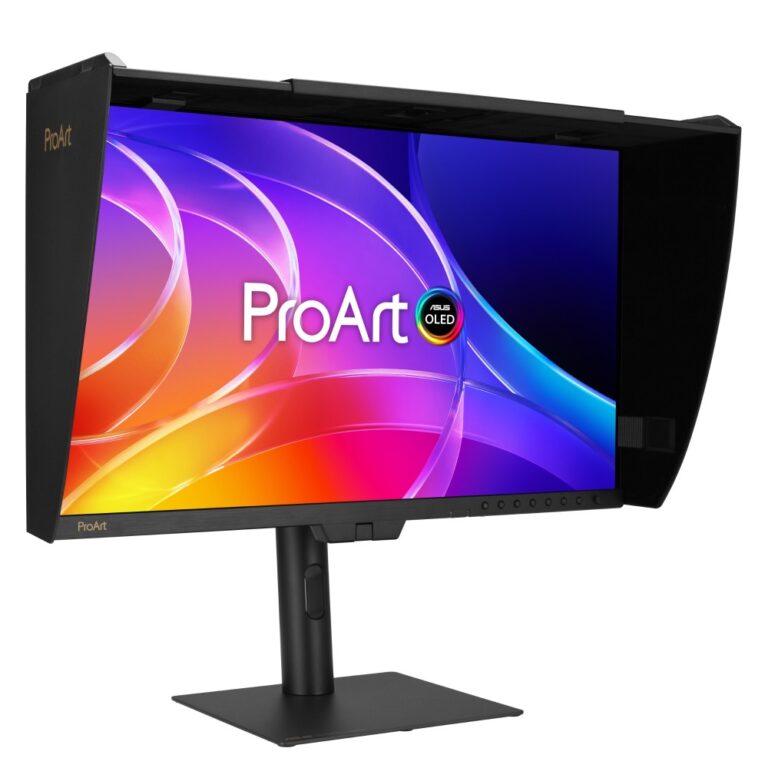
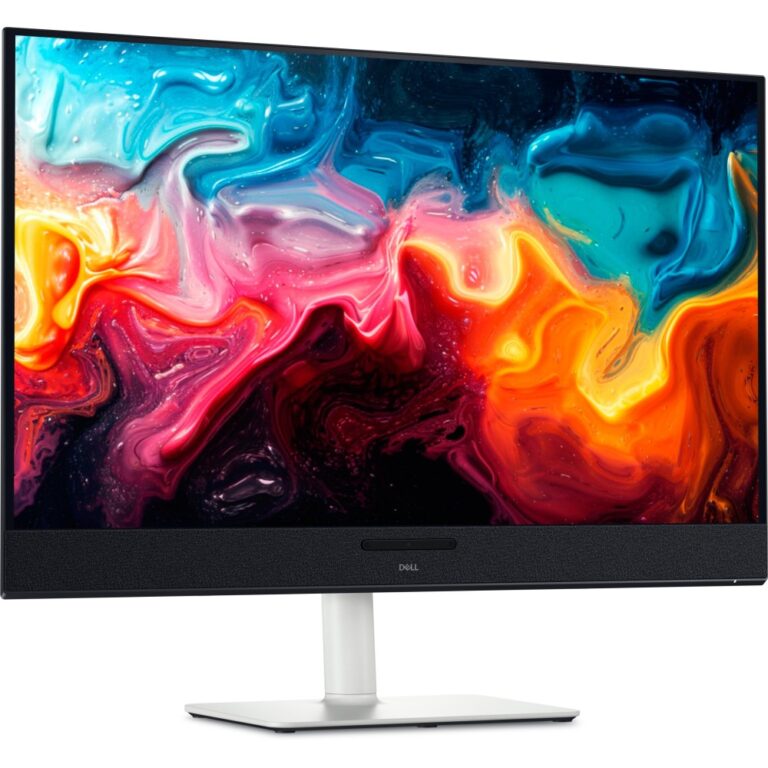
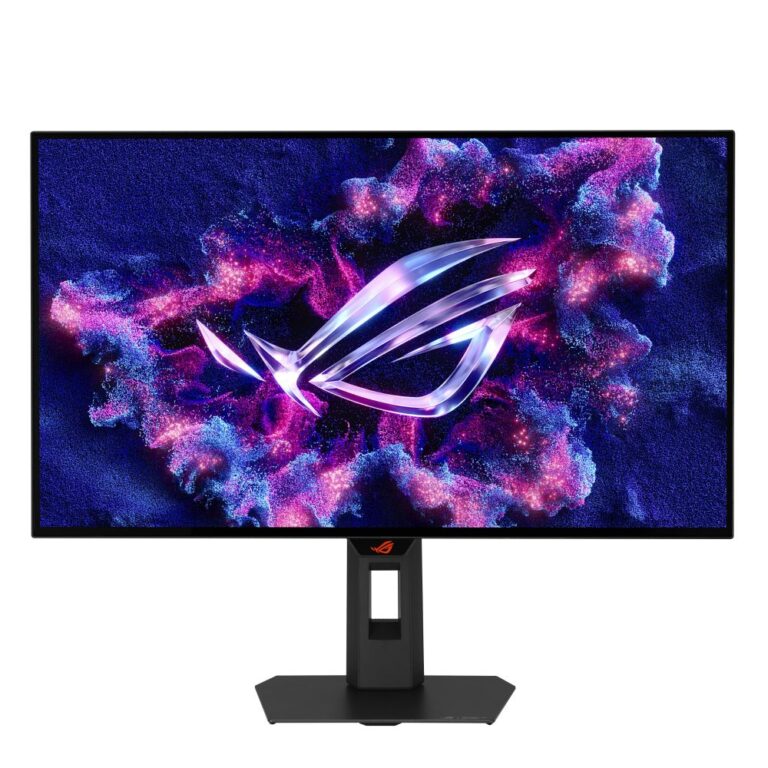
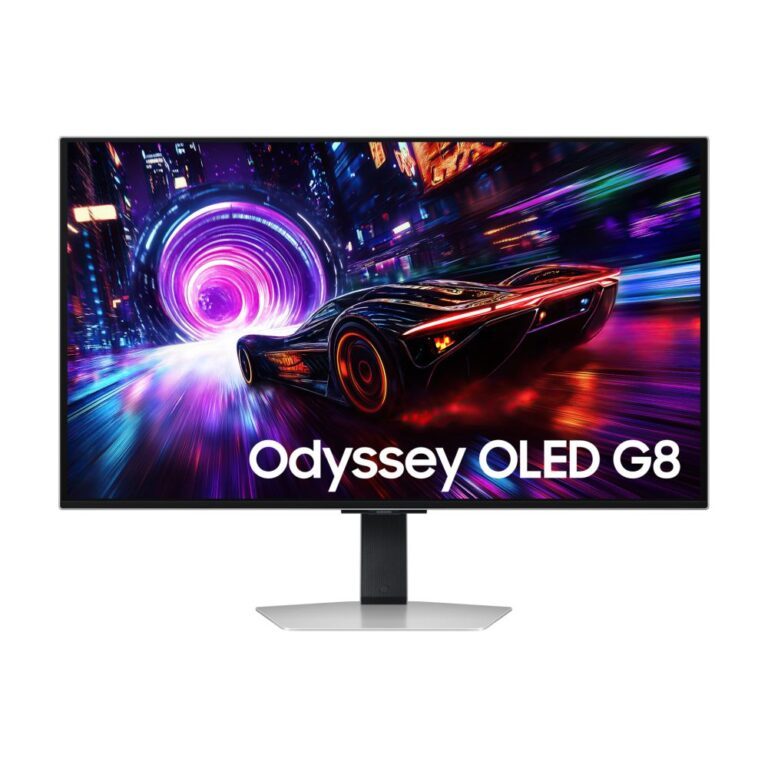
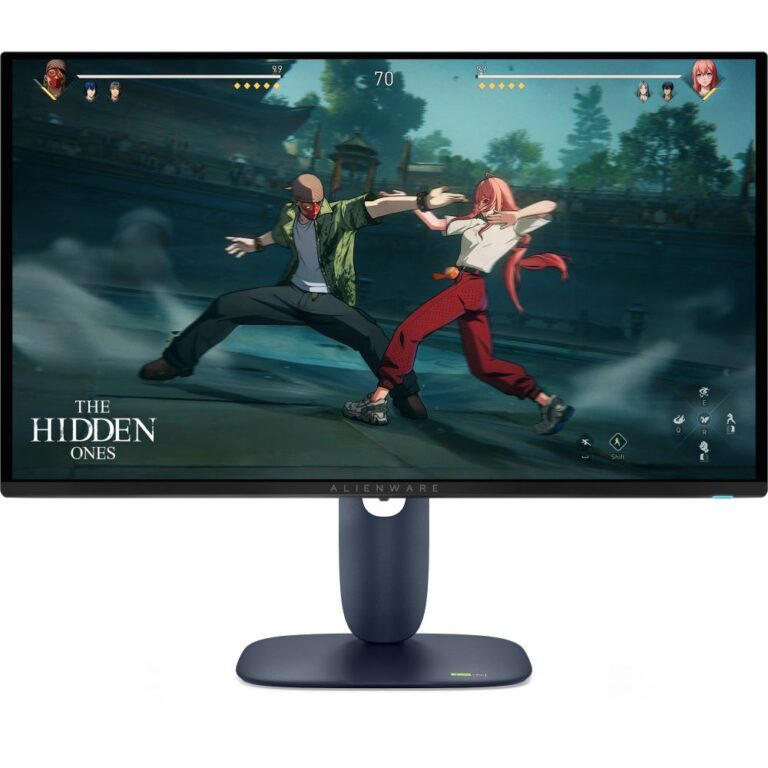
On an OLED monitor every pixel makes its own light and switches off entirely for black. There is no backlight, so no grey glow in dark scenes and no halo around bright objects on a dark background. Pixel response is close to instant, which removes the smearing that trails fast movement on LCD panels.

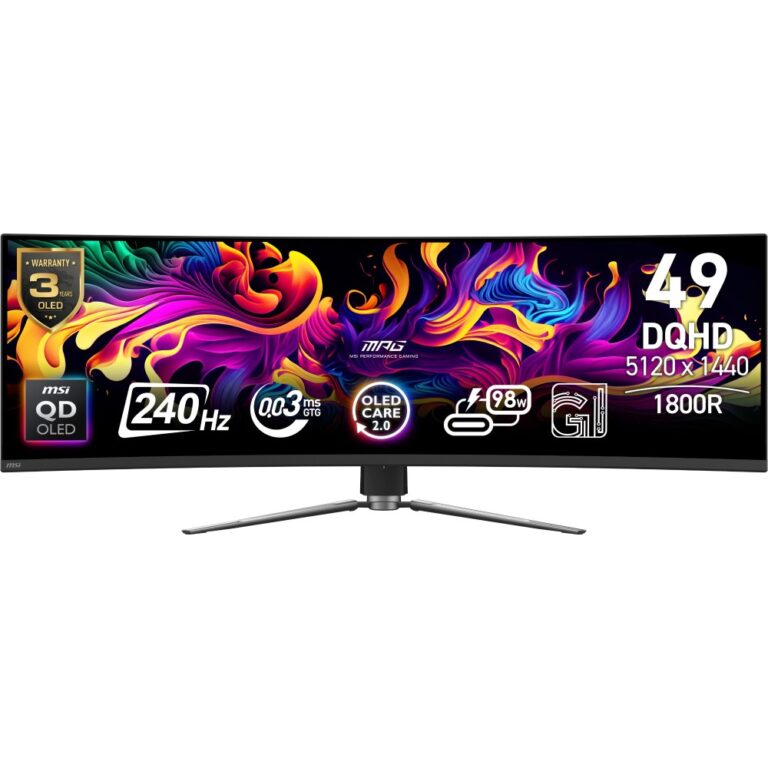
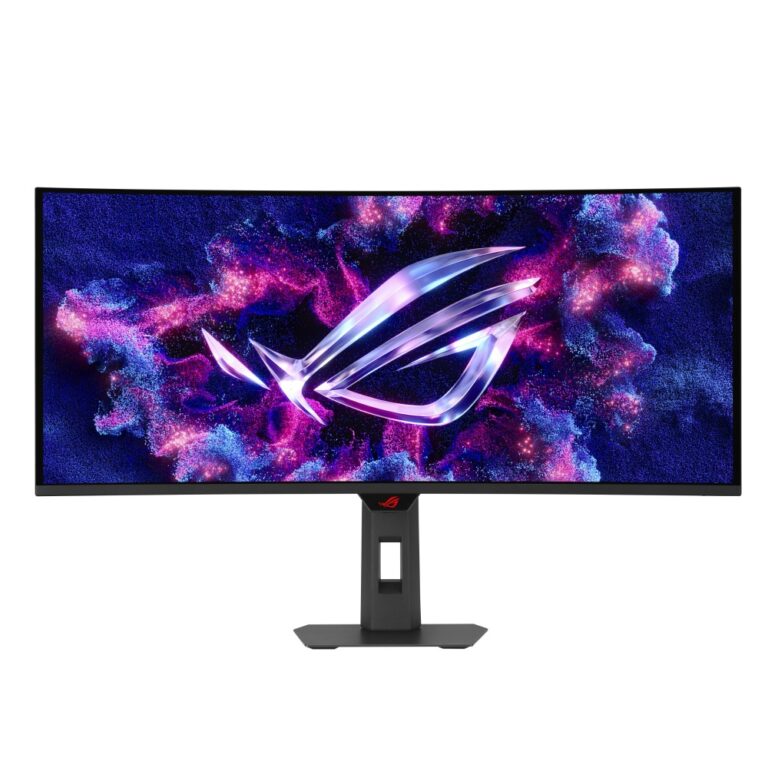
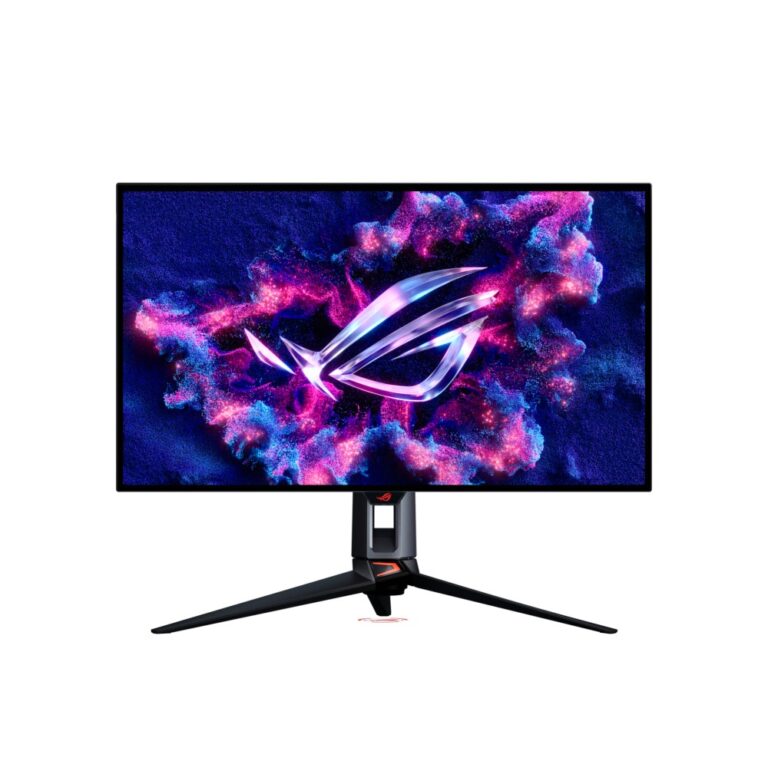
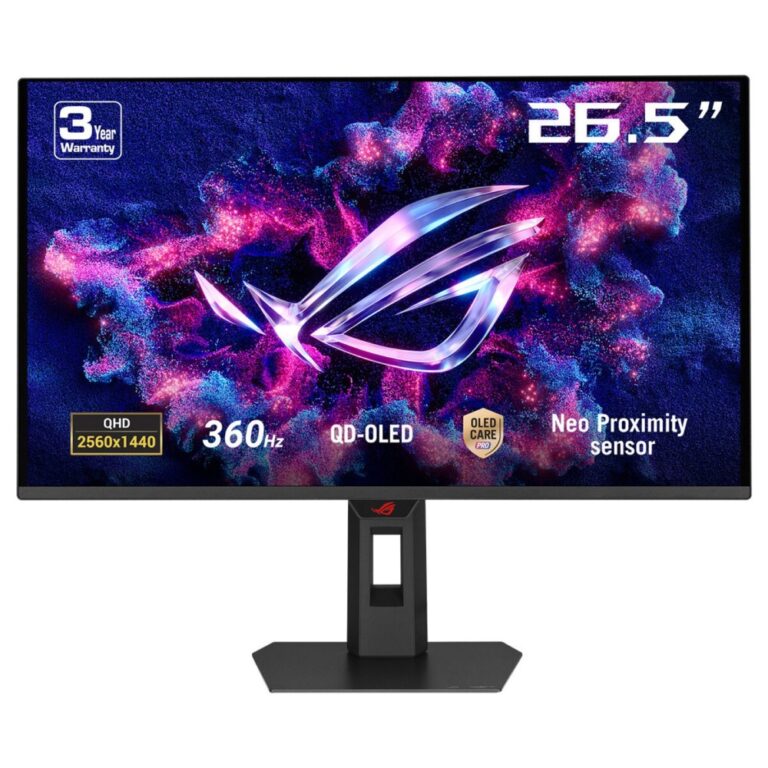
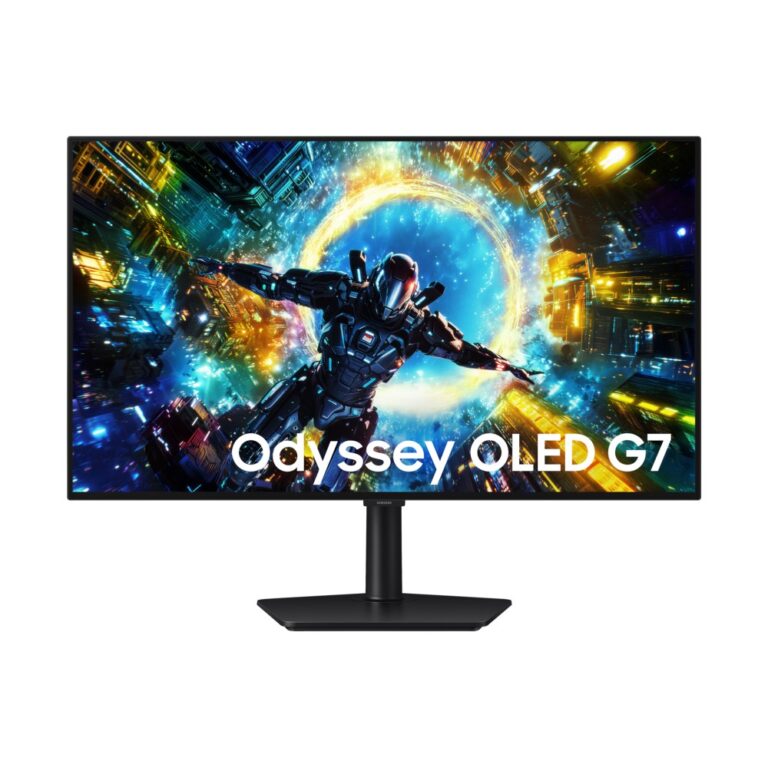
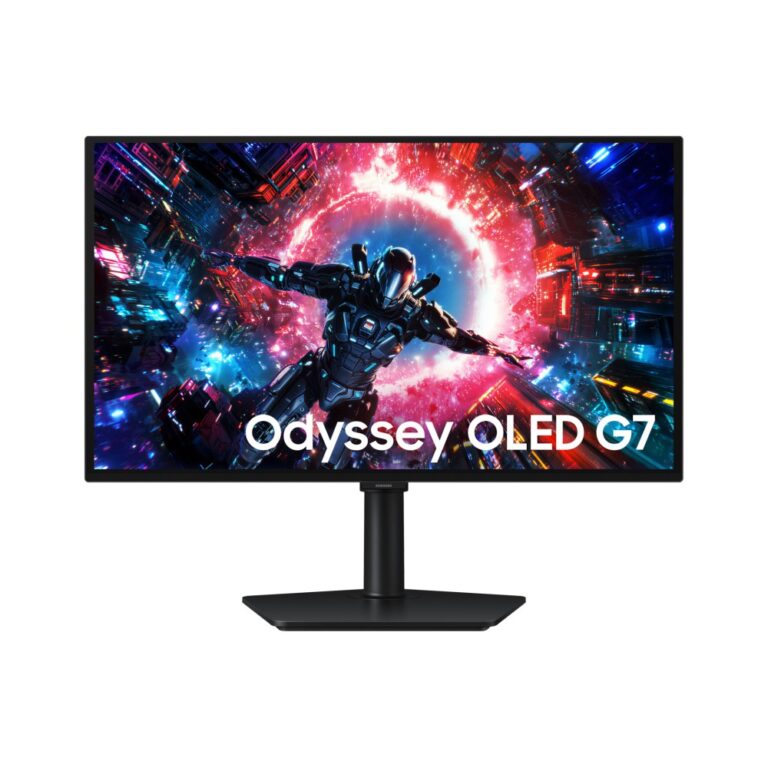
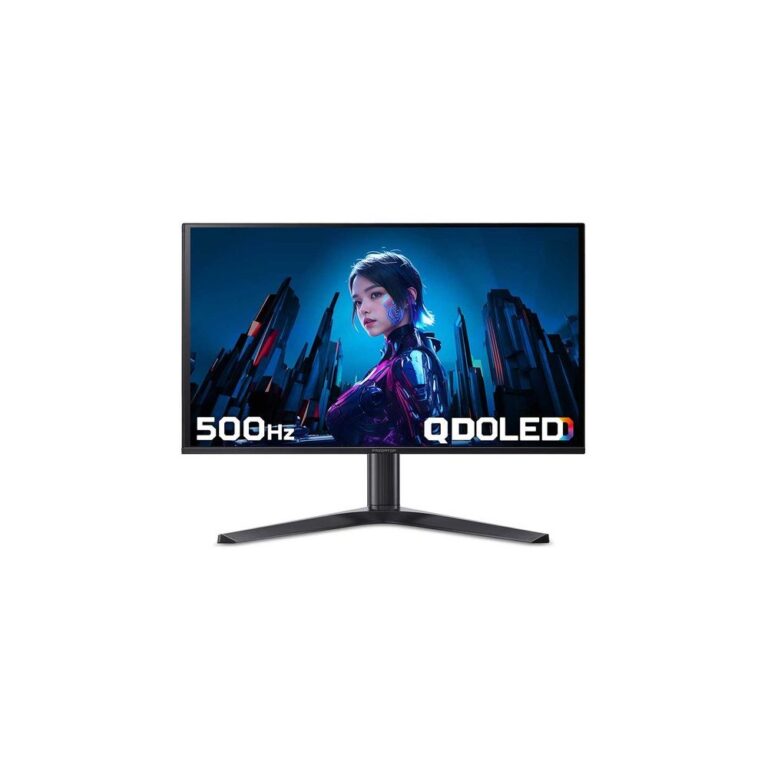
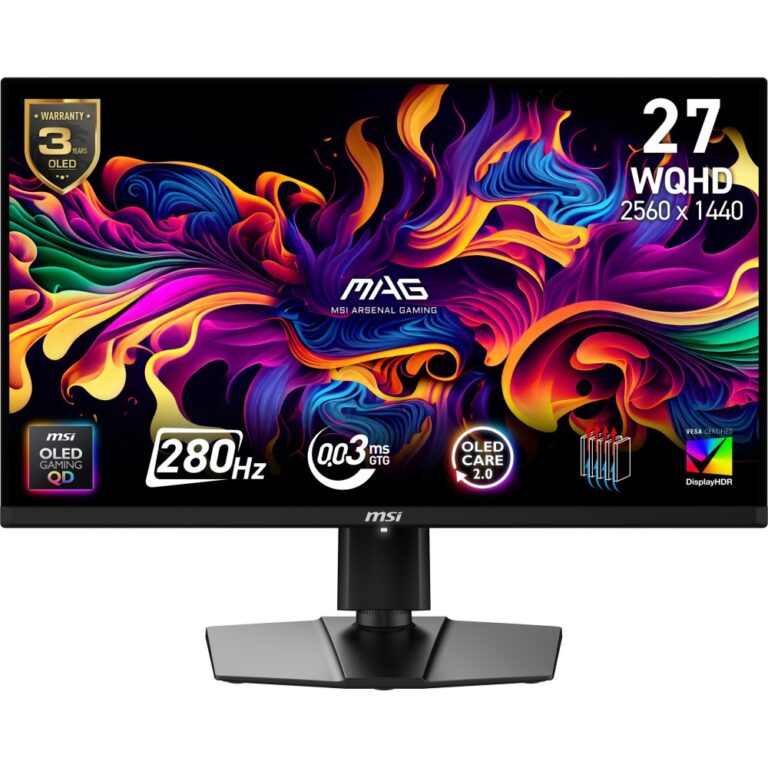
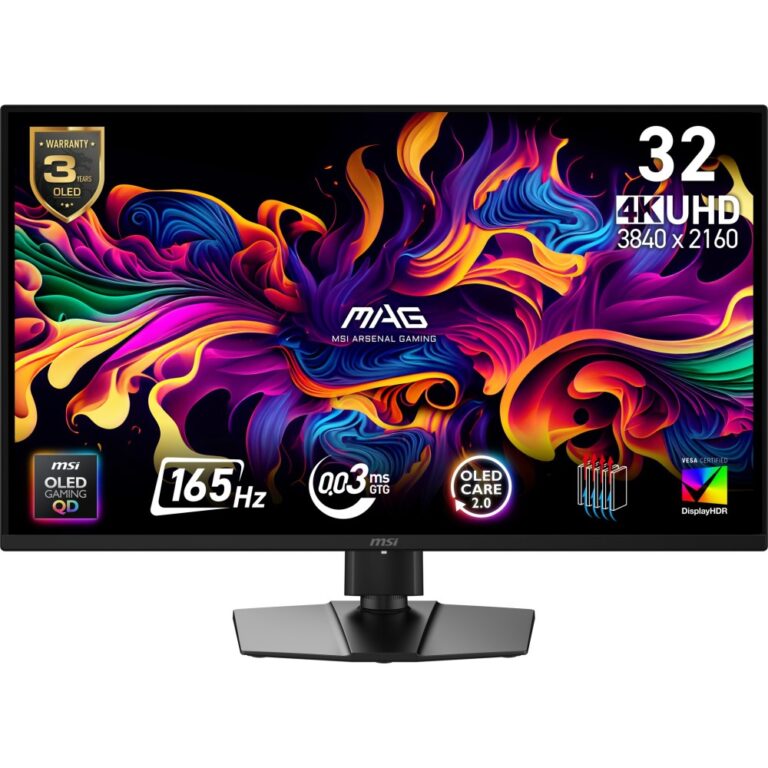
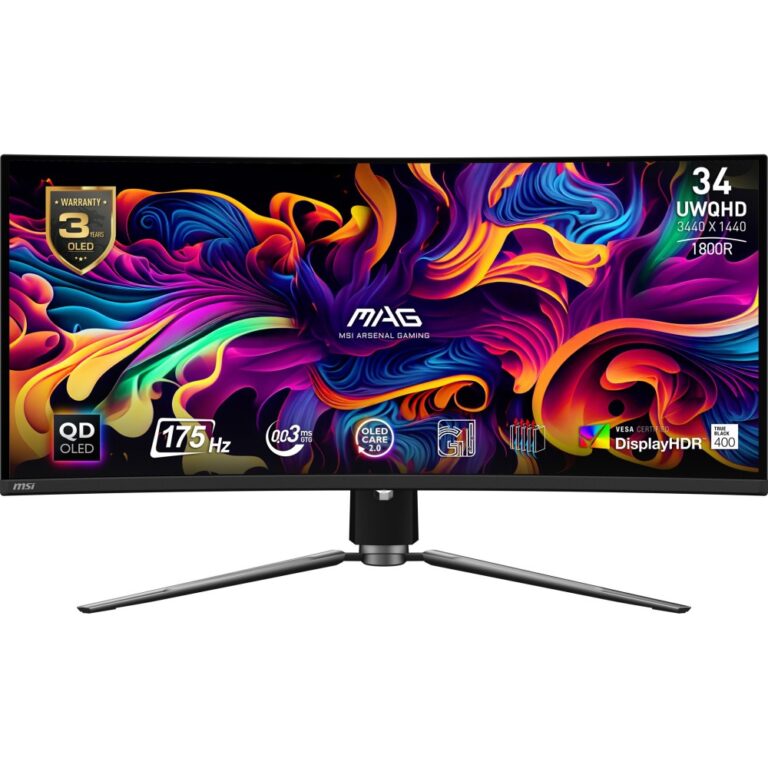
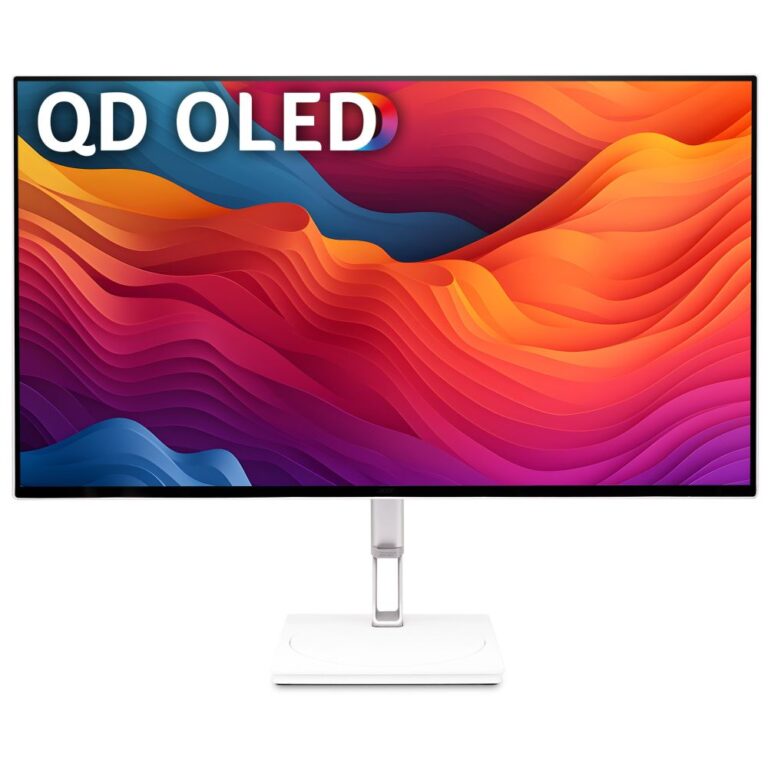
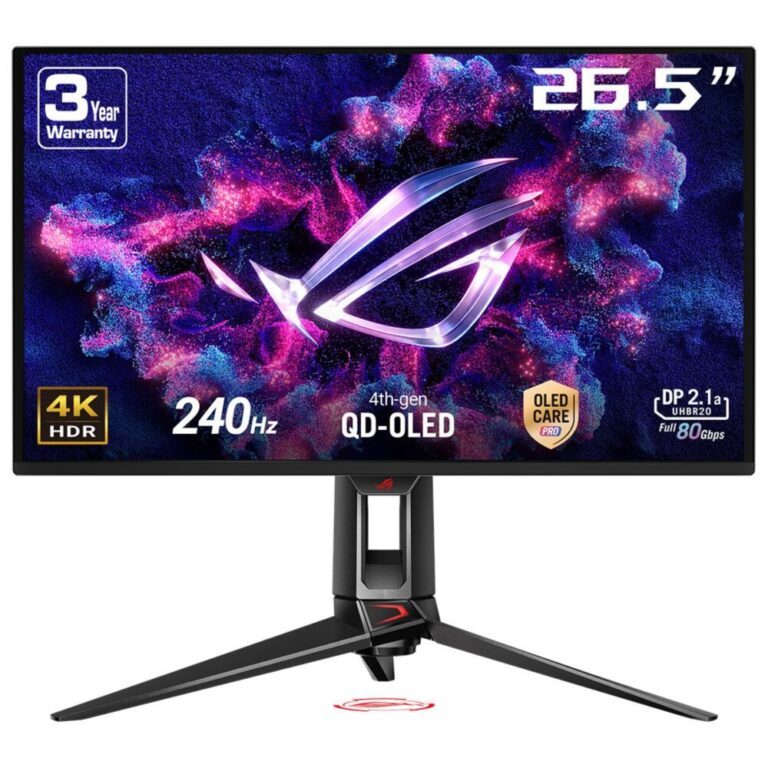
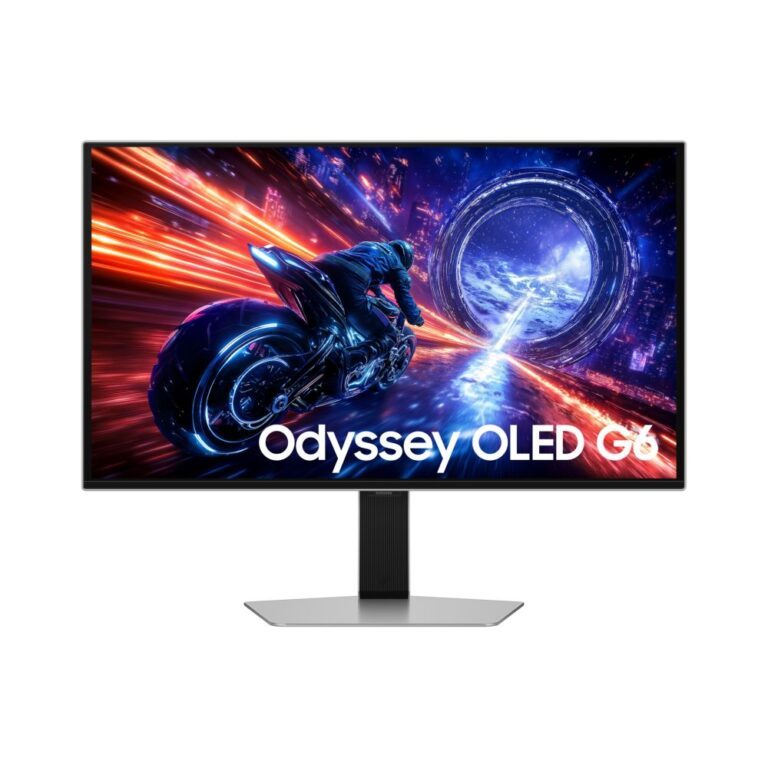
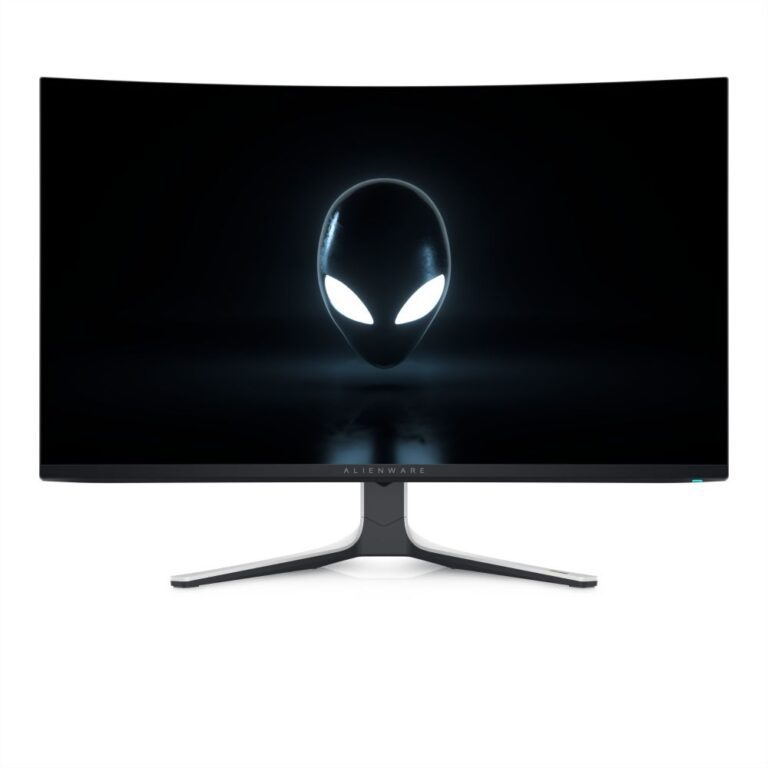
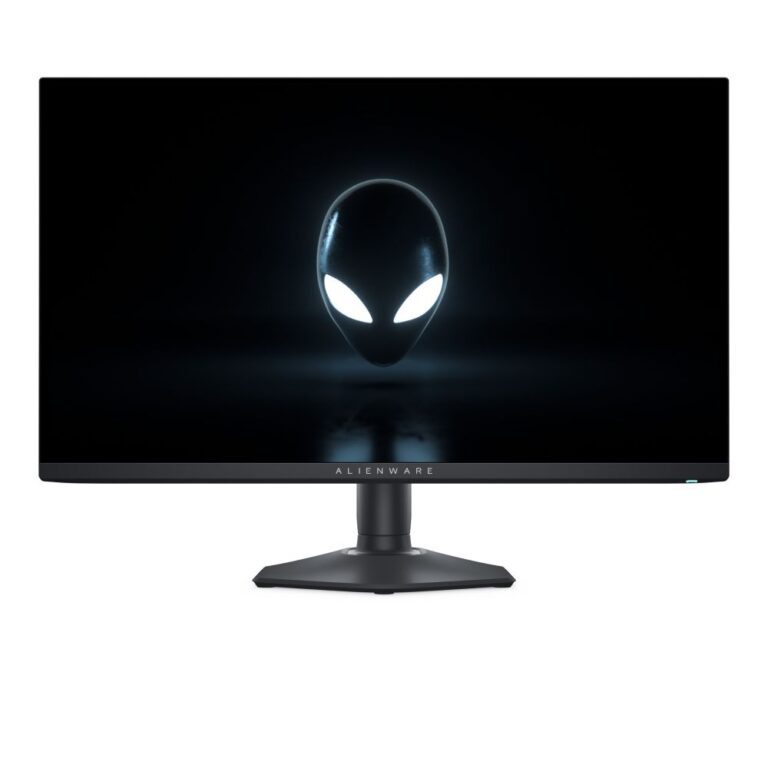
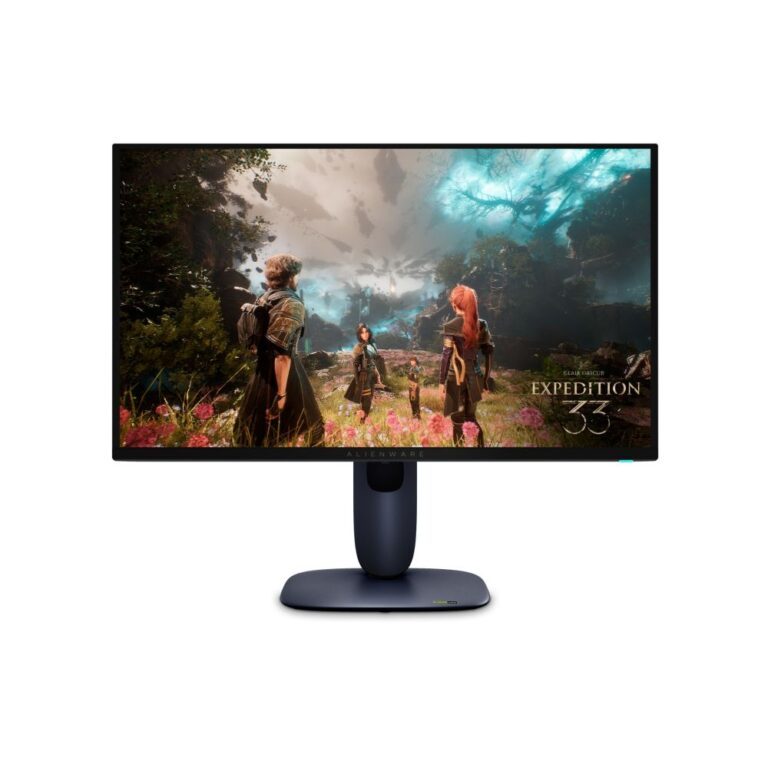
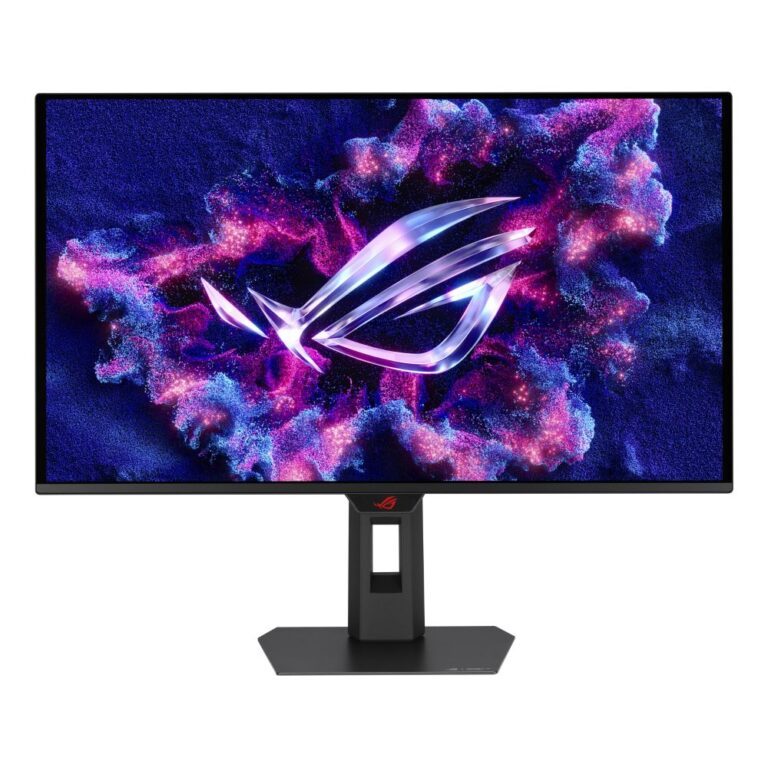
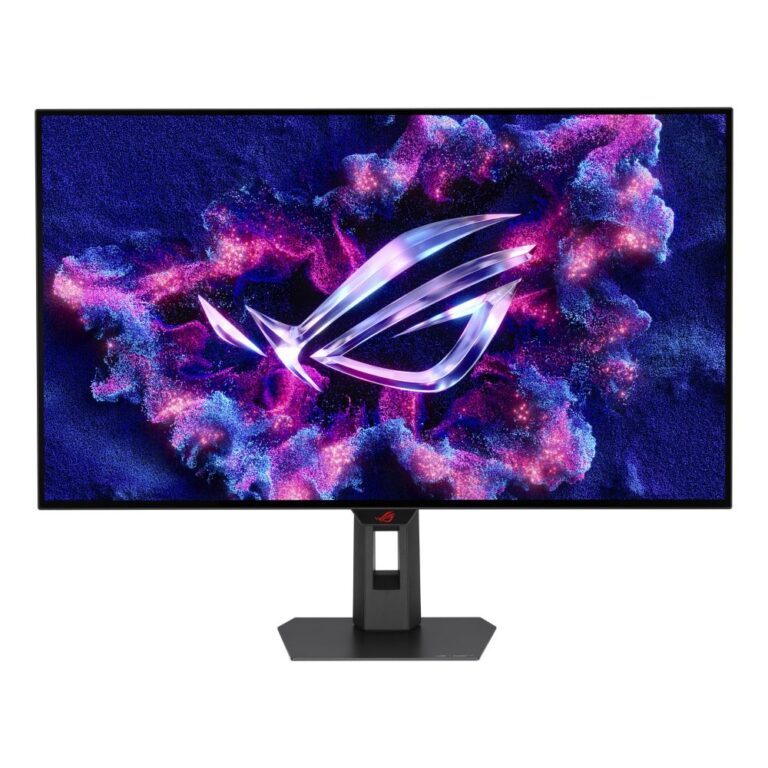
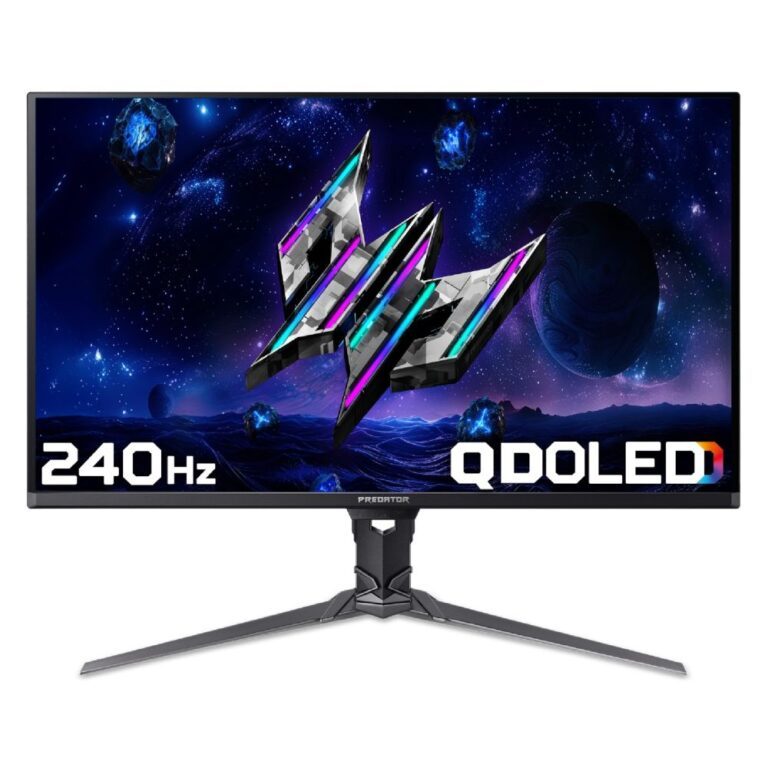
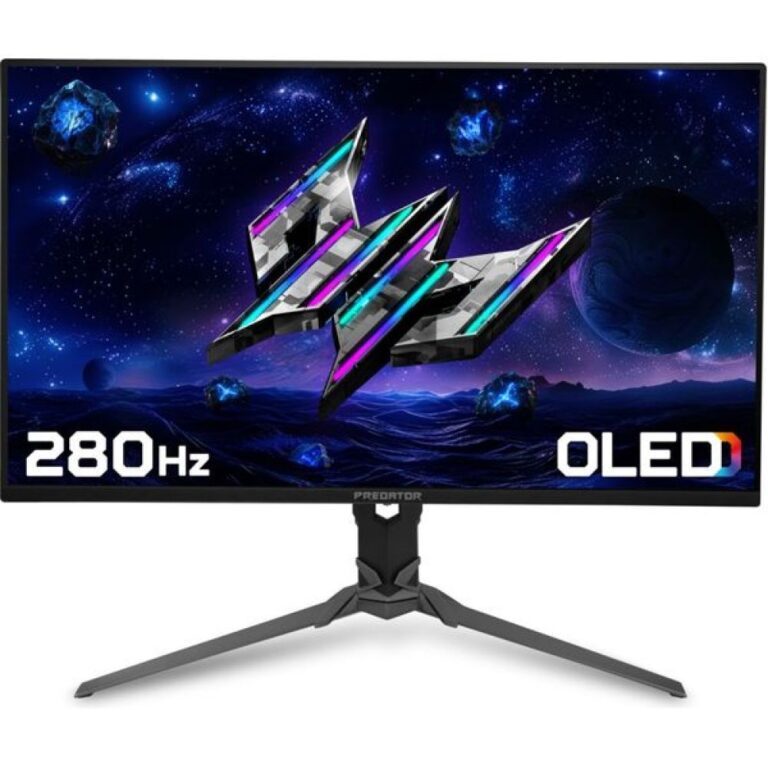
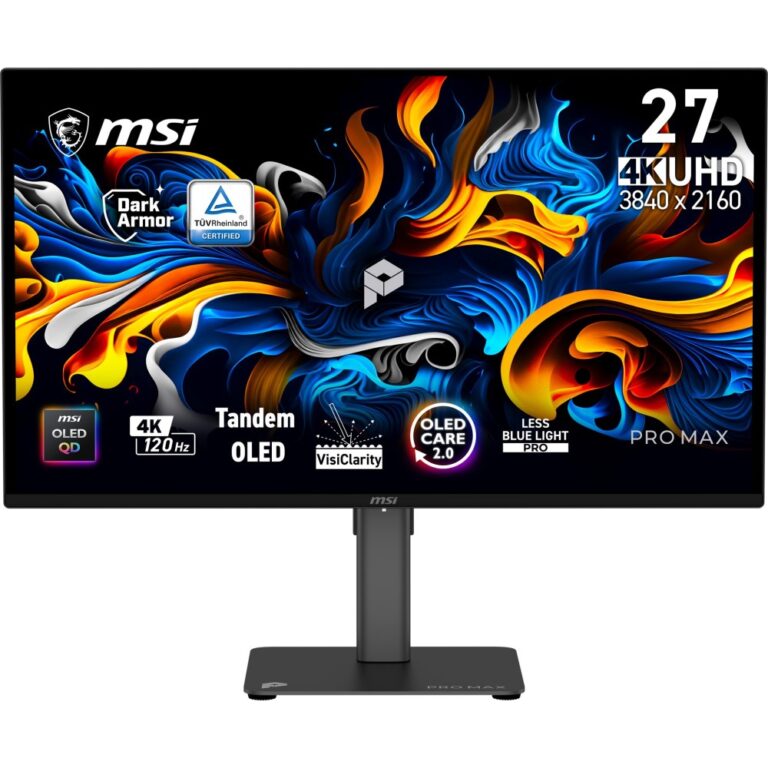
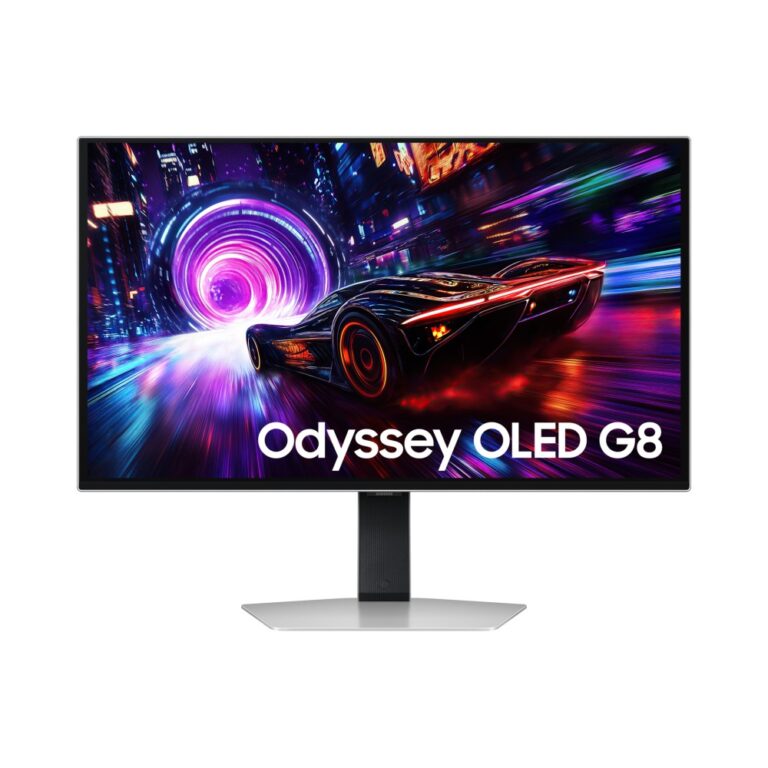
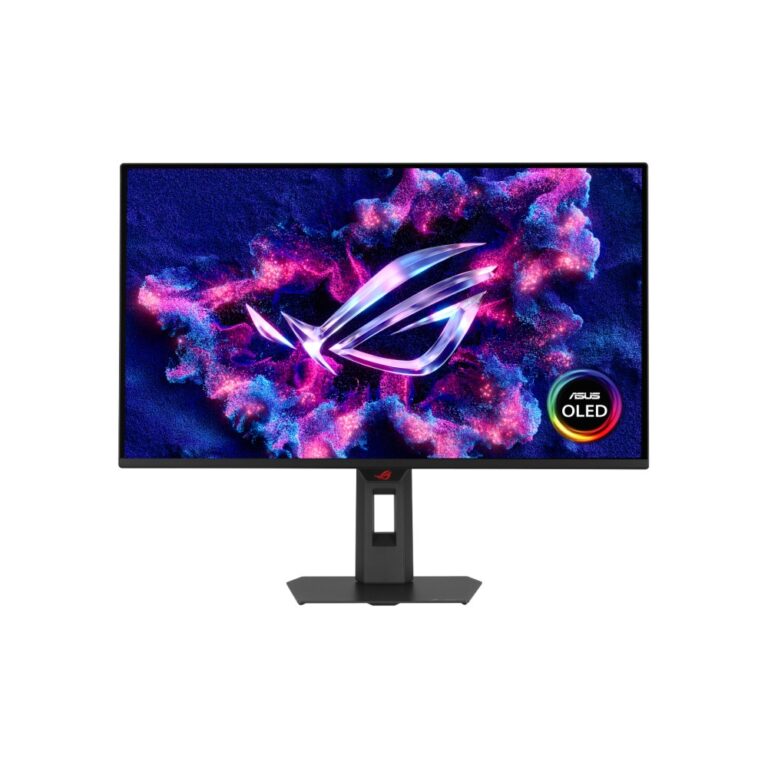
Most of the range here is QD-OLED, which adds a quantum-dot layer to keep colour bright and saturated — Alienware, MSI MAG and MPG, Samsung Odyssey, ASUS ROG Strix and Acer Predator all use it. Refresh rates run from 165Hz up to 360Hz.

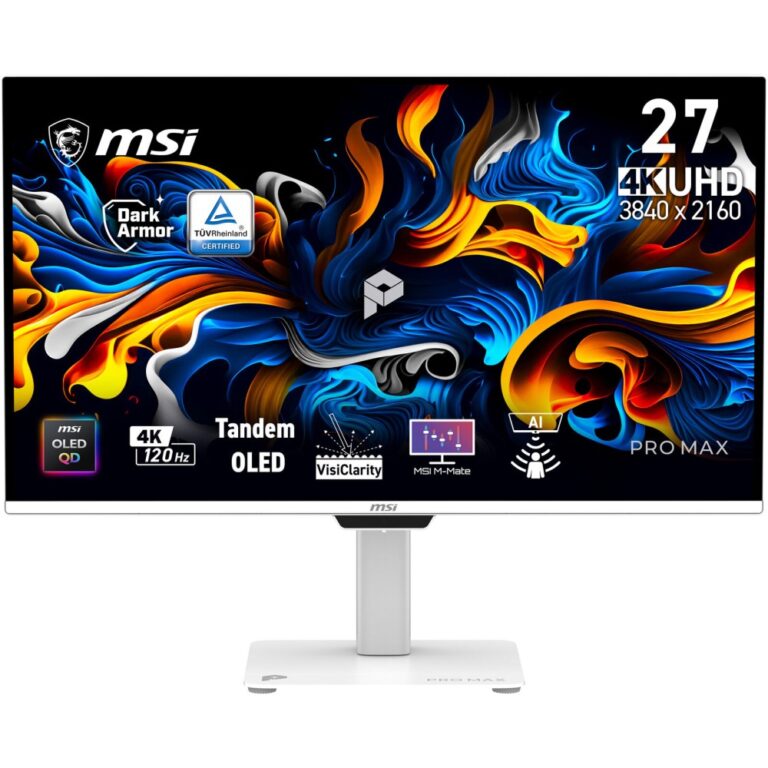
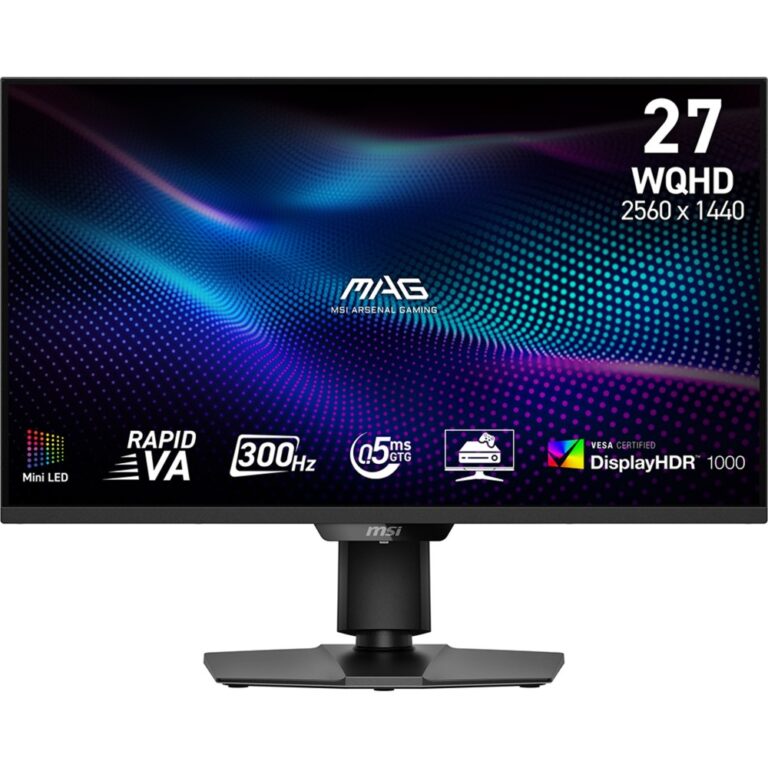
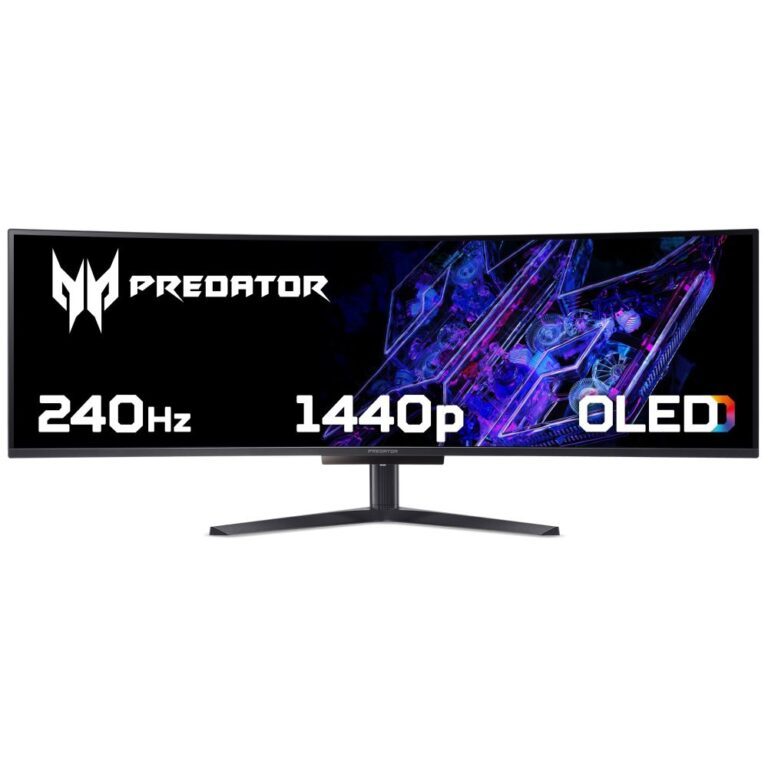
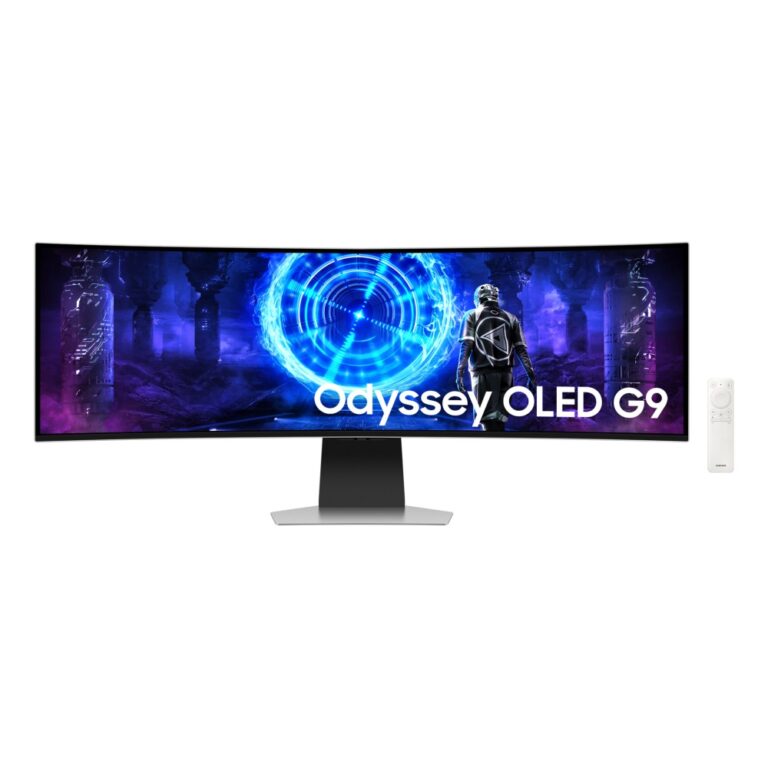
Sizes cluster at 26.5in to 27in QHD, 31.5in 4K, and 34in to 49in ultrawide.

Worth knowing before you buy: OLED panels can retain a static image over time. Every model includes pixel-shift and refresh routines, and it helps to hide taskbars you leave on screen all day. Check the specific model’s warranty terms on burn-in.

OLED Monitors Buying Guide and FAQ

This OLED Monitors range groups screens by panel. Below are the common questions.

What are the benefits of a OLED monitor?

A OLED panel gives the best contrast and near-instant response, which looks fantastic for games and films. It is the choice for the best image quality in games and films.

Is OLED worth it over a standard screen?

OLED and QD-OLED cost more but give the best contrast and motion, so they are worth it if image quality matters most. Match the panel to how you use the screen.

What else should I check on a OLED monitor?

Look at the resolution, the refresh rate and the size to match your graphics card and desk. Variable refresh (G-Sync or FreeSync) is worth having for gaming, and HDMI 2.1 helps for 4K high refresh or a console.