Brand
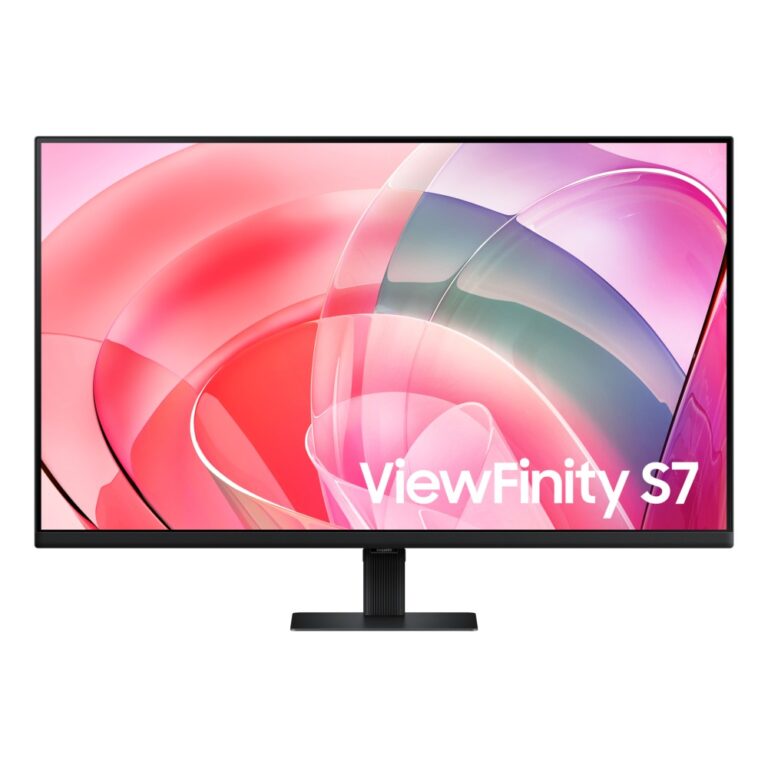
Save £14
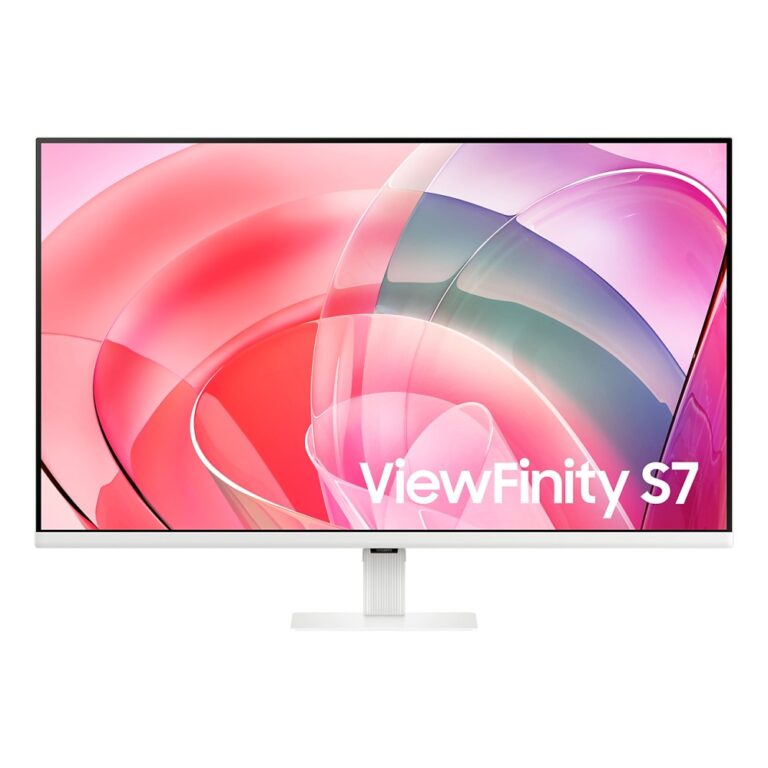
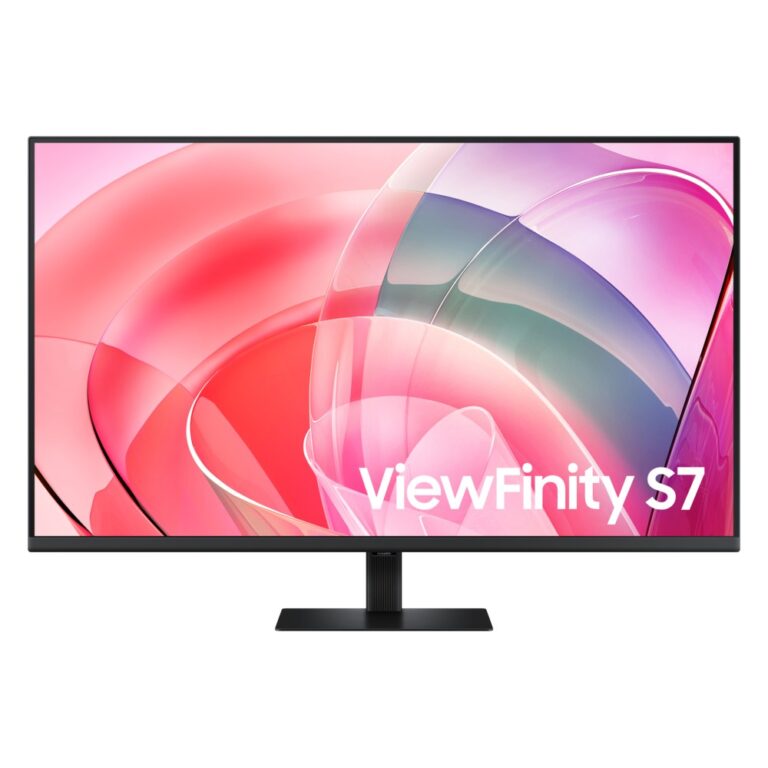
Samsung ViewFinity S70D 32″ 4K UHD Monitor 60Hz VA Panel HDR10 Black
In stock
Original price was: £245.99.£232.38Current price is: £232.38.
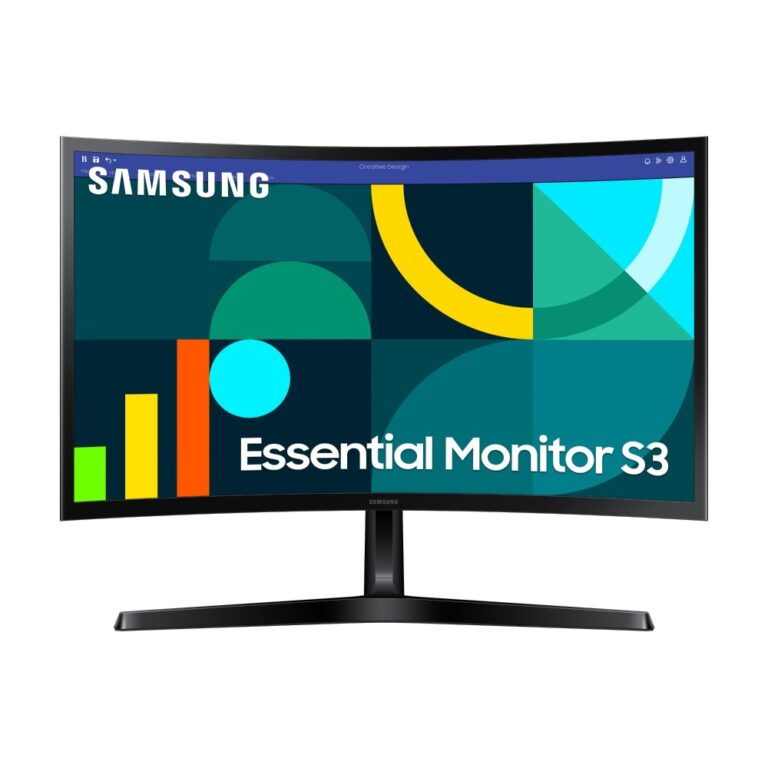
Save £8.19
Samsung LS24D366GAU 24″ Full HD 100Hz VA Curved Monitor – Black
In stock
Original price was: £153.59.£145.40Current price is: £145.40.
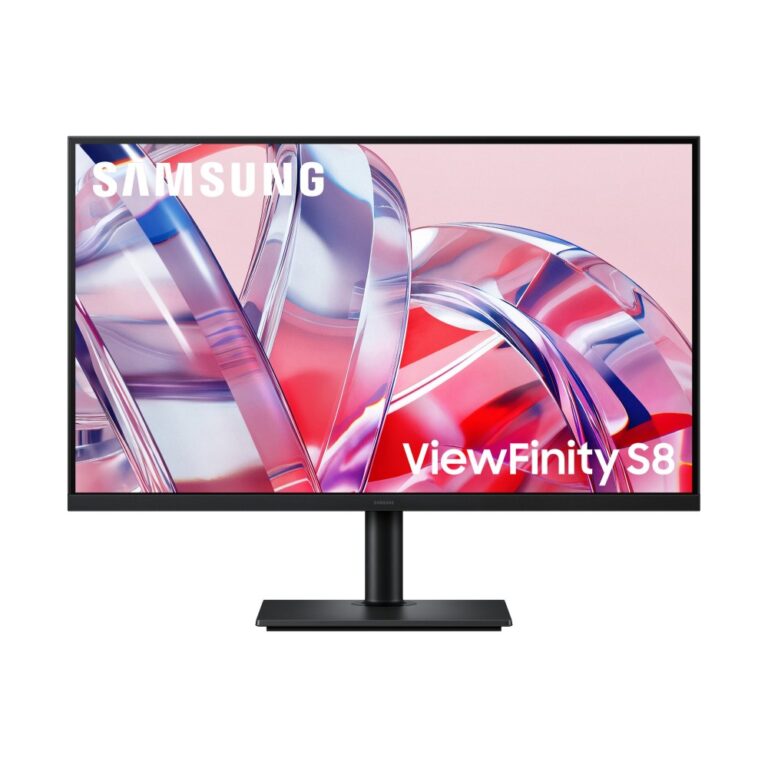
Save £19
Samsung S80H 32″ 4K Ultra HD 3840×2160 Monitor 60Hz VA Panel Black
In stock
Original price was: £368.39.£349.52Current price is: £349.52.
Save £7.93
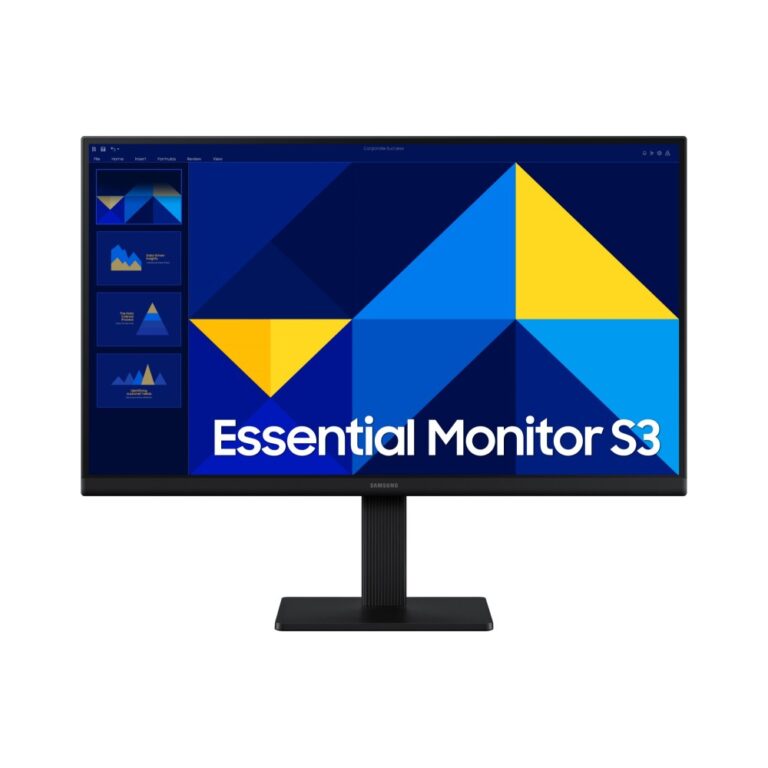
Samsung S27D300GAU 27″ Full HD IPS Monitor, 100 Hz, Black
In stock
Original price was: £127.19.£119.26Current price is: £119.26.

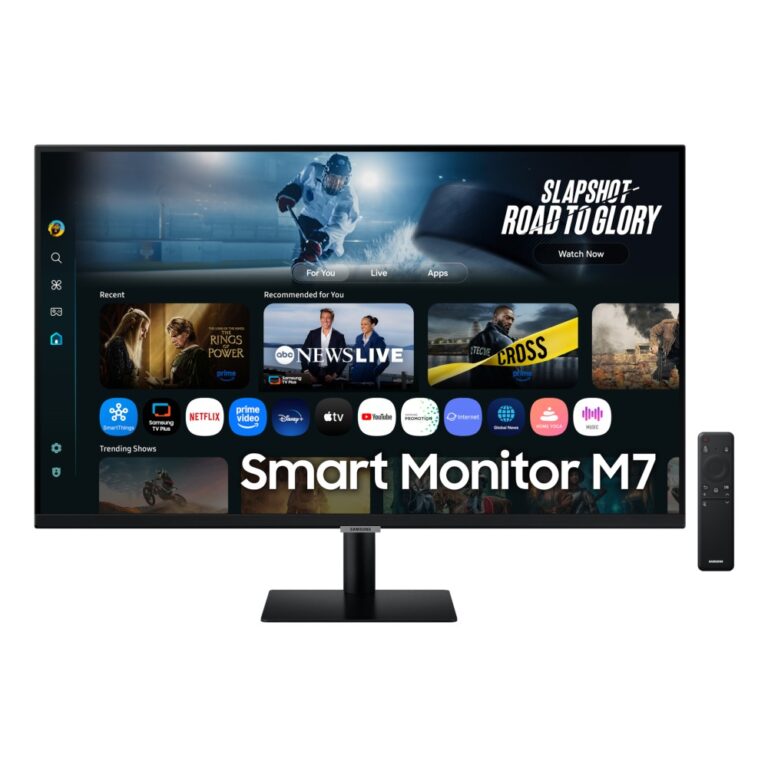
Save £19
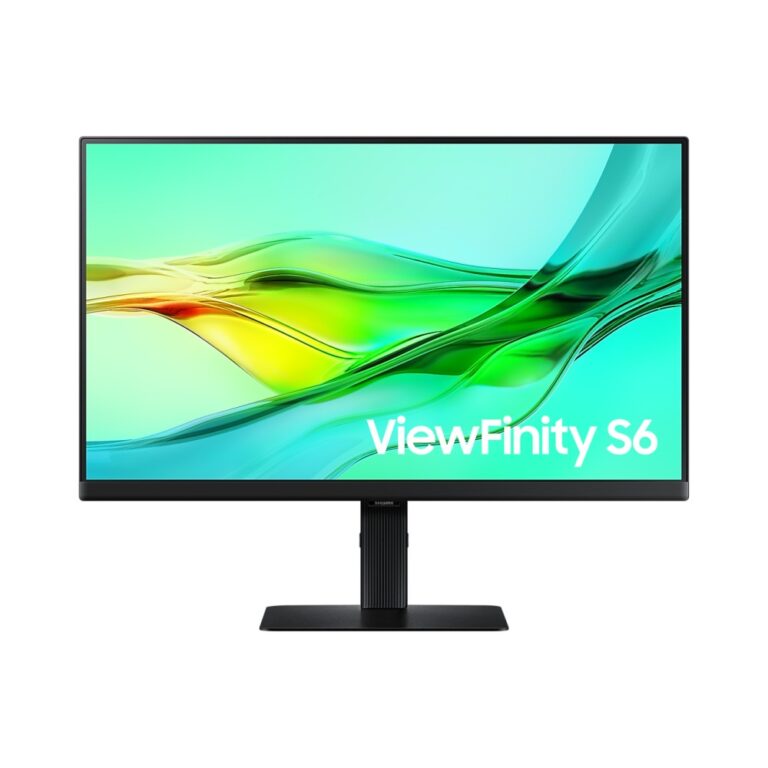
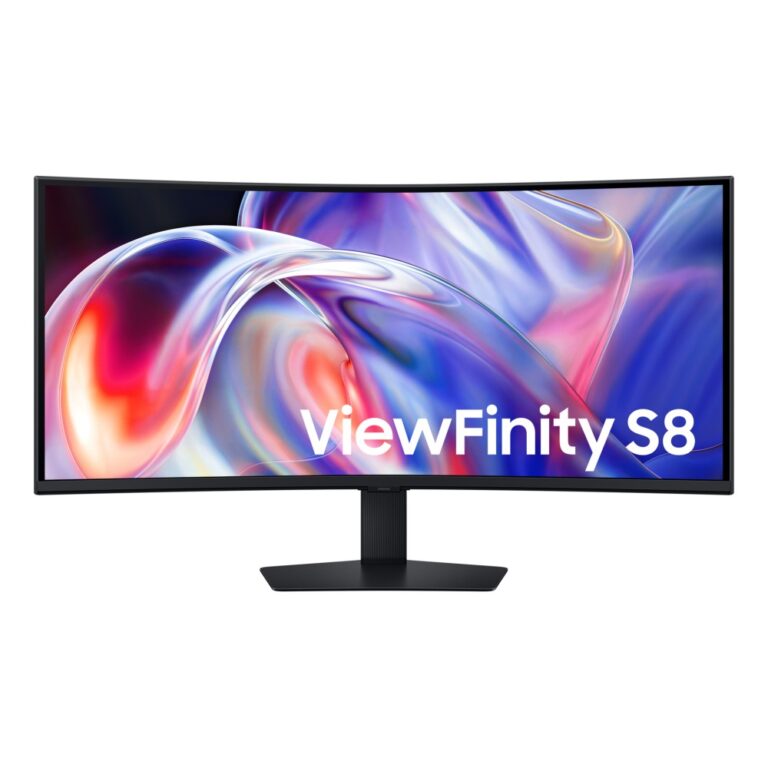
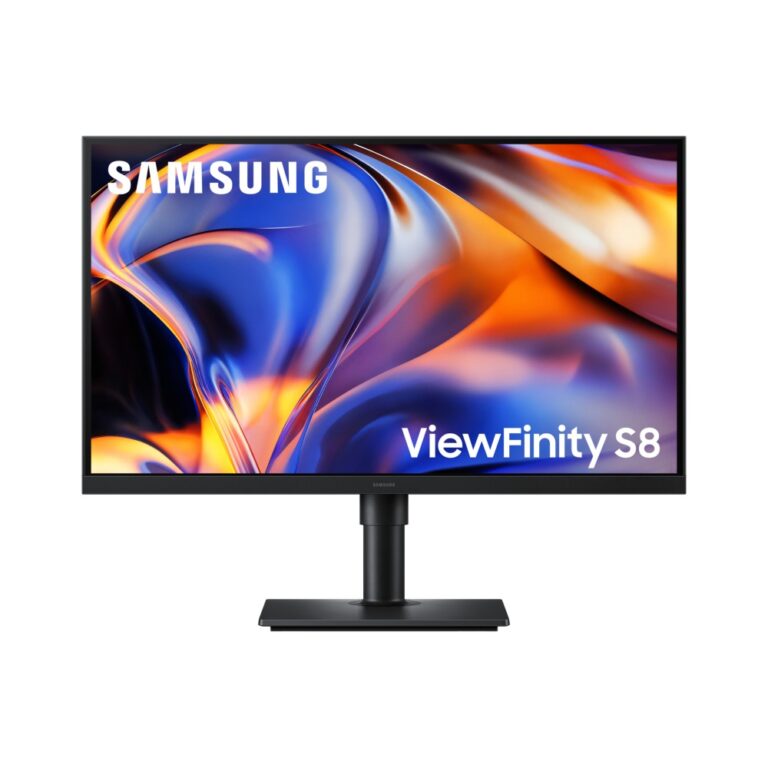
Samsung M7 32-Inch 4K UHD Smart Monitor, 60 Hz, VA, Black
In stock
Original price was: £368.39.£349.42Current price is: £349.42.
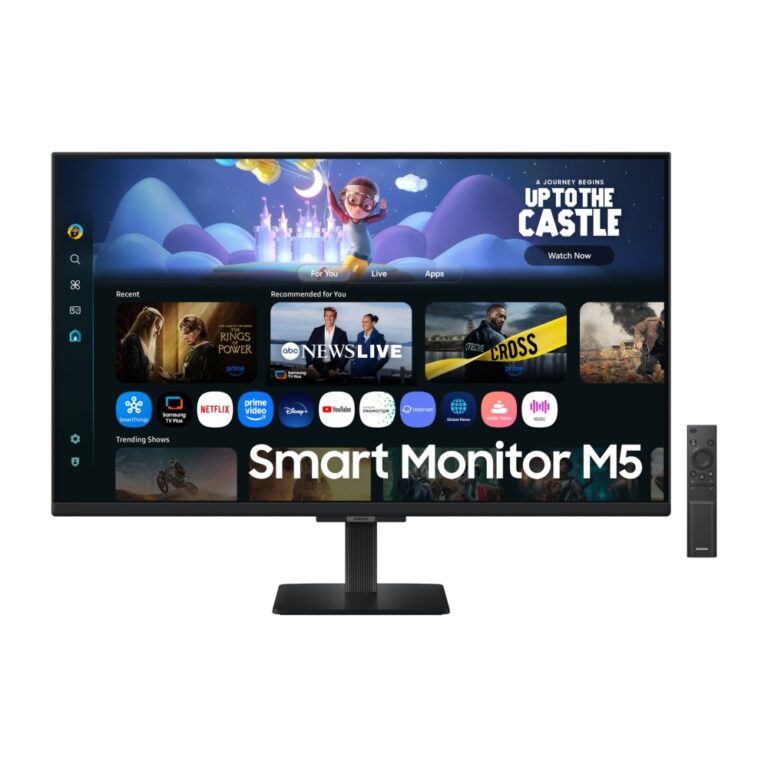
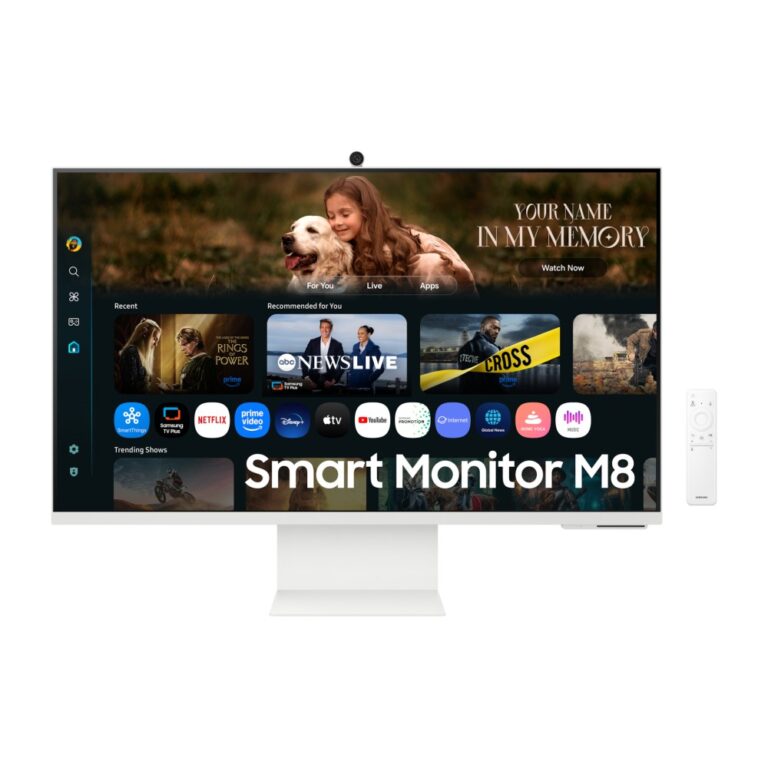
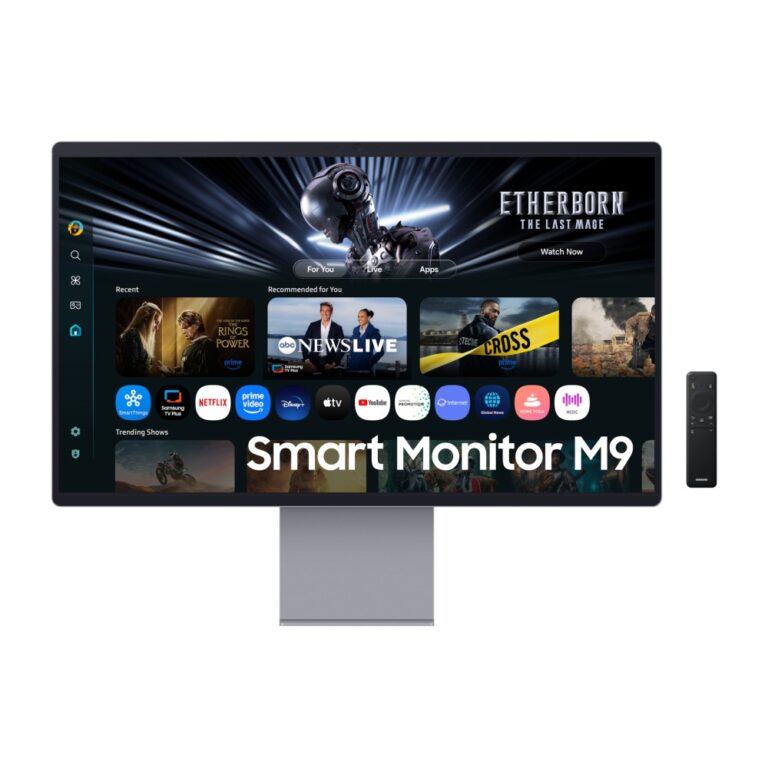
Save £5.81
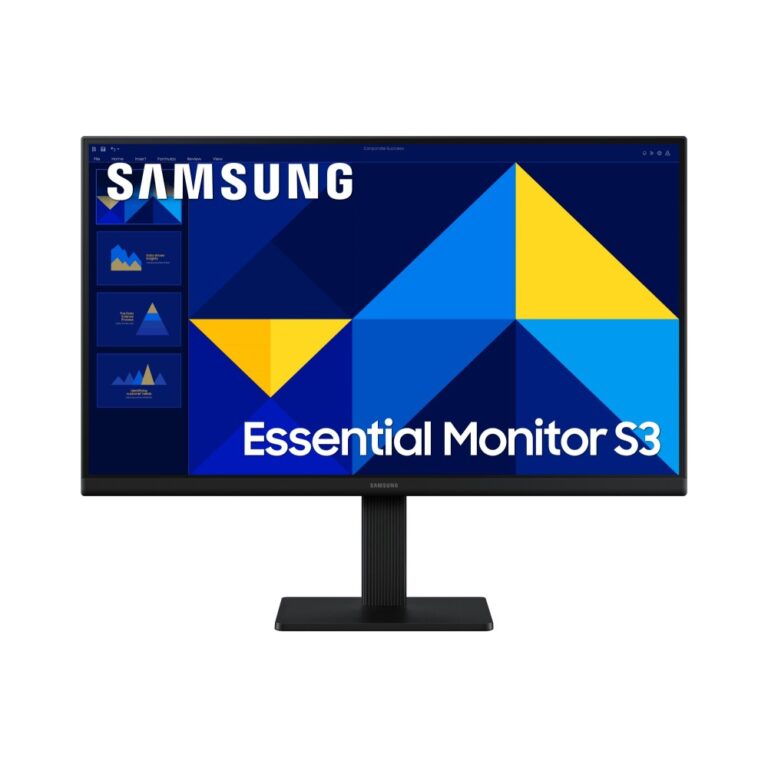
Samsung S22D300GAU 22″ Full HD LCD Monitor 1920 x 1080 100Hz IPS Black
In stock
Original price was: £101.99.£96.18Current price is: £96.18.
Save £11
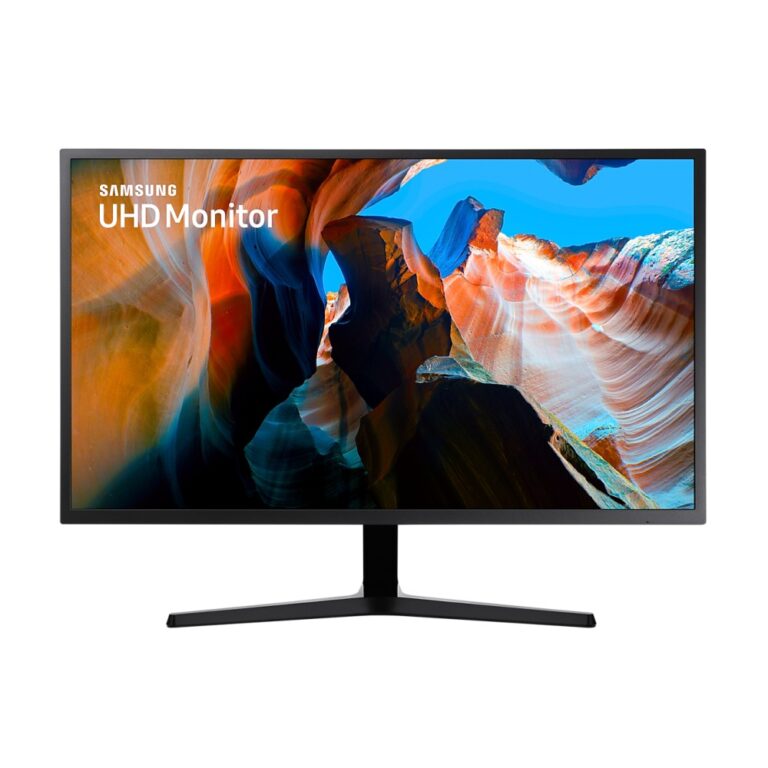
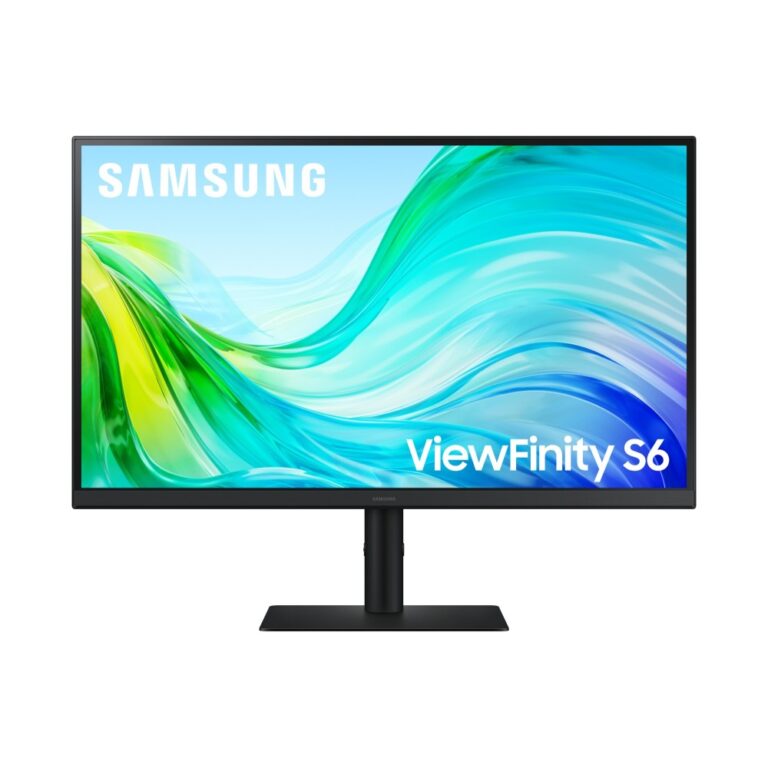
Samsung S61F 27″ 2560×1440 Quad HD Monitor Black
In stock
Original price was: £220.79.£209.46Current price is: £209.46.
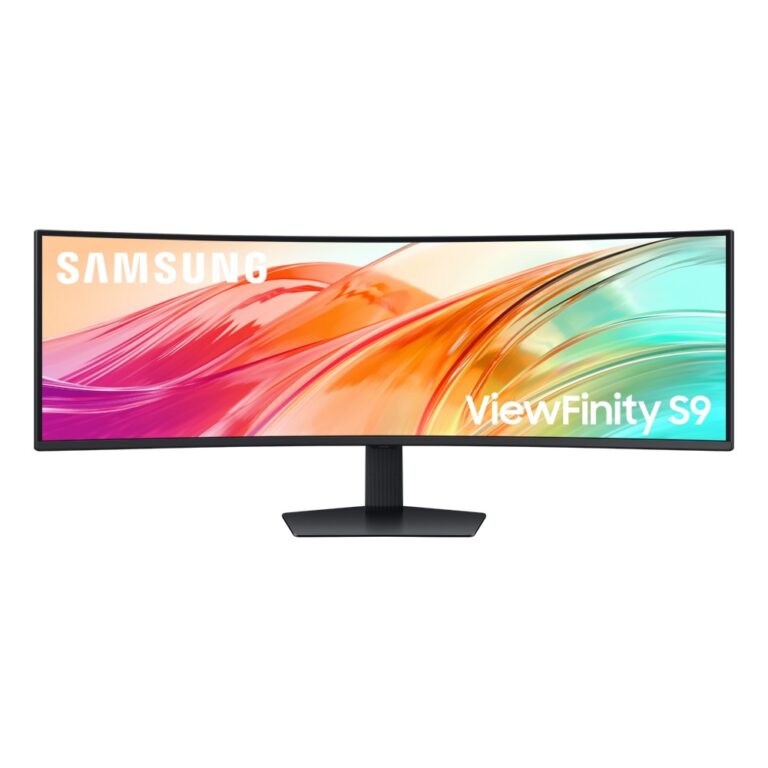
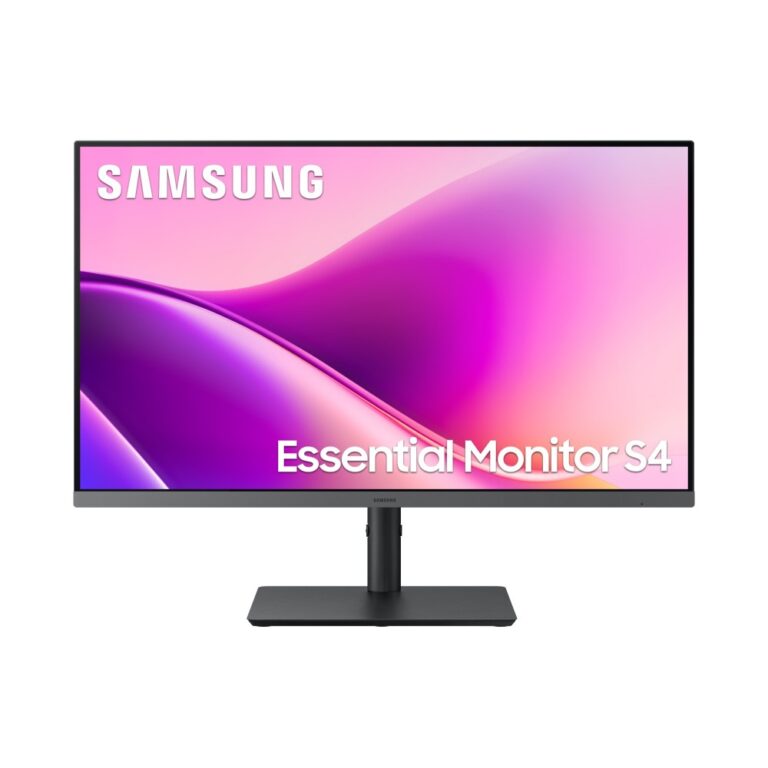
Save £13
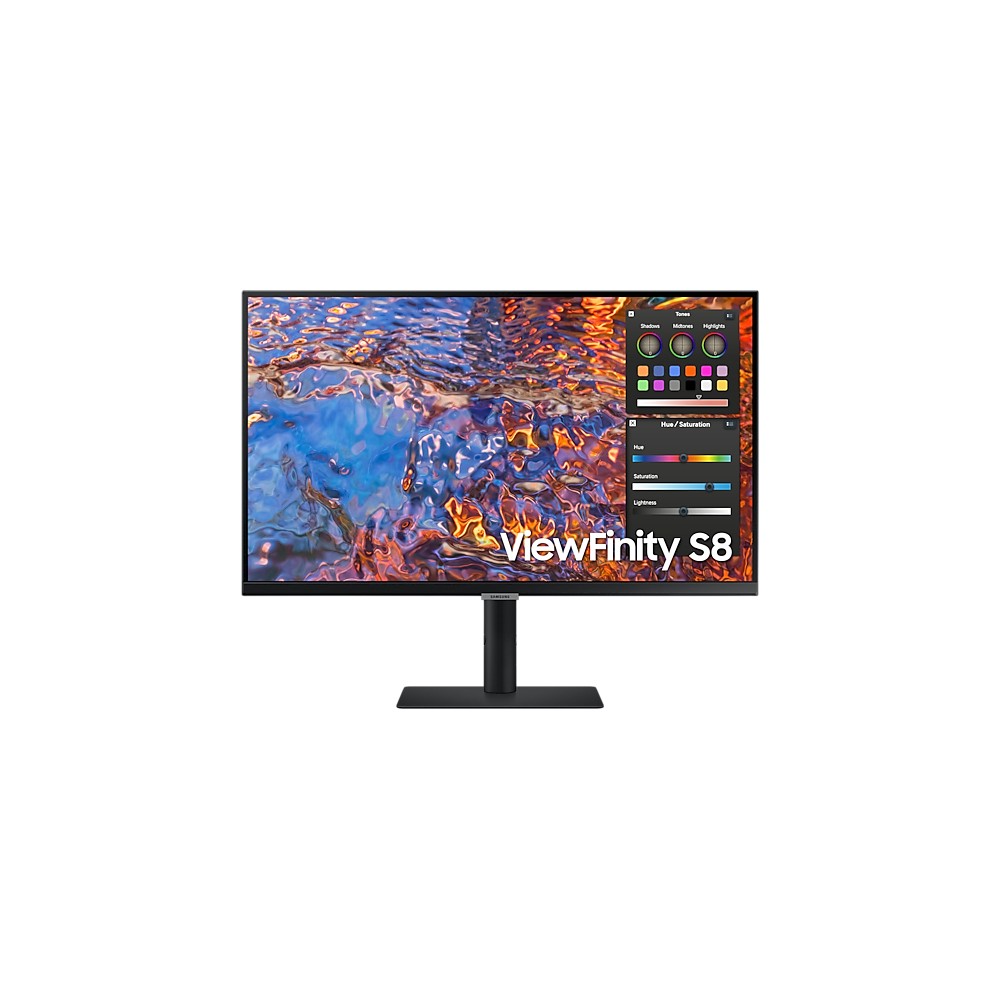
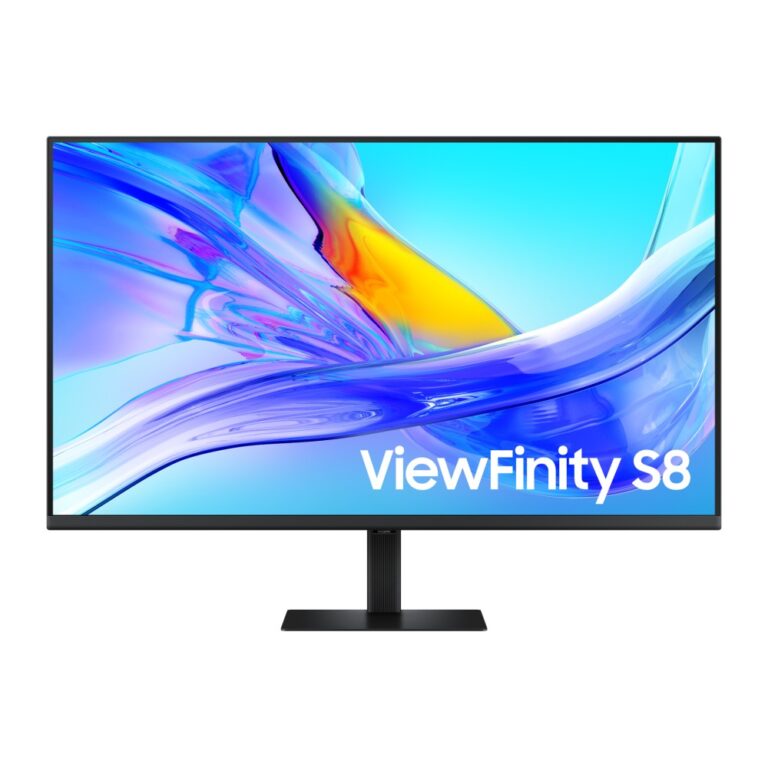
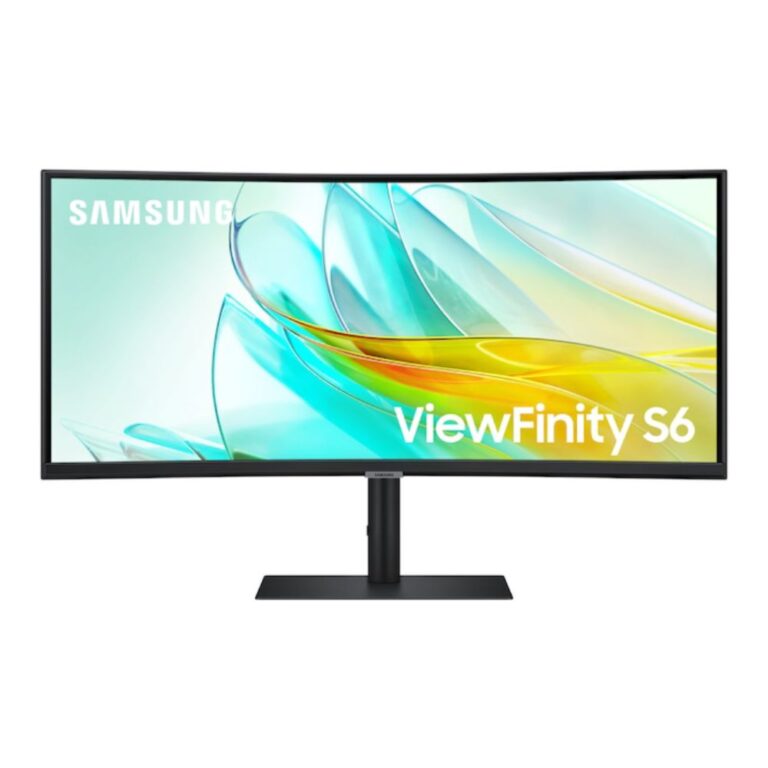
Samsung S43UF 27″ 1920×1080 Full HD Monitor Black
In stock
Original price was: £257.99.£244.50Current price is: £244.50.
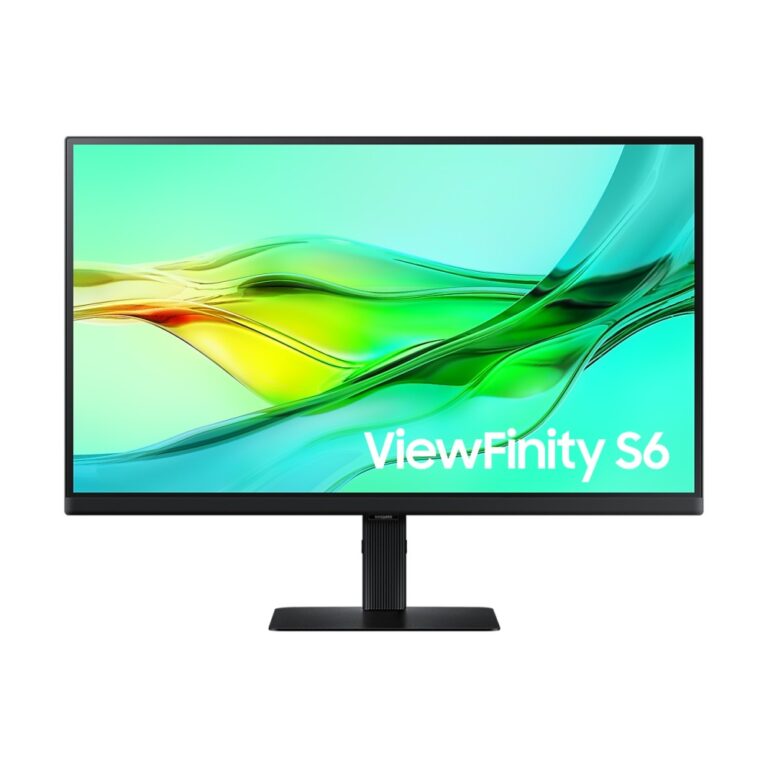
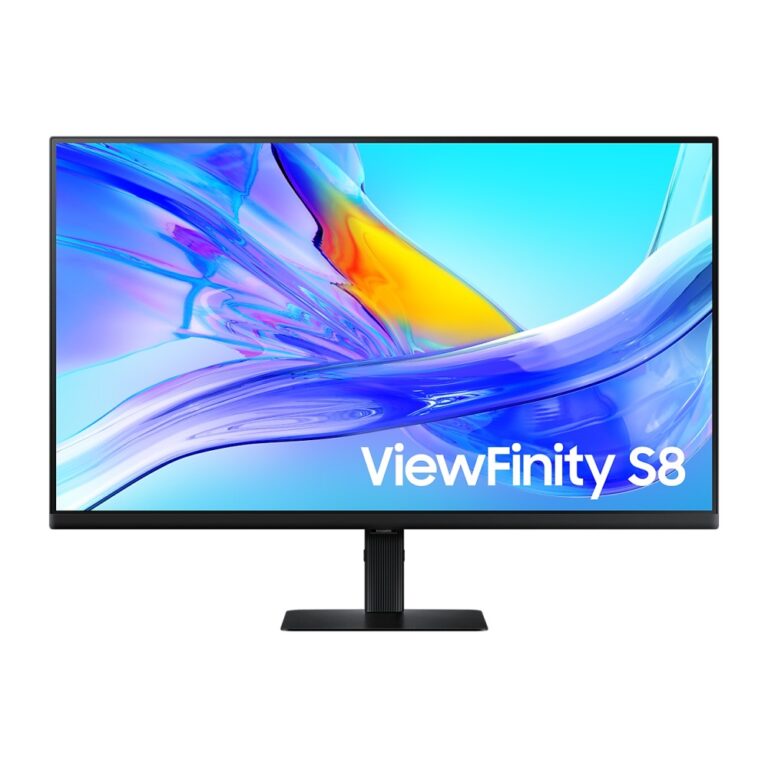
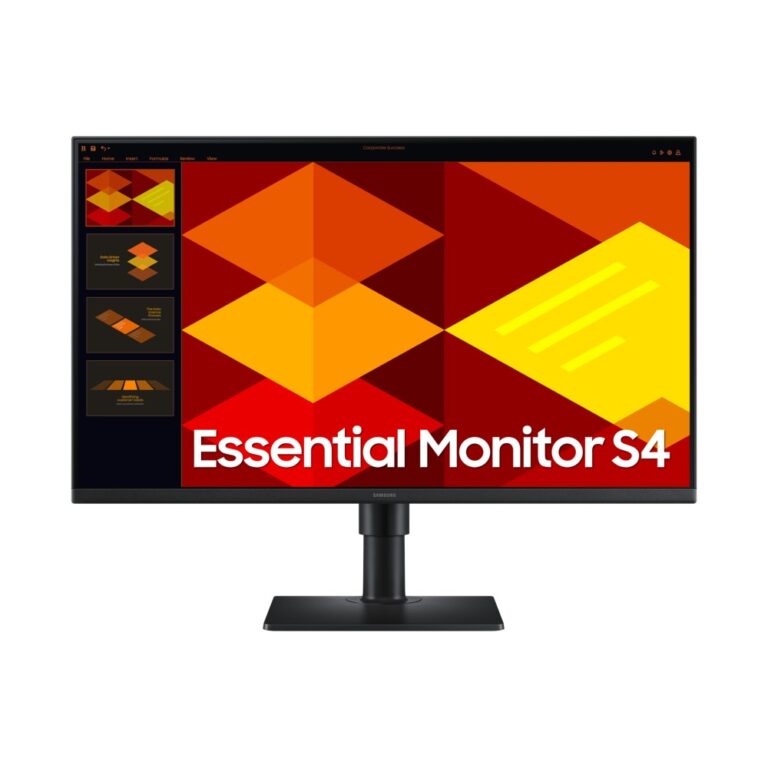
Save £9.24
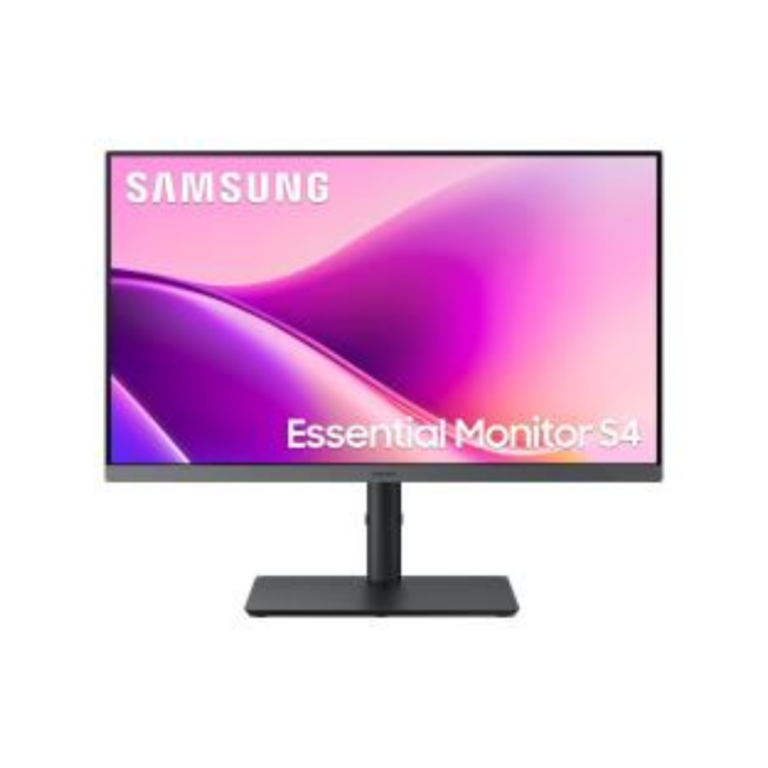
Samsung 27″ S40GD Full HD Monitor
In stock
Original price was: £140.39.£131.15Current price is: £131.15.
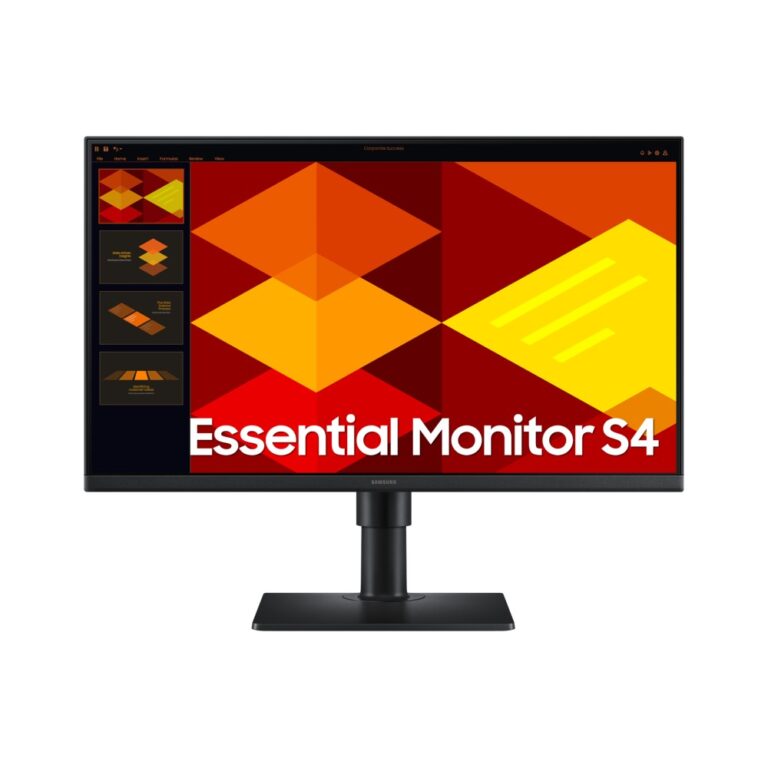
Save £6.82
Samsung 24″ S40GD Full HD Monitor
In stock
Original price was: £127.19.£120.37Current price is: £120.37.
Save £11
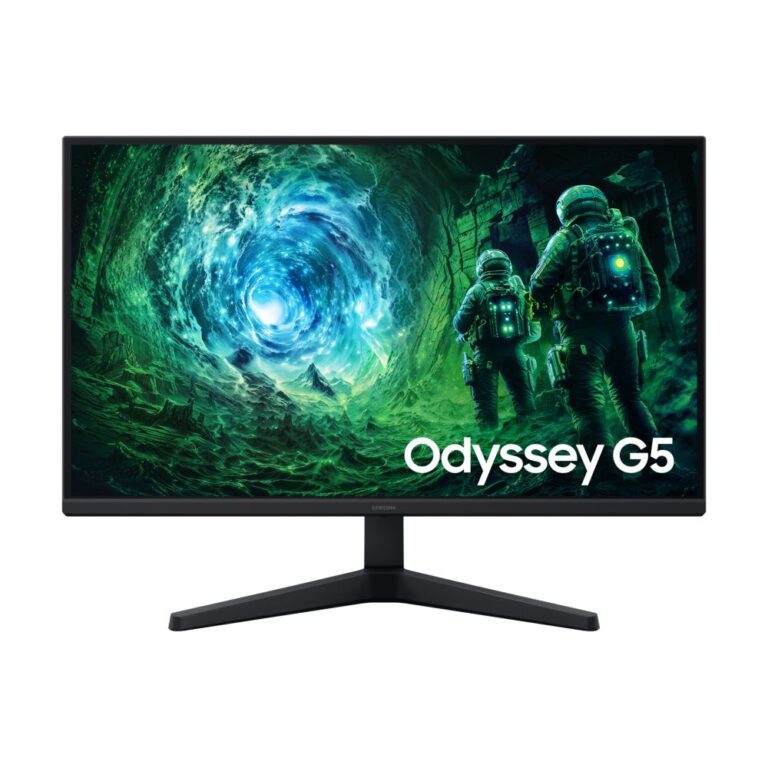
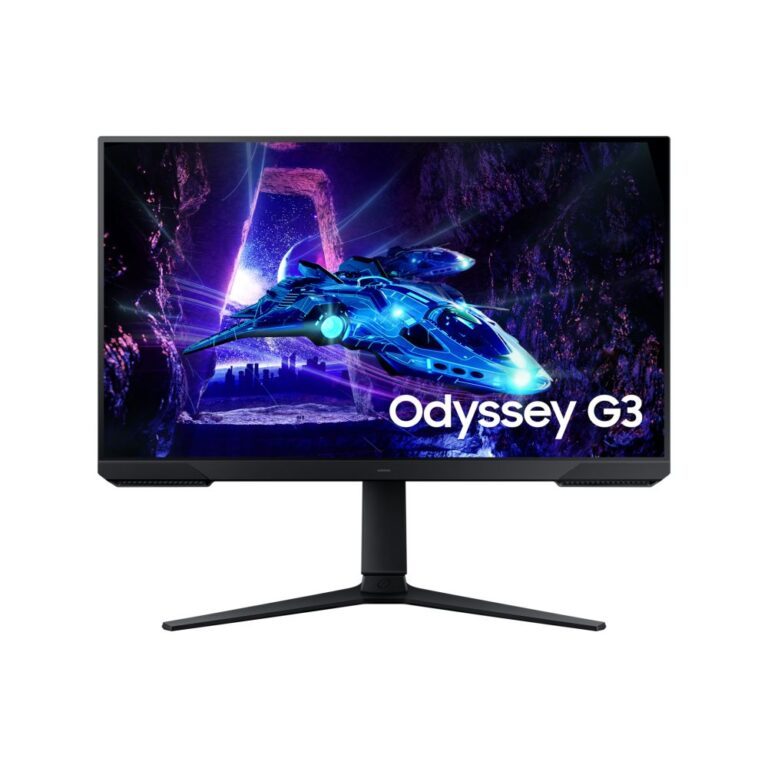
Samsung 27″ Odyssey G30D Gaming Monitor
In stock
Original price was: £196.79.£186.06Current price is: £186.06.
Save £11
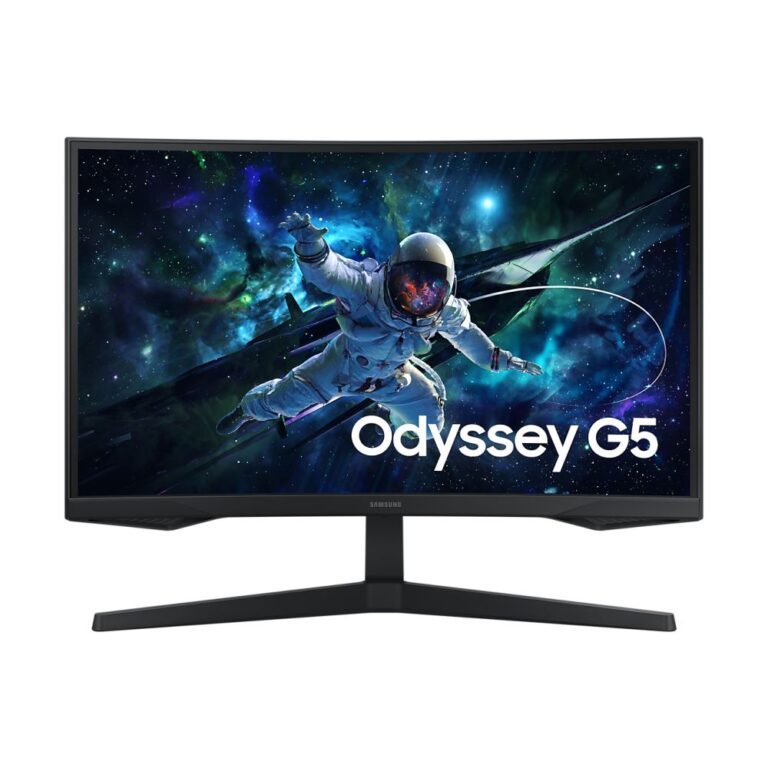
Samsung 27″ Quad HD LED Monitor
In stock
Original price was: £220.79.£209.48Current price is: £209.48.