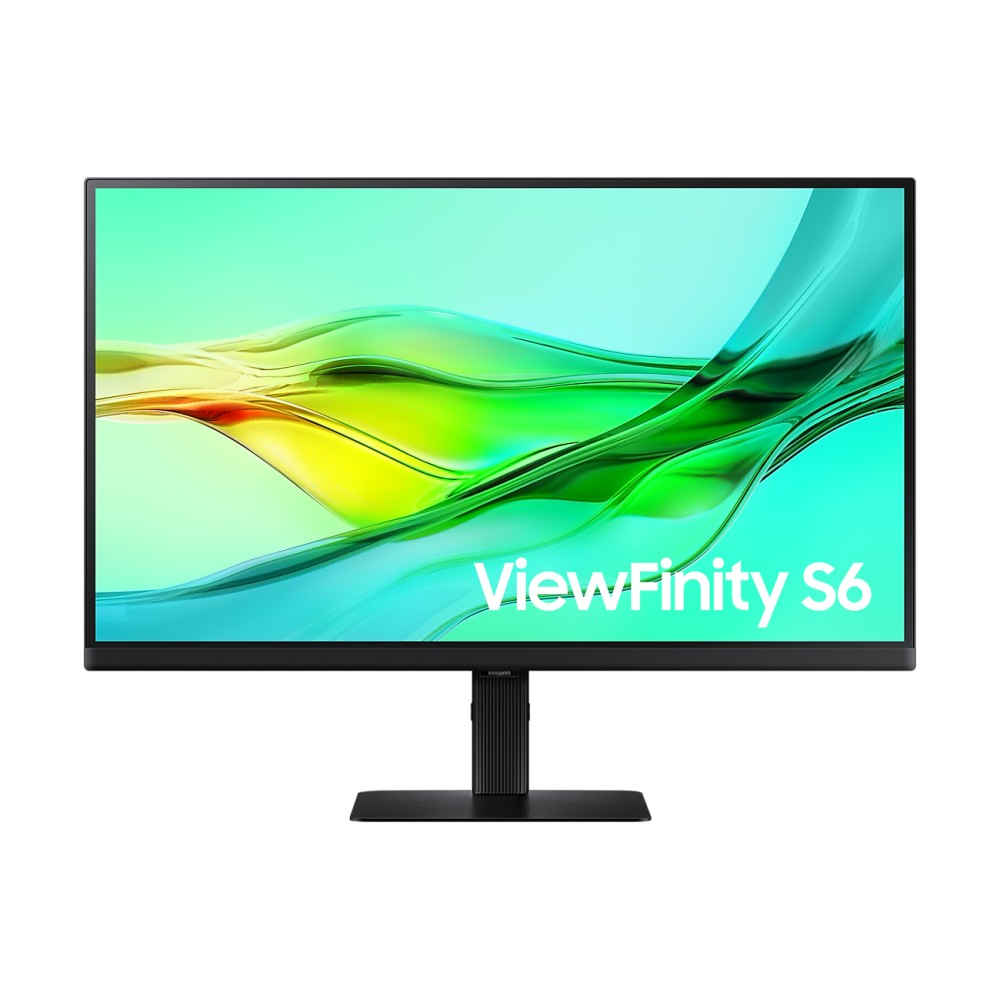
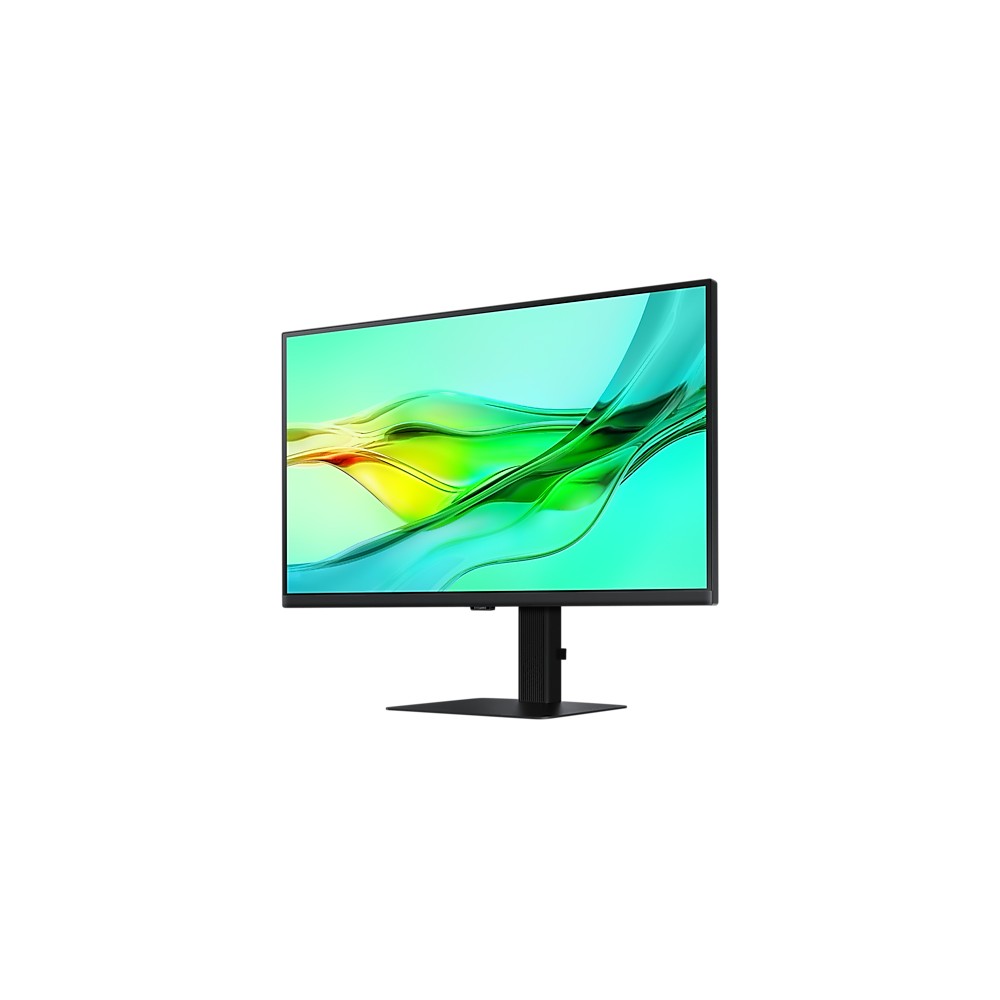
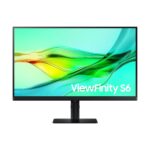
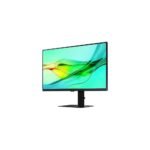
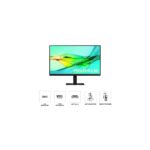
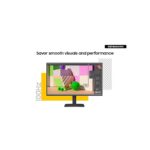
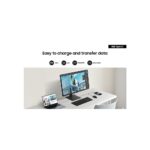
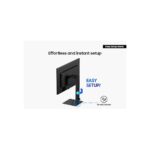
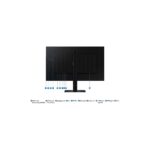
Samsung LS27D600UAU 27″ QHD Monitor, Black

£302.44 inc VAT

In stock

In stock

More Ways to Pay

  • Buy now, pay later with Klarna
  • Pay in 3 interest-free payments with PayPal

About This Item

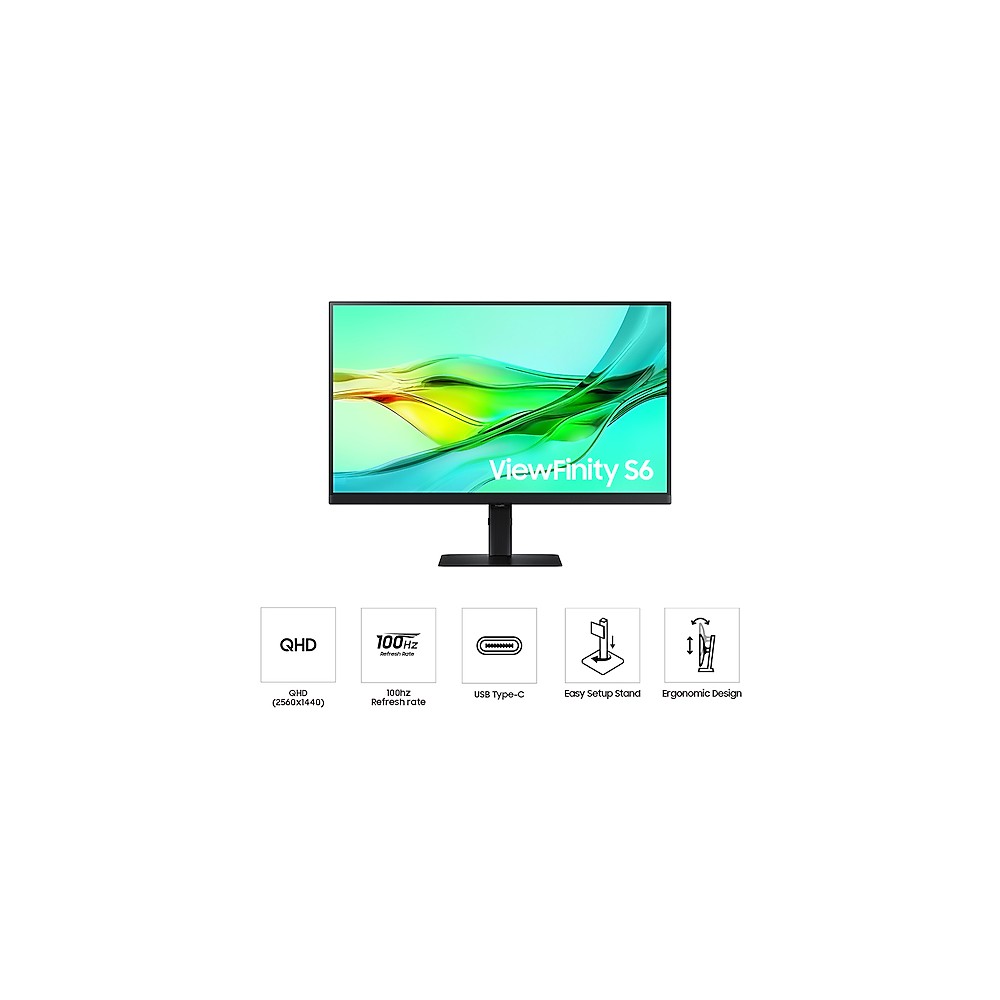
  • 27-inch Quad HD (2560×1440) IPS flat panel with 178° viewing angles and 99% sRGB coverage
  • 1.07 billion colours, HDR10 support, 1000:1 typical contrast ratio and 350 cd/m² brightness for enhanced colour accuracy
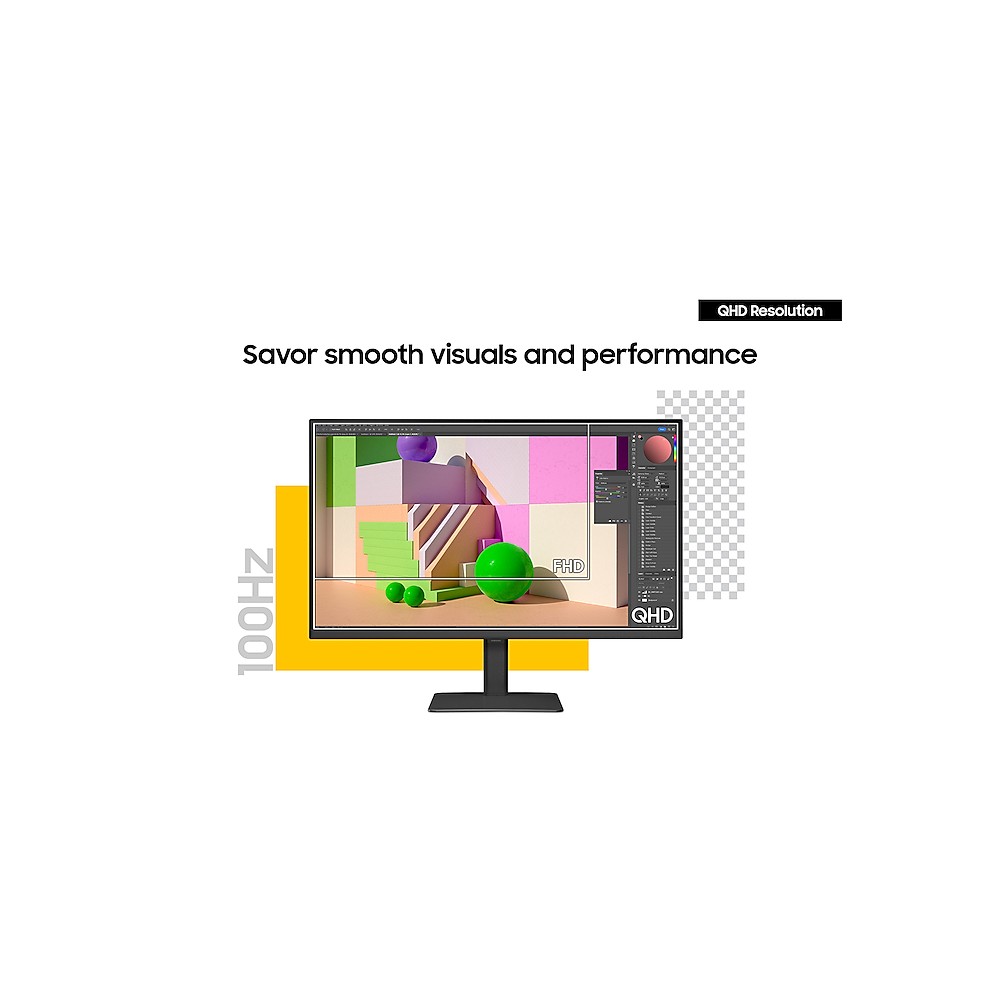
  • 100 Hz refresh rate and 5 ms response time for smoother visuals and reduced stuttering
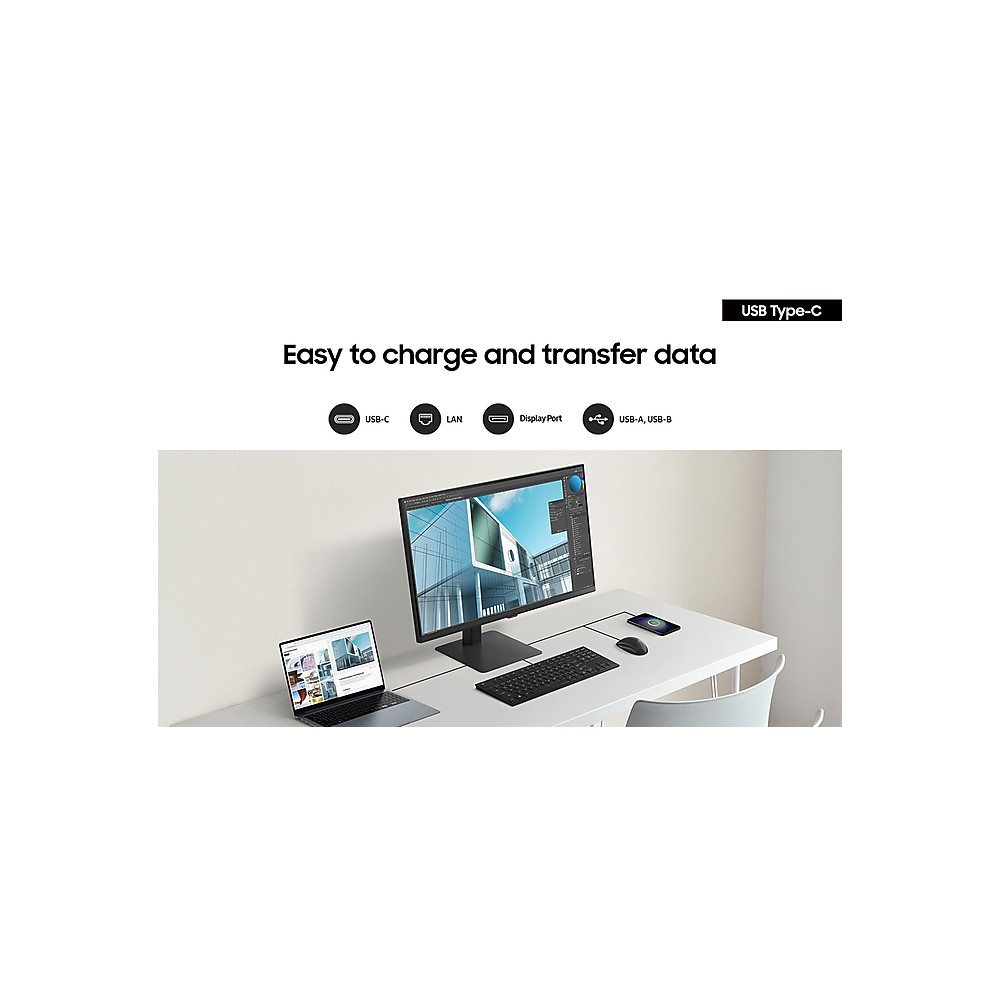
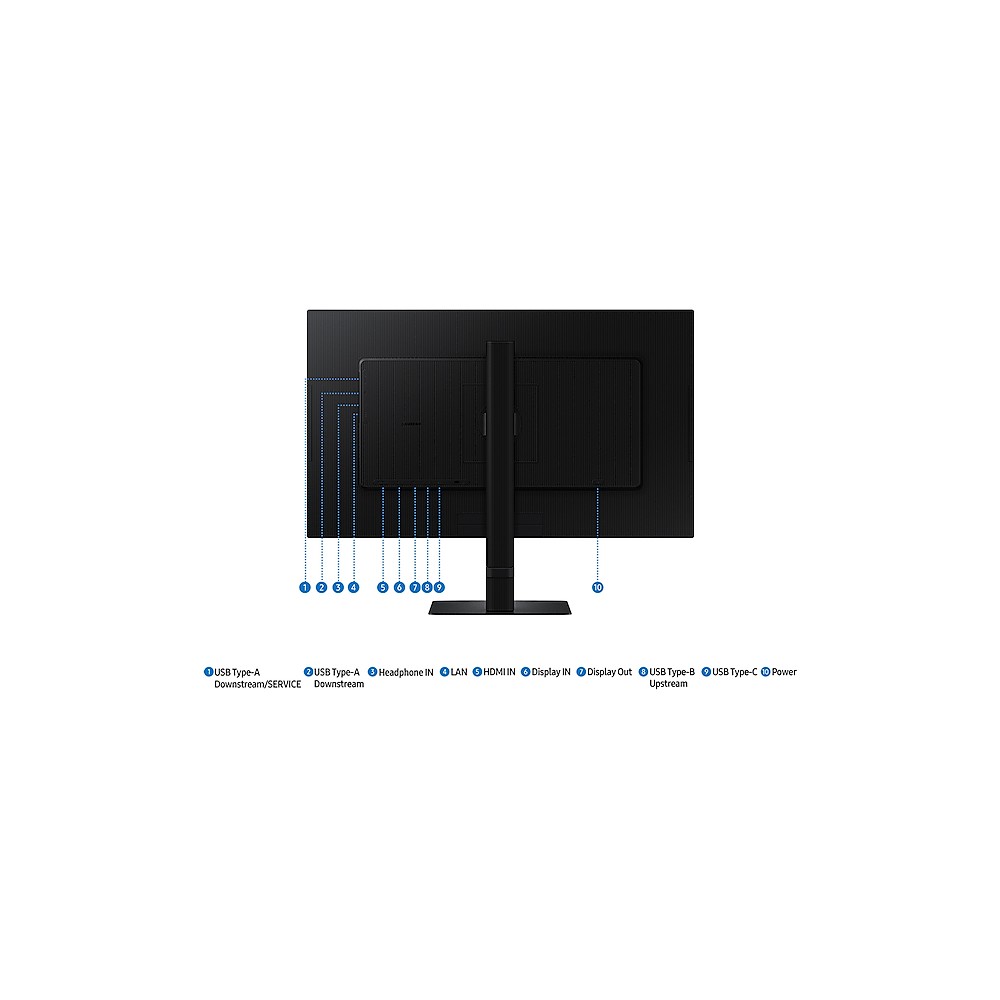
  • USB-C upstream with 90 W Power Delivery, built-in Ethernet LAN port and daisy chain support via DisplayPort 1.4 out
  • Built-in KVM switch with Picture-in-Picture and Picture-by-Picture for efficient multi-source multitasking
  • Fully ergonomic stand with height adjustment (12 cm), tilt, swivel (±30°) and pivot (90°), plus VESA 100×100 mm wall mount
  • TÜV-certified flicker-free technology and Eye Saver mode with adaptive picture for reduced eye strain

Payment Methods:

payments
Description

Samsung LS27D600UAU — 27-Inch QHD Monitor with USB-C Hub

The Samsung LS27D600UAU computer monitor 68.6 cm (27″) 2560 x 1440 pixels Quad HD Black combines sharp QHD detail, wide-colour IPS visuals and USB-C docking in one tidy package. It suits professionals who want a clean desk without giving up screen quality. Because it delivers up to 90W of power over a single USB-C cable, it can charge your laptop while you work. We recommend it for anyone looking to simplify their setup and improve daily productivity.

Core numbers at a glance

Metric Spec
Screen size 27 inches (68.6 cm)
Resolution 2560 × 1440 (QHD)
Panel type IPS
Refresh rate 100 Hz
USB-C Power Delivery Up to 90 W
Response time 5 ms

How QHD resolution and 100 Hz refresh rate sharpen your workflow

This monitor displays 2560 × 1440 pixels. That gives you considerably more workspace than a Full HD screen at the same size. Spreadsheets reveal more columns. Design tools show finer detail. The 100 Hz refresh rate keeps scrolling smooth and cursor movement fluid. So you see fewer distracting stutters when navigating large documents or reviewing video timelines.

Rich colour and HDR10 for truer-to-life visuals

The panel reproduces 1.07 billion colours with 99% typical sRGB coverage. HDR10 support extends the range between the darkest and brightest parts of an image. In practice this means deeper shadows and cleaner highlights in photographs, presentations and video. Whether you are proofing colour-sensitive work or simply enjoying content, the wider gamut delivers noticeably more lifelike results than a standard display.

Single-cable docking with USB-C, Ethernet and Daisy Chain

A USB-C upstream port delivers up to 90W of power while simultaneously carrying video and data. That means one cable to your laptop for charging, display and peripherals. The built-in Ethernet LAN port provides a stable wired network connection without a separate dock. If you need extra screen space, Daisy Chain support lets you connect a second monitor through DisplayPort out without running additional cables back to your computer.

Built-in KVM switch for effortless multi-device control

The integrated KVM switch lets you connect two separate sources and control both with a single keyboard and mouse. You can split the screen using Picture-by-Picture, overlay one source with Picture-in-Picture, or switch between full-screen inputs at the press of a button. This removes the need for a separate KVM box and keeps your desk tidy when working across a desktop and a laptop.

TÜV-certified eye care for long working hours

Flicker-free technology and Eye Saver mode reduce common causes of visual fatigue. Adaptive Picture adjusts brightness and colour temperature automatically based on your surroundings. Both features carry TÜV certification, so you can trust they meet independent safety standards. For late-night projects, this combination helps keep your eyes comfortable over extended sessions.

In the box

  • Samsung LS27D600UAU 27-inch QHD monitor
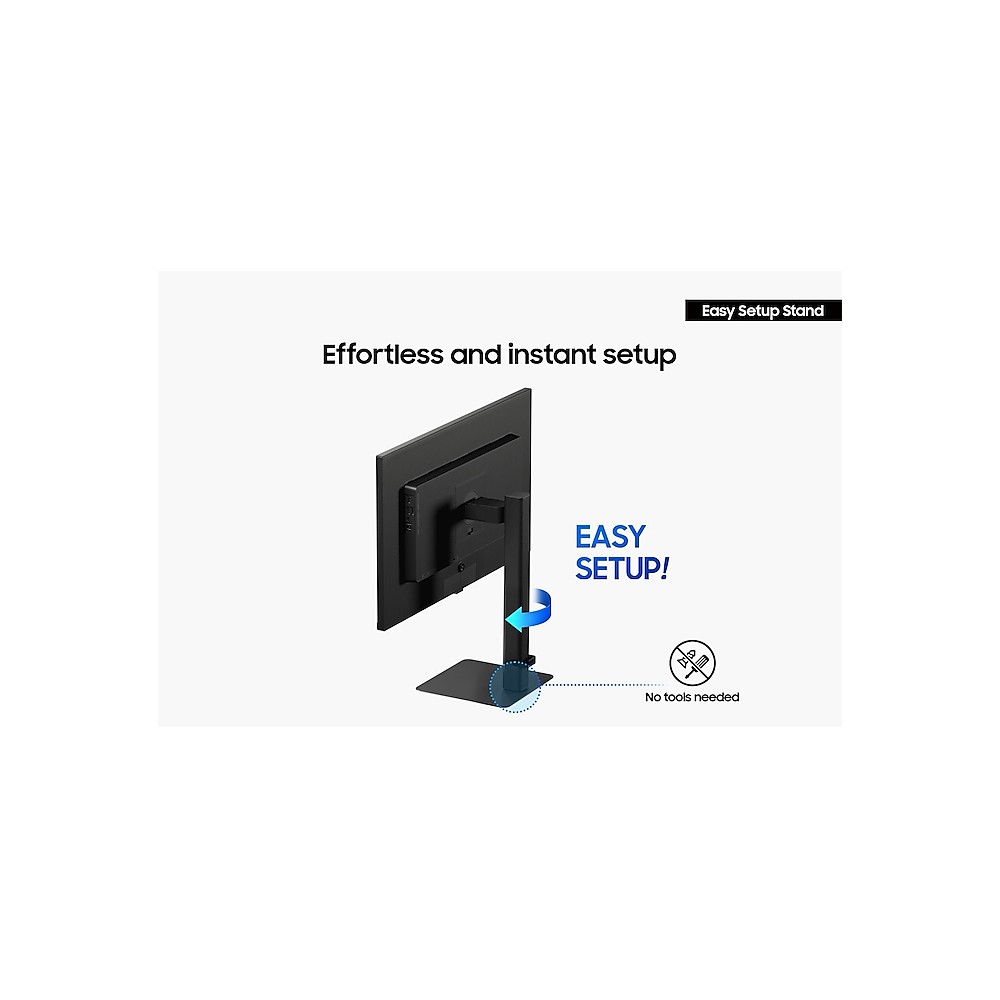
  • Easy Setup Stand
  • USB Type-C cable
  • Power cable (1.5 m)
  • Quick setup guide

Before you order

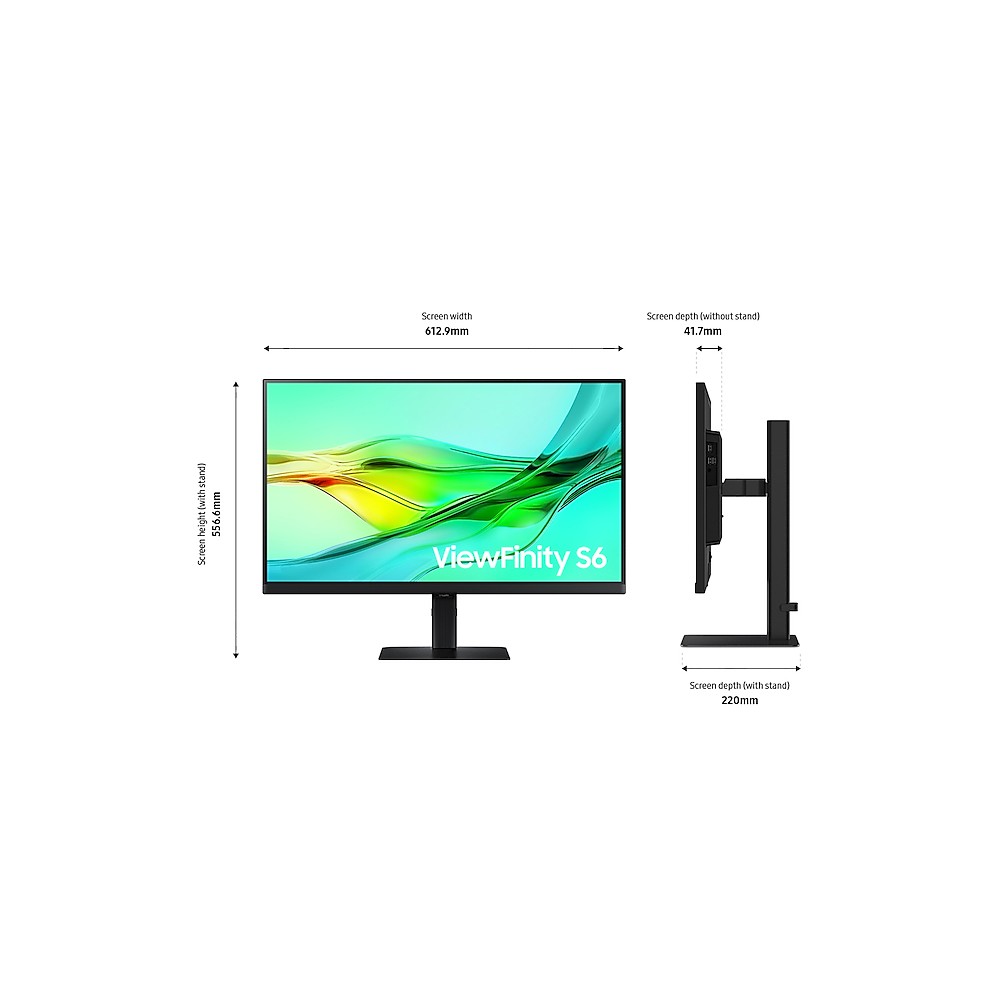
  • Confirm your desk has at least 613 mm of width and 220 mm of depth to accommodate the stand.
  • Check that your laptop or graphics card offers a USB-C, DisplayPort 1.4 or HDMI 2.0 output.
  • If you plan to daisy chain two monitors, verify your graphics card supports DisplayPort MST.
  • For wall or arm mounting, confirm a 100 × 100 mm VESA pattern on your bracket.

Frequently Asked Questions

Q: Does this monitor support USB-C power delivery for my laptop?

A: Yes. The USB-C upstream port delivers up to 90W, which is sufficient for most modern laptops.

Q: Can I mount it on a monitor arm or wall bracket?

A: Yes. It has a 100 × 100 mm VESA mounting pattern and weighs 3.6 kg without the stand.

Q: What refresh rate does this monitor run at?

A: It supports a maximum of 100 Hz at its native 2560 × 1440 resolution.

Q: Can I use a desktop and laptop with the same keyboard and mouse?

A: Yes. The built-in KVM switch lets you control two sources with one keyboard and mouse.

Q: How does the daisy chain feature work?

A: Connect your PC to the first monitor, then link the second via DisplayPort out. One cable carries both signals.

Q: What energy rating does this monitor have?

A: In SDR mode it carries an E rating on the UK energy scale. Typical power consumption is around 20W.

Who should buy the Samsung LS27D600UAU computer monitor 68.6 cm (27″) 2560 x 1440 pixels Quad HD Black

This monitor suits professionals who value desk space, colour accuracy and connectivity in a single screen. USB-C docking, a built-in KVM switch and Daisy Chain support cut down on cable clutter. The IPS panel with HDR10 delivers dependable colour for design, content review and everyday productivity. If you want a 27-inch QHD display that connects cleanly to your laptop and adapts to your workspace, this is a well-rounded choice. Warranty cover varies by product, so please contact us to confirm.

Specifications
Display
HDCPYes
Display brightness (typical)350 cd/m²
Screen shapeFlat
Dynamic contrast ratio marketing nameMega Contrast
Display number of colours1.07 billion colours
Native aspect ratio16:9
Maximum refresh rate100 Hz
Display brightness (min)280 cd/m²
sRGB coverage (typical)99%
HD typeQuad HD
Viewing angle, horizontal178°
Viewing angle, vertical178°
Viewable size, horizontal59.7 cm
Viewable size, vertical33.6 cm
Display resolution2560 x 1440 pixels
Response time5 ms
Display diagonal68.6 cm (27")
Contrast ratio (typical)1000:1
TouchscreenNo
High Dynamic Range (HDR) supportedYes
Panel typeIPS
High Dynamic Range (HDR) technologyHigh Dynamic Range 10 (HDR10)
Display diagonal (metric)68 cm
Colour gamut standardsRGB
Management features
Picture-in-PictureYes
Performance
Flicker-free technologyYes
Brand specific technologiesEye Saver
Adaptive pictureYes
Daisy chainYes
Power
Power cable length1.5 m
Power supply typeInternal
AC input voltage100 - 240 V
Power consumption (max)160 W
Power consumption (average)29 W
Power consumption (standby)0.5 W
Power consumption (typical)20 W
Annual energy consumption29 kWh
Power consumption (off)0.3 W
Energy efficiency scaleA to G
Energy efficiency class (SDR)E
Energy efficiency class (HDR)G
Energy consumption (SDR) per 1000 hours20 kWh
Energy consumption (HDR) per 1000 hours32 kWh
Design
Market positioningOffice
Feet colourBlack
CertificationWindows11
Product colourBlack
Front bezel colourBlack
Ports & interfaces
Built-in USB hubYes
USB hub version3.2 Gen 1 (3.1 Gen 1)
Number of upstream ports3
Headphone outYes
HDMI ports quantity1
DisplayPorts quantity1
HDCPYes
Headphone outputs1
HDMIYes
HDMI version2.0
DisplayPort version1.4
USB Power Delivery (USB PD)Yes
USB Power Delivery up to90 W
Number of USB Type-C upstream ports quantity1
Built-in KVM switchYes
HDCP version2.2
DisplayPort outputYes
DisplayPort out quantity1
DisplayPort out version1.4
Ethernet LANYes
Technical details
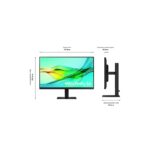
Height (without stand)367.7 mm
Depth (without stand)41.6 mm
Width (without stand)612.9 mm
Feet colourBlack
HDMIYes
Product colourBlack
Front bezel colourBlack
Sustainability certificatesTCO
Power supply typeInternal
Weight (with stand)6.1 kg
TouchscreenNo
Network
Ethernet LANYes
Ergonomics
Wall mountableYes
VESA mountingYes
Panel mounting interface100 x 100 mm
SwivellingYes
Swivel angle range-30 - 30°
Tilt angle range-2 - 25°
PivotYes
Pivot angle-92 - 92°
Picture-in-PictureYes
Height adjustmentYes
Tilt adjustmentYes
Adjustable height (max)12 cm
Picture-by-Picture (PbP)Yes
Operational conditions
Operating temperature (T-T)10 - 40 °C
Operating relative humidity (H-H)10 - 80%
Non-operating relative humidity (non-condensing)10 - 80%
Weight & dimensions
Height (without stand)367.7 mm
Depth (without stand)41.6 mm
Width (without stand)612.9 mm
Width (with stand)612.9 mm
Depth (with stand)220 mm
Height (with stand)556.6 mm
Weight (with stand)6.1 kg
Weight (without stand)3.6 kg
Package width687 mm
Package depth510 mm
Package height160 mm
Package weight7.9 kg
Packaging data
Package width687 mm
Package depth510 mm
Package height160 mm
Package weight7.9 kg
Package typeBox
Stand includedYes
Power cable length1.5 m
ManualYes
Cables includedUSB Type-C
Packaging content
Stand includedYes
Power cable length1.5 m
ManualYes
Cables includedUSB Type-C
Sustainability
Sustainability certificatesTCO
Other features
CertificationWindows11
Picture-by-Picture (PbP)Yes
Daisy chainYes
Brand specific technologiesEye Saver
Adaptive pictureYes
Auto source switch+Yes
Off Timer PlusYes
Height (without stand)367.7 mm
Depth (without stand)41.6 mm
Width (without stand)612.9 mm
Power consumption (max)160 W
HDMIYes
USB Power Delivery up to90 W
Energy efficiency scaleA to G
Power supply typeInternal
Power cable length1.5 m
ManualYes
Ethernet LANYes
TouchscreenNo
USB Power Delivery (USB PD)Yes
Package typeBox
Front bezel colourBlack
Recycling data
Post-consumer recycled plastic10%
Certificates
CertificationWindows11
Identifiers
Distributor SKUsCK80132, STD10212360, 10395692, CLLS27D600UAUXXU

Customer Reviews

0 reviews
0
0
0
0
0

There are no reviews yet.

Be the first to review “Samsung LS27D600UAU 27″ QHD Monitor, Black”

Your email address will not be published. Required fields are marked *

You have to be logged in to be able to add photos to your review.