









Price
Brand
Availability
Memory speed
- 300 MHz 1
- 800 MHz 1
- 1066 MHz 1
- 1333 MHz 2
- 1600 MHz 151
- 1600 MT/s 1
- 2133 MHz 16
- 2400 MHz 45
- 2666 MHz 193
- 2666 MT/s 1
- 2800 MHz 2
- 2933 MHz 19
- 3000 MHz 1
- 3200 MHz 305
- 3200 MT/s 36
- 3600 MHz 6
- 3600 MT/s 8
- 4800 MHz 103
- 4800 MT/s 3
- 5200 MHz 8
- 5200 MT/s 9
- 5600 MHz 231
- 5600 MT/s 59
- 6000 MHz 35
- 6000 MT/s 35
- 6200 MHz 2
- 6400 MHz 26
- 6400 MT/s 16
- 6800 MT/s 1
- 7200 MHz 4
- 7200 MT/s 3
- 7600 MHz 1
- 8000 MHz 4
Shop Categories
Memory
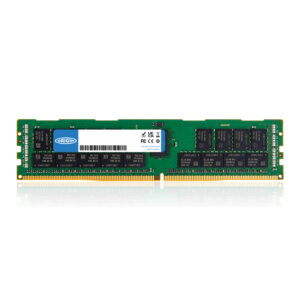
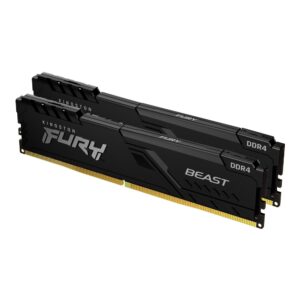
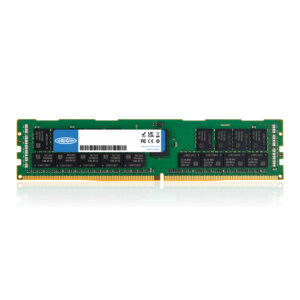
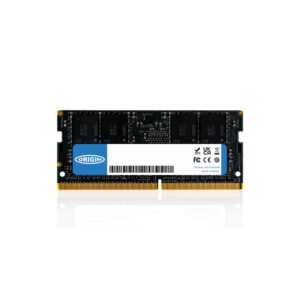
Origin Storage DDR4 Laptop SO-DIMM Memory 8GB 3200MHz 1 x 8GB Non-ECC
In stock
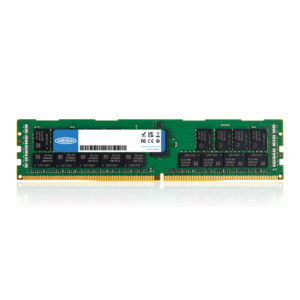
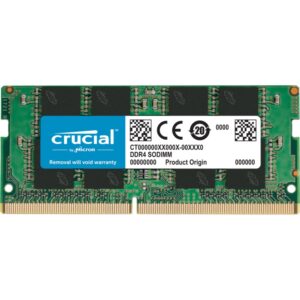
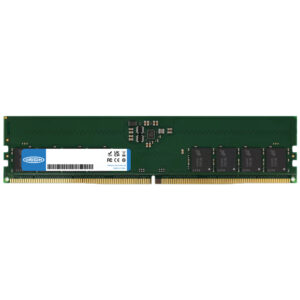
Crucial CT8G4SFRA32A Laptop Memory, DDR4, 8GB, 3200MHz, 1 x 8GB SO-DIMM
In stock
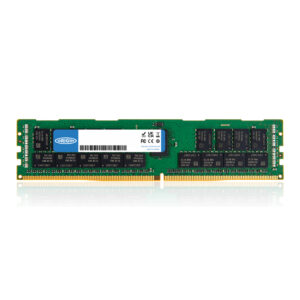
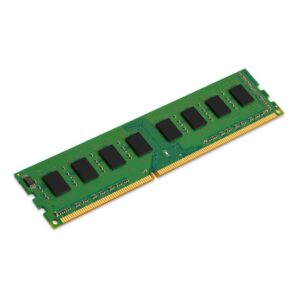
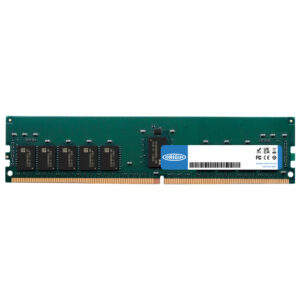
Kingston Technology ValueRAM DDR3 Memory Module 8GB 1600 MT/s (1 x 8GB) 240-pin DIMM
In stock
Discover memory upgrades at Hardvance for desktops, laptops and performance-focused systems. Compare capacities, speeds and memory types to improve responsiveness, multitasking and overall system performance with the right RAM for your device.
Memory (RAM) Buying Guide and FAQ
The right memory keeps games and multitasking smooth. Below are clear answers to the questions we are asked most about RAM in the UK, covering DDR5 and DDR4, capacities like 16GB, 32GB and 64GB, speeds, and what works with your motherboard.
How much RAM do I need for gaming in 2026?
16GB is the realistic minimum for modern gaming, but 32GB is the comfortable sweet spot and what we recommend for most new builds, especially if you have browser tabs or Discord open while you play. Creators who edit video or run virtual machines benefit from 64GB or more. For a typical gaming PC, a 32GB kit is the best RAM for gaming, balancing price and headroom.
DDR4 or DDR5, which should I buy?
It depends on your motherboard and CPU. The current AMD AM5 platform and the latest Intel chips use DDR5, so a new build almost always means DDR5. DDR4 is still fine and cheaper on older AM4 and Intel boards. The two are not interchangeable, so match the memory to the board you have or are buying.
What RAM speed and timings should I get?
For an AMD Ryzen build, DDR5-6000 with CL30 timings is the well-known sweet spot. Most Intel systems are happy with DDR5-6000 or faster. Look for kits with an EXPO (AMD) or XMP (Intel) profile so you can switch on the rated speed in the BIOS with one setting, rather than running the slower default.
Is 32GB of RAM enough?
For gaming, yes. 32GB comfortably handles current games plus background apps and is the capacity most enthusiasts choose. You only really need 64GB or 128GB if you do heavy content creation, run lots of virtual machines, or work with very large files. For a pure gaming PC, 32GB leaves plenty of headroom.
Will this RAM work with my motherboard and CPU?
Check two things. First, the type: DDR5 only fits DDR5 boards, and DDR4 only fits DDR4 boards. Second, run the memory in a matched dual-channel kit (two sticks) for the best performance, and enable the EXPO or XMP profile in the BIOS. If in doubt, your motherboard support list shows tested kits.
What is the best value DDR5 RAM?
For most gamers a 32GB (2 x 16GB) DDR5-6000 CL30 kit is the best value, balancing speed, capacity and price. Step up to 64GB only if your work needs it. Buying a matched kit rather than two single sticks avoids compatibility headaches and guarantees the rated dual-channel speed.