Brand


Save £5.35 New
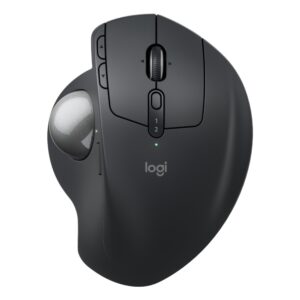
Logitech MX Ergo S Wireless Trackball Mouse, 2048 DPI, Bluetooth, Right-Handed, Graphite
In stock
Original price was: £112.79.£107.44Current price is: £107.44.
Save £3.05
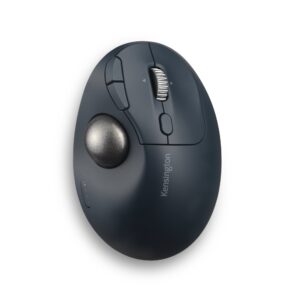
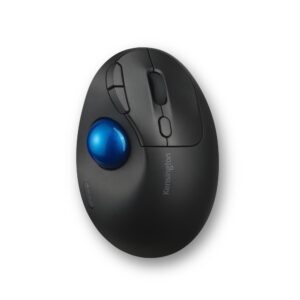
Kensington Pro Fit Ergo TB550 Wireless Bluetooth Trackball Right-hand Rechargeable EQ SmartFit
In stock
Original price was: £64.79.£61.74Current price is: £61.74.
Save £7.17
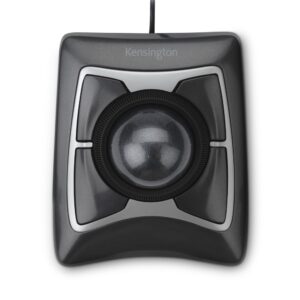
Kensington Expert Mouse Wired Trackball, 400 DPI, Ambidextrous, 4 Buttons, Black
In stock
Original price was: £134.39.£127.22Current price is: £127.22.
Save £6.63
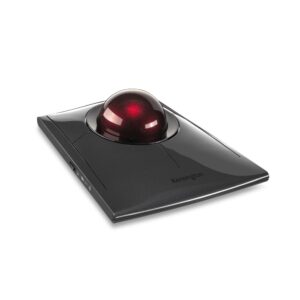
Kensington SlimBlade Pro Trackball Ambidextrous Wireless Rechargeable Trackball USB/Bluetooth
In stock
Original price was: £134.39.£127.76Current price is: £127.76.
Save £5.26
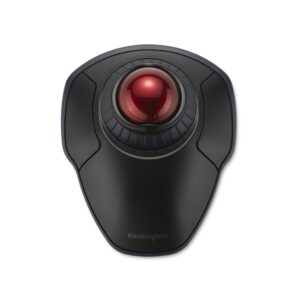
Kensington Orbit Wireless Trackball with Scroll Ring – 400-1600 DPI, Ambidextrous, Black
In stock
Original price was: £86.39.£81.13Current price is: £81.13.
Save £4.71
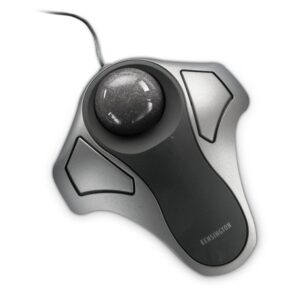
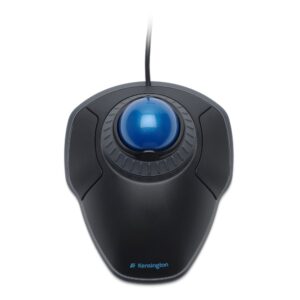
Kensington Orbit Trackball with Scroll Ring Wired Ambidextrous 2-Button Optical Mouse Black
In stock
Original price was: £75.59.£70.88Current price is: £70.88.
Save £3.49
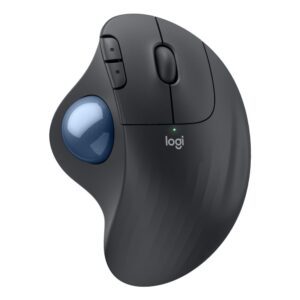
Logitech ERGO M575S Wireless Trackball – Graphite
In stock
Original price was: £67.19.£63.70Current price is: £63.70.