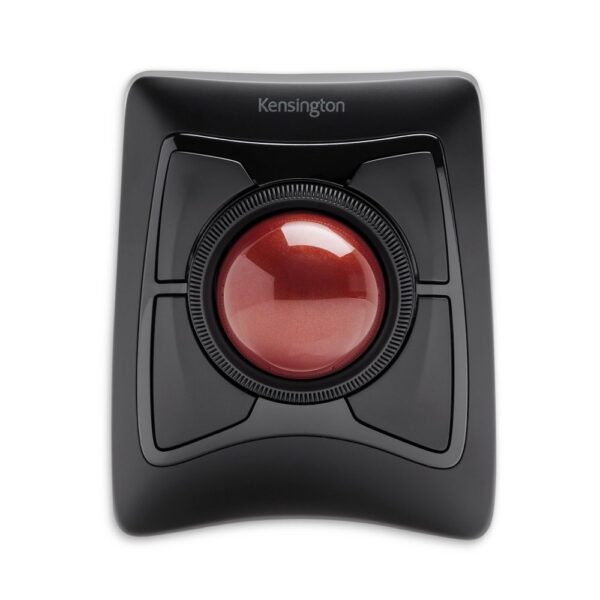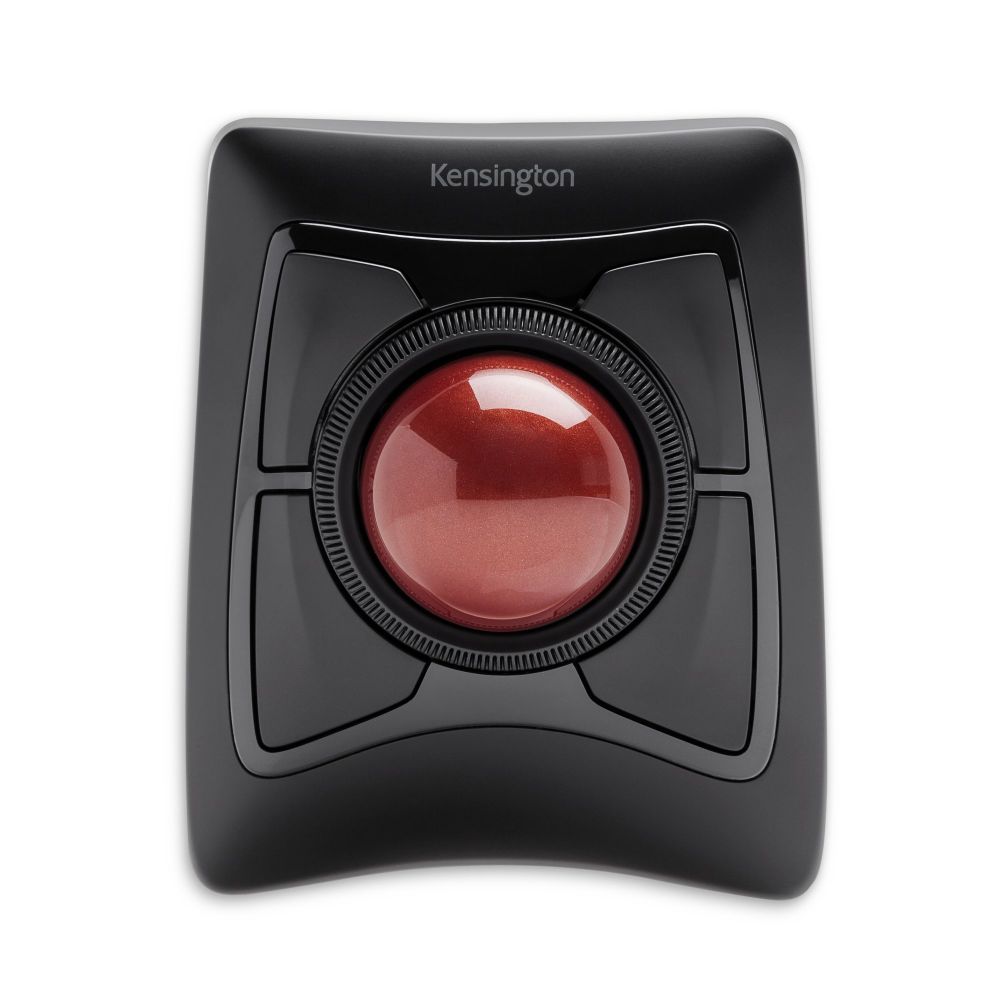



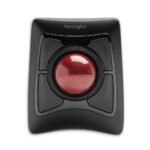





Kensington Expert Wireless Trackball

£106.57 inc VAT

In stock

In stock

More Ways to Pay

  • Buy now, pay later with Klarna
  • Pay in 3 interest-free payments with PayPal

About This Item

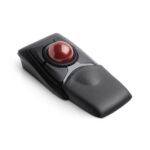
  • Wireless trackball with Bluetooth 4.0 and USB nano receiver
  • 400 DPI optical tracking with programmable buttons and vertical scroll ring
  • Ambidextrous design with SmartFit technology for ergonomic comfort
  • Compatible with Windows, macOS, and ChromeOS operating systems
  • Surface device compatibility including Surface Pro and Surface Laptop series

Payment Methods:

payments
Description

Kensington Expert Mouse Wireless Trackball | Precision Control for Office Productivity

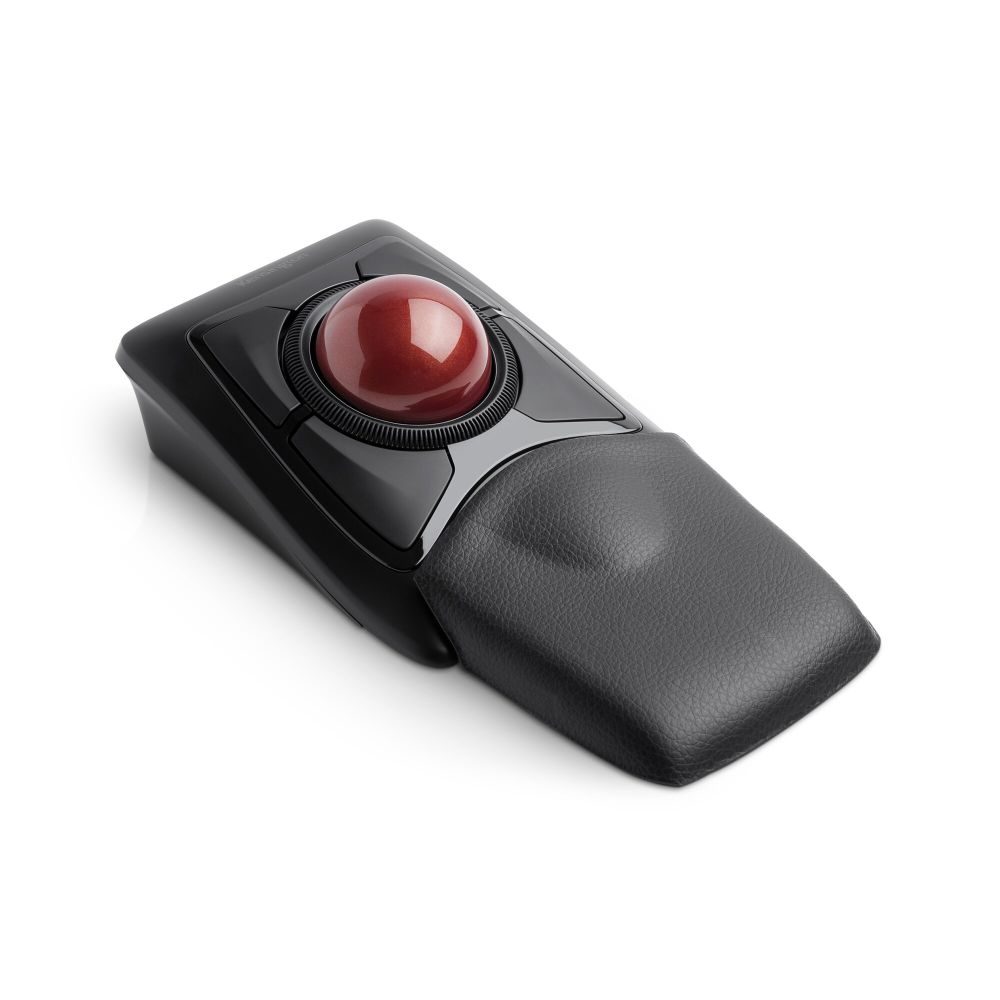
The Kensington Expert Mouse Wireless Trackball delivers exceptional cursor control and comfort for office professionals. This wireless trackball offers both Bluetooth 4.0 LE and USB nano receiver connectivity, letting you work without cable restrictions while maintaining precise optical tracking at 400 DPI resolution.

Key Specifications

Metric Spec
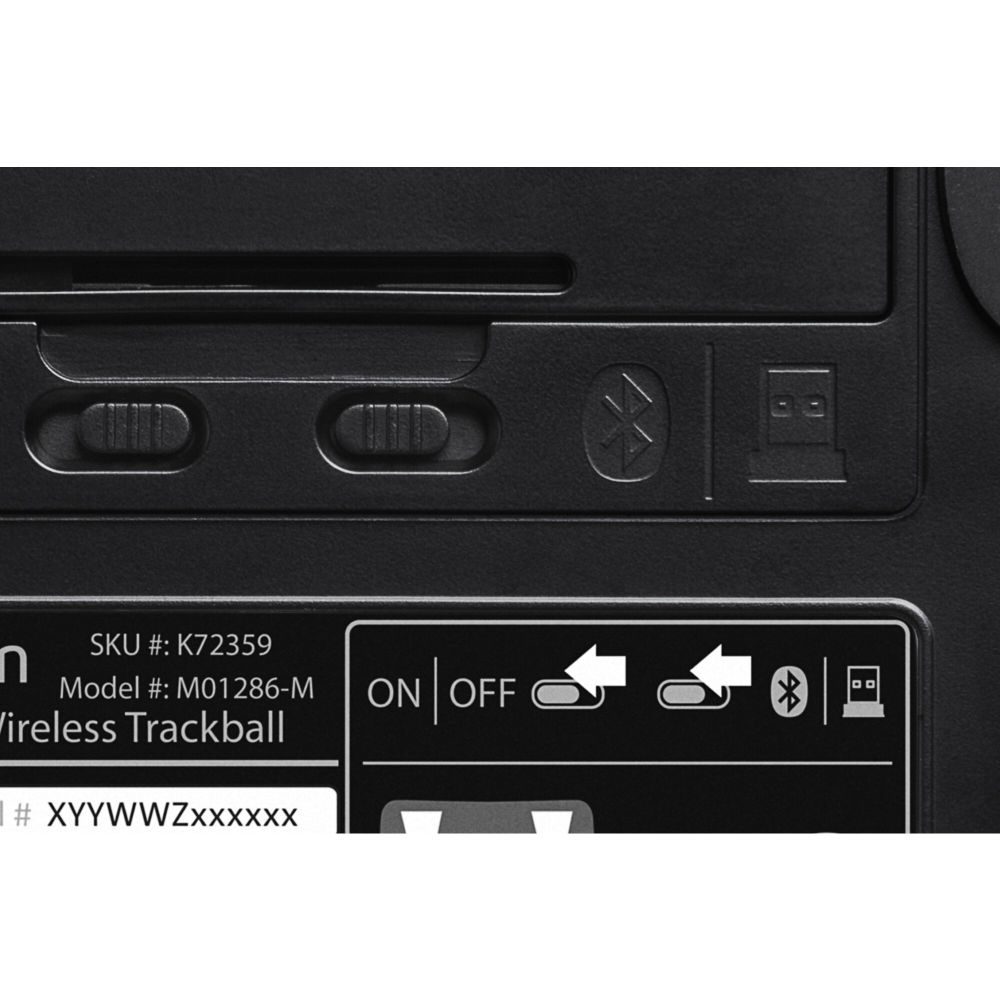
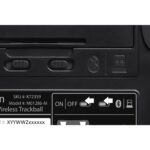
Connectivity RF Wireless + Bluetooth 4.0 LE
Tracking Optical, 400 DPI
Buttons 4 programmable buttons
Battery 1 x AA alkaline
Compatibility Windows, macOS, ChromeOS

Ultimate Wireless Freedom for Your Workspace

The Expert Mouse Wireless Trackball eliminates cable clutter while providing the same precision Kensington is known for. Bluetooth 4.0 LE connectivity saves your USB ports for other devices, or you can use the included nano receiver for instant plug-and-play setup. The ambidextrous design accommodates both left and right-handed users, while the 5.5 cm trackball delivers smooth, accurate cursor movement for detailed design work or spreadsheet navigation.

Award-Winning Scroll Ring for Rapid Navigation

Kensington’s patented Scroll Ring technology lets you rotate your finger around the trackball to scroll vertically through documents, web pages, and spreadsheets at incredible speed. This intuitive control eliminates the need for separate scroll wheels and provides tactile feedback that makes navigating long documents effortless. Combined with programmable buttons, you can customize your workflow to match your specific tasks.

TrackballWorks Software for Complete Customization

Take full control of your trackball experience with Kensington’s TrackballWorks software. Program each of the four buttons to perform specific functions, adjust cursor speed and acceleration, and fine-tune the Scroll Ring sensitivity. This level of customization ensures the trackball adapts to your working style rather than forcing you to adapt to it, making it ideal for professionals who rely on precise input control.

Built for Comfort During Extended Use

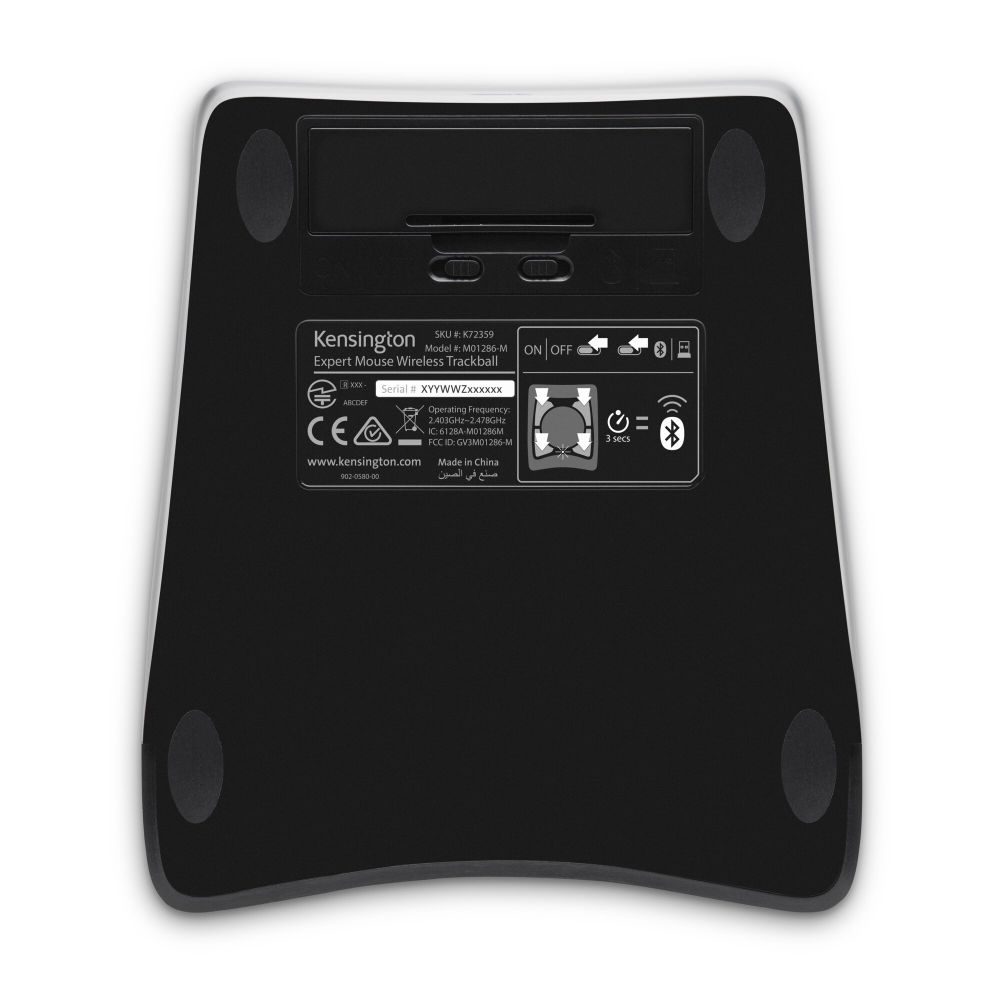
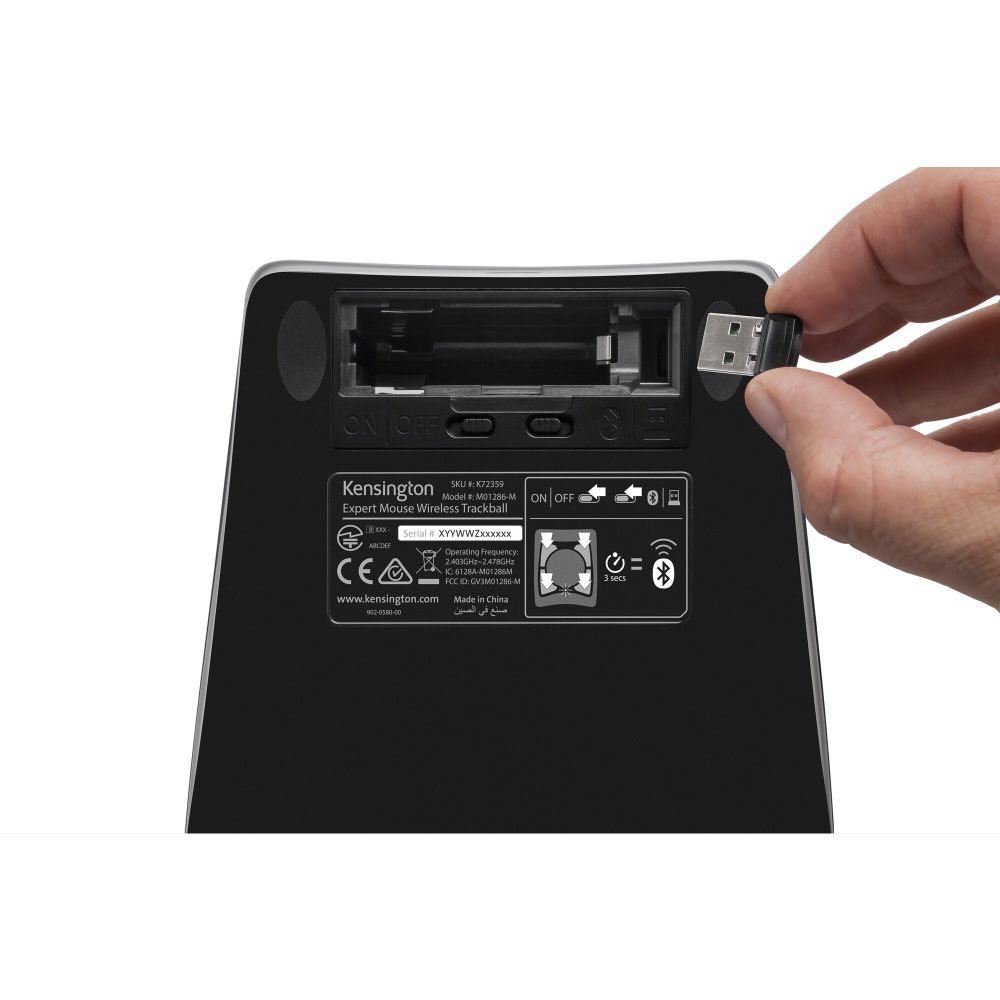
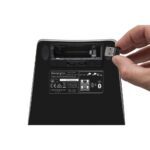
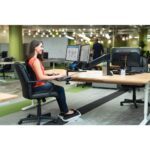
The Expert Mouse Wireless Trackball’s ergonomic design reduces hand movement and strain during long work sessions. The stationary base means your hand stays in one comfortable position while the trackball moves beneath your fingers. Auto wake/sleep functionality preserves battery life, and the included storage compartment keeps your USB receiver safe when not in use. At 635g, the solid build quality provides stability on any desk surface.

Box Contents

  • Kensington Expert Mouse Wireless Trackball
  • USB nano receiver
  • AA battery
  • Quick start guide

Check before you buy

  • Confirm your operating system compatibility (Windows 7+, macOS 10.8+, ChromeOS 44+)
  • Verify you have available USB ports if using the nano receiver
  • Check desk space for the 177.8mm x 101.6mm footprint
  • Confirm battery type requirements (1 x AA alkaline)

Frequently Asked Questions

Q: Does this trackball work with both Windows and Mac computers?

A: Yes, it’s compatible with Windows 7 or above, macOS 10.8 or above, and ChromeOS 44 or above.

Q: How do I connect the trackball wirelessly?

A: You can connect via Bluetooth 4.0 LE or use the included USB nano receiver for instant setup.

Q: Can I customize the button functions?

A: Yes, TrackballWorks software allows you to program all four buttons for your specific workflow needs.

Q: What type of battery does it use?

A: It uses one AA alkaline battery, which is included in the box.

Q: Is this trackball suitable for left-handed users?

A: Yes, the ambidextrous design works comfortably for both left and right-handed users.

The Consultant’s Verdict & Warranty

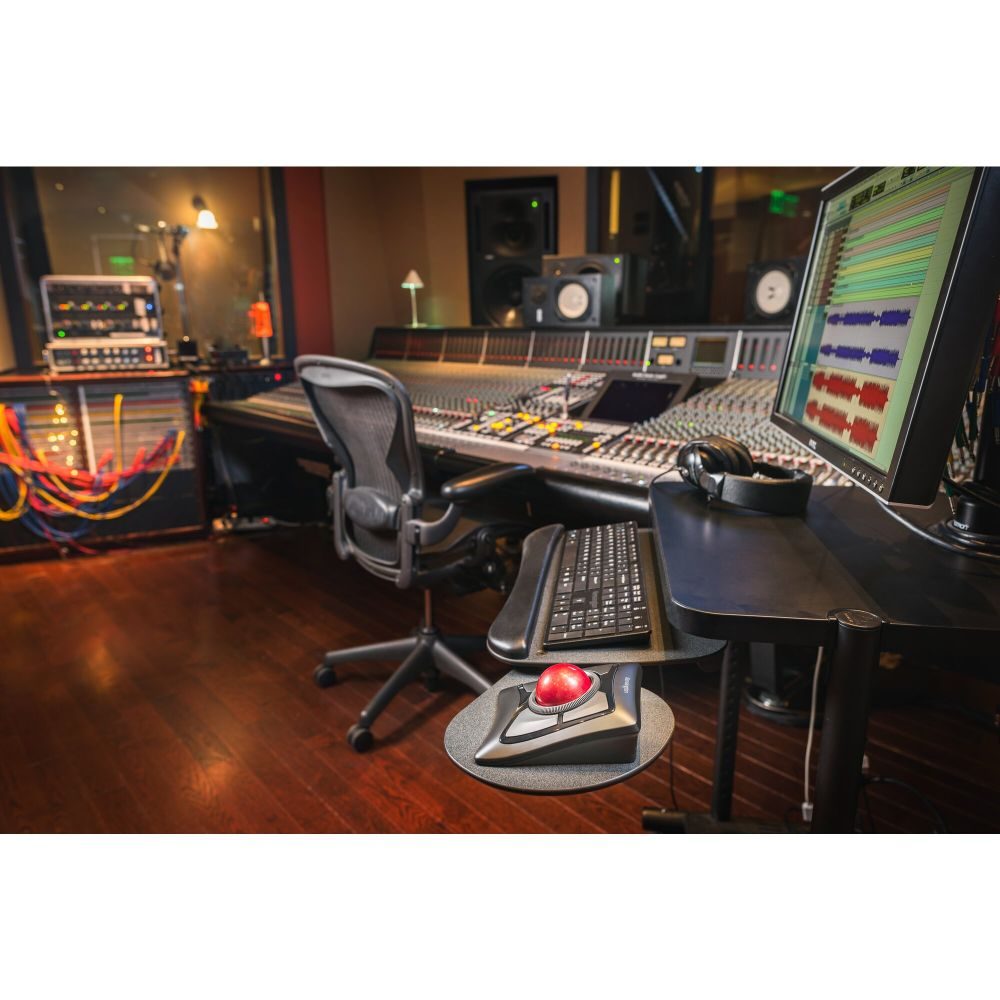
The Kensington Expert Mouse Wireless Trackball represents an excellent choice for office professionals seeking precise cursor control without cable limitations. Its combination of Bluetooth connectivity, customizable buttons, and the intuitive Scroll Ring makes it particularly valuable for users who spend long hours working with documents, spreadsheets, or design applications. The trackball’s ergonomic benefits and proven Kensington reliability make it a worthwhile investment for anyone looking to improve their workspace comfort and productivity. Covered by the standard Manufacturer Warranty.

Additional information
CompatibilitySurface Laptop Studio, Surface Laptop 13″, Surface Laptop 3, Surface Pro 12″ (1st Ed), Surface Pro 5, Surface Pro 7, Surface Pro 7+, Surface Pro X, Surface Laptop 4, Surface Laptop 5 (13.5″), Surface Laptop 6 (13.5″), Surface Laptop 6 (15″), Surface Book 3, Surface Laptop 5 (15″), Surface Pro 10, Surface Pro 8, Surface Go 3, Surface Go 4, Surface Laptop 15″, Surface Laptop 1 (13.5″), Surface Laptop 13.8″, Surface Laptop 2, Surface Pro 4, Surface Go 2, Surface Book 1, Surface Book 2, Surface Laptop Go 3, Surface Laptop SE, Surface Pro 6, Surface Pro 9, Surface Studio, Surface Studio 2, Surface Studio 2+, Surface Laptop Go, Surface Laptop Studio 2, Surface Go, Surface Laptop Go 2, Surface Pro 13″ (11th Ed)

Customer Reviews

0 reviews
0
0
0
0
0

There are no reviews yet.

Be the first to review “Kensington Expert Wireless Trackball”

Your email address will not be published. Required fields are marked *

You have to be logged in to be able to add photos to your review.