Brand
 BROTHERBROTHER 77
- CANON 31
 EPSONEPSON 98
 HPHP 76
- KYOCERA 22
- LEXMARK 17
- Origin Storage 3
 XEROXXEROX 5
- Zebra 4


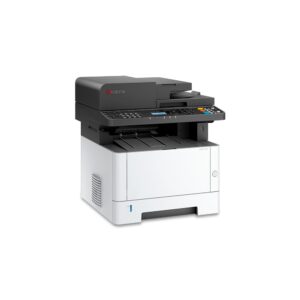
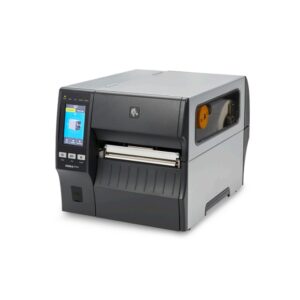
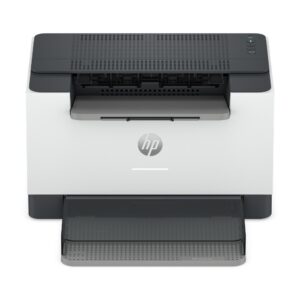
Save £11 New
HP LaserJet M223dw Mono Laser Printer, 30 ppm, Automatic Duplex, Wi-Fi, Ethernet, White
In stock
Original price was: £211.19.£200.58Current price is: £200.58.
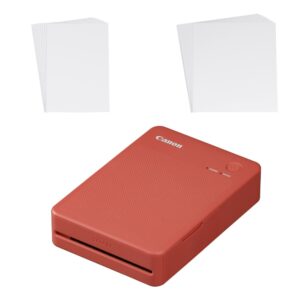
Save £7.81 New
Canon SELPHY QX20 RD Photo Printer, Dye-Sublimation, Colour, Wi-Fi, Bluetooth, USB-C, 2.8″ x 3.3″, Terracotta Red
In stock
Original price was: £157.19.£149.38Current price is: £149.38.
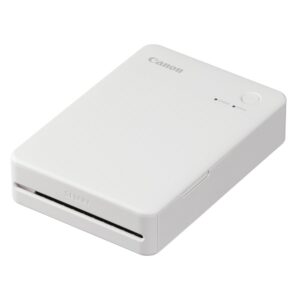
Save £8.81 New
Canon SELPHY QX20 WH Portable Photo Printer, Dye-Sublimation, Colour, Wi-Fi, Bluetooth, USB-C, 2.8″ x 3.3″, White
In stock
Original price was: £157.19.£148.38Current price is: £148.38.
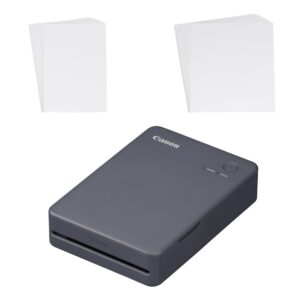
Save £9.55 New
Canon SELPHY QX20 Portable Dye-Sublimation Photo Printer, Colour, Wi-Fi, Bluetooth, 2.8″ x 3.3″ Prints, Black
In stock
Original price was: £157.19.£147.64Current price is: £147.64.
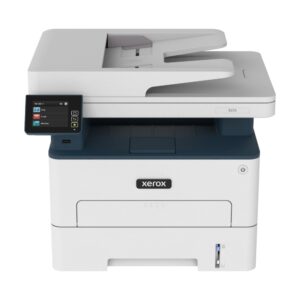
New
Save £15
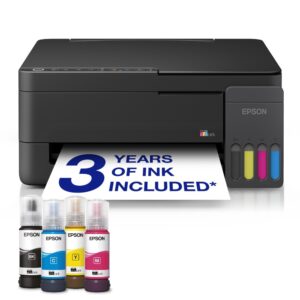
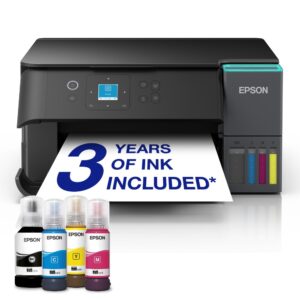
Epson EcoTank ET-2910 All-in-One Colour Inkjet Printer, Print/Scan/Copy, Wi-Fi, USB, 6,500 Colour/3,600 Black Pages
In stock
Original price was: £298.79.£283.92Current price is: £283.92.
Save £20
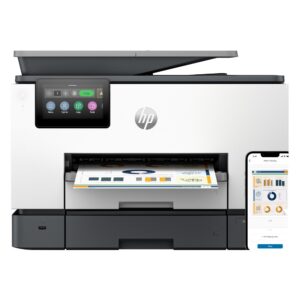
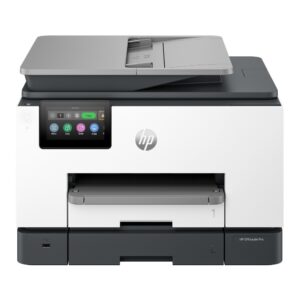
HP OfficeJet Pro 9130b All-in-One Colour Inkjet Printer, Print/Scan/Copy, Wi-Fi, Ethernet, Grey
In stock
Original price was: £397.19.£377.69Current price is: £377.69.
Save £18
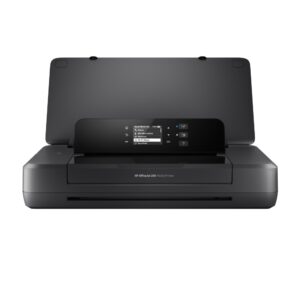
HP OfficeJet 200 Mobile Colour Inkjet Printer, Wi-Fi, USB, 4800 x 1200 dpi
In stock
Original price was: £322.79.£305.21Current price is: £305.21.
Save £13
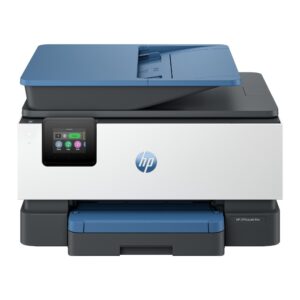
HP OfficeJet Pro 9125 Colour Inkjet All-in-One Printer, Print/Scan/Copy/Fax, Wi-Fi, Ethernet, Bluetooth, Auto Duplex
In stock
Original price was: £242.39.£229.08Current price is: £229.08.
Save £7.45
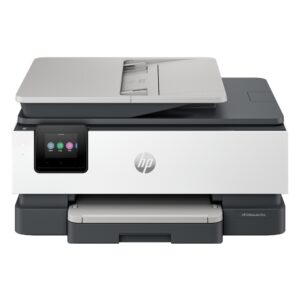
HP OfficeJet Pro 8125 All-in-One Colour Inkjet Printer, Print/Scan/Copy, Wi-Fi, Auto Duplex, Grey
In stock
Original price was: £154.79.£147.34Current price is: £147.34.
Save £6.70
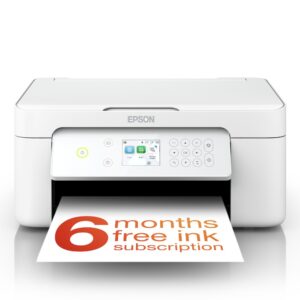
Epson Expression Home XP-4205 All-in-One Colour Inkjet Printer, Print, Scan and Copy, Wi-Fi, Wi-Fi Direct, White
In stock
Original price was: £105.59.£98.89Current price is: £98.89.