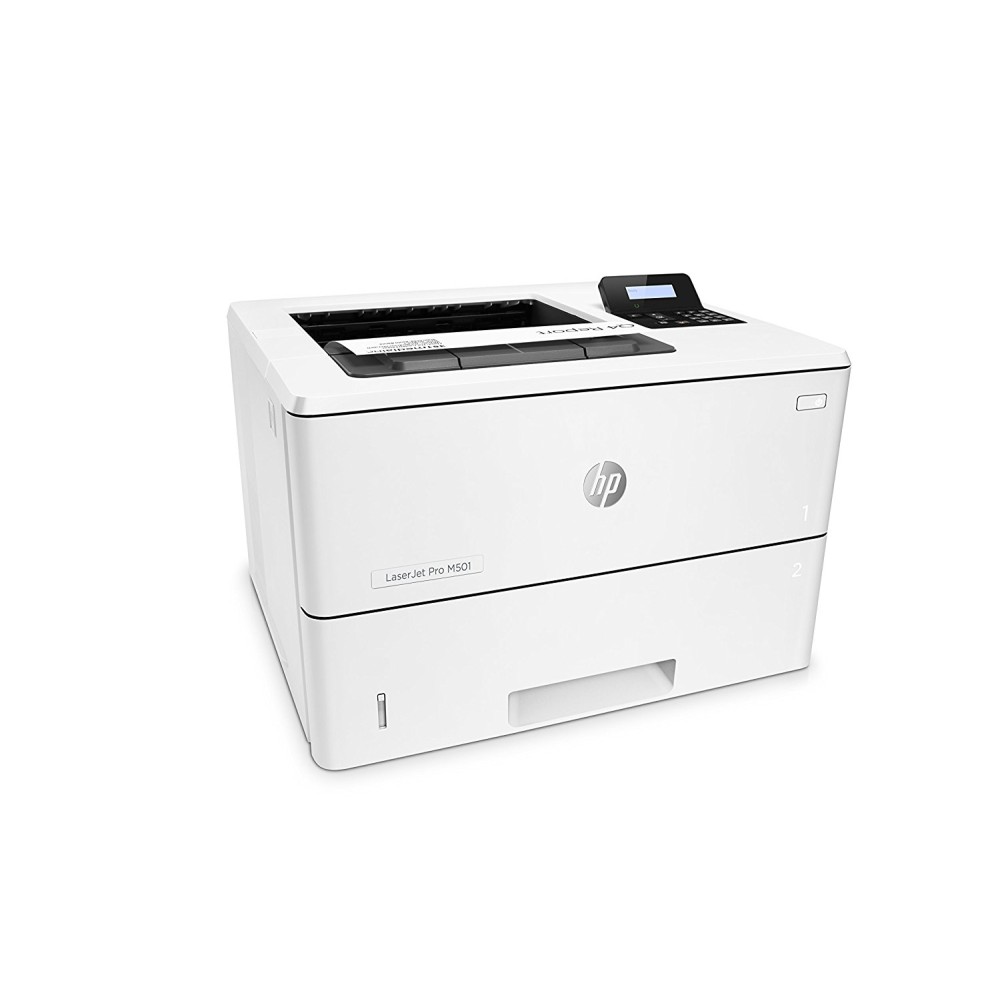
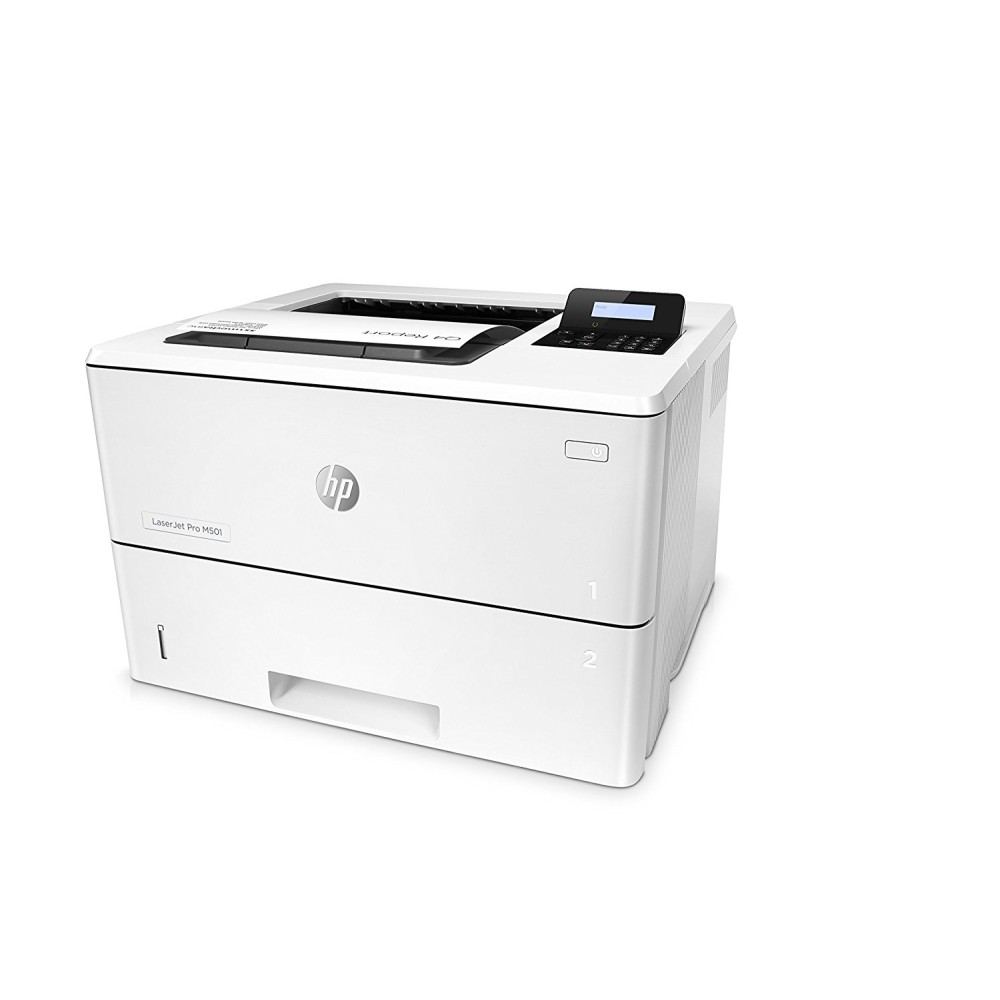
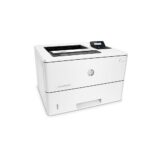
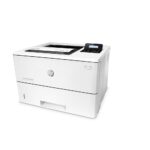
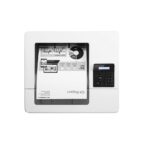
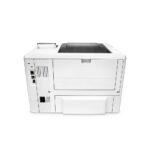
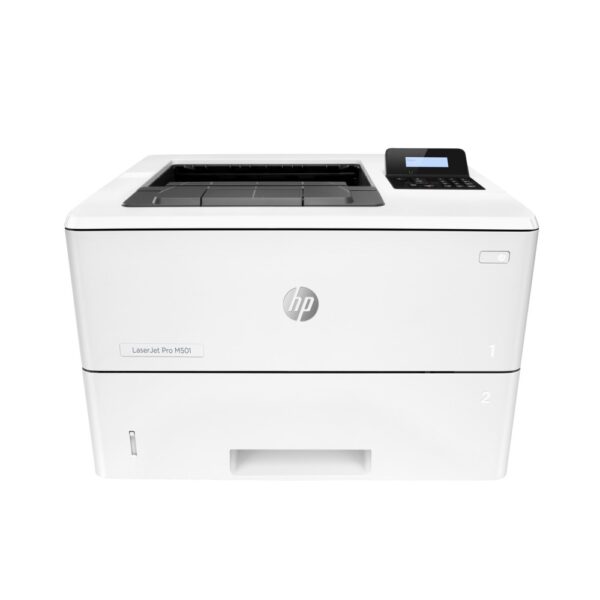
HP LaserJet Pro M501dn A4 Mono Laser Printer, 43ppm, Automatic Duplex, Ethernet, 100,000-Page Monthly Duty Cycle

SKU: J8H61A#B19

£500.10

Out of stock

Out of stock

  • Free Premium delivery on UK mainland orders

Order today, get it by Fri 20 Nov

  • DPD DPD tracked delivery
  • Klarna Buy now, pay later with Klarna at checkout
  • PayPal Pay in 3 instalments with PayPal at checkout

About this item

  • 43ppm monochrome A4 laser printing
  • Automatic duplex printing as standard
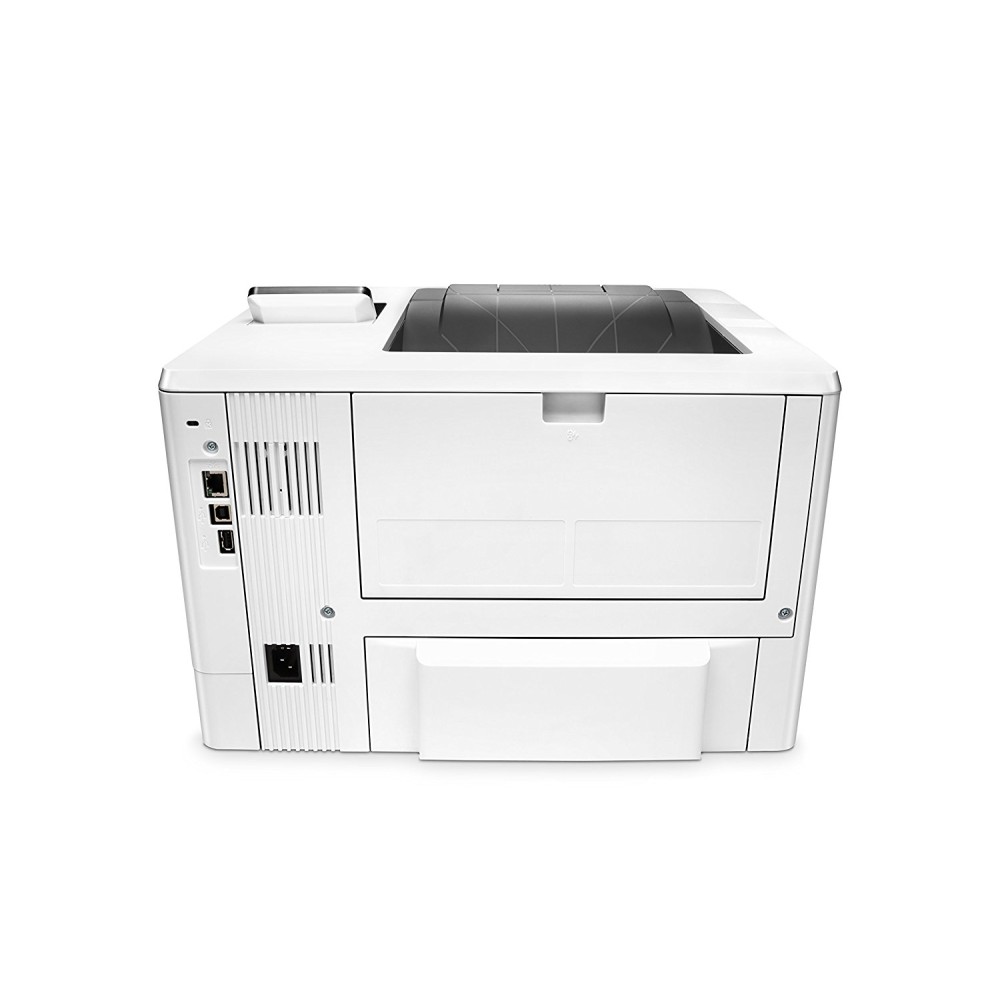
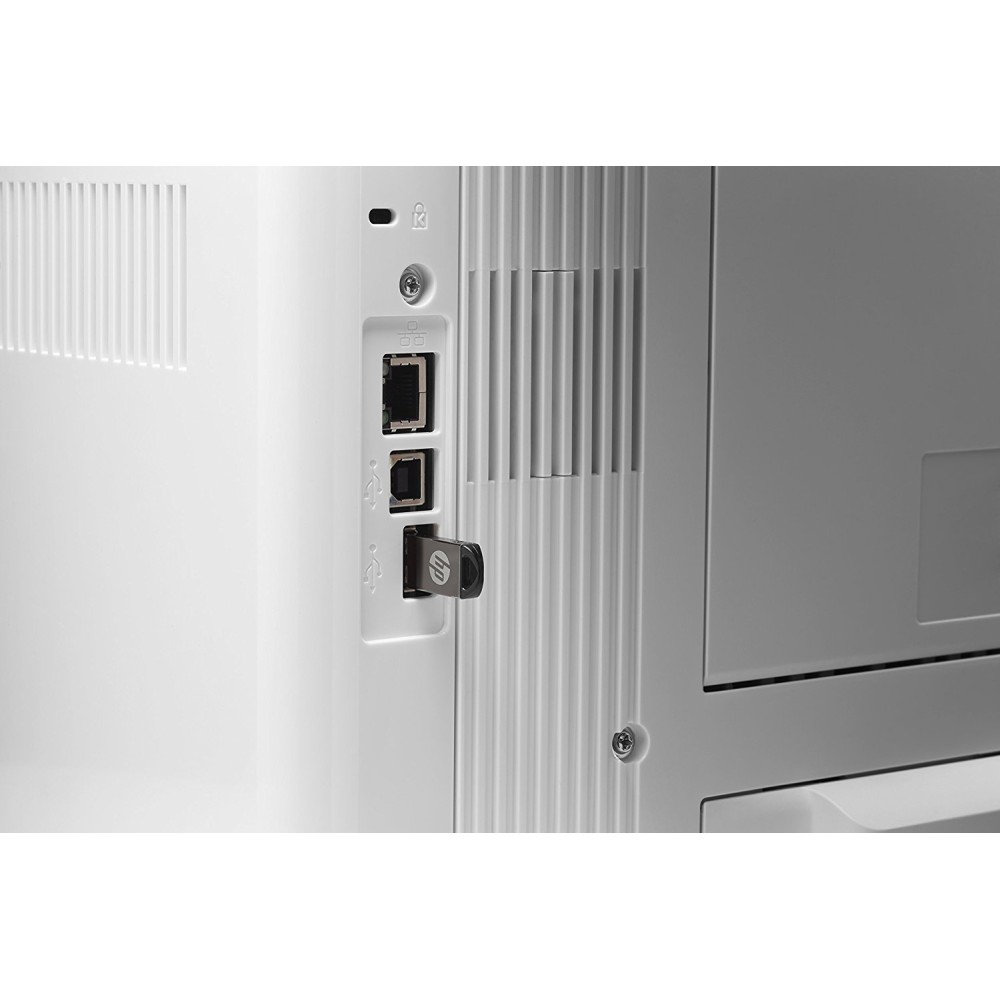
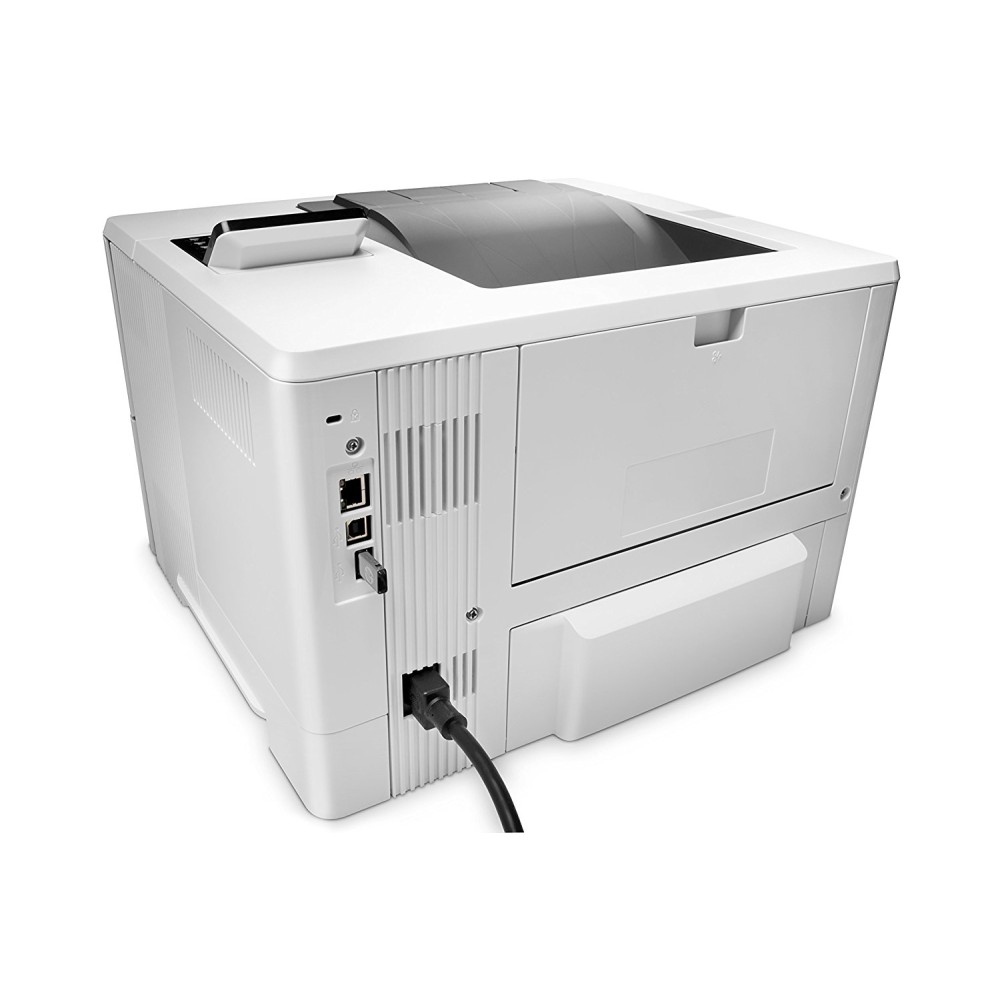
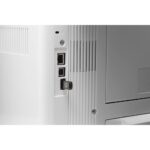
  • Gigabit Ethernet and USB 2.0 connectivity
  • 100,000-page monthly duty cycle
  • 650-sheet maximum paper input capacity
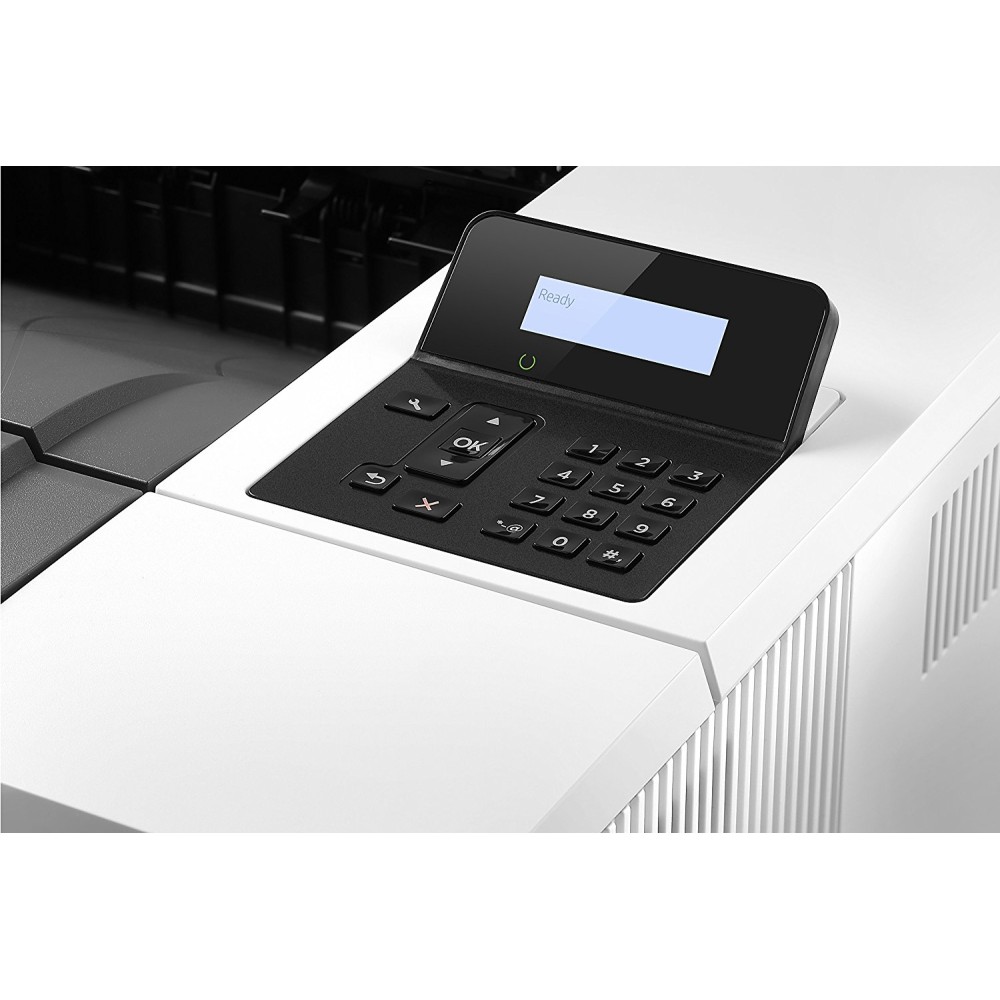
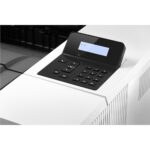
  • Desktop form factor with 2-line LCD
Description

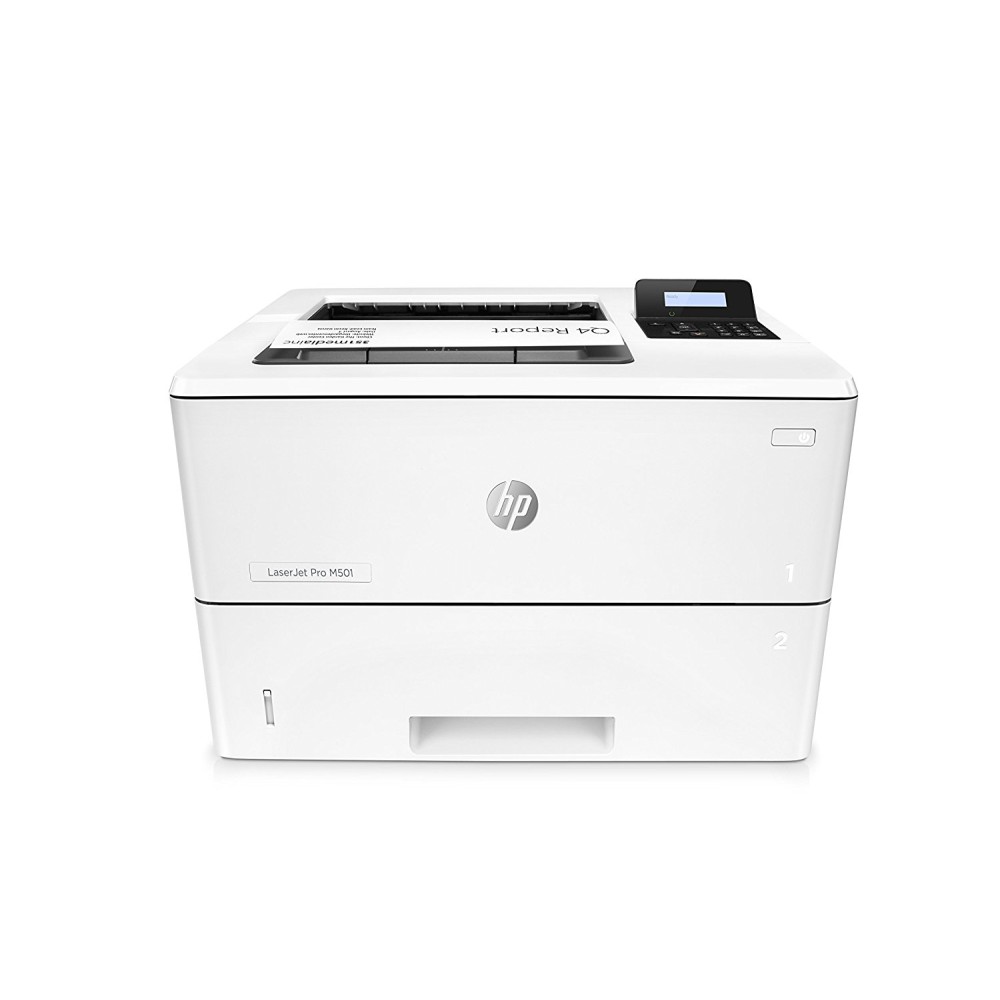
HP LaserJet Pro M501dn – fast A4 office printing

The HP LaserJet Pro M501dn suits offices that need reliable, high-volume black-and-white documents. Its print speed of up to 43 pages per minute helps teams handle busy print queues efficiently.

Key specifications at a glance

Metric Specification
Printer type A4 monochrome laser
Print speed Up to 43 pages per minute
Automatic duplex Standard
Standard paper input 650 sheets
Monthly duty cycle Up to 100,000 pages
Connectivity Gigabit Ethernet and USB 2.0

Keep document runs moving

Automatic double-sided printing comes as standard, so you can print on both sides without turning pages by hand. The printer delivers monochrome output at up to 43 pages per minute, making it a practical choice for busy office workflows.

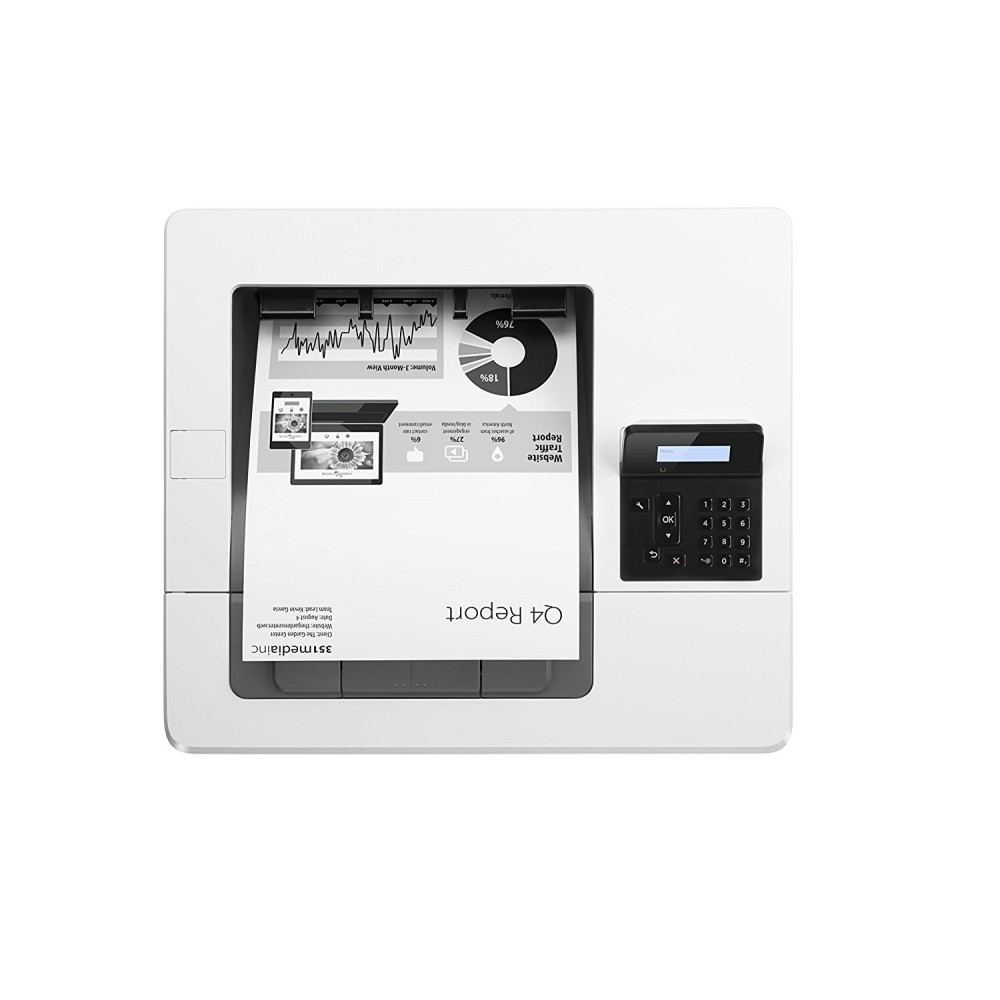
A 2-line LCD displays status information. Built-in security features help protect the printer against complex threats from start-up to shutdown.

Handle everyday office media

The 100-sheet multipurpose tray and 550-sheet input tray provide 650 sheets of standard input capacity. The printer supports A4, A5 and other listed sizes, plus envelopes, labels and transparencies.

Supported media weights range from 60 to 220 g/m². A 250-sheet output bin collects completed work, while the automatic duplex unit helps reduce manual handling.

Connect it to your office

Gigabit Ethernet lets you connect the printer to a wired network. USB 2.0 is also available for a direct connection. It supports HP PCL 5, HP PCL 6, PostScript Level 3 emulation and direct PDF printing.

Included with the printer

  • HP LaserJet Pro M501dn printer
  • Introductory black toner cartridge, rated for 6,000 pages
  • Power cord
  • Documentation and software on CD-ROM

Check your setup before ordering

  • Confirm that A4 monochrome laser printing suits your team’s document needs.
  • Check that your network has an available Ethernet connection, or plan to connect by USB.
  • Confirm the printer’s 41.8 × 37.6 × 28.9 cm footprint fits your intended space.
  • Check that your chosen paper and media fall within the supported 60–220 g/m² range.

Frequently Asked Questions

Q: Does this printer print in colour?

A: No. It is a monochrome laser printer that prints in black.

Q: Can it print on both sides automatically?

A: Yes. Automatic duplex printing is included as standard.

Q: How much paper can it hold?

A: Its two standard input trays hold up to 650 sheets in total.

Q: What toner comes in the box?

A: An introductory black toner cartridge rated for 6,000 pages is included.

A strong fit for busy office teams

Choose the HP LaserJet Pro M501dn if your office needs fast A4 monochrome printing, automatic duplexing and wired network connectivity. Its substantial standard paper capacity helps keep larger print jobs moving.

Additional information
BrandHP
MPNJ8H61A#B19
EAN0725184117596
Printer TypeLaser
Mono or Colour PrinterMono
Printer Resolution True Horizontal600 dpi
Printer Resolution True Vertical600 dpi
Printer Resolution Enhanced Horizontal4800 dpi
Printer Resolution Enhanced Vertical600 dpi
Comes with Starter CartridgeYes
Speed Monochrome43 ppm
Monthly Duty Cycle100,000 Pages
Duplex UnitYes
Double Sided Printing Duplex TypeAutomatic (Standard)
Paper SizeTray 1: 10 x 15 cm, A4, A5, A6, Envelope B5, Envelope C5, Custom, Envelope DL, B5 (JIS), B6 (JIS) • Tray 2, Tray 3: A4, B6 (JIS)
Paper Handling Input 1100 Sheet Multi-Purpose
Paper Handling Input 2550 Sheet Input Tray
Maximum Input Capacity650 Sheets
Paper Trays Standard/Maximum2/3
Media SupportedPaper (plain, light, midweight, intermediate, heavy, extra heavy, bond, cardstock, coloured, letterhead, preprinted, prepunched, recycled, rough, ecofficient), Envelopes, Labels, Transparencies
Sheet Weight60 to 220 g/m²
Paper Handling Standard Output250 Sheet Output Bin
Status Display2-line LCD (text)
CPU Speed1500 MHz
Memory Size256 MB
Maximum RAM256 MB
USB Ports1 x USB 2.0 • 1 x Host USB
RJ-45 Ports1 x RJ-45
Network Card10 Base-T/100 Base-TX/1000 Base-T
Network ReadyYes
Printer LanguagesHP PCL 5, HP PCL 6, HP Postscript Level 3 emulation, direct PDF (v 1.7) printing, URF, PCLM, PWG
Operating Systems SupportedWindows 10 32-bit/64-bit editions (excluding RT OS for tablets), Windows 8/8.1 32-bit/64-bit editions (excluding RT OS for tablets), Windows 7 32-bit/64-bit editions, Windows Vista 32-bit editions (Home Basic, Premium, Professional, etc) • OS X 10.10 Yosemite, OS X 10.9 Mavericks, OS X 10.8 Mountain Lion, OS X 10.7 Lion • Linux
Network Operating Systems SupportedUNIX • SUSE Linux (12.2, 12.3, 13.1) • Fedora (17, 18, 19, 20) • Linux Mint (13, 14, 15, 16, 17) • Boss (3.0, 5.0) • Ubuntu (10.04, 11.10, 12.04, 12.10, 13.04, 13.10, 14.04, 14.10) • Debian (6.0.x, 7.x)
Electrical Power Consumption Printing660 W
Electrical Power Consumption Standby6.1 W
Operating Humidity30 to 70 %
Operating Temperature15 to 32.5 °C
Noise Level54 dbA
Form FactorDesktop
Case ColourGrey
In The BoxHP LaserJet Pro M501dn • Preinstalled introductory HP LaserJet Toner Cartridge (Black: 6,000 pages) • In-box documentation (installation guide, getting started guide, user’s guide, support flyer, warranty guide) • Printer documentation and software on CD-ROM • Software drivers and documentation on CD-ROM • CD’s containing software and electronic documentation • Power cord
Width41.80 cm
Depth37.60 cm
Height28.90 cm
Weight11.40 kg

Reviews

0 reviews
0
0
0
0
0

There are no reviews yet.

Write a review

Your email is never published.

You have to be logged in to be able to add photos to your review.