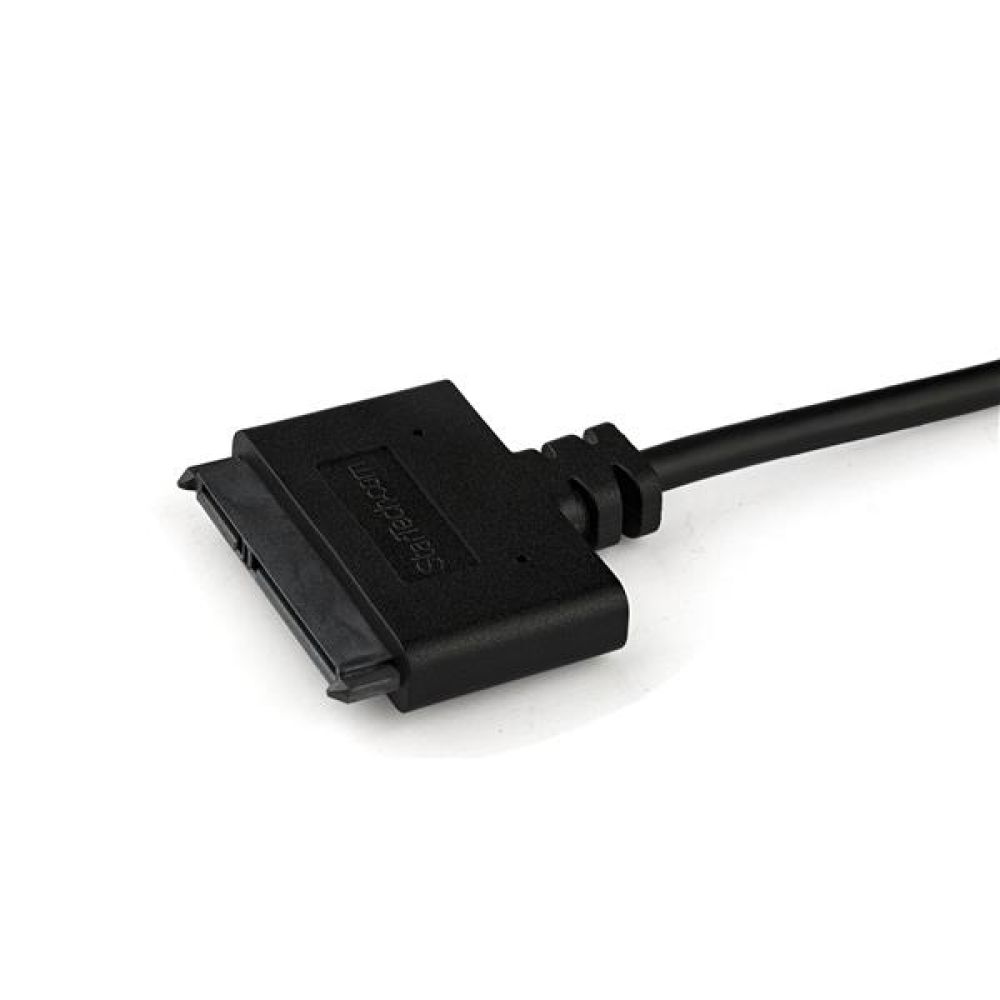
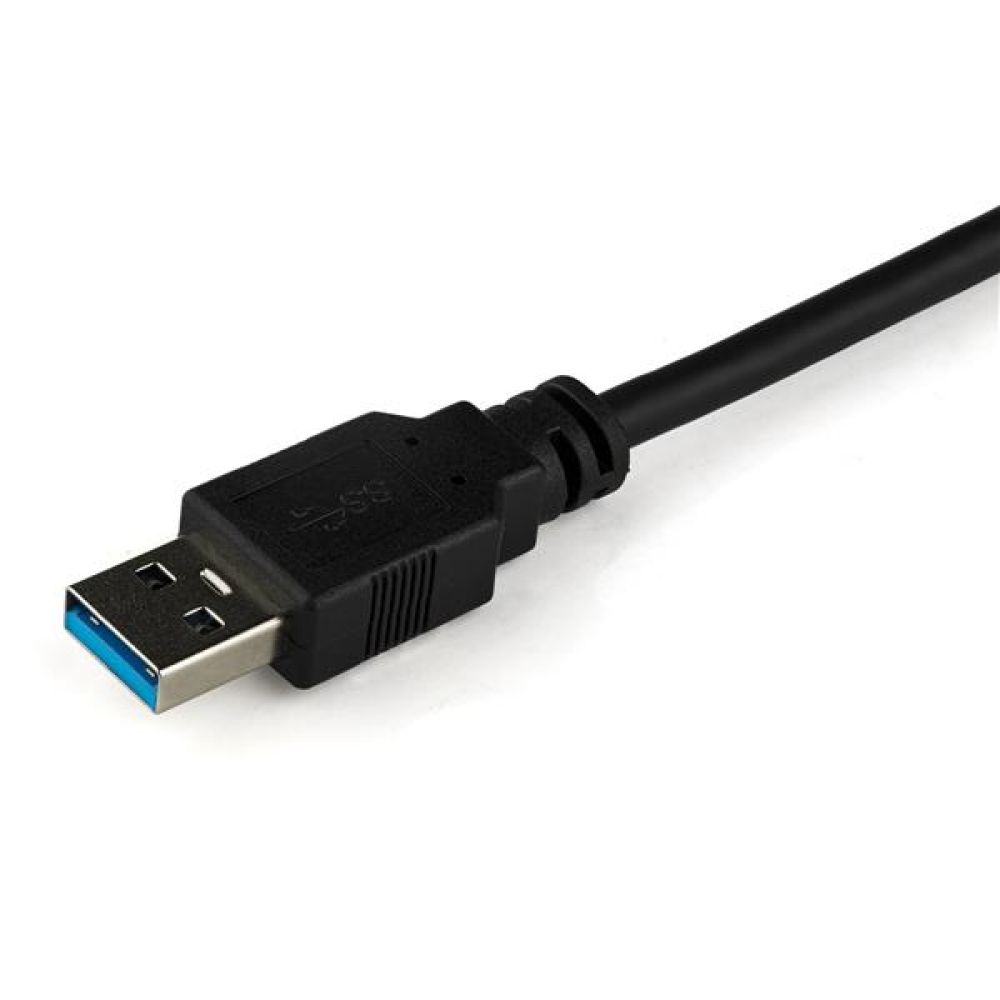
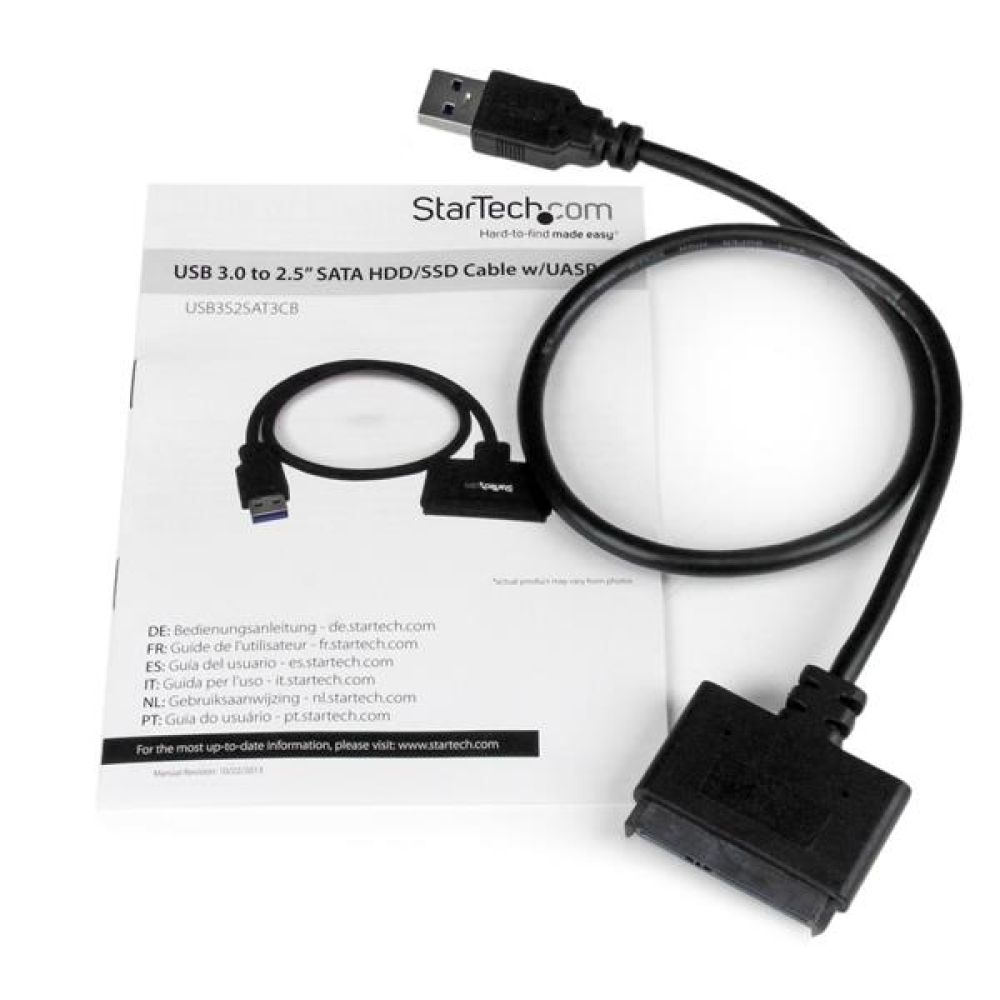
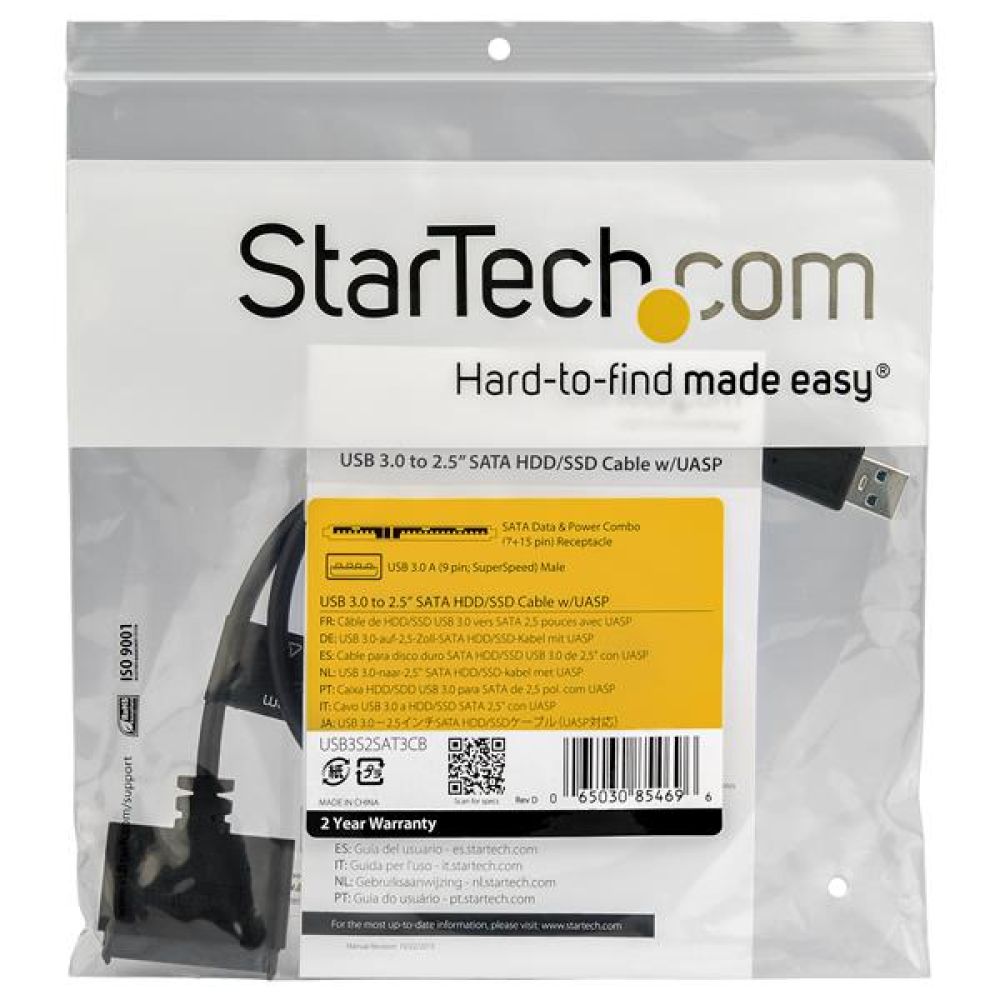
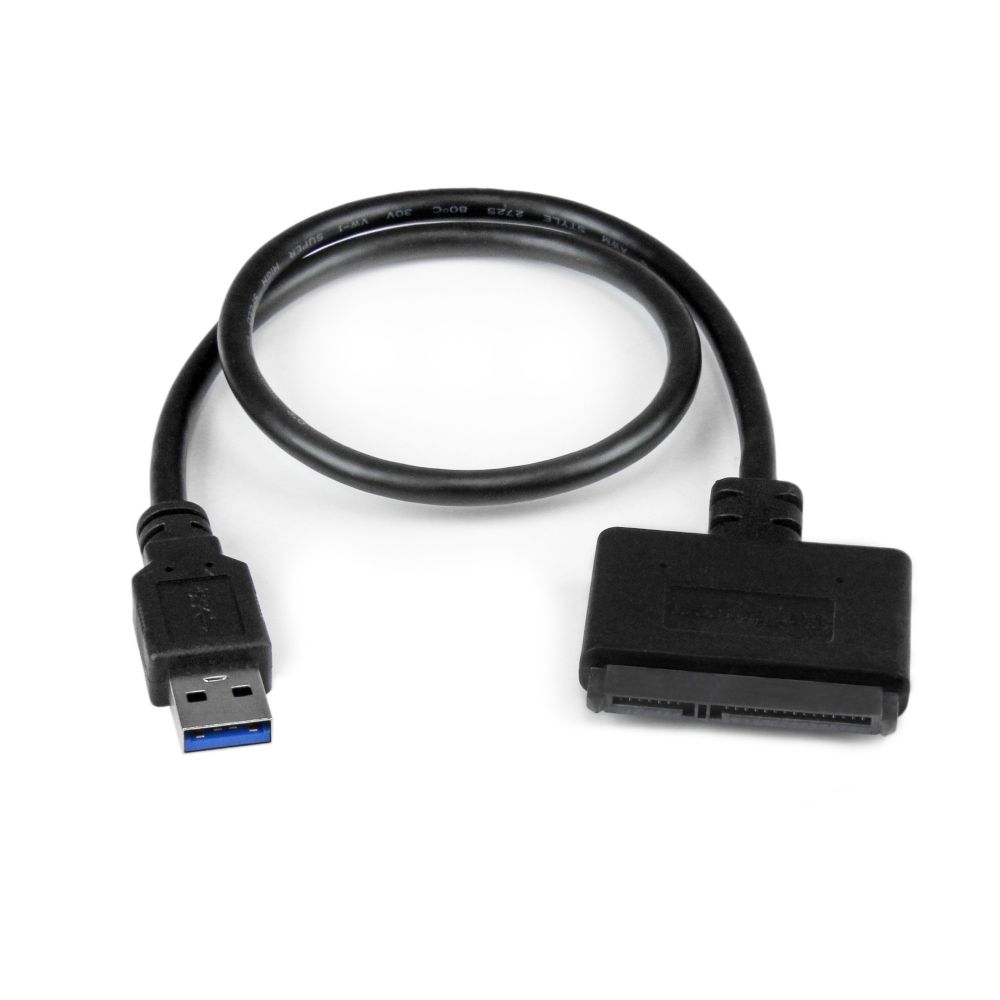

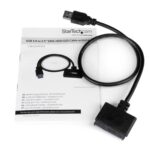

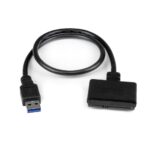



StarTech.com SATA to USB 3.0 Cable with UASP

£16.29 inc VAT

In stock

In stock

More Ways to Pay

  • Buy now, pay later with Klarna
  • Pay in 3 interest-free payments with PayPal

About This Item

  • UASP support for up to 70% faster transfers
  • SATA III 6 Gbit/s interface for 2.5″ SSDs or HDDs
  • USB 3.0 cable with 0.5 m length
  • Plug and Play with no external power required
  • Compatible with Windows, Mac OS and Linux
  • Black design with CE, FCC and RoHS certifications
  • Manual included, operating temperature 0–60 °C

Payment Methods:

payments
Description

StarTech.com SATA to USB Cable with UASP | 2.5″ Drive Adapter

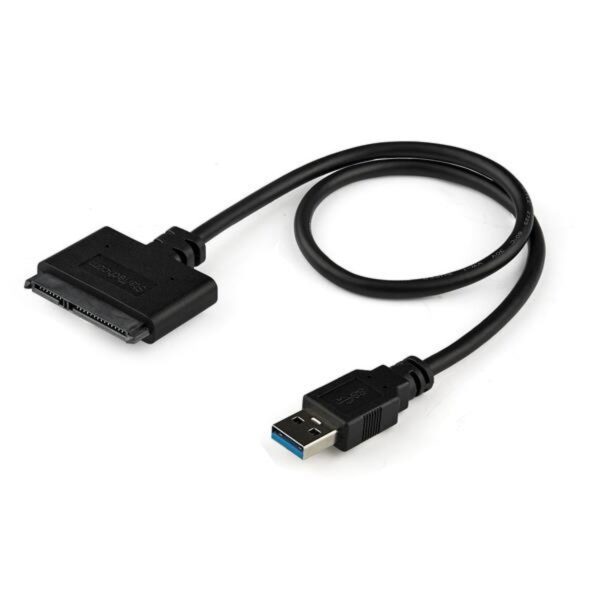
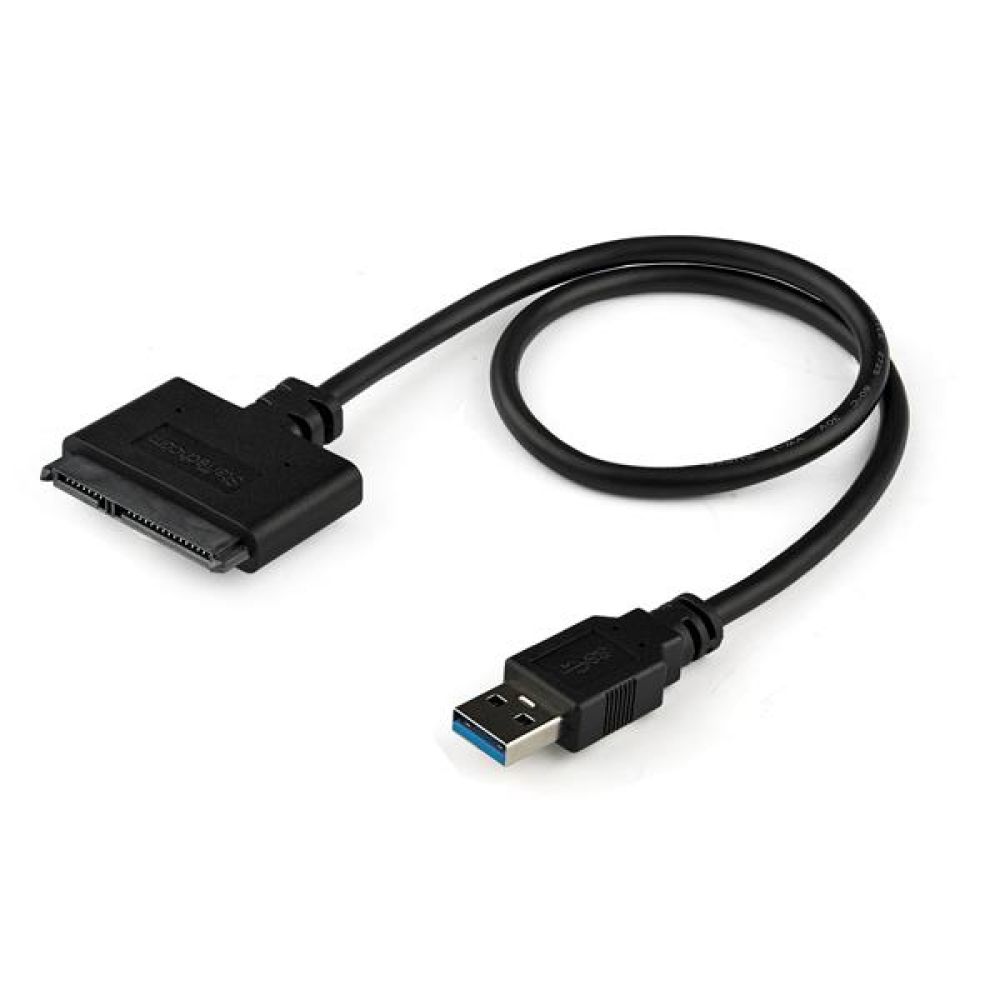
This StarTech.com SATA to USB Cable with UASP connects a 2.5″ SATA SSD or HDD to a USB-A port. It is ideal for UK users needing quick drive access for upgrades or data recovery. The adapter supports USB 3.0 and UASP for faster transfers. It is compact and requires no external power. The cable is 0.5 m long and plug-and-play. It works with Windows, Mac, and Linux systems.

Portable 2.5″ SATA Drive Connection

This cable-style adapter lets you connect a 2.5″ SATA drive externally. You can add drive space or perform backups without opening your laptop. The 0.5 m length offers flexibility while remaining portable. It fits easily in a laptop bag for on-the-go use. No external power adapter is needed for operation.

Accelerated Transfers with UASP Technology

The adapter supports USB 3.0 speeds up to 6 Gbit/s. When used with a UASP-compatible host, transfer speeds can be up to 70% faster than standard USB 3.0. UASP also reduces processor load by approximately 80% in testing. This technology helps you move large files efficiently. It utilises the full potential of SATA III SSDs.

Broad System Compatibility

This adapter is compatible with a wide range of operating systems. It supports Windows XP through 10, Mac OS X, and Linux. The ASMedia ASM1153E chipset ensures reliable performance. Plug-and-play functionality means no driver installation is required. Always confirm your specific OS version before purchase.

Simple Data Management Tasks

Use this cable to clone drives or implement data recovery. It facilitates easy content transfer between a drive and your laptop. The design allows you to swap drives without installing them in an enclosure. This saves time and reduces hardware handling. It is a practical tool for IT maintenance.

Slim Specifications Table

Metric Spec.
Interface USB 3.0
Max Data Rate 6 Gbit/s
Cable Length 0.5 m
Drive Support 2.5″ SATA SSD/HDD
Operating Temp 0 – 60 °C
Certification CE, FCC

Package contents

  • 1 x StarTech.com SATA to USB Cable with UASP
  • 1 x Manual

Things to check first

  • Confirm your drive is a 2.5″ SATA SSD or HDD (not 3.5″ or NVMe).
  • Verify your laptop has a USB-A port (USB 3.0 recommended for best speed).
  • Check that your operating system is listed in the compatibility notes.
  • Confirm you are happy with the 0.5 m cable length for your setup.

Frequently Asked Questions

Q: Does this cable require an external power supply?

A: No, it is powered by the USB port, making it highly portable for laptop use.

Q: Is this compatible with 3.5″ desktop hard drives?

A: No, it is designed specifically for 2.5″ SATA SSDs and HDDs only.

Q: What does UASP mean for my transfers?

A: UASP is a protocol that can speed up data transfers by up to 70% compared to standard USB 3.0.

Q: Do I need to install any drivers?

A: No, it is plug-and-play for the listed operating systems, including Windows, Mac, and Linux.

The Consultant’s verdict & warranty

This StarTech.com adapter is a reliable choice for IT professionals and users needing quick, portable access to 2.5″ SATA drives. It is best for drive upgrades, backups, and data recovery tasks without opening a PC. Covered by the applicable manufacturer warranty.

Additional information
CertificationCE, FCC

Customer Reviews

0 reviews
0
0
0
0
0

There are no reviews yet.

Be the first to review “StarTech.com SATA to USB 3.0 Cable with UASP”

Your email address will not be published. Required fields are marked *

You have to be logged in to be able to add photos to your review.