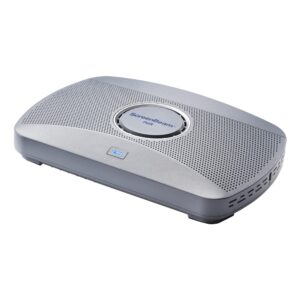
BenQ WDC25 Wireless Presentation System, 4K UHD, HDMI/USB-C, 40 m, Up to 64 Devices, Black

SKU: 9H.K0GBY.R0E

£1,594.28

Out of stock

Out of stock

  • Free Premium delivery on UK mainland orders

Order today, get it by Fri 20 Nov

  • DPD DPD tracked delivery
  • Klarna Buy now, pay later with Klarna at checkout
  • PayPal Pay in 3 instalments with PayPal at checkout

About this item

  • 4K UHD support at 3840 × 2160 resolution
  • HDMI and USB-C connectivity
  • Wireless operating distance up to 40 metres
  • Supports up to 64 connected devices
  • Wi-Fi 6, Wi-Fi 5 and earlier standards
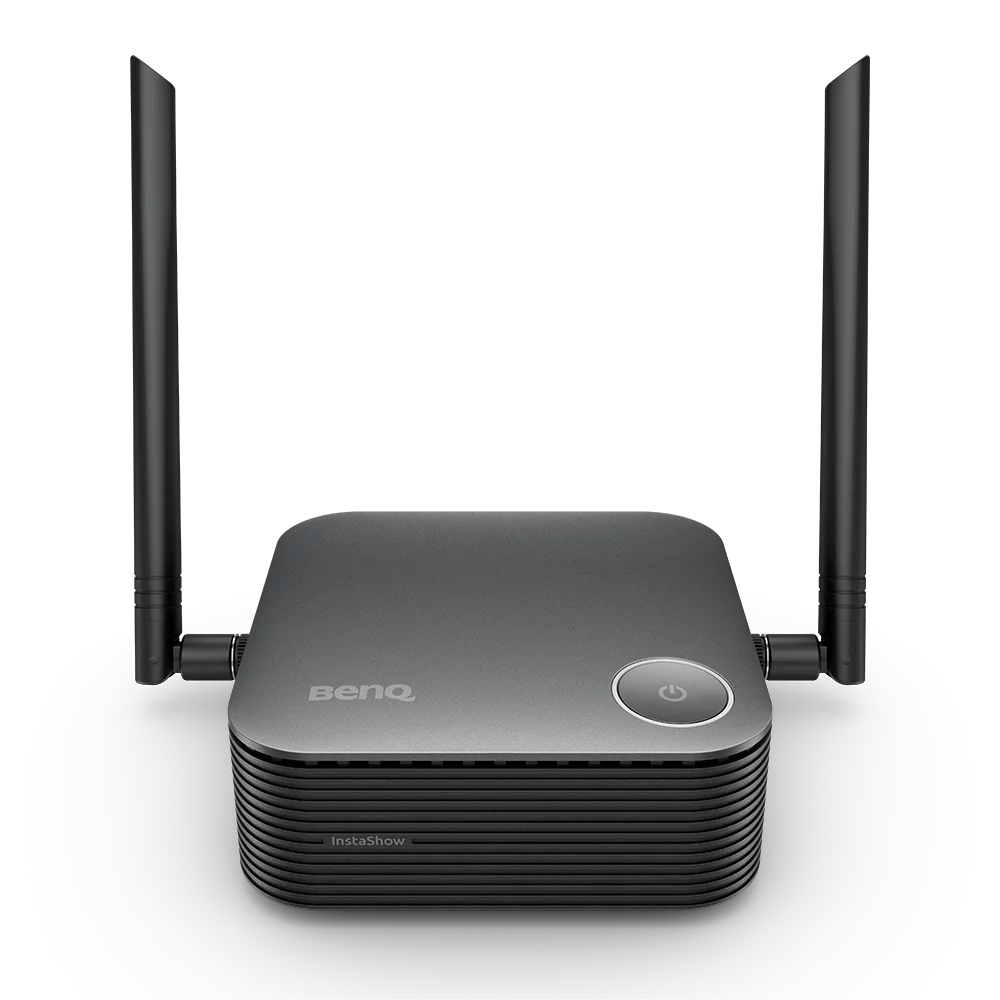
  • Desktop form factor in black
  • CVSS 4.0 certified security
Description

BenQ WDC25 – Share presentations without cables

The BenQ WDC25 suits meeting rooms where staff and guests need to share content quickly. Its plug-and-play presentation workflow lets presenters connect without installing apps or drivers.

Key specifications at a glance

Metric Specification
Form factor and colour Desktop, black
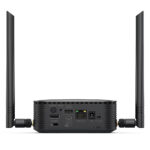
Connections HDMI and USB-C
Supported resolution Up to 3840 × 2160 (4K UHD)
Maximum operating distance 40 m
Simultaneous connected devices Up to 64
Certification CVSS 4.0

Start presenting with a simple connection

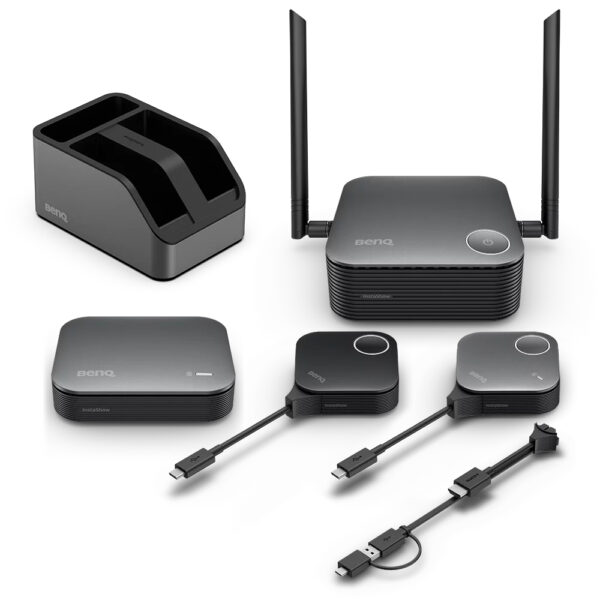
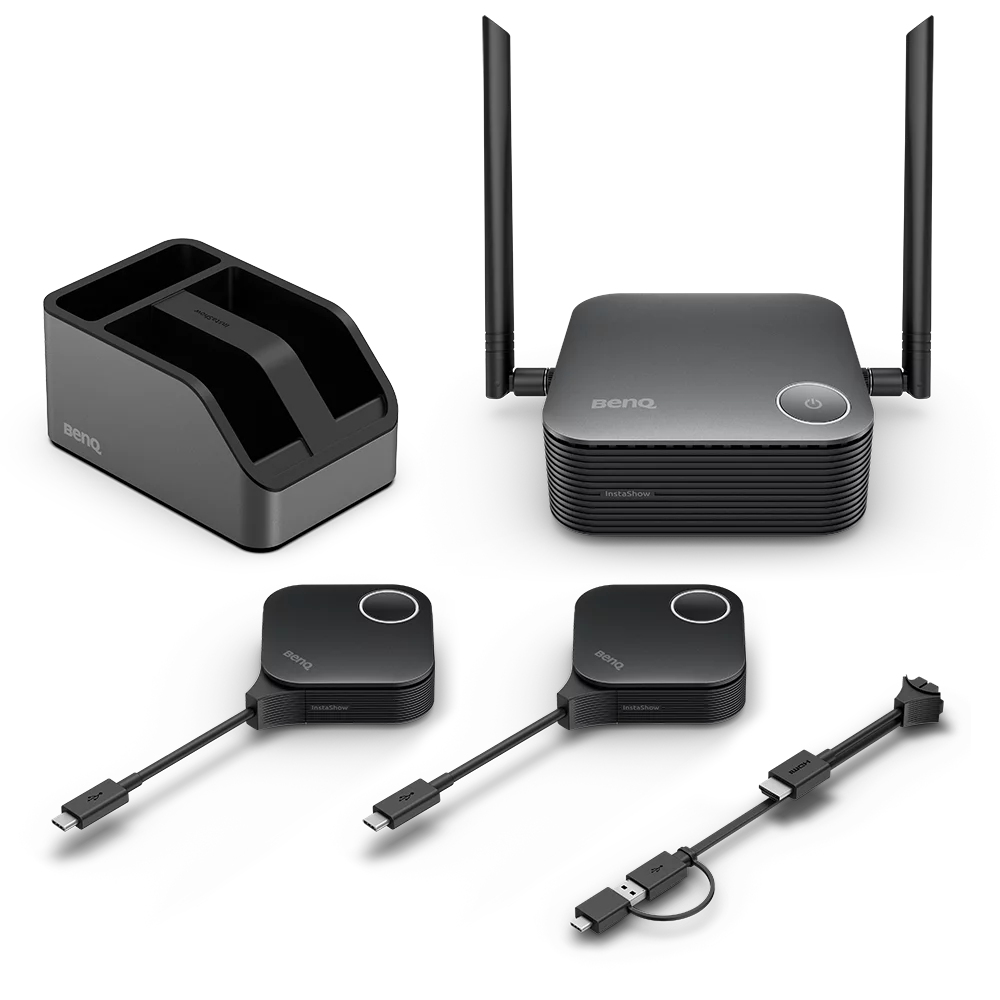
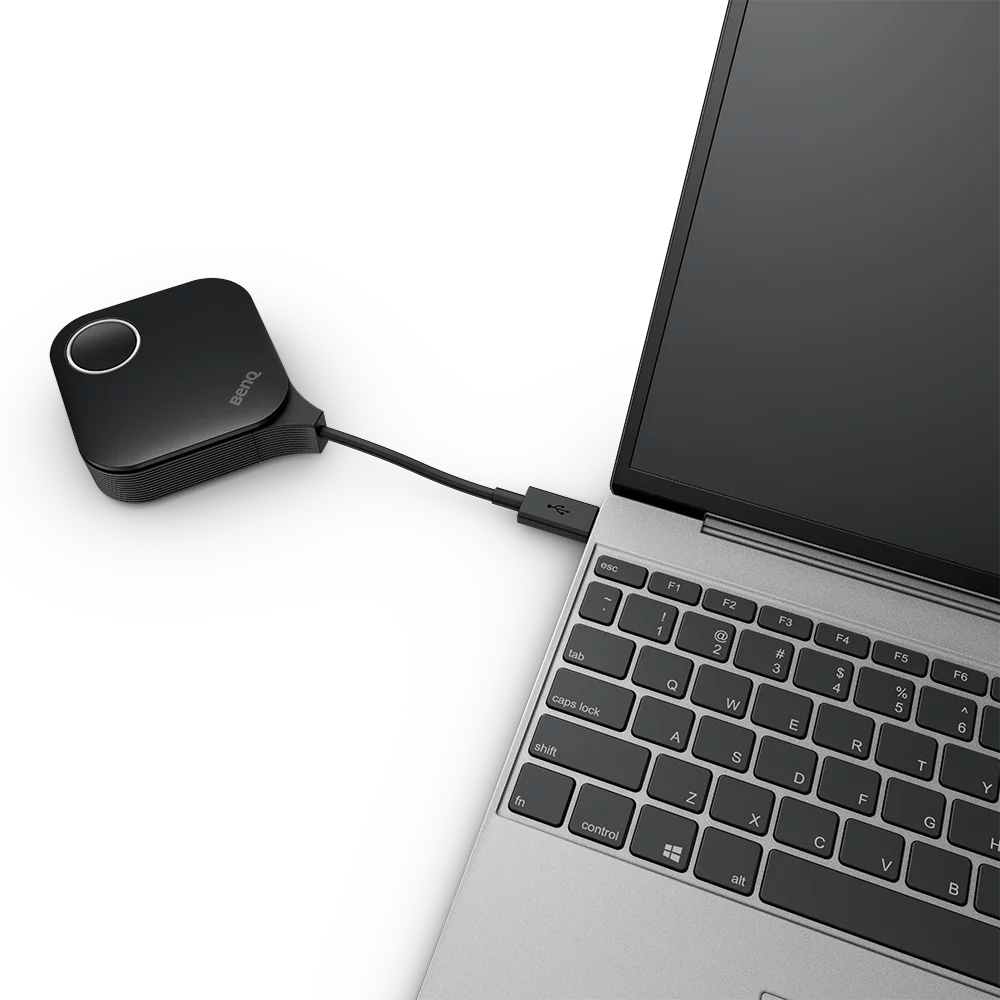
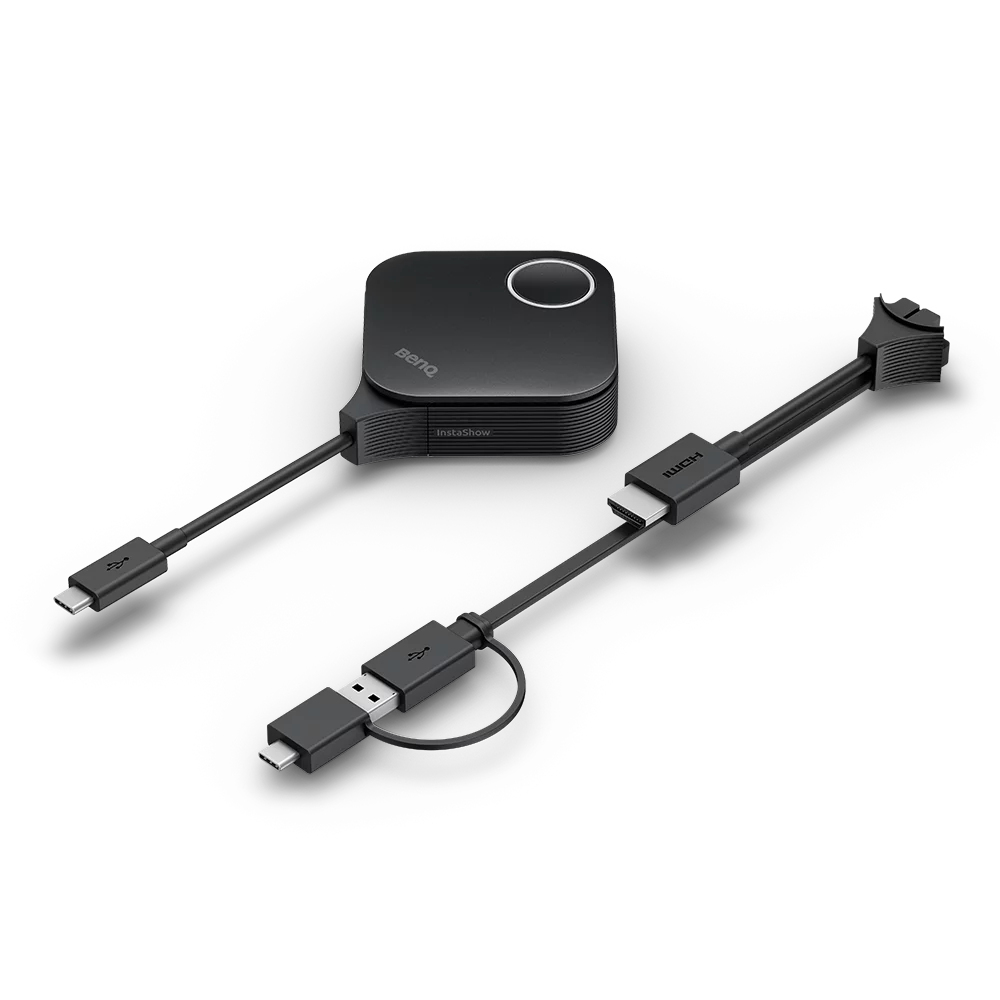
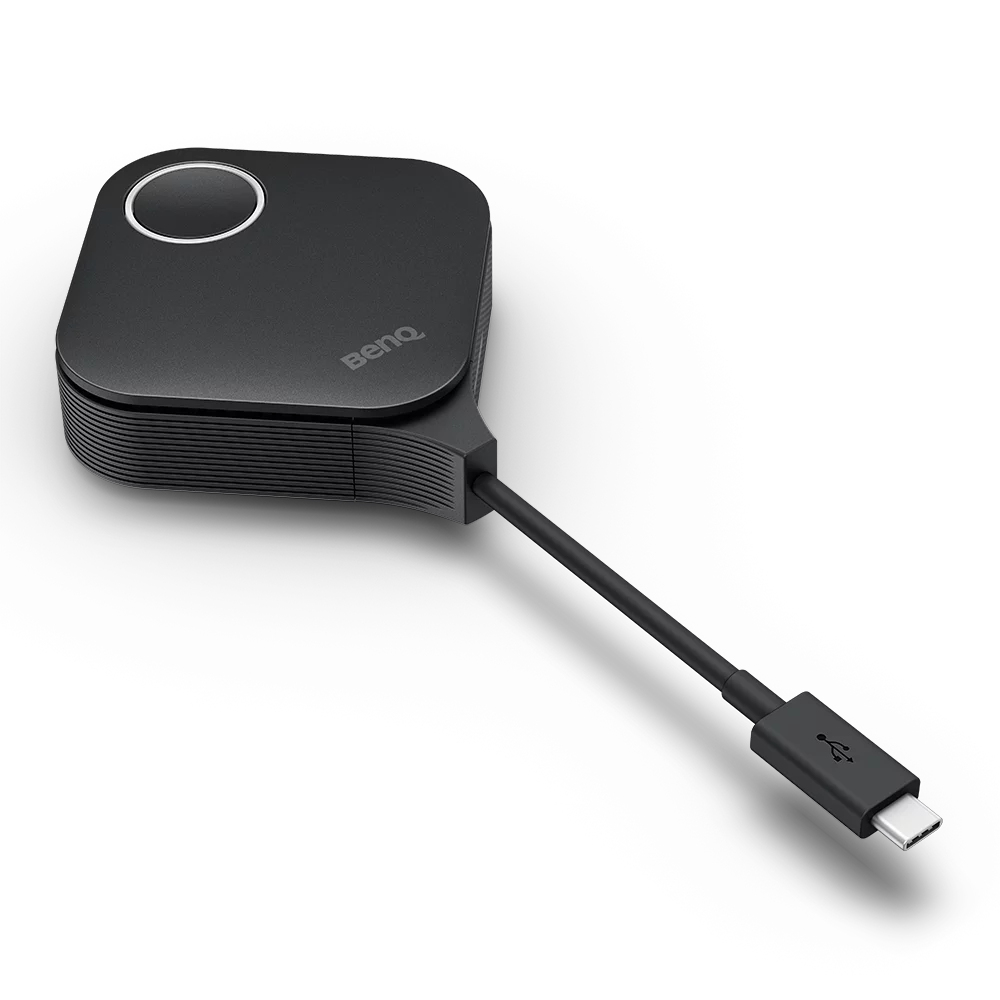
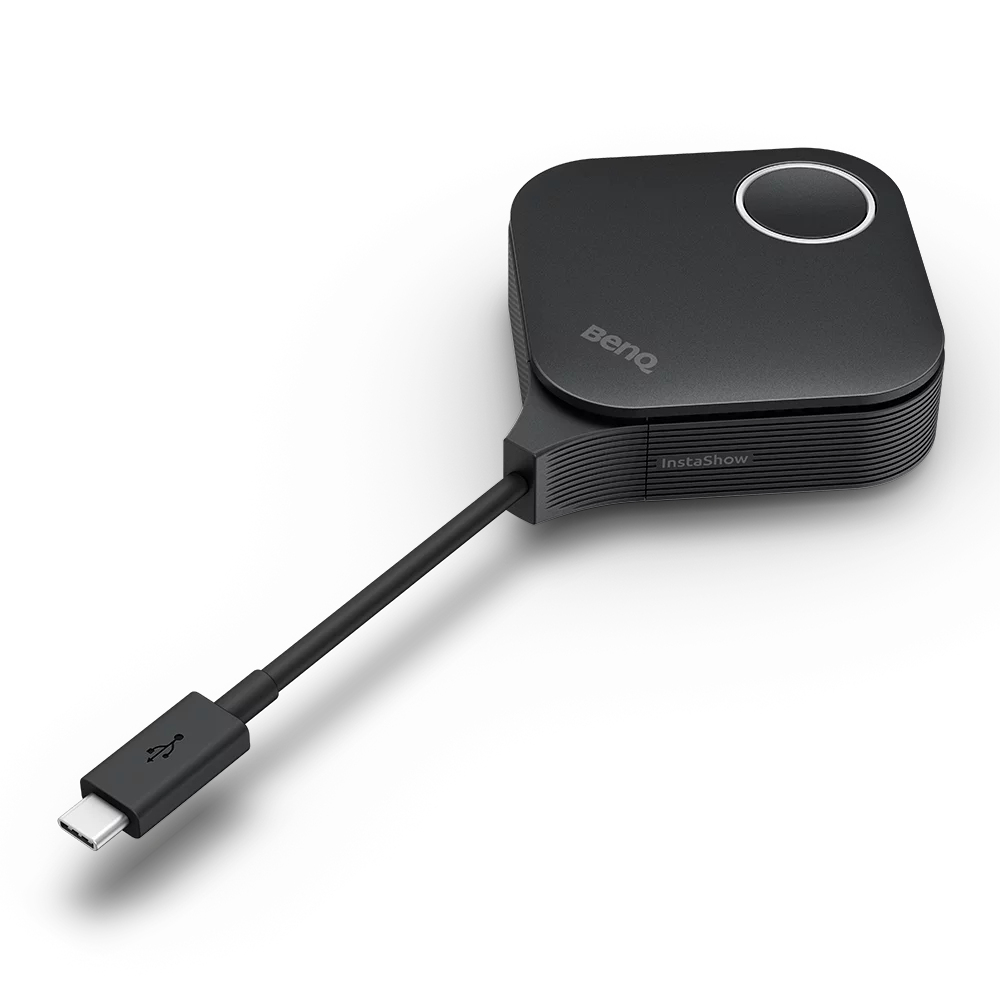
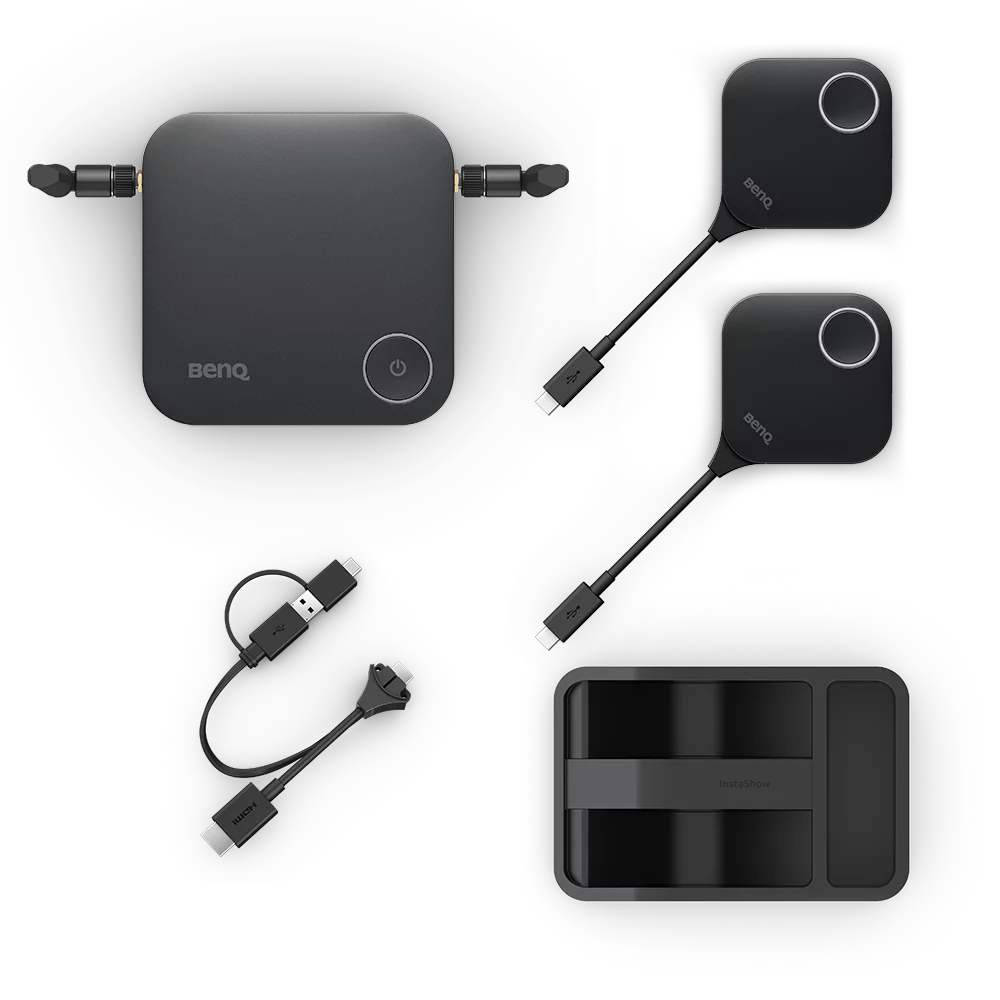
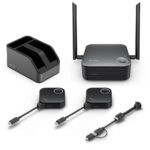
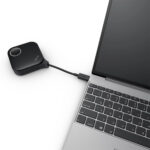
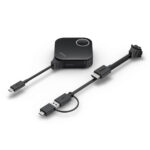
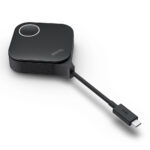
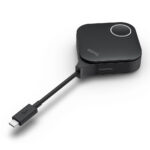
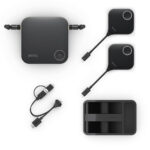
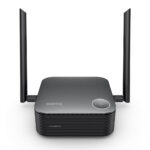
Connect the receiver to a display using HDMI. A presenter plugs the presentation Button into a laptop and taps it to share. The receiver and Button pair automatically, so there is no network setup for this workflow.

Windows, macOS, Linux and ChromeOS systems are supported. Guests can also present through HDMI or USB-C without an app or login. This makes it easier to keep meetings moving when attendees bring different laptops.

Make room for shared ideas

The WDC25 supports up to four presenters on one screen at once. This split-screen view helps teams compare content and discuss several contributions together.

It also supports 4K UHD resolution, HDCP-protected content and Touchback control. So teams can show detailed visuals and interact directly with a compatible interactive display.

Choose a setup that suits your room

The maximum operating distance is 40 metres, giving you flexibility when positioning presenters around a meeting space. Up to 64 devices can connect simultaneously, while the split-screen view supports up to four presenters sharing at once.

For phones and tablets, connect to the receiver’s SSID through the device’s Wi-Fi settings, then use wireless screen mirroring. The product carries CVSS 4.0 certification.

Check your room and devices

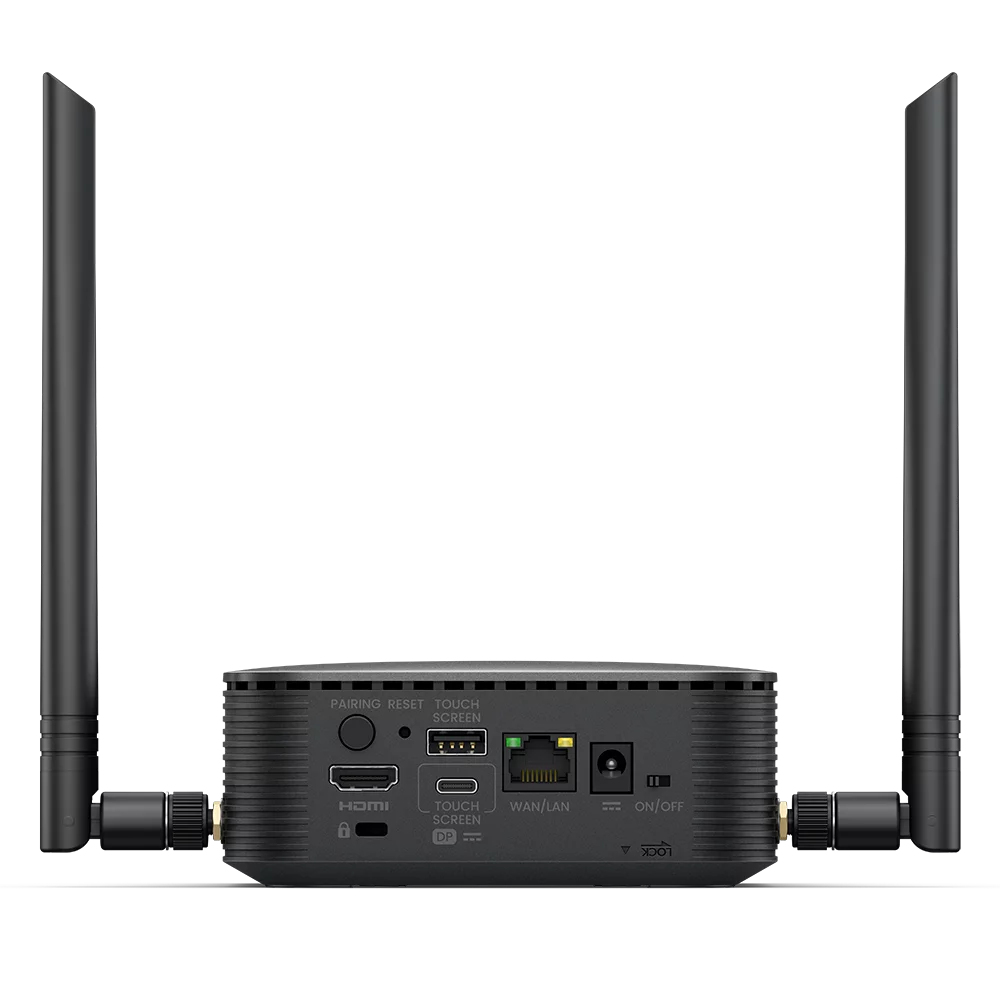
  • Confirm your display has an HDMI connection for the receiver.
  • Check that each presenter’s laptop can connect through HDMI or USB-C.
  • Confirm your computer runs Windows, macOS, Linux or ChromeOS for the Button workflow.
  • Check that the presentation area fits within the 40-metre maximum operating distance.

Frequently Asked Questions

Q: What resolution does the BenQ WDC25 support?

A: It supports resolutions up to 3840 × 2160, which is 4K UHD.

Q: How many devices can connect at once?

A: Up to 64 devices can connect simultaneously. Up to four presenters can share the screen at once.

Q: Does presenting require an app or driver?

A: The presentation Button workflow requires no app or driver installation.

Q: Can guests present from a laptop?

A: Yes. Guests can present through HDMI or USB-C without an app or login.

A practical choice for shared meeting spaces

Choose the BenQ WDC25 if your team wants quick, cable-free laptop presentations and support for up to four presenters on screen. Its 4K output, broad computer support and simple setup suit collaborative meeting rooms.

Specifications
Design
Form factorDesktop
Product colourBlack
LED indicatorsYes
CertificationCVSS 4.0
Features
Supported graphics resolutions3840 x 2160
Number of simultaneously connected devices (max)64
Network
Wi-Fi standardsWi-Fi 5 (802.11ac), 802.11a, 802.11ad, 802.11b, Wi-Fi 4 (802.11n), 802.11g, Wi-Fi 6 (802.11ax)
Maximum operating distance40 m
Ports & interfaces
InterfaceHDMI / USB Type-C
Power
Power source typeDC, USB
Logistics data
Country of originTaiwan

Reviews

0 reviews
0
0
0
0
0

There are no reviews yet.

Write a review

Your email is never published.

You have to be logged in to be able to add photos to your review.