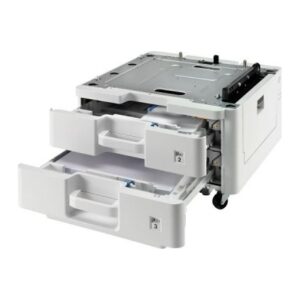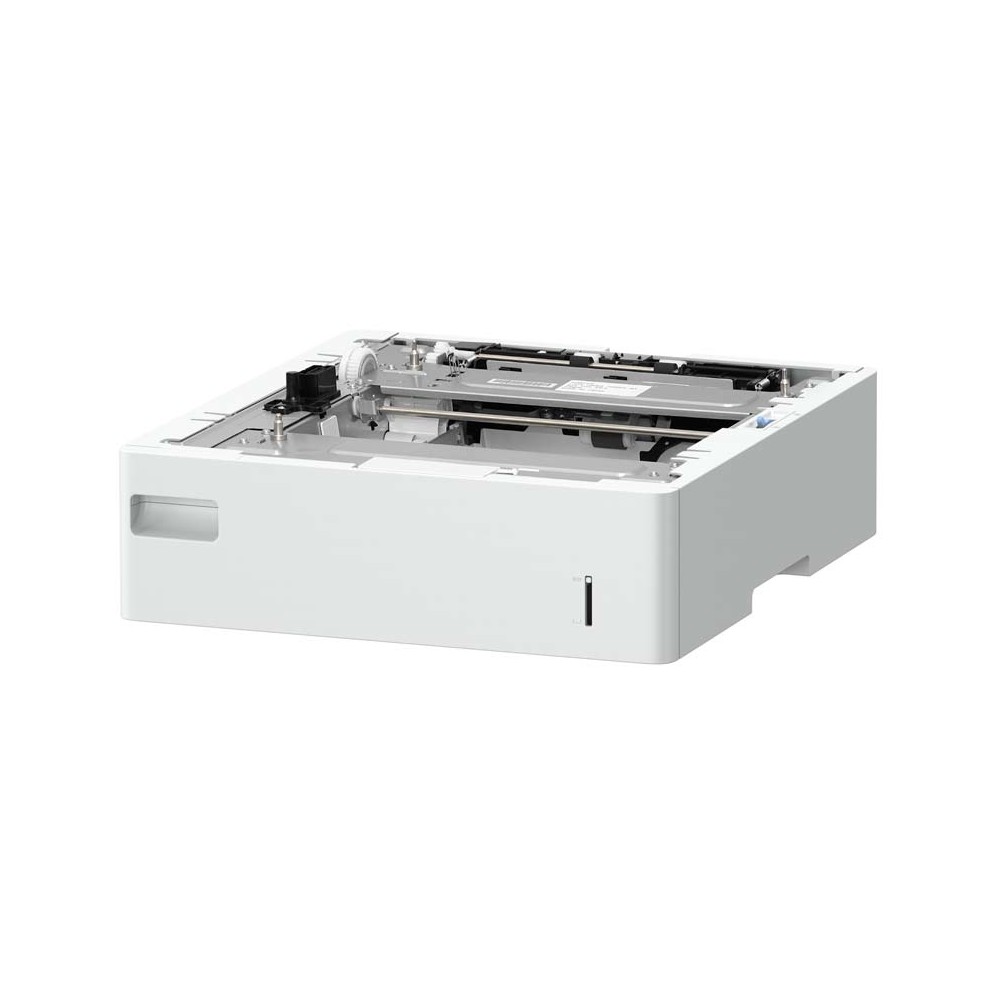
Canon PF-J1 Paper Tray Accessory with 640-Sheet Paper Capacity

SKU: 5694C001

£308.36

In stock

In stock

  • Free Premium delivery on UK mainland orders

Order today, get it by Fri 20 Nov

  • DPD DPD tracked delivery
  • Klarna Buy now, pay later with Klarna at checkout
  • PayPal Pay in 3 instalments with PayPal at checkout

About this item

  • Canon PF-J1 paper tray accessory
  • Paper capacity of 640 sheets
  • Designed to expand printer paper capacity
Description

Canon PF-J1 – keep 640 sheets ready

The Canon PF-J1 suits offices and workgroups that want a larger paper supply close to their printer. Its 640-sheet capacity means fewer interruptions to reload during busy print periods.

More paper ready for print jobs

This Canon paper tray accessory holds 640 sheets. It is a practical choice when frequent paper refills interrupt your team’s workflow. Keep a larger supply available and spend less time topping up the tray.

Before ordering, confirm that this specific accessory suits your printer. Compatibility matters, so check your printer’s documentation or consult your IT team before you buy.

Check fit before ordering

  • Confirm your printer’s documentation lists the PF-J1 as a compatible accessory.
  • Check that a 640-sheet paper capacity suits your typical print volumes.
  • Check that you have enough space for the tray alongside your printer.

Frequently Asked Questions

Q: What is the Canon PF-J1?

A: It is a Canon paper tray accessory with a 640-sheet paper capacity.

Q: How many sheets can the tray hold?

A: The tray has a capacity of 640 sheets.

Q: What should I check before ordering?

A: Confirm that your printer supports the PF-J1 and that the tray suits your workspace.

A sensible choice for higher-volume printing

Choose the Canon PF-J1 if you want 640 sheets of paper ready at your printer. Confirm compatibility first, then consider whether its capacity suits your everyday print needs.

Reviews

0 reviews
0
0
0
0
0

There are no reviews yet.

Write a review

Your email is never published.

You have to be logged in to be able to add photos to your review.