Cric
Cricut Explore 5 – Simplified Next-Gen Cutting
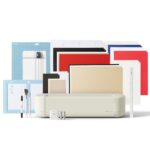
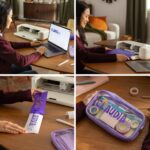
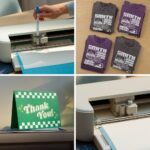
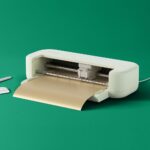
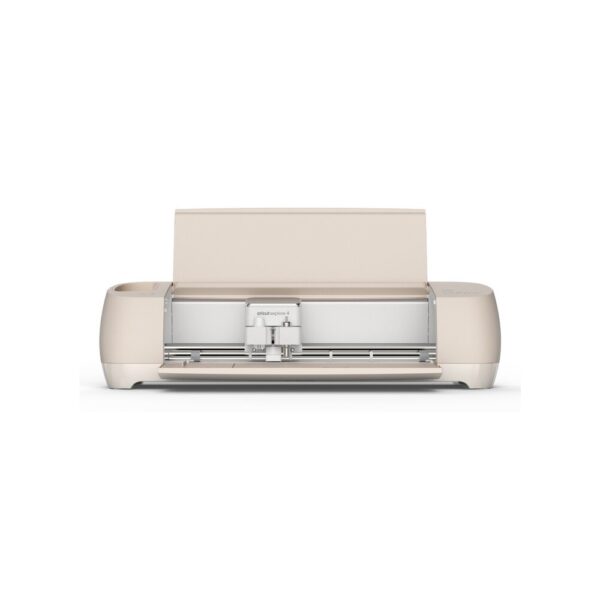
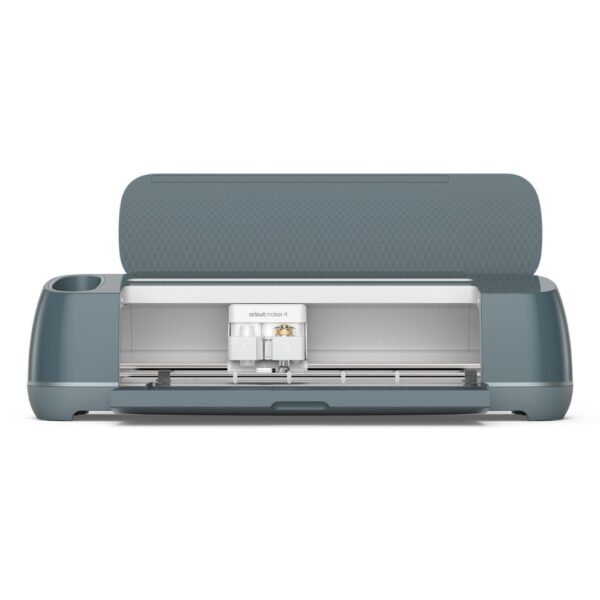
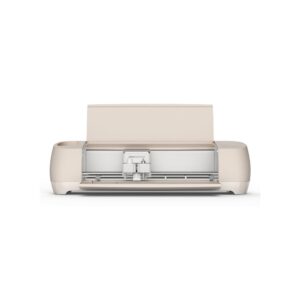
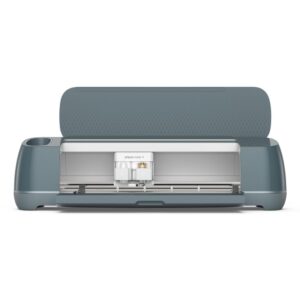
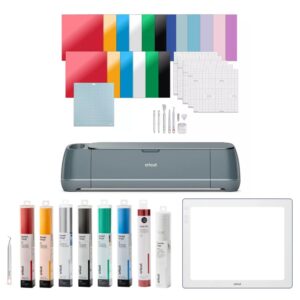
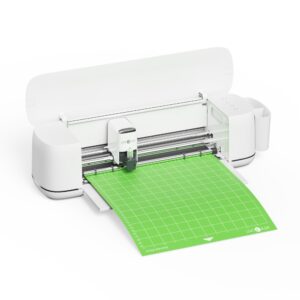
We recommend this machine for crafters needing speed and versatility. The Cricut Explore 5 Cutting Machine with Essential Bundle Wireless 12 Inch Max Cut Width for Vinyl Cardstock Fabric Iron-on Paper offers a streamlined experience. You can create custom decals and personalised apparel effortlessly. Its compact design fits any workspace while delivering top-tier performance. We ensure you have everything needed to start immediately.
Core technical metrics
| Metric |
Specification |
| Max Cutting Width |
30.5 cm |
| Max Cutting Length |
3.6 m |
| Weight |
4.5 kg |
| Dimensions |
502 x 190.5 x 119 mm |
| Connection |
Wireless |
| Compatible Materials |
Vinyl, Cardstock, Fabric, Iron-on, Paper |
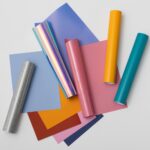
Work with over 100 materials
This device adapts to various supplies like fabric and vinyl. So you do not need multiple tools for different textures. Also, the replaceable blade ensures precise results every time.
Experience top-tier cutting speeds
Production stays efficient even on complex projects. Because it cuts at high speeds, you finish tasks faster. This efficiency helps you complete custom decals quickly.
Fit into any crafting space
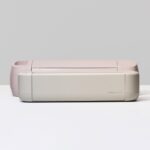
The machine is more compact than previous models. It fits perfectly into limited desks or shelves. However, it still provides best-in-class performance in smaller areas.
Cricut Explore 5 Cutting Machine with Essential Bundle Wireless 12 Inch Max Cut Width for Vinyl Cardstock Fabric Iron-on Paper Overview
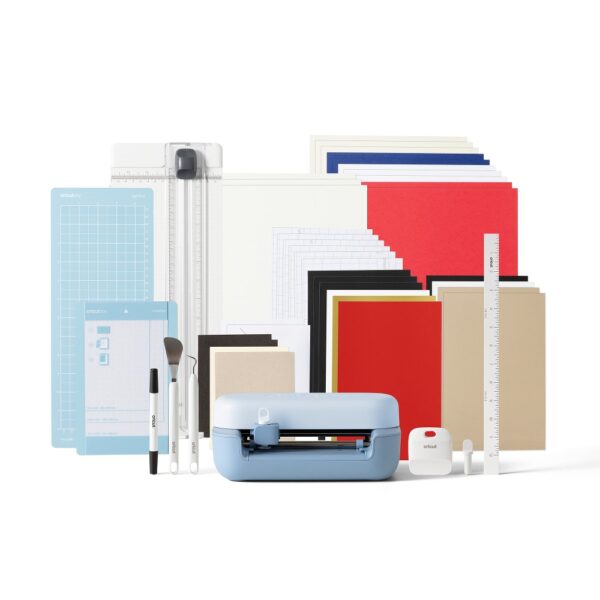
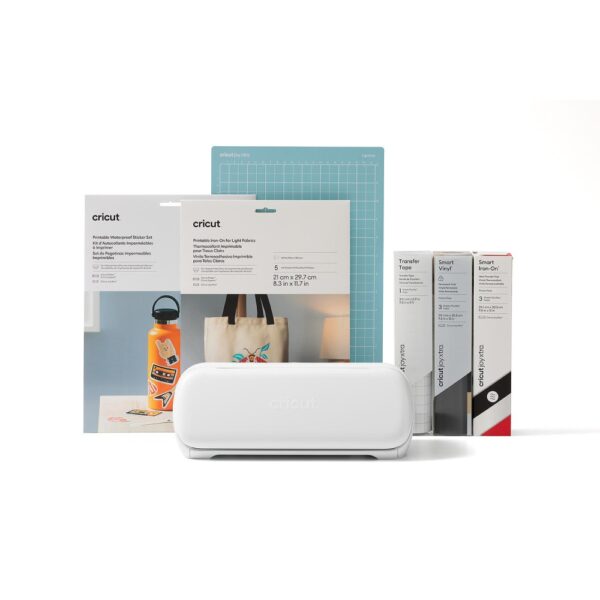
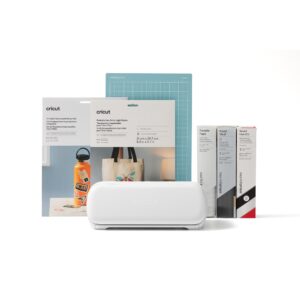
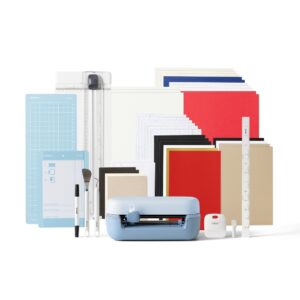
Your purchase includes must-have tools and popular materials. This bundle contains enough supplies for up to 65 projects. Consequently, you can start a wide variety of projects right out of the box.
Before you finalise your order
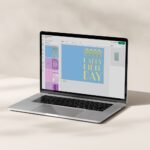
- Confirm your computer or mobile device supports the Design Space app.
- Verify you have adequate desk space for the 502 mm width.
- Check that the wireless connection meets your setup preferences.
Frequently Asked Questions
Q: Which materials can this machine cut?
A: It cuts over 100 materials including vinyl, cardstock, fabric, iron-on, and paper.
Q: Is a cutting mat required?
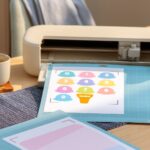
A: Yes, this machine uses a cutting mat for precise material hold during operation.
Q: How do I connect the machine?
A: The machine connects wirelessly to your mobile or desktop device for control.
Q: What software is used for design?
A: We use the free Design Space app for custom designs and templates.
Our final recommendation
This product suits makers wanting speed, variety, and a compact footprint. You can create personalised items with confidence using this bundle.





 DPD tracked delivery
 Buy now, pay later with Klarna at checkout
 Pay in 3 instalments with PayPal at checkout

Reviews
Clear filtersThere are no reviews yet.