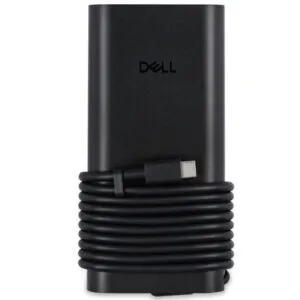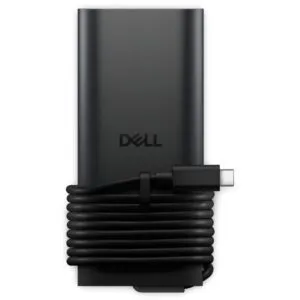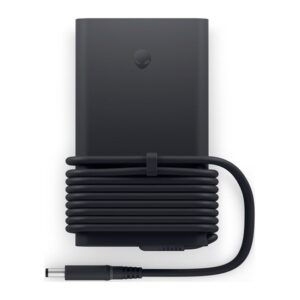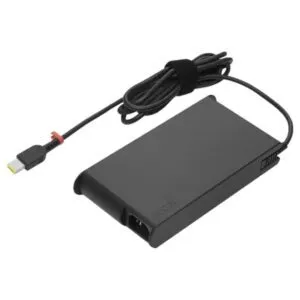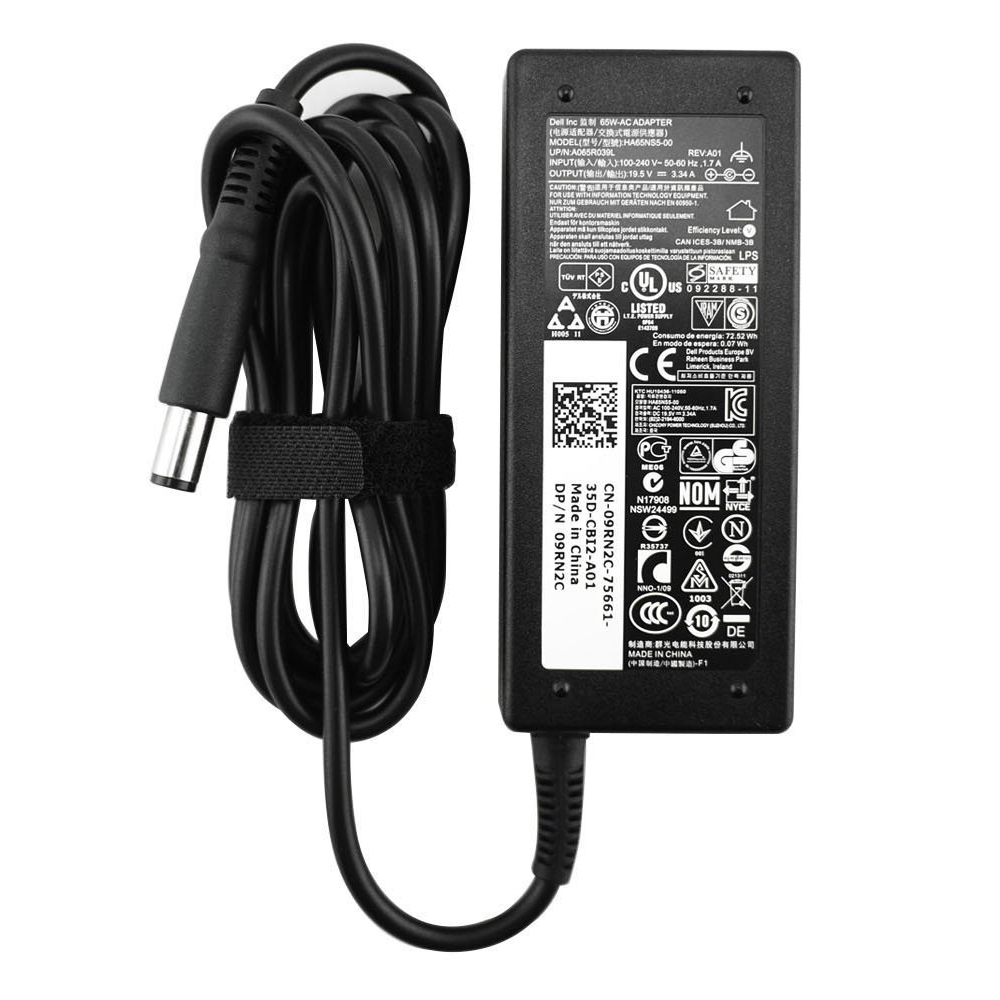
Origin Storage 180W 19V AC Adapter for Dell Latitude E7240/E7440, Alienware X51/M17xR4 and Precision M4700, EU Plug

SKU: 450-18644/EU

Original price was: £64.79.Current price is: £61.58.

In stock

In stock

  • Free Premium delivery on UK mainland orders

Order now, get it by Fri 20 Nov

  • DPD DPD tracked delivery
  • Klarna Buy now, pay later with Klarna at checkout
  • PayPal Pay in 3 instalments with PayPal at checkout

About this item

  • 180 W output at 19 V, 9.23 A
  • Compatible with selected Dell Alienware, Latitude and Precision models
  • EU Type C power plug
  • 100–240 V AC input, 50/60 Hz
  • 2 m cable with LED indicators
  • Black indoor laptop power adapter
Description

Origin Storage 180W 19V AC Adapter – matched power for selected Dell systems

The Origin Storage 180W 19V AC Adapter suits owners of compatible Dell laptops and systems who need a replacement power supply. Its 180W output is rated for selected Latitude, Alienware and Precision models.

Essential power details

Metric Specification
Output power 180 W
Output voltage 19 V
Output current 9.23 A
Input voltage 100–240 V
Cable length 2 m
Plug type Type C, EU

Match the listed Dell models

This adapter is compatible with the Dell Latitude E7240 and E7440, Alienware X51 and X51 R2, Alienware M17xR4, and Precision Mobile Workstation M4700. Check your system’s exact model before ordering to make sure it appears in this compatibility list.

Power for home or office use

The adapter converts AC power to DC and supports a 100–240 V input at 50/60 Hz. So it can accept a range of mains input voltages. An LED indicator shows when the adapter is powered.

The cable measures 2 metres, giving you room to position your compatible system near a mains socket. The adapter has no on/off switch and is designed for indoor use.

Check before you order

  • Confirm your Dell model matches one of the compatible systems listed above.
  • Check that your system requires a 180W, 19V adapter.
  • Confirm an EU Type C plug suits your mains connection.
  • Check that a 2-metre cable suits your setup.

Frequently Asked Questions

Q: Which Dell models are compatible?

A: It suits the Latitude E7240 and E7440, Alienware X51 and X51 R2, Alienware M17xR4, and Precision Mobile Workstation M4700.

Q: What are the output ratings?

A: The adapter provides 19V at 9.23A, with a maximum output power of 180W.

Q: Does it have a UK plug?

A: It has a Type C EU plug. Confirm that this plug type suits your mains connection before ordering.

Q: How long is the cable?

A: The cable is 2 metres long.

A suitable replacement for listed Dell systems

Choose the Origin Storage 180W 19V AC Adapter if you need a replacement for one of the compatible Dell models and its EU plug suits your setup. It includes a one-year warranty.

Specifications
Features
Adjustable output voltageNo
Brand compatibilityDELL
Power plug typeType C
Input voltage100-240 V
Output power180 W
Output voltage19 V
Output current9.23 A
Power supply typeIndoor
PurposeLaptop
Power current typeAC-to-DC
LED indicatorsYes
CompatibilityDELL Alienware X51, X51 R2; Alienware M17xR4; Latitude E7240, E7440; Precision Mobile Workstation M4700
Product colourBlack
Input frequency50/60 Hz
Power
Adjustable output voltageNo
Input voltage100-240 V
Output power180 W
Output voltage19 V
Output current9.23 A
Capacity180 W
Performance
Brand compatibilityDELL
Power plug typeType C
Power supply typeIndoor
PurposeLaptop
Power current typeAC-to-DC
CompatibilityDELL Alienware X51, X51 R2; Alienware M17xR4; Latitude E7240, E7440; Precision Mobile Workstation M4700
Design
Cable length2 m
LED indicatorsYes
On/off switchNo
Product colourBlack
Certificates
Compliance certificatesRoHS
Weight & dimensions
Width76 mm
Depth155 mm
Height31 mm
Cable length2 m
Packaging data
Quantity per pack1 pc
Packaging content
Quantity per pack1 pc
Technical details
Warranty period1 year
Compliance certificatesRoHS
Logistics data
Warranty period1 year

Reviews

0 reviews
0
0
0
0
0

There are no reviews yet.

Write a review

Your email is never published.

You have to be logged in to be able to add photos to your review.