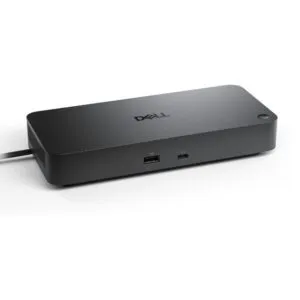
Origin Storage Dell WD19S-180W – connect your desk peripherals
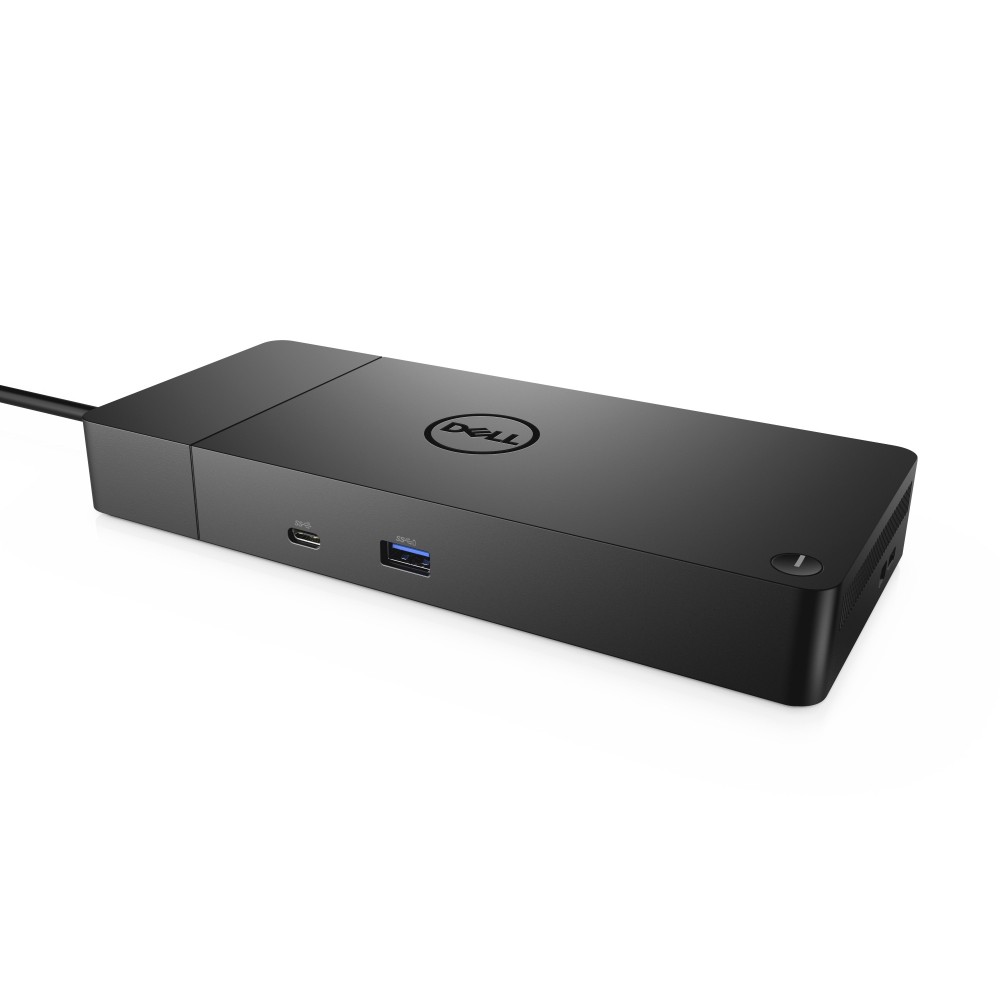
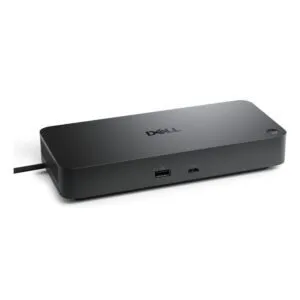
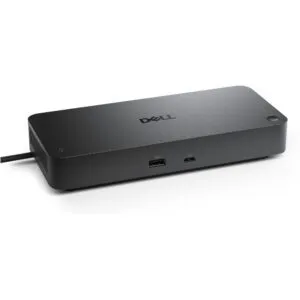
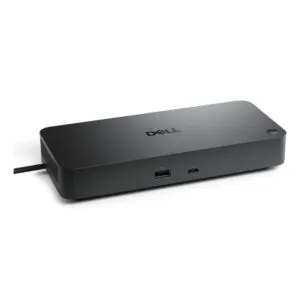
The Dell WD19S-180W suits anyone looking to connect desk peripherals, displays and wired Ethernet through one USB-C dock. Its mix of video outputs and USB ports gives you practical options for a desktop setup.
Key connections at a glance
| Metric |
Specification |
| Host interface |
USB 3.2 Gen 2 Type-C |
| USB-A ports |
3 |
| USB-C ports |
2 |
| Display outputs |
1 HDMI and 2 DisplayPort |
| Network |
1 RJ-45 Ethernet port |
| Power and plug |
180W; EU plug |
Connect displays and peripherals
Choose from one HDMI output and two DisplayPort outputs when planning your monitor connections. The dock also has three USB-A and two USB-C ports for compatible peripherals.
Two USB 2.0 ports are available for suitable devices. In practice, check which ports your peripherals require before arranging your desk.
Add wired network access
The RJ-45 port provides a wired Ethernet connection. This is useful when your desk setup calls for a network cable rather than a wireless connection.
The dock connects to its host through USB 3.2 Gen 2 Type-C. Confirm your computer has a matching USB-C connection before ordering.
Check your setup before ordering
- Confirm your computer has a USB-C host connection.
- Check that the dock’s HDMI and DisplayPort outputs suit your displays.
- Confirm your peripherals match the available USB-A, USB-C or USB 2.0 ports.
- Check that the EU plug suits your UK setup before ordering.
Frequently Asked Questions
Q: How does the dock connect to a computer?
A: It uses a wired USB 3.2 Gen 2 Type-C host connection.
Q: Which display outputs does it have?
A: It has one HDMI port and two DisplayPort outputs.
Q: Does it have wired Ethernet?
A: Yes. It has one RJ-45 Ethernet port.
Q: What plug does this version have?
A: This version has an EU plug.
A practical choice for a connected desk
We recommend the Dell WD19S-180W for buyers whose computer, displays and peripherals match its USB-C, video and USB connections. Its Ethernet port adds a wired network option, while the range of display outputs gives you flexibility when planning a desk setup.








 DPD tracked delivery
 Buy now, pay later with Klarna at checkout
 Pay in 3 instalments with PayPal at checkout

Reviews
Clear filtersThere are no reviews yet.