Dell WD19S-180W – Connect your desk through USB-C
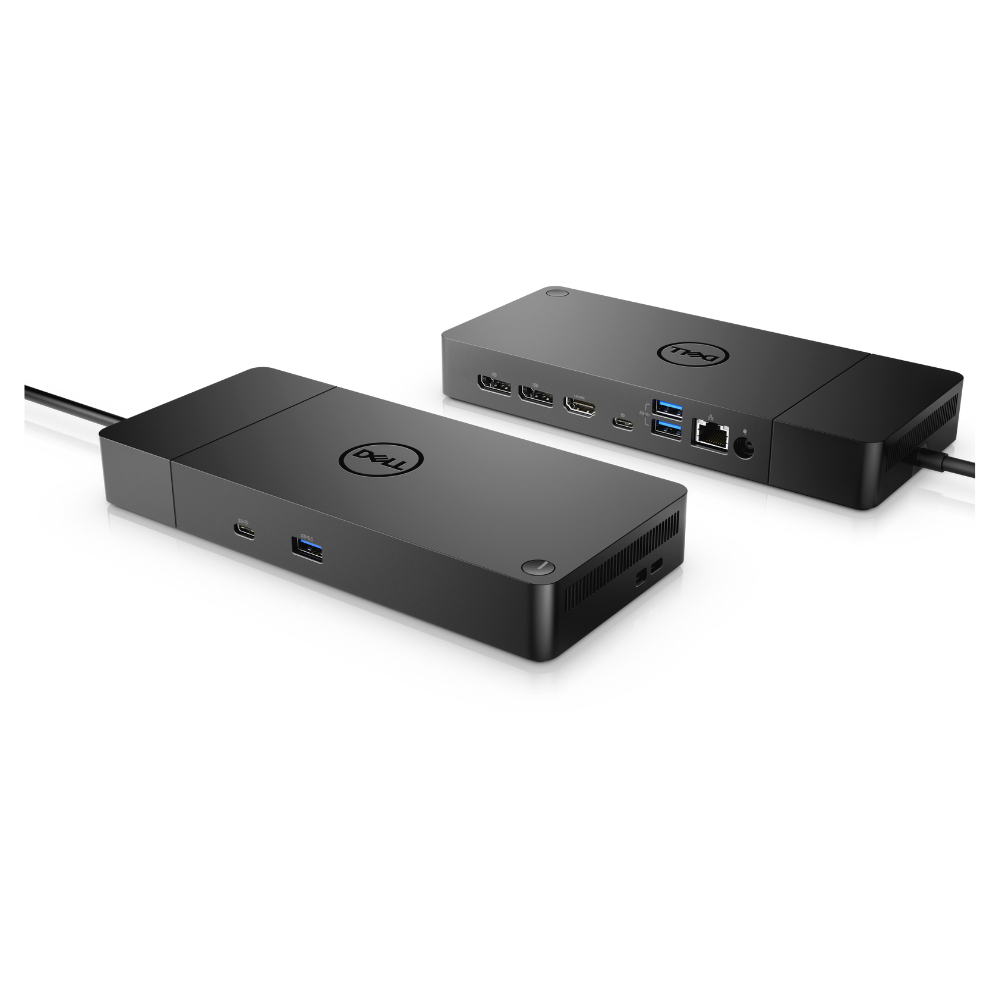
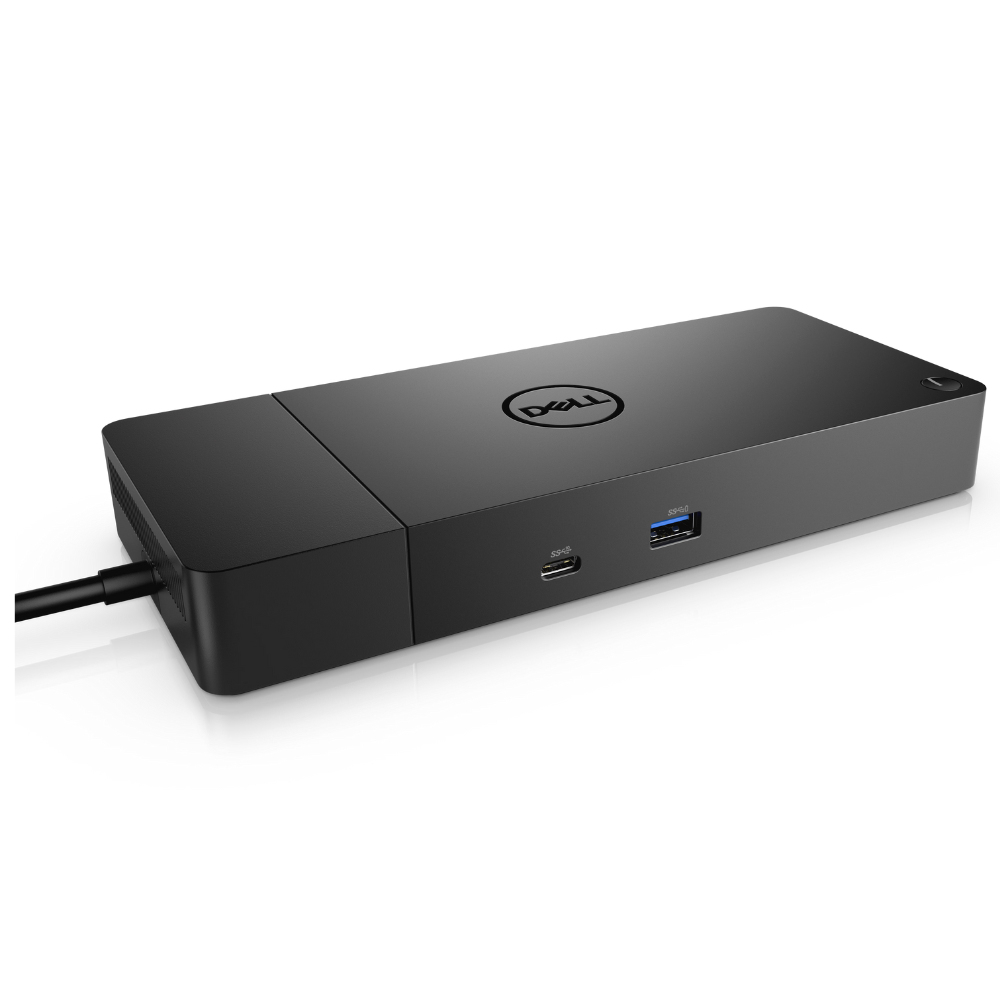
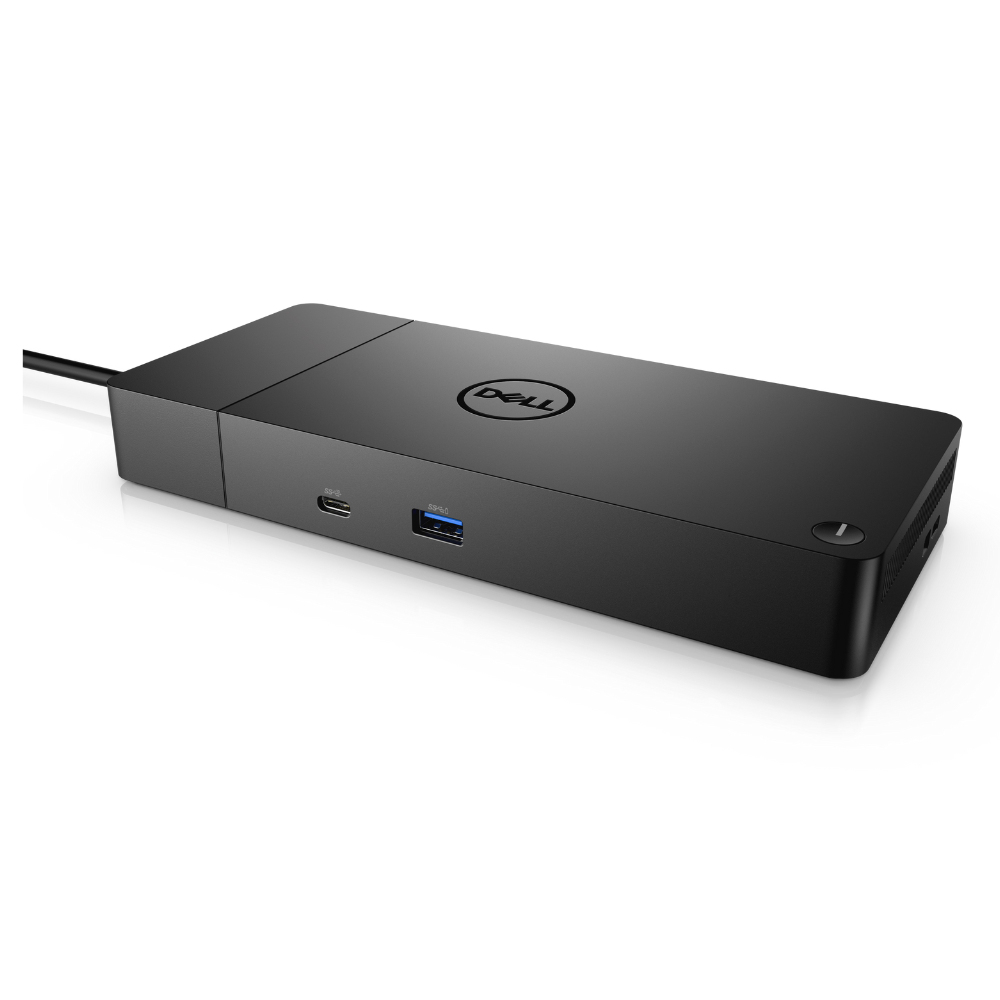
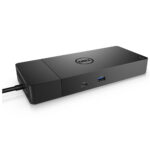
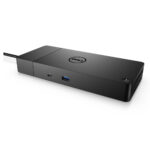
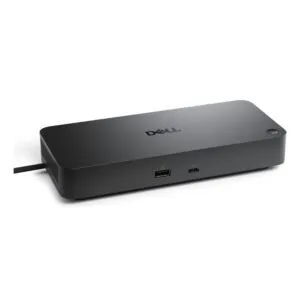
The Dell WD19S-180W suits anyone who wants to connect key desk peripherals through one wired USB-C dock. It brings USB, HDMI and Ethernet connections together, helping keep a laptop setup simple.
Dell WD19S-180W: key connections
| Metric |
Specification |
| Host interface |
USB 3.2 Gen 2 Type-C |
| USB-A ports |
2 × USB 3.2 Gen 1 |
| USB-C ports |
2 × USB 3.2 Gen 1 |
| USB 2.0 ports |
1 |
| Video output |
1 × HDMI |
| Network connection |
Ethernet |
Connect your everyday peripherals
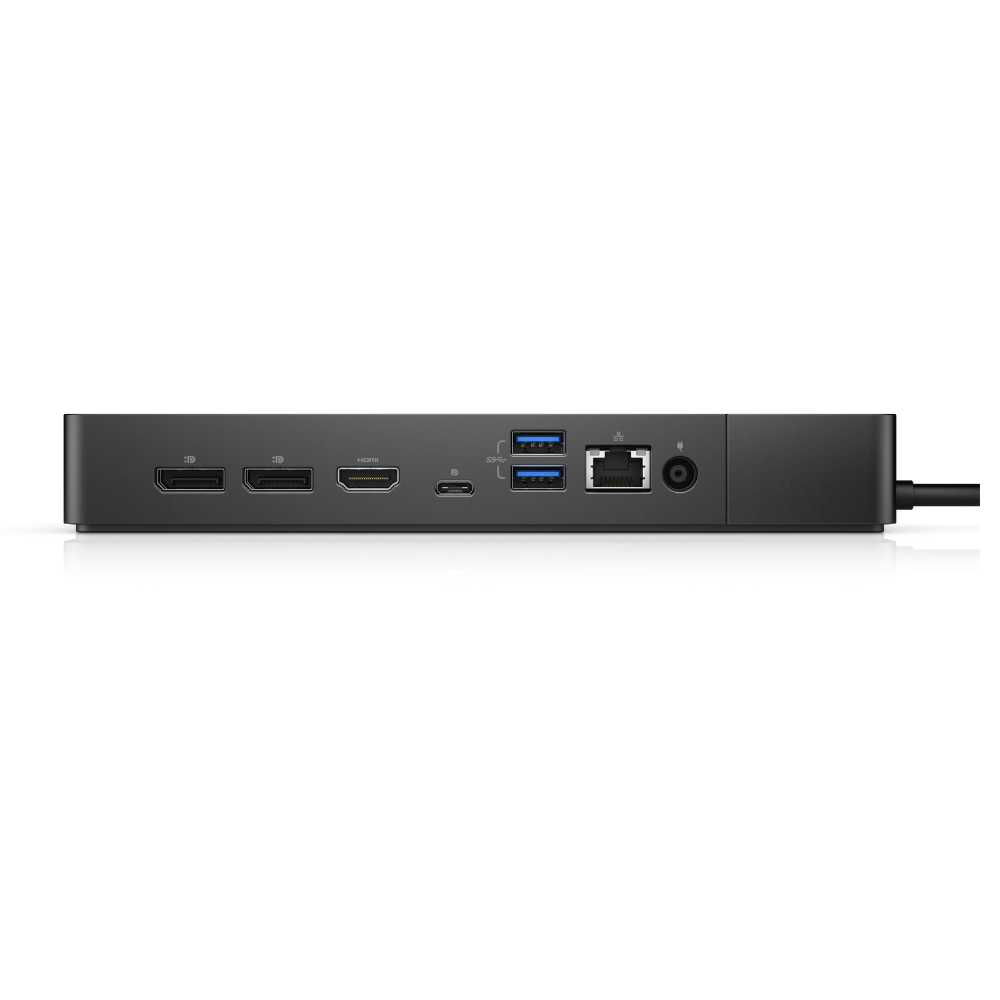
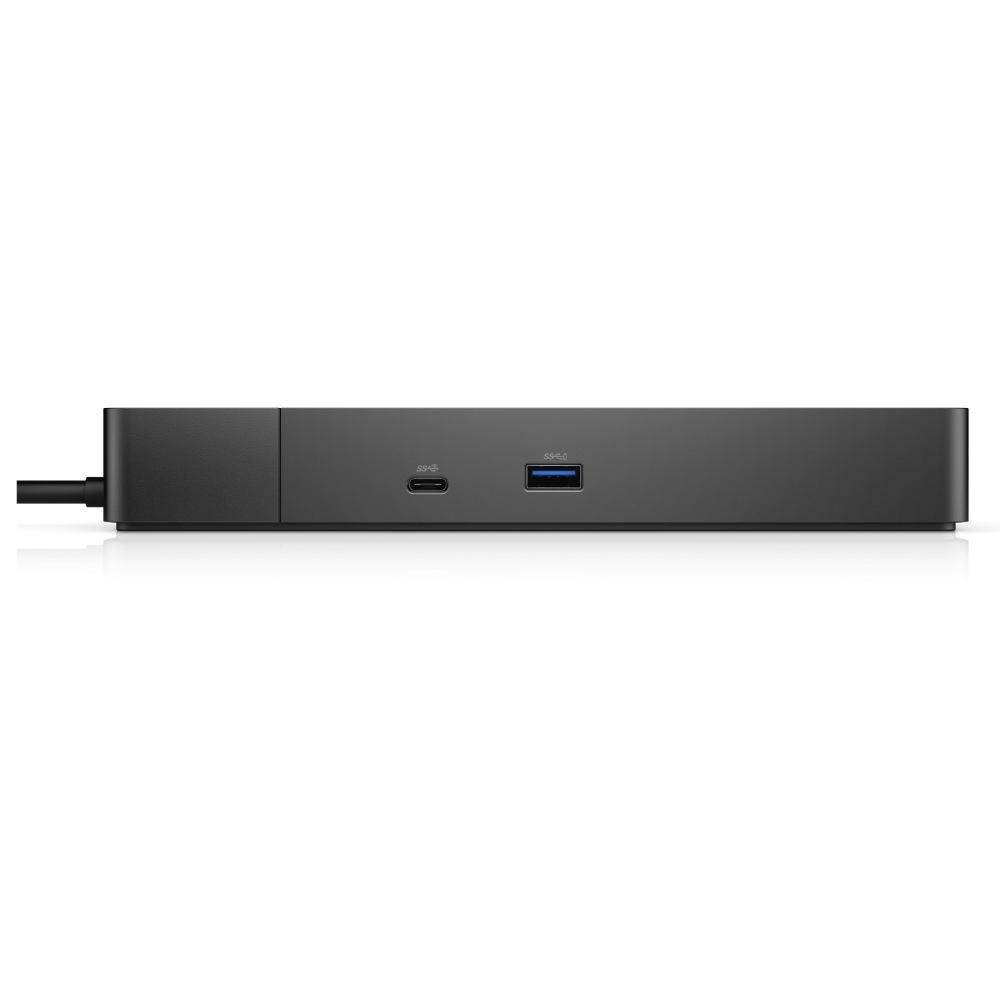
Two USB-A and two USB-C ports let you connect compatible peripherals directly to the dock. There is also one USB 2.0 port for an additional compatible device. Because the dock uses a wired USB-C host connection, check that your computer has a suitable USB-C port.
Add HDMI and wired Ethernet
The HDMI output gives you a connection for an HDMI-compatible display. Ethernet provides a wired network option when you want to connect through a network cable. Together, these connections can reduce the need to plug each device into your computer separately.
Check your setup before ordering
- Confirm your computer has a USB-C port suitable for a wired dock connection.
- Check that your display has an HDMI input.
- Confirm your network setup can use an Ethernet connection.
- Check that the listed USB-A and USB-C ports suit your peripherals.
Frequently Asked Questions
Q: How does the dock connect to a computer?
A: It connects through a wired USB 3.2 Gen 2 Type-C host interface.
Q: How many USB-A and USB-C ports does it have?
A: It has two USB-A ports and two USB-C ports, plus one USB 2.0 port.
Q: Does it support HDMI and Ethernet?
A: Yes. It has one HDMI port and an Ethernet connection.
A practical choice for a USB-C desk setup
Choose the Dell WD19S-180W if you want a wired USB-C dock with USB-A, USB-C, HDMI and Ethernet connections in one place. Check your computer and peripherals against the connections above before ordering.
Other part numbers for this item
The supplier also lists this same item under these part numbers:
4JXDM, DELL-WD19S180W










 DPD tracked delivery
 Buy now, pay later with Klarna at checkout
 Pay in 3 instalments with PayPal at checkout

Reviews
Clear filtersThere are no reviews yet.