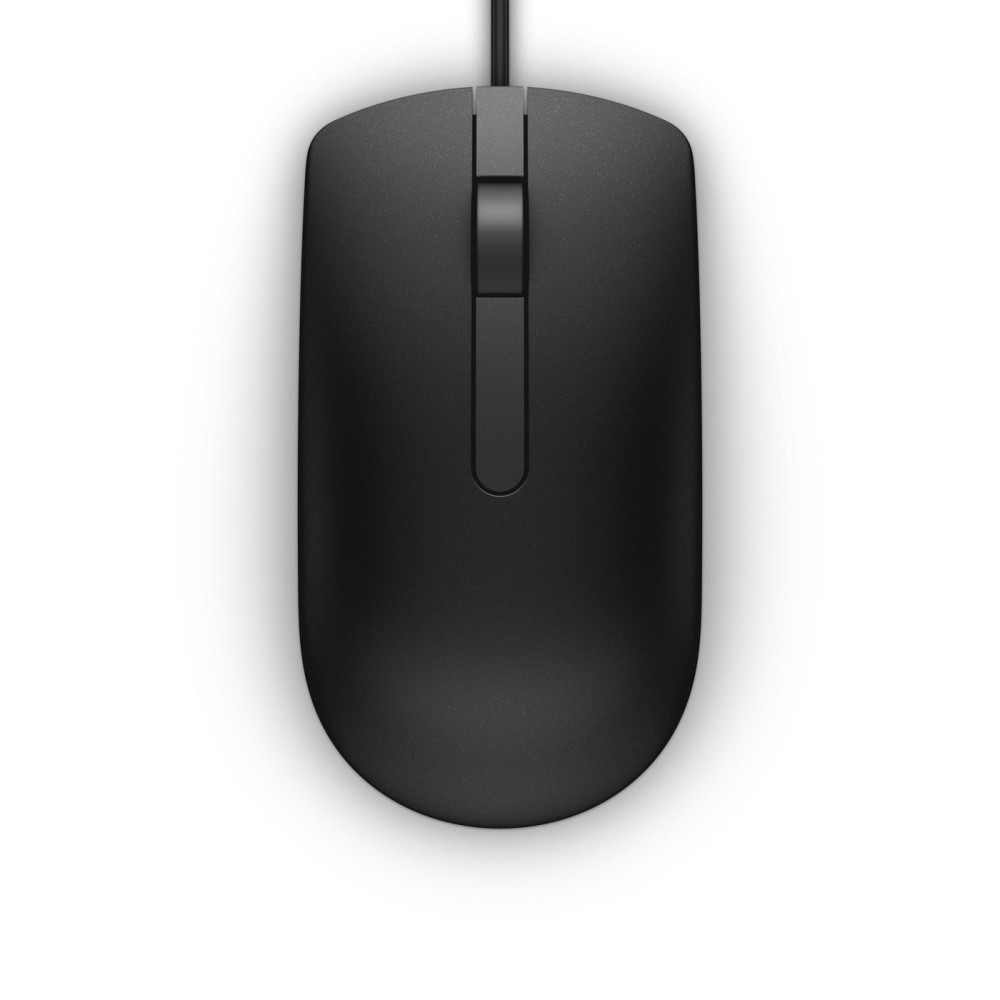
Dell 145WW – simple wired office control
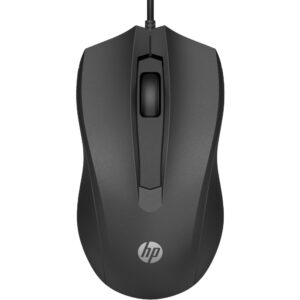
The Dell 145WW suits everyday office work, with a wired USB Type-A connection that avoids the need for separate batteries. Its optical sensor tracks at 1000 DPI for straightforward cursor control.
Dell 145WW key specs
| Metric |
Specification |
| Intended use |
Office |
| Connection |
USB Type-A |
| Tracking technology |
Optical |
| Movement resolution |
1000 DPI |
| Controls |
3 buttons and scroll wheel |
| Form factor and colour |
Right-hand, black |
A direct connection for desk use
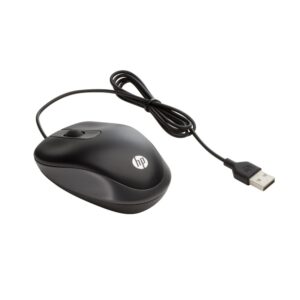
The cable provides power to the mouse, so you can use it without replacing batteries. Connect it through a USB Type-A port on your computer. This makes it a practical choice for a regular desk setup.
Optical tracking and familiar controls
The 1000 DPI optical sensor offers simple, consistent cursor movement for everyday tasks. A scroll wheel makes it easy to move through documents and web pages. Three buttons provide familiar mouse controls.
Its right-hand form factor is designed for right-handed use. Also, the black finish keeps the look understated in an office environment.
Check your setup
- Confirm your computer has an available USB Type-A port.
- Check that a right-hand mouse suits your preferred way of working.
- Confirm an office-use mouse with 1000 DPI tracking meets your needs.
Frequently Asked Questions
Q: How does the Dell 145WW connect?
A: It connects to your computer through a wired USB Type-A interface.
Q: Does this mouse need batteries?
A: No. The mouse draws power through its cable.
Q: How many buttons does it have?
A: It has three buttons and a scroll wheel.
Q: Is this mouse designed for right-handed use?
A: Yes. It has a right-hand form factor.
A straightforward choice for office work
Choose the Dell 145WW if you want a black, wired mouse for office use, with optical 1000 DPI tracking and familiar scroll-wheel controls. Its USB Type-A connection and cable-powered design keep the setup simple.
Other part numbers for this item
The supplier also lists this same item under these part numbers:
37GVD, 570-ABJO, JCYP0, MS116, MV7MK, NMJ83, RFDYY








 DPD tracked delivery
 Buy now, pay later with Klarna at checkout
 Pay in 3 instalments with PayPal at checkout

Reviews
Clear filtersThere are no reviews yet.