Dell WD22TB4 – connect displays, network and peripherals through one dock
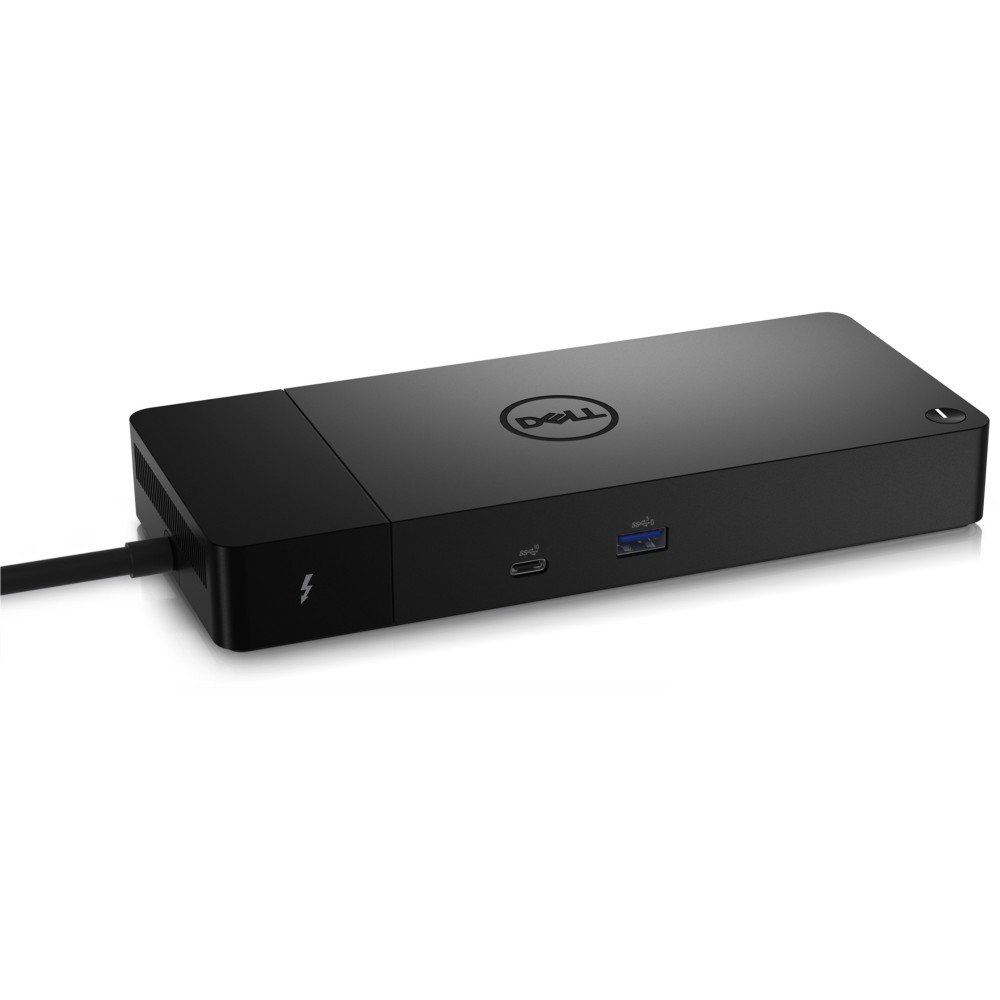
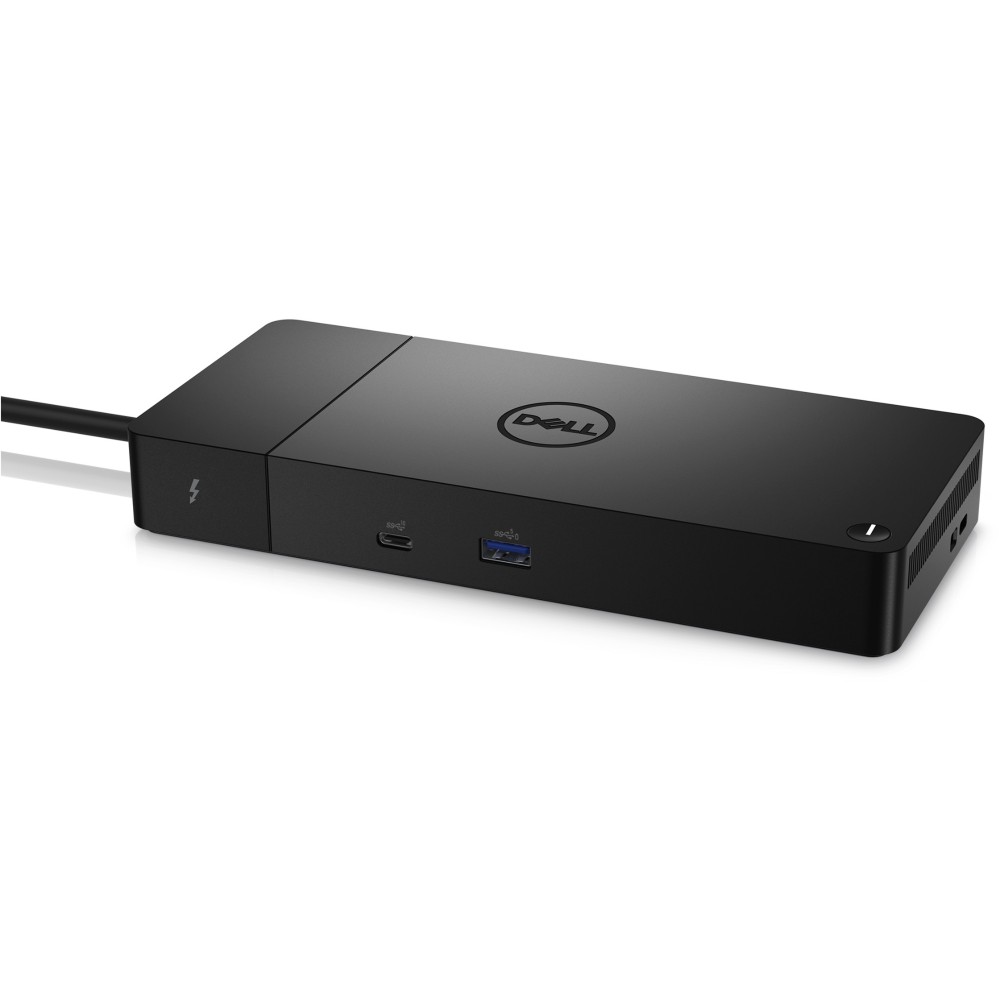
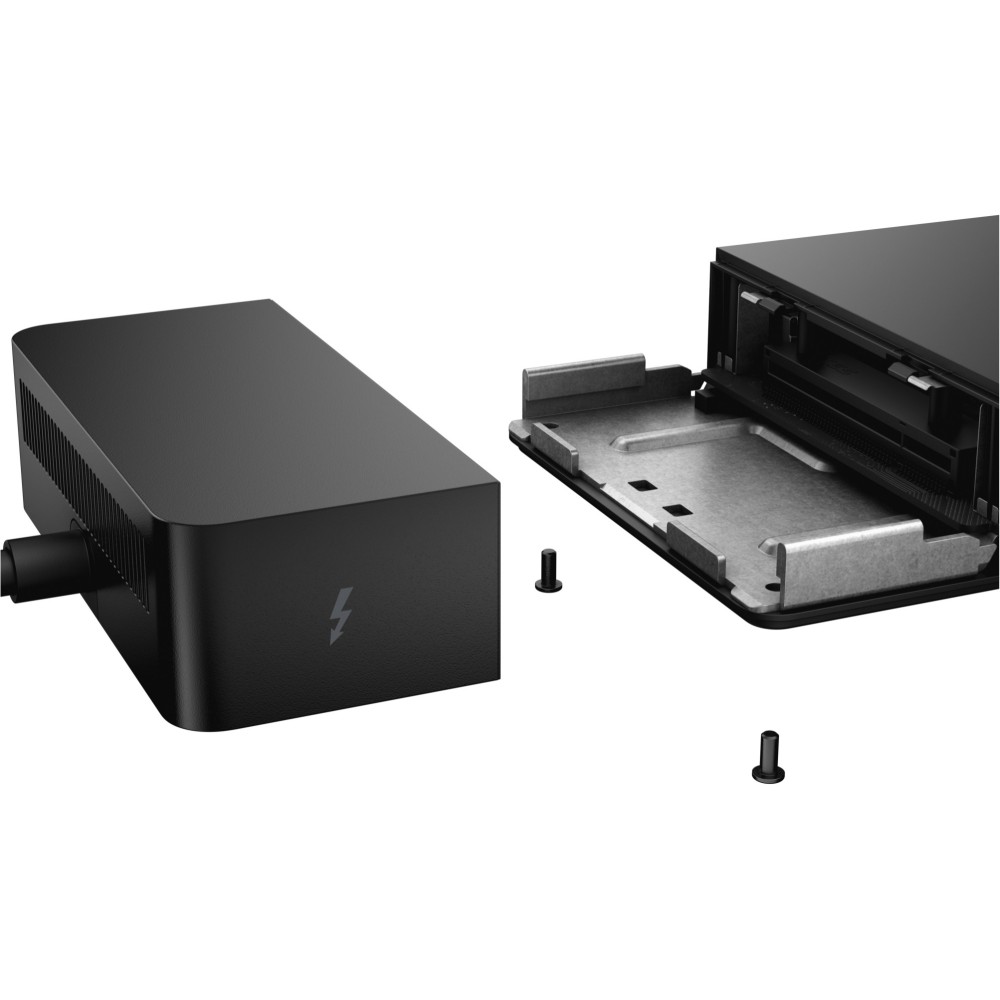
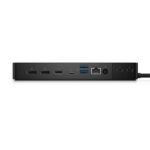
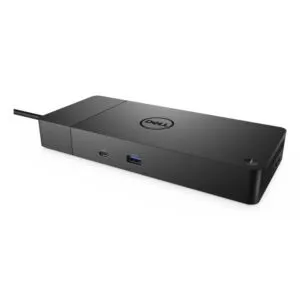
The Dell WD22TB4 suits desk-based users who want to connect a compatible computer to displays, wired networking and USB devices. Its range of display connections makes it easier to build a more connected workspace around a Thunderbolt host.
Dell WD22TB4 key specifications
| Metric |
Specification |
| Host connection |
Thunderbolt |
| Thunderbolt ports |
2 x Thunderbolt 4 |
| Display connections |
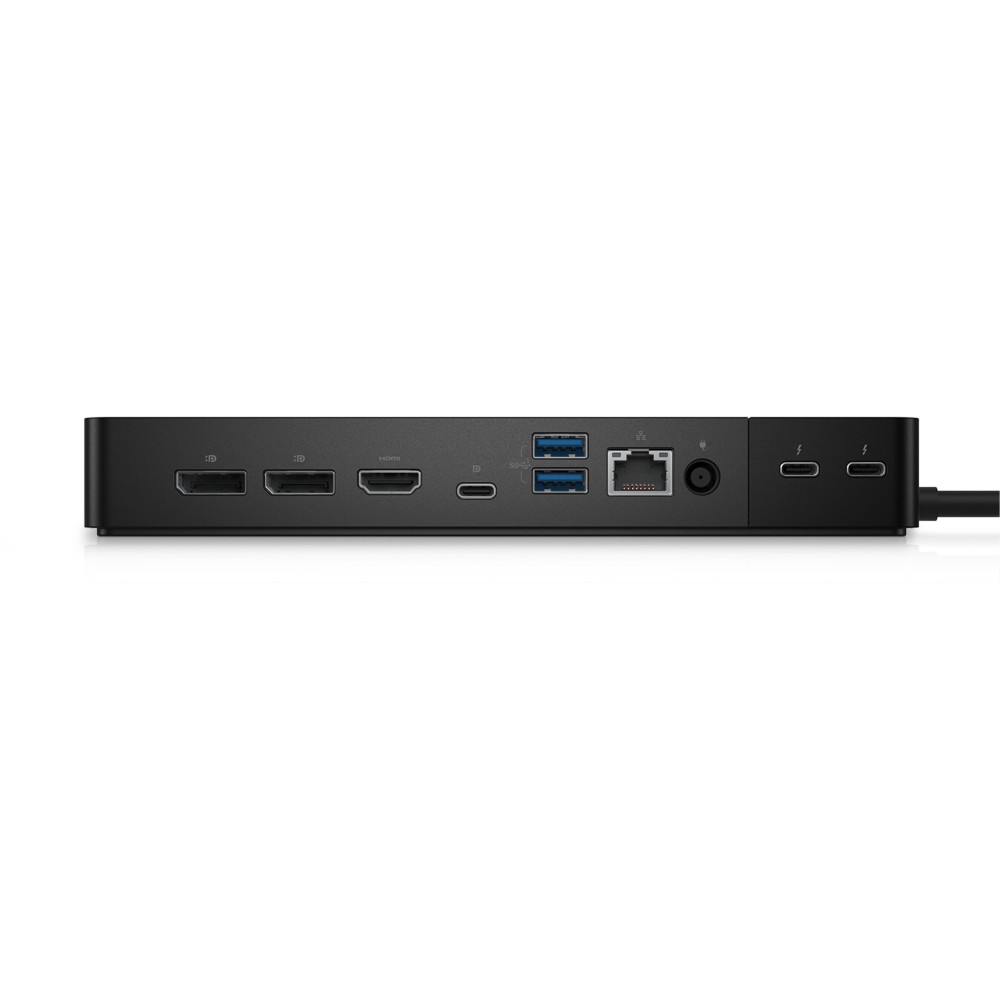
1 x HDMI 2.0, 2 x DisplayPort 1.4 |
| Maximum digital resolution |
5120 x 2880 pixels |
| Wired networking |
Gigabit Ethernet |
| Power supply |
180 W |
Connect displays your way
Choose from one HDMI 2.0 port and two DisplayPort 1.4 ports when setting up your display connections. The dock supports a maximum digital resolution of 5120 x 2880 pixels. Your computer and display setup should also support the resolution you plan to use.
Two Thunderbolt 4 ports provide connections for compatible devices. Also, USB-C DisplayPort Alternate Mode support gives you another host connection option when your computer supports that mode.
Add wired networking and USB
The Gigabit Ethernet port supports data rates of 10, 100 and 1000 Mbit/s. That gives you a wired network connection from the dock, rather than relying on wireless networking.
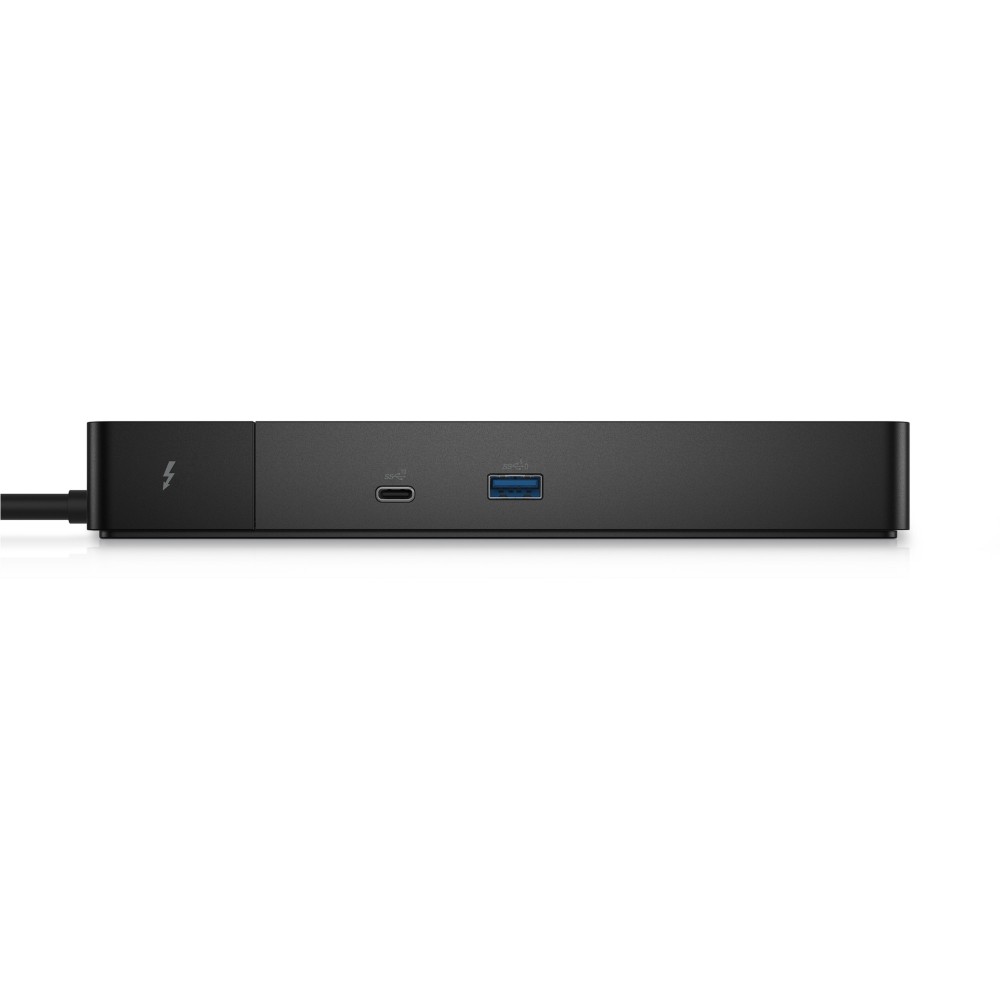
For USB accessories, the dock has one USB 3.2 Gen 1 Type-A port and one USB 3.2 Gen 2 Type-C port. PowerShare is supported on one USB port, so compatible connected devices can draw power through that port.
Check your computer and desk setup
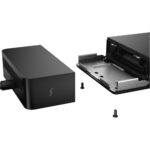
The dock supports Windows 10, Windows 11 and Ubuntu 20.04 LTS. Its black enclosure measures 205 mm wide, 90 mm deep and 29 mm high, with a weight of 650 g.
- Confirm your computer supports Thunderbolt or USB-C DisplayPort Alternate Mode.
- Check your operating system is Windows 10, Windows 11 or Ubuntu 20.04 LTS.
- Confirm your display inputs match the dock’s HDMI 2.0 or DisplayPort 1.4 connections.
- Check that the dock’s 205 x 90 x 29 mm footprint suits your desk.
Frequently Asked Questions
Q: How many display connections does the dock have?
A: It has one HDMI 2.0 port and two DisplayPort 1.4 ports.
Q: Does it include wired Ethernet?
A: Yes. Its Gigabit Ethernet port supports 10, 100 and 1000 Mbit/s data rates.
Q: Which operating systems does it support?
A: It supports Windows 10, Windows 11 and Ubuntu 20.04 LTS.
Q: What is the maximum digital resolution?
A: The maximum digital resolution is 5120 x 2880 pixels.
A practical choice for a connected desk
Choose the Dell WD22TB4 if your computer supports its host connection and you want display, network and USB ports in one dock. Its mix of HDMI, DisplayPort, Thunderbolt 4 and Gigabit Ethernet makes it a flexible fit for a wired workspace.


 DPD tracked delivery
 Buy now, pay later with Klarna at checkout
 Pay in 3 instalments with PayPal at checkout

Reviews
Clear filtersThere are no reviews yet.