Dell WB3023 | 2K QHD Collaboration Webcam
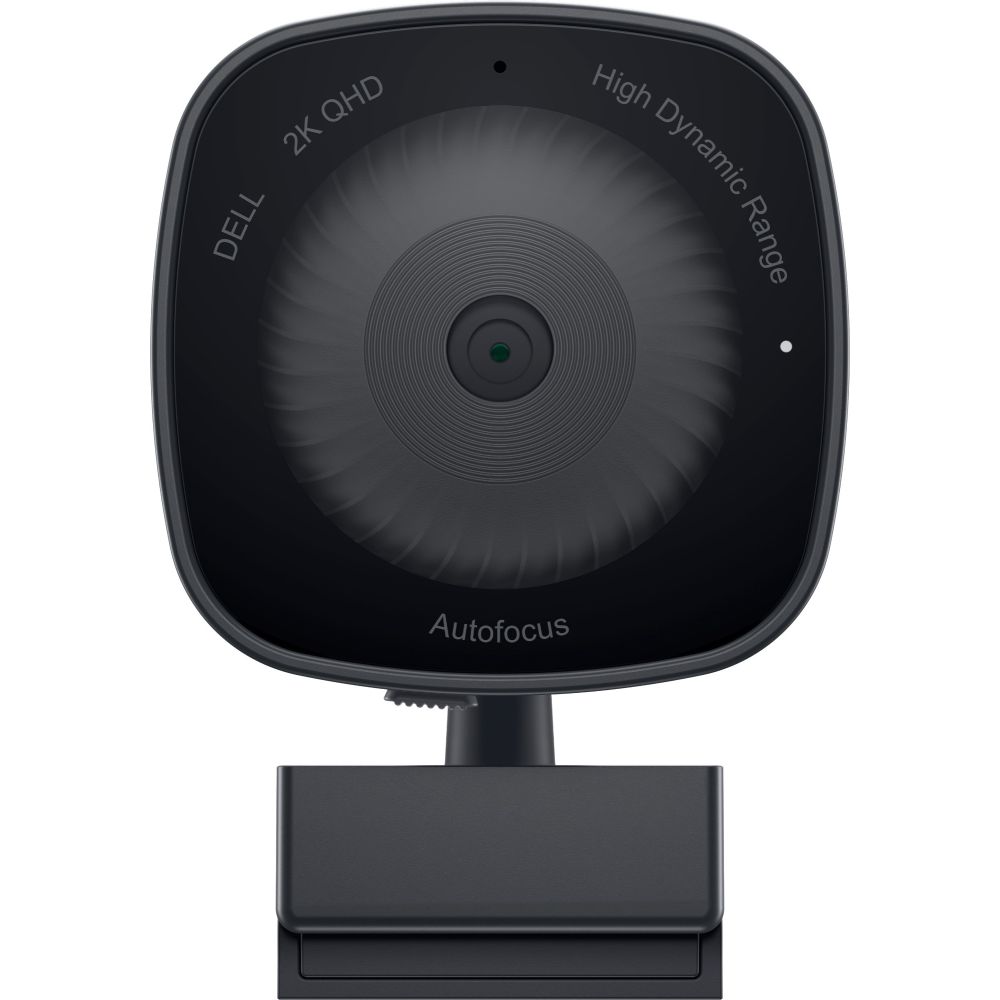
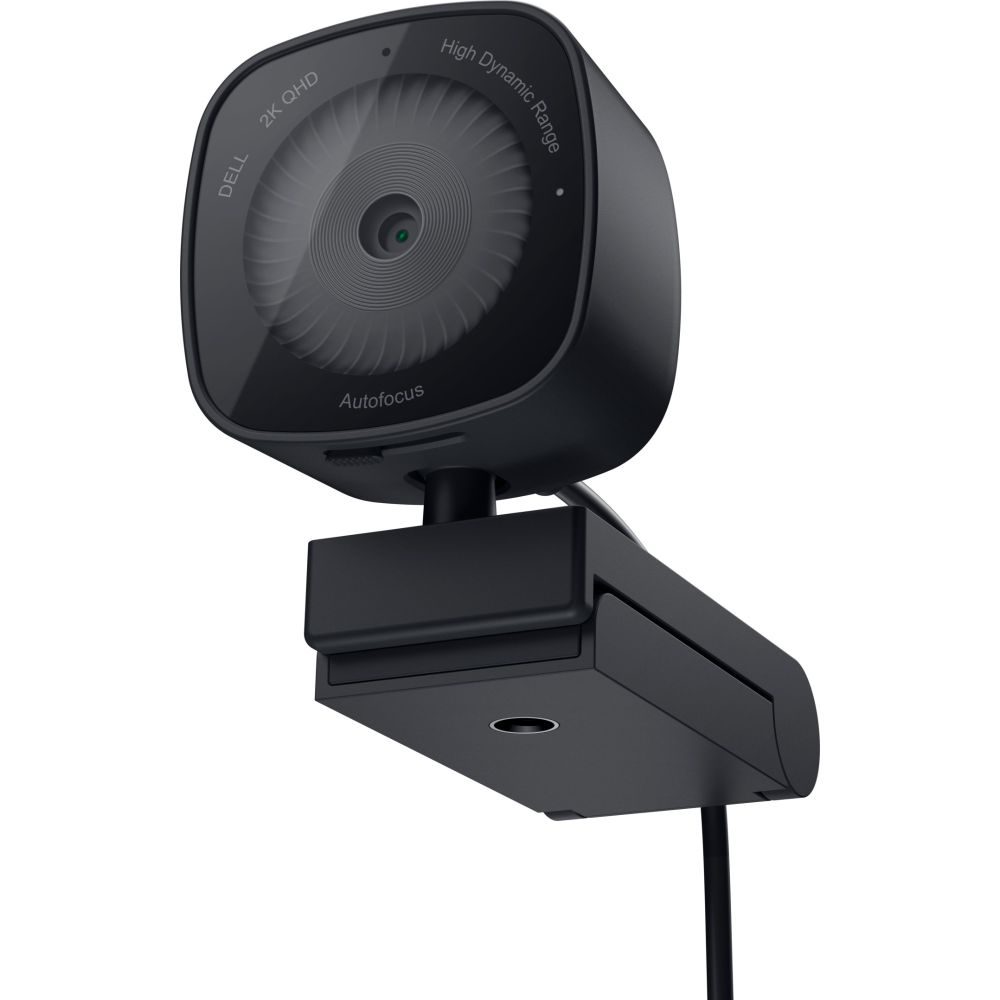
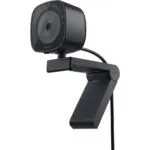
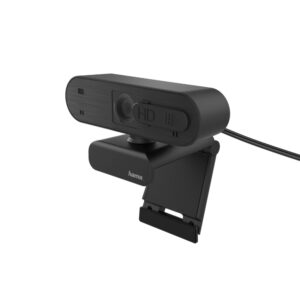
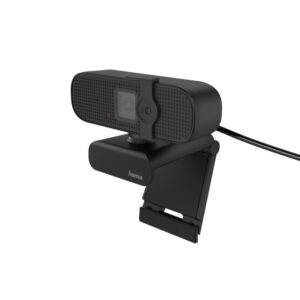
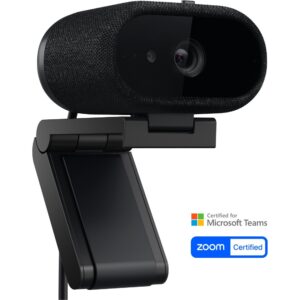
This Dell Webcam – WB3023 – 2K QHD provides reliable video for daily calls. It delivers sharp Quad HD resolution for clear meetings. The integrated privacy shutter offers immediate security. It is designed for straightforward plug-and-play use.
Dell Webcam – WB3023 – 2K QHD
The 2K QHD sensor captures detailed video at 30fps. This ensures you look professional during virtual meetings. Auto focus and digital zoom keep the image crisp. Noise reduction helps reduce background distractions. The 78° field of view frames you nicely.
| Metric |
Specification |
| Max Resolution |
2560 x 1440 pixels |
| Max Frame Rate |
60 fps |
| Interface |
USB 2.0 |
| Microphone Range |
2 m |
| Dimensions |
48 x 69 x 151 mm |
| Weight |
151 g |
Seamless Connectivity
The webcam uses a standard USB 2.0 interface. This ensures broad compatibility with modern PCs. It connects easily without requiring complex drivers. However, you should verify the USB port type on your specific device. It is designed for hassle-free setup.
Integrated Privacy Shutter
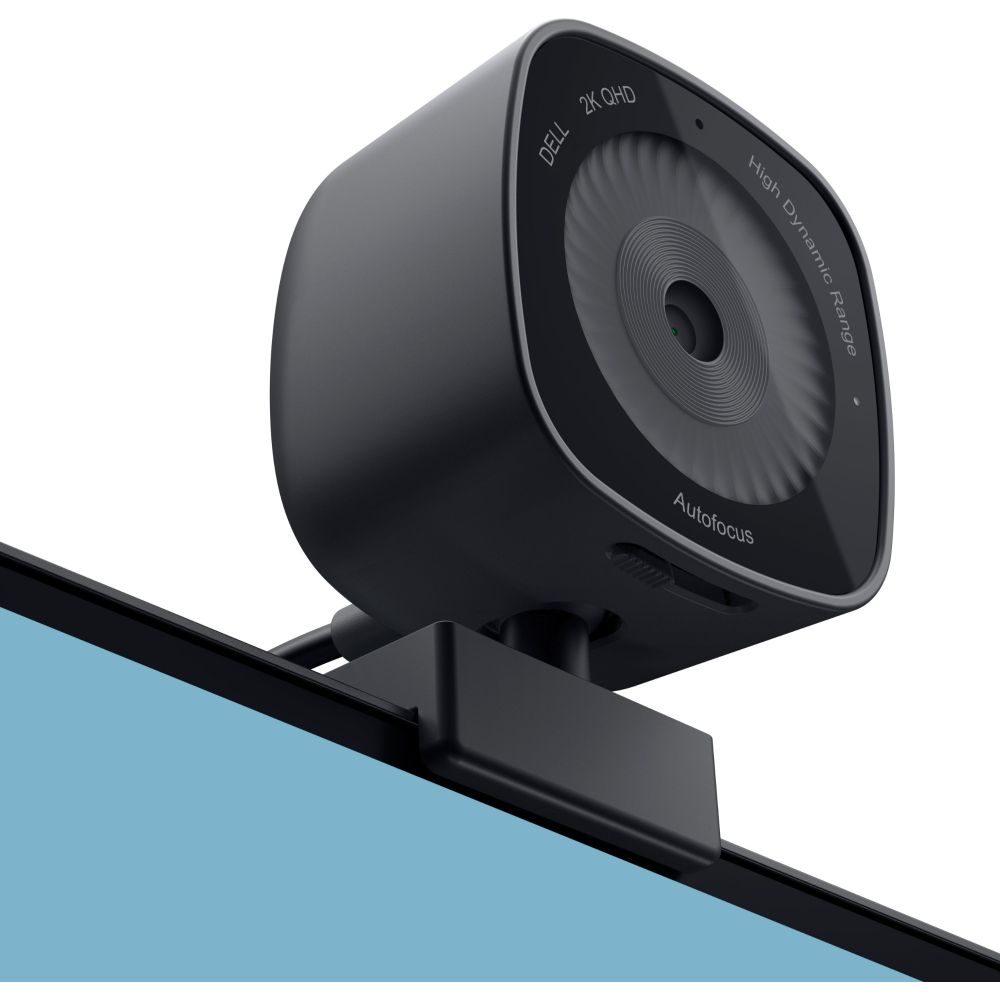
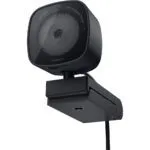
A physical privacy shutter is built into the design. This allows you to block the lens instantly when not in use. It provides peace of mind between meetings. The shutter operates smoothly and requires no software activation.
Professional Audio Capture
The built-in omnidirectional microphone picks up sound from all directions. It captures clear audio within a 2-metre range. This reduces the need for a separate headset. It is ideal for quiet home office environments.
Universal Mounting Options
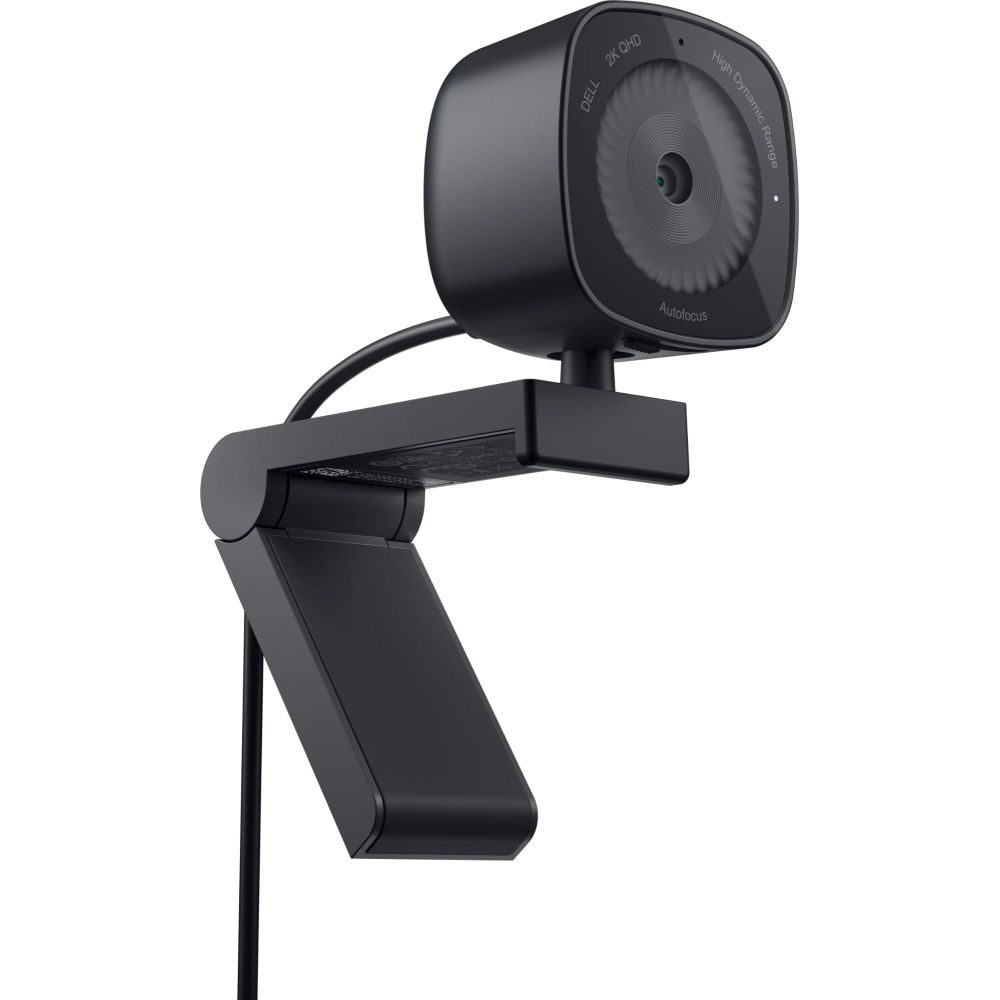
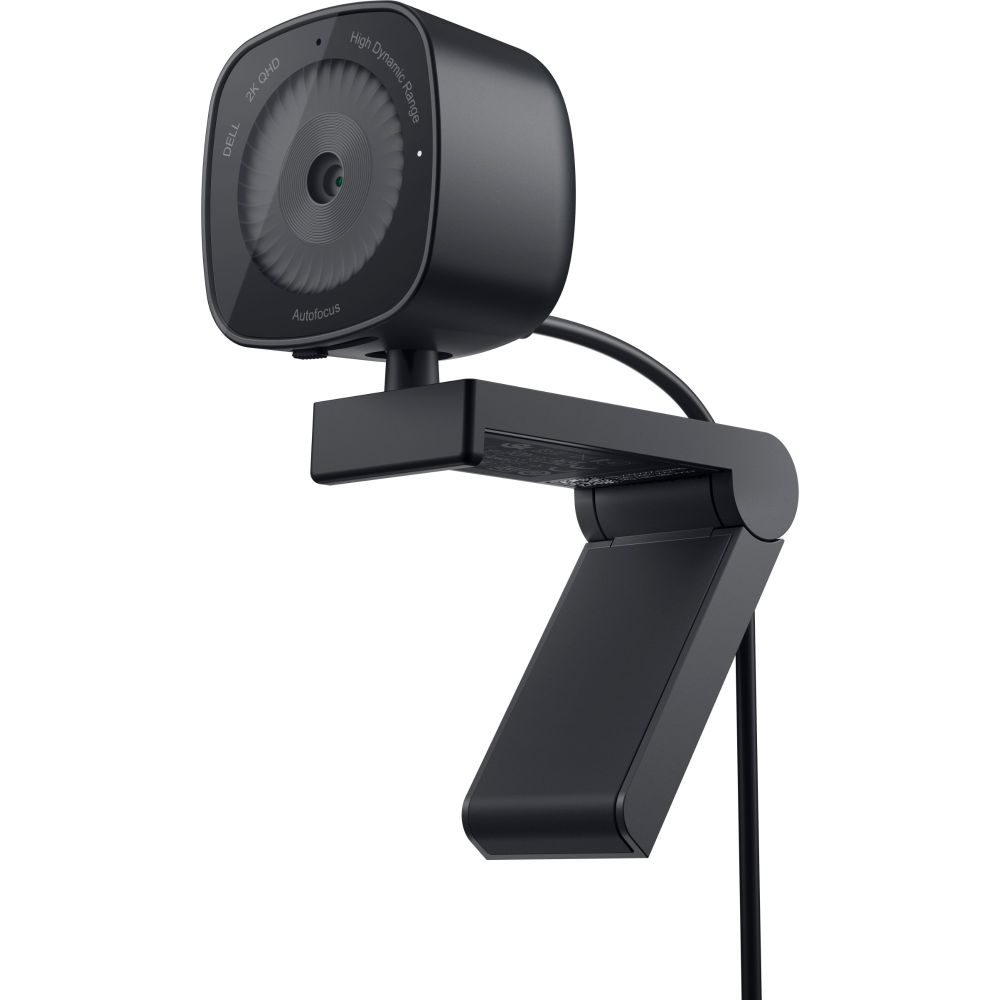
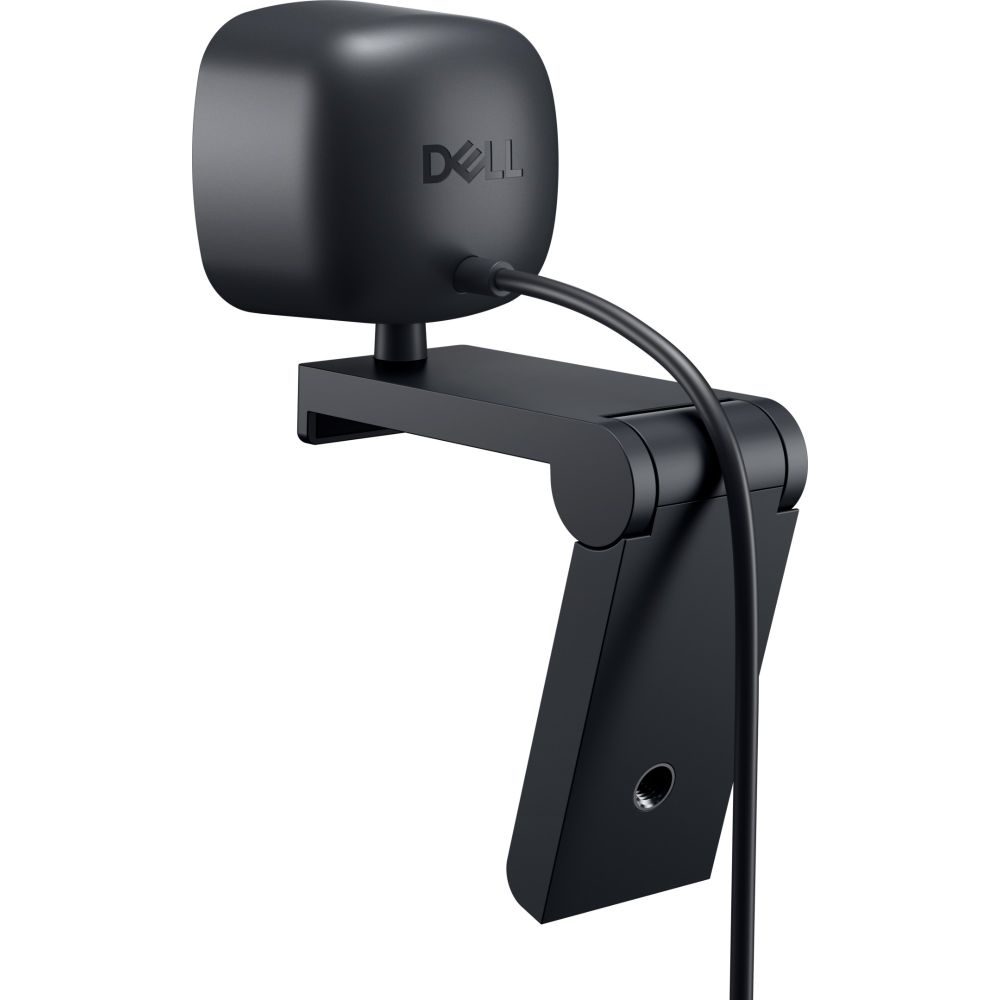
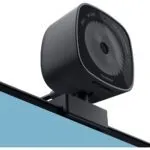
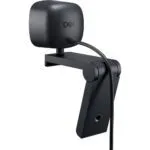
The webcam features a versatile clip mount. It attaches securely to most monitor bezels. For alternative setups, it supports tripod mounting. This flexibility suits various workspace configurations.
Package contents
- Dell WB3023 Webcam
- Quick Start Guide
- Safety and Regulatory Information
Things to check first
- Confirm your operating system is Windows 10/11 or macOS for full compatibility.
- Verify you have an available USB-A port, as the cable is fixed.
- Check if your video conferencing software supports 1440p resolution.
- Ensure the mounting clip width fits your specific monitor or laptop bezel.
Frequently Asked Questions
Does this webcam work with Linux?
Linux support is not specified in the technical data. Please verify Linux UVC (USB Video Class) compatibility with your distribution.
Is the microphone good enough for professional presentations?
The omnidirectional mic is designed for clear voice capture in quiet rooms. For noisy environments, a dedicated USB microphone is recommended.
Can I mount this on a monitor arm?
Yes, it supports a standard tripod mount in addition to the clip. This allows for flexible positioning on arms or stands.
Does it support 4K video?
No, the maximum resolution is 2560 x 1440 pixels (2K QHD). It does not support 4K UHD capture.
Is the cable detachable?
The product specifications do not state if the USB cable is detachable. You should assume it is fixed to the unit.
The short version
This webcam is a solid choice for professionals needing reliable 2K video for daily collaboration. It is best suited for users who value physical privacy controls and plug-and-play simplicity over advanced manual settings. It is not intended for 4K content creators or users needing wide-angle lenses. Covered by the applicable manufacturer warranty.







Reviews
Clear filtersThere are no reviews yet.