Epson ELPCS01 – flexible projection in a mobile cabinet
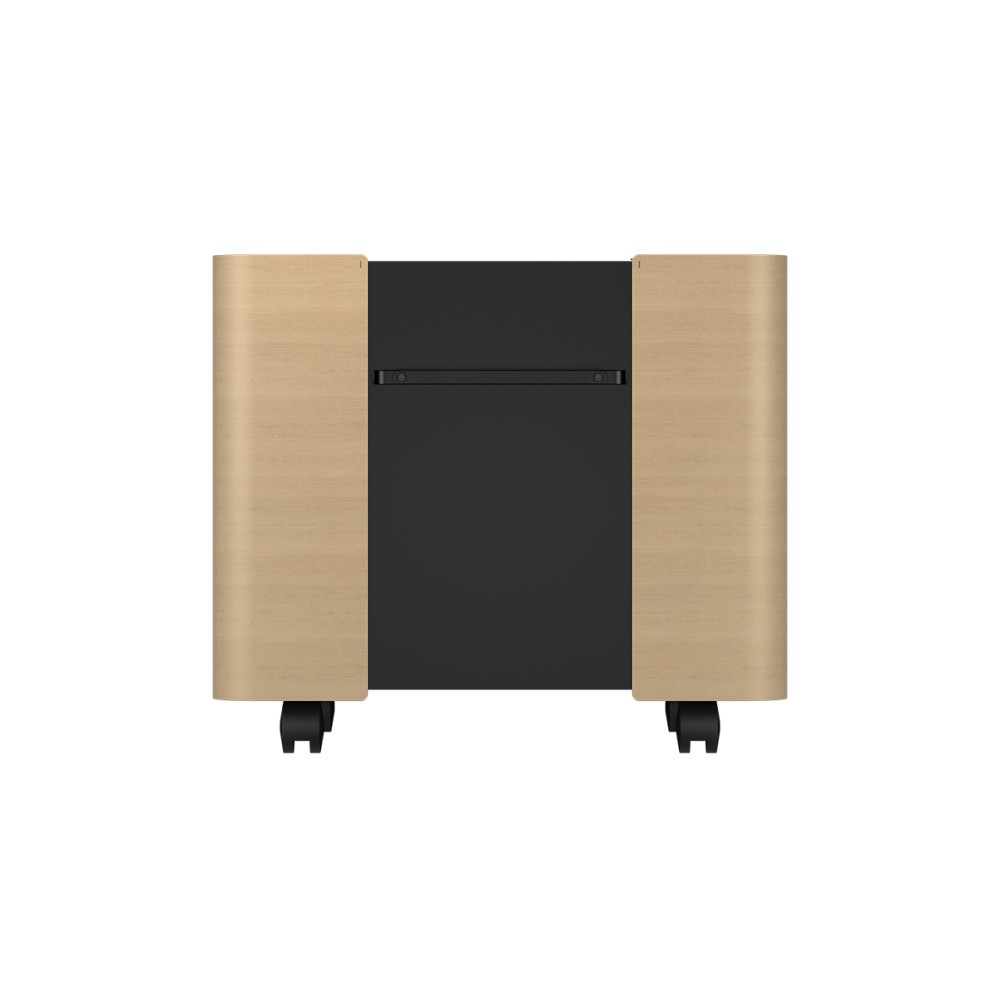
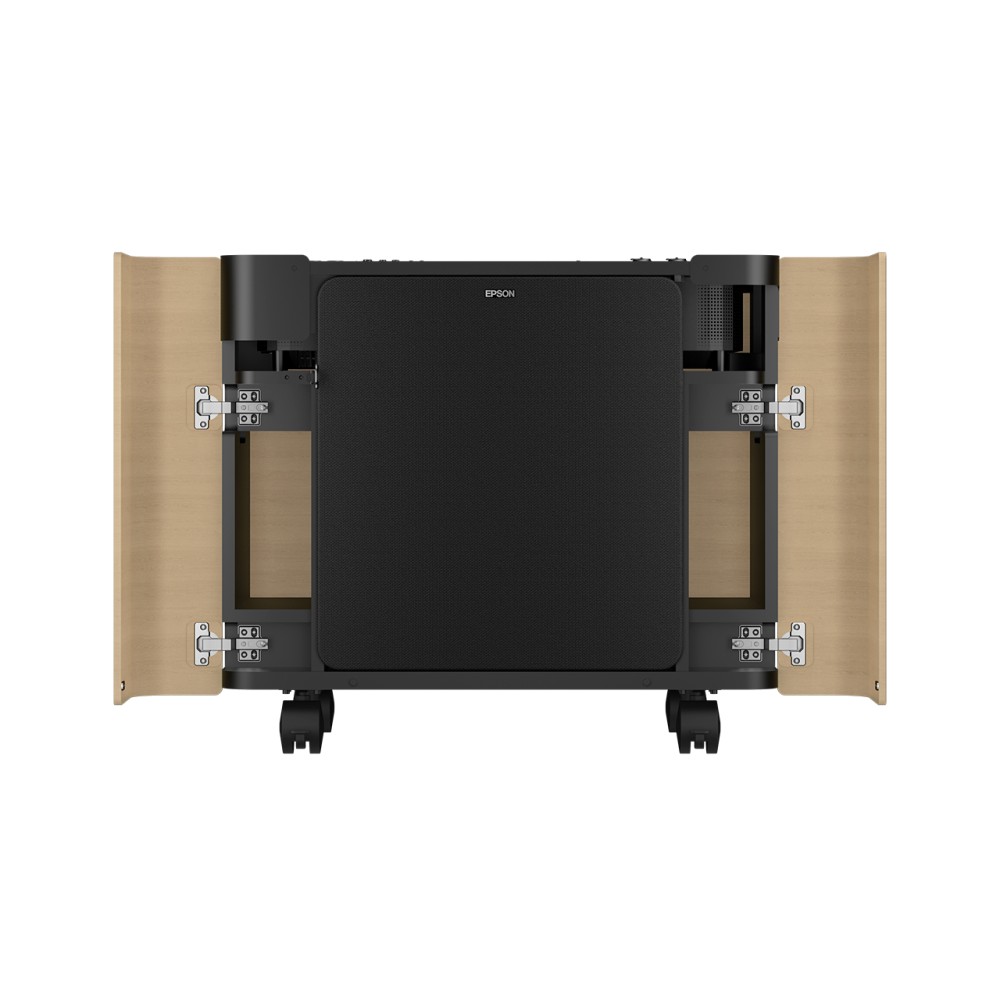
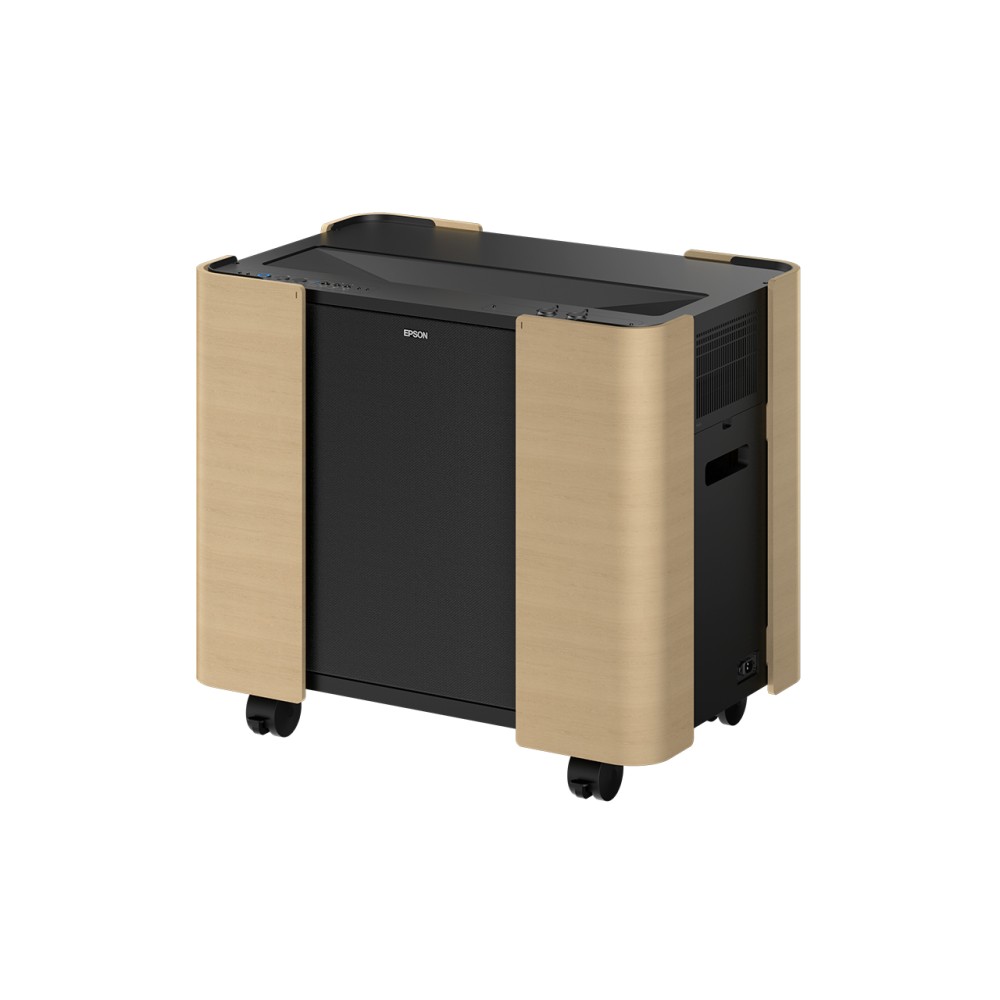
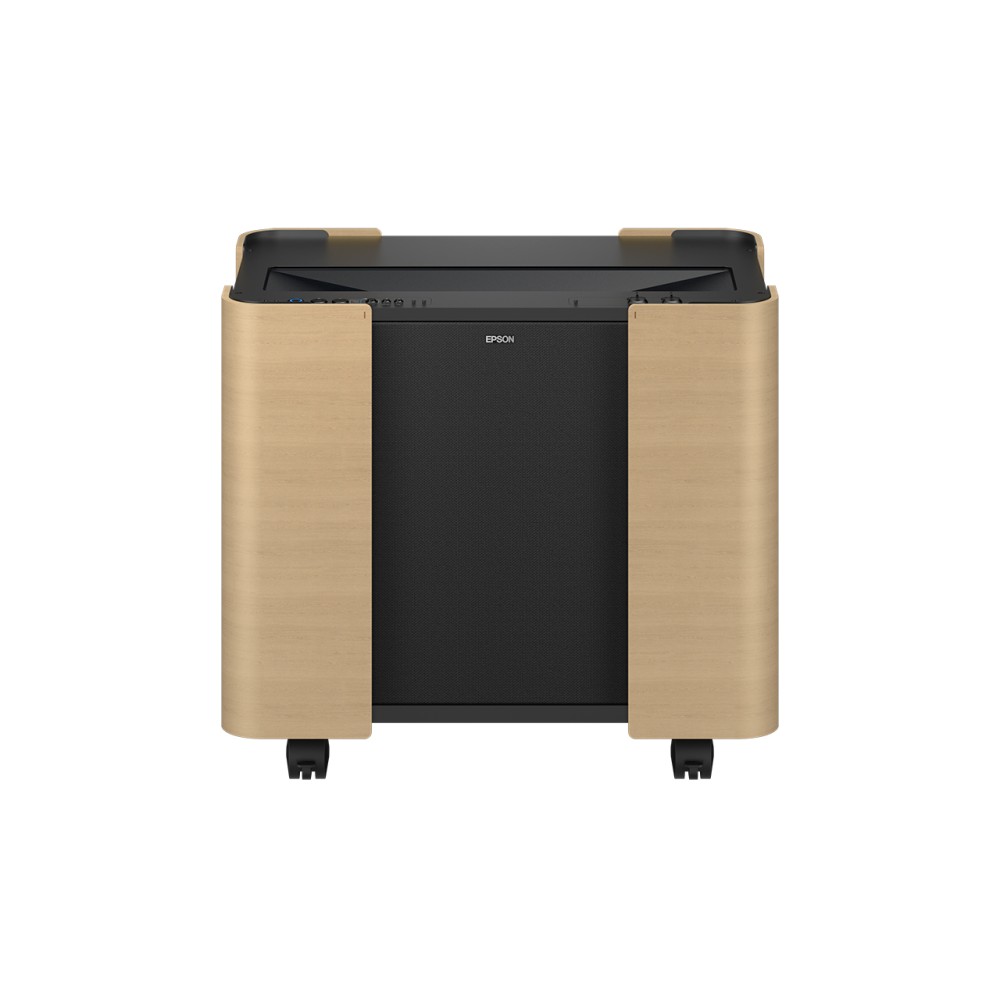
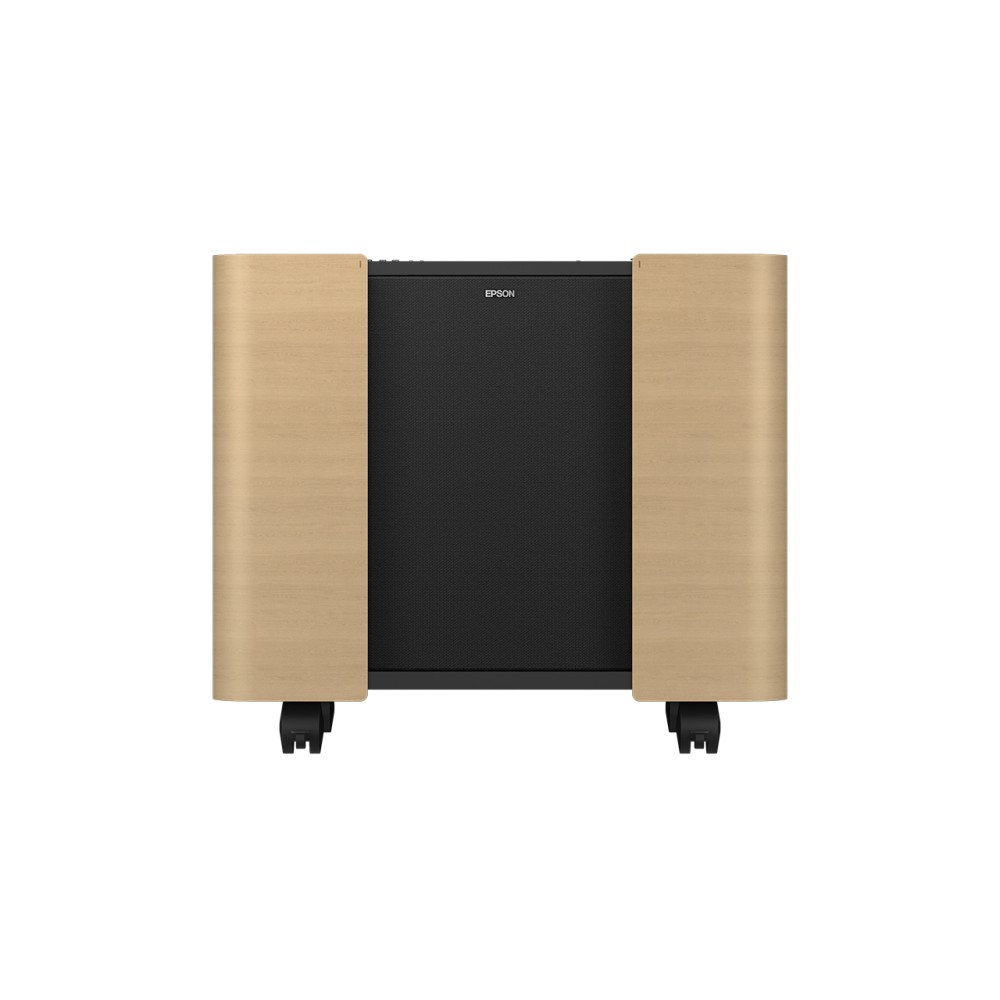
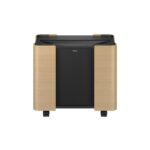
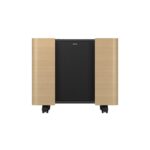
We recommend the Epson ELPCS01 for spaces that need a large display in different locations. Its mobile cabinet makes it easier to move and set up projection of up to 160 inches wherever you need it.
Cabinet dimensions and rack details
| Metric |
Specification |
| Rack capacity |
19U |
| Installation type |
Floor-mounted rack |
| Frame |
Closed |
| Colour |
Black and brown |
| Dimensions (W × D × H) |
816 × 538 × 706 mm |
| Weight |
41.9 kg |
Move a large display where it is needed
The cabinet is designed to make a high-quality display easier to move and set up. Because it can project an image up to 160 inches, it suits spaces where a large screen needs to be arranged on demand. You only need a blank wall for projection.
Make image setup more straightforward
Epson Setting Assistant helps you set the display dimensions and achieve a clear image. Use it during setup to adjust the projection to your intended display size.
Plan for the cabinet’s footprint
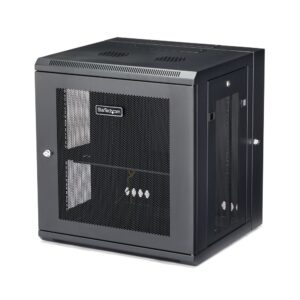
At 816 mm wide, 538 mm deep and 706 mm high, the cabinet needs a suitable floor position. Its closed 19U frame provides a defined rack format for equipment. Also, its 41.9 kg weight is worth considering when planning where to position it.
Check your room and setup
- Check the cabinet dimensions against the space where you plan to use it.
- Confirm you have a blank wall and enough room for projection up to 160 inches.
- Check that the floor position works for a 41.9 kg cabinet.
- Use Epson Setting Assistant to set the display dimensions and image.
Frequently Asked Questions
Q: How large can the projected display be?
A: The cabinet supports projection of up to 160 inches.
Q: How much rack capacity does it provide?
A: It has a 19U rack capacity and a closed frame.
Q: What are the cabinet dimensions?
A: It measures 816 mm wide, 538 mm deep and 706 mm high.
Q: How can I set the image dimensions?
A: Epson Setting Assistant helps set the display dimensions and make the image clear.
A practical choice for flexible projection
The Epson ELPCS01 suits buyers who want to move and set up a large projected display in different locations. Its 19U floor-mounted cabinet, projection up to 160 inches and app-assisted image setup bring the key elements together.


 DPD tracked delivery
 Buy now, pay later with Klarna at checkout
 Pay in 3 instalments with PayPal at checkout

Reviews
Clear filtersThere are no reviews yet.