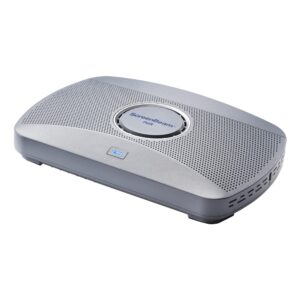
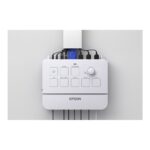
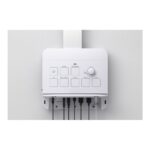
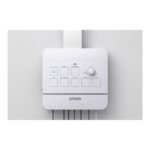
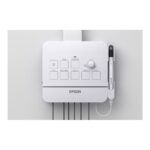
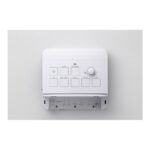
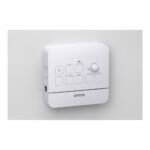
Epson V12HC49040 Projector Interface Control Box, USB-C 65W Power Delivery, 3 HDMI Inputs

SKU: V12HC49040

£258.78

In stock

In stock

  • Free Premium delivery on UK mainland orders

Order today, get it by Fri 20 Nov

  • DPD DPD tracked delivery
  • Klarna Buy now, pay later with Klarna at checkout
  • PayPal Pay in 3 instalments with PayPal at checkout

About this item

  • Epson projector interface control box
  • USB-C supports up to 65W Power Delivery
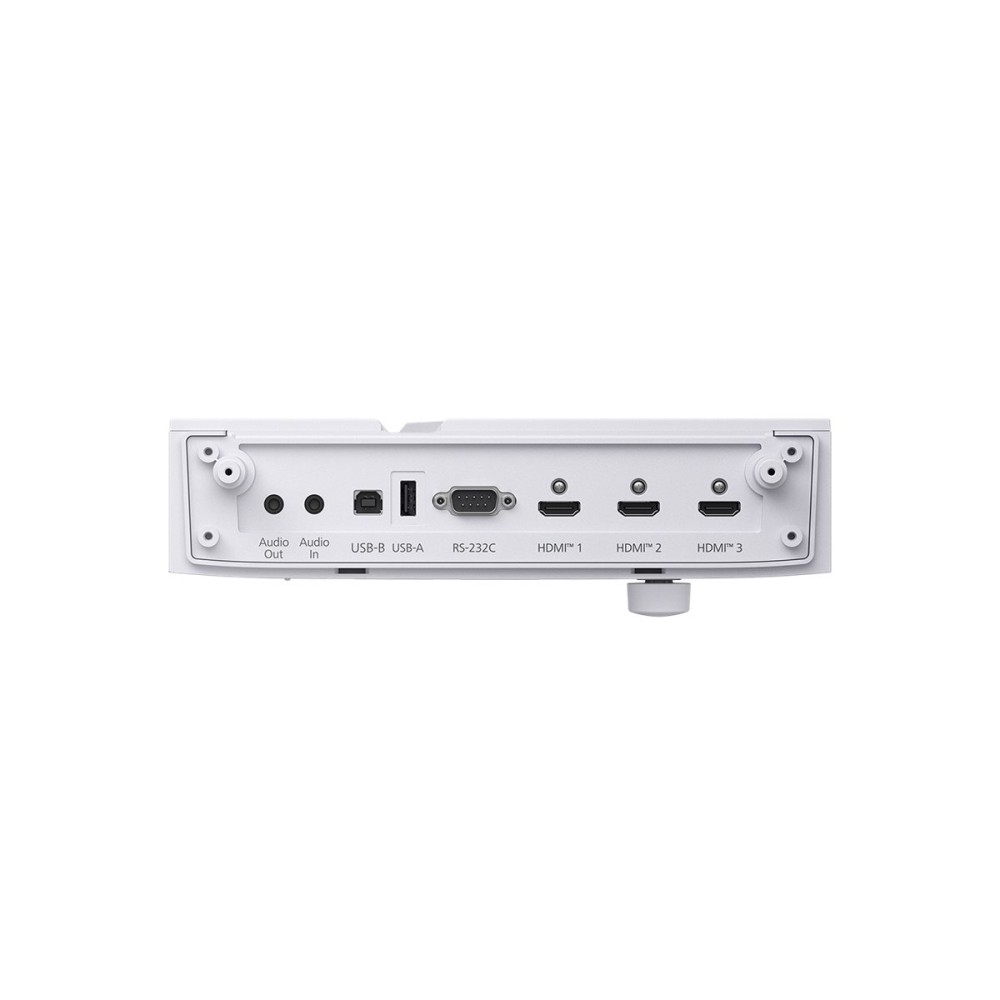
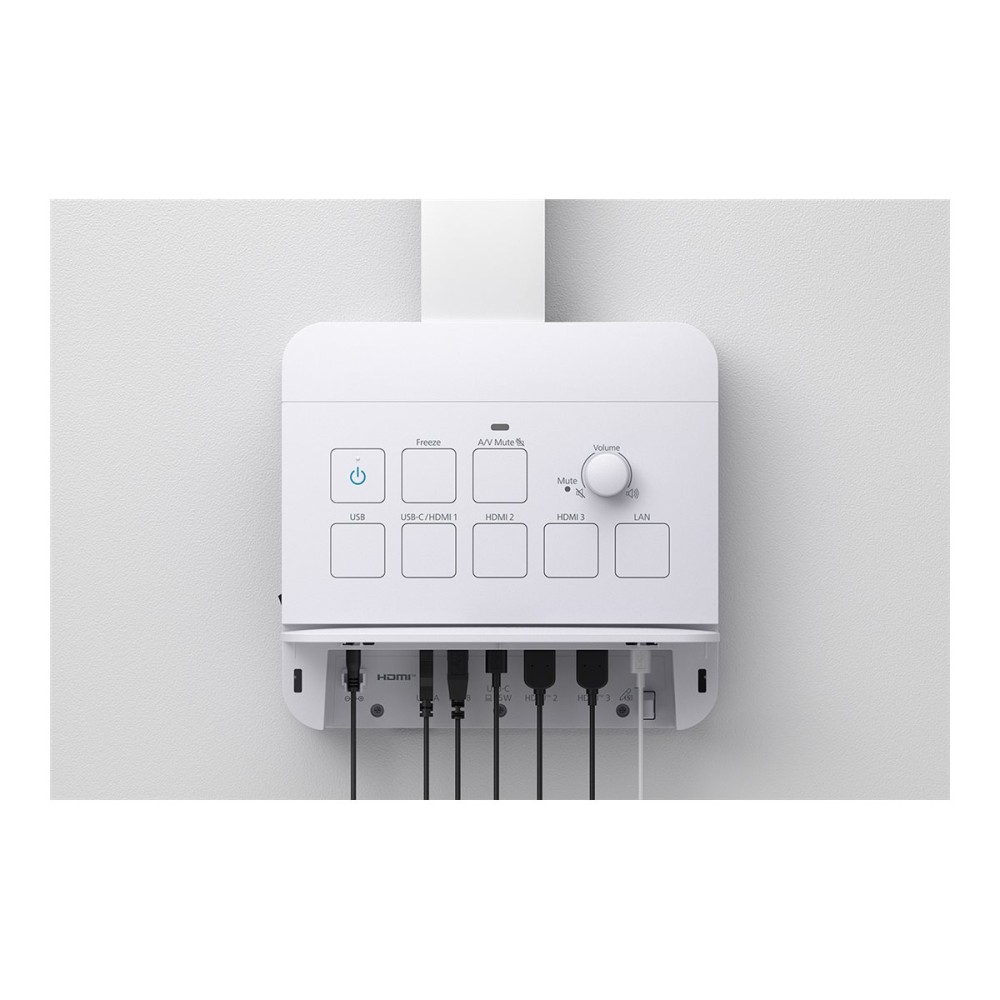
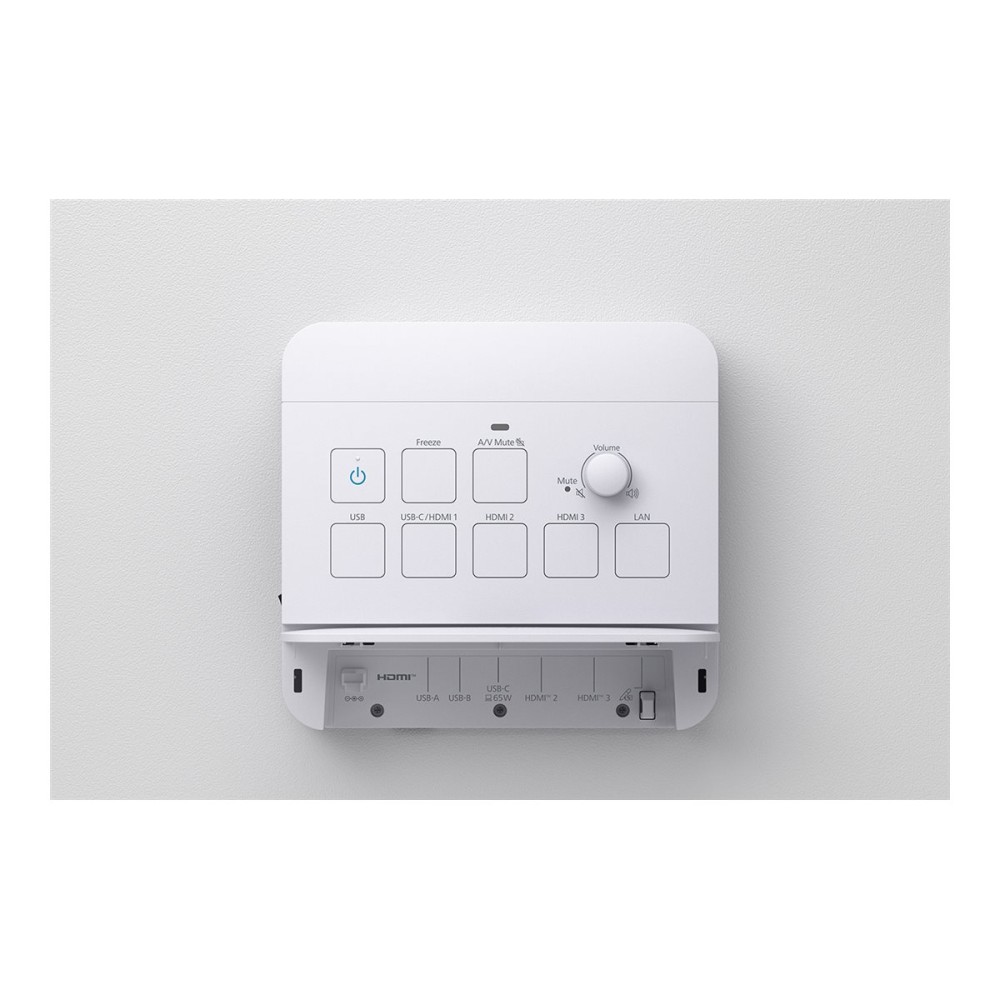
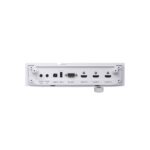
  • Three HDMI inputs, USB-A and USB-B connections
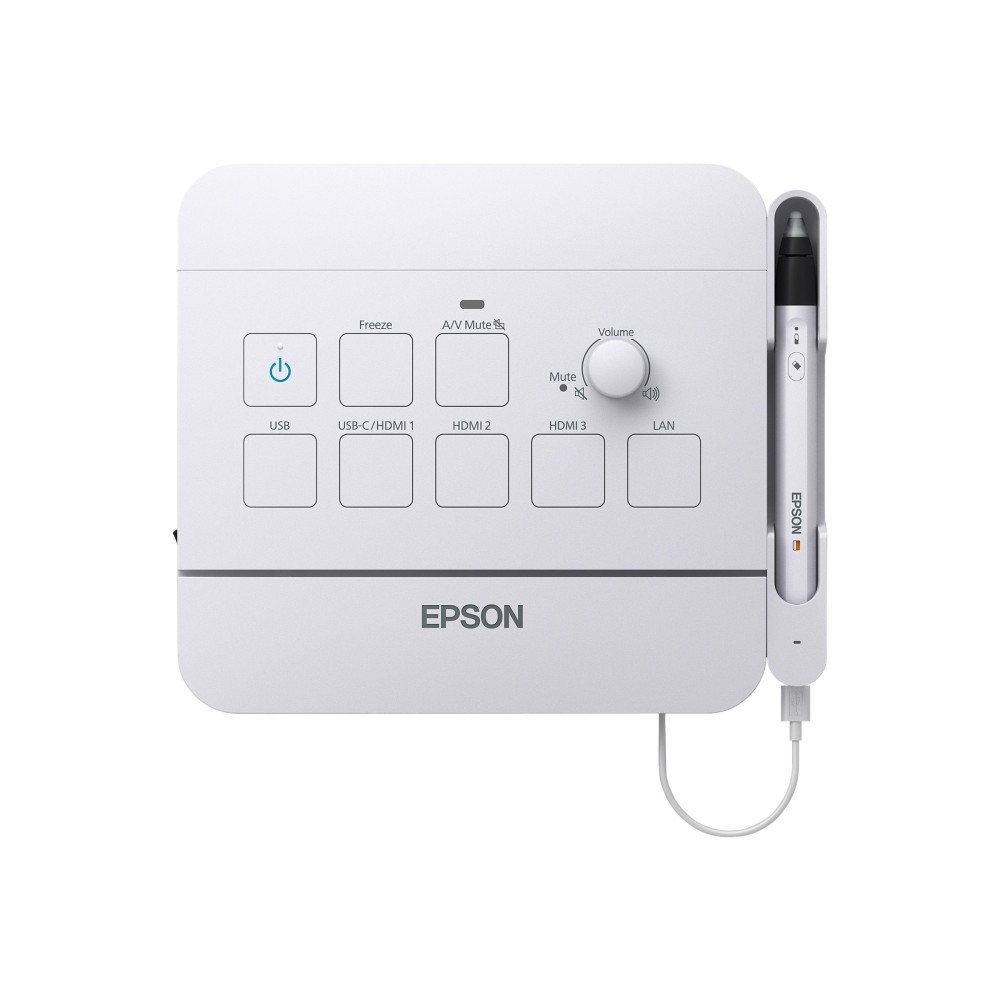
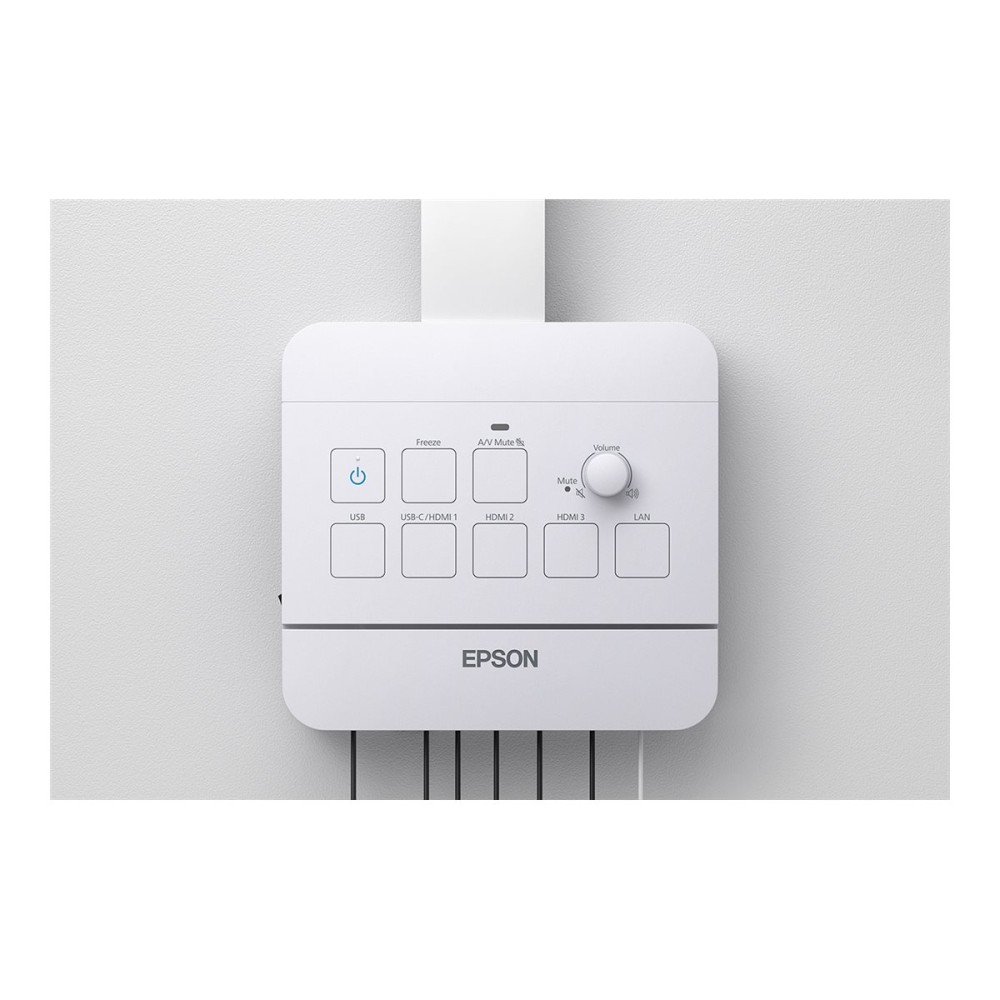
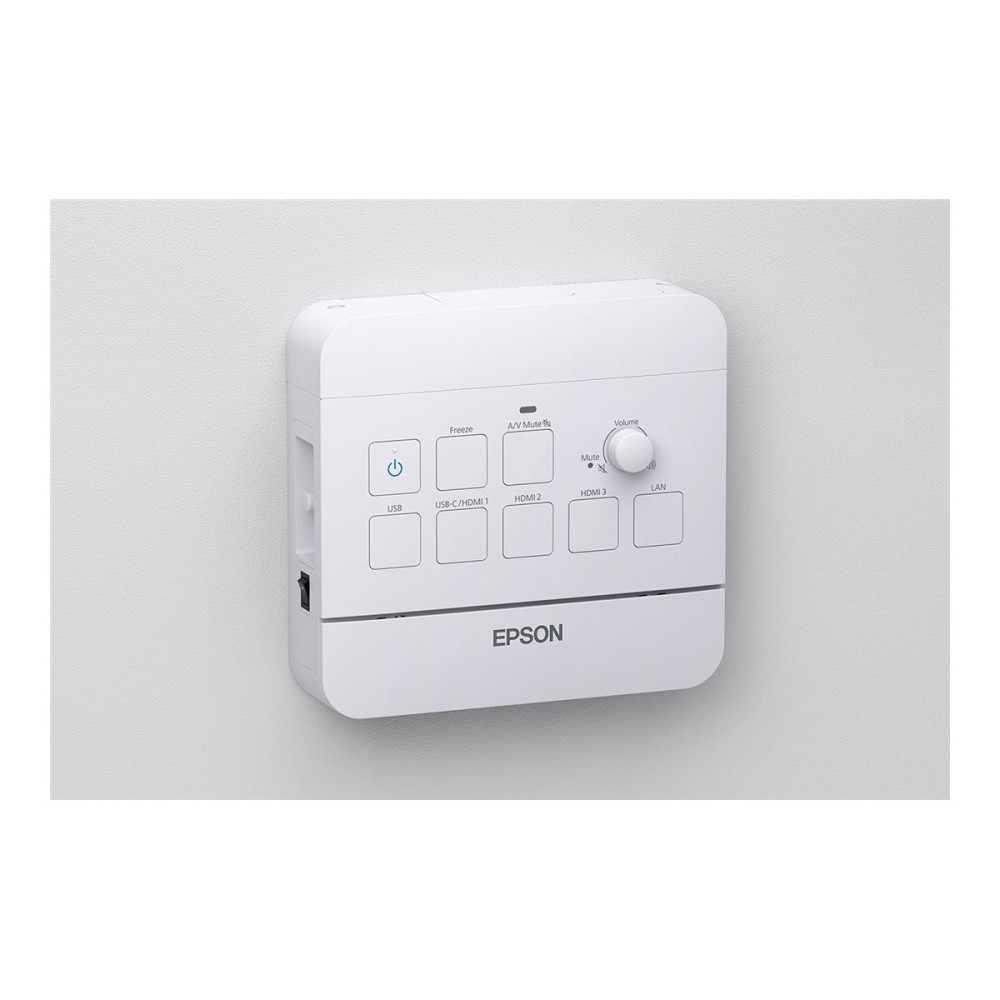
  • Mute, freeze image, source and volume controls
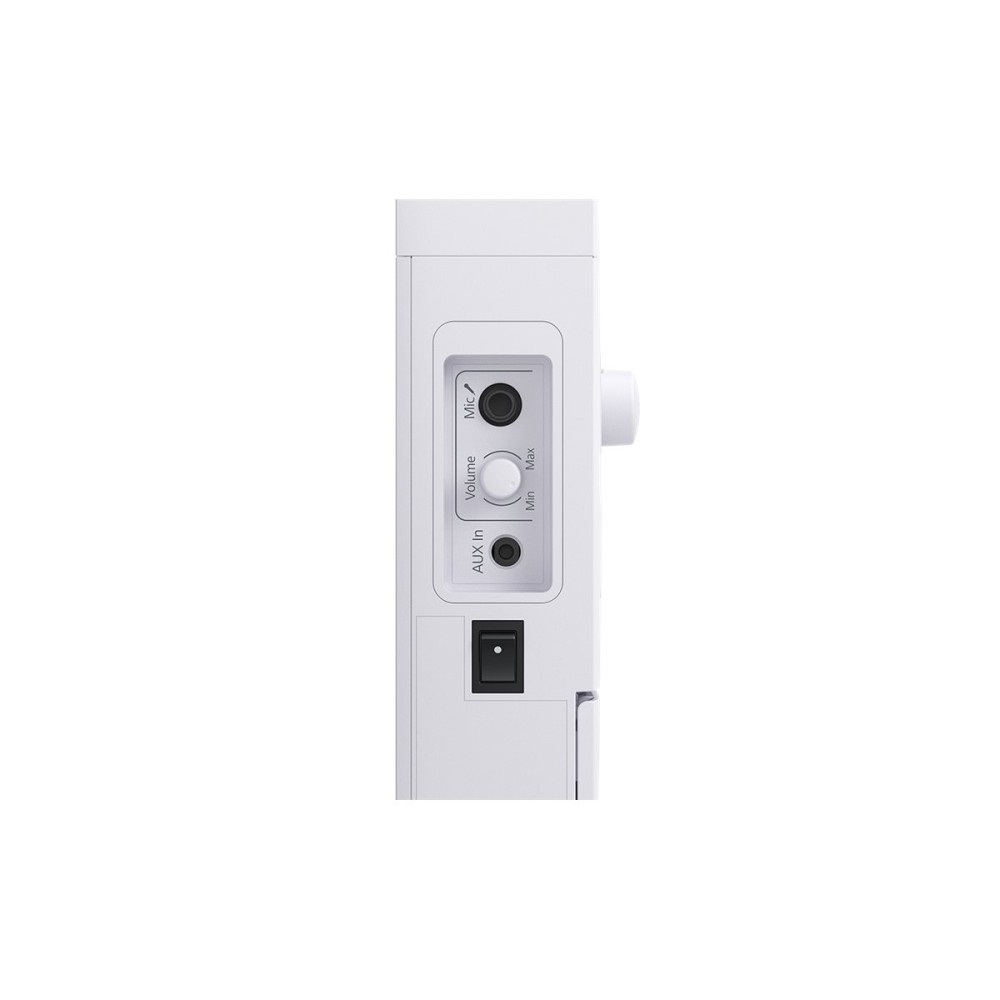
  • Microphone input and audio line-in and line-out
  • Measures 24.6 × 6 × 23 cm; weighs 1.2 kg
Description

Epson V12HC49040 – simpler projector connections

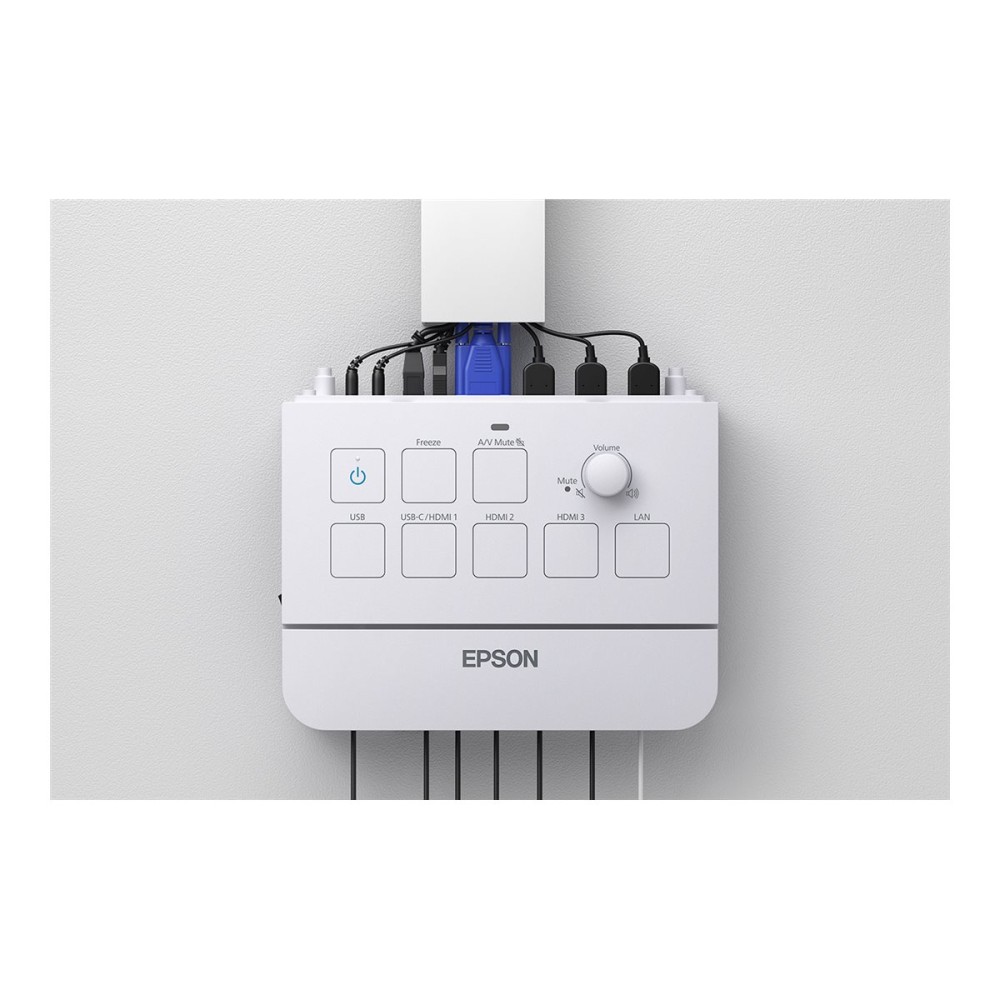
The Epson V12HC49040 suits projector-based lessons and presentations. Its USB-C connection can carry video, audio and interactivity while supplying up to 65W of power, helping reduce cable clutter.

Key connections and controls at a glance

Metric Specification
Product type Projector interface control box
USB-C USB-C with up to 65W Power Delivery
HDMI 3 HDMI connections
Other connections USB 2.0 Type-A and Type-B, RS-232C, audio line-in and line-out, microphone
Controls Mute, freeze image, source selection and volume
Size and weight 24.6 × 6 × 23 cm; 1.2 kg

Simplify device connection with USB-C

Connect a compatible source device over USB-C for video, audio and interactivity through one cable. The connection can also provide up to 65W of power to the connected device. This can help keep a presentation setup neater and reduce the need for separate power cables.

Manage presentations from the control box

Use the onboard controls to switch sources, adjust volume, mute audio or freeze the image. These functions give presenters quick access to common projector controls during a lesson or presentation.

Three HDMI connections provide options for connecting multiple devices. The box also has USB Type-A and Type-B connections, plus RS-232C for control.

Connect classroom audio and charge pens

The microphone connection lets you route a microphone through classroom speakers. Audio line-in and line-out connections support audio equipment in the setup.

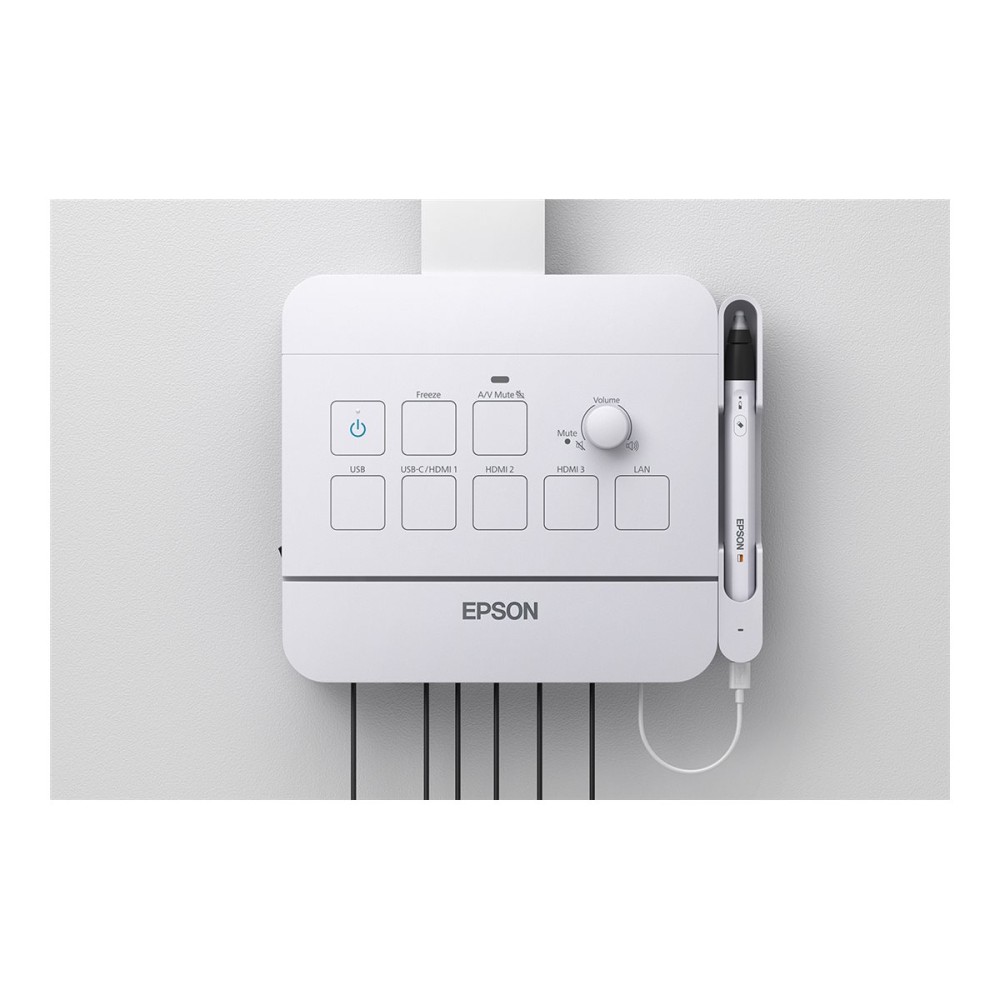
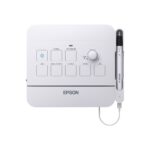
A dedicated USB-C port can charge ELPPN07 interactive pens, which are sold separately. The control box uses an AC power adapter.

In the box

  • Power adapter holder

Check your setup before ordering

  • Confirm your projector is compatible with this interface control box.
  • Check that your source device supports video, audio and interactivity over USB-C.
  • Confirm the available space accommodates the box’s 24.6 × 6 × 23 cm dimensions.
  • Check that the connections suit your equipment, including HDMI, microphone or audio cabling.

Frequently Asked Questions

Q: How many HDMI connections does the box have?

A: It has three HDMI connections.

Q: How much power can USB-C provide?

A: USB-C Power Delivery supplies up to 65W to a connected device.

Q: Which projector controls are available?

A: You can mute audio, freeze the image, select a source and adjust volume.

Q: What is included in the box?

A: A power adapter holder is included.

A practical choice for projector-based teaching

We recommend the Epson V12HC49040 for compatible projector setups that need flexible connections and convenient presentation controls. Its USB-C connectivity, three HDMI connections and accessible audio controls make it a useful hub for lessons and presentations.

Additional information
BrandEpson
MPNV12HC49040
Product typeInterface control box
Intended ForProjector
ControlsMute, freeze image, source function, volume
Package ContentPower adapter holder
Width24.6 cm
Depth6 cm
Height23 cm
Weight1.2 kg
ConnectionsUSB 2.0 – USB Type-A, USB 2.0 – USB Type-B, USB-C with 65W Power Delivery, RS-232C, 3 x HDMI input, Audio line-in, Audio line-out, Microphone input
Power SourceAC power adapter
Shipping Width28 cm
Shipping Depth30.5 cm
Shipping Height15.8 cm
Shipping Weight2.5 kg

Reviews

0 reviews
0
0
0
0
0

There are no reviews yet.

Write a review

Your email is never published.

You have to be logged in to be able to add photos to your review.