Ergotron StyleView EMR – adjustable support at the point of care
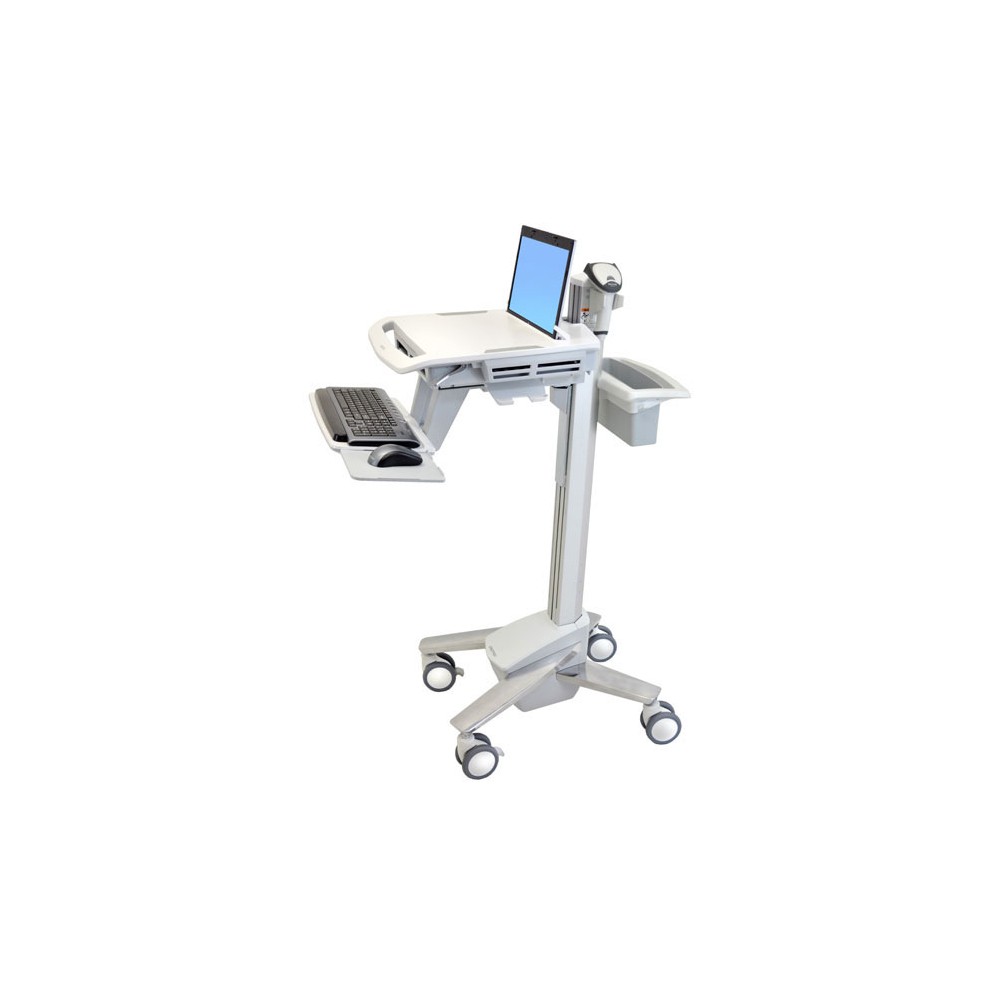
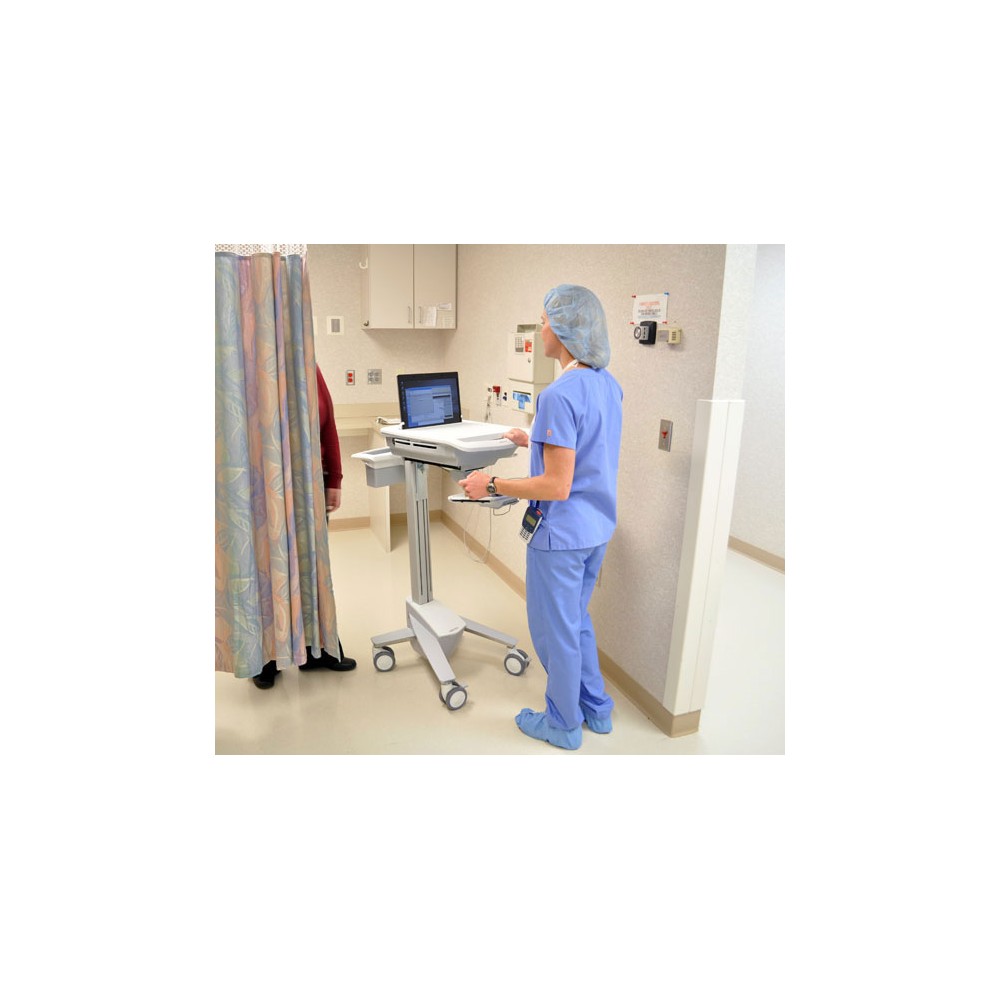
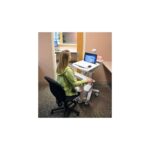
The Ergotron StyleView EMR suits healthcare teams who use laptops at the point of care. Its single-motion sit-to-stand adjustment helps caregivers set a comfortable working height quickly.
Key specs for the StyleView EMR
| Metric |
Specification |
| Recommended use |
Laptop |
| Maximum screen size |
17.3 inches |
| Maximum weight capacity |
8.2 kg |
| Height adjustment |
51 cm |
| Keyboard tray |
Adjustable back-tilt |
| Material and colour |
Aluminium and plastic, white |
Adjust the workstation for each caregiver
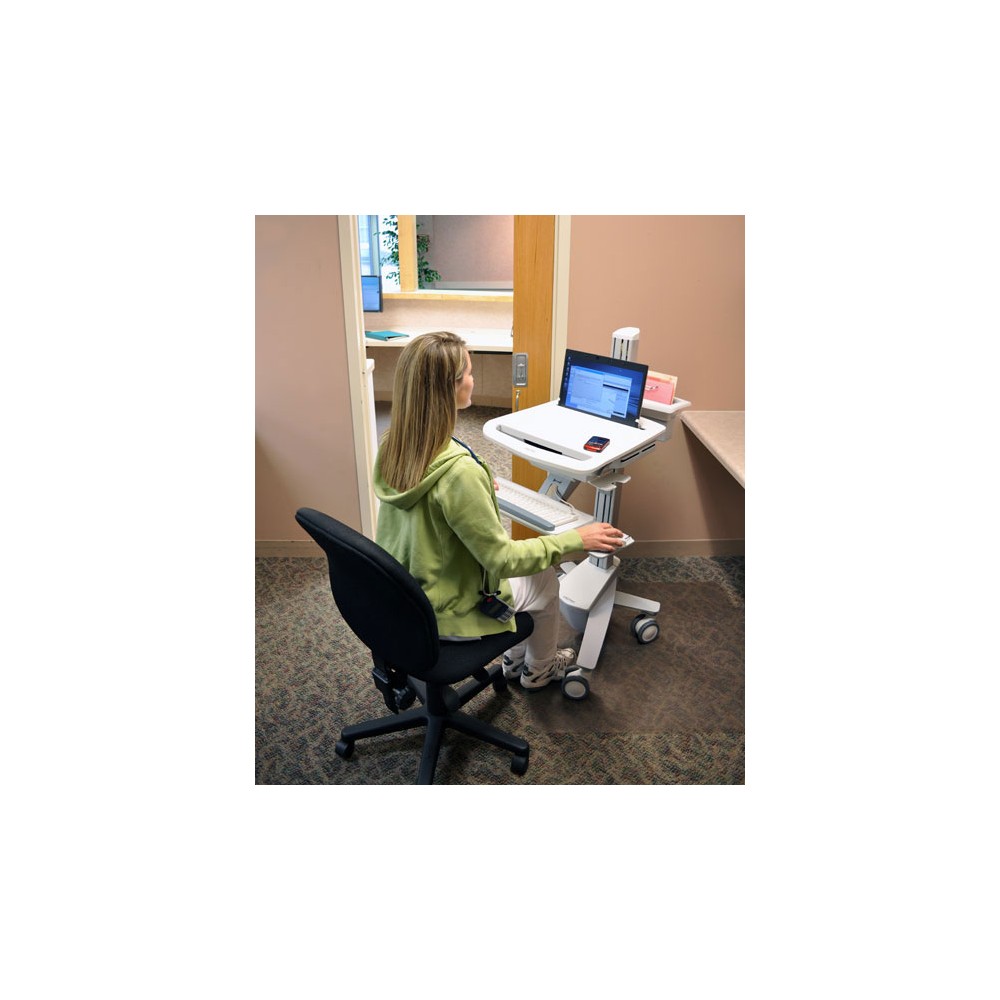
The 51 cm height adjustment supports both seated and standing work. Caregivers can change the height with a single, fluid motion as they move between tasks.
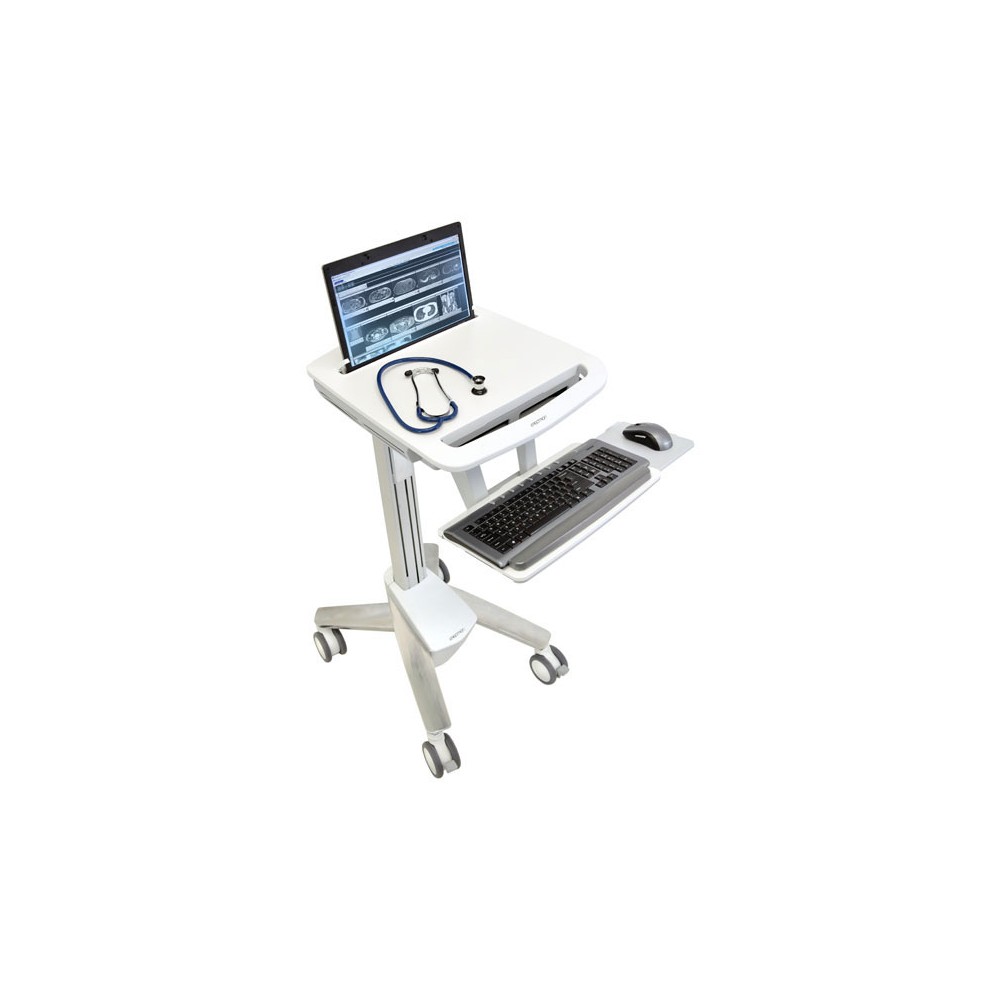
The keyboard tray tilts to support a more comfortable typing position. This helps teams adapt the cart to different users throughout a shift.
Move between patients and work areas
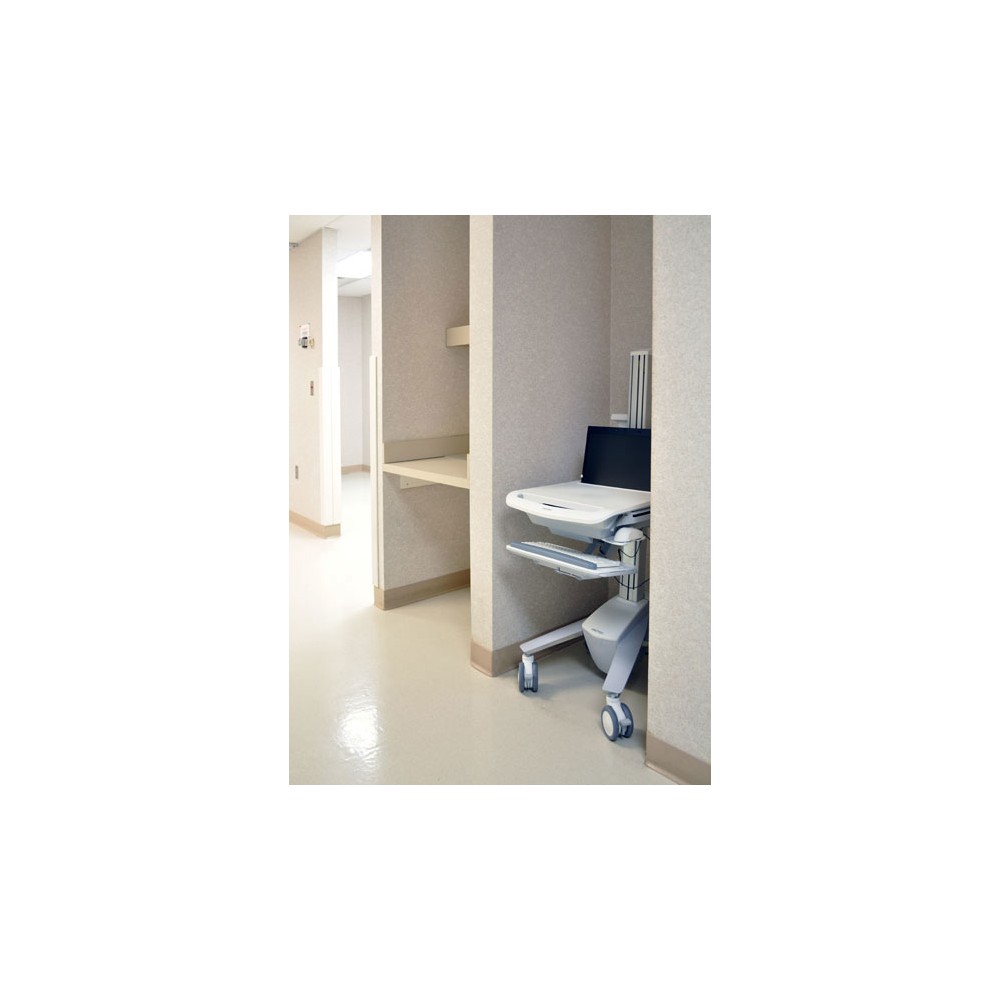
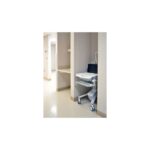
A compact footprint and smooth-gliding casters help the cart move through crowded areas. The casters are designed for travel across carpet and hard floors.
The open architecture accommodates most laptops, including widescreen models up to 17.3 inches. This gives IT teams flexibility when deploying or upgrading laptop hardware.
Built for regular healthcare use
The cart’s surfaces have antimicrobial treatment for product protection. Its height-adjustment mechanism passes Ergotron’s 10,000-cycle motion test, which ensures a minimum of five years of trouble-free adjustment.
Check the fit before ordering
- Confirm your laptop screen measures no more than 17.3 inches diagonally.
- Check that the combined load stays within the 8.2 kg capacity.
- Confirm the 51 cm adjustment range suits your caregivers’ working positions.
- Check that a keyboard tray with adjustable back-tilt suits your daily workflow.
Frequently Asked Questions
Q: What size laptop does the cart support?
A: It accommodates most laptops, including widescreen models with screens up to 17.3 inches diagonally.
Q: How much weight can the cart carry?
A: Its maximum weight capacity is 8.2 kg.
Q: Does the cart support seated and standing work?
A: Yes. It offers 51 cm of height adjustment for sit-to-stand use.
Q: Can I adjust the keyboard tray?
A: Yes. The keyboard tray has an adjustable back-tilt.
A practical choice for point-of-care teams
Choose the Ergotron StyleView EMR if your team needs a mobile laptop workstation with quick sit-to-stand adjustment. Its adaptable height, tilting keyboard tray and broad laptop support suit changing users and care areas.


 DPD tracked delivery
 Buy now, pay later with Klarna at checkout
 Pay in 3 instalments with PayPal at checkout

Reviews
Clear filtersThere are no reviews yet.