HP USB-C G5 Essential Dock – more connections from one cable
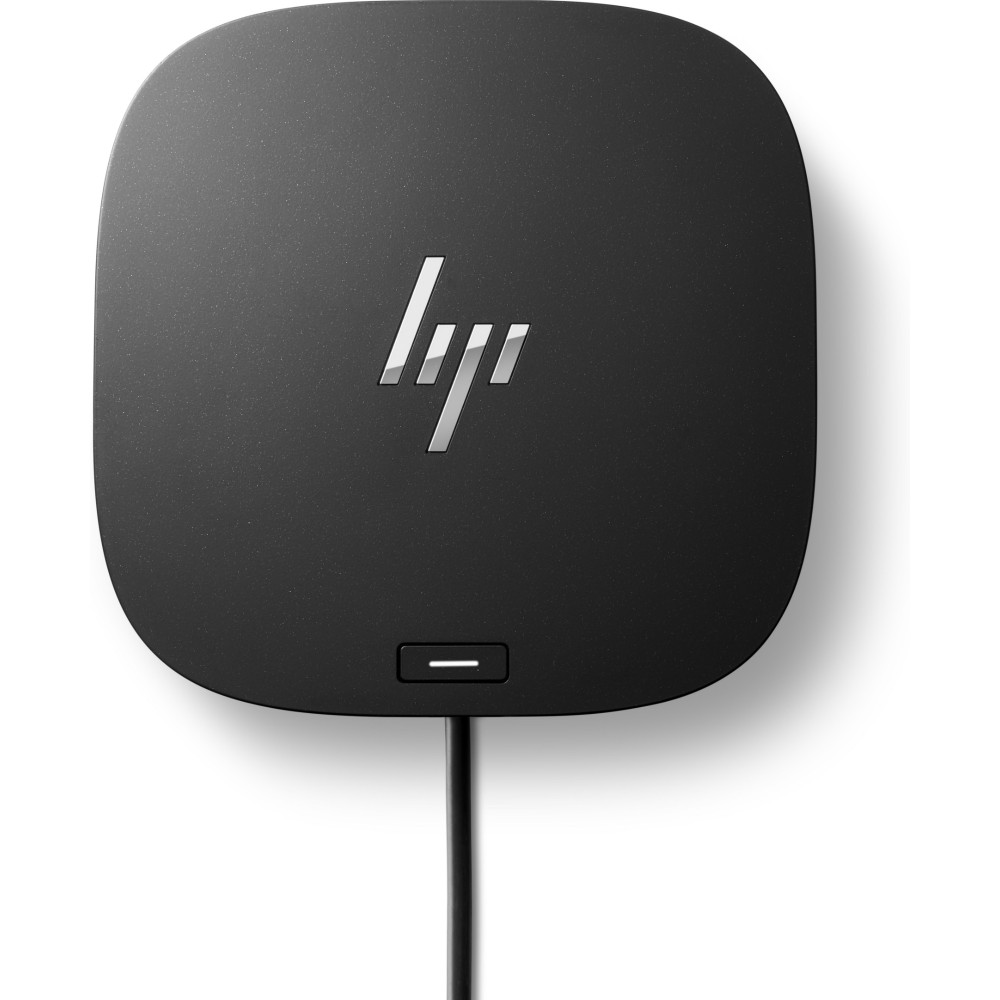
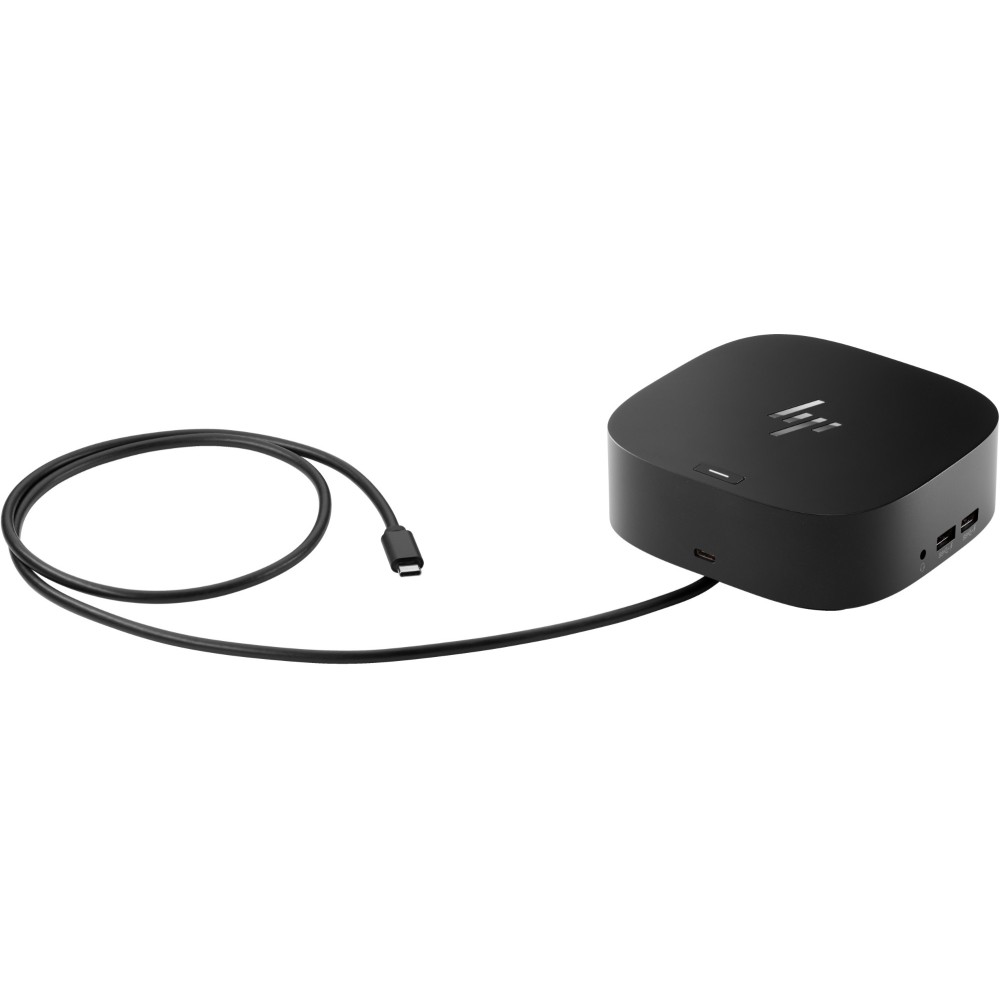
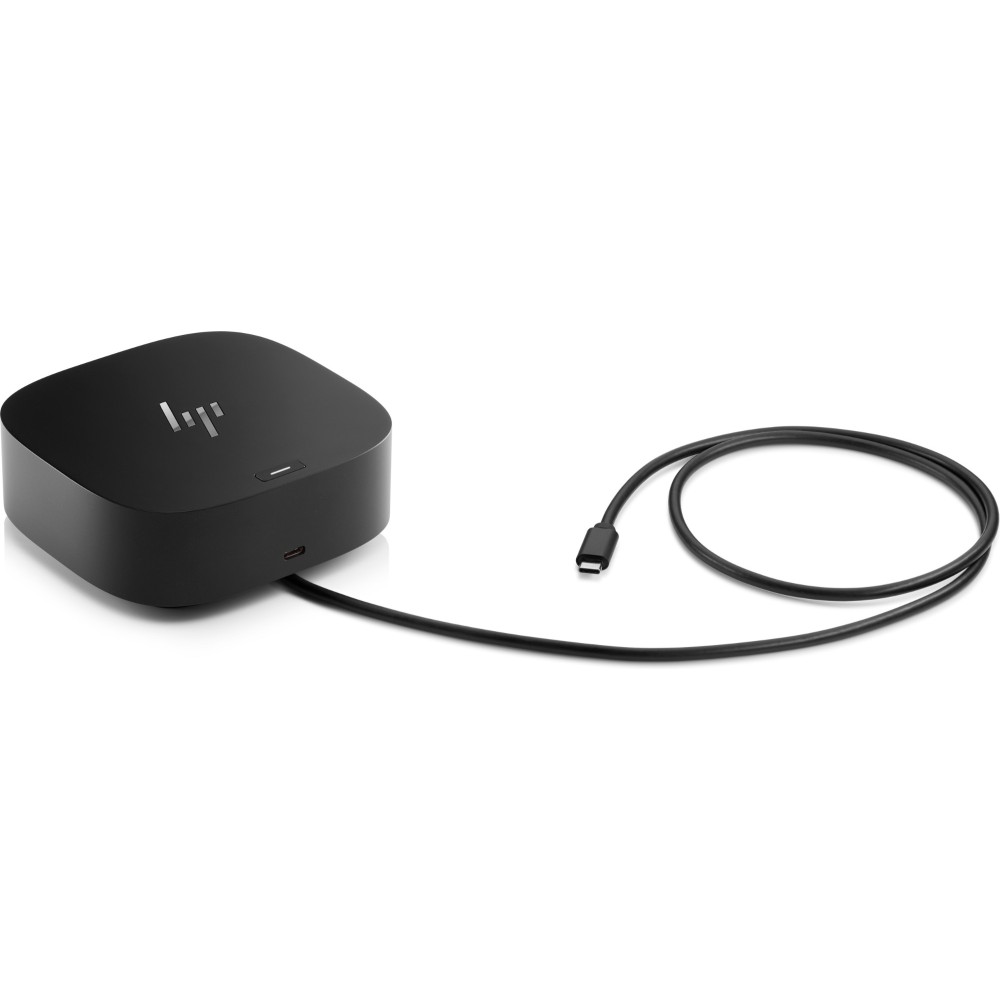
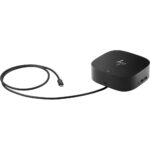
The HP USB-C G5 Essential Dock suits HP business users who want to connect desk accessories through one USB-C cable. It can also charge your laptop while providing display, network and USB connections.
Connections at a glance
| Metric |
Specification |
| Host connection |
USB-C, USB 3.2 Gen 1 |
| USB-A ports |
4 |
| Additional USB-C port |
1 |
| Display connections |
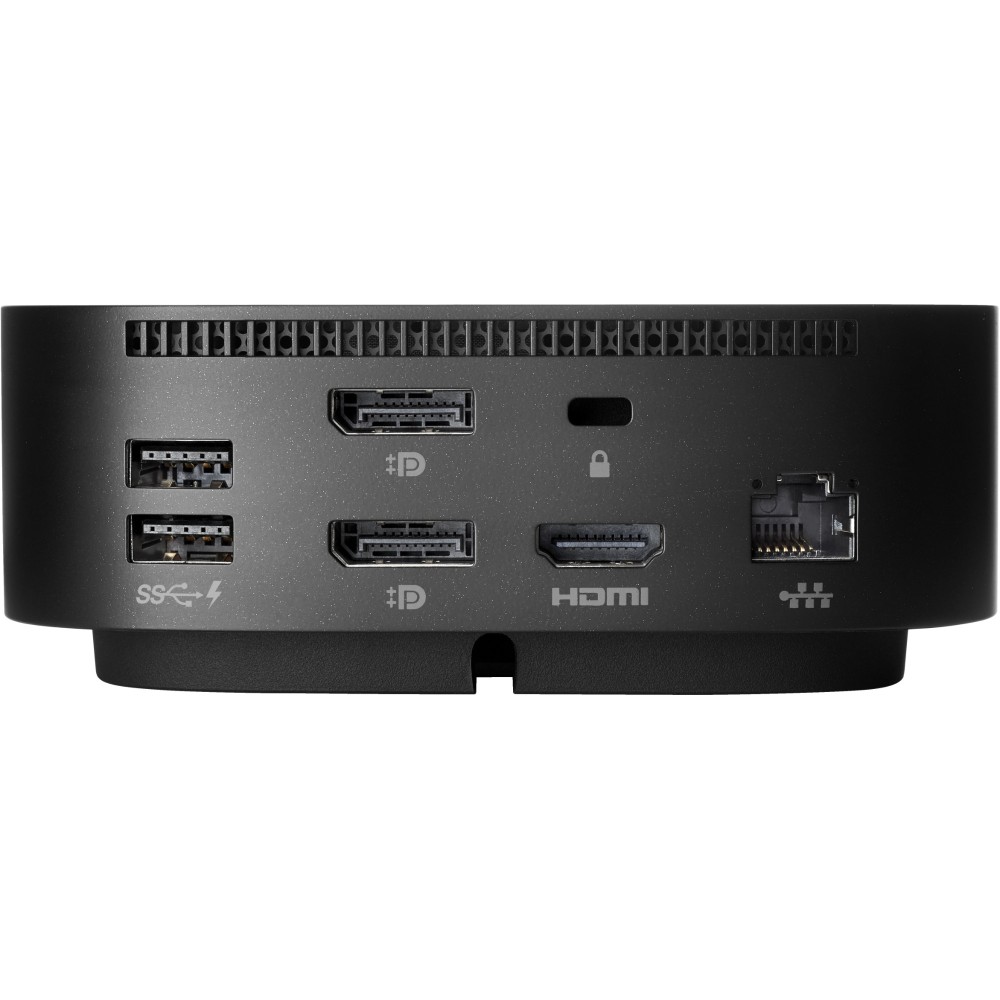
1 HDMI 2.0, 2 DisplayPort |
| Wired network |
1 Ethernet RJ-45 port |
| Power supply |
120 W |
Connect displays and desk accessories
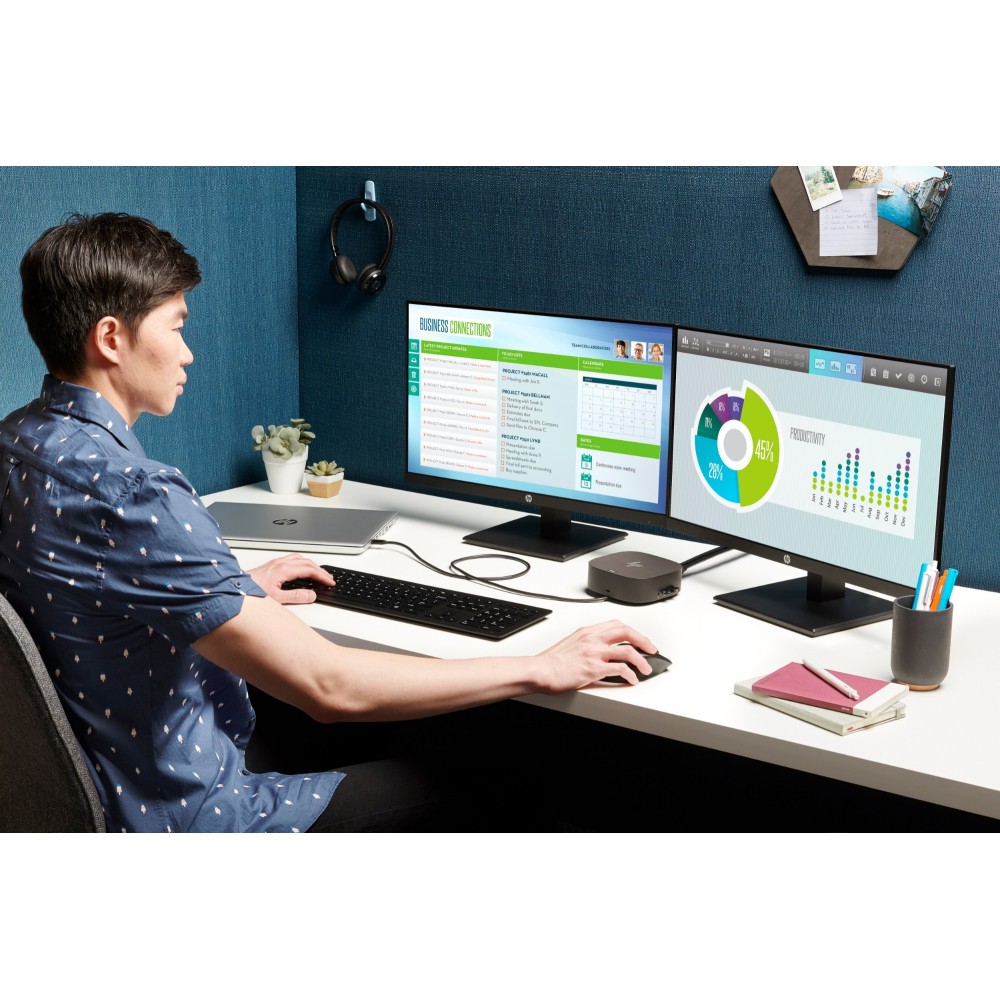
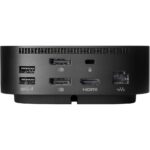
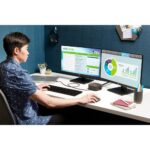
Connect up to three displays using the dock’s HDMI and DisplayPort outputs. Four USB-A ports and one additional USB-C port make it easier to connect compatible accessories.
A combo headphone and microphone port is also included. So you can connect a compatible headset directly to the dock.
Keep your desk connected
The Ethernet port provides a wired network connection. Use it when you prefer a cable connection for your laptop’s network access.
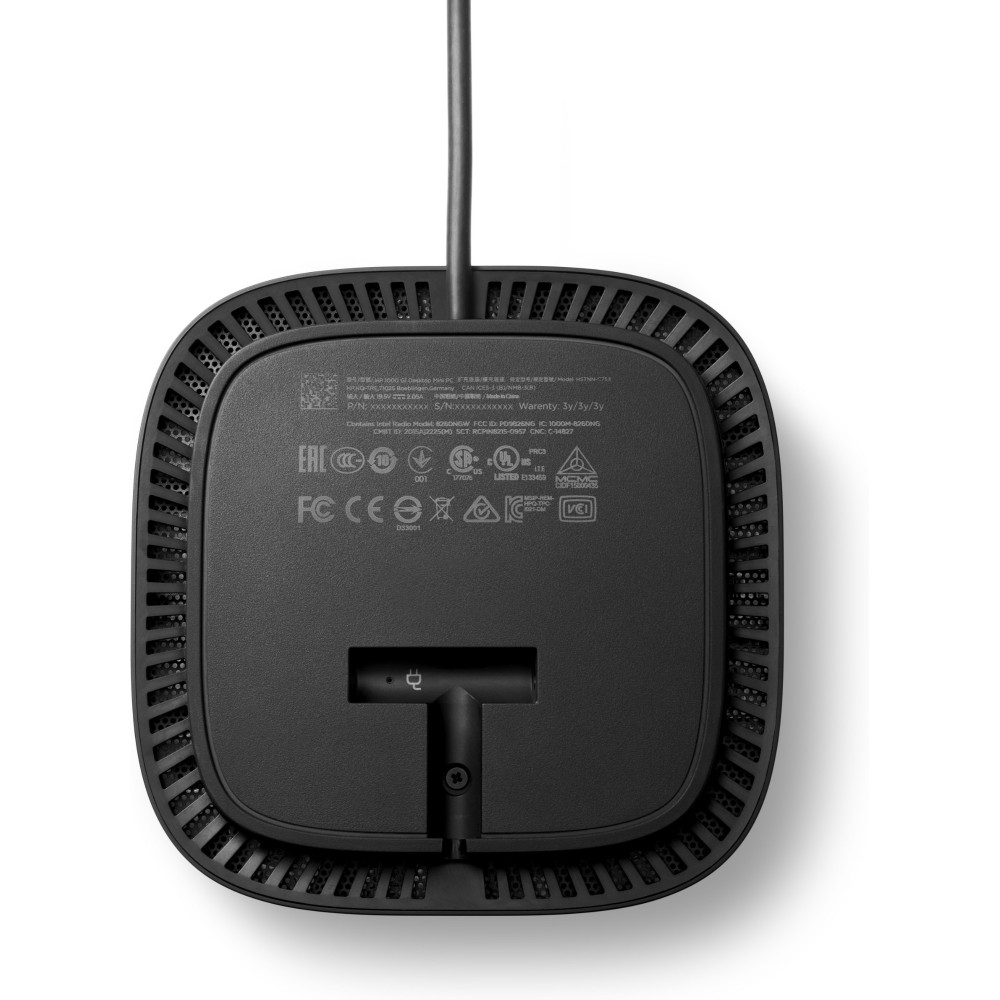
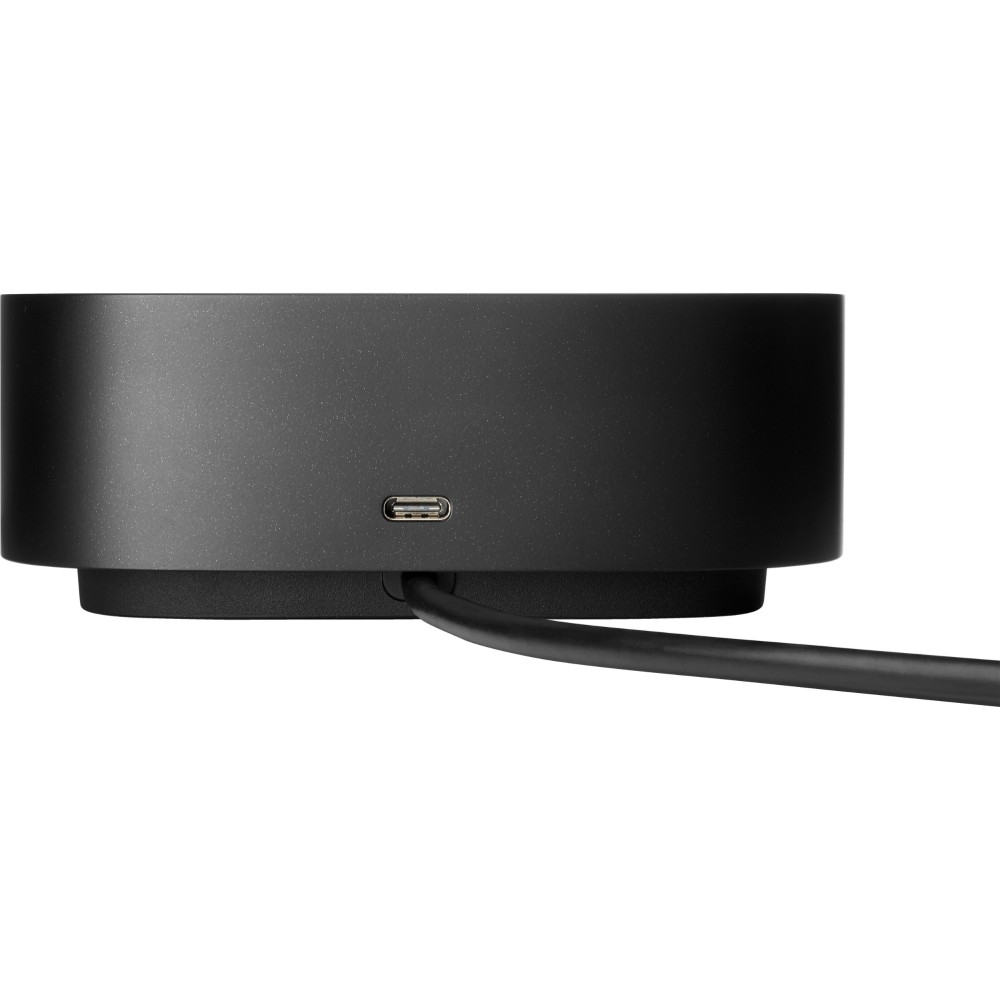
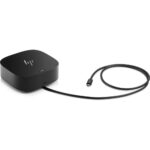
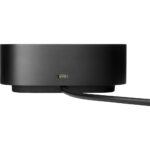
The dock connects to your laptop over USB-C and can charge it while you work. Its black casing measures 122 × 122 × 45 mm and weighs 680 g.
Check fit before ordering
- Confirm your laptop has a USB-C port for the dock’s host connection.
- Check that your operating system is Windows 11, macOS or ChromeOS.
- Confirm your monitors use HDMI or DisplayPort connections.
- Check that you have space for the 122 × 122 × 45 mm dock.
Frequently Asked Questions
Q: How many displays can this dock connect?
A: It has one HDMI 2.0 output and two DisplayPort outputs, allowing connections for up to three displays.
Q: Which operating systems are supported?
A: Supported systems include Windows 11, macOS and ChromeOS.
Q: Does it have Ethernet?
A: Yes. It has one RJ-45 Ethernet port for a wired network connection.
A practical choice for a connected desk
Choose the HP USB-C G5 Essential Dock if you want one USB-C connection for laptop charging, displays, USB accessories and wired Ethernet. Check your laptop’s port and your monitor connections before ordering.








 DPD tracked delivery
 Buy now, pay later with Klarna at checkout
 Pay in 3 instalments with PayPal at checkout

Reviews
Clear filtersThere are no reviews yet.