Logitech Combo Touch – Flexible typing and protection
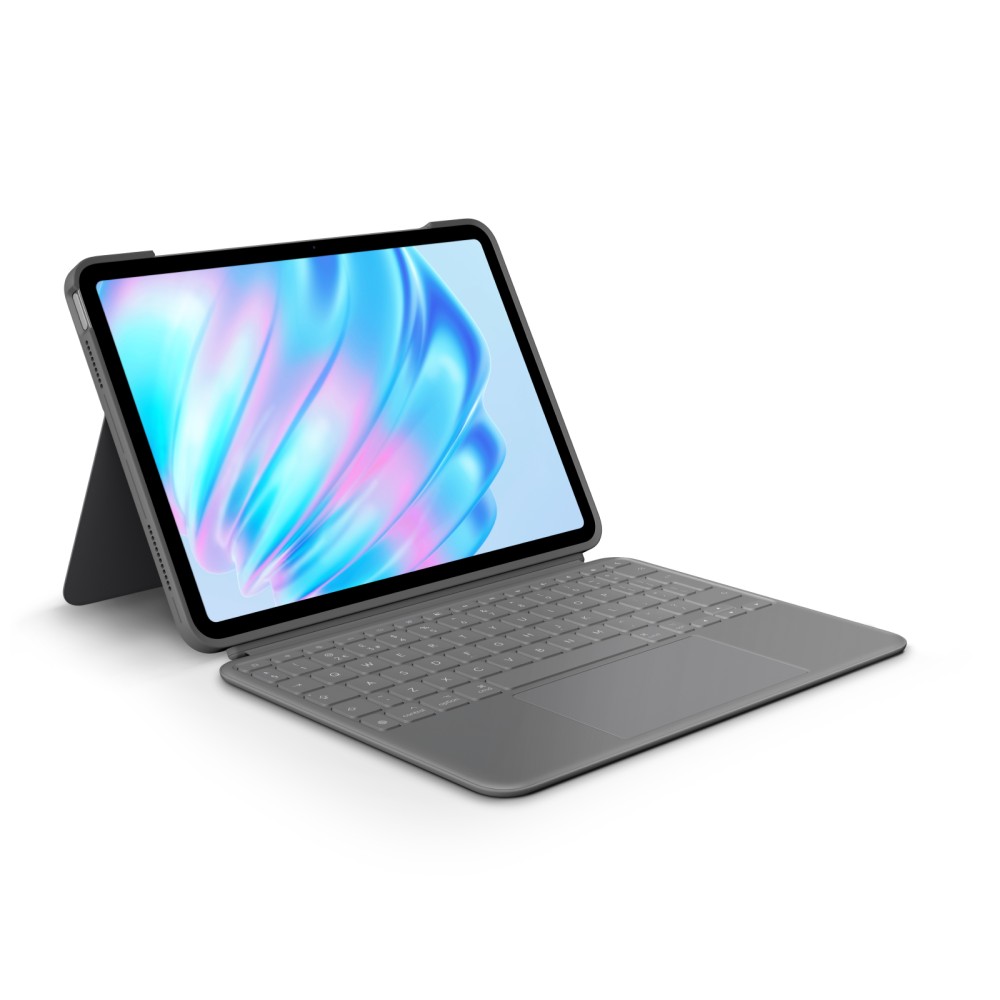
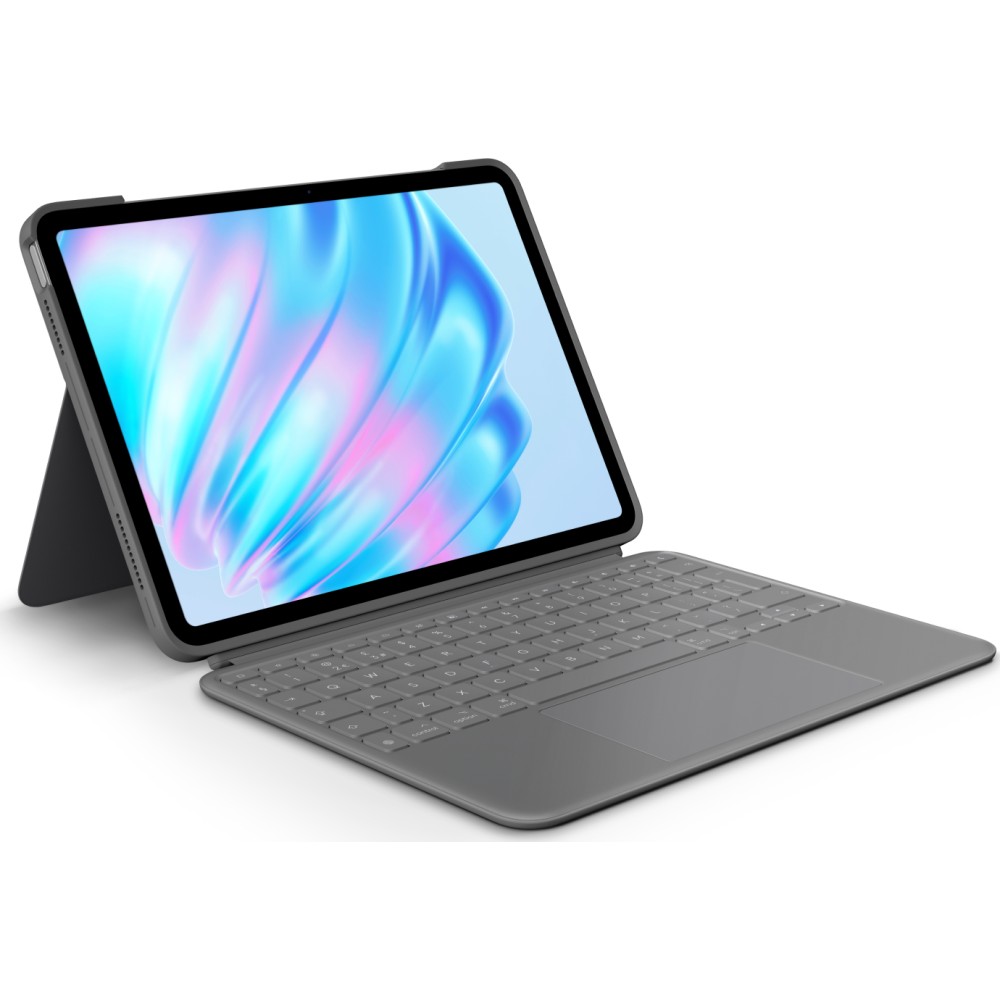
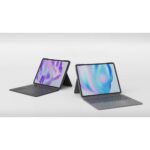
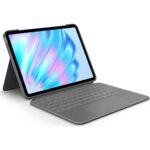
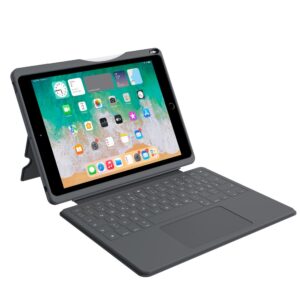
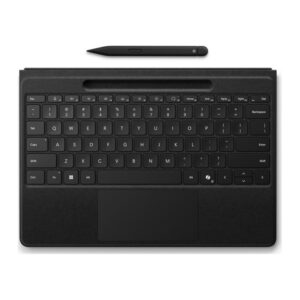
The Logitech Combo Touch suits iPad Air 11-inch (M2) owners who want a keyboard, trackpad and protective case in one. Its Smart Connector links it to the iPad and powers the keyboard, so there is no separate keyboard charging.
Key details at a glance
| Metric |
Specification |
| Compatibility |
iPad Air 11-inch (M2) |
| Keyboard |
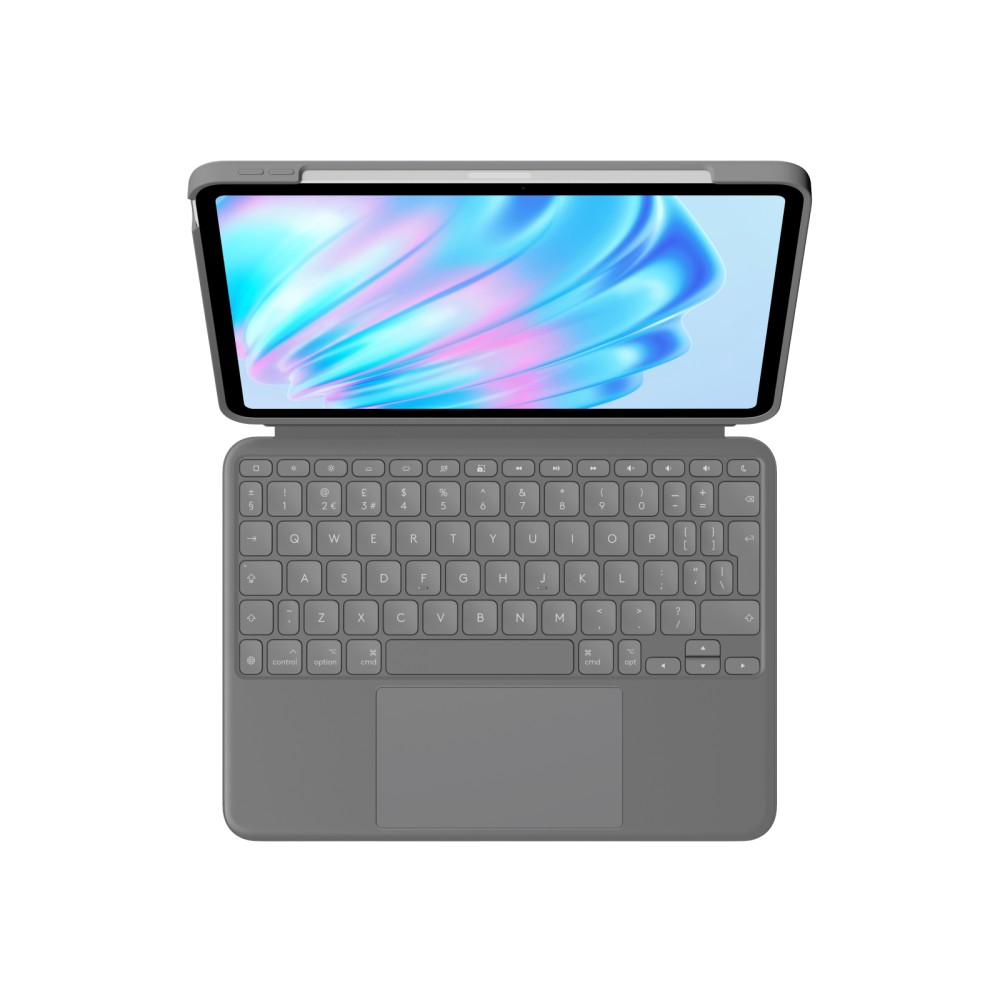
UK English QWERTY, backlit |
| Trackpad |
Multi-Touch gestures |
| Connection |
Smart Connector |
| Viewing angle |
Adjustable from 10° to 60° |
| Colour |
Oxford Grey |
Switch easily between tasks
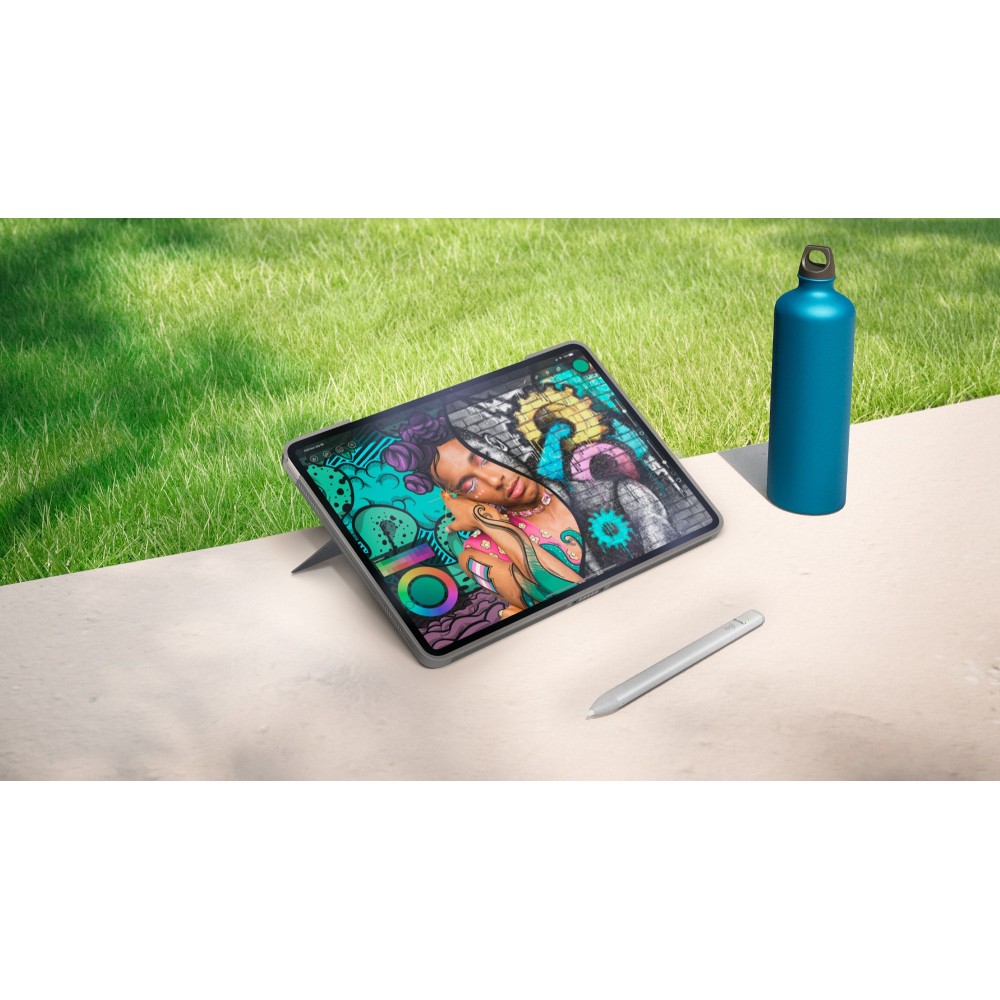
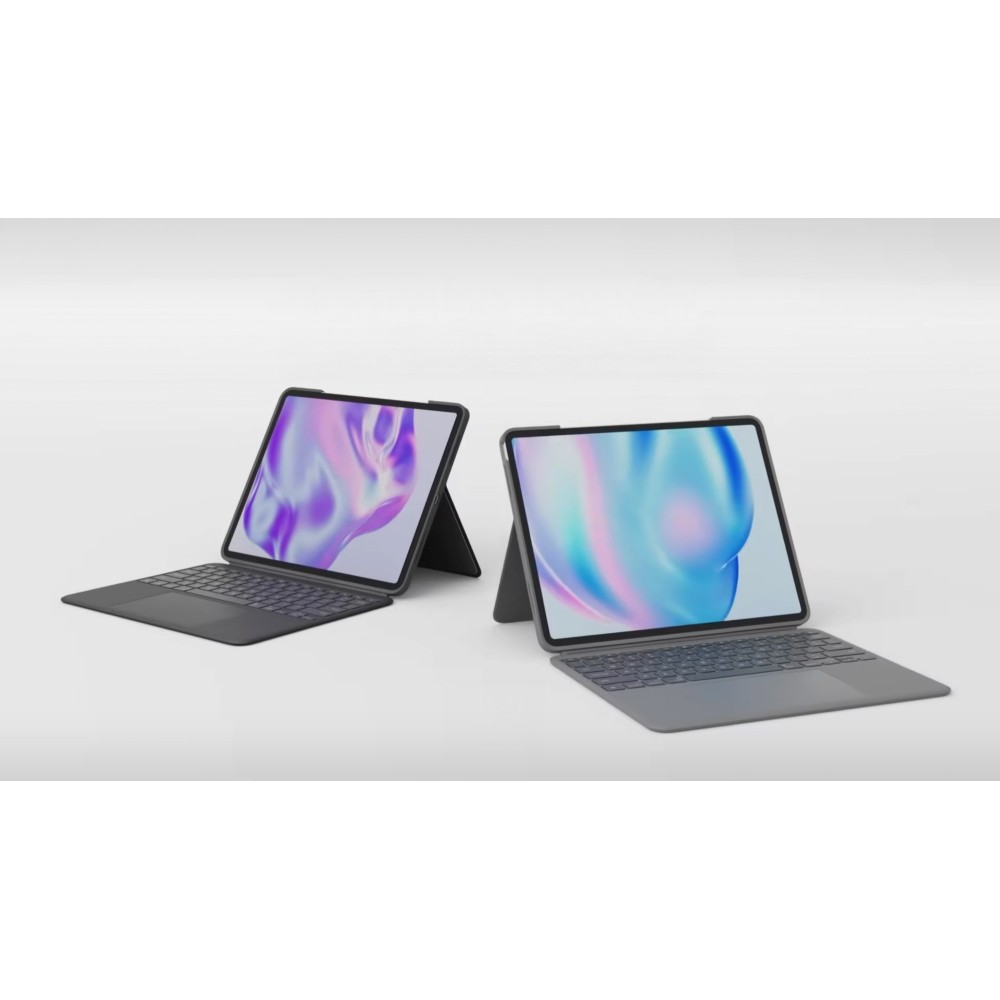
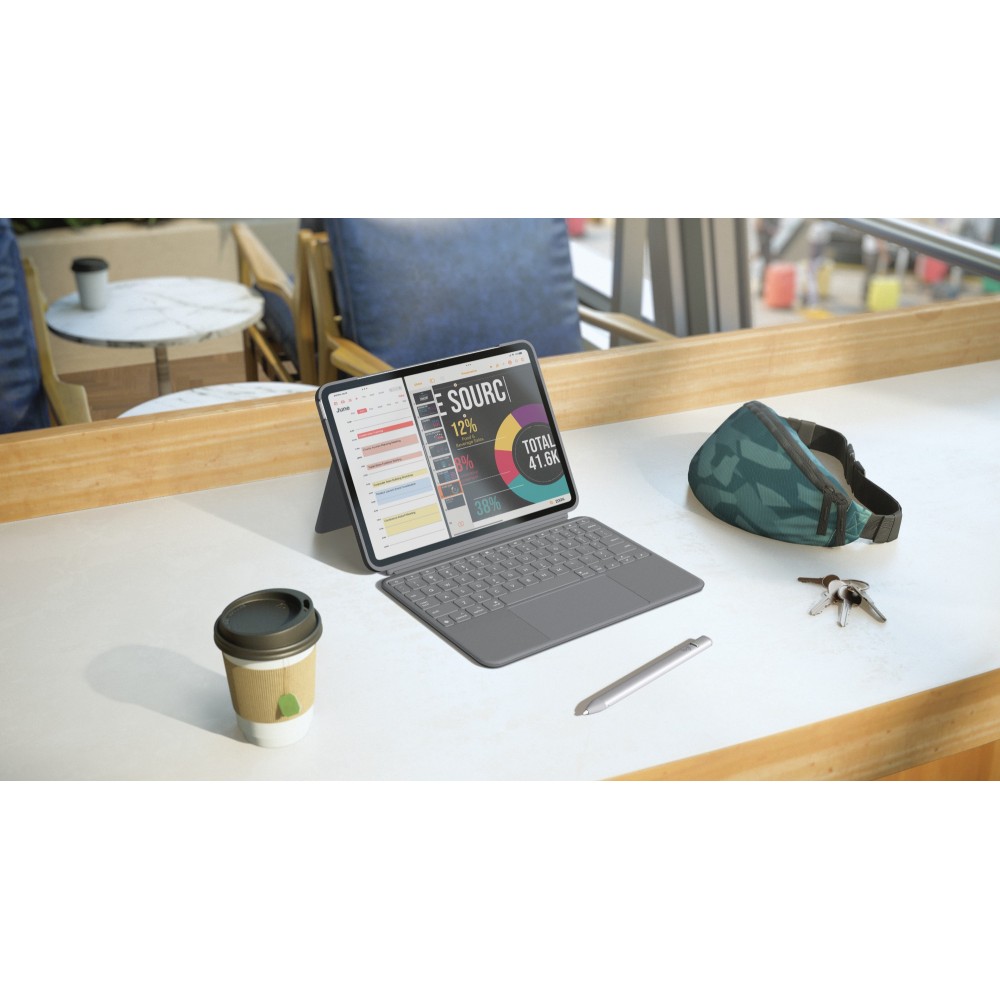
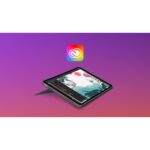
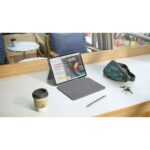
The keyboard detaches when you want to sketch, read or watch videos without it. When you need to type, its backlit keys and row of iPadOS shortcuts make common controls easier to reach. The trackpad supports gestures such as swiping, pinching and double-tapping.
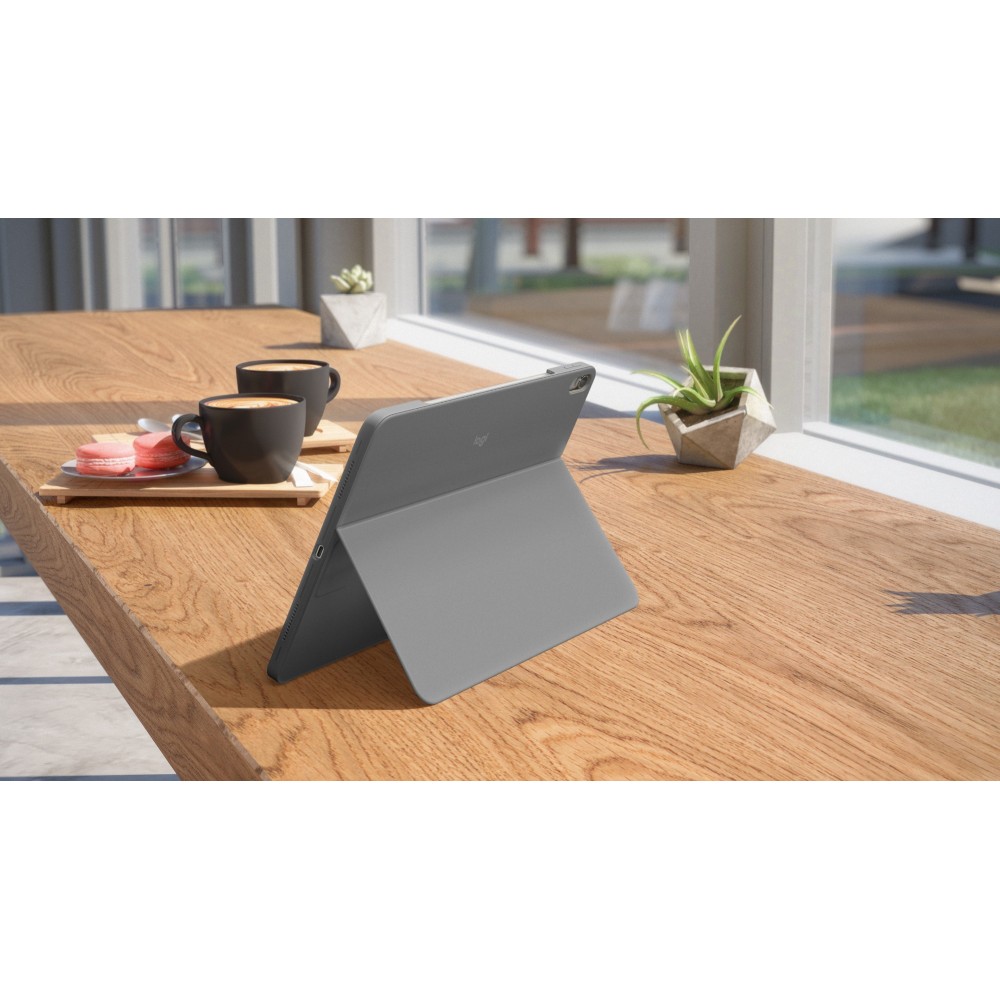
Set a comfortable viewing angle
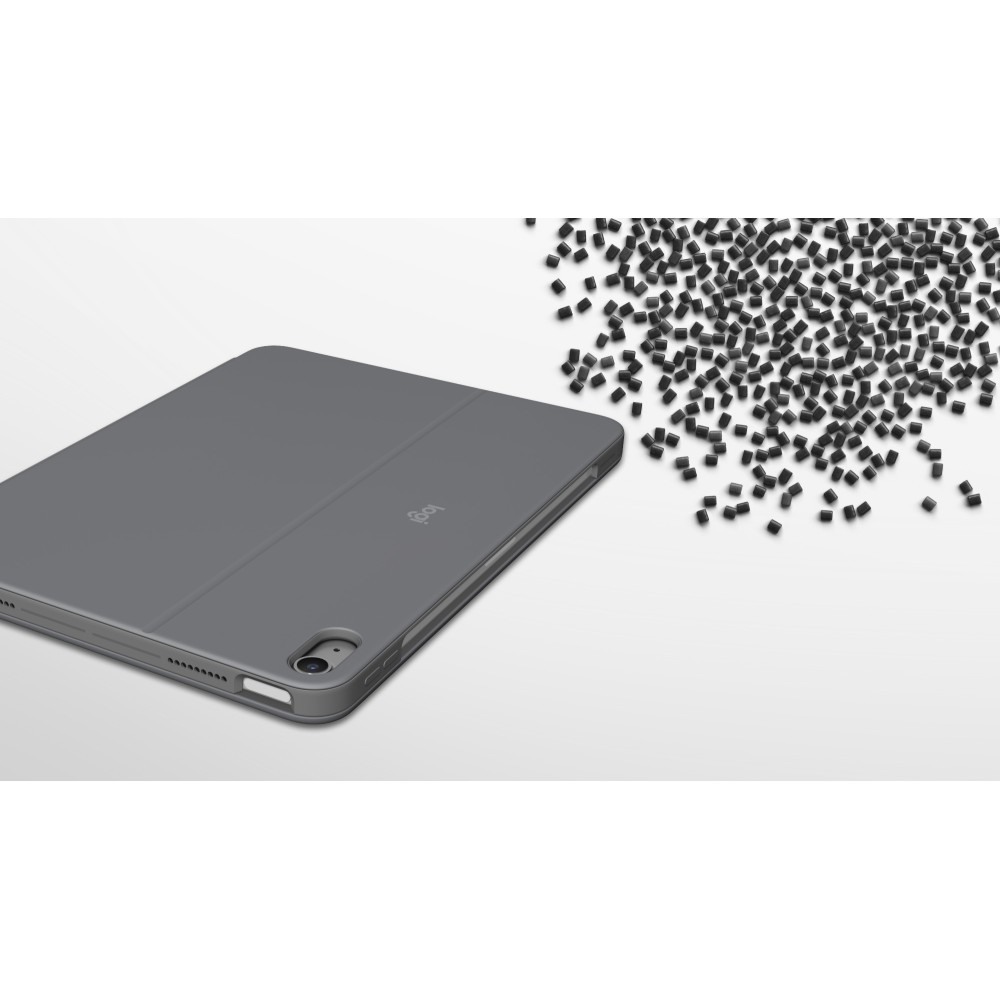
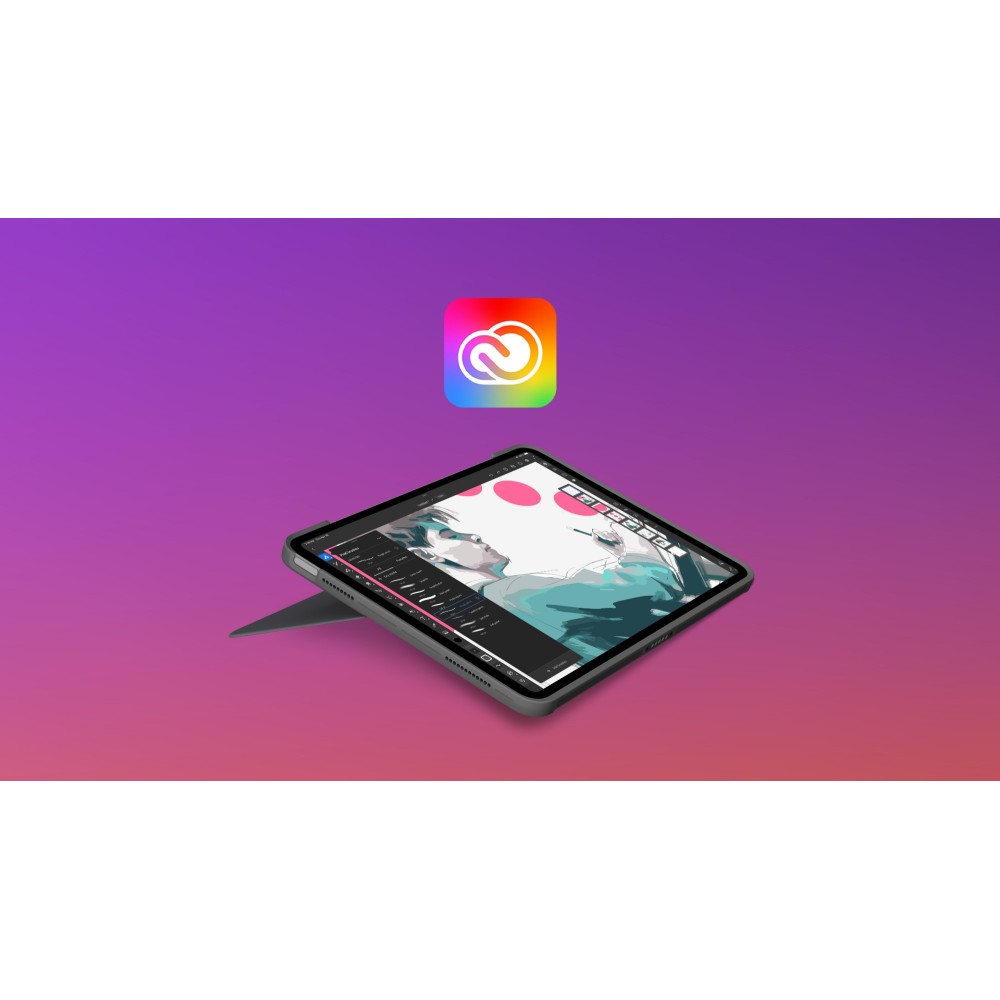
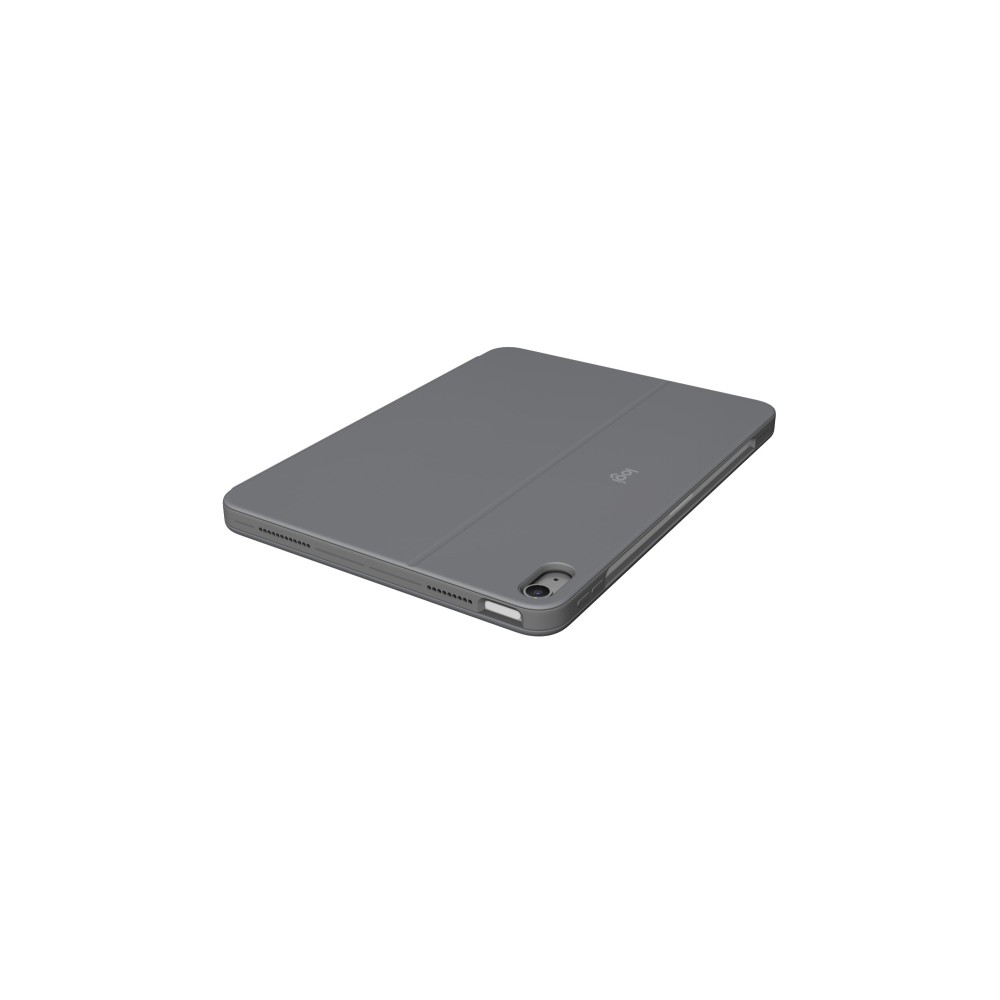
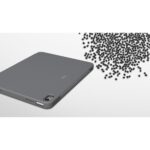
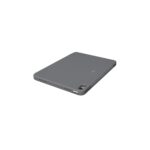
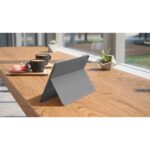
Use the flexible kickstand to adjust the screen between 10° and 60°. This gives you room to choose a suitable position for typing, viewing or sketching. The fitted case helps protect your iPad from scuffs and scratches, while a holder keeps Apple Pencil close at hand.
In the box
- Keyboard case
- User documentation
Check compatibility before ordering
- Confirm your tablet is an iPad Air 11-inch (M2).
- Check that a UK English QWERTY keyboard suits your typing.
- Confirm you want a case with a detachable keyboard and trackpad.
- Check that you use iPadOS.
Frequently Asked Questions
Q: Does the keyboard need separate charging?
A: No. The Smart Connector links the keyboard to the iPad and supplies its power.
Q: Can I remove the keyboard?
A: Yes. Detach it to use the iPad for reading, sketching or watching videos.
Q: Does it have backlit keys?
A: Yes. The backlighting is adjustable, with dedicated keys for changing its brightness.
Q: Which iPad is it compatible with?
A: It is compatible with the iPad Air 11-inch (M2) and supports iPadOS.
A practical fit for iPad Air
Choose the Logitech Combo Touch if you want typing, trackpad control and a protective case together. Its detachable keyboard and adjustable kickstand make it useful for varied everyday tasks.



 DPD tracked delivery
 Buy now, pay later with Klarna at checkout
 Pay in 3 instalments with PayPal at checkout

Reviews
Clear filtersThere are no reviews yet.