Origin Storage USB-C Docking Station – connect your desk through USB-C
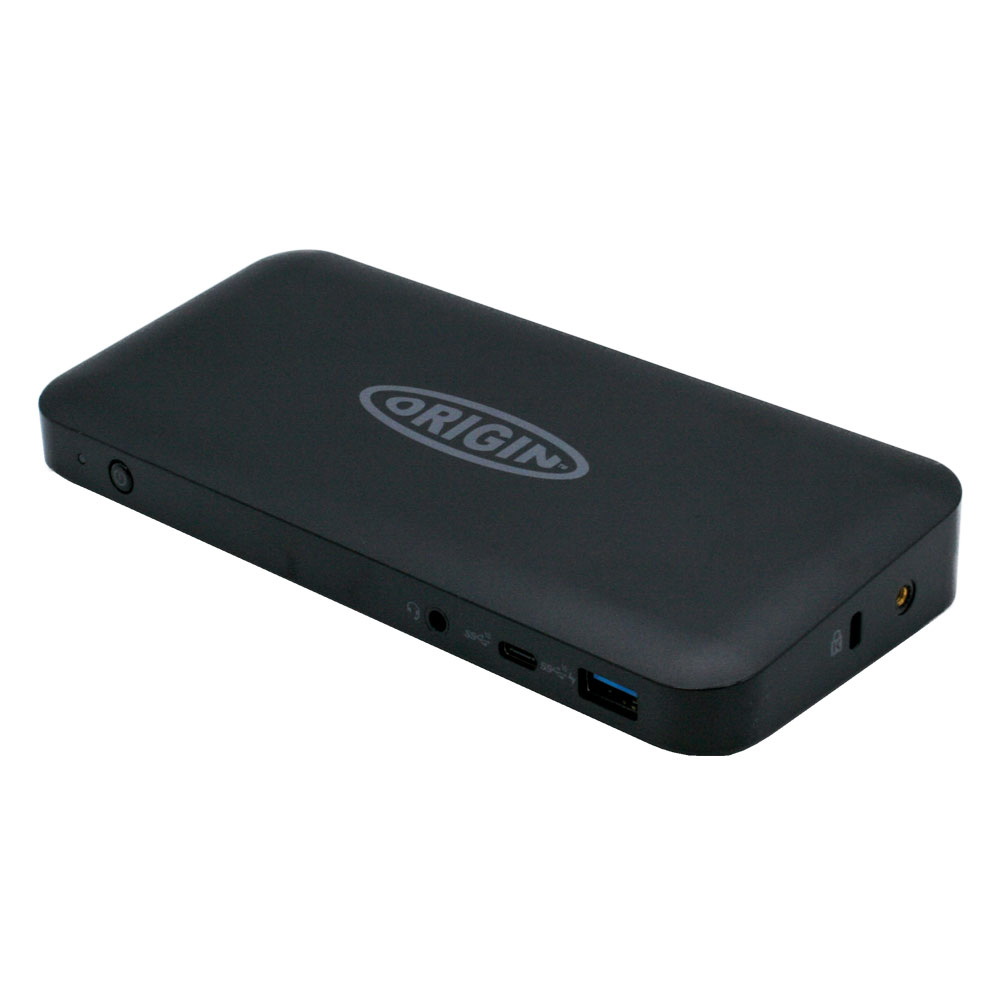
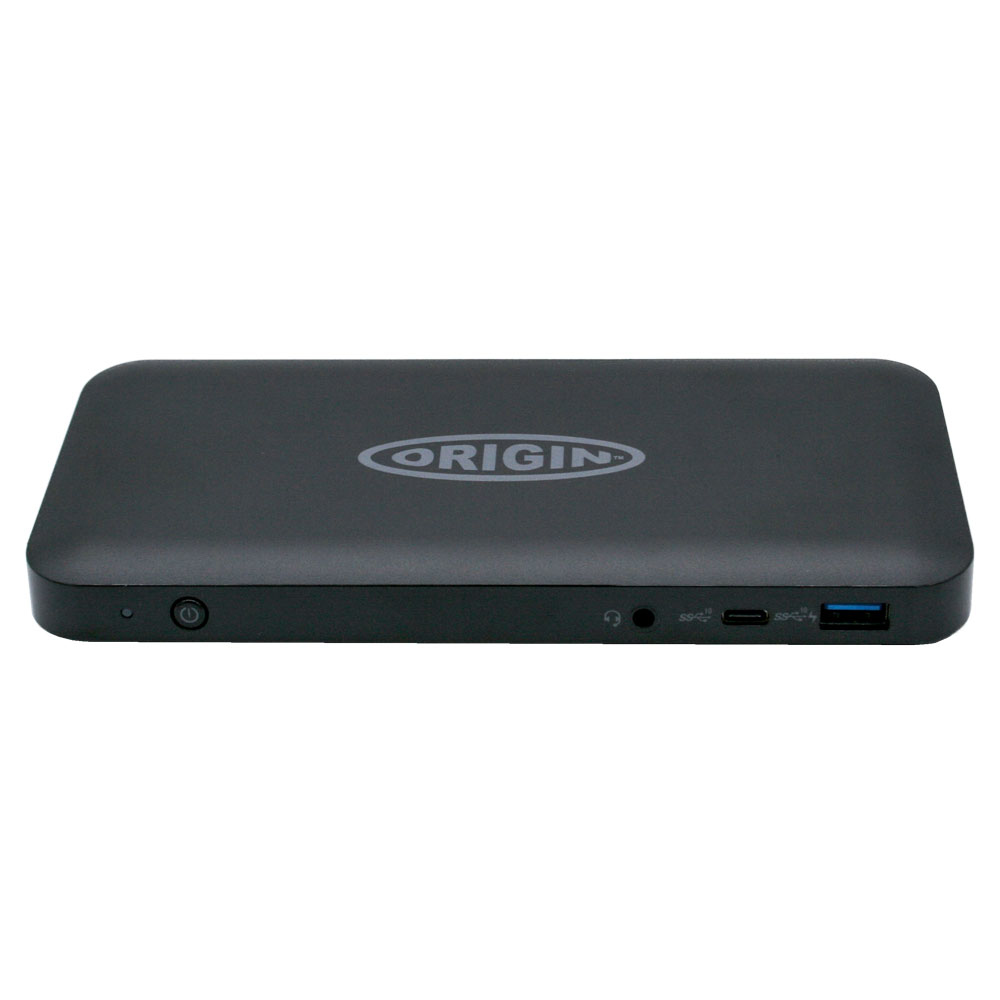
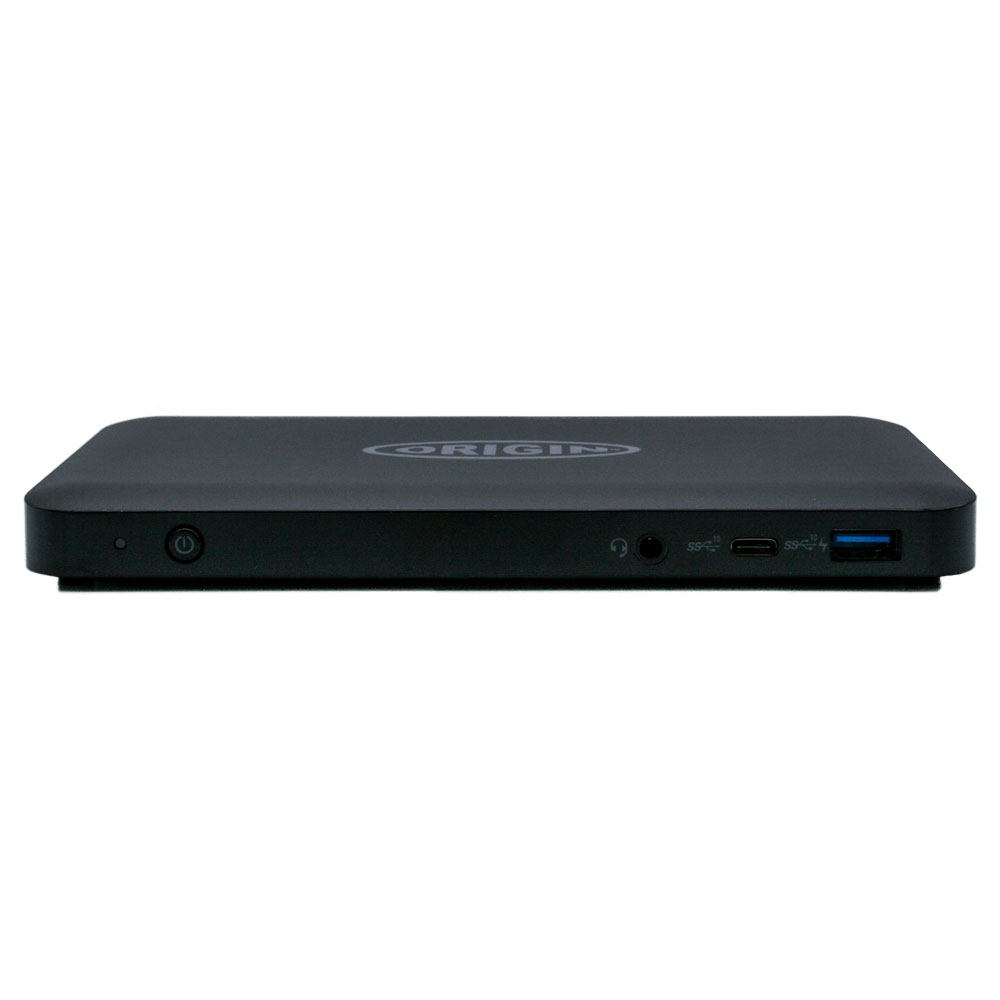
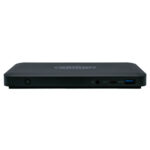
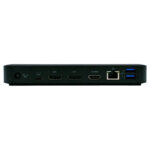
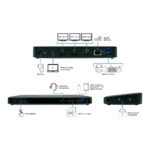
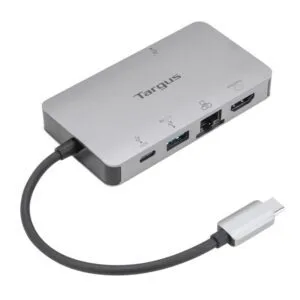
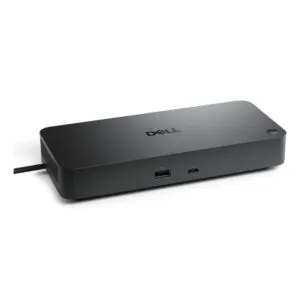
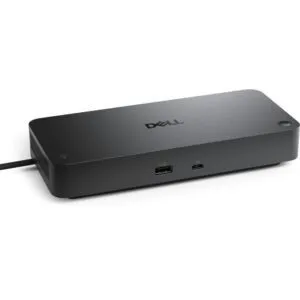
For a simpler desk setup, the Origin Storage USB-C Docking Station brings display, USB-A and wired network connections together. It also provides up to 85W USB Power Delivery for a compatible connected computer.
Ports and power at a glance
| Metric |
Specification |
| Host connection |
USB-C, USB 3.2 Gen 1 |
| USB-A ports |
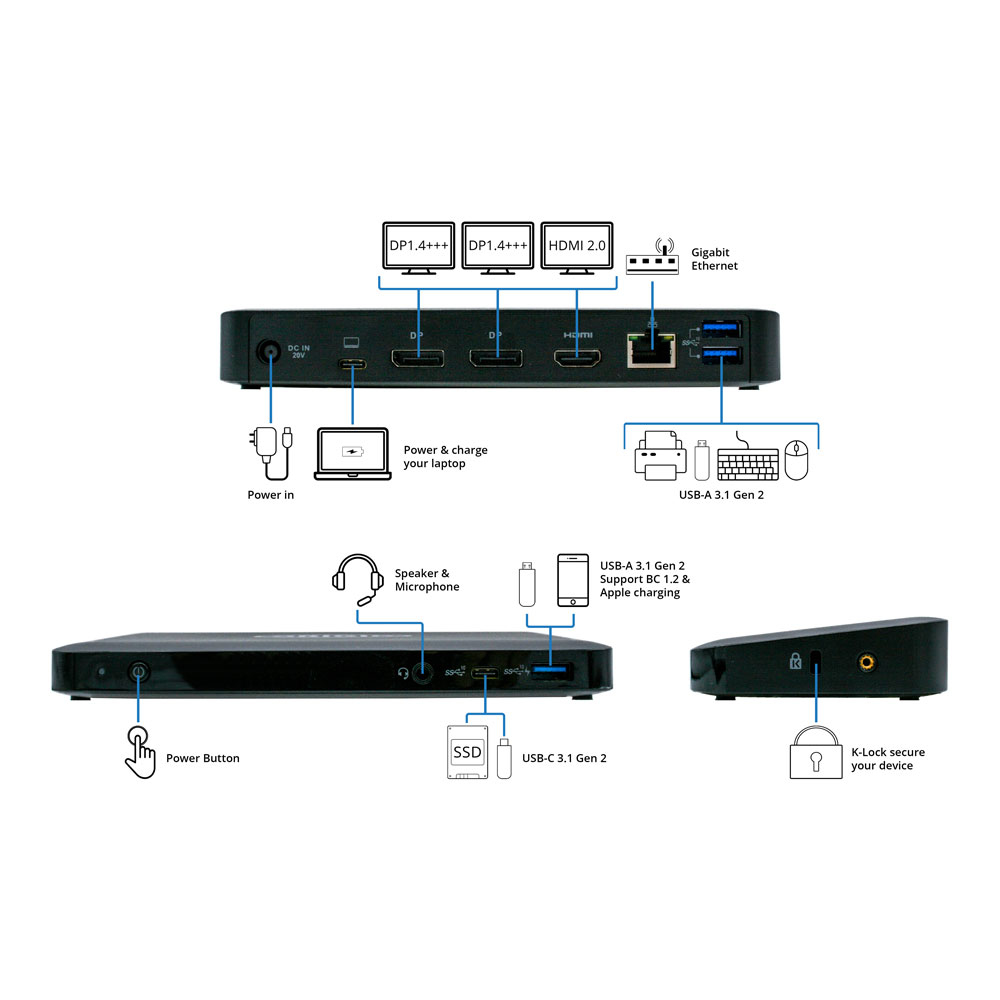
3 |
| Video outputs |
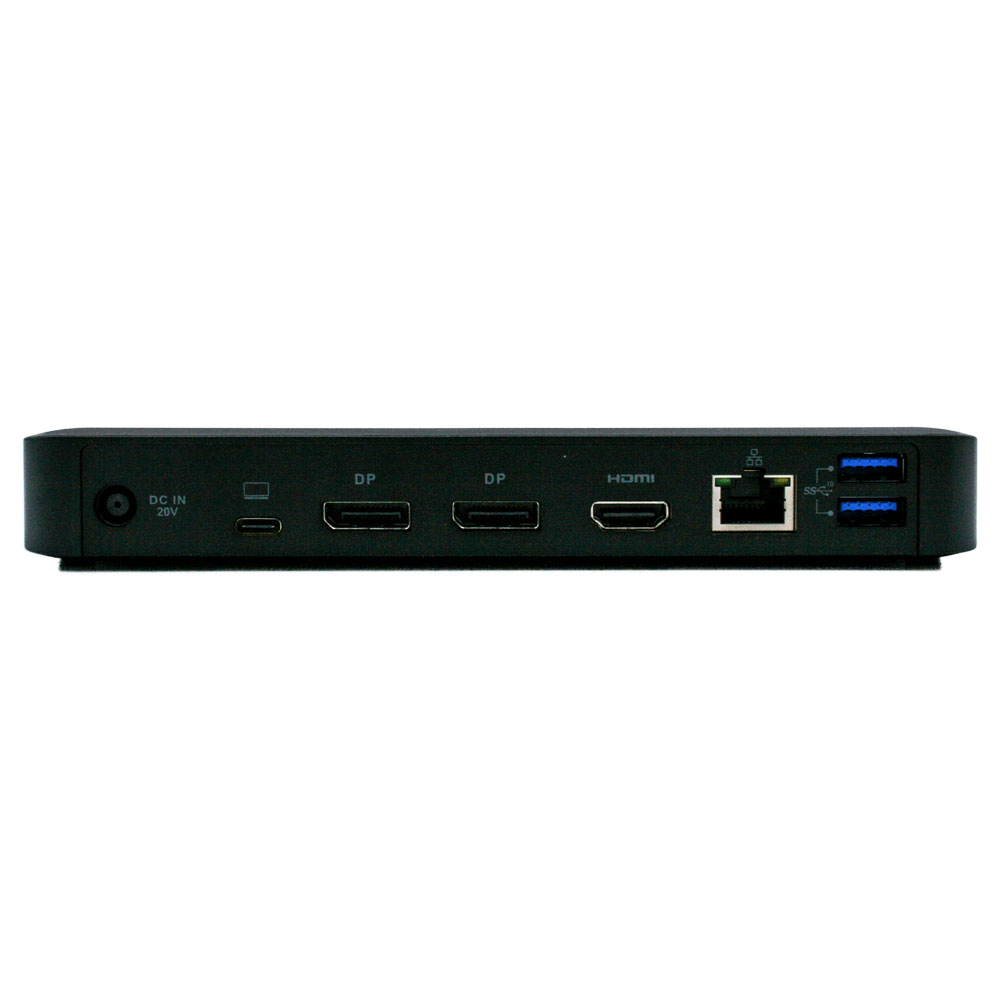
1 HDMI and 2 DisplayPort |
| Power Delivery |
Up to 85W |
| Ethernet |
Gigabit, 10/100/1000 Mbit/s |
| Setup |
Plug and Play |
Add display and desk connections
Connect compatible displays through the HDMI and DisplayPort outputs. With three USB-A ports, you can also connect USB-A peripherals through the dock instead of using your computer’s ports.
A single USB-C host connection links the dock to your computer. So you can bring your supported desk connections together through one cable.
Keep a wired network connection
The RJ-45 Ethernet port supports speeds up to 1,000 Mbit/s. Use it to connect to a compatible wired network when you prefer Ethernet.
The dock also supports USB Power Delivery up to 85W. Check that this output suits your computer’s charging requirements before ordering.
Check your setup
- Confirm your computer has a USB-C port for the host connection.
- Check that your computer supports video output over USB-C if you plan to use the HDMI or DisplayPort connections.
- Confirm your computer’s charging requirements are within the dock’s 85W Power Delivery limit.
- Check that your displays and network cable match the dock’s HDMI, DisplayPort and RJ-45 connections.
Frequently Asked Questions
Q: How many USB-A ports does the dock have?
A: It has three USB-A ports.
Q: Which display connections are available?
A: The dock has one HDMI output and two DisplayPort outputs.
Q: How much power does USB Power Delivery provide?
A: It provides up to 85W.
Q: Does the dock support Gigabit Ethernet?
A: Yes. Its RJ-45 port supports 10, 100 and 1,000 Mbit/s.
A practical fit for USB-C desks
Choose the Origin Storage USB-C Docking Station if you want USB-A, display and wired network connections in one dock. It suits compatible computers with USB-C and includes a one-year warranty.

 DPD tracked delivery
 Buy now, pay later with Klarna at checkout
 Pay in 3 instalments with PayPal at checkout

Reviews
Clear filtersThere are no reviews yet.