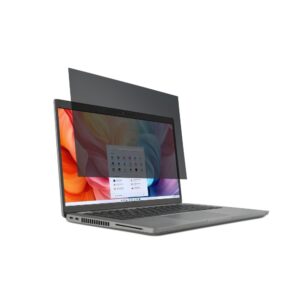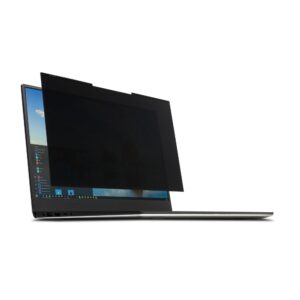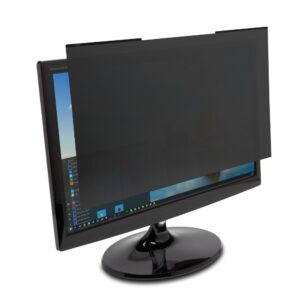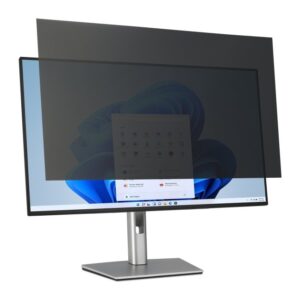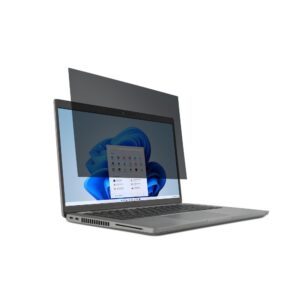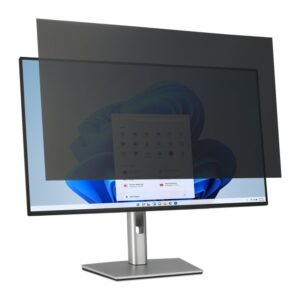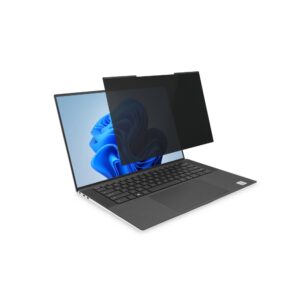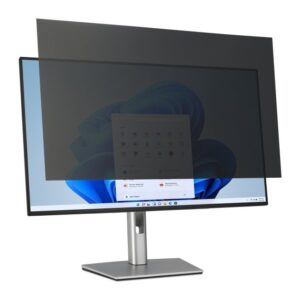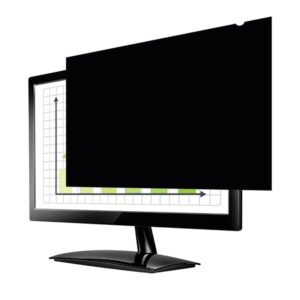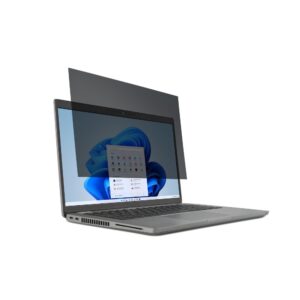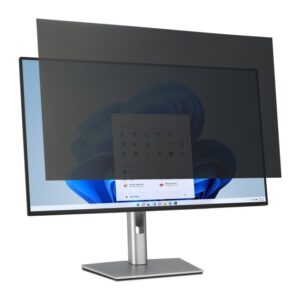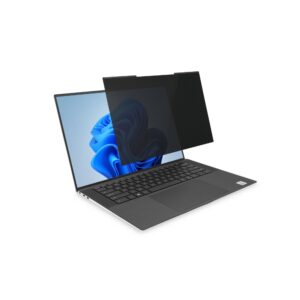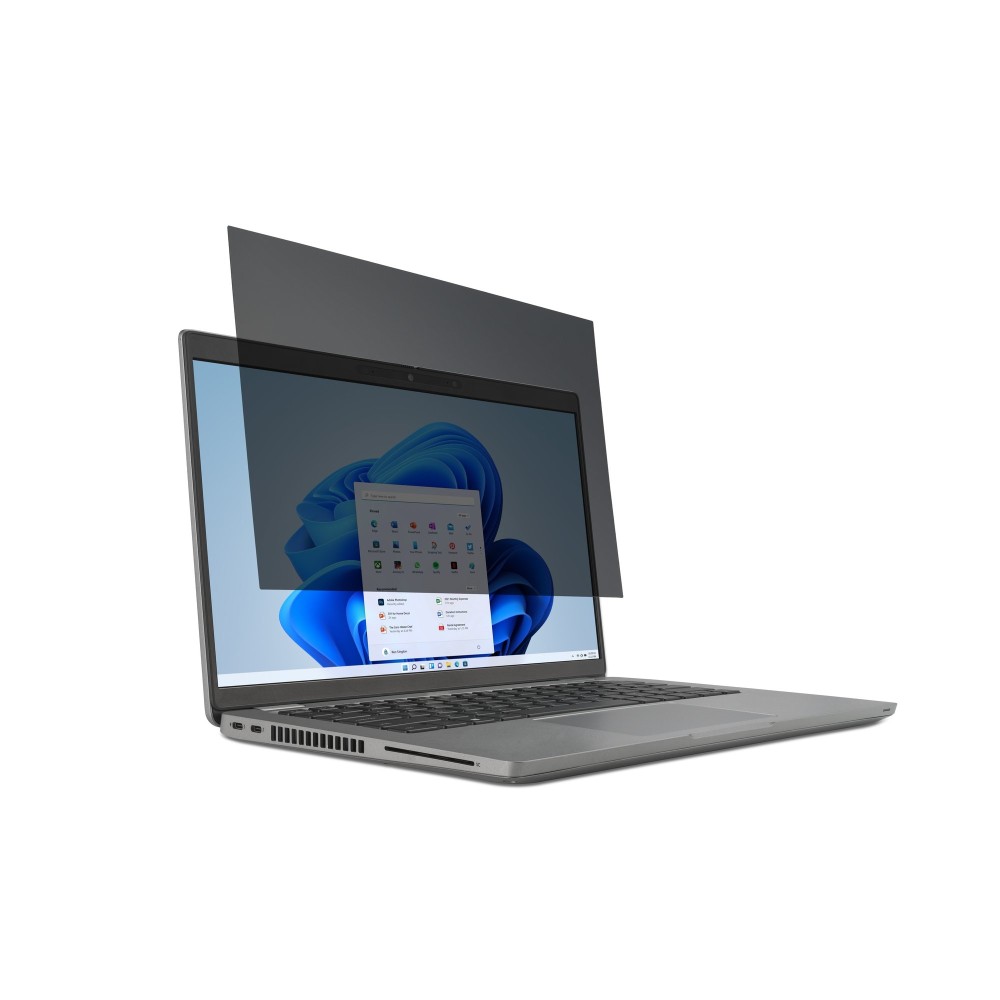
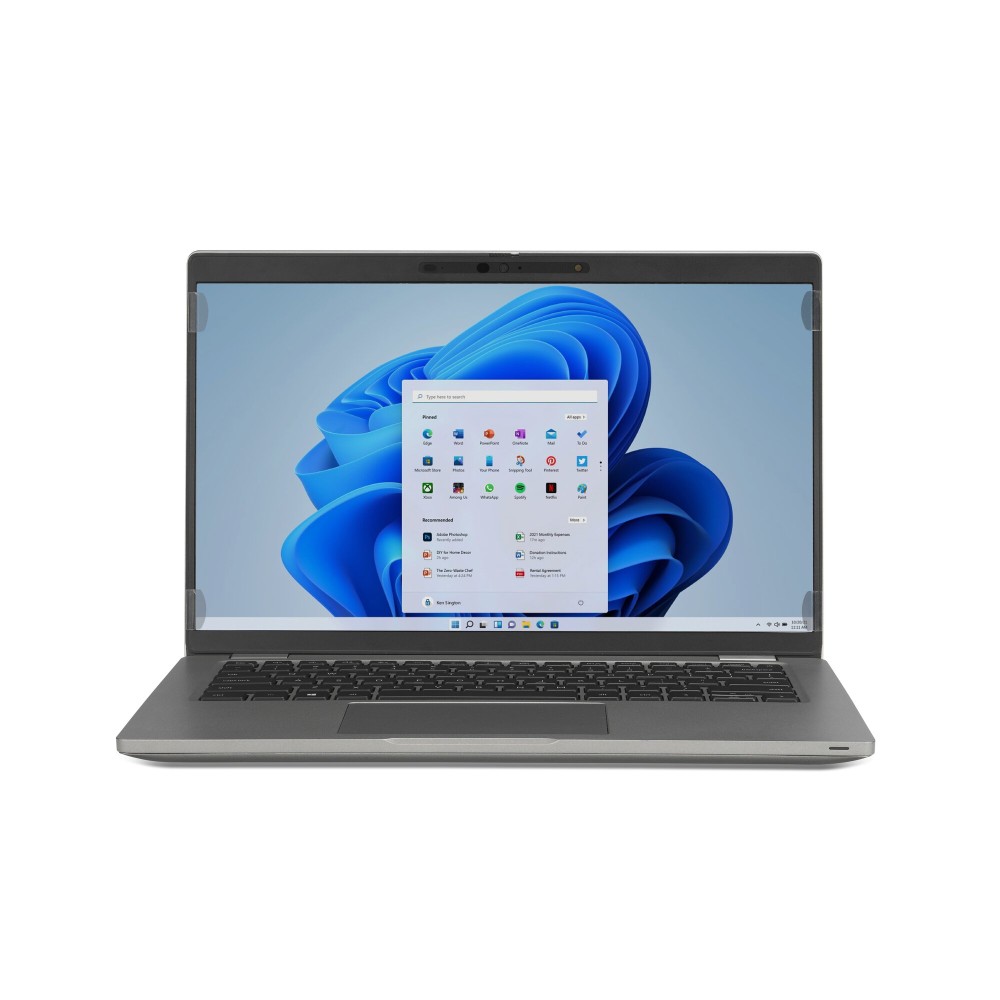
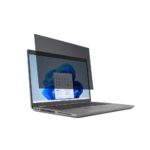
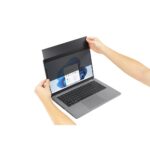

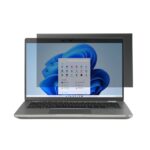
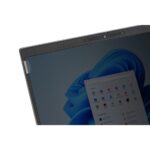
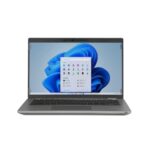
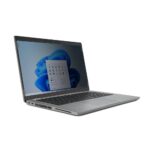
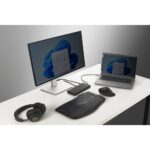


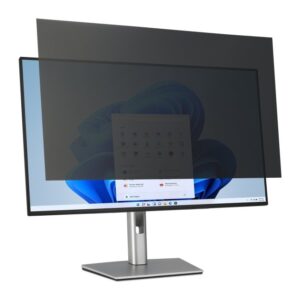
Kensington 2-way Removable Privacy Screen Filter for 16″ Laptops 16:9

SKU: 626471

£41.18 inc VAT

In stock

In stock

More Ways to Pay

  • Klarna Buy now, pay later with Klarna at checkout
  • PayPal Pay in 3 interest-free payments with PayPal at checkout

About This Item

  • Laptop compatibility: 16-inch screens with 16:9 aspect ratio
  • Privacy protection: Prevents unauthorised viewing
  • Eye comfort: Built-in anti-glare and blue light filters
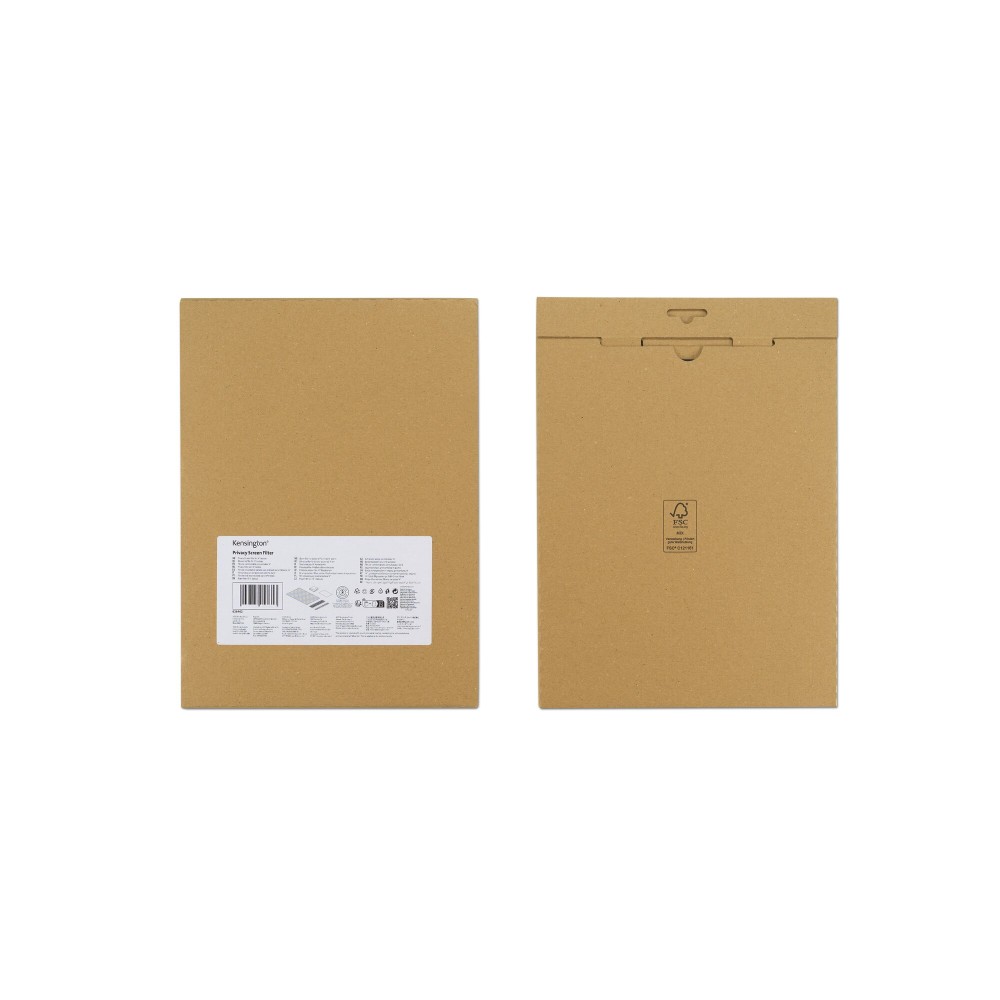
  • Package dimensions: 445 mm depth, 270 mm width, 5 mm height
  • Lightweight: Package weight of 213 g
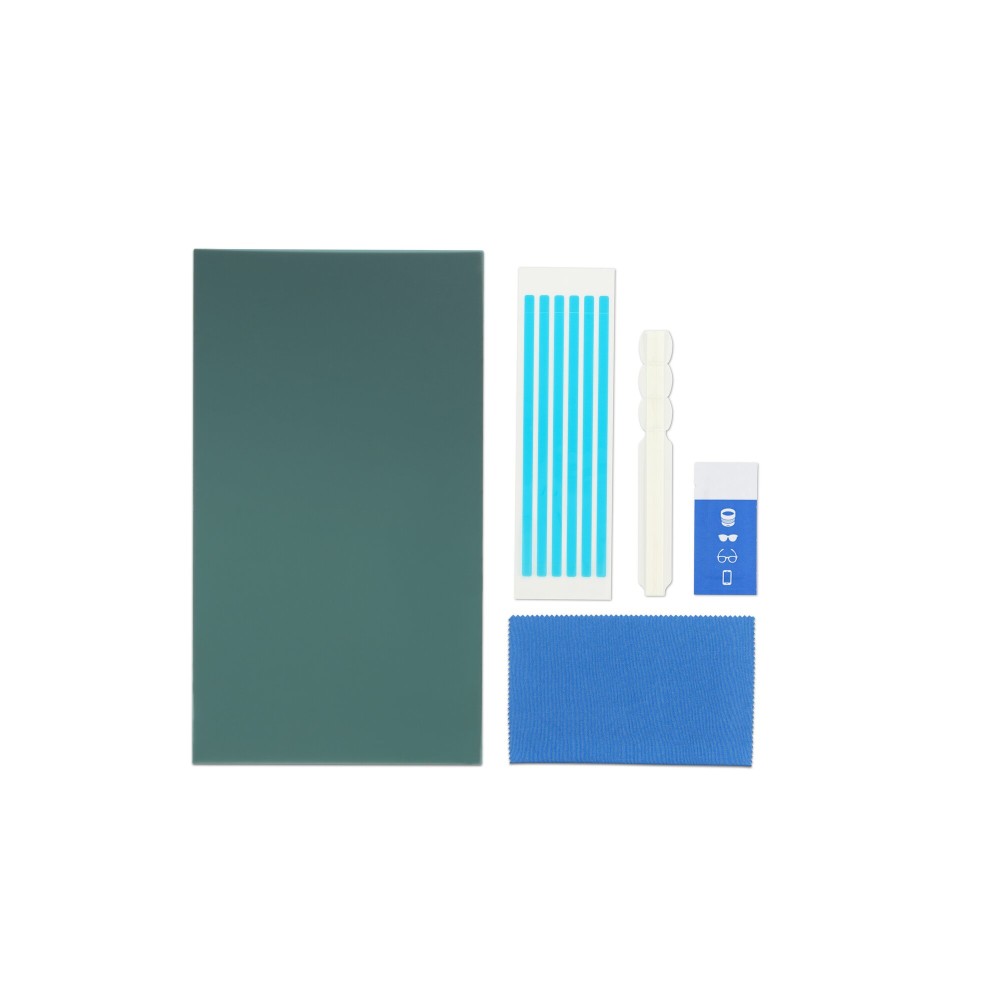
  • Quantity: 1 pc per pack

Payment Methods:

payments
Description

Kensington Privacy Filter – 2-Way Removable Screen Protection

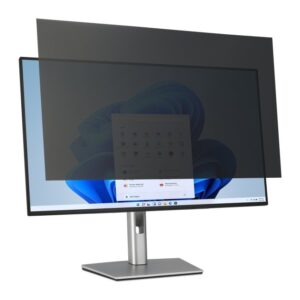
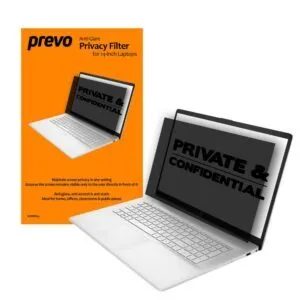
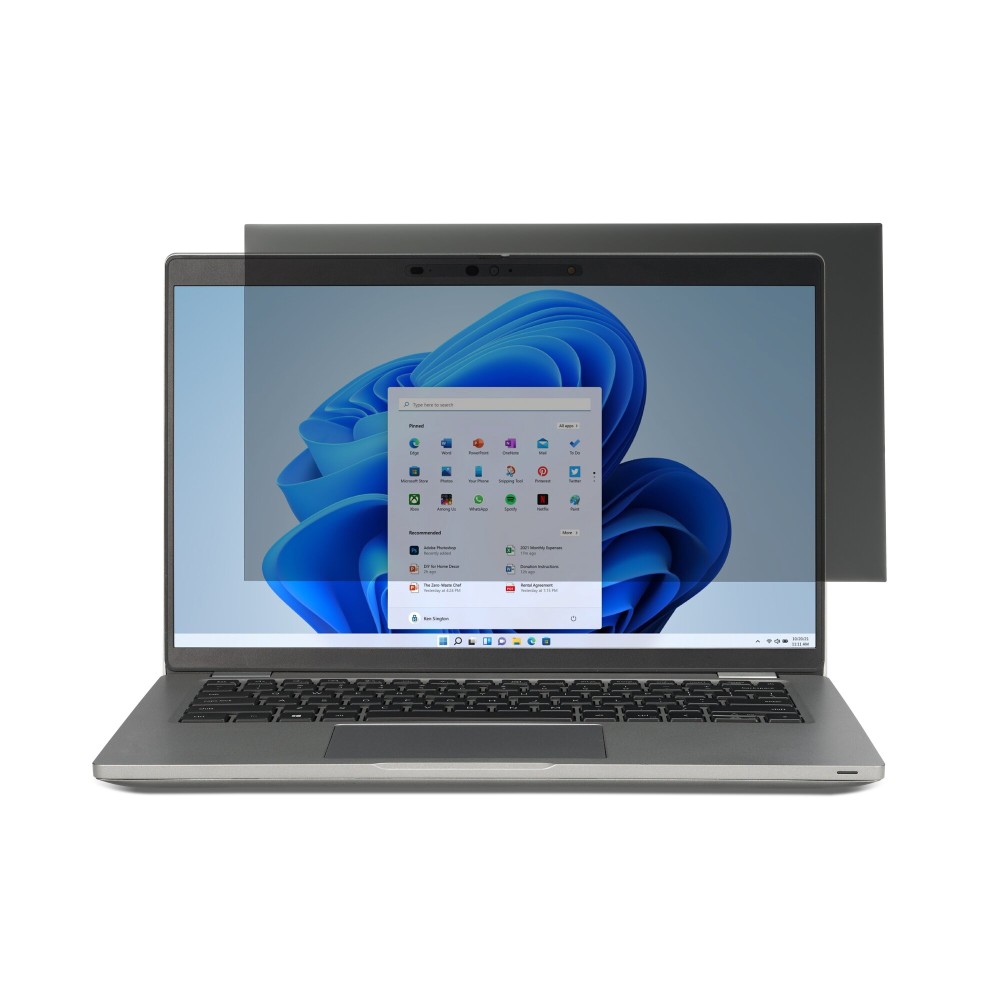
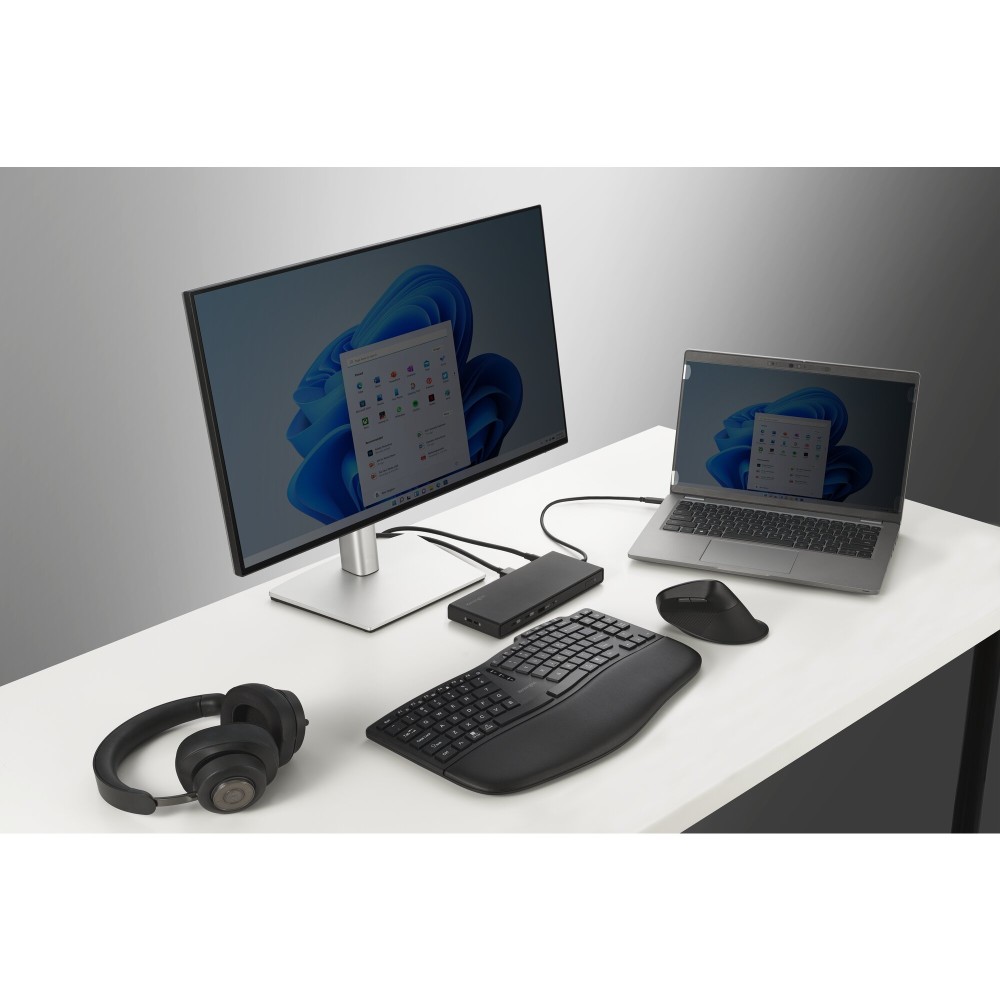
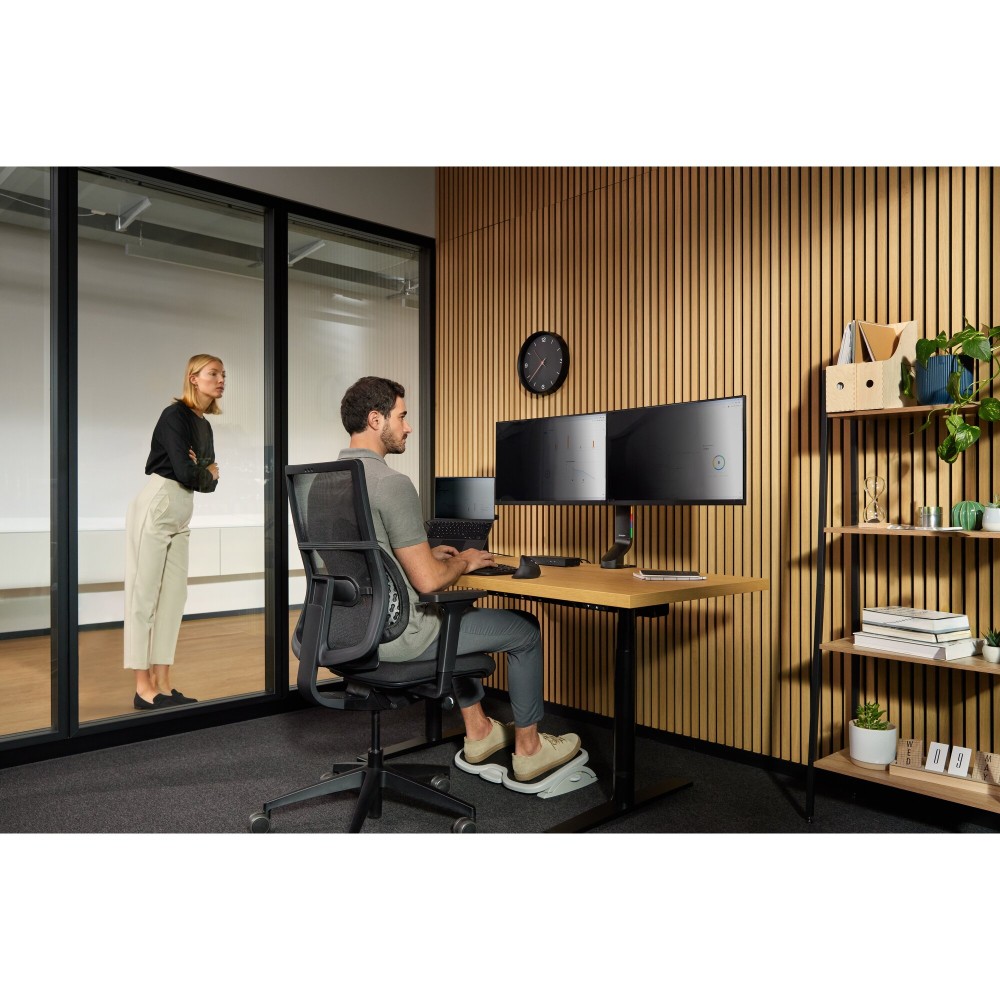
We understand the importance of securing your digital workspace. The Kensington 2-way Removable Privacy Screen Filter for 16″ Laptops 16:9 offers essential protection for sensitive information. This privacy filter is perfect for professionals who work on the go or in open-plan offices. It ensures your screen content remains confidential from prying eyes around you.

Core specifications for your laptop

Metric Spec.
Screen size max 16″
Aspect ratio 16:9
Package weight 213 g
Quantity 1 pc(s)

Discreet Viewing Angles

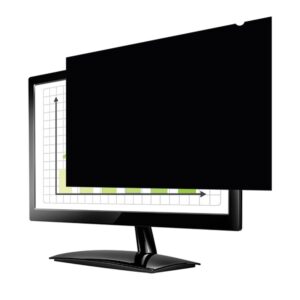
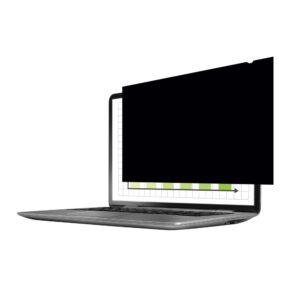
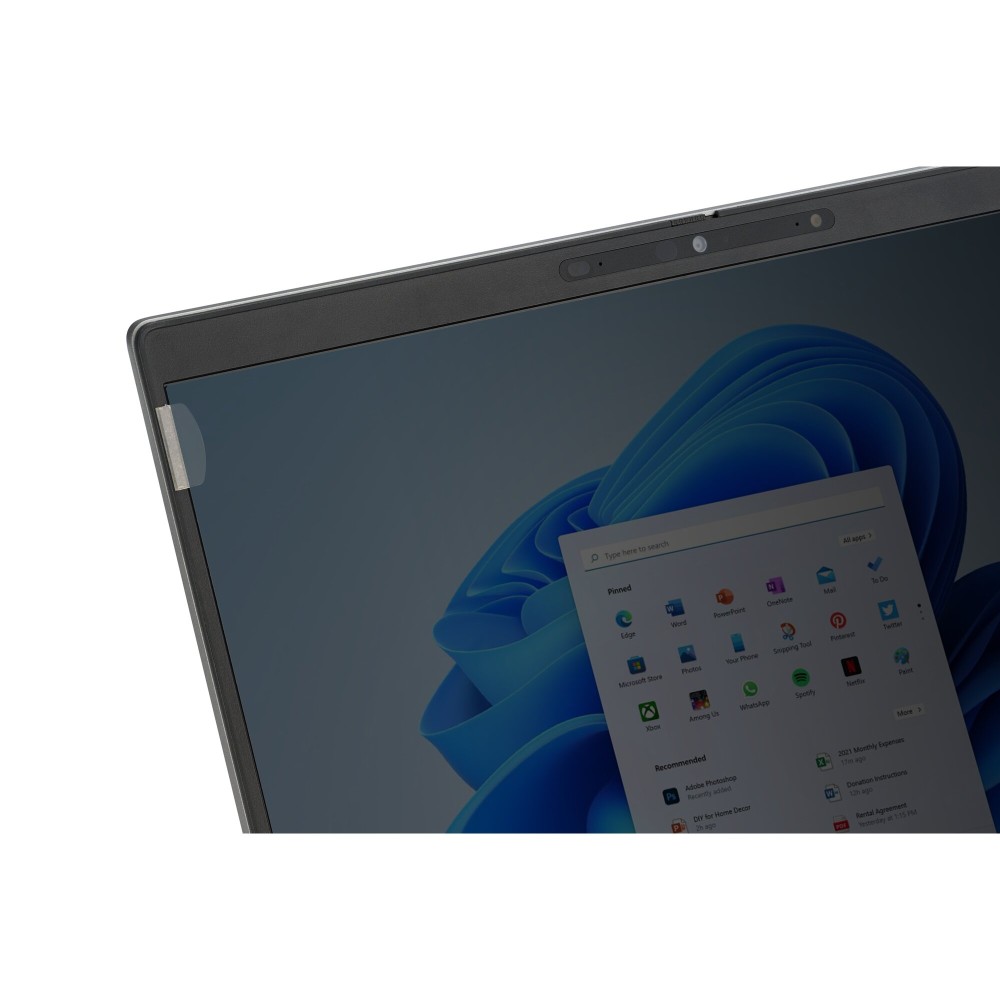
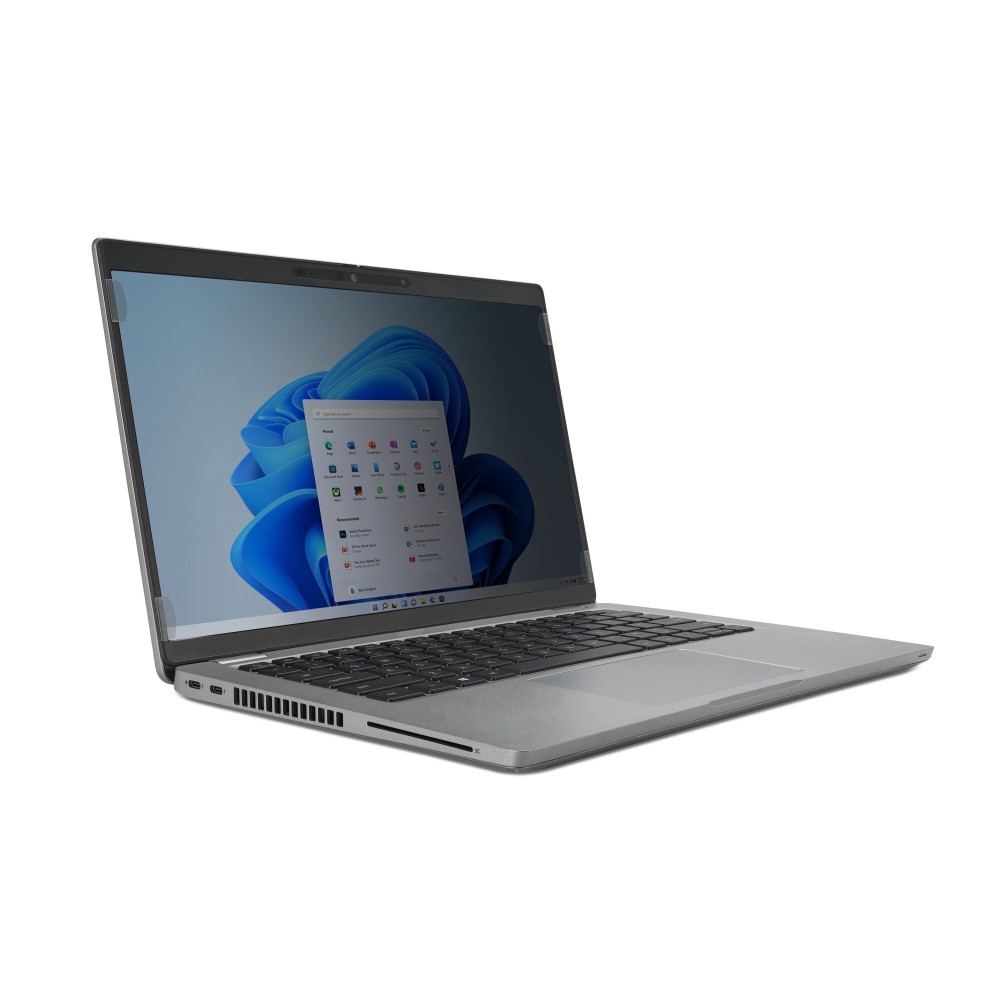
This filter employs a two-way privacy screen. It limits the viewing angle to directly in front of the display. This means onlookers from either side will see a darkened screen. Your sensitive data stays private, even in busy environments.

Reduced Eye Strain

Working long hours can lead to eye fatigue. Our Kensington privacy filter includes anti-glare properties. It also features a built-in blue light filter. These elements combine to create a more comfortable viewing experience.

Effortless Installation

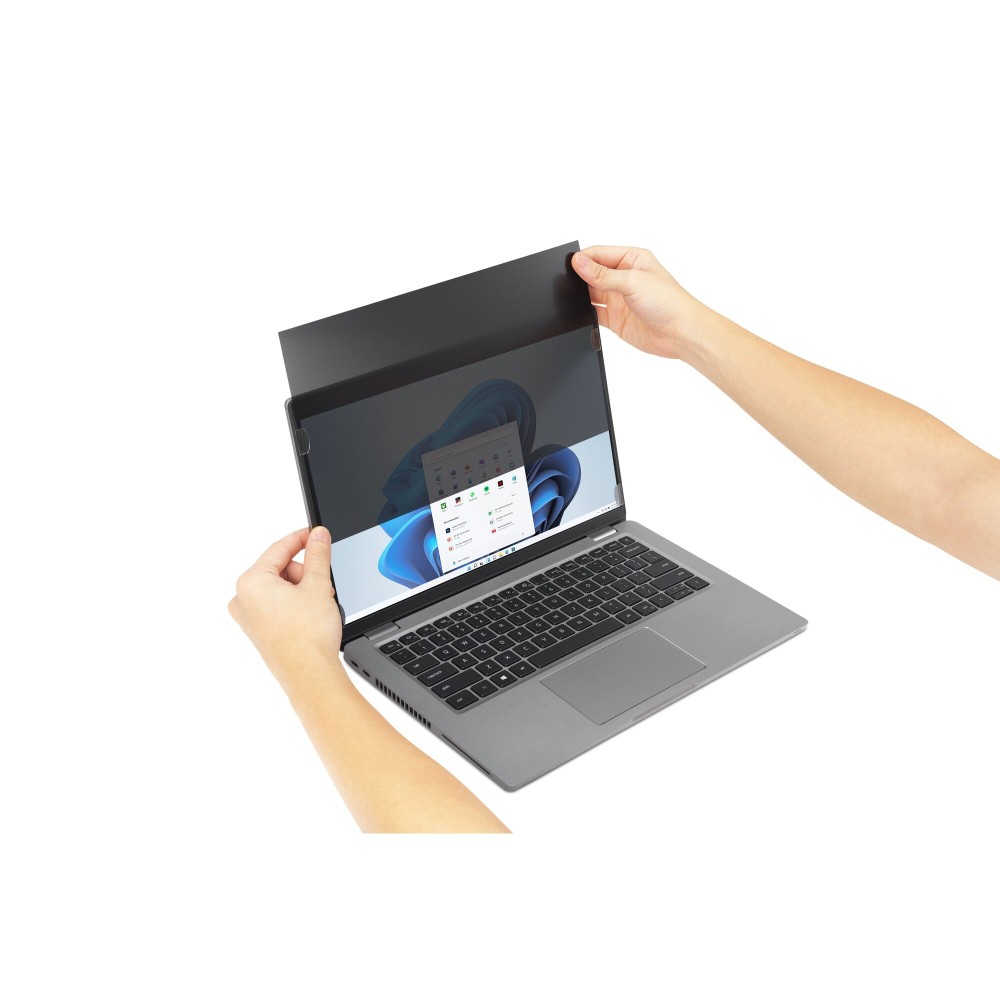
The removable design allows for quick attachment and detachment. You can switch between private and collaborative viewing with ease. This flexibility makes it ideal for various work scenarios. The filter protects your screen without permanent alteration.

Before you order

  • Confirm your laptop has a 16-inch screen.
  • Check your screen’s aspect ratio is 16:9.
  • Ensure you require a removable privacy filter.
  • Consider your typical working environments for optimal use.

Frequently Asked Questions

Q: How does the two-way privacy work?

A: It darkens the screen for anyone viewing from either side, making your content visible only to you.

Q: Is this filter easy to remove and reattach?

A: Yes, its removable design allows for quick and simple installation and removal as needed.

Q: Does it protect against screen scratches?

A: While its primary role is privacy, it also adds a layer of physical protection to your screen.

Q: Will it affect screen brightness?

A: Privacy filters can slightly reduce perceived brightness, but this one also helps with glare.

The bottom line

This Kensington 2-way Removable Privacy Screen Filter for 16″ Laptops 16:9 is an excellent choice. It suits anyone needing to protect on-screen information from curious glances. Its additional features also enhance user comfort. Warranty cover varies by product, so please contact us to confirm.

Specifications
Technical details
Maximum screen size40.6 cm (16")
Aspect ratio16:9
Suitable forLaptop
Design
Maximum screen size40.6 cm (16")
Suitable forLaptop
Features
Aspect ratio16:9
Ergonomics
Maximum screen size40.6 cm (16")
Weight & dimensions
Package height5 mm
Package depth445 mm
Package width270 mm
Package weight213 g
Packaging data
Package height5 mm
Package depth445 mm
Package width270 mm
Package weight213 g
Logistics data
Master (outer) case width293 mm
Master (outer) case length468 mm
Master (outer) case height63 mm
Master (outer) case gross weight2.36 kg
Products per master (outer) case10 pc(s)
Quantity per pack1 pc(s)
Identifiers
Distributor SKUs6016772, 4588689, 245367, STD10021491, CL626471
Additional EANs4049793059044

Customer Reviews

0 reviews
0
0
0
0
0

There are no reviews yet.

Be the first to review “Kensington 2-way Removable Privacy Screen Filter for 16″ Laptops 16:9”

Your email address will not be published. Required fields are marked *

You have to be logged in to be able to add photos to your review.