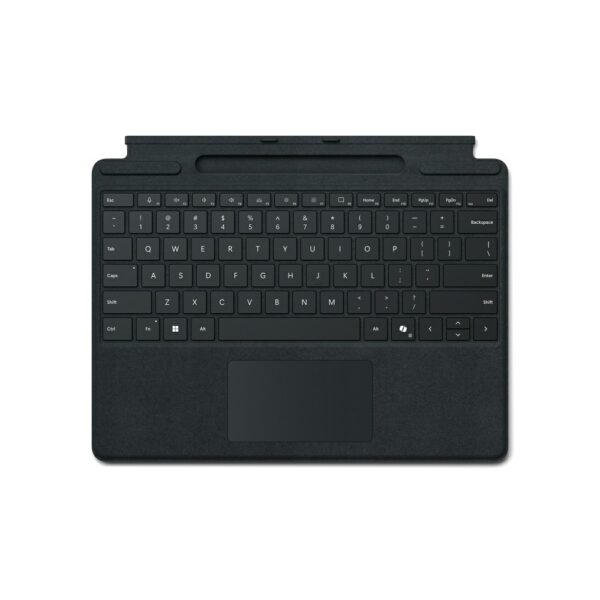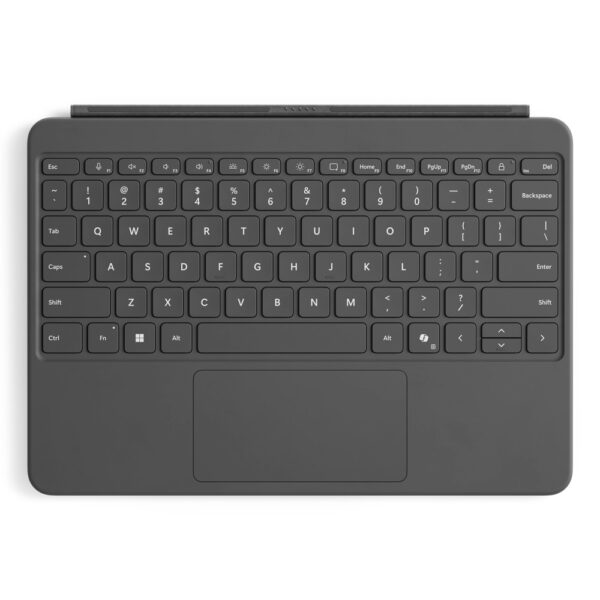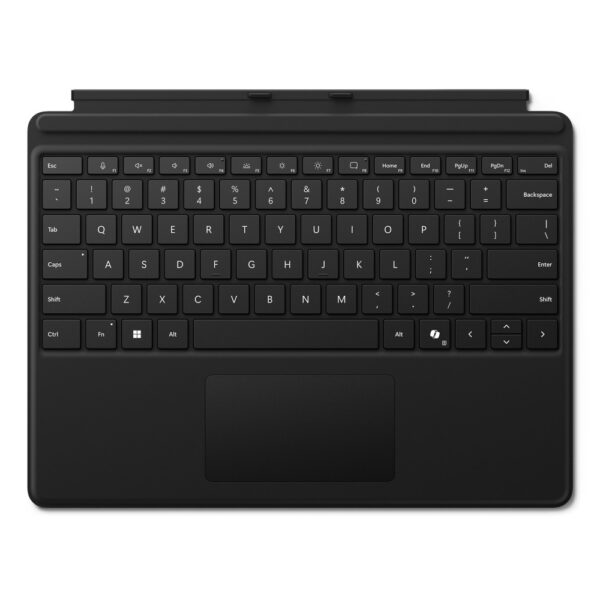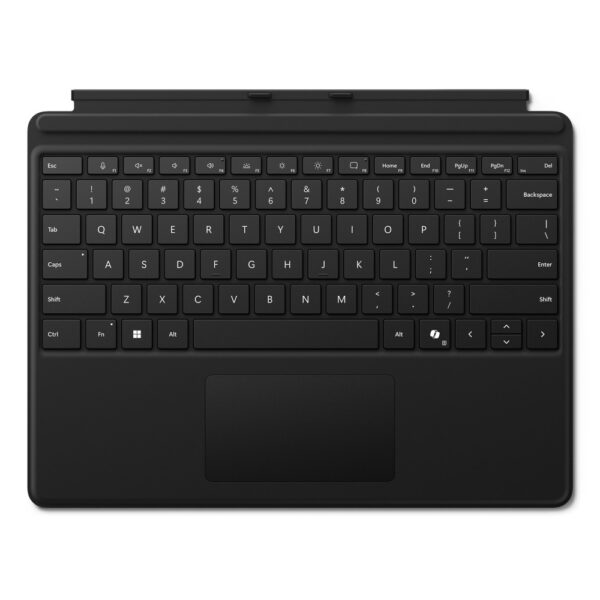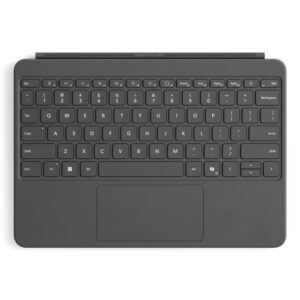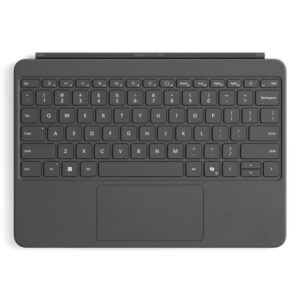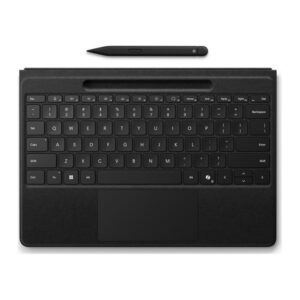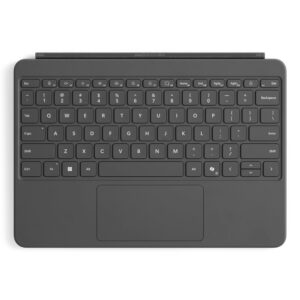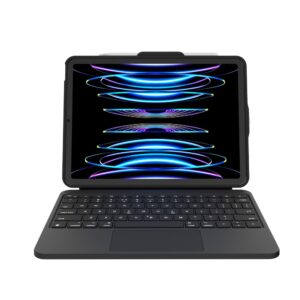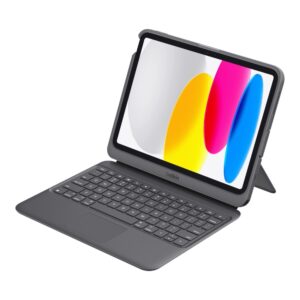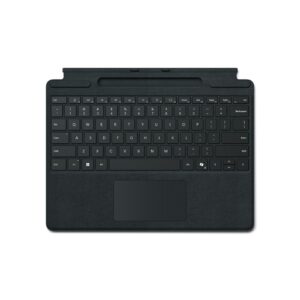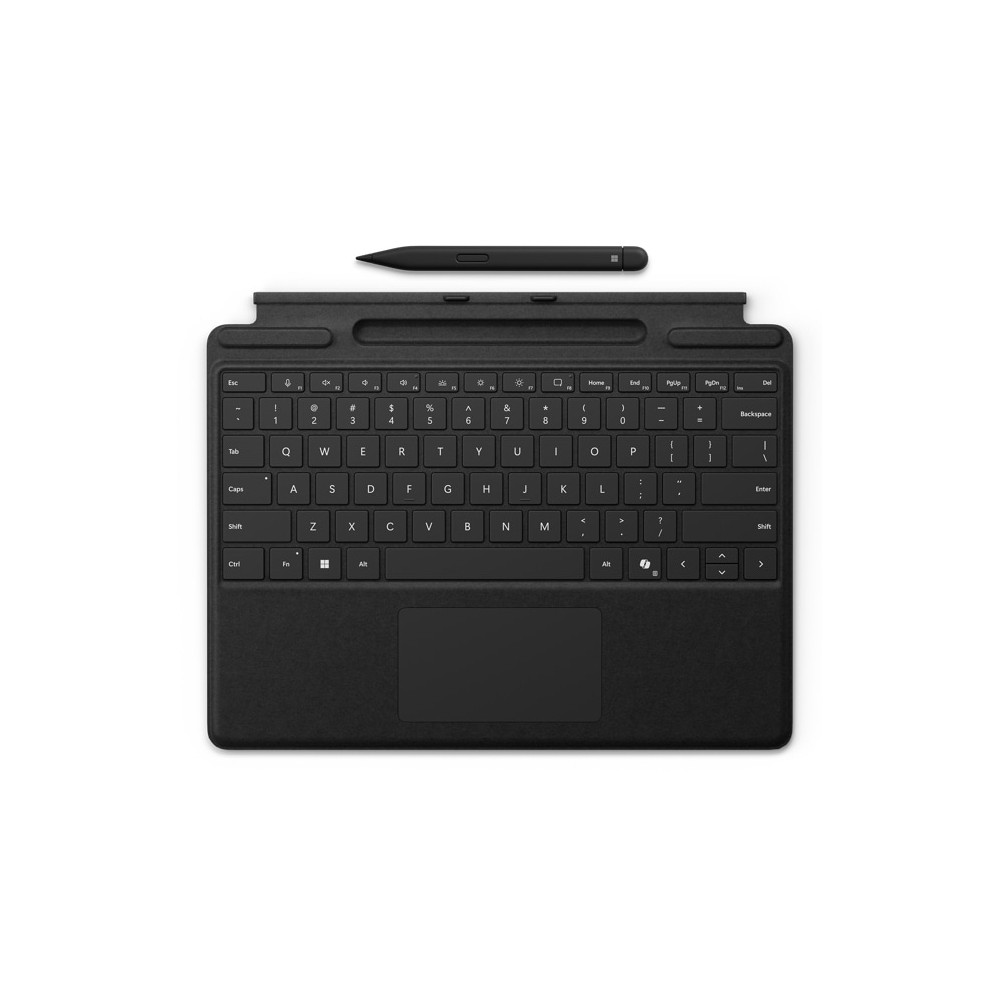


Microsoft Surface Pro Keyboard with Slim Pen for Business QWERTY English Black Docking Touchpad Surface Pro 8 9 10 X

SKU: 8X8-00143

£243.56

Out of stock

Out of stock

  • Free UK delivery on orders over £200
Order today, get it by Wed 28 Oct
  • DPD DPD tracked delivery
  • Klarna Buy now, pay later with Klarna
  • PayPal Pay in 3 instalments with PayPal

About This Item

  • Surface Pro 8 9 10 X for Business device compatibility
  • QWERTY English layout with Windows keys and no numeric keypad
  • Docking connectivity via Microsoft Cover port interface
  • Glass touchpad for precise control and navigation
  • Surface Slim Pen for Business storage tray for recharging
  • Alcantara material cover for comfortable durable feel
  • Windows 10 11 operating system support with dock power source
Description

Microsoft Surface Pro Keyboard with Slim Pen for Business – Premium Typing and Inking

We recommend this device for professionals needing versatility. The Microsoft Surface Pro Keyboard with Slim Pen for Business QWERTY English Black Docking Touchpad Surface Pro 8 9 10 X offers seamless integration. It supports typing and natural writing in one unit. This setup enhances daily productivity significantly.

Core technical metrics

Metric Spec.
Compatibility Surface Pro 8, 9, 10, X for Business
Layout QWERTY English
Connectivity Microsoft Cover port Docking
Weight 294 g
Material Alcantara finish

Exceptional typing experience

The keyboard surface uses Alcantara material for warmth. This ensures comfort during long working sessions. You will appreciate the durable texture. It feels premium under your fingers.

Integrated Slim Pen storage

A built-in tray holds the Surface Slim Pen for Business. The pen recharges securely while docked. This keeps your tools ready for note taking. You never lose track of the stylus.

Precise navigation with Touchpad

Large glass touchpads allow accurate cursor control. Windows keys are included for system access. Navigation feels fluid and responsive here. Your workflow benefits from this efficiency.

Full Microsoft Surface Pro Keyboard with Slim Pen for Business QWERTY English Black Docking Touchpad Surface Pro 8 9 10 X compatibility

This unit supports multiple Surface Pro models directly. We ensure it pairs correctly with your device. Verify your laptop model before purchasing. It works with the latest Business editions.

What you receive

  • Microsoft Surface Pro Keyboard with Slim Pen for Business
  • Surface Slim Pen for Business

Before you order

  • Confirm your device is a Surface Pro 8, 9, 10, or X for Business.
  • Check that your system runs Windows 10 or 11.
  • Ensure you need a QWERTY English layout.

Frequently Asked Questions

Q: Does it work with Surface Pro 10?

A: Yes, it is compatible with the Surface Pro 10 for Business model.

Q: How does the pen charge?

A: The pen recharges automatically when stored in the keyboard tray.

Q: Is the touchpad large?

A: Yes, it features a large glass surface for precise control.

Q: Does it include Windows keys?

A: Yes, the layout includes dedicated Windows keys.

Who it is for

This solution suits business users requiring a combined typing and writing tool. We ensure quality delivery for our clients. You gain a reliable accessory for daily tasks.

Specifications
Keyboard
Pointing deviceTouchpad
Windows keysYes
Keyboard layoutQWERTY
Keyboard languageEnglish
Numeric keypadNo
Performance
CoverYes
Brand compatibilityMicrosoft
CompatibilitySurface Pro 10 for Business; Surface Pro 9 for Business; Surface Pro 8 for Business; Surface Pro X for Business
Product colourBlack
Pointing deviceTouchpad
Windows keysYes
Windows operating systems supportedWindows 10, Windows 11
Keyboard layoutQWERTY
Keyboard languageEnglish
Numeric keypadNo
Ports & interfaces
Connectivity technologyDocking
Device interfaceMicrosoft Cover port
Design
CoverYes
Product colourBlack
Power
Power sourceDock
System requirements
Windows operating systems supportedWindows 10, Windows 11
Weight & dimensions
Width289.1 mm
Depth226.1 mm
Height4.89 mm
Weight294 g

Reviews

0 reviews
0
0
0
0
0

There are no reviews yet.

Write a review

Your email is never published.

You have to be logged in to be able to add photos to your review.