
New
-
 DPD tracked delivery
-
 Buy now, pay later with Klarna at checkout
-
 Pay in 3 instalments with PayPal at checkout

You may also like
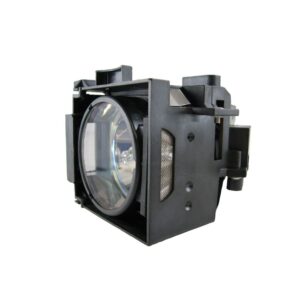
Save £5.35
BTI Replacement Projector Lamp, 200W HSCR, 2000h, for Epson PowerLite 821P/81P/61P, EMP-821P/81+/81P/61P/821/81/61, ELPLP30
In stock
Original price was: £95.99.£90.64Current price is: £90.64.
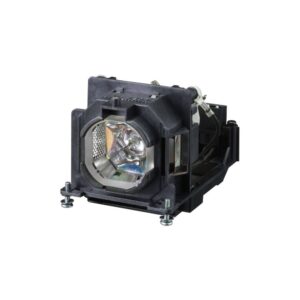
Save £5.53
BTI ET-LAL500 Replacement UHM Projector Lamp for Panasonic Projectors, 230W, 5000 Hours, PT-X412C Compatible
In stock
Original price was: £86.39.£80.86Current price is: £80.86.
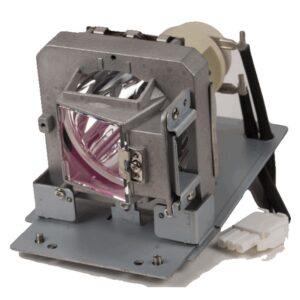
Save £6.46
BTI PRM45 Replacement Projector Lamp 240 W for Promethean DX883ST/DX881ST/DX813/DW886/DW884ST/DW882ST/DW814/5811119560-SVV
In stock
Original price was: £115.19.£108.73Current price is: £108.73.
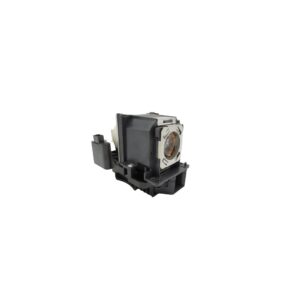
Save £8.56
BTI Projector Lamp for Sony VPL-CH370, 280 W UHP, Compatible with LMP-C281 and LMP-C250
In stock
Original price was: £148.79.£140.23Current price is: £140.23.
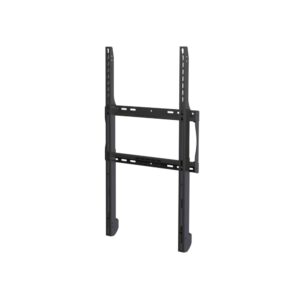
Save £13
Peerless-AV ESF655P Outdoor Signage Wall Mount 80″ Max 42″ Min 68kg Capacity Black
In stock
Original price was: £265.19.£251.90Current price is: £251.90.
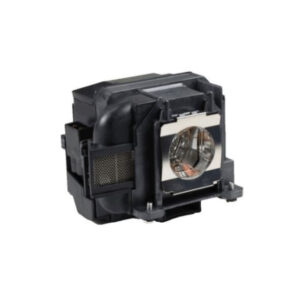
Save £5.17
BTI Replacement Projector Lamp for Epson PowerLite 97H, 98H, 99WH and Home Cinema 1040, 200W (V13H010L88)
In stock
Original price was: £95.99.£90.82Current price is: £90.82.
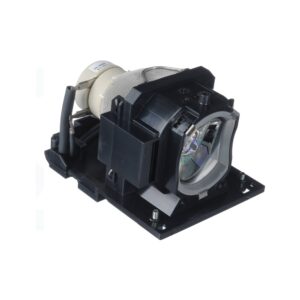
Save £6.10
BTI 215W UHP Projector Lamp, 3,000-Hour Life for Hitachi CP-A222WN, CP-A222WNM, CP-A302WN and CP-A302WNM
In stock
Original price was: £95.99.£89.89Current price is: £89.89.
Save £5.92
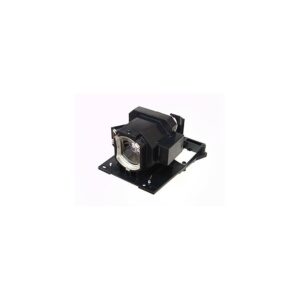
BTI DT01930 Replacement UHP Projector Lamp, 300 W, 4,000 h, for Hitachi CP-X5555 and CP-WU5550
In stock
Original price was: £118.79.£112.87Current price is: £112.87.
Save £4.99
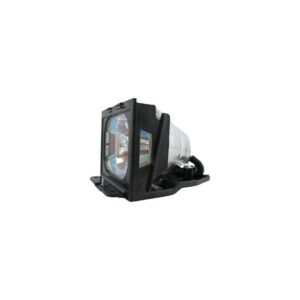
BTI Projector Lamp for Epson EMP-53 and EMP-73, 165W UHE, 1,500 Hours, Replaces V13H010L21
In stock
Original price was: £103.19.£98.20Current price is: £98.20.
Save £4.59
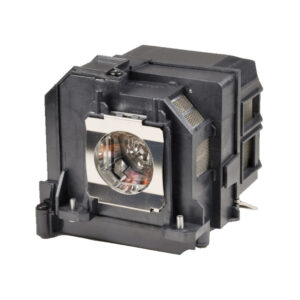
Origin Storage BTI UHE Projector Lamp for Epson EB-470/EB-475Wi/EB-480/EB-485W, 215W, 2,000-hour life
In stock
Original price was: £95.99.£91.40Current price is: £91.40.
Save £6.67
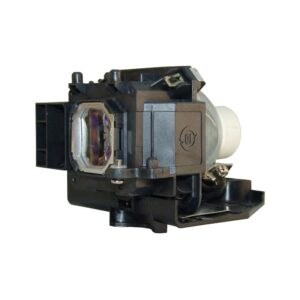
BTI NP16LP Replacement Projector Lamp, 230 W NSHA, 4,000 Hours, for NEC M260WS, M300XS and M350X
In stock
Original price was: £104.39.£97.72Current price is: £97.72.
Save £6.72
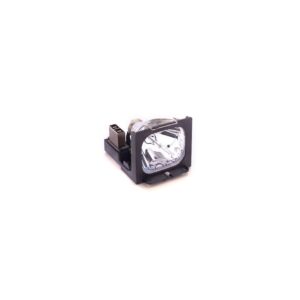
BTI Projector Lamp for Smartboard 680i (3), SB660/SB680, UF55W/UF55, ST230i, SBD685/SBD680/SBD660, 3000-hour life
In stock
Original price was: £104.39.£97.67Current price is: £97.67.
Reviews
Clear filtersThere are no reviews yet.