StarTech.com RKCONSUV10 – a tidier VGA and USB KVM connection
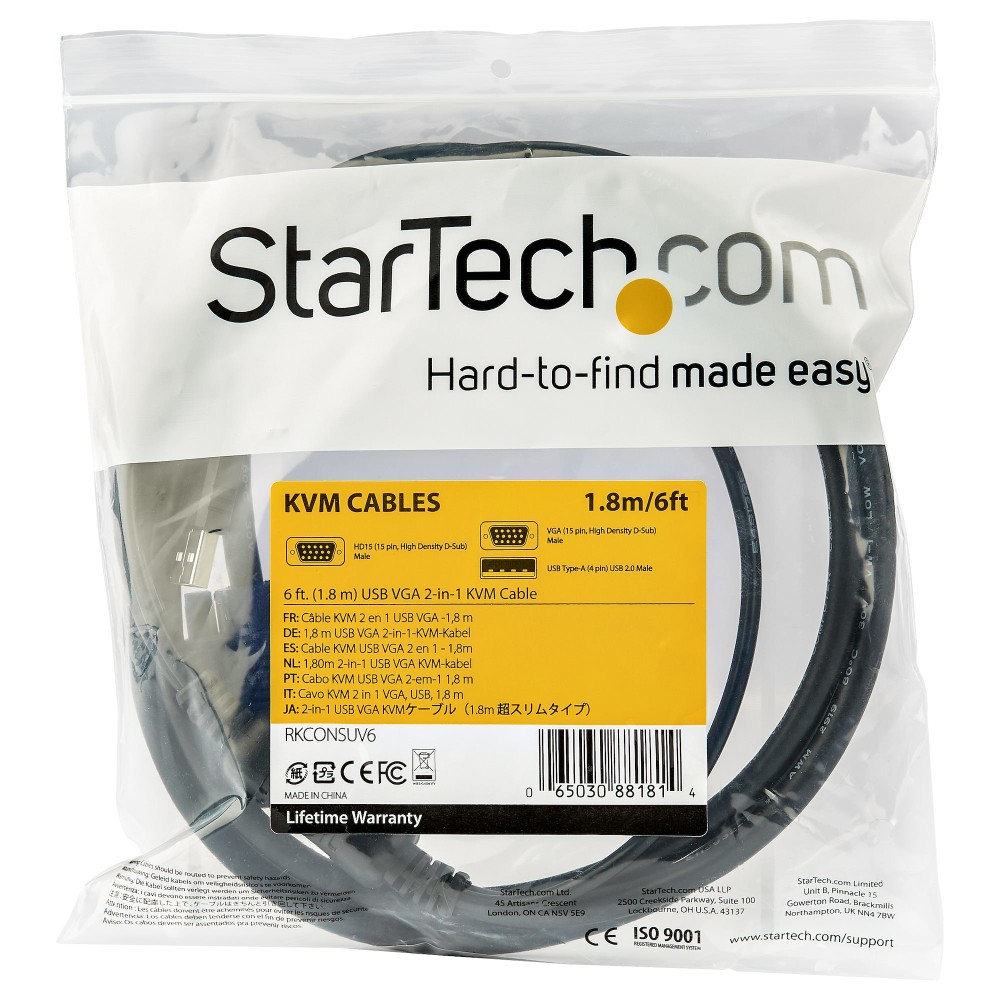
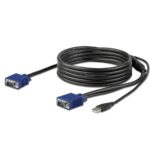
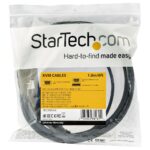
The StarTech.com RKCONSUV10 suits rackmount-console users connecting a VGA and USB-equipped server to a compatible StarTech.com KVM setup. Its combined KVM-side connection helps reduce cable clutter in your rack.
Essential cable details
| Metric |
Specification |
| Cable length |
3 m |
| Video connection |
VGA |
| USB connection |
USB 2.0 Type-A |
| Maximum resolution |
1920 x 1200 |
| Colour |
Black |
| Cable jacket |
PVC |
Keep your rack wiring tidy
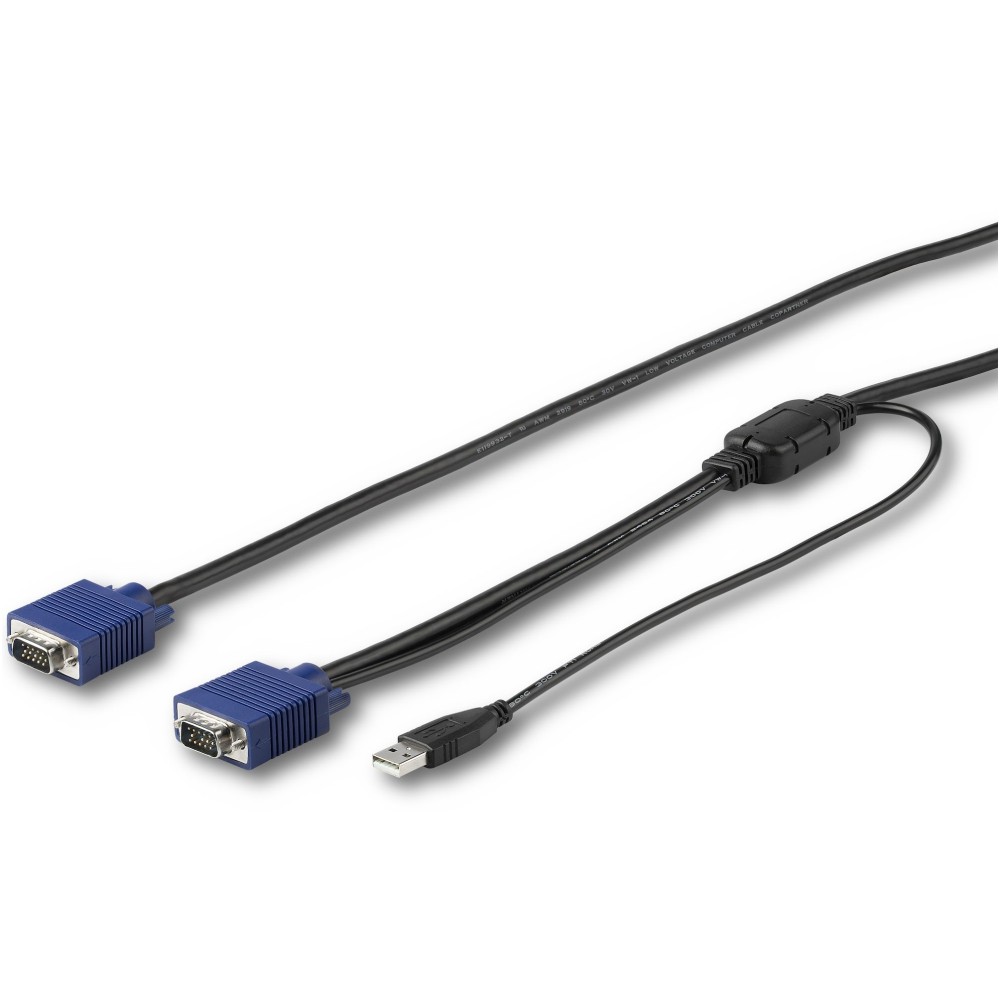
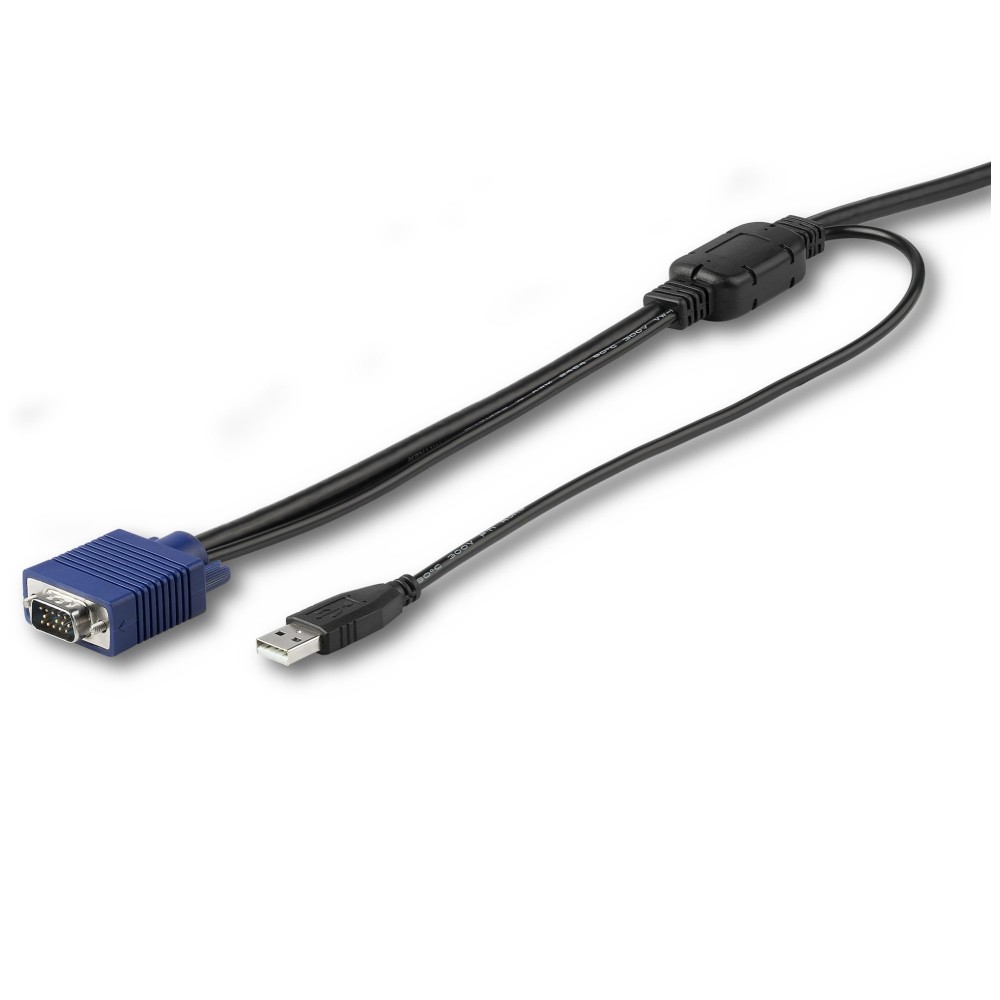
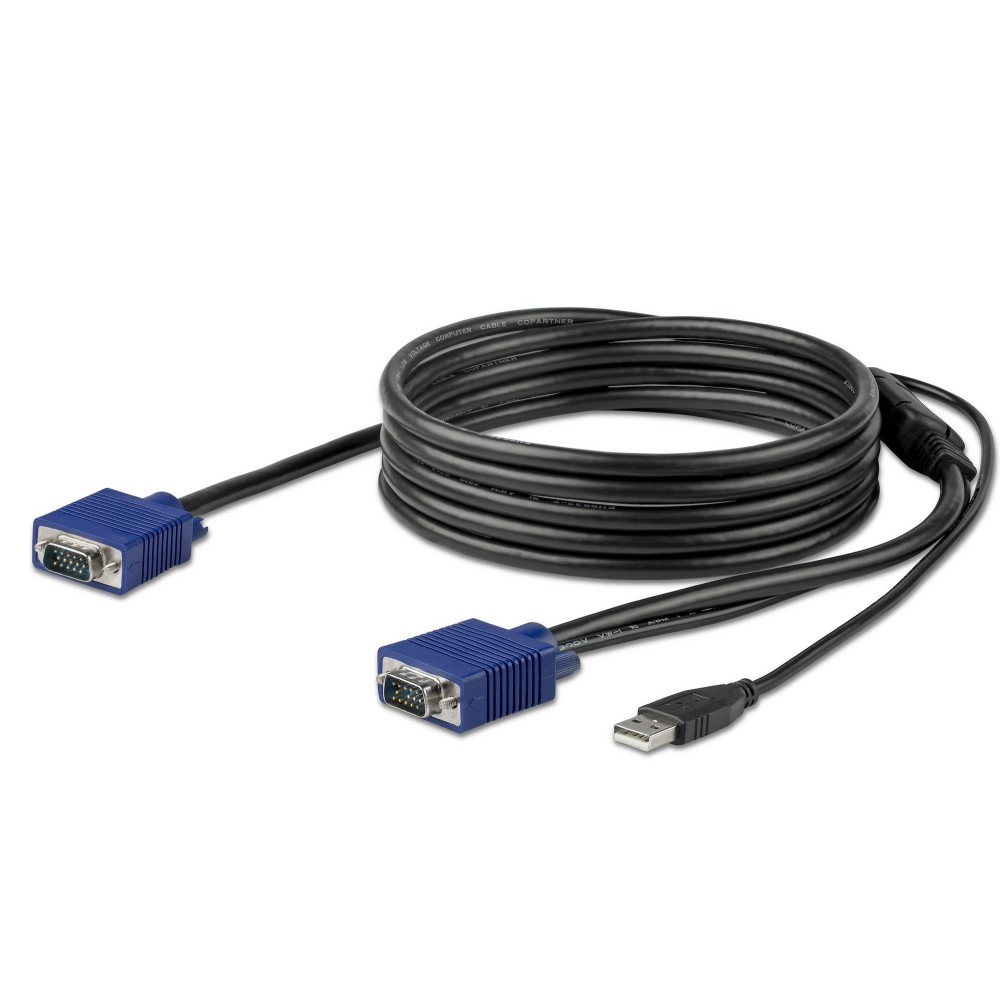
The cable carries VGA video and USB keyboard and mouse connections. Its wiring brings these server connections together at the KVM side, helping keep your rack more organised.
At 3 metres long, it gives you useful reach between equipment in a rack. Check that this length suits your setup before ordering.
Match it to your StarTech.com console
We recommend this cable for compatible StarTech.com RKCONS-series rackmount consoles and KVM switches. It supports resolutions up to 1920 x 1200, including 1080p.
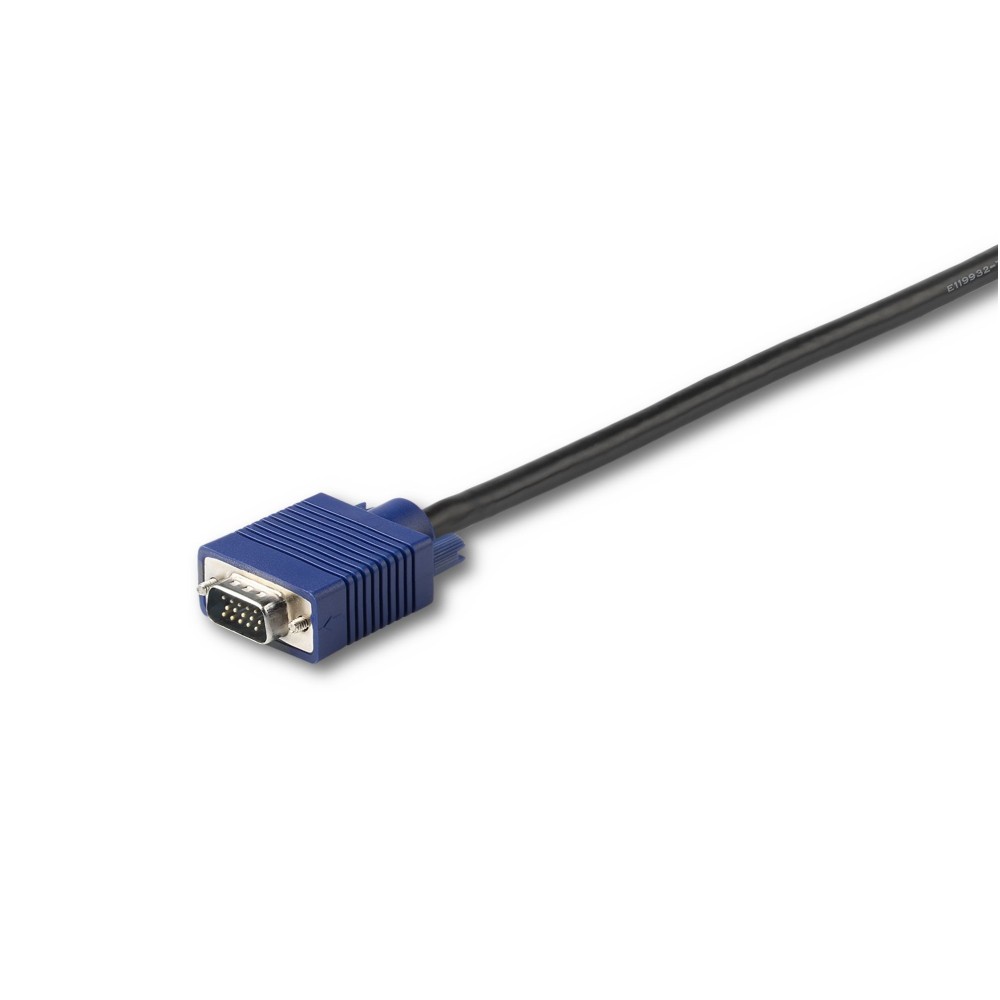
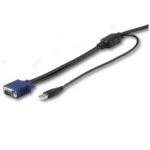
The connectors are male, with VGA at one end and VGA plus USB 2.0 Type-A at the other. The black PVC jacket and nickel-plated contacts complete the cable’s construction.
Check your setup before ordering
- Confirm your rackmount console or KVM switch is a compatible StarTech.com RKCONS-series model.
- Check that your server has VGA video and USB connections for keyboard and mouse control.
- Confirm that a 3 m cable will reach between your equipment.
Frequently Asked Questions
Q: What connections does this KVM cable provide?
A: It connects VGA video and USB keyboard and mouse control between a compatible KVM setup and server.
Q: What is the maximum supported resolution?
A: The cable supports resolutions up to 1920 x 1200.
Q: How long is the cable?
A: It is 3 metres long.
A practical choice for compatible racks
Choose the StarTech.com RKCONSUV10 when you need a 3 m VGA and USB link for a compatible RKCONS-series rackmount console or KVM switch. Its combined connection helps keep server-rack cabling manageable.


 DPD tracked delivery
 Buy now, pay later with Klarna at checkout
 Pay in 3 instalments with PayPal at checkout

Reviews
Clear filtersThere are no reviews yet.