StarTech.com 13-inch MacBook Privacy Screen – keep your screen private
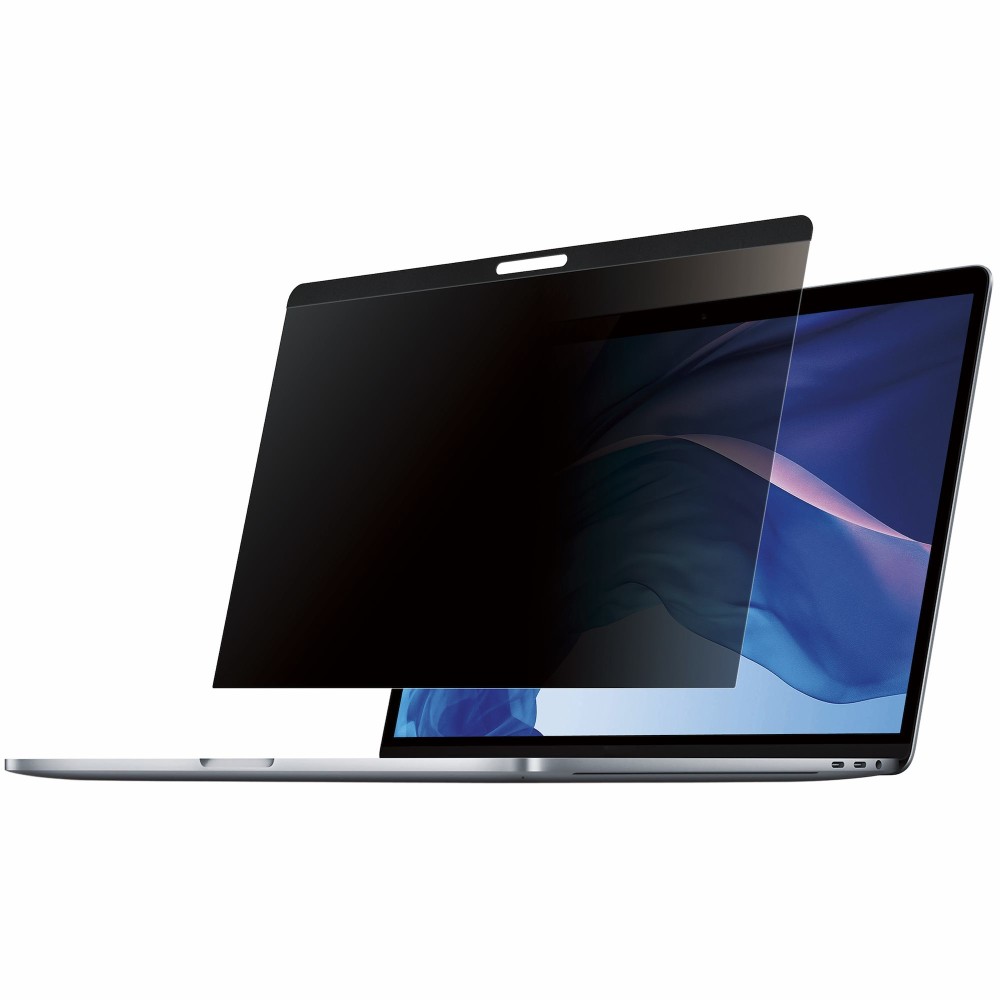
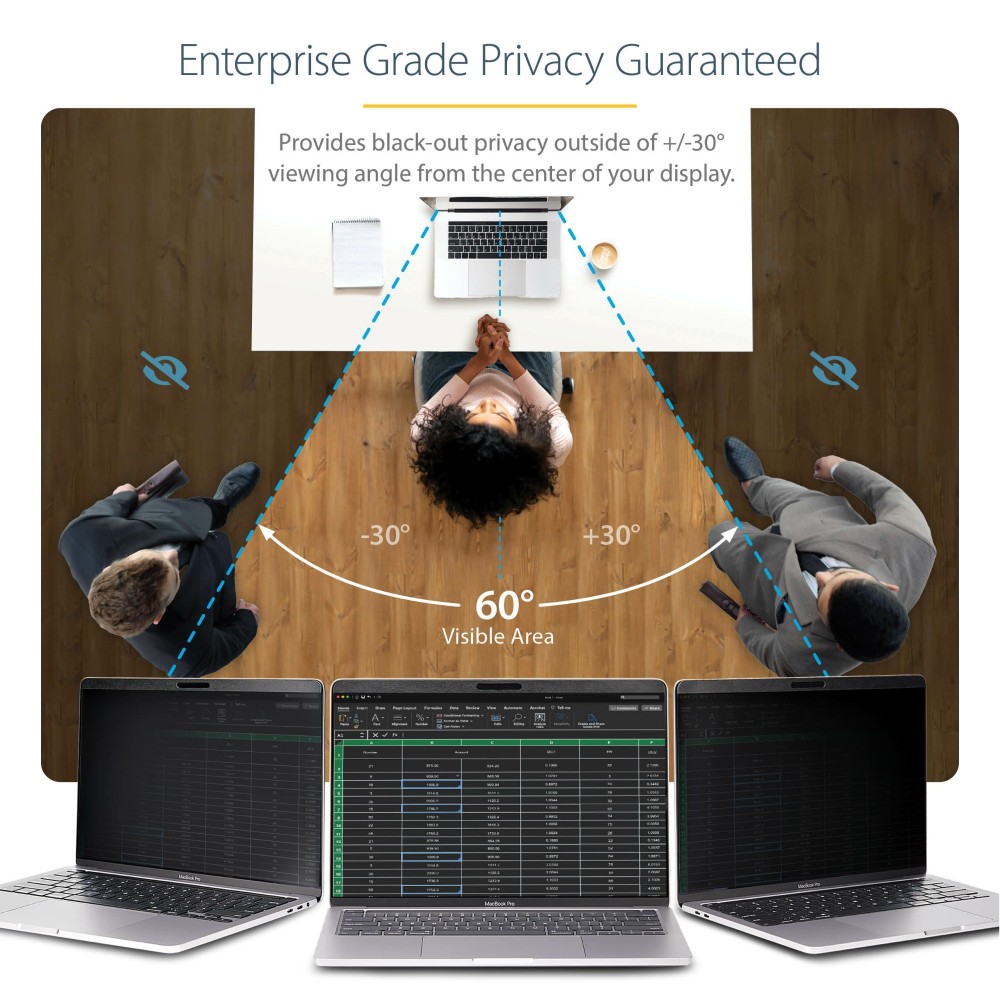
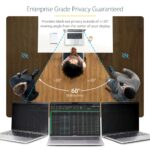
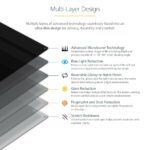
The StarTech.com 13-inch MacBook privacy screen suits people who work in shared offices, cafés or while travelling. Its 30° viewing angle helps keep on-screen information private from people beside you.
Key details for MacBook users
| Metric |
Specification |
| Maximum screen size |
13 inches (33 cm) |
| Aspect ratio |
16:10 |
| Viewing angle |
30° |
| Screen finish |
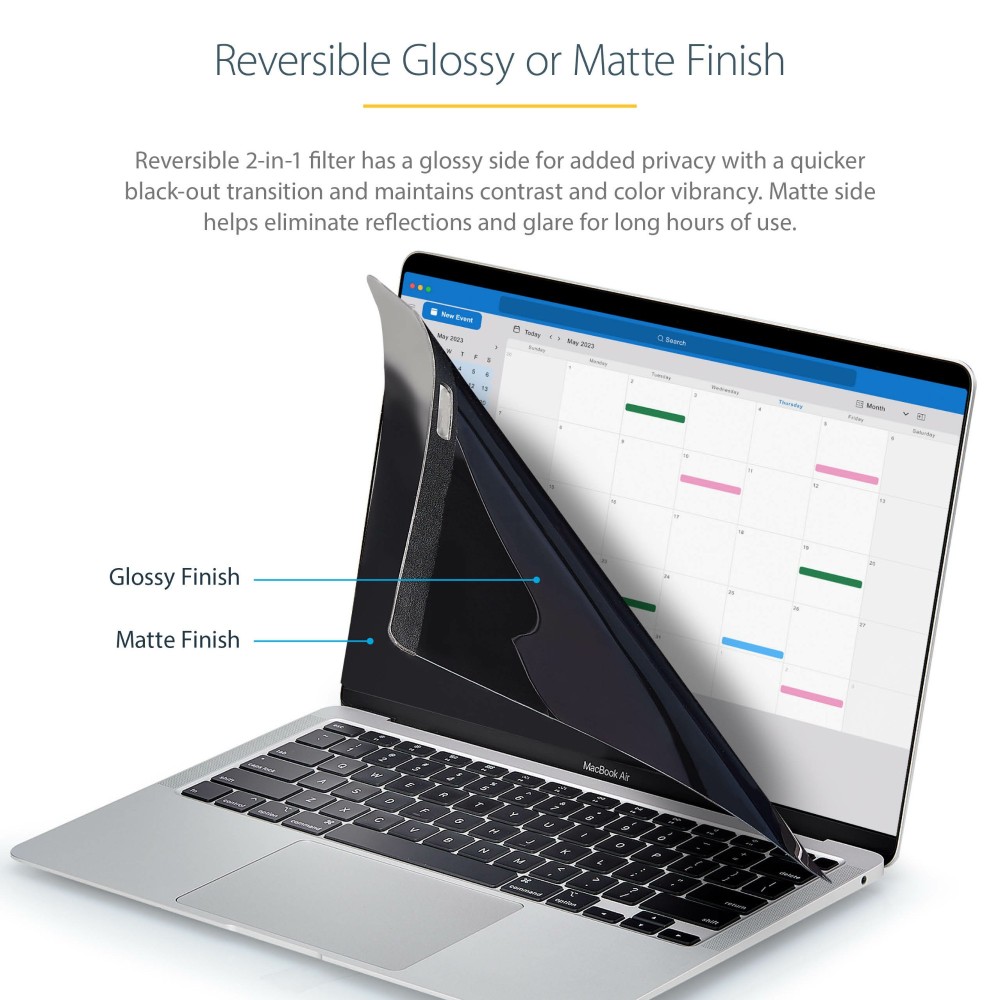
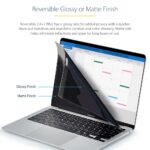
Reversible matte or glossy |
| Display type |
LCD |
| Surface protection |
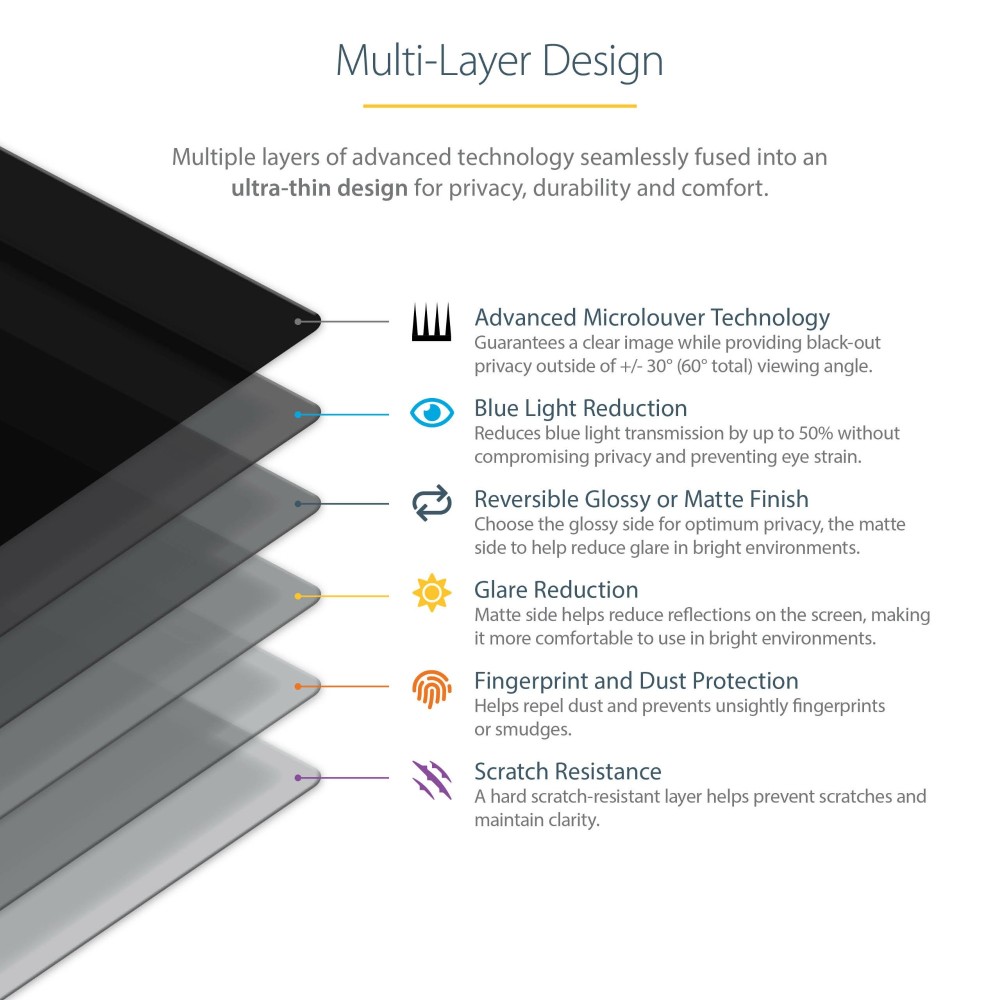
Scratch-resistant |
Choose the finish that suits your workspace
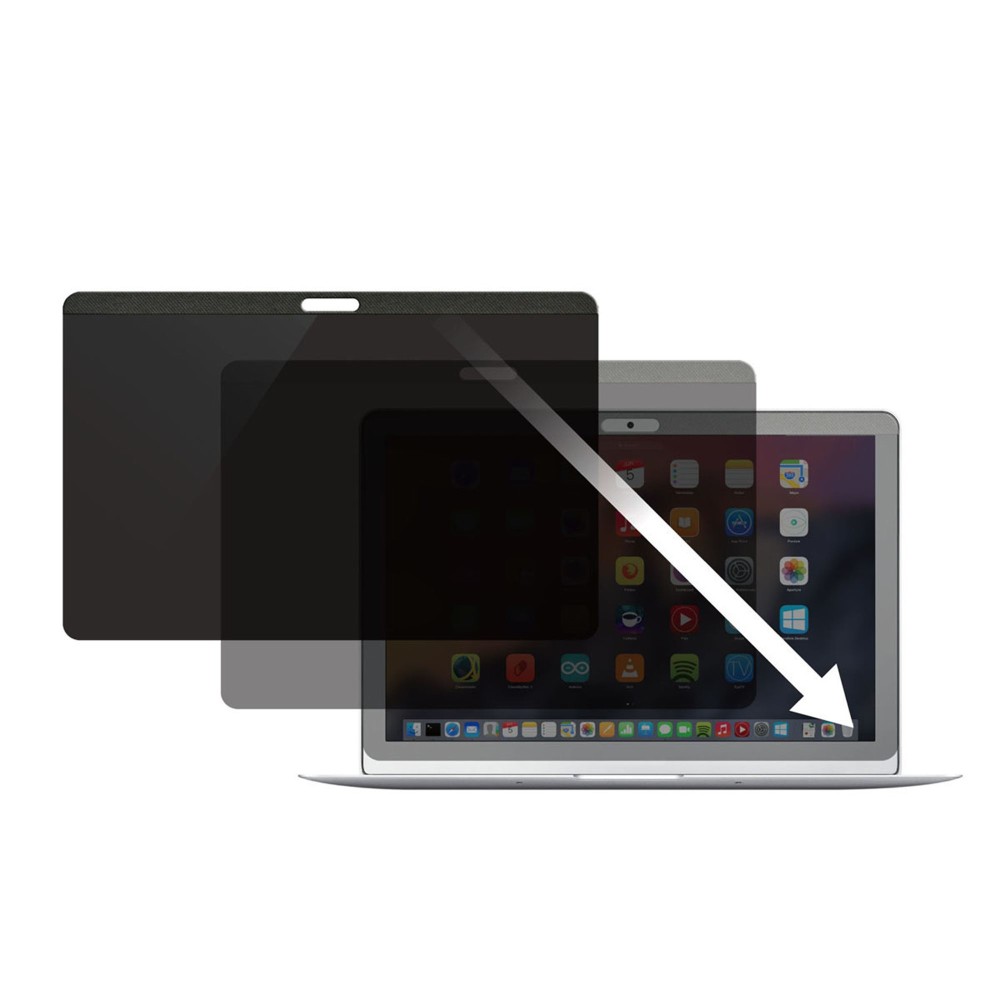
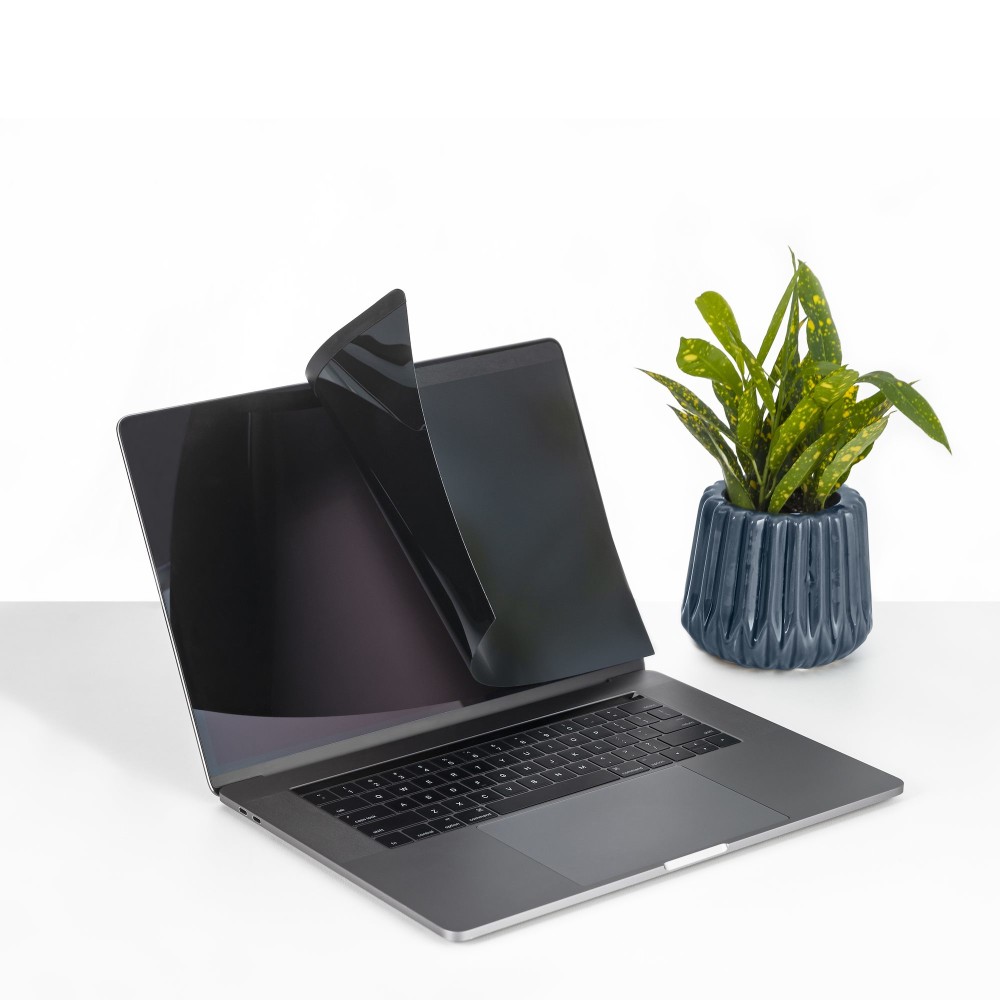
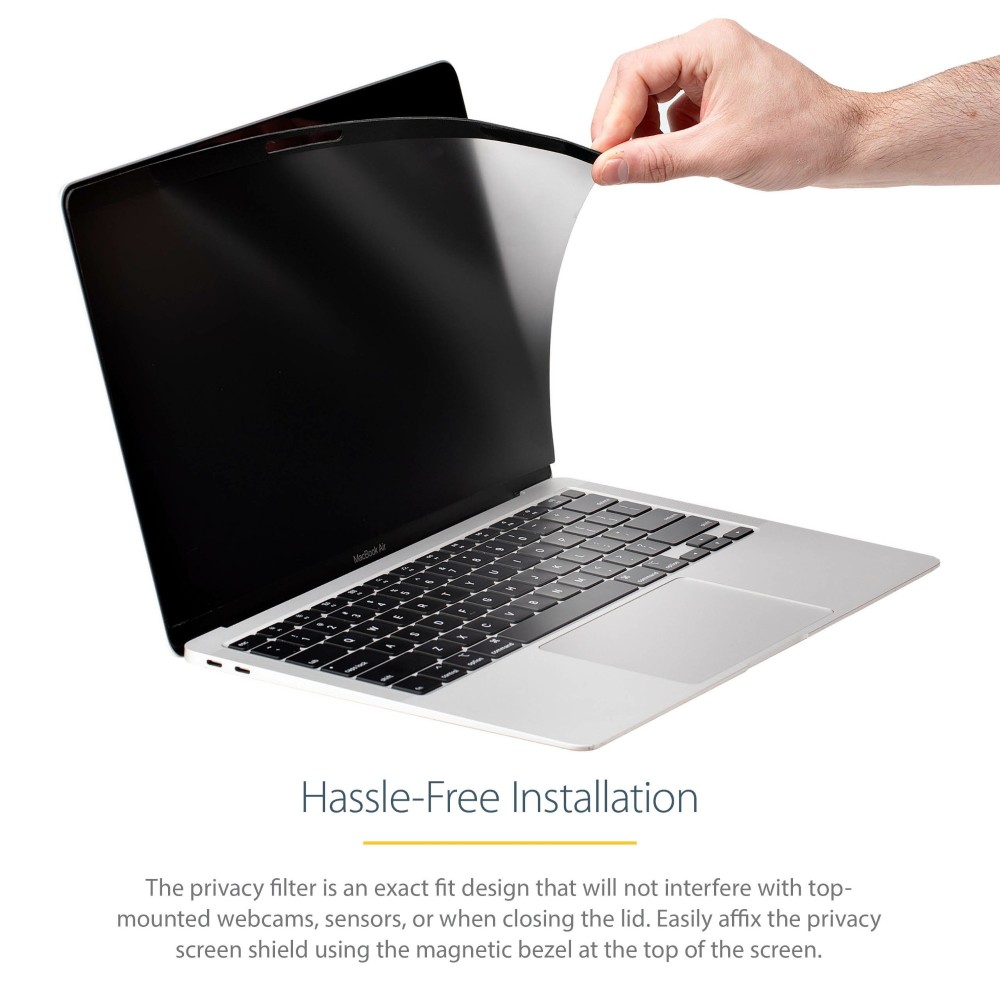
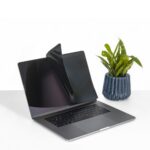
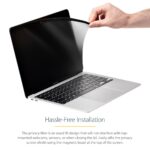
The magnetic strip at the top makes the screen simple to attach and remove. Also, its reversible design gives you a choice of finishes. Use the matte side to reduce glare, or turn to the glossy side for increased clarity.
The filter also reduces blue light. Remove it before closing your MacBook or putting it to sleep.
Check your MacBook’s fit
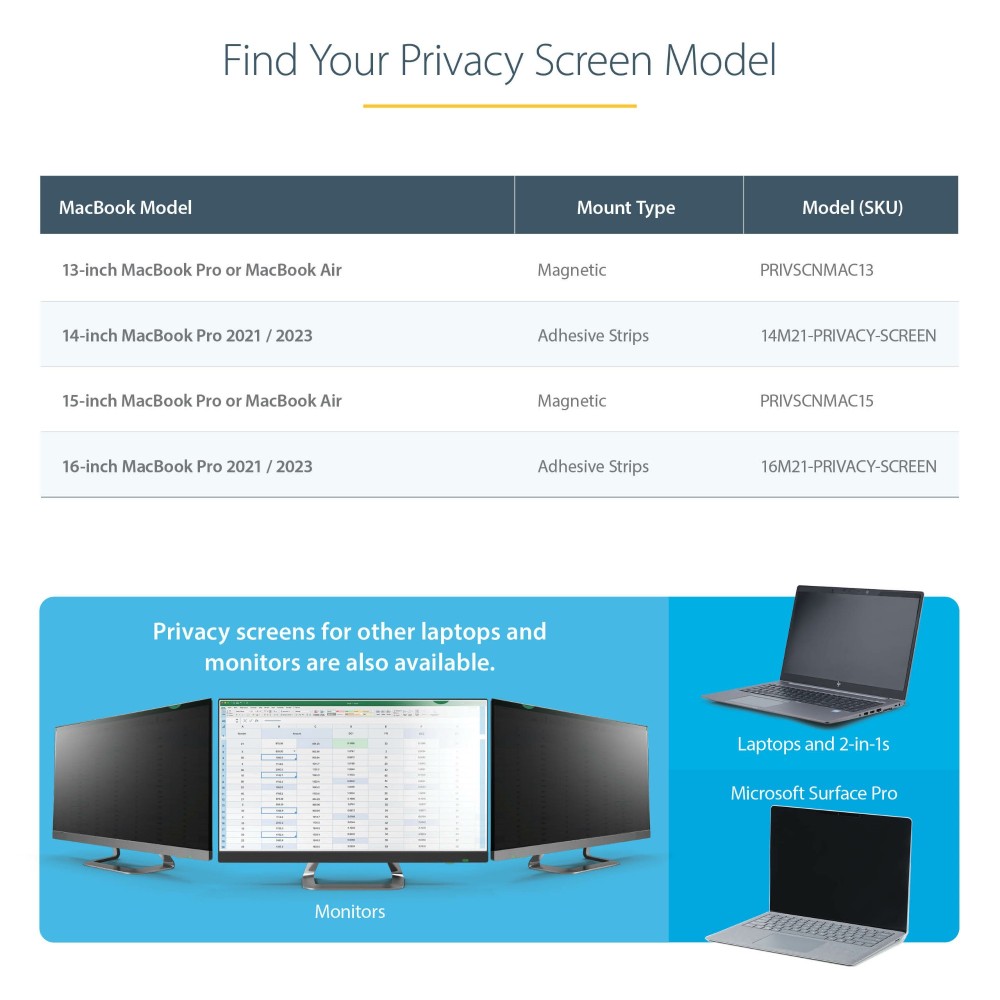
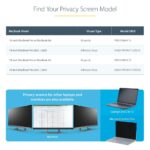
This screen is designed for 13-inch MacBook Pro and MacBook Air models. Its webcam cut-out suits the 13-inch MacBook Pro from 2016–2018 and the 13-inch MacBook Air from 2018. Check your exact model before ordering to confirm the fit.
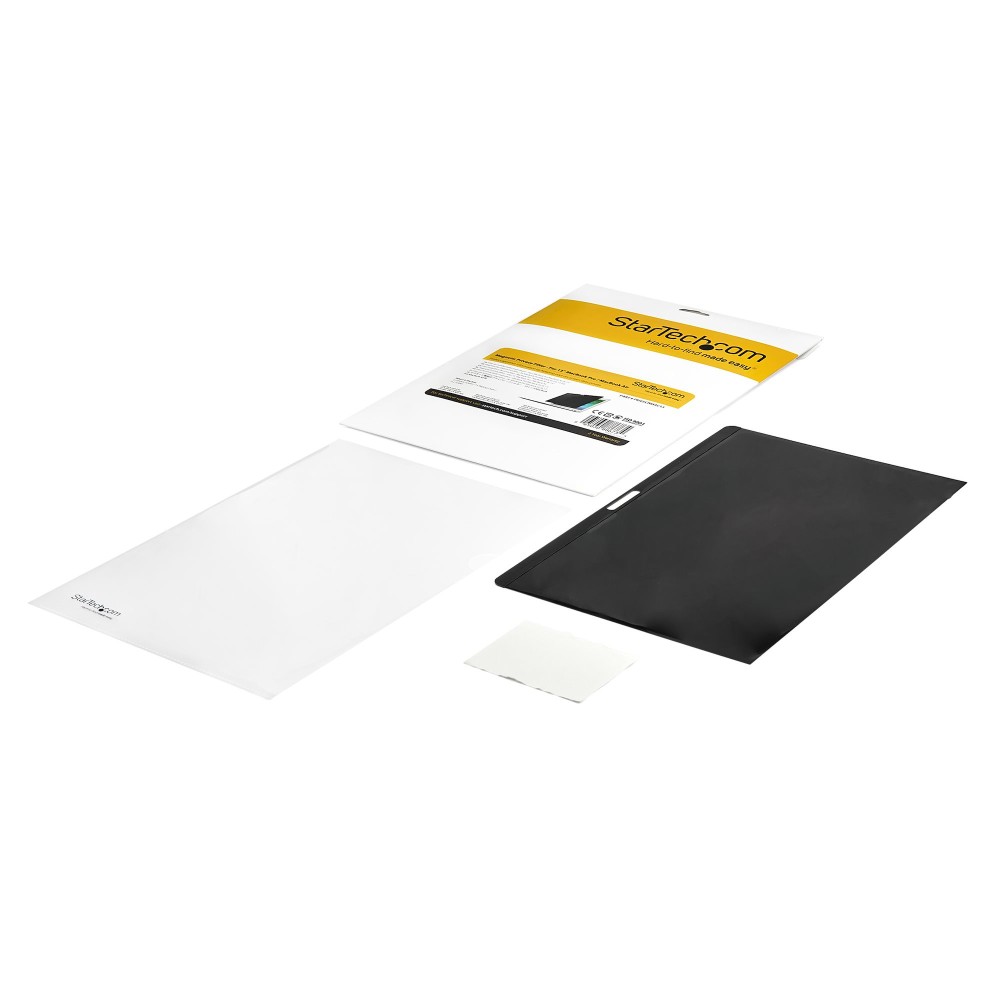
Included for care and storage
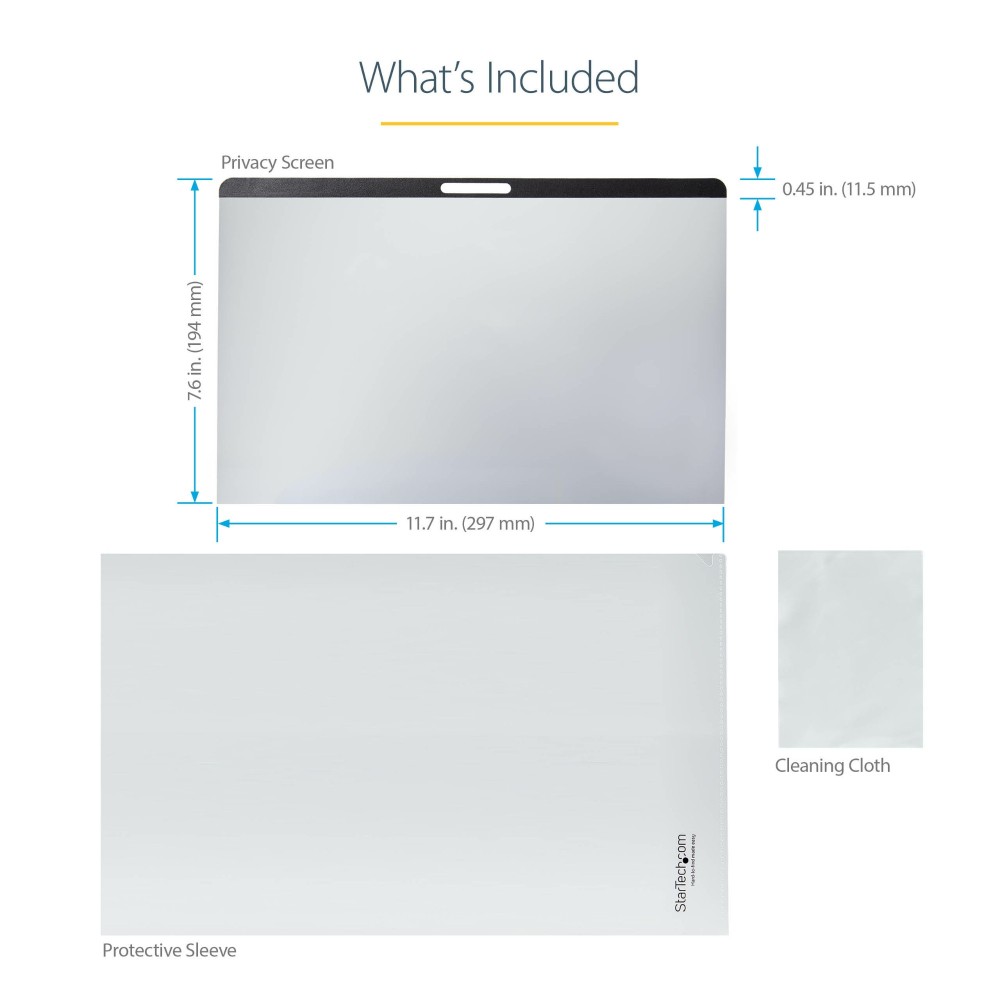
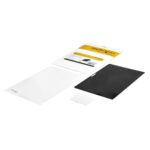
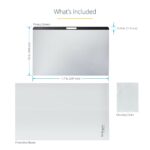
- Protective storage folder
- Cleaning cloth
Before you order
- Confirm your MacBook Pro or MacBook Air has a 13-inch screen.
- Check your MacBook’s model and webcam position against the stated fit.
- Confirm your display uses LCD technology.
Frequently Asked Questions
Q: How does the privacy screen attach?
A: A built-in magnetic strip at the top attaches it to your MacBook.
Q: Can I use either side of the screen?
A: Yes. The reversible design offers a matte side to reduce glare and a glossy side for increased clarity.
Q: Can I close my MacBook with the screen attached?
A: Remove the privacy screen before closing your MacBook or putting it to sleep.
A practical choice for shared spaces
Choose the StarTech.com 13-inch MacBook privacy screen if you want added privacy while working around other people. Its magnetic fitting, reversible finishes and included storage folder make it straightforward to use and look after.


 DPD tracked delivery
 Buy now, pay later with Klarna at checkout
 Pay in 3 instalments with PayPal at checkout

Reviews
Clear filtersThere are no reviews yet.