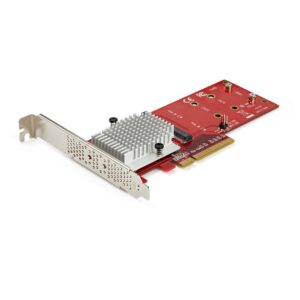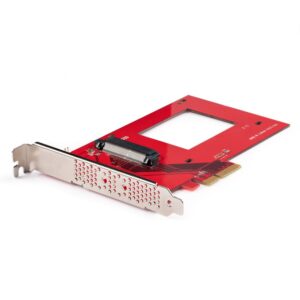
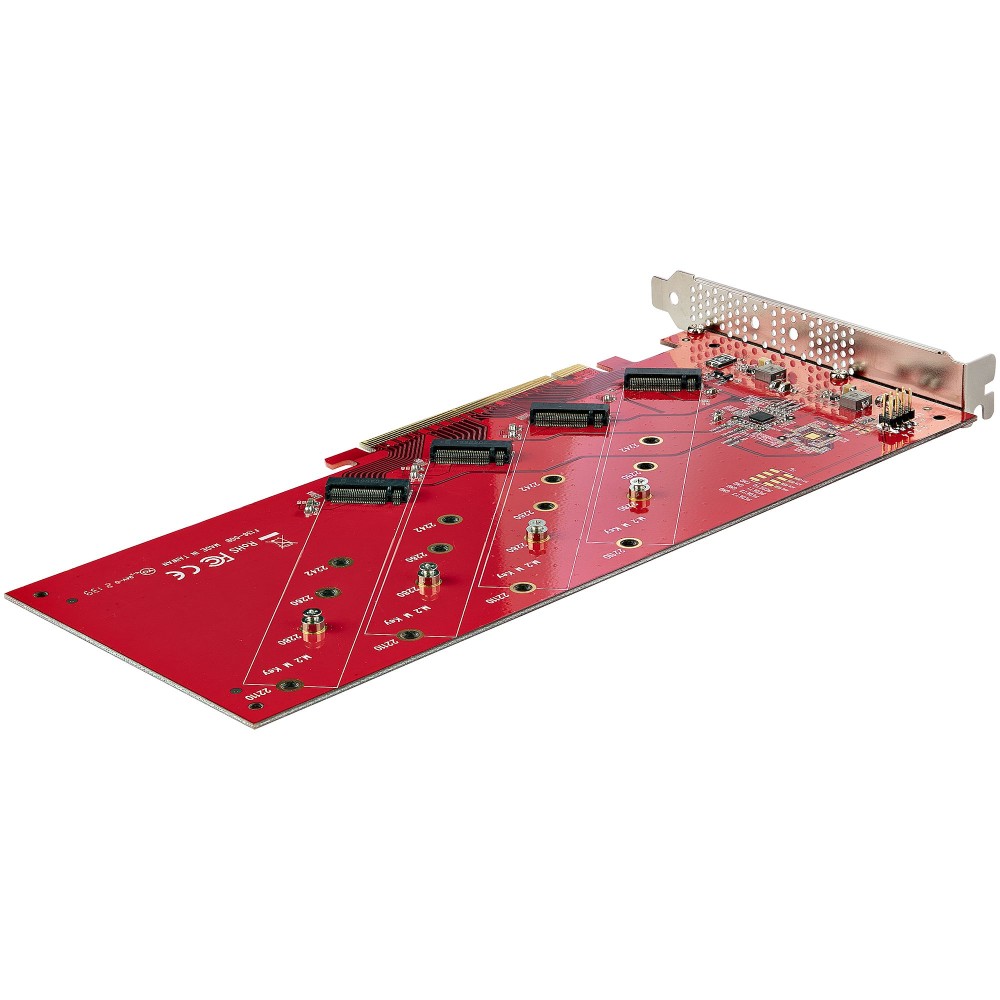
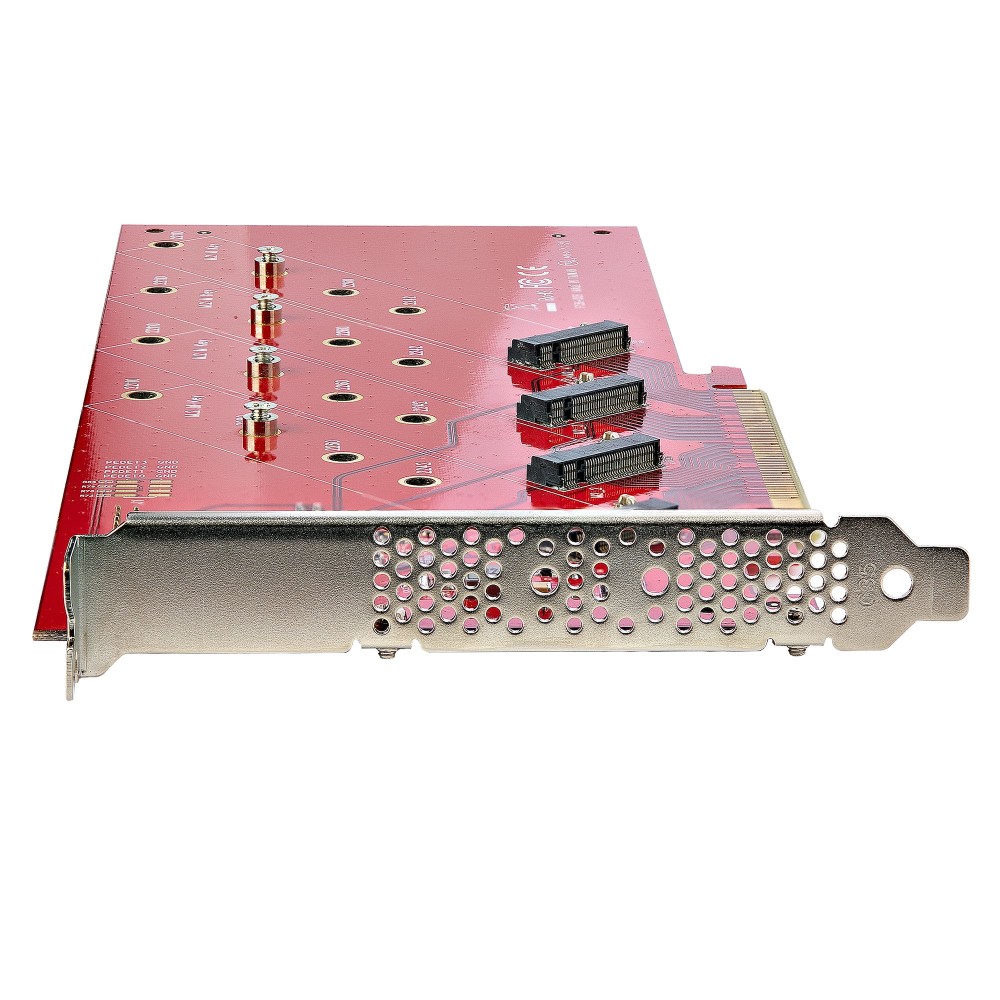
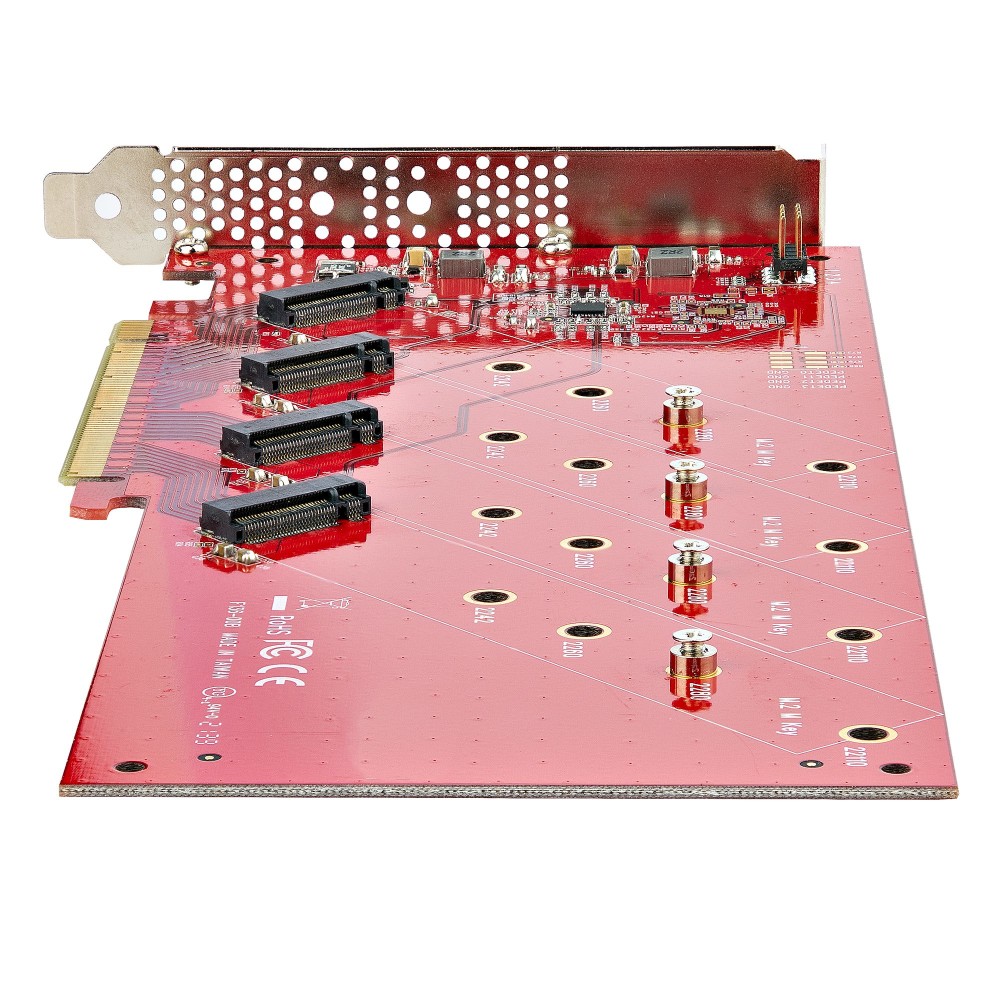
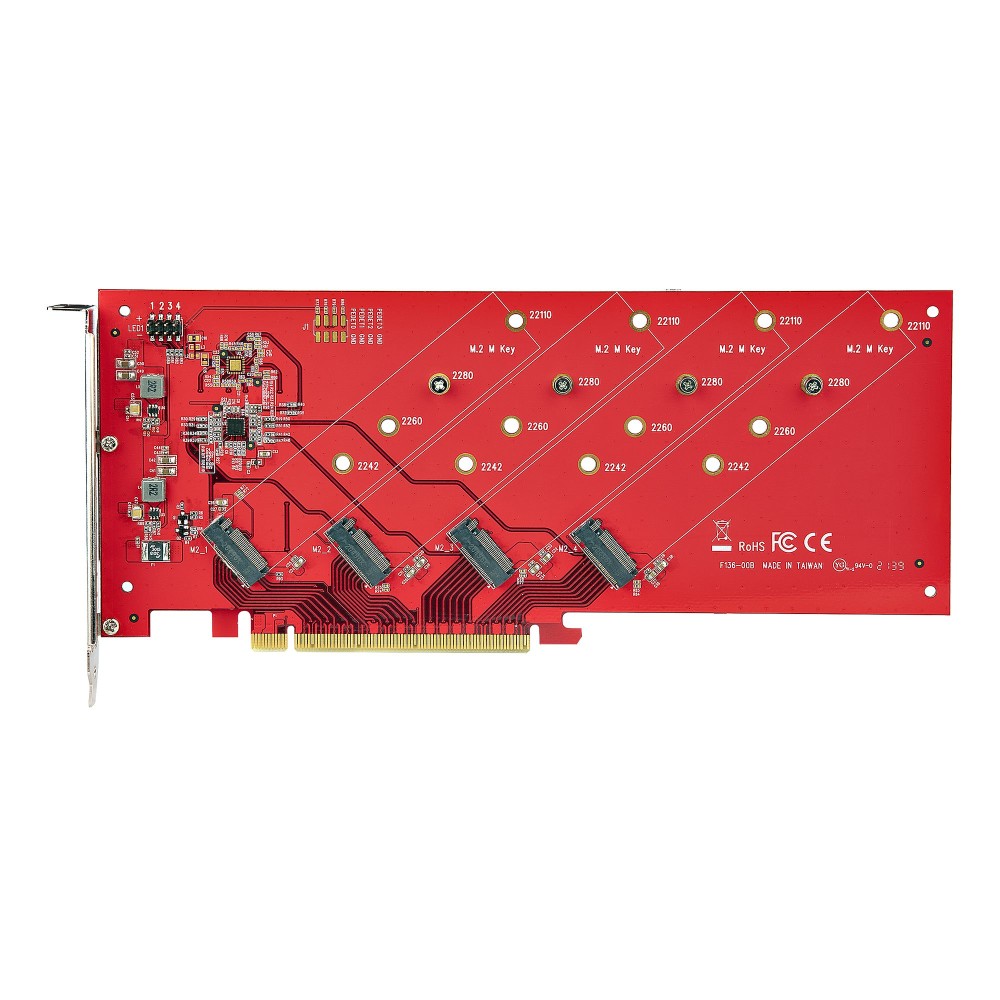
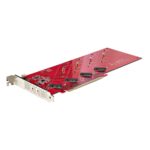
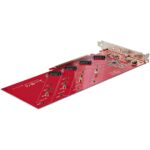
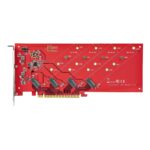
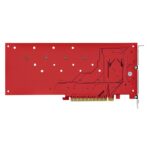
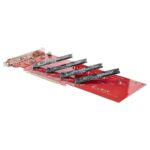
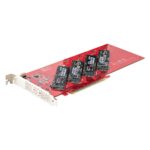
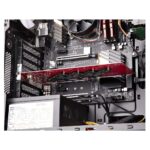
StarTech.com QUAD-M2-PCIE-CARD-B Quad M.2 PCIe Adapter Card, 4 NVMe/AHCI SSDs, PCIe 4.0 x16, Bifurcation Required

SKU: QUAD-M2-PCIE-CARD-B

£157.07

In stock

In stock

  • Free Premium delivery on UK mainland orders

Order now, get it by Tue 17 Nov

  • DPD DPD tracked delivery
  • Klarna Buy now, pay later with Klarna at checkout
  • PayPal Pay in 3 instalments with PayPal at checkout

About this item

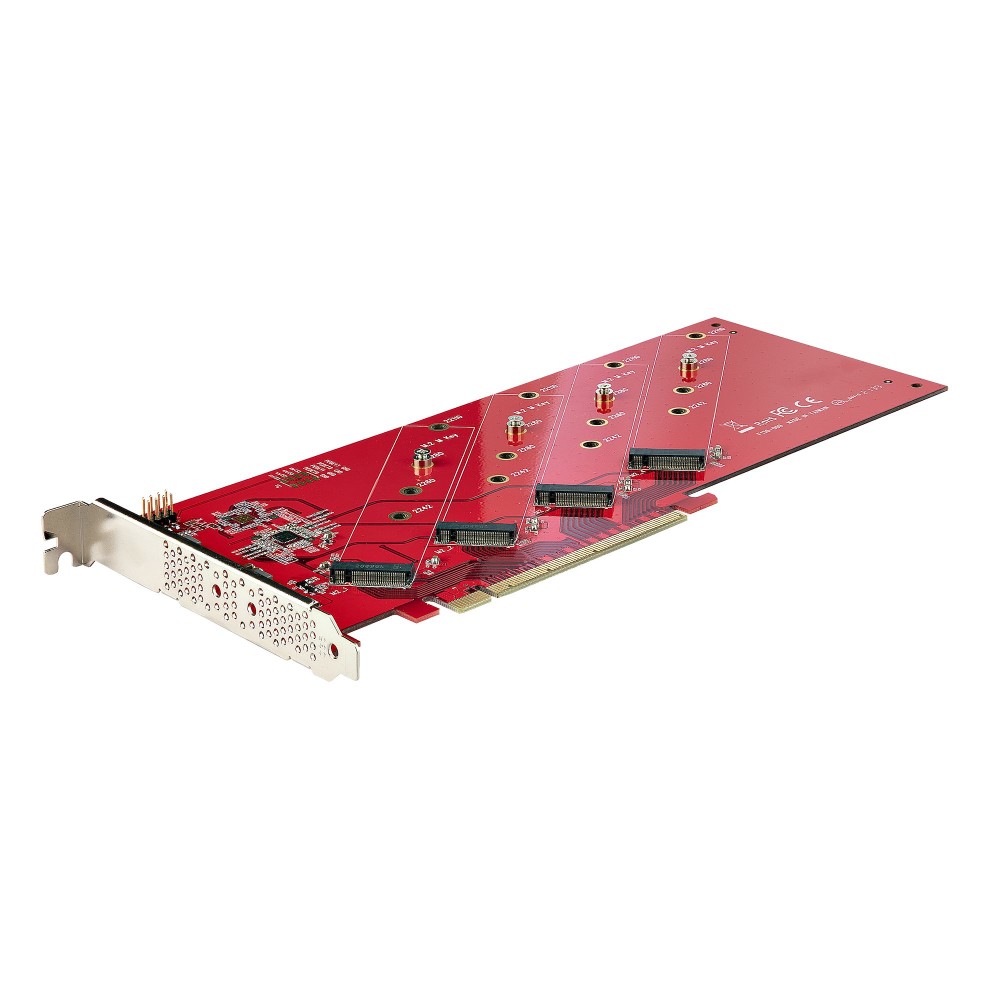
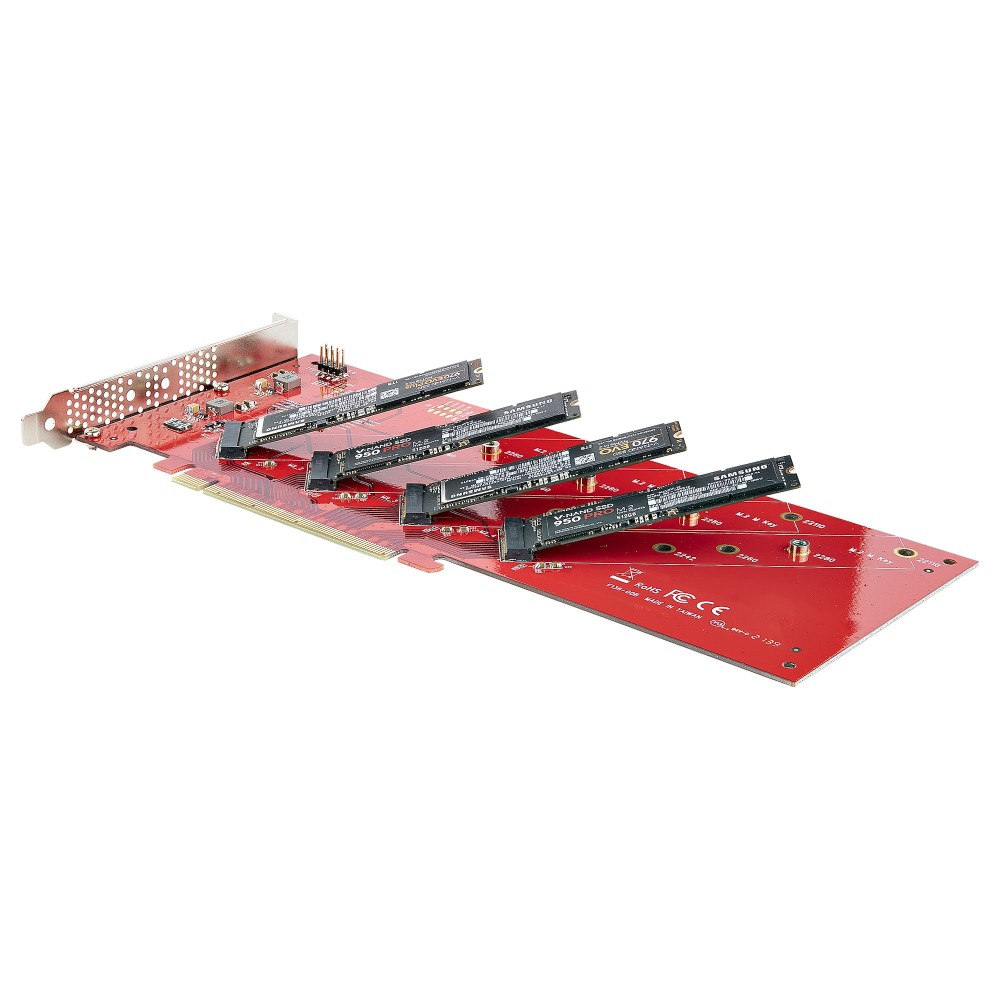
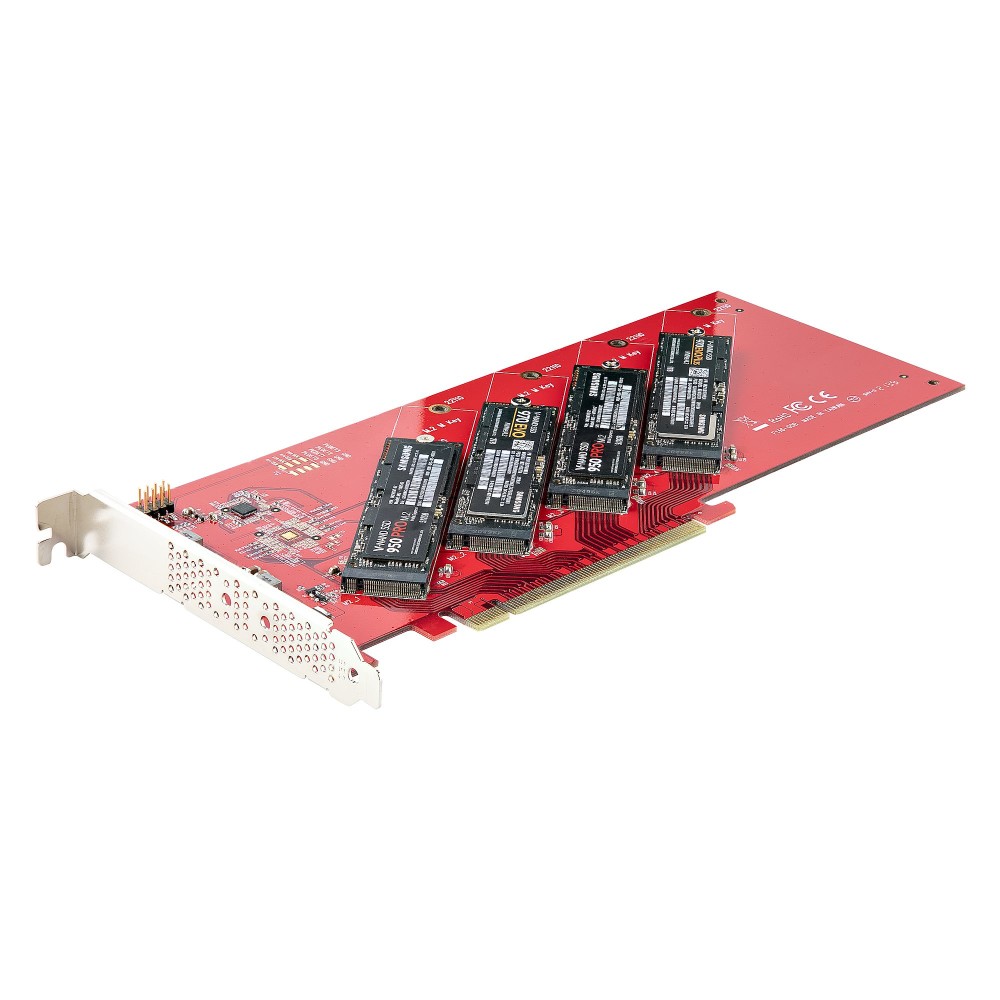
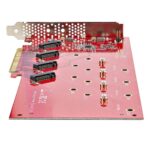
  • Four M.2 slots support NVMe and AHCI SSDs
  • PCIe 4.0 x16 host interface
  • Requires PCIe bifurcation support on the host system
  • Supports M.2 2242, 2260, 2280 and 22110 drives
  • No drivers required on supported systems
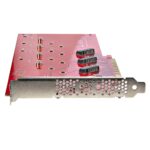
  • Vented full-profile bracket aids heat dissipation
Description

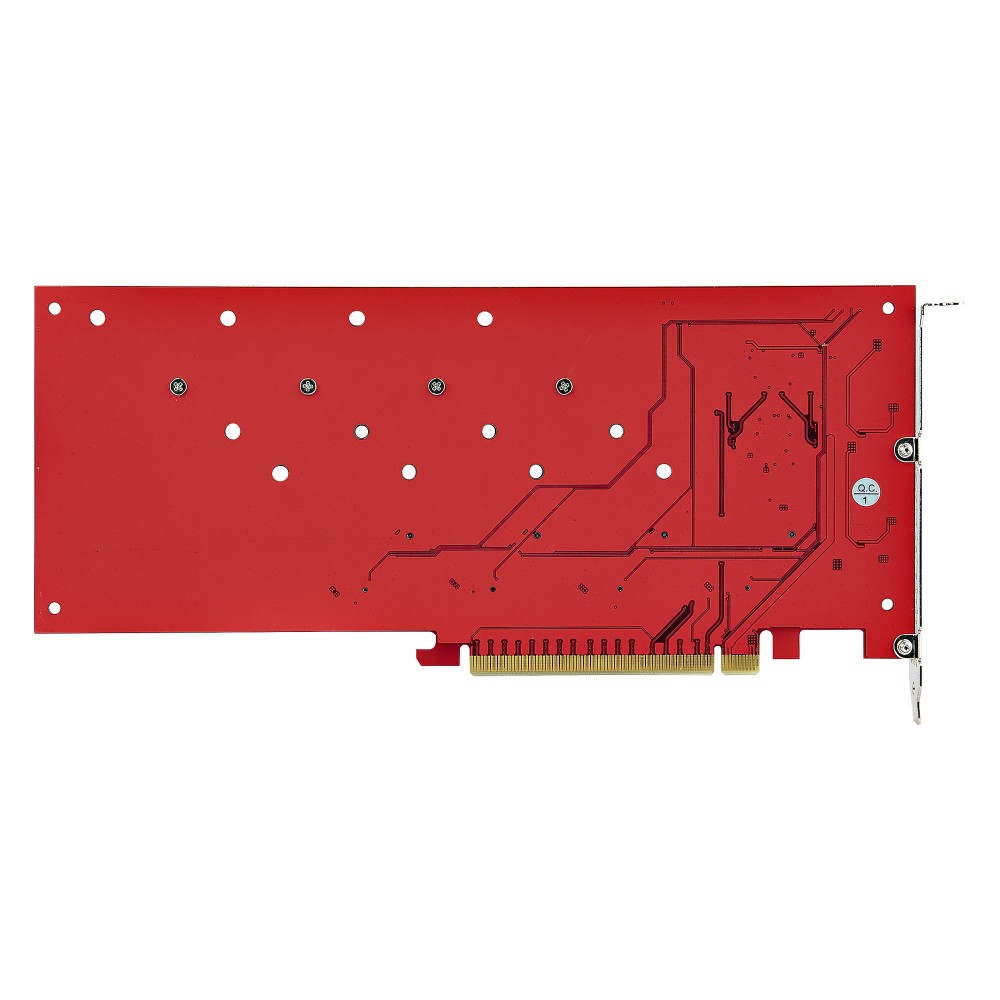
StarTech.com QUAD-M2-PCIE-CARD-B – add four M.2 SSDs

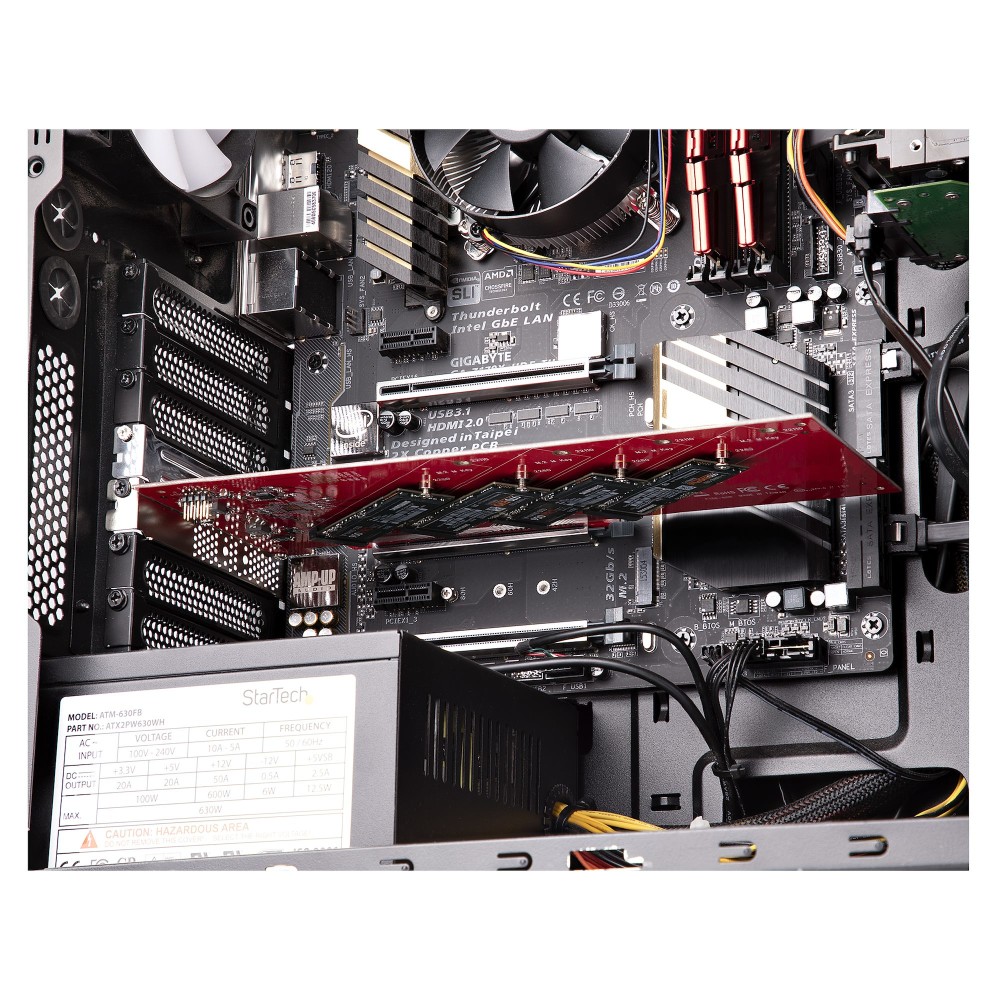
The StarTech.com QUAD-M2-PCIE-CARD-B suits desktop, workstation and server users who need four M.2 SSDs in one PCIe card. It lets a compatible PCIe 4.0 x16 slot connect four NVMe or AHCI drives.

Essential details at a glance

Metric Specification
Host interface PCIe 4.0 x16
M.2 slots 4
Drive support NVMe and AHCI
Supported M.2 sizes 2242, 2260, 2280 and 22110
Bifurcation Required
Plug and Play Yes

Connect four drives through one card

The card supports four PCIe M.2 SSDs at the same time. Because it has no onboard chip, your system must support PCIe bifurcation to divide the x16 slot’s lanes between the drives.

You can use software RAID, including Microsoft Storage Spaces or Linux mdraid/mdadm. This lets you configure storage for redundancy or performance.

Keep installation straightforward

The card works without additional software or drivers, provided your system supports bifurcation. It accepts PCIe NVMe and PCIe AHCI M.2 drives with M-key or B+M-key connectors.

A pre-installed, vented full-profile bracket helps airflow around the card and supports heat dissipation.

Included with the card

  • Quick installation guide
  • Screws

Check compatibility before ordering

  • Confirm your motherboard and PCIe x16 slot support bifurcation.
  • Check that your drives use PCIe NVMe or PCIe AHCI.
  • Confirm your M.2 drives have an M-key or B+M-key connector.
  • Check that your drives use one of the supported lengths: 2242, 2260, 2280 or 22110.

Frequently Asked Questions

Q: How many M.2 SSDs can this card connect?

A: It supports up to four PCIe M.2 NVMe or AHCI SSDs.

Q: Does the system need PCIe bifurcation?

A: Yes. Your motherboard and available PCIe x16 slot must support bifurcation.

Q: Do I need to install drivers?

A: No. The card is Plug and Play and does not require additional software or drivers.

Q: Can I configure the drives as a RAID array?

A: Yes. You can use software RAID such as Microsoft Storage Spaces or Linux mdraid/mdadm.

A practical choice for multi-drive builds

Choose the StarTech.com QUAD-M2-PCIE-CARD-B when you need to connect up to four compatible M.2 SSDs and your system supports PCIe bifurcation.

Specifications
Ports & interfaces
InternalYes
Output interfaceM.2
Host interfacePCIe
Number of M.2 (M) slots4
Expansion card standardPCIe 4.0
Technical details
Plug and PlayYes
Data transfer rate (max)7.8 Gbit/s
Performance
Plug and PlayYes
Data transfer rate (max)7.8 Gbit/s
Product colourRed
Colour
Product colourRed
Design
Mean time between failures (MTBF)4353192 h
InternalYes
Product colourRed
LED indicatorsYes
Features
Plug and PlayYes
Data transfer rate (max)7.8 Gbit/s
Operational conditions
Operating temperature-40 - 80 °C
Storage temperature-40 - 85 °C
Operating relative humidity15 - 90%
Weight & dimensions
Width290 mm
Depth170 mm
Height30 mm
Weight150 g
Package width174 mm
Package depth292 mm
Package height33 mm
Package weight150 g
Packaging data
Package width174 mm
Package depth292 mm
Package height33 mm
Package weight150 g
Quick installation guideYes
Screws includedYes
Logistics data
Products per master (outer) case30 pcs
Master (outer) case width501 mm
Master (outer) case length382 mm
Master (outer) case height328 mm
Packaging content
Quick installation guideYes
Screws includedYes

Reviews

0 reviews
0
0
0
0
0

There are no reviews yet.

Write a review

Your email is never published.

You have to be logged in to be able to add photos to your review.