StarTech.com USB-C Docking Station – connect multiple displays and peripherals
The StarTech.com USB-C Docking Station suits Chromebook users who want more screen space and desktop connections. Its strongest benefit is support for up to three 4K displays, helping you organise work across multiple screens.
Key connections at a glance
| Metric |
Specification |
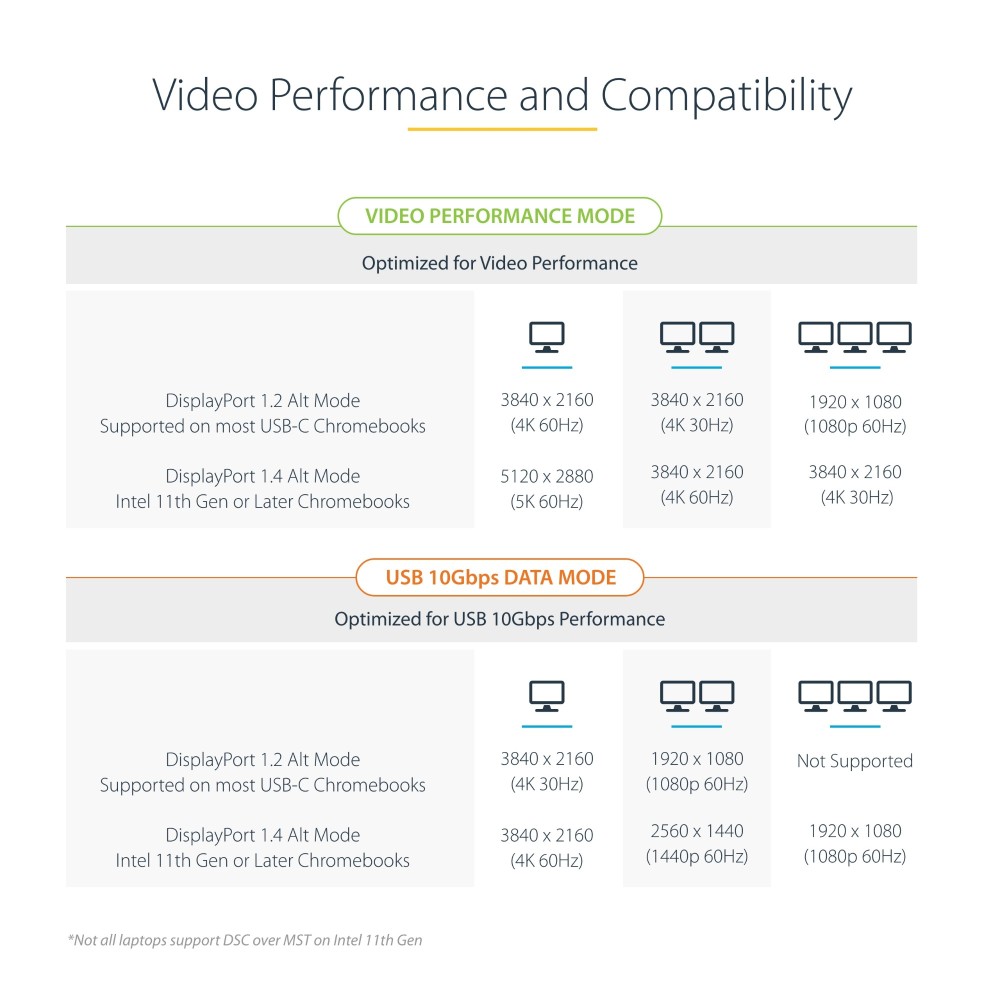
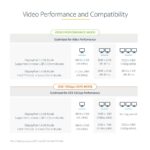
| Display support |
Triple 4K at 30Hz or dual 4K at 60Hz |
| Maximum digital resolution |
5120 × 2880 pixels |
| USB data transfer |
Up to 10Gbps |
| Host power delivery |
Up to 60W |
| Wired network |
Gigabit Ethernet |
| Audio |
3.5mm combo headphone and microphone port |
Build a multi-screen Chromebook setup
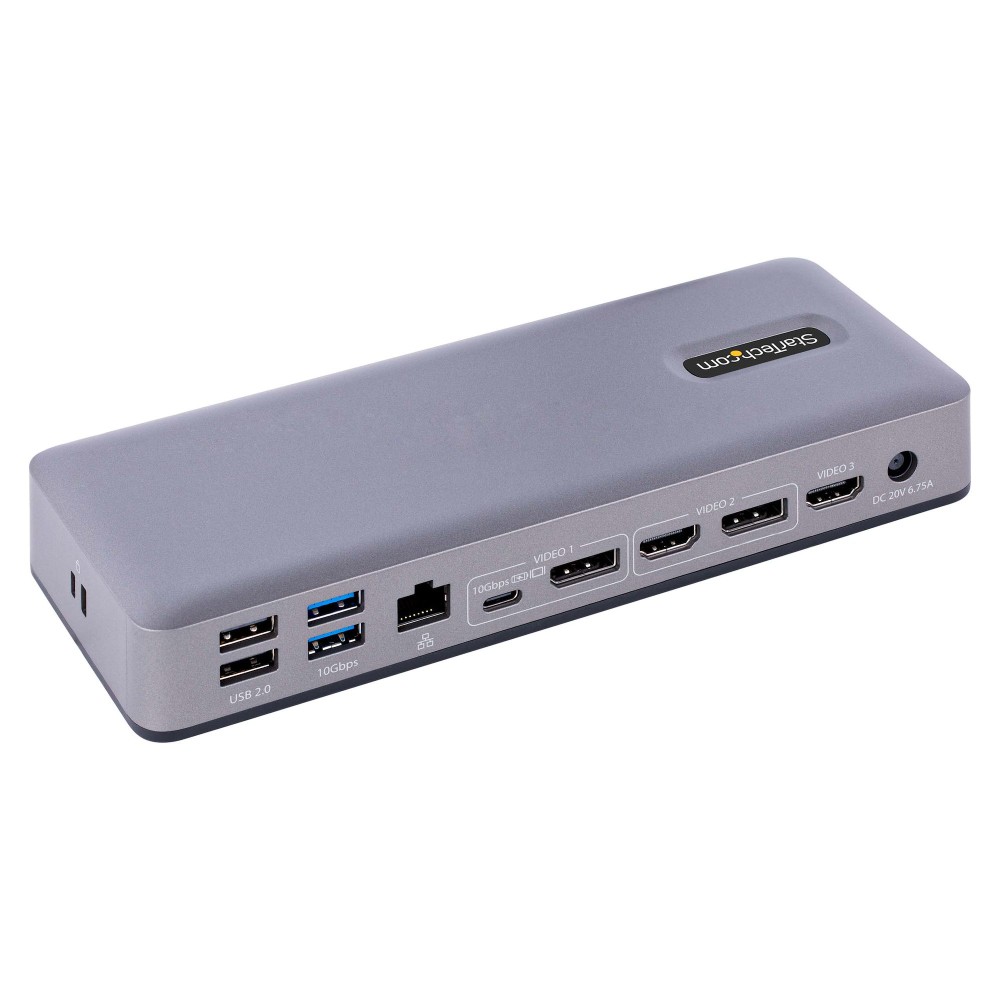
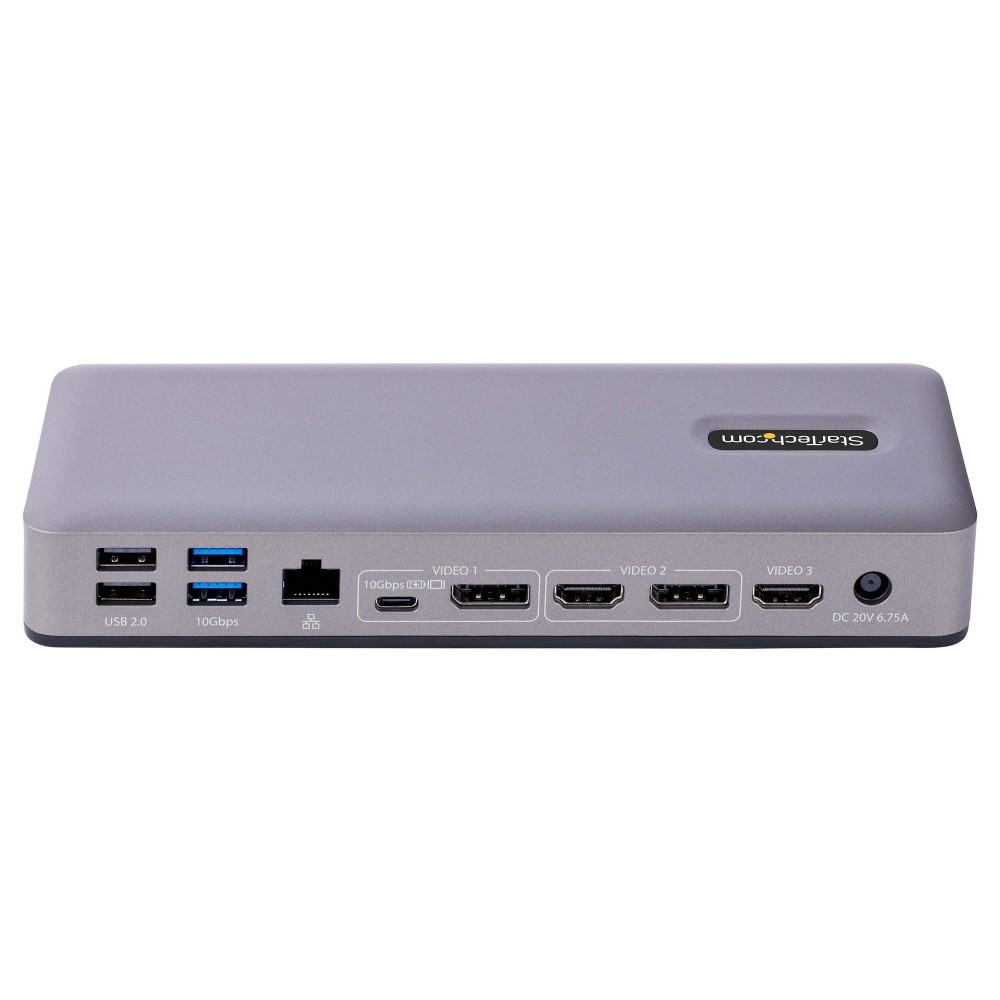
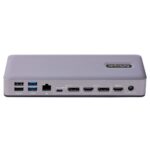
Connect compatible HDMI and DisplayPort monitors to expand your Chromebook workspace. The dock supports up to three 4K displays at 30Hz, or two at 4K 60Hz. It also supports a maximum resolution of 5120 × 2880 at up to 60Hz.
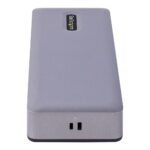
The available HDMI, DisplayPort and USB-C DisplayPort Alt Mode connections provide options for different monitor arrangements. Check your Chromebook and display requirements when planning your setup.
Add USB, network and headset connections
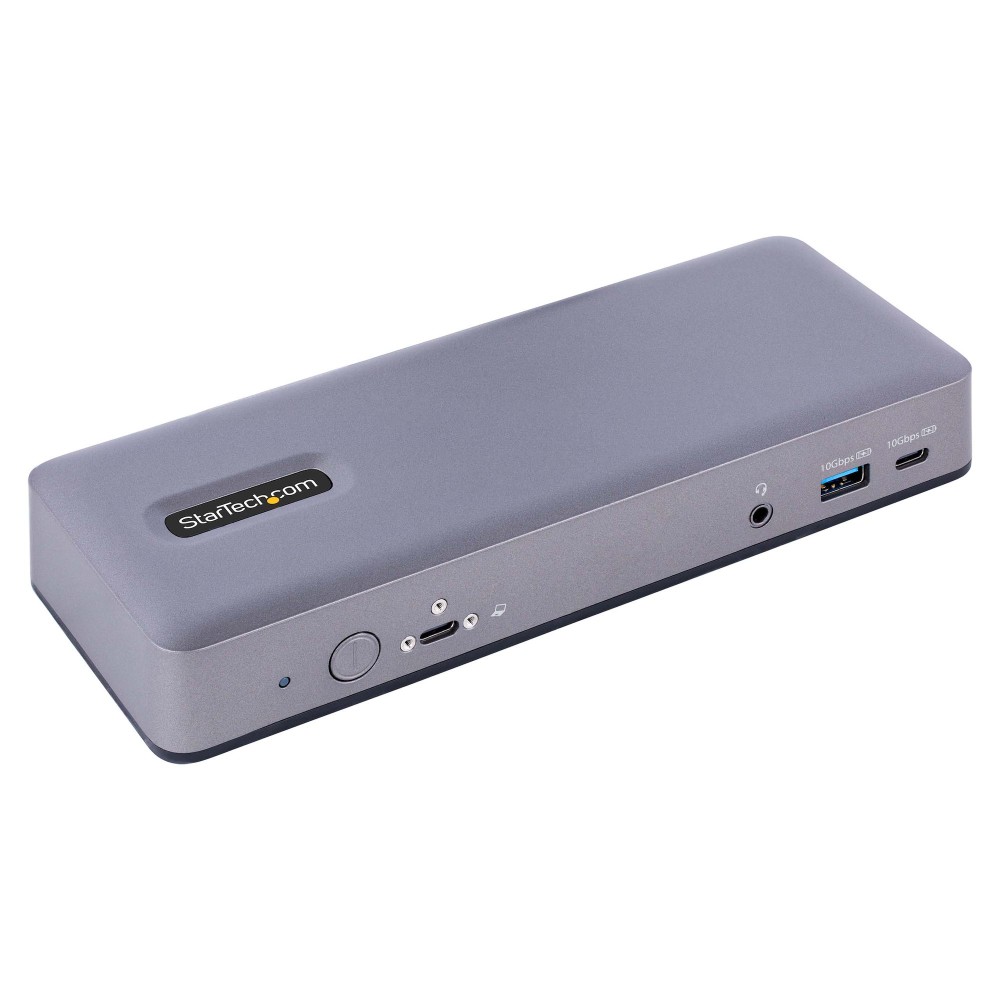
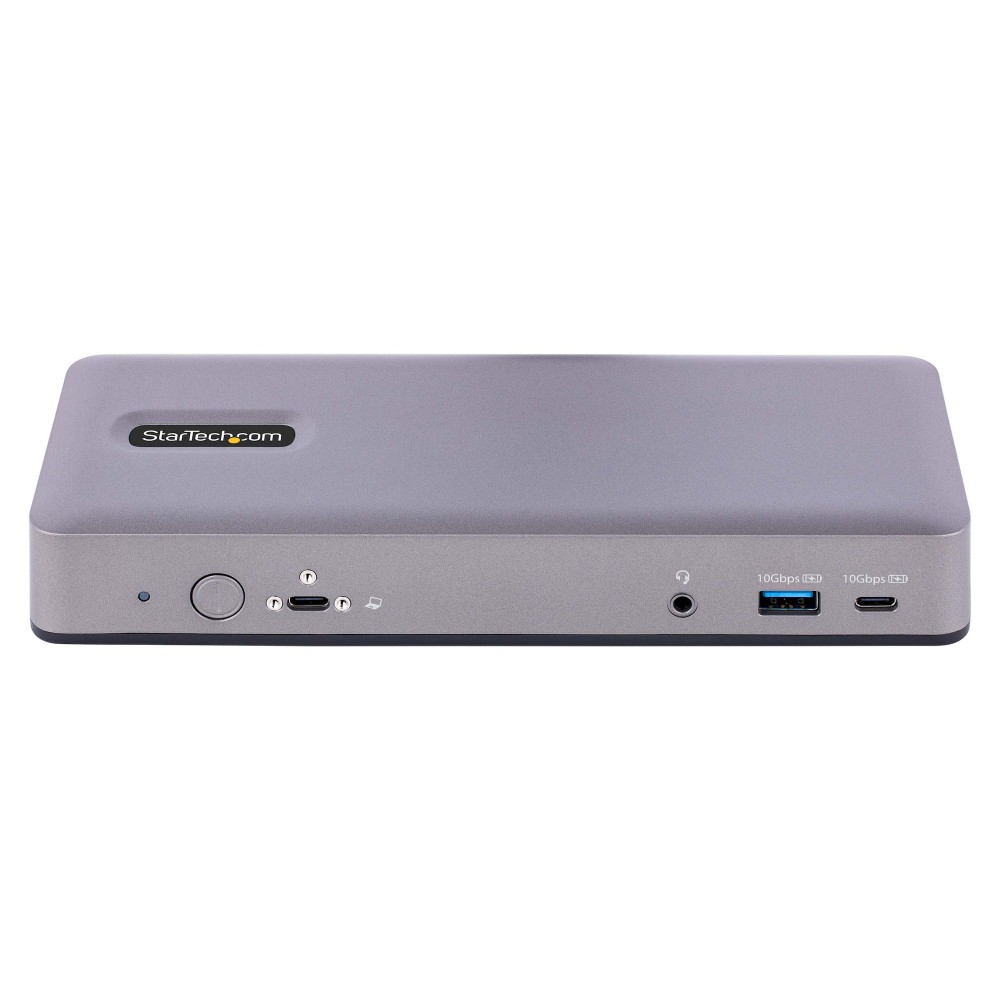
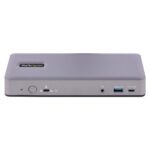
Three USB-A ports support data transfer up to 10Gbps, alongside two USB 2.0 ports for everyday peripherals. The wired Gigabit Ethernet port gives you a direct network connection. A 3.5mm combo port connects a compatible headset.
The dock is Works With Chromebook certified for devices running the latest version of ChromeOS. ChromeOS can also provide automatic firmware updates.
Power your Chromebook through the dock
USB Power Delivery 3.0 supplies up to 60W to a connected host. This can reduce the number of separate connections on your desk. Confirm that your Chromebook supports USB-C charging and that 60W suits its power requirements.
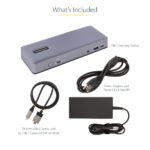
Included with the dock
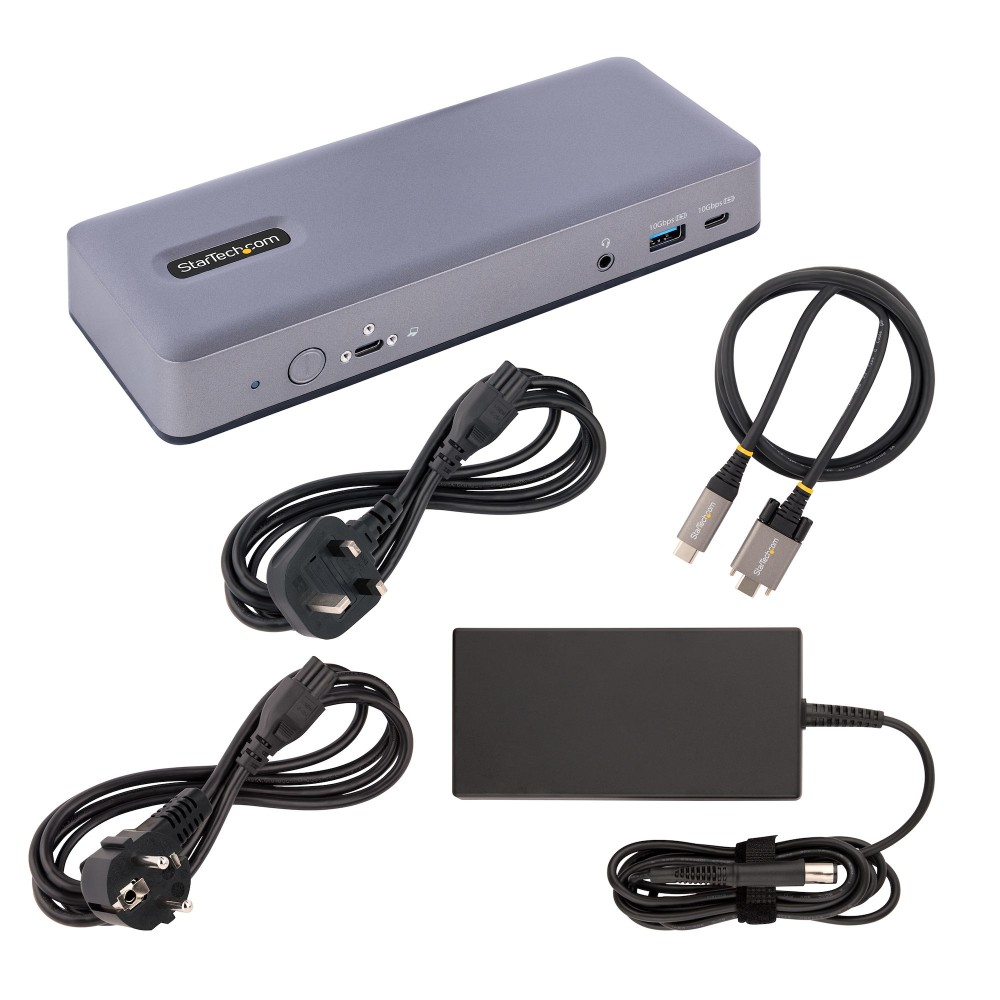
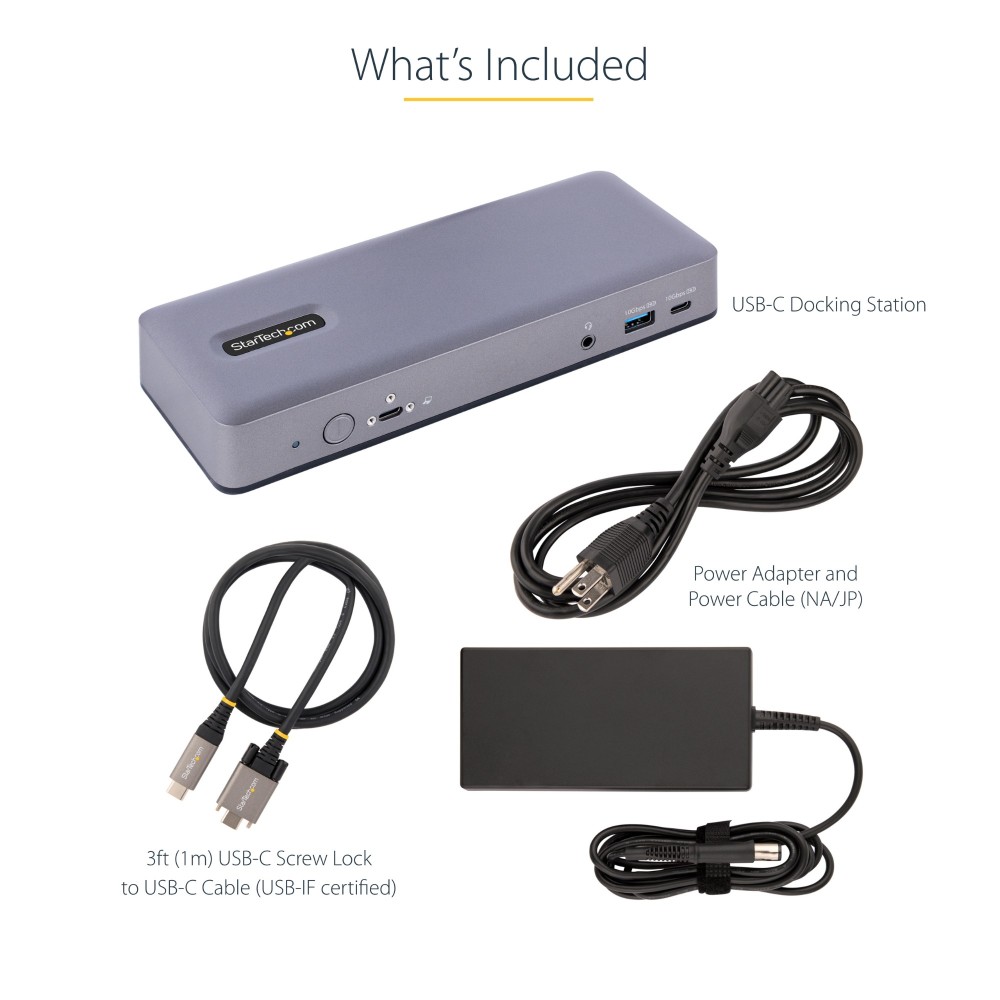
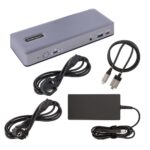
- USB-C to USB-C cable
- AC adapter
- Quick start guide
Check your setup before ordering
- Confirm your Chromebook has a USB-C port that supports DisplayPort Alt Mode or Thunderbolt 4.
- Check that your monitor inputs match the dock’s HDMI, DisplayPort or USB-C video connections.
- Confirm your Chromebook supports USB-C Power Delivery if you want to charge it through the dock.
- Check that 60W delivery suits your Chromebook’s charging requirements.
Frequently Asked Questions
Q: How many displays can this dock support?
A: It supports up to three 4K displays at 30Hz or two 4K displays at 60Hz.
Q: Is the dock compatible with Chromebook?
A: Yes. It is Works With Chromebook certified for devices running the latest version of ChromeOS.
Q: How much power can it deliver to a Chromebook?
A: It supports USB Power Delivery 3.0 at up to 60W.
Q: Does it include a network connection?
A: Yes. It has one Gigabit Ethernet port for a wired network connection.
A practical hub for Chromebook desks
Choose the StarTech.com USB-C Docking Station if you want multi-monitor support, wired networking and extra USB connections from one dock. Its 60W Power Delivery and Chromebook certification make it a useful fit for compatible work or study setups. StarTech.com provides a three-year warranty.


 DPD tracked delivery
 Buy now, pay later with Klarna at checkout
 Pay in 3 instalments with PayPal at checkout

Reviews
Clear filtersThere are no reviews yet.