Targus ACC1122GLX – Essential USB-C Connectivity
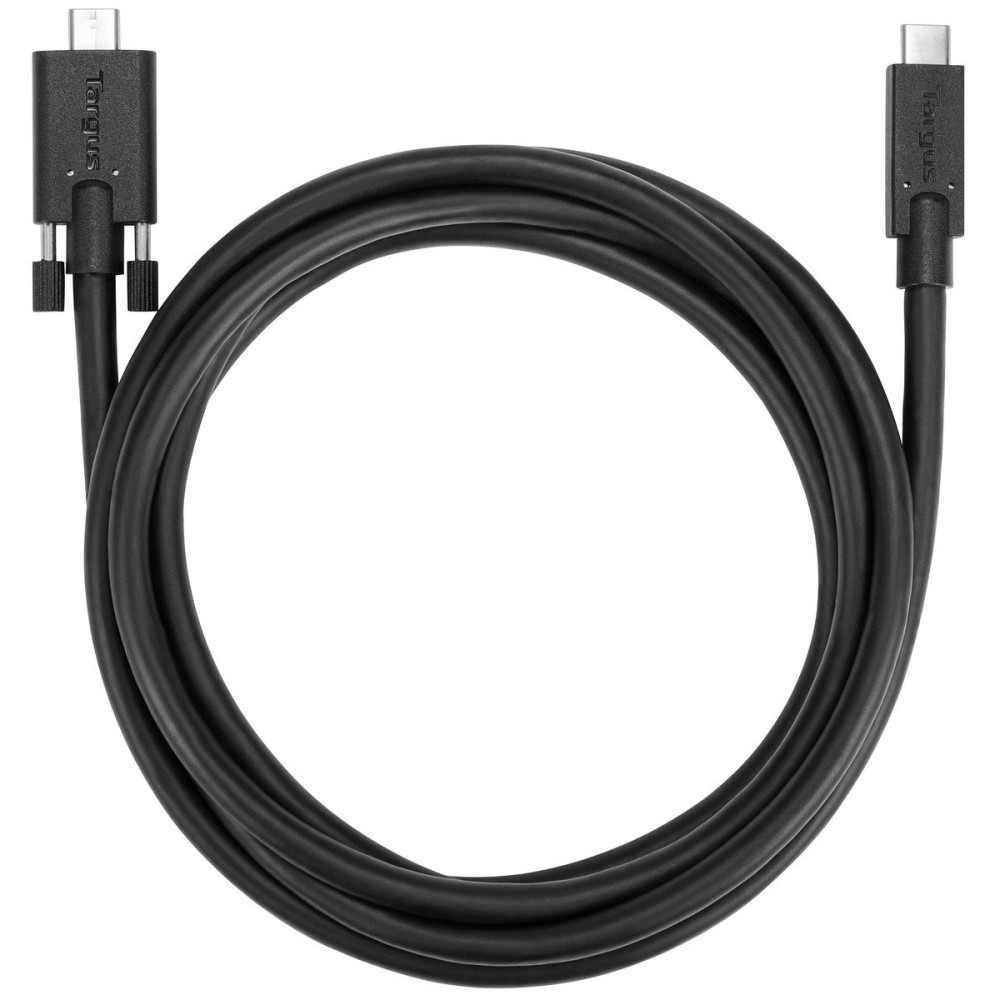
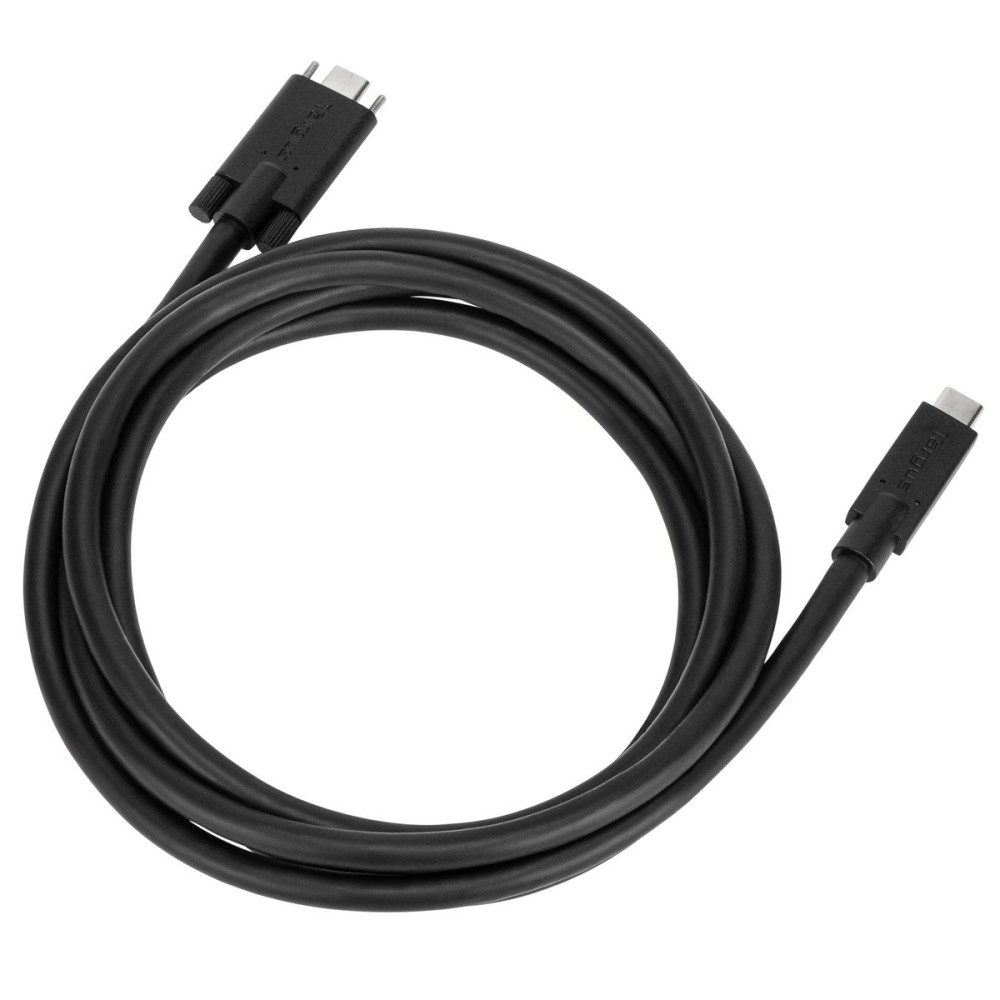
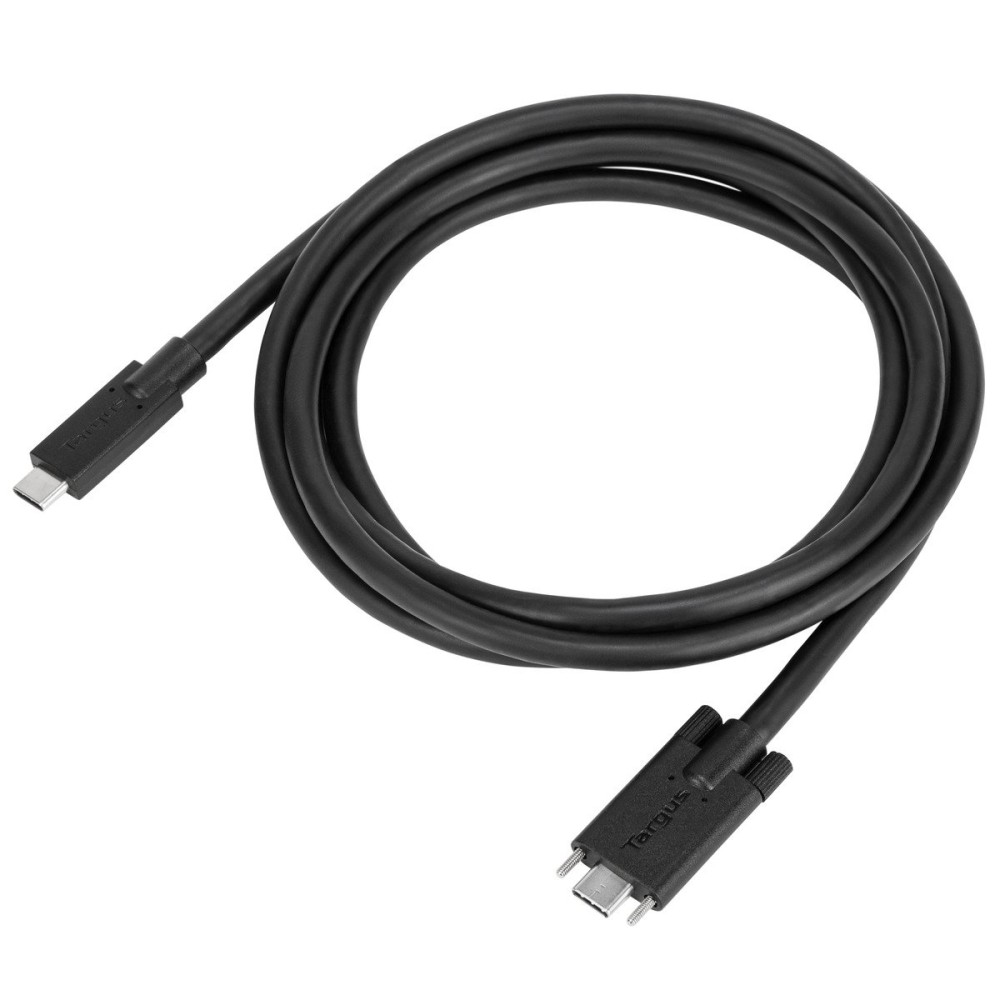
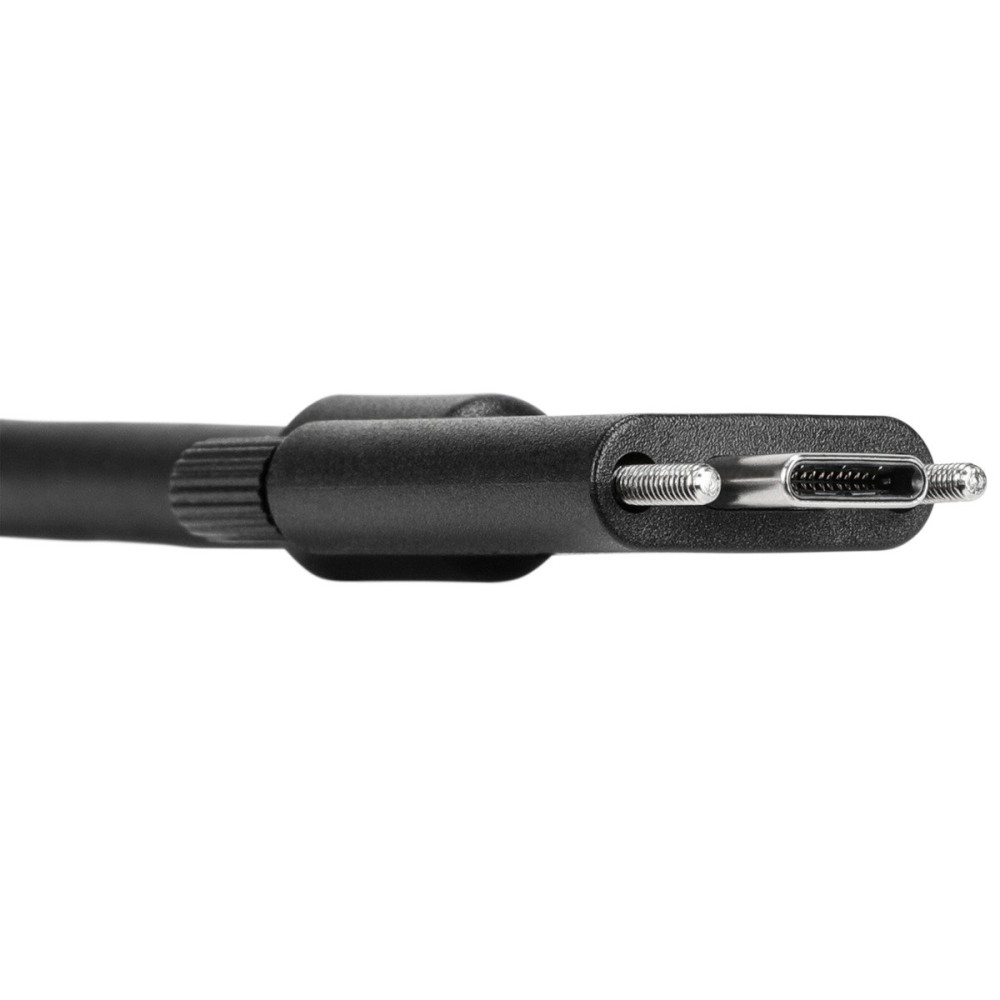
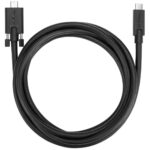
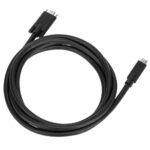
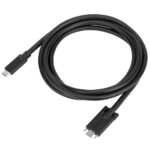
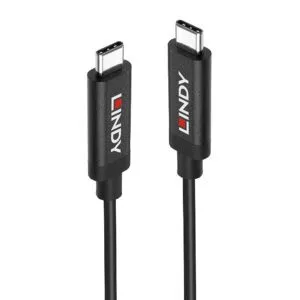
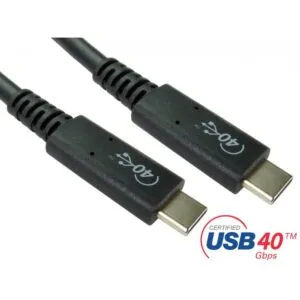
We offer the Targus ACC1122GLX USB-C to USB-C Cable 1.8m USB 3.2 Gen 1 Black Male to Male for reliable data transfer and device charging. This cable is ideal for users needing a robust connection between USB-C devices and compatible docking stations. It ensures efficient operation with a transfer rate up to 10Gbps.
Core Connectivity Details
| Metric |
Spec. |
| USB Version |
USB 3.2 Gen 1 (3.1 Gen 1) |
| Connector 1 Type |
USB-C Male |
| Connector 2 Type |
USB-C Male |
| Cable Length |
1.8 m |
| Product Colour |
Black |
Swift Data Transfer Capabilities
The USB 3.2 Gen 1 standard supports data transfer speeds of up to 10 gigabits per second. This allows for quick movement of large files, enhancing workflow efficiency. You can transfer movies or extensive document archives in moments.
Optimal Length for Flexible Setups
With a 1.8-metre length, this cable provides ample reach. It is suitable for connecting devices that are not directly adjacent. This flexibility helps in organising your workspace more effectively.
Designed for Specific Targus Docks
This cable is engineered to work seamlessly with select Targus Universal Docking Stations. It provides a stable and fast connection for models like the DOCK190, DOCK191, and DOCK430. This ensures full compatibility and performance.
Straight Connectors for Easy Integration
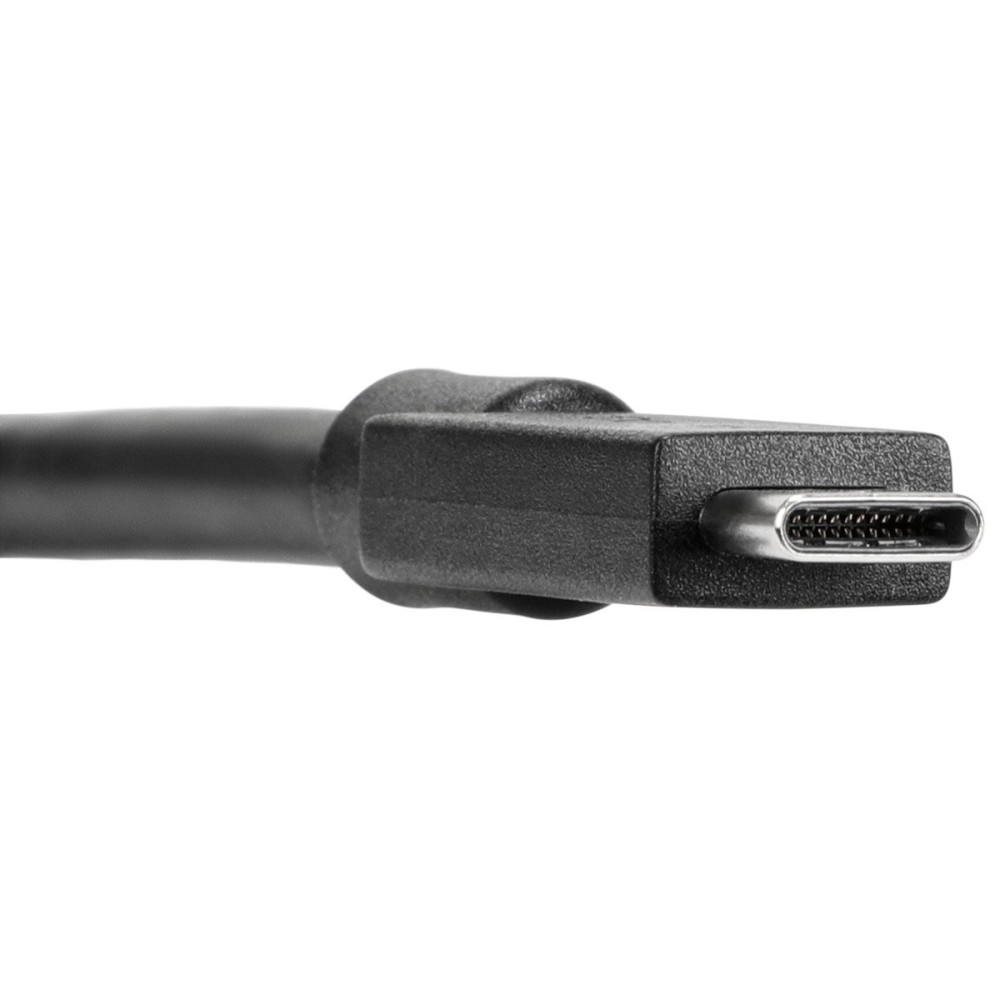
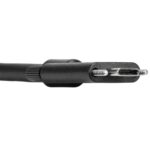
Both connectors feature a straight form factor. This design allows for a straightforward and secure fit into your device ports. It minimises stress on the cable and the port itself.
Before You Order
- Confirm your device has a USB-C port for connection.
- Confirm the cable length of 1.8m meets your specific needs.
- Confirm compatibility with your particular Targus docking station model.
Frequently Asked Questions
Q: What is the primary use of this cable?
A: This cable is designed for data transfer and charging between USB-C devices, especially with compatible Targus docks.
Q: What data transfer speed does it support?
A: It supports USB 3.2 Gen 1, allowing for transfer speeds up to 10Gbps.
Q: Is this cable suitable for all USB-C devices?
A: It is widely compatible with USB-C devices, but specifically designed for optimal performance with certain Targus docking stations.
Q: What is the length of the cable?
A: The cable has a length of 1.8 metres.
Our Recommendation
This Targus USB-C cable is an excellent choice for users requiring robust and fast connectivity. Its 1.8-metre length and 10Gbps transfer rate make it highly practical. It is particularly valuable for those with compatible Targus docking stations.






Reviews
Clear filtersThere are no reviews yet.